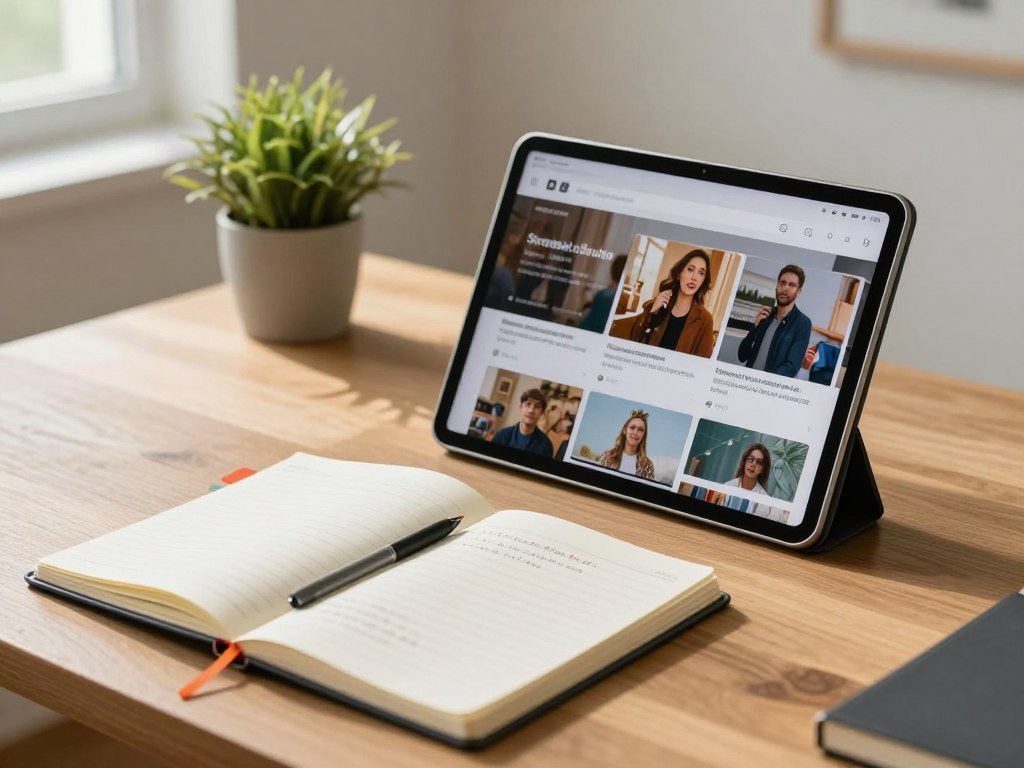
A good low-cost tablet can cover reading, streaming, and school tasks, but the best fit depends on which trade-offs matter most to you. A lower price may mean fewer apps, less screen space, shorter support, or extra accessory costs. This roundup matches affordable picks to full Android, Amazon services, portability, students, and children. Widevine L1 is a digital-rights certification that lets supported streaming services deliver HD video on compatible devices.
Think about what you will use the screen for most. A tablet for library books and travel has different needs from one for handwritten class notes or child-safe videos. You can also decide whether buying accessories later fits your budget, or whether a bundle makes more sense.
These recommendations focus on useful features, not on the longest spec list. We also point out limits that can affect daily use, from app access to screen size and software support. Decide first whether access to a full app store or a lower purchase price matters more.
Key Takeaways
- Choose the Galaxy Tab A9+ for a familiar, full Android app experience.
- Consider the Fire HD 10 if Amazon content and a low listed price fit your habits.
- The Fire HD 8 is a small, expandable option for a strict budget.
- Students should check pen support, apps, and update plans before buying.
- Compare the full cost of a tablet, keyboard cover, case, and stylus.
Which Best Cheap Tablet Fits Most Buyers?
For most shoppers who want a conventional Android app experience, the Samsung Galaxy Tab A9+ is the strongest starting point. It gives you full Android in a category of Android tablets under $200 featured in 2026. That category does not mean the A9+ has a quoted current price below $200.
The A9+ has an 11-inch 90Hz TFT display, a Snapdragon 695 processor, and quad Dolby Atmos speakers. You also get microSDXC expansion, which lets you add storage with a compatible card. For broad app choice and a roomy screen, start with the A9+.

The Amazon Fire HD 10 is listed at $99.99 in 2026 and has a 10-inch display with 3GB RAM. It is an Editors’ Choice tablet in 2026, but its app selection is limited and its ecosystem centers on Amazon content. That trade-off can work well if your books, videos, and services already fit Amazon.
| Model | Screen | Standout feature | Main trade-off |
|---|---|---|---|
| Samsung Galaxy Tab A9+ | 11-inch | Full Android | Under $200 is a category, not a quoted current price |
| Amazon Fire HD 10 | 10-inch | Amazon-focused content | Limited app selection |
| Apple iPad (11th Gen, 2025) | 11-inch | Apple ecosystem | No Apple Intelligence in 2026 |
Choose a Fire tablet only when its Amazon-centered app and content selection suits your routine.
The iPad row gives you its screen size and one specific limit to weigh in 2026. It does not support Apple Intelligence, so that feature is not part of the upgrade case. The right choice depends on whether you value broad Android access, Amazon services, or the Apple ecosystem.
Shoppers comparing a best budget tablet in 2026 should separate category labels from actual listed prices. A model can appear in an under-$200 roundup without having a confirmed current price stated alongside it. Use the table to narrow the kind of experience you want, then compare the exact listing.
The Galaxy Tab A9+ specifications include its display, processor, speakers, and microSDXC support. Those details make it a balanced choice for browsing, video, and common apps, though demanding work may call for a different class of device.
The Fire HD 10 suits viewers who rely on Amazon services and do not need every app in Google Play. The Galaxy Tab A9+ is the better fit when app flexibility matters more. Choose the Fire HD 10 only if its Amazon-centered app and content selection suits your routine.
Best Cheap Tablet Under $100
At $79.99 in 2026, the Amazon Fire HD 8 (2024) is the most straightforward new pick among the listed options below $100. Its compact build suits reading, travel, and casual video without taking much bag space. It weighs 0.74 pounds and has an 8-inch LCD with an 800 x 1280 resolution.
The Fire HD 8 offers up to 13 hours of battery life and supports microSD storage expansion. That gives you a way to add room for files and downloads. It does not include Google Play Store access in 2026.
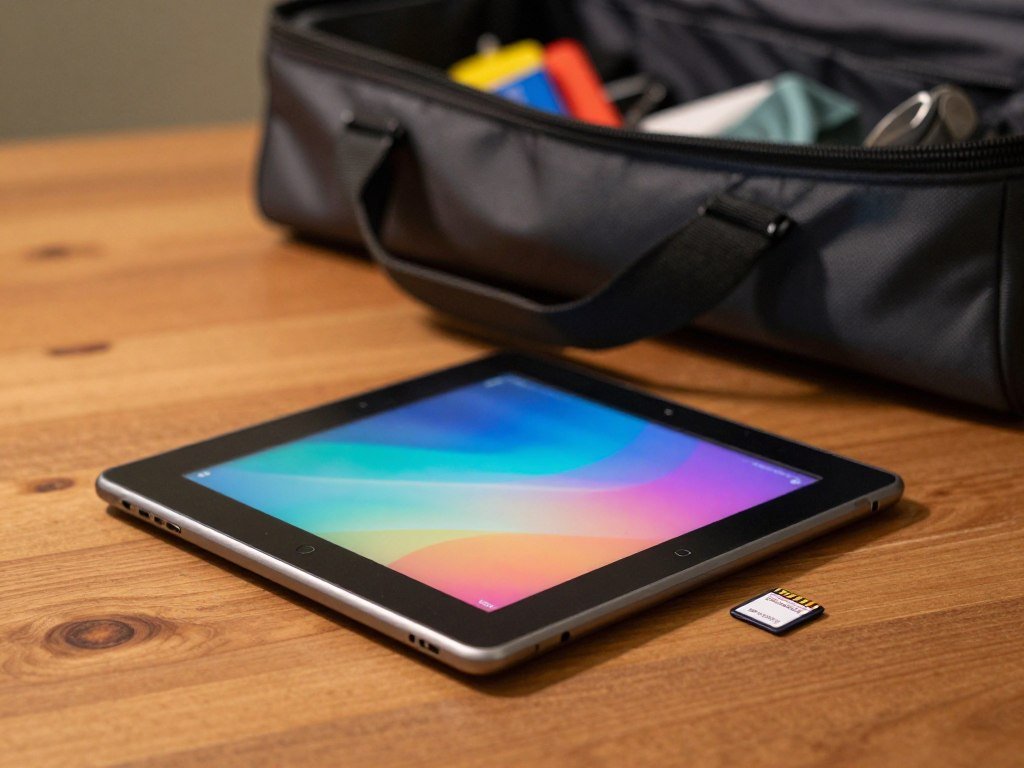
That app limit matters if a service you use is available only through Google Play. Check the Fire tablet’s app catalog against your own needs before choosing it. The lower price works best when the available apps cover your routine.
A best cheap tablet under $50 usually means considering an older or refurbished basic device, rather than expecting the same feature set as a new model. Used tablets can vary in battery health, app access, and remaining software support. A strict cap may also limit your choices to older hardware.
- Fire HD 8: a new, compact option with expandable storage.
- Used or refurbished tablet: consider one when your cap is strictly under $50.
- Larger budget: choose this route when full Google Play access is essential.
A best cheap tablet under $50 is not always a good deal if its battery cannot last through your usual day. A used device may also miss apps or updates that newer tablets support. Balance the low upfront cost against the work it needs to do.
Storage expansion can help if you keep books, videos, or school files on the device. It does not change the Fire HD 8’s app selection, so treat storage and app access as separate questions. Before buying a refurbished device, confirm its battery condition, return terms, and software compatibility.
Which Samsung Galaxy Tab Is Best on a Budget?
Samsung’s Galaxy Tab A11 is the better fit if you want a compact tablet with a long stated update commitment. Its small design is easier to carry than a larger screen model, while still giving you standard Android access. For a bigger viewing area, consider the Galaxy Tab A9+ instead.
The A11’s seven-year OS and security update commitment is its clearest long-term advantage. It pairs that support plan with a modest 15W charging rate, so charging is not especially quick. Those two details matter if you plan to keep the tablet for years.
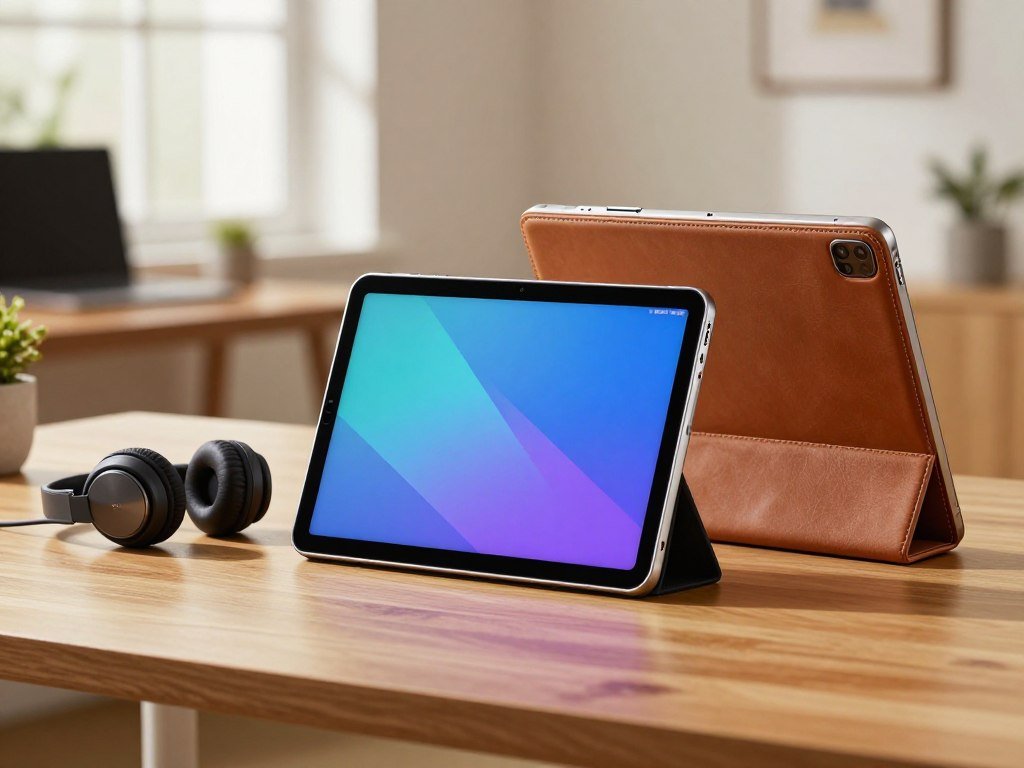
Choose the Galaxy Tab A11 for a compact Android tablet
The A11 has an 8.7-inch 800 x 1340 TFT LCD with a 90Hz refresh rate in 2026. It weighs 0.73 pounds and has a 5,100mAh battery. Its MediaTek Helio G99 processor pairs with up to 8GB RAM and up to 256GB storage.
You can add storage with microSD expansion, and the tablet includes a 3.5mm audio port. That headphone jack may help if you already own wired headphones or prefer them for lessons. The 15W charging rate is the trade-off to keep in mind during frequent top-ups.
Pick the Galaxy Tab A9+ when you want a larger screen
The A9+ makes more sense if a wider screen matters more than easy one-handed carrying. It gives you more room for web pages, video, and documents, which can reduce the need to zoom or scroll. A bigger display can also make split-screen work feel less cramped.
Both are Samsung Galaxy Tab choices, but they suit different routines. The A11’s update pledge and smaller build favor portability and long use, while the A9+ is the more comfortable pick for viewing. If you rely on wired headphones, the A11’s 3.5mm port is a useful detail to check before choosing.
Which Cheap Tablet Works Best for Students and Note-Taking?
For handwritten notes and a longer software-support horizon, the Samsung Galaxy Tab S10 Lite is the strongest match among these picks. It supports the S Pen and microSD expansion, so you can write by hand and add storage. Its long support plan also helps if you hope to keep the tablet through several school years.
The S10 Lite offers up to seven years of major OS and security updates in 2026. It has a 10.9-inch 1320 x 2112 TFT LCD with a 90Hz refresh rate. The tablet weighs 1.16 pounds and has an 8,000mAh battery.
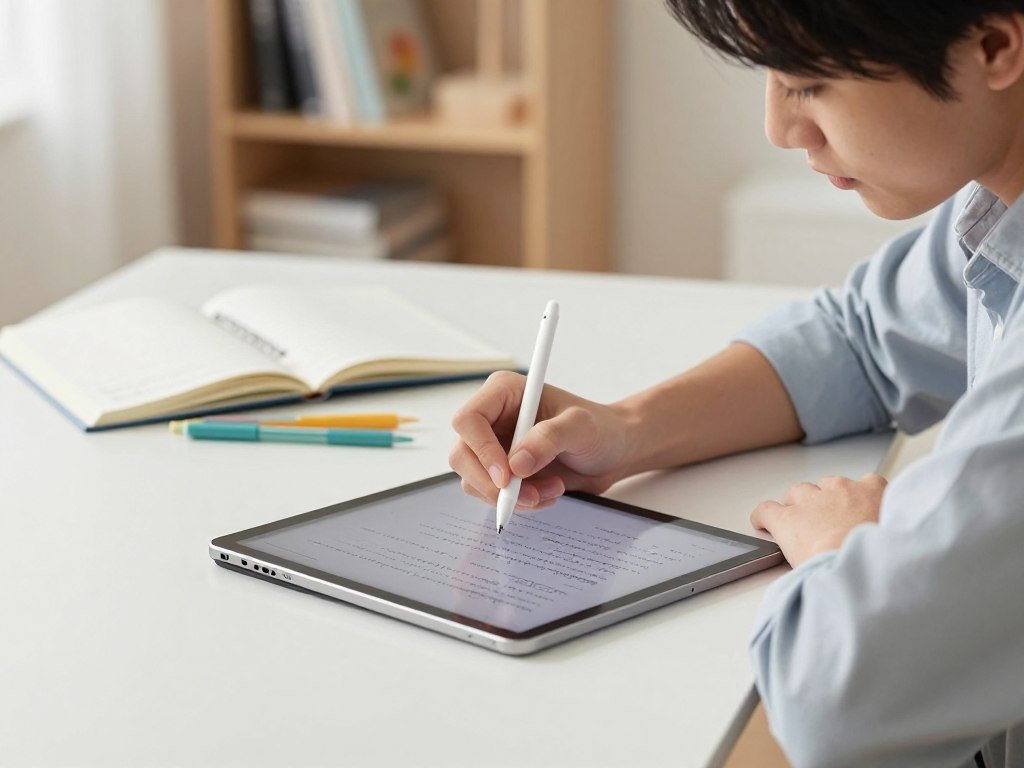
Galaxy Tab S10 Lite for handwriting and long-term updates
The S10 Lite uses an Exynos 1380 processor and comes with either 6GB or 8GB RAM. Storage options include 128GB or 256GB, and microSD expansion can add more space. Those configurations help you compare the exact version against your files and multitasking needs.
For class notes, the S Pen lets you write directly on the screen and mark up reading material. It can feel more natural than typing every thought, especially during a lecture. This Samsung Galaxy Tab is the more complete note-taking pick when pen support and long software support matter.
Lenovo Idea Tab for an included stylus
The Lenovo Idea Tab works with Lenovo Tab Pen and Tab Pen Plus styluses. Lenovo also offers an All-in-One Keyboard case, giving you an accessory path for typing. Check the exact configuration to see what comes in its box.
The Idea Tab can be a better value when a compatible pen is included in the package you choose. A tablet still works best for school tasks that fit its apps and workflow. Specialized software, complex multitasking, or a school’s required desktop tools may still call for a laptop.
Use a tablet for reading, notes, and light coursework when your class apps support the device. A keyboard can help with longer assignments, while a stylus can suit diagrams and PDF markup. For more options matched to study habits, see these tablet picks for students.
Students who also need a broader study and work comparison can explore tablets for student work. Check which stylus is included with the exact configuration before counting it as part of the student budget.
Which Cheap Tablet Is Best with a Keyboard?
A keyboard can make a tablet more comfortable for documents and email, but the app ecosystem and included accessories matter as much as the keys. The Galaxy Tab S10 Lite is the more flexible full-Android option for typing. Its keyboard setup still adds to the total cost.
Both S10 Lite keyboard covers are sold separately. The Book Cover Keyboard includes a touchpad, while the Book Cover Keyboard Slim does not in 2026. Choose based on whether you need pointer control for your work.
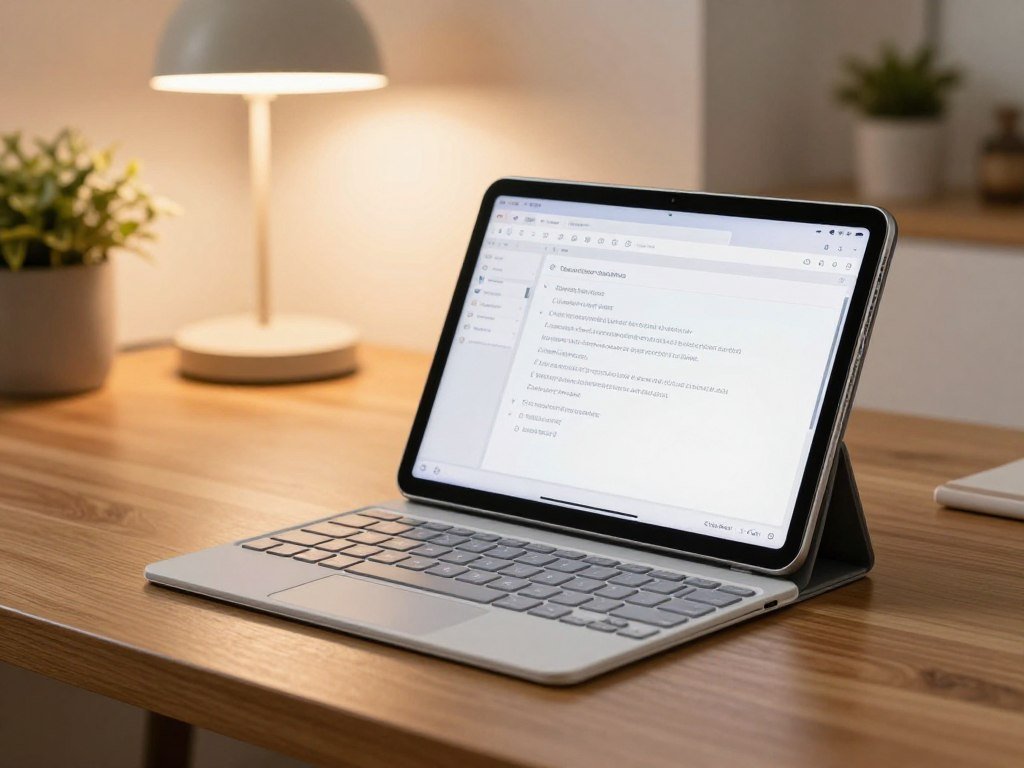
Samsung Galaxy Tab S10 Lite keyboard covers
The touchpad model can make selecting text and moving through menus easier. The Slim cover keeps the typing setup simpler, but lacks that built-in control surface. Neither accessory comes with the tablet as a standard inclusion.
The S10 Lite’s USB-C 2.0 port cannot drive an external monitor in 2026. That limits a desk setup that depends on a second screen. A keyboard and stand can still help with laptop-like tasks on the tablet’s own display.
Amazon Fire Max 11 for Amazon-centered productivity
The Amazon Fire Max 11 has an 11-inch 2K screen, with optional keyboard and stylus accessories. Its Fire OS has a limited app selection and no Google Play Store access. That makes it a better fit when your typing tasks already work within Amazon’s app choices.
Fire OS may handle basic email, browsing, and documents through supported apps. It is less suitable when your school or work relies on software outside its app selection. Check each must-have app before treating the Fire Max 11 as a work machine.
Compare the total accessory setup for either tablet, including its keyboard, stand, and case. Also consider whether your normal tasks need a touchpad or pen. If your workflow depends on an external monitor, rule out the S10 Lite for that setup.
Which Small Tablet Is Easiest to Carry?
If carrying comfort matters most, the Lenovo Tab One pairs an 8.7-inch display with a 320g weight. Its compact size suits a tote, backpack pocket, or one-handed reading. The Galaxy Tab A11 and Fire HD 8 are close alternatives, with different screen dimensions and weights.
Compare the screen and weight together, not the model name alone. A small display is handy on a bus or in a crowded bag, but it gives you less room for documents. Split-screen work can feel tight on compact tablets.
| Model | Screen size | Weight | Practical portability feature |
|---|---|---|---|
| Lenovo Tab One | 8.7-inch | 320g | Compact display |
| Samsung Galaxy Tab A11 | 8.7-inch | 0.73 pounds | Small-screen design |
| Amazon Fire HD 8 (2024) | 8-inch | 0.74 pounds | Smaller screen size |
The Lenovo Tab One and A11 share an 8.7-inch screen size, though their listed weights use different units. The Fire HD 8 has the smallest screen among these three choices. A shorter diagonal can make a tablet easier to tuck away, but it also reduces the viewable area.
For reading on the move, a compact tablet can feel more natural than a larger model. For spreadsheets, long documents, or two apps at once, more screen space may be worth carrying. Your eyesight and font size also affect whether a smaller display feels comfortable.
Tablet names alone do not tell you how a device feels in your hand. Weight and screen dimensions offer a more useful starting point for comparing portability. Pick the smallest screen you can read comfortably, not simply the lightest number in the table.
Which Cheap Tablet Has the Best Battery Life for Streaming?
The Lenovo Tab One has the strongest stated video-playback result here, at 12.4 hours. Its measured runtime makes it the clearest choice for long viewing sessions among these named models. Consumer Reports measured that result in 2026.
The Tab One also supports Widevine L1 HD streaming and 20W charging. Widevine L1 matters because supported streaming apps can use it to deliver HD video on compatible devices. The device, app, and streaming service must all support HD playback.
The Samsung Galaxy Tab S10 Lite lasted 8 hours in a battery test in 2026. That result offers a point of comparison, but it should not be treated as a direct head-to-head test. Test conditions can differ, so use each number as a guide rather than a guarantee.
Battery capacity and battery life describe different things. Capacity is the amount of energy a battery can store, while playback runtime measures how long a device runs during a test. Screen brightness, app use, and network activity can change your daily result.
Charging support also affects travel plans. The Tab One’s 20W charging can help when you have access to a compatible charger and power source. A longer measured runtime may still matter more if you spend hours away from an outlet.
Widevine L1 is useful only when your chosen service and the tablet support the same HD playback path. A compatible certification alone does not make every video stream HD. Confirm that your preferred streaming service supports HD playback on the device before relying on it for travel.
Which Cheap Tablet Works Best for Kids?
For a child, the Amazon Fire HD 10 Kids (2023) is the most purpose-built option in this shortlist. It bundles a bumper case, parental controls, a one-year Amazon Kids+ subscription, and a two-year worry-free warranty. Those family-focused extras can reduce setup work for parents.
The Fire HD 10 Kids is a bundle, so compare its package with a standard tablet and separately chosen protection. A bundle can suit families who want a case and child controls from the start. A standard tablet may fit better if you prefer another case or content service.
Before handing it to a child, review what the parental controls allow and block. Settings should reflect the child’s age and your family rules. An adult should test the content and controls before leaving the child alone with the screen.
- Age-appropriate access: review which apps, books, and videos the child can open.
- Screen-time limits: set a schedule that fits your household routine.
- Case fit: check that the bumper case sits securely on the tablet.
- Subscription end: decide what content remains available after Amazon Kids+ ends.
The one-year subscription has a set term, so plan for what comes after it. You may need to choose other content or adjust access when the included period ends. Parental controls should match that change.
A child’s tablet also needs a safe place to charge and a clear rule for shared use. Parents can set limits that suit the child and review them as habits change. Set parental controls before the first unsupervised session.
Which Affordable Tablet Can Handle Casual Gaming?
The TCL Tab A1 Plus offers the largest gaming-oriented screen in this section, with a 12.2-inch LCD and 120Hz refresh rate. That large display gives casual games and menus more room. It also uses a Qualcomm Snapdragon 4 Gen 2 processor.
A 120Hz refresh rate does not prove that demanding games will run well. It describes how often the display can refresh, not the tablet’s full game performance. Game demands, graphics settings, and the specific configuration still matter.
The 12.2-inch screen has a 2400 x 1600 resolution, which offers plenty of viewing area for casual play. The tablet also includes a microSD slot. That can help when you need more space for games and other files.
Qualcomm Snapdragon chips appear in many types of devices, but the name alone does not predict performance for every game. Check the requirements for the games you already play. A graphics-heavy title may ask more of a tablet than a simple puzzle or card game.
Storage needs also depend on your game library. A few small games use less room than large titles and saved media. Match the game requirements and storage needs to the exact configuration before you decide.
A larger display may make controls easier to see, but it can be less comfortable to hold during long sessions. The TCL Tab A1 Plus suits casual gaming when its size and supported games fit your habits. Check performance expectations for the specific games you play rather than judging by refresh rate alone.
When Is It Worth Spending More Than $200?
Spending more makes sense when a specific feature, such as a bundled pen, water resistance, or a larger screen, changes how you will use the device. The Galaxy Tab S10 FE stands out for an included S Pen and an IP68 rating. Its useful upgrade should solve a real need, not just add a higher number.
The Apple iPad (11th Gen, 2025) is listed at $399.00 in 2026 and does not support Apple Intelligence. That limitation matters if Apple Intelligence is a reason to pay more. The iPad may still suit you for its Apple ecosystem.
Galaxy Tab S10 FE for pen use and durability
The Galaxy Tab S10 FE has a 10.9-inch 2304 x 1440 LCD with up to a 90Hz refresh rate and up to 800 nits brightness in 2026. It weighs 500 grams and includes an S Pen. It also supports microSD cards and has an IP68 rating.
The S10 FE lasted 8.5 hours in a battery test in 2026. Its optional Book Cover Keyboard comes with a touchpad, or you can choose a Slim model without one. The included pen and water resistance may matter more than the optional keyboard if you write or work outdoors.
Apple iPad and Galaxy Tab S10 FE+ for different upgrades
The Galaxy Tab S10 FE+ has a 13.1-inch 2880 x 1800 LCD and weighs 668 grams. It lasted 9 hours in a battery test in 2026. Its main appeal is the larger screen, which gives more room for reading and side-by-side work.
The iPad has an 11-inch display and is listed at $399.00 in 2026. It does not support Apple Intelligence. Choose it for the Apple ecosystem, not for that AI feature.
| Model | Screen | Standout feature | Specific trade-off |
|---|---|---|---|
| Galaxy Tab S10 FE | 10.9-inch LCD | Included S Pen, IP68 rating | Optional keyboard |
| Galaxy Tab S10 FE+ | 13.1-inch LCD | Larger screen | 668-gram weight |
| Apple iPad (11th Gen, 2025) | 11-inch display | Apple ecosystem | No Apple Intelligence in 2026 |
The S10 FE battery test result is 8.5 hours, while the FE+ result is 9 hours. Those are separate test results, not a promise for every user’s daily routine. Pay extra only for an upgrade you expect to use regularly.
What Should You Compare Before Choosing a Tablet?
Start with the apps you need, because a tablet that cannot run your required software is poor value at any price. App compatibility should guide the choice before design or brand. The main systems include iPadOS, Android, Windows, and Fire OS.
Check the exact app and accessory support for the model you plan to buy. App access can differ across operating systems, even when two devices look alike. A familiar app name does not guarantee the same features everywhere.
Match the operating system to your apps
Make a short list of school, work, and entertainment apps you use each week. Then check whether each one runs on iPadOS, Android, Windows, or Fire OS. This step can prevent a low price from turning into a device you cannot use for key tasks.
Think about how you work, too. A tablet keyboard and stand can help with laptop-like tasks, while a stylus suits writing and drawing. For students balancing notes and typing, this productivity tools guide offers related ideas for browser-based work.
Check the screen, size, and storage
Pick a screen size that feels comfortable for your most common task. Reading books and watching shows may work well on a compact display, while long documents need more room. Consider brightness, text size, and how often you will carry the device.
Storage needs depend on how many apps, downloads, photos, and documents you keep. Some tablets support microSD expansion, while others do not. Check the exact model rather than assuming every tablet accepts a card.
Count the full accessory and support cost
A keyboard, stand, case, or stylus can change the total cost and the way a tablet works. A keyboard may help with long writing sessions, but it does not make every tablet a laptop. A stand can improve desk use, while a case helps protect the screen and body.
Software support also affects how long a device stays useful. Check the maker’s update commitment and consider how long you expect to keep the tablet. For a wider computer comparison, this budget laptop guide covers factors such as software needs and portability.
- Required apps: list the software you must use.
- Preferred screen size: choose a size you can read and carry.
- Storage needs: count apps, media, and files you plan to keep.
- Accessory budget: include a keyboard, stand, case, or stylus.
- Update commitment: check how long the maker plans to support it.
Do not assume an app or accessory works across operating systems. A pen built for one model may not suit another, and some apps have different features by platform. Before checkout, verify that your must-have apps and accessories work with the exact model.
When Is the Best Time to Buy a Cheap Tablet?
For shoppers planning around 2026 sales, Black Friday on November 27 and Cyber Monday on November 30 are still ahead. Amazon Prime Big Deal Days ran for 48 hours on October 6-7, 2026, and has passed. Sale timing can help you plan, but it cannot promise a lower price on a specific tablet.
A sale event does not guarantee a discount on the model you want. A tablet may have a deal while its storage version or accessory bundle does not. Compare the exact package instead of relying on a sale label.
Waiting for a major sale can make sense if your current device still works and you have flexible timing. If you need a tablet for school or travel now, the cost of waiting may matter more than a possible discount. Set a price limit before browsing so a banner does not change your plan.
Before you buy, compare the same configuration at each store. A different storage size can make two prices look like a direct match when they are not. Accessories and warranty terms can also change the value of the deal.
- Compare the same storage configuration.
- Confirm whether accessories are included.
- Check return and warranty terms.
Black Friday and Cyber Monday fall close together in 2026, so you can compare offers across both events. Keep the model name, storage, and bundle details consistent while comparing. Compare the exact model and configuration before treating a sale label as a real saving.
A sale label is not proof of a lower price on the exact tablet you need.
Some deals may focus on a bundle rather than the tablet alone. A package can be useful if you planned to buy those extras anyway. If you only want the tablet, compare the bundle against a standalone offer before deciding.
Conclusion
For most people who want a familiar Android experience, start with the Samsung Galaxy Tab A9+. It balances broad app access with features for everyday browsing, video, and school tasks. The Amazon Fire HD 8 is a compact, lower-priced choice when Amazon services fit your habits.
Before buying, confirm that your must-have apps work and that you have chosen the right storage configuration. A tablet that fits your daily routine matters more than a feature you rarely use. Write down your must-have apps and one non-negotiable feature, then choose the model that meets both.
FAQ
How much RAM is enough for a cheap tablet?
Basic browsing and streaming need less RAM headroom than multitasking or gaming. If you keep several apps open, switch between school documents, or play demanding games, more RAM can help. Check the actual RAM configuration before buying, since one model family can include versions with different memory. Do not assume every tablet with the same name has the same setup.
Can a cheap tablet replace a laptop for school?
A cheap tablet can handle reading, notes, and light documents when compatible apps support your coursework. A keyboard can make longer writing tasks easier, and a stylus can help with handwriting or PDF markup. Specialized software, heavy multitasking, and desktop-only tools may still call for a laptop. Check your course requirements before deciding which device to bring.
Do I need cellular service on a tablet for school?
No, Wi-Fi is enough when reliable networks are available at home, school, or the library. Cellular service helps when you need internet away from Wi-Fi, such as during a commute or field work. You can also download readings and videos before leaving a network. Choose based on where you expect to study, not just the tablet’s features.
Can I expand storage on every affordable tablet?
No, storage expansion is not available on every affordable tablet. Check the exact model for a microSD slot before you count on adding space later. A card may help with files, photos, or media, but it does not increase RAM or add apps that the operating system does not support. Compare built-in storage with the files you plan to keep.
Is a tablet keyboard worth buying separately?
A separate keyboard can help with longer typing tasks, such as essays, email, and notes. Compare the keyboard, stand, and case together, since some setups combine those parts while others do not. Confirm that the tablet supports the features you need, including a touchpad or a stable stand. If you type only short messages, an extra keyboard may not earn its space.
Should I buy a refurbished tablet to stay under $50?
A refurbished or used tablet may fit a strict $50 cap, but its condition and software support can vary. Check the battery condition, app compatibility, return terms, and warranty coverage before paying. An older model may not run newer apps or receive current updates. Choose one only if it can handle the tasks you need without costly repairs.



