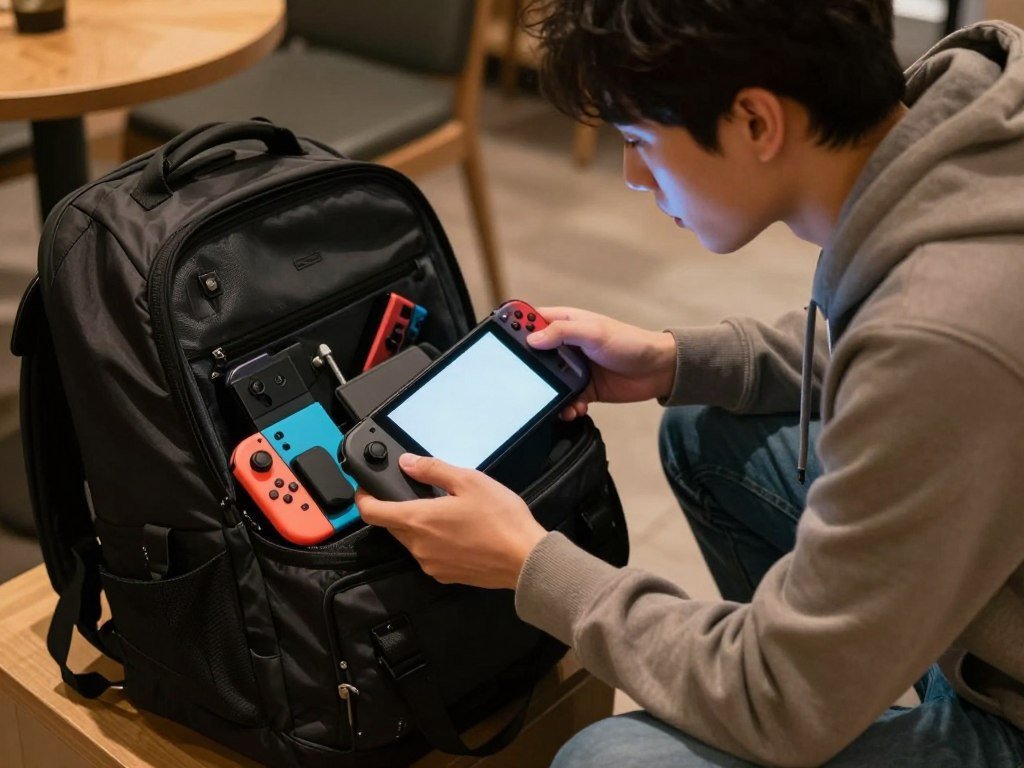
The right pick depends less on a single performance score than on what you want to play and how you want to play it. Your budget, favorite games, and daily routine all matter. You may want a simple console experience, or you may prefer more control over a PC-style setup.
DLSS is an AI-based upscaling method that reconstructs a higher-resolution image from a lower-resolution render. That can help a game look sharper without rendering every pixel at full resolution. The same feature does not make every game run the same way.
This comparison looks at cost, gameplay, screen quality, battery life, portability, and flexibility. Those details can matter more than a single number on a spec sheet. Start with the games and routines you care about most, then weigh the hardware around them.
Key Takeaways
- Switch 2 costs less at current U.S. prices.
- Steam Deck OLED gives you access to PC games and more setup options.
- Nintendo exclusives such as Mario Kart World favor Switch 2.
- Switch 2 is lighter, while Steam Deck OLED has an OLED screen.
- Some popular online games do not work on Steam Deck.
- Your must-play games should guide the final choice.
Steam Deck vs Switch 2: Which Costs Less in 2026?
The Switch 2 is the cheaper new handheld at current U.S. prices, with the Steam Deck OLED starting at a much higher entry point. The current gap is $289 between the Switch 2 standalone price and the least expensive Steam Deck OLED.
Switch 2 costs $499.99, while Steam Deck OLED starts at $789. The price history also shows why old launch prices can give you the wrong idea about today’s budget.
| Model or price point | Date | U.S. price |
|---|---|---|
| Switch 2 launch price | June 5, 2025 | $449.99 |
| Switch 2 standalone price | September 1, 2026 | $499.99 |
| Steam Deck OLED 512GB | Before May 27, 2026 / current | $549 / $789 |
| Steam Deck OLED 1TB | Before May 27, 2026 / current | $649 / $949 |
Steam Deck OLED prices rose on May 27, 2026. The 512GB model increased from $549 to $789, and the 1TB model increased from $649 to $949. The current Switch 2 price is $289 below the 512GB Deck OLED.
A Steam Deck can still be worth buying in 2026 if you already own Steam games and value PC flexibility. Buying games again for another platform may change that math. Your budget should include the model you want, not just the lowest past price.

Compare the price of the model you would actually buy, not an older launch price.
The Steam Deck vs Switch 2 price difference is large, but value depends on your game library and preferred setup. If you want a lower entry cost, Switch 2 is the clear pick. If you want PC access, the Deck’s higher cost may suit your play style.
What Do Switch 2 Bundles and Online Plans Add?
A bundle can lower the cost of its included items, while an online plan adds a separate recurring expense. Check the bundle contents and plan features before counting either as a saving. A bundle only helps if you want the included game or accessory.
The Nintendo Switch 2 + Mario Kart World Bundle costs $549.99 in the United States in October 2026. It includes the console and Mario Kart World, saving $37.98 compared with buying those items separately. The actual saving matters only if Mario Kart World is already on your list.
The Nintendo Switch 2 + Nintendo Switch Sports Resort Bundle costs $529.99. It includes Switch 2 and Nintendo Switch Sports Resort, with $27.98 in savings over separate purchases. The lower bundle price does not make the included game a must-buy.
Nintendo Switch Online adds another cost to the first year. The Individual plan costs $19.99 a year, while the Family plan costs $34.99 a year for up to eight accounts. Expansion Pack plans cost $49.99 or $79.99 a year.
Choose a plan based on the number of accounts that need service and the included features your household will use. One player may only need the Individual plan. A household with several accounts could get more use from the Family plan.
Families comparing consoles can also read this guide to family gaming consoles. A subscription is a recurring cost, so include it in your first-year budget. Check which games and accounts you will actually use before adding a bundle or subscription to the budget.
How Do Switch 2 and Steam Deck OLED Specs Compare?
The hardware divides along clear lines: Switch 2 uses Nvidia graphics, while Steam Deck OLED uses an AMD APU. Storage and memory numbers alone cannot tell you how a game will look or run. They are useful context, not a full performance score.
| Specification | Nintendo Switch 2 | Steam Deck OLED |
|---|---|---|
| Storage | 256GB internal | 512GB or 1TB NVMe SSD |
| Memory | 12GB LPDDR5X | 16GB LPDDR5 |
| CPU architecture | 8 ARM Cortex-A78C cores | 4 Zen 2 cores |
| GPU architecture | Ampere, 1,536 CUDA cores | RDNA 2, 8 graphics compute units |
Switch 2 uses a custom Nvidia Tegra T239 chip. Steam Deck OLED uses a semi-custom AMD APU. Their chip designs differ, so a simple count of CPU cores or memory does not predict the same result in every game.

Storage needs depend on how many large games you want installed at once. A library you download and rotate may fit a smaller drive. Keeping many large titles ready can make more storage useful.
Switch 2 offers 256GB of built-in storage, and Deck OLED has 512GB or 1TB models. The number on the box does not equal the space every game can use. Treat the spec sheet as context, then judge performance by the games you expect to play.
Which Handheld Performs Better in Games?
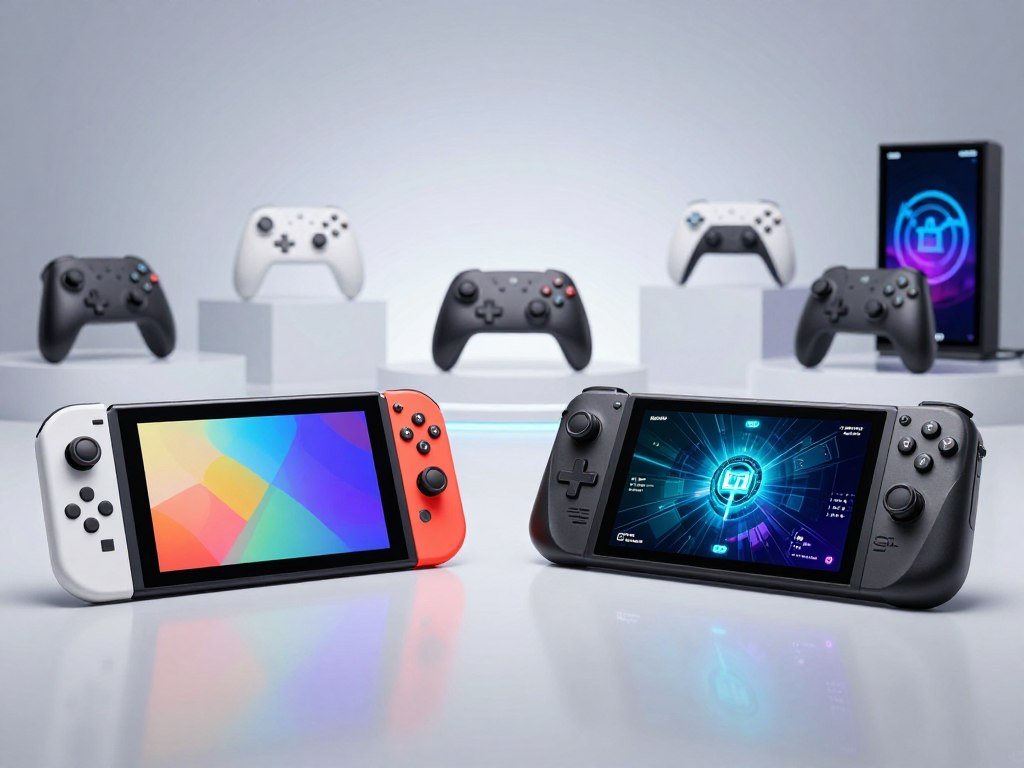
In handheld GPU compute, the published ratings put these systems close, while Switch 2 pulls ahead when docked. TFLOPS alone cannot predict frame rate or image quality. A game’s settings and upscaling method also shape what you see.
What the GPU numbers do and do not show
Switch 2 rates at 1.71 TFLOPS in portable play and 3.072 TFLOPS in docked play. Its GPU clock rises from 561 MHz handheld to 1,007 MHz docked. Steam Deck’s GPU rating is 1.6 TFLOPS in either mode.
Those figures are close in handheld play, not a sixfold gap. Switch 2 supports Nvidia DLSS, while Steam Deck games can use AMD FSR. Both methods upscale a lower-resolution image, but each game handles them differently.
Switch 2 uses 8-10 watts during portable play in the stated measurements. Steam Deck has configurable power settings and typically draws around 15 watts during demanding games. You can adjust its performance settings to balance image quality and power use.
How real games compare
In Hogwarts Legacy, Switch 2 mostly held a 30fps lock. It upscaled from 540p to 1080p with DLSS. The Steam Deck OLED version upscaled from 480p to 720p with FSR 3 and showed more frame-time spikes.
Crysis Remastered ran at roughly 40fps on Switch 2 with 1080p output and DLSS. Steam Deck used FSR at 720p to keep play smooth. These results apply to these games and versions, not every title.
A hands-on comparison of Layers of Fear gameplay also found differences between the two versions. Use real-game results and the mode you play in most to interpret the headline compute numbers.
How Does Cyberpunk 2077 Run on Both Handhelds?
Cyberpunk 2077 shows how a demanding game can be playable on Switch 2 while still having version-specific caveats. The base game and Phantom Liberty are playable from start to finish, but the DLC can have occasional crashes and other instability.
The Switch 2 cartridge includes Phantom Liberty DLC. That gives you both the base game and its expansion on one cartridge, though the DLC’s occasional issues are worth knowing before you buy.
These are specific details about this game and setup, not a broad verdict on every Switch 2 game or Steam Deck title. Three points stand out for this version:
- Demanding portable play gives about 2 hours of battery life.
- Phantom Liberty can have occasional crashes and other instability.
- In one docked setup, disabling the 120Hz setting fixed an “invalid input” black screen.
The docked display fix applies to the reported setup, not every Switch 2 system or game. A black screen can have different causes, so the setting is a targeted check rather than a general repair.
Steam Deck runs the PC version, while Switch 2 has a version made for Nintendo’s handheld console. Their controls and settings differ, so your preferred way to play can matter as much as the game’s name.
If a docked black screen shows “invalid input,” check whether disabling the 120Hz setting resolves that particular issue.
Which Screen Looks Better, Switch 2 LCD or Deck OLED?
The Switch 2 screen is larger and sharper on paper, while the Deck OLED has the display technology advantage for contrast. Switch 2 has higher resolution and refresh rate; Deck OLED offers OLED blacks and a higher HDR brightness figure.
| Display attribute | Switch 2 | Steam Deck OLED |
|---|---|---|
| Screen size | 7.9 inches | 7.4 inches |
| Display technology | LCD touchscreen | OLED |
| Resolution and refresh rate | 1080p, 120Hz | 900p, 90Hz |
| Peak HDR brightness | 450 nits | 1,000 nits |
Switch 2’s LCD panel gives you more pixels and a faster refresh rate. That can suit games with fine details or motion that benefits from a higher refresh rate. The larger screen also gives you a little more viewing area.
The 7.4-inch Deck OLED has a lower resolution, but its OLED panel can show deep blacks and strong contrast. Its 1,000-nit HDR figure is higher than Switch 2’s 450 nits. HDR can make bright highlights stand out in supported content.
Your preference matters more than one screen number. Choose the LCD if crisp resolution and refresh rate are top priorities. Choose the OLED if contrast and HDR highlights matter more. Choose based on whether crisp resolution and refresh rate or OLED blacks and HDR highlights matter more to you.
Which Games Can You Play on Each Library?
The clearest library difference is access to Nintendo first-party games versus the flexibility of a PC game library. Choose Switch 2 for Nintendo exclusives, or Steam Deck OLED for PC game access. Those two paths serve different gaming habits.
Mario Kart World and Donkey Kong Bananza are Nintendo Switch 2 first-party games. If those are must-play titles, the Nintendo system is the direct choice. Steam Deck OLED is built around PC game access through SteamOS.
Hades is one example of a game available on Steam Deck and as a Switch port. Nintendo also says Switch 2 can play compatible Switch games, though some titles may lack support or have partial features. Its Switch game compatibility guide lists those details.
Think about the kinds of games you want to play:
- Nintendo exclusives such as Mario Kart World and Donkey Kong Bananza.
- Existing PC games already tied to your Steam account.
- Indies or older titles, such as Hades, that may appear on both platforms.
A broad PC catalog does not guarantee every game works equally well on Deck. Individual PC games need a compatibility check, especially if you rely on a particular feature or launcher.
Switch games can also vary in how they work on Switch 2. Check compatibility for older titles you plan to bring over. Make a short list of must-play titles before choosing a platform.
Can Steam Deck Anti-Cheat Block Popular Games?
Some competitive games do not work on Steam Deck because their anti-cheat systems are incompatible with SteamOS. Check your regular multiplayer games before choosing Deck OLED for its PC library. A game’s availability on PC does not ensure it will run on SteamOS.
| Game | Anti-cheat system | Steam Deck/SteamOS status |
|---|---|---|
| Apex Legends | Easy Anti-Cheat | Broken |
| Destiny 2 | BattlEye | Broken |
| Call of Duty: Warzone | RICOCHET Anti-Cheat | Broken |
| Counter-Strike 2 | Valve Anti-Cheat | Working |
| Dead by Daylight | Easy Anti-Cheat | Working |
Apex Legends, Destiny 2, and Call of Duty: Warzone are listed as broken on Steam Deck or SteamOS. Their anti-cheat systems are Easy Anti-Cheat, BattlEye, and RICOCHET Anti-Cheat, respectively.
Battlefield 6 is listed as broken with EA Javelin Anticheat. ARK: Survival Ascended is listed as working with BattlEye. Counter-Strike 2 and Dead by Daylight are also listed as working, showing that support can differ by game.
That makes anti-cheat a deciding exception for some players. If your game relies on a system SteamOS cannot support, a large PC library will not solve the problem. The SteamOS compatibility status lists the named game results.
Check the exact multiplayer games you rely on before treating a PC library as fully portable.
Is the Switch 2 Easier to Carry?
Switch 2 is lighter and thinner, while Steam Deck OLED takes up more space in a bag. Switch 2 weighs 535g, compared with 640g for the 1TB Steam Deck OLED. The difference can matter during a commute or a long day away from home.
Compare size and weight
Switch 2 measures 272mm wide, 115mm high, and 14mm thick. Steam Deck OLED measures 298mm wide, 117mm high, and 49mm thick. The Deck’s thickness gives it a larger shape to fit around.
Scale weight is only one part of portability. Bag pockets, a protective case, and your preferred grip can affect which device feels easier to carry. A snug travel bag may fit the thinner console more easily.
Think about wireless needs on the go
Steam Deck OLED supports Wi-Fi 6E, while Switch 2 supports Wi-Fi 6 but not Wi-Fi 6E. Wi-Fi 6E can use an added band on a compatible network, but it does not guarantee a stronger connection in every place.
Signal quality depends on your network and surroundings. Walls, distance from the router, and nearby networks can all affect a connection. Both systems may work well in one spot and struggle in another.
Measure the space in your usual travel bag and consider where you can reliably connect to Wi-Fi.
Which Handheld Lasts Longer on Battery?
Switch 2 lasted longer in the same stationary Hitman: World of Assassination test. It ran 2 hours, 40 minutes before depletion, compared with 2 hours, 9 minutes for Steam Deck OLED.
The same-game stationary test
Switch 2 showed its first low-battery warning at 2 hours, 7 minutes. Steam Deck OLED showed its first warning at 1 hour, 50 minutes. The test kept both systems stationary while running the same game.
The battery test results show Switch 2 lasting longer in that specific setup. Steam Deck OLED has a 50Wh battery, while Switch 2 has a 19.74Wh battery. Battery capacity alone does not tell you how long a game will run.
What the test means for play sessions
Game load and settings affect battery life in ordinary play. A demanding game can drain a battery faster than a lighter title, and screen or performance settings also matter. The stationary test is not a promise for every session.
The test still offers a direct comparison under one set of conditions. Switch 2 lasted longer there, even though its listed battery capacity is lower. That is why watt-hours alone cannot predict the result.
For long trips, plan around the game you expect to play rather than assuming every session will match a single test.
Which System Works Better on a TV?
Switch 2 is the more straightforward choice for moving between handheld play and a shared TV session. Its hybrid design includes a dock-to-TV routine and detachable Joy-Con 2 controllers. Steam Deck can connect to a television through an external dock.
Switch 2 is made for both portable and docked play. You can take it out of its dock for handheld play, then return it to the TV setup. Joy-Con 2 controllers detach for separate play with others.
Steam Deck also supports a TV connection through an external dock. That setup can work well, but it is an extra step rather than the same built-in hybrid workflow. It suits people who want an external display for a PC-style device.
These setups fit different living-room plans:
- Quick changes between handheld play and TV play suit Switch 2.
- Local multiplayer can use detached Joy-Con 2 controllers.
- A Steam Deck dock can create a PC-style external-display setup.
Mario Kart World is a clear local-play example for Switch 2. For the Deck, the dock adds a display and connection setup rather than changing the handheld into a console with built-in detachable controllers.
If local multiplayer is a priority, check the controls and player setup for the specific game before buying.
Is Steam Deck’s PC Flexibility Worth More Setup?
Steam Deck OLED offers more room to customize because it runs a PC-style operating system. SteamOS is a Linux-based operating system with a desktop mode and support for external peripherals. That gives you options beyond a standard console menu.
Desktop mode can run apps with a keyboard, mouse, or other external devices. You can also try alternate game launchers and set custom controls. Some people enjoy shaping the system around their own habits.
Common uses include:
- Desktop-style apps with external peripherals.
- Alternate game launchers beyond the standard Steam view.
- Custom controls or performance settings for individual games.
Nintendo Switch 2 uses a closed Nintendo operating system and offers a more limited console environment. It has fewer settings to manage, which can make everyday play feel simpler.
More choices can also mean more setup and troubleshooting. A launcher may need extra steps, and a custom setting may take time to get right. Choose that flexibility only if you are comfortable spending some time configuring the experience.
Which One Should You Buy for Your Play Style?
Choose Switch 2 for Nintendo games and an easy hybrid routine, or Steam Deck OLED for PC-library flexibility and customization. Switch 2 fits players who prioritize Nintendo exclusives, a lighter system, and simple TV play. Steam Deck OLED fits players with an existing PC library who value customization and OLED contrast.
Your pick should reflect your habits, not just the hardware. Mario Kart World represents the kind of Nintendo first-party game that favors Switch 2. Steam Deck OLED suits players who want SteamOS and access to PC game libraries.
Use these three priorities to make the choice:
- Must-play games: decide which titles you want to play first.
- Where you will use the system: consider travel, home, and TV play.
- Tolerance for setup: choose how much configuration you want to handle.
Switch 2 offers a more direct console experience, while Deck OLED gives you more ways to change how games run. Your budget matters too, but the lowest price is not useful if the system cannot play your favorite games.
Neither recommendation should come from GPU numbers alone. Compatibility, screen preference, portability, and setup all shape the experience. If a Steam Deck is hard to find, this guide to Steam Deck alternatives compares other ways to reach PC games.
Before you commit, write down your three must-play games and confirm which system can run them the way you want.
That short check can prevent a costly mismatch. Before you commit, write down your three must-play games and confirm which system can run them the way you want.
Conclusion
The better buy is the one that fits the games you want and the way you play. Switch 2 suits Nintendo-first players who want a straightforward hybrid console. Steam Deck OLED suits players who value PC access and customization.
Check compatibility for your must-play games, then choose the model that fits your budget and routine. Confirm your must-play titles and budget before choosing your handheld.
FAQ
Is it still worth buying a Steam Deck in 2026?
Yes, Steam Deck OLED can be worth buying in 2026 if you value your existing Steam library and PC flexibility. Its current entry price is much higher than Switch 2, so consider how much you would use those PC features. If you already own many compatible games, that library can make the Deck a strong fit.
What is 6 times more powerful than a Steam Deck?
No, Switch 2 is not six times more powerful than Steam Deck in handheld GPU compute. Their published handheld ratings are close, at 1.71 TFLOPS for Switch 2 and 1.6 TFLOPS for Steam Deck. Switch 2 has a larger GPU rating when docked, but TFLOPS alone do not predict frame rates or image quality.
Which is better, the Steam Deck or the Nintendo Switch?
Switch 2 is better for Nintendo exclusives and simpler TV play, while Steam Deck OLED is better for PC libraries and customization. Mario Kart World is a Switch 2 game, while the Deck centers on SteamOS and PC game access. Your favorite games and comfort with setup should guide the choice.
Should I buy Steam Deck OLED or Switch 2?
Buy Steam Deck OLED if your must-play games are on PC and you want an OLED screen with more control over settings. Choose Switch 2 if you want Nintendo exclusives, a lighter system, or an easy move between portable and TV play. Compare your budget and tolerance for setup before deciding.
Is Steam discontinuing the Steam Deck?
No, Steam Deck OLED remains the current new model in this U.S. comparison. Valve discontinued the new-build LCD model, which is different from ending the Steam Deck line. If you are buying new, compare the available OLED models and their storage sizes rather than relying on past LCD prices.
What games cannot be played on a Steam Deck?
Some online games do not work on Steam Deck because their anti-cheat systems do not support SteamOS. Examples listed as broken include Apex Legends, Destiny 2, and Call of Duty: Warzone. Compatibility can change by game and system update, so check the exact titles you play often before relying on Deck as your only gaming device.
What are the downsides of a Steam Deck?
Steam Deck OLED costs more upfront than Switch 2, takes up more room in a bag, and cannot run some anti-cheat multiplayer games. Its PC-style flexibility can also require extra setup or troubleshooting. Those limits may matter less if you already own compatible PC games and enjoy adjusting settings.
What games run poorly on Steam Deck?
Demanding PC games may need lower settings to run well on Steam Deck. In the compared Hogwarts Legacy test, the Steam Deck OLED version upscaled from 480p to 720p and showed more frame-time spikes than the Switch 2 version. Results vary by game, settings, and updates, so check performance for specific titles.



