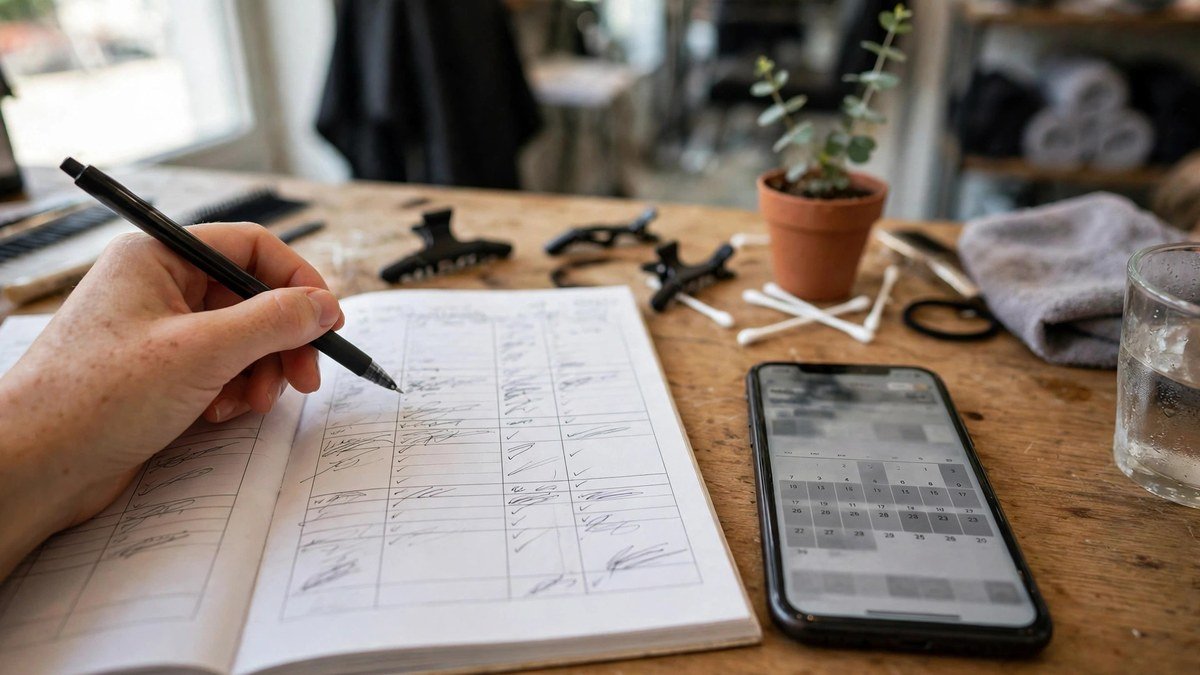
A business website calendar is the part of a business website that shows time. It shows which days the business is open, which hours are free, and which days are closed, laid out so a visitor can read the pattern in seconds.
The calendar is a display, not a diary and not a booking. The diary is the private record the business keeps. The booking is the agreement a visitor makes for one slot. The calendar sits between the two: it shows the visitor the free time from the diary, and it points them toward the booking step.
This explainer covers what a website calendar is, the parts it is made of, how visitors use it, the main types, and the mistakes that make one hard to trust. It is about the calendar itself, not about building one and not about choosing software.
Key takeaways
- A business website calendar is a public display of time: open days, free hours, and closed days, shown on a grid a visitor can read at a glance.
- A calendar is not a booking and not a booking system. The booking is the agreement, the system is the machinery, and the calendar is the display that shows the free time.
- Every website calendar has the same core parts: a grid of days, marks for open and closed, free time slots, navigation between months, and a time zone label.
- Visitors use a calendar in four moves: scan the month, pick a day, pick a free slot, and follow the booking link with that slot already chosen.
- A calendar that is out of date, hides its time zone, or marks days unclearly is worse than no calendar, because it sends visitors to book times that no longer exist.
What a business website calendar is
A website calendar answers one question: when can I come. It answers with a grid of days, each day marked open, full, or closed, and each open day carrying the free times. A visitor lands on the page, reads the grid, and knows within seconds whether the business has a free slot this week or next.
Three things that sound alike are not the same. The calendar is the display the visitor sees: the grid, the marks, and the free times. The booking is the agreement that follows: a named visitor, a named service, a date, a time, and a price, confirmed in writing. Our explainer on what a business website booking is for small businesses covers that agreement in full. The booking system is the machinery behind both: the diary, the rules about working hours, and the reminders.
A calendar earns its place when the business sells time by the slot. Salons, clinics, therapists, tutors, and consultants all sell fixed lengths of time with named people, and a visitor cannot buy that time without knowing when it is free. A restaurant that books tables and a guesthouse that books rooms also sell time, though the unit is a table or a night rather than an hour.
The parts of a website calendar
The first part is the grid. Most calendars show a month at a time, with one cell per day, arranged in weeks. The month view suits visitors who plan ahead, because it shows the pattern of open and closed days across four or five weeks.
The second part is the marks. Every day carries a mark that says what the day is. Good marks work without colour alone, because some visitors cannot tell colours apart, so a mark pairs a colour with a word or a shape.

The third part is the free time slots. An open day lists the times that are still free, usually in short chips such as 9:00, 10:30, and 13:00. A slot that is already taken simply does not appear, or appears greyed out.
The fourth part is the navigation and the time zone label. Navigation is the pair of arrows or the month picker that moves the calendar forward and back, so a visitor can check next month without leaving the page. The time zone label sits beside the calendar heading, in plain words, and it matters most for remote bookings, where the visitor and the business may live in different zones. A calendar with no zone label asks the visitor to guess, and a guessed hour is often the wrong hour.
How visitors use a website calendar
Visitors use a calendar in four moves. First, they scan the month. The scan takes seconds, and its purpose is simple: find the open days. Visitors skip closed days and full days without reading them, and they look for a cluster of open days near the date they have in mind.
Second, they pick a day. Visitors pick the nearest open day that fits, and they rarely compare more than two or three days.
Third, they pick a free slot. The visitor reads the times on the chosen day and picks the one that fits, often the earliest or the latest that still works. At this point the calendar has done its job, and the next step belongs to the booking flow. The booking link should sit beside the chosen time, so the visitor never has to retype the date and time they just picked.
Fourth, they follow the link and confirm. The confirmation arrives by email or text, with the date, the time, and the place in writing. The tools that keep the bookings behind a calendar in order are covered by the guide to the best tools for managing a small business website bookings in 2027, and the calendar is the part of that chain the visitor ever sees.
The types of website calendar
The most common type is the availability calendar. It shows free time slots for services sold by the hour or the session: haircuts, consultations, lessons, treatments. The visitor picks a day, picks a slot, and books it.
The second type is the opening hours calendar. It shows when the business is open and when it is closed, with no bookable slots at all. A cafe, a shop, or a gallery uses one to answer the simplest visitor question: are you open on Sunday.
The third type is the event calendar. It shows dated events rather than free time: workshops, classes, open days, tastings, and sales. Each day carries an event title and a link to book a seat, rather than a list of free hours. Our explainer on what a business website events page is for small businesses covers the page that lists those events in full.
The fourth type is the class timetable. It shows repeating sessions at fixed times each week: yoga on Mondays at seven, a language class on Thursdays at six. The visitor reads the week, finds the session that fits, and books a place in it. A timetable suits group sessions with a fixed start time, where the visitor joins a group rather than booking a private slot.
The caveats that matter
A website calendar is trusted only while it is accurate. The table below lists the points where website calendars most often go wrong for small businesses.
| Detail | What is known |
|---|---|
| Stale display | The calendar must match the real diary at all times, updated by sync rather than by hand. |
| Missing time zone | Times shown without a zone label cause missed appointments, especially for remote bookings. |
| Unclear marks | Open, full, and closed days each need a distinct mark that works without colour alone. |
| Blank full days | A full day left blank looks broken; it should say Fully booked in plain words. |
| Hidden booking link | Every free slot needs a visible booking link beside the time, or visitors will not find the next step. |
| Desktop only grid | Most visitors read a calendar on a phone, so the grid and the slot list must work on a small screen. |
| Too many months | Showing six months at once overwhelms visitors; one to three months ahead is enough for most businesses. |
| No phone fallback | A visible phone number is needed for visitors whose booking does not fit the online flow. |
The most common failure is a calendar that goes stale. The fix is a short weekly check against the real diary, and a calendar tool that updates the display itself whenever the diary changes.
Checklist: reading a website calendar honestly
- Does the grid show the whole month at once, with open, full, and closed days marked differently?
- Can you tell an open day from a closed day without relying on colour alone?
- Does every free slot carry a visible booking link beside the time?
- Is the time zone labelled on the page in plain words, beside the calendar heading?
- Does a full day say Fully booked, rather than looking blank or broken?
- Is a phone number visible for bookings that do not fit the online flow?
Frequently asked questions
What is a business website calendar?
It is a public display of time on a business website: a grid of days showing which days are open, which hours are free, and which days are closed.
How is a website calendar different from a booking?
A calendar shows the free time. A booking is the agreement that follows: a named visitor, a named service, a date, a time, and a price, confirmed in writing. A visitor can read a calendar without booking anything, but a booking always starts from a time the calendar showed as free.
How is a website calendar different from a booking system?
The calendar is the part the visitor sees. The booking system is the machinery behind it: the diary, the rules about working hours and buffer time, the payment step, and the reminders. The system produces the free times and the calendar displays them.
What should a website calendar show for a fully booked day?
It should say Fully booked in plain words on the day itself. A blank cell looks like a broken page, and a hidden day looks like the business has stopped trading.
Do small businesses need a calendar, or are opening hours enough?
Opening hours are enough when the business takes bookings by phone and visitors only need to know when to ring. A calendar is better once visitors can book online, because it shows which slots are still free and removes a slot the moment it is booked.
Why do some website calendars show times in the wrong hour?
Because the time zone is missing or wrong. The fix is a plain label beside the calendar heading, and a tool that converts the times for the visitor where remote bookings are common.
The bottom line
A business website calendar is a simple idea done well: a grid of days that tells a visitor when the business is free, in a form they can read in seconds. It is the display that sits between the diary and the visitor, and its value rests on one thing only: whether the times it shows are true.
Can a stranger land on the page, find an open day, pick a free slot, and reach the booking step without a phone call, and without guessing the time zone. If the answer is yes, the calendar is doing its job.
Note: opening hours, time zones, and booking terms change often, so confirm the details on the live calendar page before booking, and check the confirmation email for the final date and time.