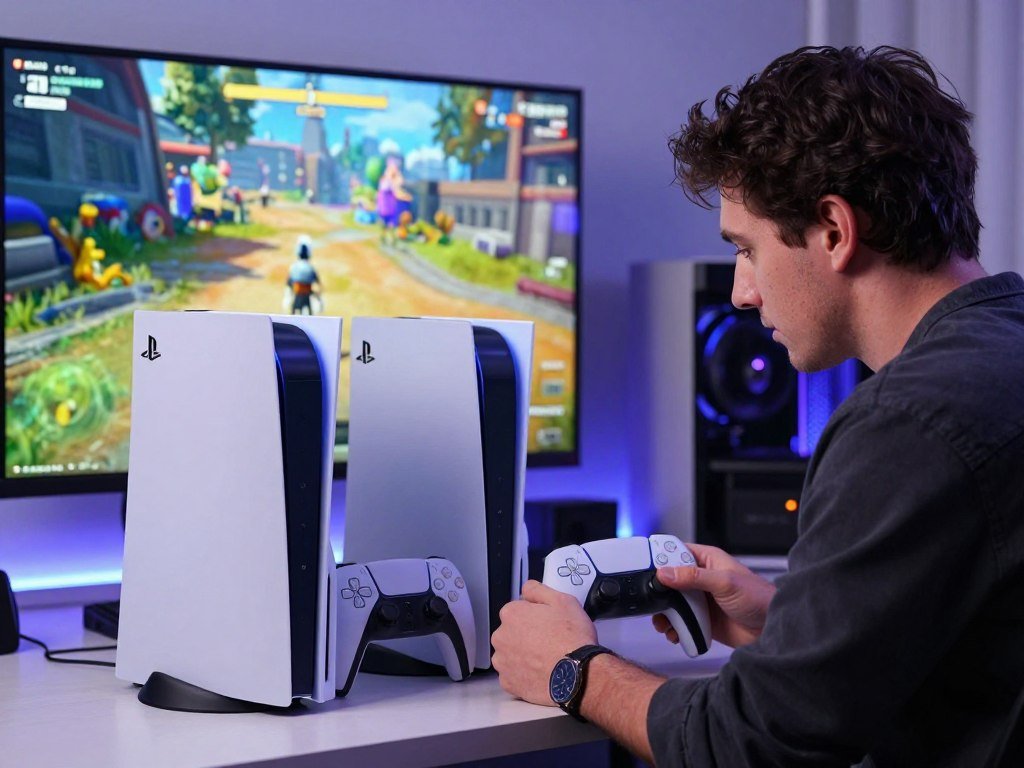
For most people buying a PlayStation in 2026, the PS5 Slim is the sensible starting point. The PS5 Pro suits players who will use its graphics upgrades. Your budget, display, physical-game needs, and current console can all change the choice.
The difference matters most when you can see and use the Pro’s added graphics features. PSSR is Sony’s PlayStation Spectral Super Resolution, an AI-enhanced upscaling technology that reconstructs a lower-resolution game image to improve clarity on a 4K display. You will also want to check which games support those features.
This comparison will help you match the console to the way you play. A lower purchase cost may matter more than higher frame rates, especially if your screen cannot show the difference. Physical discs can also shape the total cost and setup.
Your display, game library, and budget matter more than the model name on the box.
Key Takeaways
- Choose the PS5 Slim for a more affordable route into PS5 gaming.
- Choose the PS5 Pro if you will use its enhanced graphics modes.
- Check the display’s refresh rate before paying for higher frame-rate support.
- Include a disc drive in your plan if you use physical games or movies.
- Current PS5 owners can keep the same game library without upgrading.
PS5 Slim vs PS5 Pro: The Quick Verdict
Choose the PS5 Slim for the more affordable all-purpose option, and choose the PS5 Pro when you will take advantage of its game-specific graphics improvements. For most buyers, the Slim is the better PS5 because it offers a lower-cost path into the same console family.
The Pro is the better choice if you have a compatible high-refresh-rate 4K display and care about smoother frame rates, image clarity, and ray tracing. The Pro launched on November 7, 2024, joining the Slim as one of two models in the PS5 family.
Choose the Pro only when its enhanced modes match the games and display you use. If those modes do not matter to you, extra performance alone is a poor reason to spend more.
That distinction answers which PS5 is better in 2026: the Slim wins for value-focused buyers, while the Pro serves players who want its graphics features. A higher refresh rate on a screen does not force a game to run faster. The game also needs a mode that supports it.
These buyer profiles can help you decide where you fit:
- Value-first new buyers who want a PS5 without paying for graphics features they may not use.
- Graphics-focused players with a compatible display and games that support Pro modes.
- Owners of an existing PS5 who are weighing a targeted upgrade.
For a closer look at screen features, see this PS5 monitor buying guide. A compatible display helps you use higher refresh rates, but the game’s own settings still matter.
If the Pro’s enhanced modes are not important to you, its extra performance is a poor reason by itself to spend more.

What Do the PS5 Slim and PS5 Pro Cost in 2026?
The current U.S. recommended retail prices range from $599.99 for the PS5 Digital Edition to $899.99 for the PS5 Pro. The edition matters, since the listed Slim price can include a disc drive, while both digital configurations omit one.
These are recommended retail prices effective April 2, 2026, not a promise about a retailer’s current offer. The PS5 Slim with disc drive costs $649.99, and the PS5 Digital Edition costs $599.99. The Pro costs $899.99 in its standard digital configuration.
| Model and edition | U.S. recommended retail price effective April 2, 2026 | Disc drive included |
|---|---|---|
| PS5 Slim with disc drive | $649.99 | Yes |
| PS5 Digital Edition | $599.99 | No |
| PS5 Pro | $899.99 | No |
A Pro buyer who wants physical media must budget for a separately sold disc drive. Its price is not part of the console’s recommended retail price, so compare the full checkout total rather than the console price alone.
The Slim Digital Edition can also work for a player who buys games online and watches movies through streaming apps. If your collection includes discs, a digital configuration adds a separate item to the purchase. The right edition depends on how you get games, not just the price printed on the box.
Retail offers may differ from Sony’s recommended retail prices, and bundles may include different items. Check that a listing names the exact model and edition you intend to buy. A used or refurbished console can also have a different price and condition than a new unit.
For context on how listings can vary, read about PS5 Pro resale pricing. That comparison helps distinguish a recommended retail price from a seller’s offer.
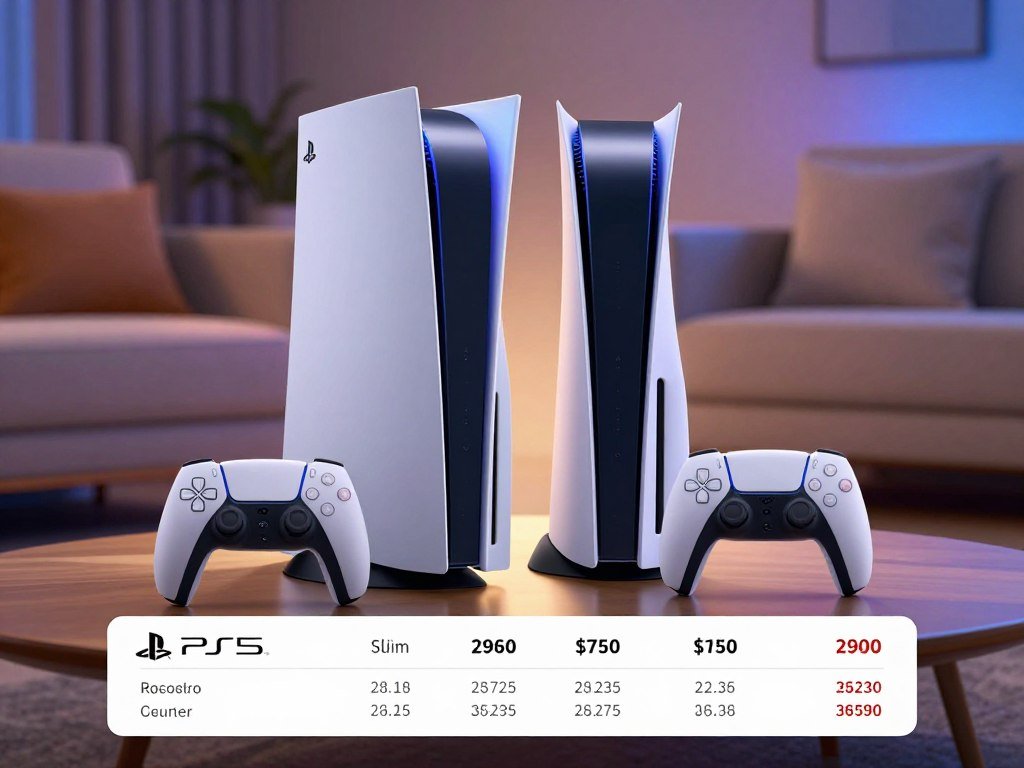
Check the final checkout total for the exact edition and any separate drive before deciding.
How Do the PS5 Slim and PS5 Pro Compare in Size?
The Slim is the smaller and lighter choice in both editions, while the Pro takes up more space. Measure your shelf before ordering, since even a small difference can matter inside a cabinet.
The Pro is 30 millimeters wider and weighs more than the matching Slim edition. The measurements below list each console’s dimensions in millimeters and weight in kilograms.
| Model and edition | Dimensions in millimeters | Weight in kilograms |
|---|---|---|
| Slim with disc drive | 358 × 96 × 216 mm | 3.2 kg |
| Slim Digital Edition | 358 × 80 × 216 mm | 2.6 kg |
| Pro with disc drive | 388 × 105 × 216 mm | 3.4 kg |
| Pro Digital Edition | 388 × 89 × 216 mm | 3.1 kg |
The PS5 Slim launched on November 10, 2023. Its compact design makes it easier to place in a tight gaming setup, though the console still needs room around it. The Pro’s extra width and height can be more noticeable in a narrow shelf opening.
Measure the actual shelf opening, not just the furniture’s outside dimensions. A console may fit on paper but still leave too little space for its cables or airflow. Allow room for ventilation, power and HDMI cables, and access to the disc slot if your edition has one.
Both models can be set up in a space that suits their orientation and cable layout. Think about where the power outlet sits and whether the console will rest beside other heat-producing devices. A few extra centimeters can make the setup easier to reach and keep tidy.
The console measurements show why it helps to compare each edition rather than assuming all PS5 units share one footprint. The digital and disc versions have different heights and weights.
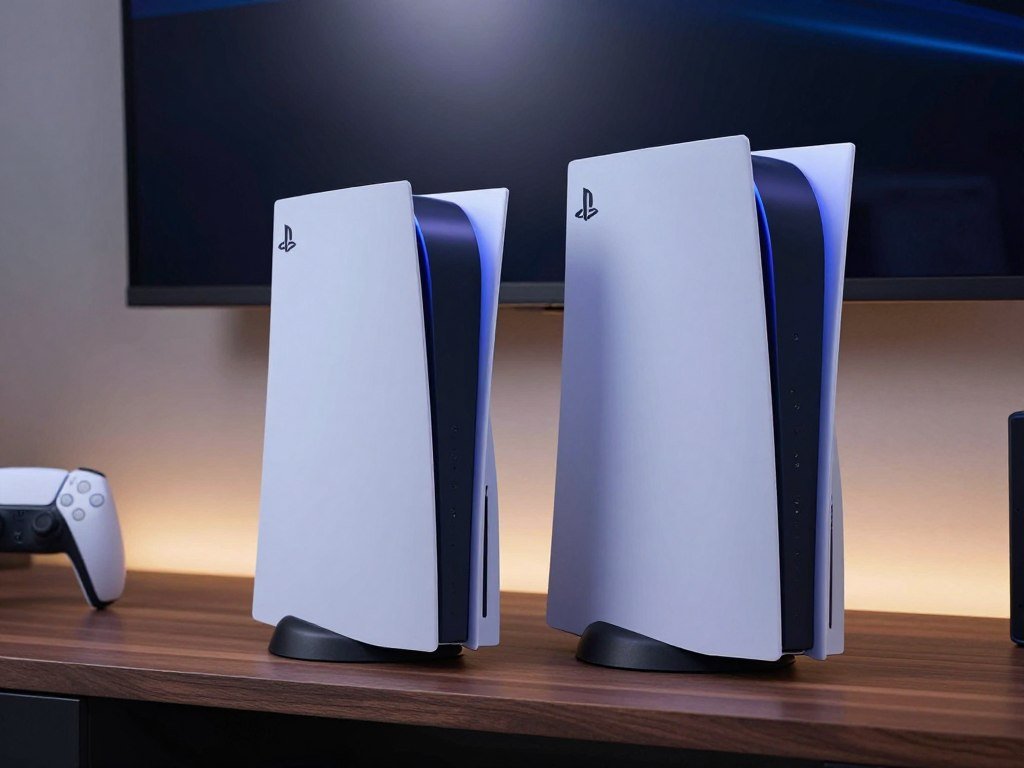
Measure the shelf opening in all three dimensions before ordering, especially if the console will sit inside a cabinet.
Which PS5 Edition Gives You a Disc Drive?
The Slim Disc Edition is ready for physical media out of the box, while the PS5 Pro needs a separately purchased drive. Digital does not mean permanent: the two digital models can use a detachable drive.
Only the Slim Disc Edition includes a disc drive as standard. The three configurations differ in what comes in the box:
- Slim Disc Edition with its included disc drive.
- Slim Digital Edition with an optional detachable drive.
- PS5 Pro with a separately sold detachable drive.
The Slim Disc Edition can play 4K Blu-ray discs as well as physical game discs. If you own physical games, check that your selected setup can read them. Some buyers have a shelf of older games and do not want to replace those titles with digital copies.
Digital purchases can suit a player who prefers downloads and does not use movie discs. Yet a digital-only setup ties game access to the account and store where those games were bought. A physical copy can also be lent or resold, unlike a digital license.
The detachable disc drive lets owners add physical media support to either digital console configuration. Keep in mind that the drive is a separate item for those editions. It is not built into the standard Pro or the Slim Digital Edition.
For a buyer with a large collection, the choice is about the full setup, not just the console shell. A digital edition may look simple, but the add-on changes what you can play and watch. Consider whether your household still uses Blu-ray movies or borrowed discs.
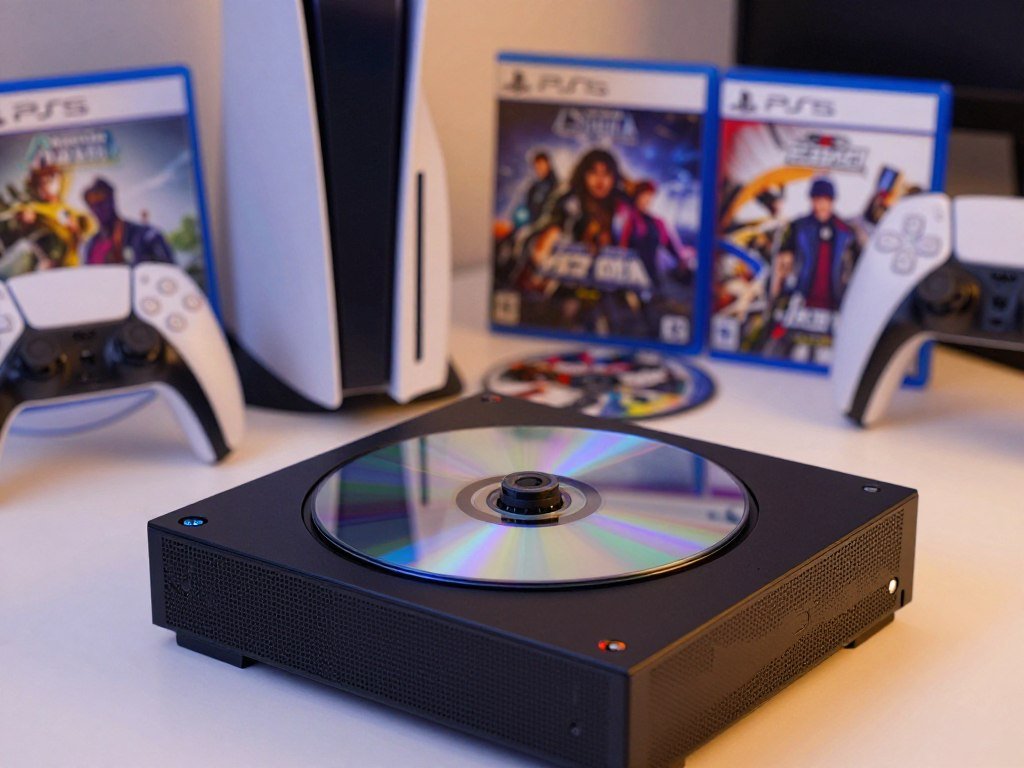
If you own physical games or movies, verify that your chosen configuration includes a drive or budget for the add-on.
How Different Are the Core Hardware Specs?
The Slim and Pro share the same eight-core, 16-thread CPU design, but the Pro has the stronger GPU. The GPU gap is the main hardware change behind the Pro’s graphics gains.
The Slim shares the base PS5’s performance class, while the Pro adds stronger graphics hardware. Here are the core specs that shape rendering, storage, and data access.
| Specification | PS5 Slim | PS5 Pro |
|---|---|---|
| CPU | Eight-core, 16-thread AMD Zen 2 | Eight-core, 16-thread AMD Zen 2 |
| GPU performance | 10.3 TFLOPS | 16.7 TFLOPS |
| System memory | 16GB GDDR6, 448GB/s bandwidth | 16GB GDDR6, 576GB/s bandwidth |
| Internal SSD | 1TB | 2TB |
| Raw SSD read bandwidth | 5.5GB/s | 5.5GB/s |
What the Shared CPU Means
Both consoles use an eight-core, 16-thread AMD Zen 2 CPU. That shared design means the Pro does not move to a new CPU class. Its biggest change is graphics compute, rather than a new approach to handling game logic.
The CPU helps run game systems, character behavior, and other tasks. A similar CPU design does not mean every game performs the same on both consoles. Developers can adjust each version to use the hardware in different ways.
The shared CPU also helps explain why the Pro’s benefits depend on game support. A title that leans on graphics work may use the added GPU capacity more clearly than one limited by other tasks. Hardware numbers describe potential, not a result you can assume for every game.
Where the Pro GPU Pulls Ahead
The Pro GPU is listed at 16.7 TFLOPS, compared with 10.3 TFLOPS for the Slim. TFLOPS describe a measure of compute capacity, but they do not show a game’s exact frame rate or image quality.
Both graphics engines use AMD RDNA-based technology and support ray tracing. The Pro also has faster memory bandwidth, while both consoles use 16GB of GDDR6 system memory. Those parts can help the Pro handle more graphics work in supported games.
Both models list 5.5GB/s raw SSD read bandwidth. The Pro has more internal SSD space, but that capacity does not raise the listed read speed. Storage size and graphics performance are separate parts of the comparison.
A game’s performance depends on its settings, the developer’s work, and the display mode. One title might use the extra graphics capacity for sharper images, while another may favor a steadier frame rate. The spec sheet alone cannot tell you which choice a game makes.
Treat the TFLOPS gap as a sign of graphics headroom, not a guarantee that every game will run faster.
What Changes in Graphics and Frame Rates?
The PS5 Pro makes its clearest difference in games patched to use its extra graphics power, PSSR, or advanced ray tracing. Game support matters: the Pro does not add the same uplift to every title.
Check for a Pro-enhanced mode in the games you play before counting on sharper images or higher frame rates. Sony lists more than 100 PS5 titles as enhanced for the Pro.
PSSR and Sharper 4K Output
PSSR, or PlayStation Spectral Super Resolution, uses AI-enhanced resolution technology to improve image clarity on 4K TVs. It reconstructs a game image from a lower resolution, helping supported titles appear sharper without rendering every pixel at full 4K.
That feature list differs from the number of games that support PSSR itself. As of March 2026, more than 70 games supported current or upgraded PSSR on PS5 Pro. An upgraded version of PSSR was set to release in March 2026.
Examples on the March 2026 PSSR-supported list include Astro Bot, Baldur’s Gate 3, Gran Turismo 7, Marvel’s Spider-Man 2, and Ratchet & Clank: Rift Apart. The list also includes Final Fantasy 7 Rebirth and The Last of Us Part II Remastered.
Sony’s PS5 Pro feature details describe PSSR and more than 100 enhanced PS5 titles. These counts describe different things: an enhanced title can use Pro features beyond PSSR, while the PSSR list tracks games using that upscaling technology.
Ray Tracing and Refresh Rates
Compatible games can support 60fps or up to 120fps with ray tracing and PSSR-enhanced 4K resolution. The Pro supports 60Hz and 120Hz displays, but a game needs a matching mode to use those rates.
Ray tracing can add more lifelike reflections, shadows, and global illumination in supported games. These effects can make scenes look more natural, though their quality and impact vary by title. A display’s refresh rate does not create a higher frame rate on its own.
If your TV or monitor supports 120Hz, check that its HDMI connection supports the resolution and refresh rate you want. A screen with a high listed refresh rate is only one part of the setup. The console output and game mode must support it too.
Higher frame rates can make movement feel smoother, especially in fast action. Yet a game might offer a choice between visual detail and motion, or use a different balance. The mode you choose can matter as much as the console.
What Pro-Enhanced Games Show
The Last of Us Part II Remastered has a Pro-specific mode that renders at 1440p, upscales to 4K with PSSR, and targets 60fps. The mode shows how a lower render resolution can still produce a sharp 4K image.
Final Fantasy VII Rebirth Enhanced Mode runs at 60fps and uses PSSR for resolution on par with Graphics Mode. In Stellar Blade, PSSR upscale mode supports 4K at 50fps or more.
Stellar Blade also offers an 80fps high-frame-rate option, which requires a 120Hz display. Horizon Forbidden West can deliver image quality that matches or surpasses standard PS5 Quality mode at 60fps.
These figures describe specific modes, not a promise for every game. Some games may not have a Pro patch, and others may offer different choices for resolution and frame rate. Your favorite game’s support matters more than the Pro label alone.
For another view of how graphics hardware and frame rates relate, read this GPU performance comparison. Its key lesson applies here: match the graphics features to the display and games you use.
Before paying for the Pro, check whether the games you actually play have an enhanced mode and whether your display supports the frame rate you want.
How Much Storage and Connectivity Do You Get?
The Pro doubles the Slim’s listed built-in SSD capacity, while both list the same raw read bandwidth. That extra space can help a digital-first player keep more installed games on the console.
The Pro has a 2TB custom SSD, compared with 1TB in the Slim. Both list 5.5GB/s raw read bandwidth, so the larger drive does not automatically load games faster.
The SSD holds installed games, apps, and other console data. A larger drive means fewer games may need to be removed when storage fills. If you tend to play one or two games at a time, the extra room may matter less.
Both consoles support M.2 NVMe SSD expansion and external USB storage. An M.2 drive can add internal storage for compatible PS5 games, while external USB storage can help hold games and other files. Expansion gives you another way to manage a full game library.
The Slim uses Wi-Fi 6, while the Pro supports Wi-Fi 7. Wi-Fi 7 is most useful when your home router also supports it. A Wi-Fi 7 console cannot make an older router use the newer standard.
Wireless speed depends on the network setup and other devices sharing it. A wired connection can be a better fit if your router sits near the console. For many players, the router and home internet plan matter more than the console’s wireless label.
Both models have 16GB of GDDR6 system memory, which is separate from the SSD space used for games. System memory helps the console run games, while SSD capacity determines how many games you can store at once. The terms sound similar but describe different parts.
If you are already short on space, compare the included capacity with the option of expanding either console before choosing based on storage alone.
Do PS5 Slim and PS5 Pro Play the Same Games?
Both models play PS5 games, and both also support backward compatibility with PS4 games. The shared library means you do not need a Pro to access PS5 releases.
Many PS4 games run at 60fps through patches, but performance depends on the individual game and its patch. A patch can improve how an older title runs, though it does not change every PS4 game in the same way.
Both consoles use DualSense controllers. If you already own one, it works with either model. The controller’s adaptive triggers and haptic feedback can add game-specific effects, but each game decides how to use them.
Use this short compatibility checklist before you buy a game or console:
- Confirm the game is a PS5 title or a compatible PS4 title.
- Check whether a PS4 game has a performance patch.
- Confirm that a DualSense controller is part of your setup.
Physical copies also need a console configuration with a disc drive. A digital game does not need one, but the game still needs to be supported on the PS5 system. Confirm the format before buying a used or older title.
For another way to access PlayStation games, the PlayStation Portal remote-play guide explains how the handheld streams from a PS5. The Portal does not install PS5 games, so it is not a replacement console.
The DualSense is shared across the Slim and Pro, so the controller does not decide which model can play a title. Game compatibility and patch support are the parts that can change the experience. Keep the title’s exact version in mind when checking older games.
Check the specific game’s compatibility and patch status rather than assuming every older title gets the same performance improvement.
Should You Upgrade Now or Wait for the PS6?
If your current PS5 meets your needs, waiting is reasonable because the PS5 Slim and PS5 Pro play the same PS5 game library. An upgrade makes sense when you want a feature your current console cannot provide.
Move to the Pro only if its enhanced graphics matter to you, your display can show them, and the extra cost fits your budget. A working PS5 still gives you access to the same games without an upgrade.
A 2026 buyer guide estimated that PlayStation 6 would launch no earlier than 2028, and more likely in 2029. That timing is an estimate, not a confirmed release date from Sony. It is not a firm reason to buy or delay a console.
Use these three triggers to judge whether an upgrade fits:
- You strongly want Pro-enhanced modes in games you play.
- You have a compatible 4K or 120Hz display.
- You are willing to pay for a mid-generation upgrade instead of waiting.
Players who are happy with their current image quality may get more value by keeping their console. Those who notice frame rate or image detail may feel the Pro’s changes more. The key is whether the difference would improve your own play.
Upgrade for a feature you will use now, not solely to get ahead of an unconfirmed next-generation date.
Conclusion
For most buyers, the PS5 Slim is the practical pick; the PS5 Pro is the specialist upgrade for graphics-focused play. Choose the Slim for value and physical-media flexibility, or the Pro if you will use its enhanced graphics features.
Before you buy, check the price for the exact edition and any drive you need. Then confirm that your games and display support the features behind your choice.
Check your game list and display before choosing an edition.
FAQ
Is there such a thing as a PS5 Pro?
Yes, the PS5 Pro is a real PlayStation 5 model that launched on November 7, 2024. It has upgraded graphics hardware and supports PSSR in compatible games. The Pro plays PS5 games, so you do not need a separate library to use it. Its graphics features depend on each game’s support and settings.
Is it better to buy PS5 Slim or PS5 Pro?
The Slim suits most value-focused buyers, while the Pro suits players who will use its enhanced graphics features and compatible display. The Slim costs less and offers a disc-drive edition. The Pro can improve image clarity, ray tracing, or frame rates in supported games. Your display and game list help show whether those changes matter.
Is it worth buying a PS5 Pro in 2026?
The PS5 Pro can be worthwhile if you play enhanced games and own a compatible 4K or 120Hz display. Its added graphics features can improve image quality or smoothness in specific titles. If you do not plan to use those modes, the Slim is the more sensible value. A display’s refresh rate alone does not guarantee higher game frame rates.
Should I buy a PS5 now or wait for the ps6?
Buy a PS5 now if you want access to the PS5 game library today; waiting is also reasonable if your current setup works. A 2026 buyer guide estimated a PlayStation 6 launch no earlier than 2028, and more likely in 2029. Sony has not confirmed that date. Treat it as an estimate, not a schedule.
Does a PS5 Pro make a difference?
Yes, the PS5 Pro can make a difference in compatible enhanced games, where PSSR, ray tracing, and higher frame-rate modes can improve image quality or smoothness. The benefit depends on the title and the mode you choose. Games without a Pro enhancement do not promise the same uplift. A compatible display helps you see supported resolution and refresh-rate features.



