Learning how to use AI for a wedding planning business starts with a simple shift in thinking: the software is not there to plan the wedding for you, but to take the repetitive work off your desk so you can spend more time with couples, venues, and vendors. A wedding planner in 2027 juggles enquiries, budgets, timelines, seating plans, supplier quotes, and dozens of small decisions every week, and much of that work follows patterns that AI tools handle well. When those patterns are automated, a small planning team can serve more couples without losing the personal touch that clients pay for.
The strongest results come from using AI in the places where it is genuinely useful and keeping humans in charge of taste, relationships, and judgement. AI can draft a first version of a timeline, summarise a long email thread, suggest a seating arrangement, or turn a messy budget spreadsheet into a clear summary for a client. It cannot taste the food, judge whether a venue feels right at sunset, or calm a nervous couple the week before the wedding. The planners who get the most from AI treat it as a fast assistant, not as a replacement for experience.
This guide walks through the process step by step, from choosing your first tool to building a workflow you can repeat for every wedding. It covers client enquiries, budgets, timelines, seating, vendor communication, and the day-of schedule, along with the mistakes to avoid and the checks that keep your work accurate.
Key takeaways
- Use AI for repetitive planning work such as drafts, summaries, and scheduling, and keep humans in charge of taste, relationships, and final decisions.
- Start with one tool in one area, such as enquiries or timelines, and expand only after it proves itself on a real wedding.
- Build reusable templates and prompts so every wedding follows the same reliable process instead of starting from scratch.
- Check every AI output before it reaches a client, especially dates, prices, names, and vendor details.
- Protect client privacy by never putting sensitive personal or payment details into a tool you do not trust.

Step 1: Map the work AI should take over
Before buying any tool, list the tasks that fill your week and sort them into three groups: repetitive, creative, and relationship work. Repetitive work includes answering the same enquiry questions, chasing RSVPs, updating timelines, reformatting budgets, and writing first drafts of emails. Creative work includes styling ideas, colour palettes, and the overall feel of a wedding. Relationship work includes venue visits, vendor negotiation, and supporting couples through stressful moments. AI belongs mainly in the first group, can assist in the second, and should stay out of the third.
Step 2: Choose one tool for enquiries and booking
Enquiries are the front door of a wedding planning business, and a slow reply can lose a couple to a competitor. An AI-assisted inbox can sort new messages, draft replies to common questions about pricing, availability, and services, and flag urgent messages for a same-day human reply. The key is to set it up with your real prices, packages, and availability, so the drafts it produces are accurate rather than generic. A draft that invents a price or a date creates more work than it saves.
Look for AI chatbots for business that can answer questions on your website outside office hours and hand over to a human when the question is complex or emotional. A couple asking about a date change or a cancelled vendor needs a person, not a script. Set clear handover rules: the chatbot handles availability, packages, and booking a call, while anything about pricing changes, problems, or personal circumstances goes straight to you. Test the chatbot yourself with awkward questions before it goes live, and read its answers every week for the first month.
Step 3: Build templates for timelines and checklists
A wedding timeline is a perfect job for AI because it follows a familiar structure that changes only in the details. Give the tool the ceremony time, the number of guests, the venue, and the key moments the couple wants, and ask it to draft a timeline working backwards from the ceremony. Then adjust it by hand: travel time between venues, photography slots, meal service, and the couple’s own preferences all need a human eye. Save the corrected version as a template for the next wedding with a similar shape.
Step 4: Use AI for budgets and supplier quotes
Budgets are where small errors become expensive, so AI should summarise and organise them, never approve them. Ask the tool to compare supplier quotes side by side, highlight where a quote is missing an item, or turn a spreadsheet into a one-page summary a couple can understand. This turns a long evening of admin into a short review session. Always check the numbers yourself before sending anything to a client, and keep the original quotes on file so you can trace every figure back to its source.
Step 5: Plan seating and guest lists with AI help
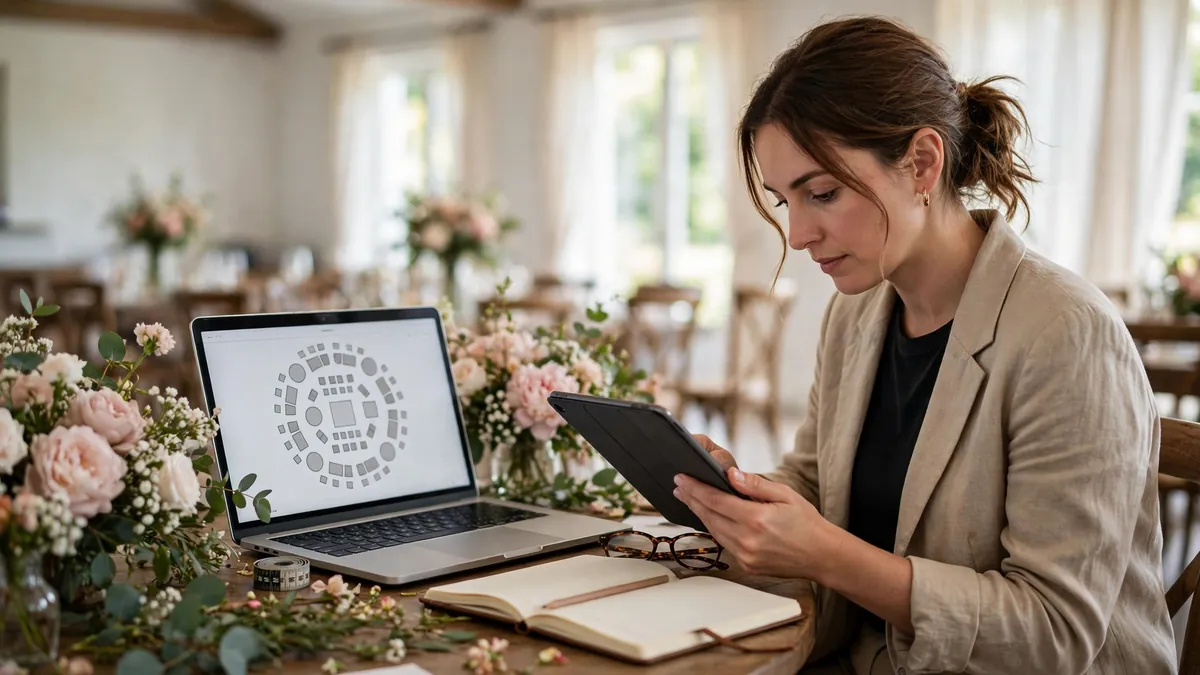
Seating plans are one of the most time-consuming parts of wedding planning, and AI can produce a sensible first draft from a guest list with notes about families, friendships, and people who should not sit together. Give it clear rules: keep families together where possible, seat older guests away from speakers, and place the wedding party near the top table. The first draft will still need changes, because only the couple knows the full story behind a family seating request, but starting from a draft is far faster than starting from a blank page.
Guest list admin is another good fit. AI can spot duplicate names, flag missing addresses or meal choices, and draft polite follow-up messages for guests who have not replied. Pair this with AI appointment booking tools for vendor meetings and venue visits, so couples can book a call or a tasting without a long email exchange. Keep a human check on every guest list change, because a misspelt name on a place card or a missed dietary requirement is the kind of mistake guests remember.
Step 6: Draft vendor emails and day-of schedules
Vendor communication follows familiar patterns: confirming a booking, asking for a final quote, sending a timeline, or chasing a missing detail. AI can draft these emails in your tone if you give it a few examples of messages you have written before. Review each draft, add the personal detail that shows you know the vendor, and send it yourself. Vendors notice when a planner is organised and easy to work with, and clear, timely emails are a big part of that reputation.
Step 7: Market the business with AI-assisted content
Marketing is often the first thing a busy planner drops, and AI can keep it going without taking over your voice. Use it to draft social media captions, blog outlines, and email newsletters from your real weddings, then rewrite them in your own words and add your own photos. Couples choose a planner whose style they can see, so the content should show real work: a table setting you designed, a timeline that ran smoothly, or a problem you solved on the day. Generic AI content that could belong to any planner will not win bookings.
Use AI marketing tools to plan posts, repurpose a blog post into short clips or captions, and track which topics bring enquiries. Keep the focus on helpful content, such as how to choose a venue, what to ask a caterer, or how a timeline works. That kind of content answers the questions couples are already asking, and it keeps working for you long after it is published. Measure what brings enquiries, and do more of that rather than posting for the sake of it.
Troubleshooting common problems
The most common problem is AI inventing details: a price, a date, or a vendor name that looks plausible but is wrong. The fix is a simple rule that never changes: nothing goes to a client or a vendor without a human reading it first. Build a short checklist for every outgoing message covering names, dates, times, prices, and venue details, and run through it even when the draft looks perfect. The second most common problem is a tool that does not fit your workflow. If a tool needs more setup time than it saves in a month, drop it and try a simpler one.
Your AI wedding planning checklist
- List your weekly tasks and pick the two most repetitive ones to automate first.
- Set up one enquiry tool with your real prices, packages, and availability.
- Build reusable timeline and checklist templates from your corrected AI drafts.
- Check every AI output for names, dates, times, and prices before it leaves your desk.
- Keep client payment and identity details out of general AI tools.
- Review your tools monthly and drop any that cost more time than they save.
Frequently asked questions
Can AI plan a whole wedding on its own?
No. AI can draft timelines, budgets, seating plans, and emails, but it cannot visit a venue, judge a supplier, or support a couple through a stressful decision.
How much does it cost to start using AI in a wedding planning business?
Many planners start with one low-cost tool for enquiries or drafting and spend little in the first month. The real cost is the time spent setting up templates and checking outputs.
Will couples mind if a planner uses AI?
Most couples do not mind as long as the service feels personal and the details are right. Problems come when messages sound generic or contain errors.
What is the biggest risk of using AI for wedding planning?
The biggest risk is an unchecked error reaching a client or a vendor, such as a wrong date, price, or name. A second risk is putting sensitive client information into a tool that stores it in ways you do not control.
Do I need technical skills to use AI tools?
No. Most modern AI tools are built for people who are not technical, and the main skill is writing clear instructions: what you need, who it is for, and what must not change.
How do I keep AI from making my business sound generic?
Feed it your own examples, your own templates, and the real details of each wedding, then rewrite the draft in your own words. Add the stories, opinions, and small details that only you know.
The bottom line
Using AI in a wedding planning business works best as a quiet upgrade to a good process, not as a new way of planning weddings. Start with the repetitive work that eats your week, choose one tool and learn it properly, build templates from the drafts you correct, and check everything before it reaches a client. Done this way, AI gives you back hours every week and lets you spend them where they matter: with couples, at venues, and with the vendors who make the day work.
The planners who benefit most in 2027 will not be the ones with the most tools, but the ones with the clearest process. Pick your first task this week, set up one tool, and test it on a real wedding. If it saves time without lowering quality, keep it and add the next one. If it does not, drop it and move on. That steady, practical approach is how a small planning business grows without losing the personal touch that made couples choose it in the first place.