How to Automate Purchase Order Approvals With AI
A purchase order sits on a desk, or more often in an inbox, waiting for someone to say yes. The order itself is simple: a team needs supplies, equipment, or a service, and the business needs to agree to the spend before the money goes out. Yet in many businesses, that yes takes days: the requester emails a form, the manager is in meetings, finance wants a budget code, and by the time everyone has weighed in, the price has changed.
Automating purchase order approvals with AI does not mean handing spending decisions to a machine. It means building a clear flow: an order comes in, the AI reads it, checks it against the rules the business set, and routes it to the right person — or approves it outright when it is small, routine, and inside budget. People still decide the things that matter; the AI does the sorting, checking, and chasing.
This guide walks through that flow step by step, from mapping the approval rules you already use to switching the system on for real orders, for owners and finance leads who want faster approvals without losing control of spending.
Key takeaways
- AI approval automation routes each purchase order by amount, vendor, and budget, so small routine orders move fast and large or unusual ones reach a human.
- Start by writing down the approval rules you already use informally, because the AI can only enforce rules that are clear and written.
- Auto-approve only low-risk orders: small amounts, approved vendors, and budgets with money left in them.
- Every automated decision needs a visible trail — who or what approved it, when, and against which budget.
- Pilot with one team and one category of spending first, then expand once the routing works smoothly.
At a glance: automating purchase order approvals
| Detail | What to know |
|---|---|
| What it is | An AI-assisted flow that reads, checks, and routes purchase orders to the right approver, or approves low-risk ones itself |
| Best for | Businesses approving ten or more purchase orders a week, with repeat vendors and clear budgets |
| What it needs | Written approval rules, an approved vendor list, live budget figures, and one person who owns the flow |
| Time to set up | A few days for a simple flow, longer if budgets and vendor records are scattered |
| Biggest risk | Vague rules: if the limits are unclear, the AI routes badly and people stop trusting it |
Step 1: Map how approvals work today
Before any tool is switched on, write down how a purchase order moves through the business today. Pick five recent orders — one small, one large, one urgent, one from a new vendor, and one that got stuck — and trace each from request to final yes, noting who asked, who approved, how long each step took, and where it waited. Most teams discover the delay is the waiting, not the decision: the order sits in an inbox, or nobody knows whose desk it is on.
That map becomes the skeleton of the automated flow. Every handoff is a step the AI can handle; every judgement call — a new vendor, a price that looks wrong, an order that breaks the usual pattern — stays with a person. Skip this mapping and you automate the confusion instead of the process.
Step 2: Write the approval rules in plain language
An AI cannot enforce a rule that lives only in someone’s head. Write the rules as short, plain sentences: orders under $500 from an approved vendor go straight through if the budget has enough left; orders from $500 to $5,000 go to the department manager; orders over $5,000 need the manager and finance; any order from a new vendor goes to finance first, whatever the amount. Add a rule for budgets — an order that would push a budget over its limit goes to finance even if the amount is small — and one for duplicates.
Keep the first version short: five to eight rules, each with a number, a condition, and an owner. If a rule cannot be written that way, it is not a rule yet — it is a habit, and it needs a conversation first. Agree too on what “approved vendor” means, because the whole flow leans on that list: agreed prices, a track record of delivery, and payment terms the business already accepts. Our guide to what an AI procurement agent is explains how these buying tools fit around the approval step.
Step 3: Connect the order, vendor, and budget data
The AI needs three things to route an order correctly: the order itself, the vendor list, and the budget. In most businesses these live in different places — orders in email, vendors in a spreadsheet, budgets in the accounting tool. The setup work is joining them up so the AI can check all three in one pass: one place where orders are submitted, a link to the budget, and vendor names spelled exactly the same in both.
Do not aim for perfection. A single shared form, a vendor list with one spelling per vendor, and a budget figure updated at least weekly will carry the first version. Test with ten old orders: if the AI cannot find the right vendor and budget each time, fix the data, not the tool.
Step 4: Build the routing flow by amount, vendor, and budget
Now build the flow itself, using the rules from step two. The simplest useful version has three lanes. The fast lane approves small orders from approved vendors inside budget automatically, recording the decision and notifying the requester. The manager lane sends mid-sized orders to the department manager with a short summary: what is being bought, how much it costs, which budget it hits, and how much will be left. The finance lane catches everything else — large orders, new vendors, over-budget requests, and anything the AI cannot read clearly — with a note explaining why it was flagged.
Each lane needs a time limit. If a manager has not answered in one working day, the system nudges them; after two days it escalates to their deputy or to finance. Without that nudge, automation recreates the old problem in a new inbox. Also decide what happens when an approver is away: a named deputy, not a dead end. For the wider picture of how buying processes are mapped before they are automated, see our explainer on what AI business process mapping is.
Step 5: Pilot with one team and one kind of spending
Switch the flow on for one team and one category — office supplies for the operations team, for example — and run it alongside the old process for two weeks. The team submits orders through the new form, the AI routes them, and a human checks every routing decision against the old way. Keep a simple log of each order, where the AI sent it, and whether that was right.
Expect mistakes in the pilot, and treat them as useful. A vendor spelled two ways will route to finance instead of the fast lane; a budget figure that lags by a week will flag orders that are fine. Resist adding more categories until the pilot numbers are steady: most orders routed correctly, approval times clearly down, and no order approved that should not have been.
Step 6: Go live, train the team, and keep a human override
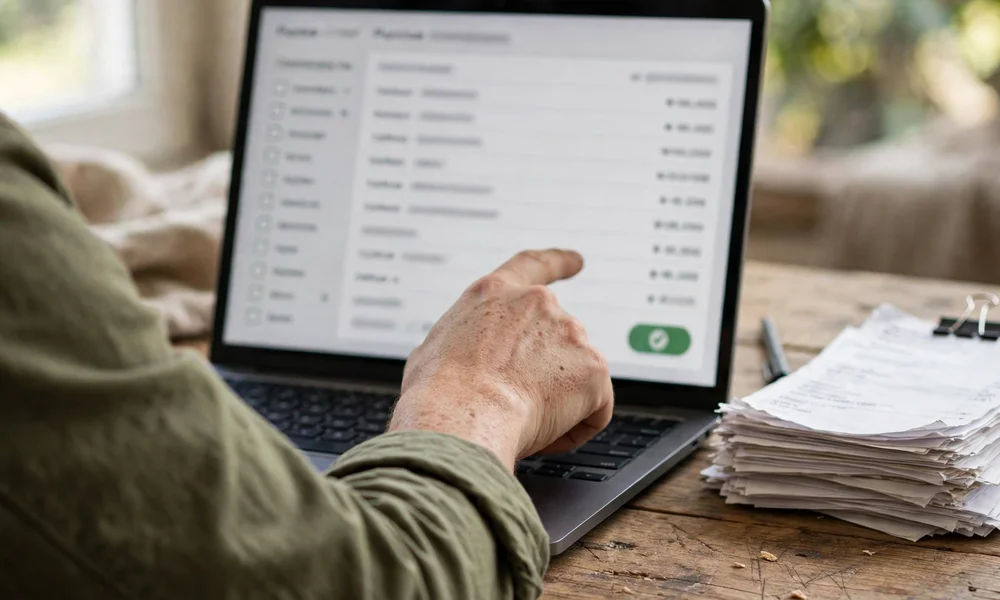
Going live means turning off the old route, not running two systems forever. Tell every requester three things: where to submit an order, what happens next, and who to contact when something looks wrong. Show approvers the screen they will actually see — the order summary, the budget line, and the approve or reject buttons — and the override. Any approver must be able to stop an order, send it back with a question, or pull it into a manual review, as easily as approving it.
After launch, one person owns the flow. They check the log weekly, fix vendor spellings, update the budget link when the accounting setup changes, and review a sample of auto-approved orders each month. They also own the limits: the fast-lane amount stays low until trust is earned, and any change is agreed with finance first. If you are comparing tools for the buying side, our roundup of the best AI agents for procurement in 2027 is a useful starting point.
Troubleshooting common problems
When an order routes to the wrong person, the cause is almost always the data, not the AI. Check the vendor spelling first, then the amount — a total that includes tax can push an order over a limit the requester did not expect — then the budget figure. When orders pile up unapproved, check the nudge and escalation settings; a flow with no reminder is just a faster way to wait.
When an order the AI approved turns out to be wrong — a duplicate, a wrong vendor, a price that jumped — do not just cancel it. Trace it back through the log, find which rule let it through, and tighten that rule. Each failure that changes a rule makes the system stronger.
Your launch checklist
- Five recent orders traced end to end, with every wait and handoff noted.
- Approval rules written in plain language: amounts, vendors, budgets, and an owner for each lane.
- One approved vendor list, with one spelling per vendor, matched to the accounting tool.
- Budget figures the AI can check, updated at least weekly.
- A two-week pilot with one team, with every routing decision logged and checked.
- A named owner for the flow, a monthly sample review, and an override every approver can use.
Frequently asked questions
How much can AI safely approve on its own?
Only low-risk orders: small amounts, approved vendors, and budgets with room to spare. A common starting point is a fast lane of a few hundred dollars, raised slowly once the pilot shows clean routing.
What happens when an approver is on holiday?
The flow should send their orders to a named deputy automatically. If no deputy is set, orders escalate to finance after one working day.
Can AI read purchase orders sent as PDFs or photos?
Yes — modern tools can pull the vendor, items, and total from a PDF or a phone photo of a paper order. But a typed form is more reliable, so ask requesters to use the form and keep uploads as a backup.
How do we stop duplicate orders being approved twice?
Build a duplicate check into the flow: before approving, the AI compares the vendor, amount, and items against recent orders and flags close matches for a human. Give every order one reference number that follows it from request to payment.
Does automating approvals remove the finance team’s control?
No — it moves their control earlier. Finance writes the rules, sets the limits, owns the vendor list, and reviews a sample of auto-approved orders each month.
What if our budgets live in a spreadsheet, not an accounting tool?
That works for a pilot, as long as one person updates the sheet weekly and the AI reads that sheet.
The bottom line
Automating purchase order approvals with AI is a routing job before it is a technology job. The businesses that get value from it write their rules down, keep their vendor list and budgets tidy, and let the AI do the sorting while people keep the decisions that carry real risk. Start with one team and one category, and let the pilot log tell you when to grow.
The prize is not just speed, although orders that took three days can take three hours. It is visibility: every order has a status, every decision has a trail, and finance can see where the money is going before it goes, instead of finding out at month end.