
Using AI for fundraising event planning means letting software handle the repetitive, data-heavy parts of a fundraiser — sorting guest lists, drafting invitations, building budgets, pricing auction items and writing follow-up messages — while people make the decisions that need judgement. For small nonprofits, that division of labour matters, because the same two or three volunteers usually plan the whole evening on top of their day jobs. AI tools in 2027 can draft a run-of-show and suggest a ticket price, but a human must still check the numbers.
The appeal is practical. A typical gala involves hundreds of small tasks, and most are variations on the same few jobs: who is coming, what will it cost, what are we selling, and who do we thank afterwards. AI assistants and donor platforms now bundle those jobs into one workflow, so a committee can move from a blank page to a workable plan in a weekend instead of a month of evening meetings.
Key takeaways
- AI works best on the repetitive parts of a fundraiser: guest lists, budgets, invitations, auction descriptions and follow-ups.
- Set the fundraising goal and ticket price first, because every AI suggestion after that depends on those numbers.
- Clean donor data before feeding it to any tool; AI cannot fix a spreadsheet full of duplicate names and dead email addresses.
- Check every AI-written message and every AI-suggested price before it goes to a donor.
- AI does not replace the personal thank-you or the phone call to a major donor — it only clears the time to make them.
Step 1: Set a clear fundraising goal and budget target
Start with two numbers: how much the event must raise, and how much it may cost. A common rule for charity dinners is that costs should stay under about a third of expected gross income, leaving two thirds for the cause. Ask an AI assistant to build a budget table from those numbers — venue hire, catering per head, printing, auction costs, staff and a contingency line of about 10 percent — and it will produce a workable draft in seconds.
The goal also shapes the evening. A target of $10,000 from 80 guests needs a different ticket price and auction plan than $50,000 from 200 guests. If your organisation already uses donor software, read our guide on how AI helps nonprofits keep donors giving year after year, because the guests most likely to attend are usually the donors you already have.
Step 2: Build and clean the guest list with AI
The guest list is where AI earns its keep first. Export your donor list, past attendee lists and mailing list into one spreadsheet, then use an AI tool or a donor platform to find duplicates, fix obvious typos, and flag email addresses that have bounced before. This is unglamorous work, and it is exactly the work volunteers put off — which is why invitations go to the wrong address and seats sit empty.
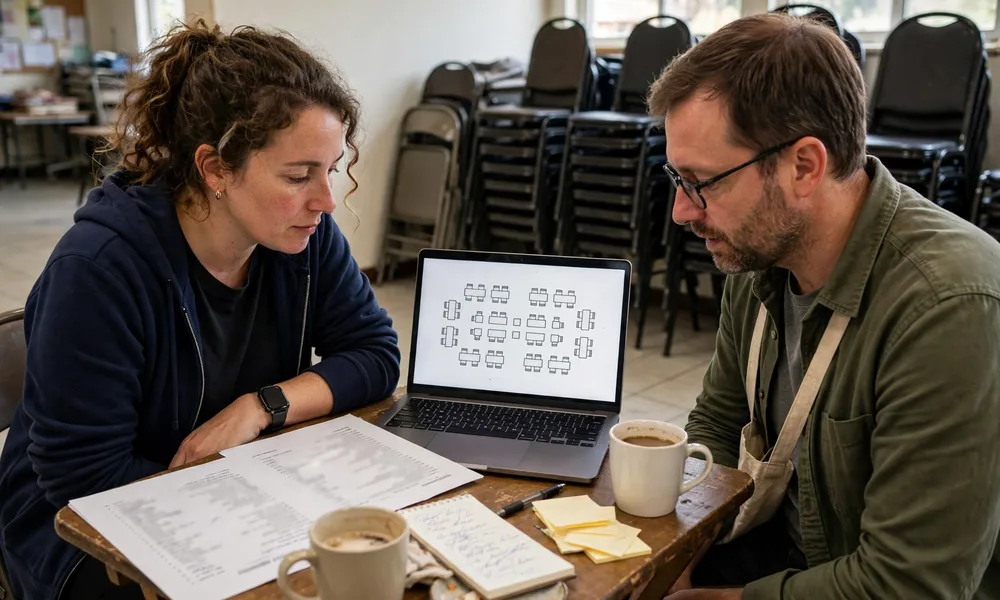
Once the list is clean, ask the tool to segment it: past attendees, lapsed donors, new contacts, major donors, and sponsors. Each group gets a different invitation and a different ask. AI can also rank guests by likelihood to attend, based on past attendance and giving history, which helps when the venue holds fewer people than the mailing list.
Step 3: Draft the budget and test ticket prices
With the guest list taking shape, return to the budget and test ticket prices. Ask an AI assistant to model three scenarios: a low ticket price with a big audience, a higher price with a smaller audience, and a middle option with a sponsored table or two. The model should show gross income, costs, and net funds raised for each,
Include the auction and raffle in the same model. AI can estimate likely auction income from past events if you give it last year’s results, but treat those figures as rough — a signed football can beat its estimate or fail to sell at all. Use the model to set a sensible reserve price for each lot and to decide how many lots the evening needs: ten strong items usually raise more than thirty weak ones.
Step 4: Source and price auction items with AI research
Auction items take the most volunteer hours of any part of a fundraiser, and AI can cut that time sharply. Give an AI assistant the list of items you already have, plus the theme of the evening, and ask for gaps: which categories are missing, which items tend to sell at similar events, and what a fair opening bid looks like. It can also draft lot descriptions, which should be short, specific and honest.
For pricing, ask the tool to check the approximate retail value of each item and suggest an opening bid at roughly a third to a half of that value. Low opening bids encourage bidding; a bid that starts near retail value kills the room. Our roundup of the best AI tools for nonprofits includes platforms that bundle auction management with donor records, saving you from retyping lot and bidder details.
Step 5: Write invitations and event communications
AI writing tools are at their best with invitations, save-the-dates and reminder emails, because the structure is predictable and the tone is easy to specify. Give the tool the facts — date, venue, time, ticket price, dress code, the cause — and ask for three versions: formal, friendly, and short for social media.
Segment the messages. Past attendees get a “welcome back” note, new contacts get an introduction to the cause, and sponsors get a message naming what their support makes possible. AI can draft all three in the time it takes to write one by hand, and schedule reminders for one week and one day before the event. Read every message once before it goes out — an invitation with the wrong date is worse than no invitation. For the venue, our guide to using AI for event venue booking management covers comparing venues and tracking capacity.
Step 6: Build the run-of-show and rehearse the night
The run-of-show is the minute-by-minute plan: doors, welcome drinks, dinner, speeches, auction, raffle and close. Ask an AI assistant to draft one from your list of segments and timings, and it will flag the usual problems — two speeches back to back, the auction starting after guests have begun to leave, or dinner running so long the raffle gets cut.
Use AI to draft the compere’s script too: short introductions, the auction lot order, and the thank-you lines. Keep it loose enough that the host can react to the room — a script read word for word sounds like a script, while one used as a checklist sounds like a host. Rehearse the technology as well: test the card readers, the auction bidding app and the projector the day before, with the actual devices that will be used.
Step 7: Follow up, thank donors and learn from the data
The fundraiser is not finished when the last guest leaves. Within 48 hours, send a thank-you message to every attendee, donor and volunteer, and send auction winners their payment links and collection details. AI can draft these messages and personalise each one with the guest’s name, what they bought, and how much they gave
Then use the data. Ask your donor tool to report which invitation brought the most guests, which auction lots earned the most, and which tables gave the most. That report becomes the starting point for next year’s plan, and it is the part most committees skip. Update the donor records the same week, while memories are fresh: who attended, who bid, who volunteered, and who asked not to be contacted again.
Troubleshooting common problems
If AI suggestions feel generic, the input is usually too vague. Give the tool specifics — the venue, the audience, last year’s numbers, the theme — and the output improves immediately. A prompt that says “plan a fundraiser” produces a template; a prompt with real numbers produces a plan.
If the guest list tool flags half your contacts as duplicates, do not delete them in bulk. Duplicates often mean a donor gave under two names, or a couple shares an email address. Merge them by hand in small batches, and keep a backup of the original list before any bulk change.
If ticket sales stall two weeks out, use AI to draft a short, honest update email — what the night will include, how many seats are left, and what the funds will pay for — and send it to people who opened the first invitation but did not buy. If the auction app fails on the night, have a paper backup: printed lot sheets, numbered bid cards and a cash box.
Checklist: before you send anything out
Run through these checks before invitations, auction catalogues or thank-you messages go to donors.
- Fundraising goal and budget are written down and agreed by the committee.
- Guest list is deduplicated, and every email address has been checked for bounces.
- Ticket price is tested against at least two scenarios, with a contingency line in the budget.
- Every auction item has a verified description, a reserve price and an expiry date if one applies.
- Every AI-written message has been read by a human and checked for the right date, venue and price.
- Payment terminals, the auction app and the projector were tested at the venue the day before.
Frequently asked questions
How much does AI fundraising software cost?
Many AI writing assistants start free or at around $20 per month, while donor platforms with built-in AI typically start at around $50 to $100 per month for small nonprofits. Check current pricing before choosing, as plans change often.
Can AI plan a whole fundraising event on its own?
No. AI can draft budgets, guest lists, invitations and schedules, but it cannot visit a venue, judge whether a speaker will hold a room, or decide which donor deserves a personal call.
Is it safe to put donor data into an AI tool?
Only use tools that state clearly how they store and use your data, and avoid pasting full donor records into general-purpose chatbots. Prefer donor platforms with built-in AI
What is the best first AI task for a small nonprofit?
Cleaning the guest list and drafting invitations, because both are repetitive, easy to check, and save hours immediately.
How far in advance should AI help start?
Start three to four months before a gala or large dinner, so there is time to clean data, test ticket prices and rehearse.
Will donors notice that messages were written by AI?
They may notice if a message is sent untouched, because AI drafts tend to sound polished but generic. Edit every message so it sounds like your organisation, and it will read as personal.
The bottom line
AI makes fundraising event planning faster and less stressful by taking on the sorting, drafting and modelling that eats volunteer time. The best results come from a clear goal, clean data and a human checking every output before it reaches a donor. Used that way, AI does not make a fundraiser impersonal — it gives the committee time to be personal where it counts, with the donors, the volunteers and the guests in the room.
Start small: pick one job, such as the guest list or the invitations, and use AI for that alone at your next event. Once the team sees the hours it saves, the rest of the plan follows naturally