
Most Windows 11 users can start with Microsoft Defender, while a paid suite makes sense when its extra tools solve a specific need. If you are choosing the best PC antivirus, your options include built-in protection, a free third-party app, and paid security software. Your choice depends on how you use your PC and which tools you need.
Real-time protection means monitoring files, apps, and system activity continuously to detect or block threats as they appear. A VPN, parental controls, or backup tools may matter if you share devices or handle sensitive data. Lab scores, day-to-day ease, and plan features all help show whether antivirus software fits your needs.
This comparison will help you weigh online threats, protection, and system performance without assuming one product suits every household. The simplest useful comparison is between protection you already have, a free alternative, and a paid plan with features you will actually use.
Key Takeaways
- Microsoft Defender is a no-cost starting choice built into Windows 11.
- Avast One Free and AVG Antivirus Free are separate free options.
- Bitdefender Total Security is a broad paid pick for many users.
- Norton 360 may suit families who want parental controls and cloud backup.
- Compare test results, device coverage, and features you will use.
Best PC Antivirus Picks for Windows 11
For a paid all-around suite, start with Bitdefender Total Security; for protection without another purchase, start with Microsoft Defender. For most Windows users, those choices cover the two main needs: broad paid tools or built-in antivirus software. Avast One Free and AVG Antivirus Free are separate free antivirus programs worth comparing.
The August 2026 Windows 11 home-user test gave Bitdefender Total Security, Norton 360, and McAfee Total Protection perfect 6/6 scores in protection, performance, and usability. That means no single paid suite won on those test categories. Compare plan features and fit instead.

| Need | Pick | Why it fits | Key trade-off |
|---|---|---|---|
| Everyday no-cost protection | Microsoft Defender | Built into Windows | Fewer bundled extras |
| A free third-party app | Avast One Free | Separate free protection | Some features require payment |
| Broad paid security | Bitdefender Total Security | Wide device and tool coverage | Costs money |
| Family-focused extras | Norton 360 | Parental controls and cloud backup | Plan features vary |
Searching for the best antivirus software for Windows 11? Start with the built-in option if you want core protection, or compare paid plans when you need more tools. The best antivirus for Windows depends on how many devices you cover and what features you value.
Choose the product whose extra features match your household, not the one with a perfect test score alone.
Use the table to narrow the shortlist to the option whose extra features match your household.
How to compare antivirus test results
A perfect score is useful evidence, but it does not tell you whether you need a VPN, parental controls, or mobile coverage. Read scores by category, then match them to your PC and household. AV-TEST evaluated 15 home-user security products using their default settings in August 2026.
AV-TEST’s Top Product designation requires at least 17.5 of 18 points. A test score can help compare antivirus software, but it cannot describe every plan feature or the way you use a PC.
What lab scores measure
Protection measures how well antivirus programs detect and stop threats. Performance looks at the effect on common PC tasks. Usability tracks issues such as false warnings and problems caused by the product.
| Measure | Maximum score | What it tells you |
|---|---|---|
| Protection | 6 points | Threat detection and blocking |
| Performance | 6 points | Effect on PC speed and tasks |
| Usability | 6 points | False warnings and ease of use |
| 18-point total | 18 points | Combined score across all three measures |

Which names belong on a Windows shortlist
A practical top-10 shortlist includes Microsoft Defender, Bitdefender, Norton, McAfee, Avast, AVG, Panda, Sophos, Avira, and Malwarebytes. This is a set of names to compare, not a ranking. Testing on one operating system does not prove the same results on another.
Use this checklist to compare antivirus software for your own needs:
- Recent lab results for your Windows version
- Real-time protection against threats as they appear
- System impact during ordinary work
- Useful extras, such as a VPN or parental controls
- Covered devices and supported operating systems
Prefer a recent result for the Windows version you use, and compare the same test categories before weighing scores.
Is Microsoft Defender enough for Windows 11?
Microsoft Defender is a sensible starting point for a Windows 11 user who wants built-in, no-cost protection. For many people, it covers core antivirus needs when Windows stays current. It is built into Windows and available at no cost for Windows 10 and Windows 11 PCs.
Microsoft Defender provides always-on, real-time protection against threats. Its security intelligence updates automatically through Windows Update, helping it recognize newer threats.
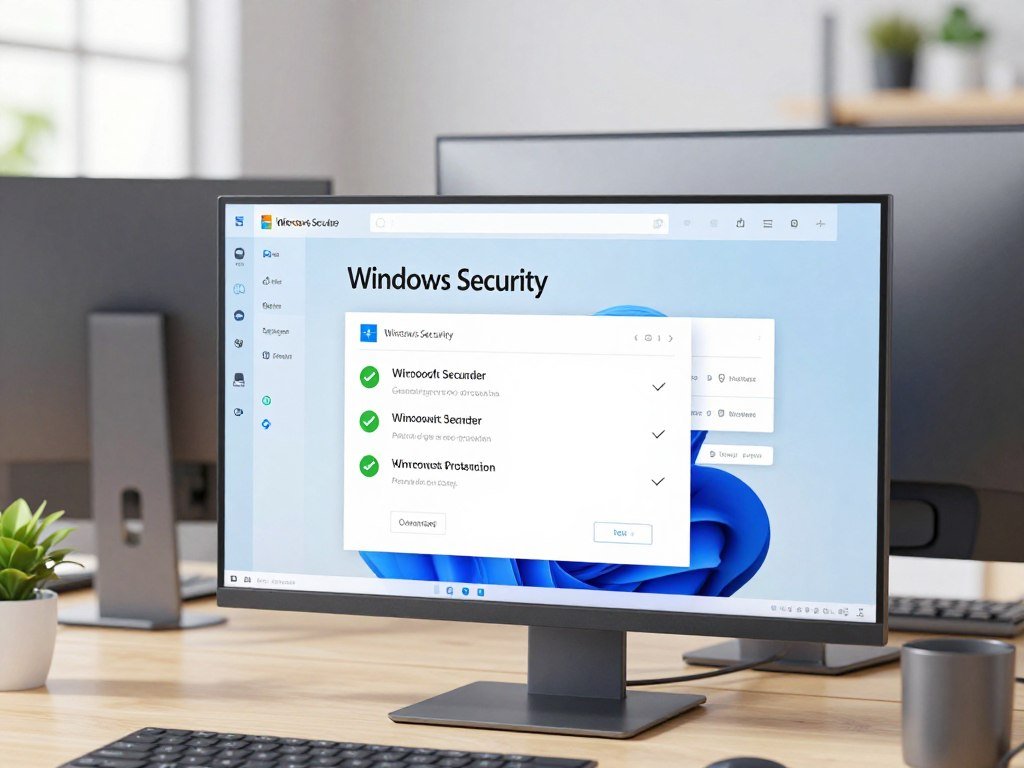
Windows 11 includes SmartScreen warnings for potentially harmful websites, apps, and downloads. Windows Firewall blocks unwanted traffic from entering your PC. Together, these tools cover several common security risks.
Microsoft Defender scored 18/18 in the December 2025 Windows 11 home-user test. In the August 2026 test, it scored 6/6 in protection, 5.5/6 in performance, and 6/6 in usability. Those August 2026 category scores describe a different test date, not a decline from the earlier result.
Microsoft Defender may not include every extra a household wants, such as a paid VPN or family controls. That does not make it a weak choice for everyday use. Open Windows Security to see whether protection is on and review its status.
Check that Windows Update is running so Defender’s security intelligence can stay current.
Which free antivirus is worth using?
Microsoft Defender is the easiest free starting point, while Avast One Free and AVG Antivirus Free are strong alternatives for readers who want a separate app. All three let you protect a Windows PC without a paid antivirus plan. Avast Free Antivirus and AVG Antivirus Free each scored 6/6 in protection, performance, and usability in the August 2026 Windows 11 home-user test.
A free plan may not include every feature shown on a product’s website. Avast One Free includes real-time and ransomware protection plus a password manager; some web, email, and webcam features are paid.
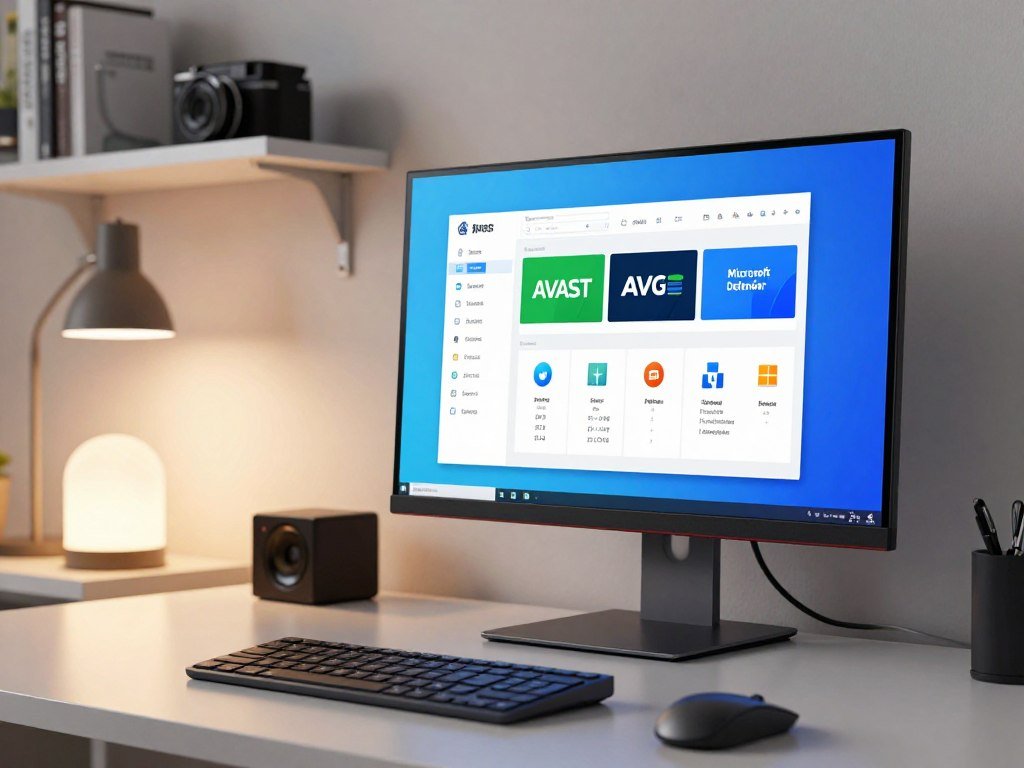
AVG’s free tier includes real-time protection and an email shield, while webcam and online-banking protection are paid. Avast One Free supports Windows, macOS, Android, and iOS. PCMag named Avast One Free and AVG AntiVirus Free Editors’ Choice winners in its 2026 free-antivirus roundup.
Consider these free antivirus options based on how they work:
- Microsoft Defender: built into Windows
- Avast One Free: free real-time protection and extra tools
- AVG Antivirus Free: real-time protection and an email shield
- Bitdefender Free: limited to one Windows device
- Malwarebytes Free: scans for threats but does not provide real-time protection
Malwarebytes Free is for scanning rather than ongoing protection, so do not treat it as a replacement for real-time antivirus protection. A free antivirus comparison can help you compare free tiers and their limits.
Panda’s free VPN is limited to 150 MB per day. Sophos’ free option offers real-time and web protection for up to three devices. These are brief alternatives, not the main free picks here.
Before installing a free product, check which protections are included and which are reserved for a paid upgrade.
What makes Bitdefender Total Security a strong pick?
Bitdefender Total Security is the best all-around paid fit here for someone who wants protection across several types of device. It suits readers who want a broad suite rather than only basic PC antivirus. A listed license covers five devices for one year across Windows, macOS, Android, and iOS.
Check the exact edition before you pay, since similar product names can include different tools. Bitdefender Total Security and Bitdefender Antivirus Plus are separate products, so a review of one does not describe every feature in the other.
PCMag named Bitdefender Antivirus Plus its 2026 Editors’ Choice for best overall antivirus and gave it 4.5 out of 5. That award applies to Antivirus Plus, not automatically to Total Security. Product names matter when you compare a review with a plan you might buy.
A broader suite may help if you have more than one type of device. It can also be unnecessary if you only want antivirus protection for one Windows PC. Check the edition’s supported systems and the tools included in that exact plan.
Bitdefender Total Security is a strong choice when its coverage and features fit the devices you use. The right match comes from the license terms, not just the brand name or an award attached to another edition.
Confirm the exact edition and device count before comparing its features with another plan.
When does Norton 360 fit better?
Norton 360 fits best when family-focused tools and cloud backup matter as much as core malware protection. For a shared household, parental controls and a password manager may be more useful than a longer list of security tools. Norton 360 Deluxe includes 50 GB of cloud backup.
Norton AntiVirus Plus and Norton 360 are different product tiers. PCMag named Norton AntiVirus Plus its 2026 Editors’ Choice for extra security features and rated it 4.5 out of 5. That result applies to AntiVirus Plus, not automatically to every Norton 360 plan.
Check whether the Norton plan you are considering includes the password manager and parental controls you want. Product tiers can differ, so a feature listed for one plan may not come with another.
PCMag’s Norton AntiVirus Plus review covers that separate product’s features and test results. Use it to understand the reviewed edition, not as a promise about every Norton 360 plan.
Norton can suit a family that wants backup and controls alongside antivirus software. A solo PC user who does not need those extras may prefer a simpler plan. Compare the tools that match your household rather than buying by brand alone.
Verify which Norton plan includes the specific family controls you expect to use.
Is McAfee a good fit for your PC?
McAfee can suit a reader who wants a familiar paid suite, but the exact product and its notifications matter. It remains viable, rather than a brand to dismiss outright. McAfee AntiVirus is listed for one PC, while McAfee+ plans are separate products.
Norton 360 and McAfee+ each scored 6/6 in protection, performance, and usability in the June 2026 Windows 11 test. That result shows McAfee can perform strongly in tested categories, though it does not settle every feature or plan question.
PCMag rated McAfee AntiVirus 4 out of 5 in its 2026 antivirus roundup and described it as protecting one PC. That review concerns McAfee AntiVirus, not every McAfee+ plan. Compare the product name and coverage before choosing.
Some users dislike notification or promotional interruptions. That annoyance is not universal, and it does not mean every security alert is unsafe. A useful warning should still get your attention when a real threat appears.
McAfee may be a reasonable option if its plan and tools suit your PC. Read the plan details closely, especially if you expect to cover more than one device or want fewer prompts.
Check whether the McAfee edition you are considering covers the number of devices you actually use.
Norton vs McAfee: which suits your needs?
Norton has the stronger offline-detection result and lower first-year price in this comparison, while McAfee edges it in online detection. For a typical buyer, Norton has the edge if offline results and that first-year cost matter most. McAfee may suit someone who gives more weight to online detection.
These tests use different conditions, so their results are not interchangeable. Norton scored 96.3% and McAfee 86.1% in the March 2026 offline-detection test. In the 2026 online-detection test, Norton scored 98.7% and McAfee scored 99.2%.
| Comparison | Norton | McAfee | Condition |
|---|---|---|---|
| Offline detection | 96.3% | 86.1% | March 2026 test |
| Online detection | 98.7% | 99.2% | 2026 test |
| AV-TEST category scores | 6/6 in all three | 6/6 in all three | June 2026 Windows 11 test |
| First-year price | $29.99 | $39.99 | Plans in the comparison |
Both Norton 360 and McAfee+ received perfect scores in protection, performance, and usability in the June 2026 Windows 11 test. That shared result does not make their prices or detection results equal. The products also have different features and plan terms.
Price comparisons apply to the plans listed in the comparison, not every plan sold under either brand. A lower first-year price does not tell you the renewal cost or the value of each plan’s tools.
Choose by the type of protection and plan terms that matter to you, not by treating unlike test results as interchangeable.
Which extras are worth paying for?
Pay for an extra only when it solves a problem you have, such as protecting children’s browsing or keeping a separate recovery copy. Useful add-ons can help, but a long feature list does not prove that a plan fits. A VPN, password manager, and parental controls each serve a different purpose.
Check the limits on included tools before treating them as full replacements for dedicated services. An antivirus-bundled VPN may cap the amount of data you can use. Bitdefender Total Security includes up to 200 MB per day of encrypted VPN traffic.
Privacy and account tools
A VPN encrypts internet traffic, which can help protect browsing on a public network. A password manager stores account passwords so you do not need to reuse or remember each one. Parental controls help adults set limits around a child’s online activity.
These tools solve different problems. A limited VPN allowance may work for occasional use but not for hours of video. Parental controls matter most when a child uses the covered device.
Ransomware, backups and system checks
Ransomware can lock files or threaten to expose them. A separate backup gives you another copy to restore if the PC or its files become unusable. Vulnerability checks can flag outdated software, missing Windows security patches, or unsafe system settings.
Bitdefender’s Game, Movie, and Work modes can temporarily suppress pop-ups and pause unimportant background activity. Acronis True Image 2026 combines anti-malware, anti-ransomware, backup, disk cloning, and recovery. It also includes Windows patch management and AI-based threat detection.
Use this checklist before paying for extra tools:
- Encrypted browsing through a VPN
- Secure password storage
- Parental controls for children
- Checks for weak or outdated system settings
- Backup and recovery for important files
Check the VPN data limit and backup function separately, since those details can determine whether an included extra is useful.
Which antivirus has the least impact on performance?
A long full scan does not automatically mean a product will slow down everyday use. Scan time and system impact measure different things. Bitdefender full scans can take over an hour, while its quick scans take about 15-30 seconds.
In April 2026, Norton’s AV-Comparatives impact score was 5.3 and Bitdefender’s was 9.6; lower means less impact on system resources. Those scores compare background impact, not how long a full scan takes.
A scan may take time because it checks many files, even if everyday browsing stays responsive. Background impact matters while you open apps, start the PC, or work with files. Try your normal tasks rather than judging performance during only one scan.
System performance also depends on the PC itself and the work you do. A demanding game or video call can reveal a slowdown more clearly than an idle desktop. Pay attention to the tasks you use every day.
If performance is your priority, compare recent impact results and test your normal workload during a trial or return period.
How many devices should one plan cover?
Count the computers, phones, and tablets you want to protect before choosing a device limit. For a single PC, a large plan may not add value. A family may want one license that covers both computers and phones.
A device limit and supported operating systems are separate checks. Bitdefender Total Security 2026 covers five devices for one year across Windows, macOS, Android, and iOS. Norton 360 Deluxe covers up to 10 devices, and two McAfee+ plans offer unlimited device coverage.
| Product | Coverage | What to verify |
|---|---|---|
| Bitdefender Total Security | Five devices for one year | Windows, macOS, Android, and iOS |
| Norton 360 Deluxe | Up to 10 devices | Supported systems on the plan |
| McAfee+ | Unlimited on two plans | Which McAfee+ plan offers it |
Unlimited coverage can appeal to a larger household, but it does not tell you which operating systems a plan supports. A device cap may suit a person with one PC, while a family may need coverage for several phones and computers.
For Apple computers, compare a product’s Mac coverage separately from its Windows protection. This Mac antivirus comparison focuses on macOS products and results, not Windows test scores.
Confirm that the chosen plan supports each operating system in your household, not just the device count.
What should Windows 10 users do after support ends?
A Windows 10 PC can still run after October 14, 2025, but antivirus software does not restore the security updates that ended with support. Operating-system updates matter because they fix weaknesses that antivirus protection may not address. Windows 10 no longer receives security updates, software updates, or technical assistance.
Microsoft’s consumer Extended Security Updates program can protect eligible Windows 10 devices until October 12, 2027. Eligible Windows 10 version 22H2 PCs that meet Windows 11’s minimum hardware requirements can upgrade to Windows 11 for free.
The best antivirus software for Windows 10 cannot replace operating-system security updates. It can still help detect malware, but unsupported software leaves risks that a security app cannot fix by itself.
Check which Windows version your PC runs and whether its hardware meets Windows 11’s requirements. If it does not qualify, review whether eligible consumer ESU protection fits your situation. A security plan should account for the operating system, not just the antivirus brand.
The Windows 10 support end date marks the end of regular updates, not the day the PC stops working. Plan your next step before relying on an antivirus program to cover an unsupported system.
Check whether your PC meets Windows 11’s minimum hardware requirements before choosing between upgrading and eligible ESU protection.
How do you choose the right antivirus plan?
Begin by deciding whether you need only core PC protection or extra privacy, family, or backup tools. Start with your actual needs, not a large list of advertised features. A sensible antivirus plan should protect your devices without adding tools you will never use.
Compare the exact edition and its current renewal terms before paying. One product name can cover multiple plans, each with different features and device coverage.
Start with the protection you already have
Open Windows Security and check the protection status. Microsoft Defender may cover your needs if you want core protection and do not need a separate paid tool. If you use another antivirus suite, check that Windows Security shows the active protection clearly.
Ease of use matters too. A tool that interrupts your work or makes basic settings hard to find can become a poor fit, even when it offers many features. Choose software you can manage without extra effort.
Match paid features to a real need
A VPN may help if you often use public networks. A password manager can support better account habits. Parental controls may matter in a family, while cloud backup can help keep a separate copy of important files.
Use this checklist to compare plans:
- Protection results for the system you use
- System impact during everyday work
- Ease of use and clear settings
- Features included in the exact edition
- Renewal terms and future cost
A plan with many tools is not automatically a better buy. Match each feature to a real task, then compare the terms for the edition you would actually install.
Before checkout, confirm the plan name, included devices, and renewal terms on the order summary.
How do you stop McAfee pop-ups on Windows 11?
First identify whether the alert comes from McAfee, a website notification, or deceptive software. Ordinary McAfee notifications can be turned off without disabling all Windows security warnings. A persistent fake alert may need a scan.
Do not click a suspicious alert that asks for payment or a phone call. The first two steps below address notifications; a deceptive message that keeps returning may point to malware or unwanted software.
Follow these steps in order:
- Open Settings > System > Notification, then switch off notifications for McAfee.
- In Microsoft Edge, open Settings > Cookies and site permissions > Notifications. Remove suspicious allowed sites.
- Open Control Panel > Programs and Features. Check for McAfee or WebAdvisor, uninstall unwanted software, and restart the PC.
- If fake alerts persist, run a full Windows Security or Microsoft Defender scan.
Removing McAfee from Windows 11 makes sense if you do not want it or you are switching products. Do not remove it simply because it is McAfee. Keep a working antivirus option active after you switch.
A website can send alerts through browser permissions even when its page is closed. Removing a suspicious site permission can stop that source without shutting off useful Windows security warnings.
If the alerts continue after removing suspicious browser permissions, run a full scan rather than clicking the pop-up.
What should you do beyond installing antivirus?
Good antivirus protection works best alongside current software, safer account access, and recoverable backups. Antivirus is one layer, not a promise that every attack will be stopped. Good habits can reduce risks that security software cannot remove on its own.
Keep your operating system and browser updated to close known security gaps. Use multifactor authentication on important accounts, and keep backups separate from your PC so a device problem does not take every copy with it.
Check links before entering a password or payment details. A message that looks familiar can still lead to a fake website. Read the web address carefully before signing in.
An antivirus warning should not be ignored, but an unexpected pop-up asking for payment or a phone call deserves caution. Close the message without sharing personal or payment details, then check the security app directly.
Keep a backup separate from your PC, so one device problem does not take every copy of your files.
Start with the email account you use to reset other passwords. Multifactor authentication can make it harder for someone to take over that account with a stolen password.
Turn on multifactor authentication for your email account first, since access to email can expose password-reset links for other services.
Conclusion
For many Windows 11 PCs, start with Microsoft Defender and add a paid suite only for a clear feature need. Bitdefender Total Security is the broad paid pick, while Norton 360 may suit households that value family tools.
Open Windows Security to confirm your protection status. Compare paid plan details only if a feature you need is missing from your current setup.
Check your Windows Security status today and make a shortlist only if you need more than its built-in protection.
FAQ
What are the top 3 antivirus?
Three practical picks are Microsoft Defender, Bitdefender Total Security, and Norton 360. Defender is the built-in no-cost choice for Windows users who want core protection. Bitdefender is a broad paid option, while Norton may suit households that value family tools. The best fit depends on the features you need, your devices, and how much you want to manage.
Do I still need antivirus in 2026?
Yes, use Microsoft Defender or a reputable third-party antivirus suite in 2026. Keep Windows and your browser updated, since antivirus software cannot fix every weakness in an old program. No antivirus catches every threat, so treat unexpected payment requests and login links with care. A separate backup also gives you a way to restore important files after a device problem.
Which is better, Norton or McAfee?
Norton leads in the offline-detection test and first-year price in this comparison, while McAfee scores slightly higher online. Norton scored 96.3% offline, compared with McAfee’s 86.1%; online, Norton scored 98.7% and McAfee 99.2%. Both earned perfect category scores in the June 2026 Windows 11 test. Your choice depends on the test condition and the exact plan terms.
What are the top 5 antivirus software for PC in 2026?
A useful shortlist is Microsoft Defender, Bitdefender, Norton, Avast, and AVG. Defender is built into Windows, while Bitdefender and Norton offer paid plans. Avast and AVG have free options, though some features require payment. Compare the edition, device coverage, and features before you choose. A shortlist is a starting point, not a claim that one product wins for every PC.
Which antivirus does Microsoft recommend?
Microsoft Defender is the built-in antivirus for Windows 10 and Windows 11, available at no cost for those PCs. It provides real-time protection and works with Windows Security. Microsoft’s built-in option is distinct from a third-party antivirus suite. Do not assume Microsoft formally endorses a paid product from another company; choose one based on your needs and plan terms.
Should I trust McAfee?
McAfee is a viable security option, and McAfee+ scored 6/6 in protection, performance, and usability in the June 2026 Windows 11 test. That result does not make every McAfee plan the same. Check the exact edition, device coverage, and included features. Some users may also find promotional notifications annoying, so consider how you want alerts handled.
Why does no one like McAfee?
Not everyone dislikes McAfee; some users may find promotional notifications or interruptions annoying. McAfee can also perform strongly in tests, including a perfect category score in the June 2026 Windows 11 test. Your experience depends on the product and its settings. Separate browser alerts from antivirus messages before deciding that McAfee itself caused every pop-up.
Is there a better antivirus than McAfee?
Bitdefender is a broad all-around paid alternative, while Norton may fit households that prioritize family tools. McAfee scored higher than Norton in the stated online-detection test, so it may suit readers who value that result most. The best choice also depends on the plan, device limit, and features you need. Compare products under the same test conditions whenever possible.



