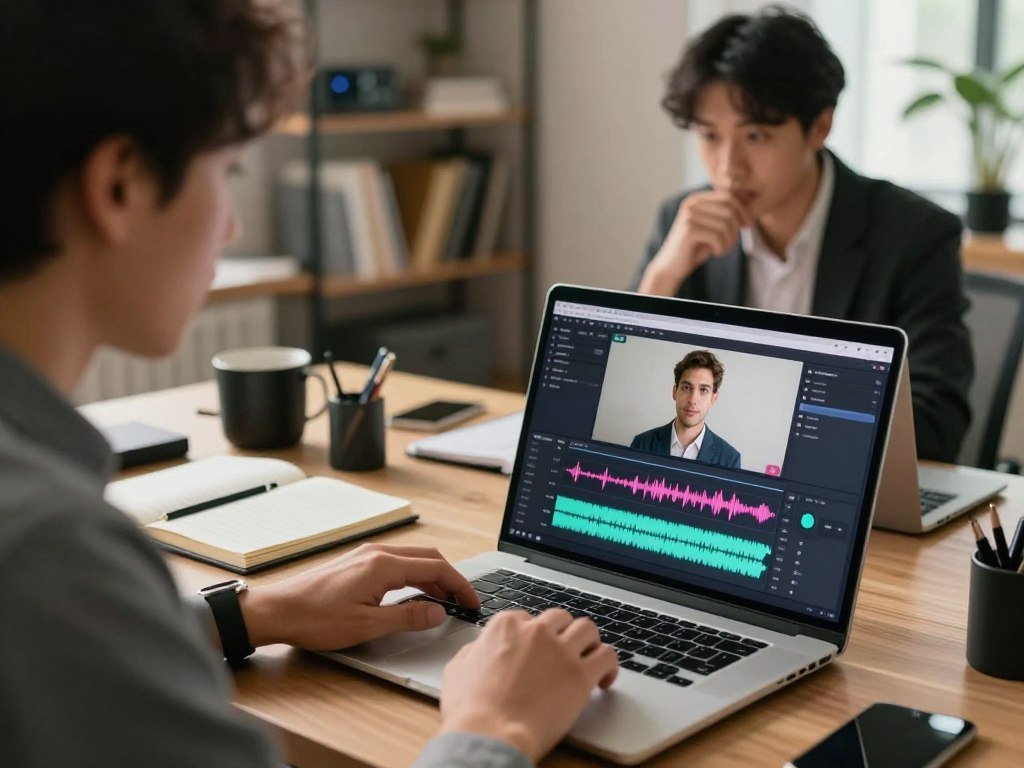
A voice that sounds convincing in a short demo may still feel wrong in a full narration or video edit. Your best fit depends on the finished job: a new script, a video correction, or a live voice effect. Prosody is the rhythm, stress, and pitch pattern that shapes how spoken words sound.
This comparison looks at voice quality, editing control, language options, cost, and limits. You will see what each tool suits, along with the trade-offs to consider before building it into your creator workflow. A polished demo cannot tell you how a voice will handle every name, pause, or change in tone.
The most useful choice is the one that fits the final audio and the work needed to produce it.
Key Takeaways
- Choose TTS for a new spoken performance and S2S for changing recorded speech.
- ElevenLabs suits flexible speech generation, while KwiCut centers video editing.
- Respeecher Marketplace offers character-based and minute-based usage options.
- Fish Audio supports multilingual and API workflows, while Dubbing AI targets live voice changing.
- Check export rights, plan limits, and permission before producing content at scale.
What should you compare before choosing a voice cloning service?
Start by deciding whether the tool must read a script from scratch or transform a recorded performance. The workflow matters because TTS generates a new spoken performance from written text, while S2S changes a recording into another voice.
S2S can preserve the timing, delivery, and emotional cues in the input performance. A strong TTS result can still be the wrong fit when a video edit needs to preserve an existing performance’s timing. A voice cloning service should match the job, not just sound appealing in a short preview.
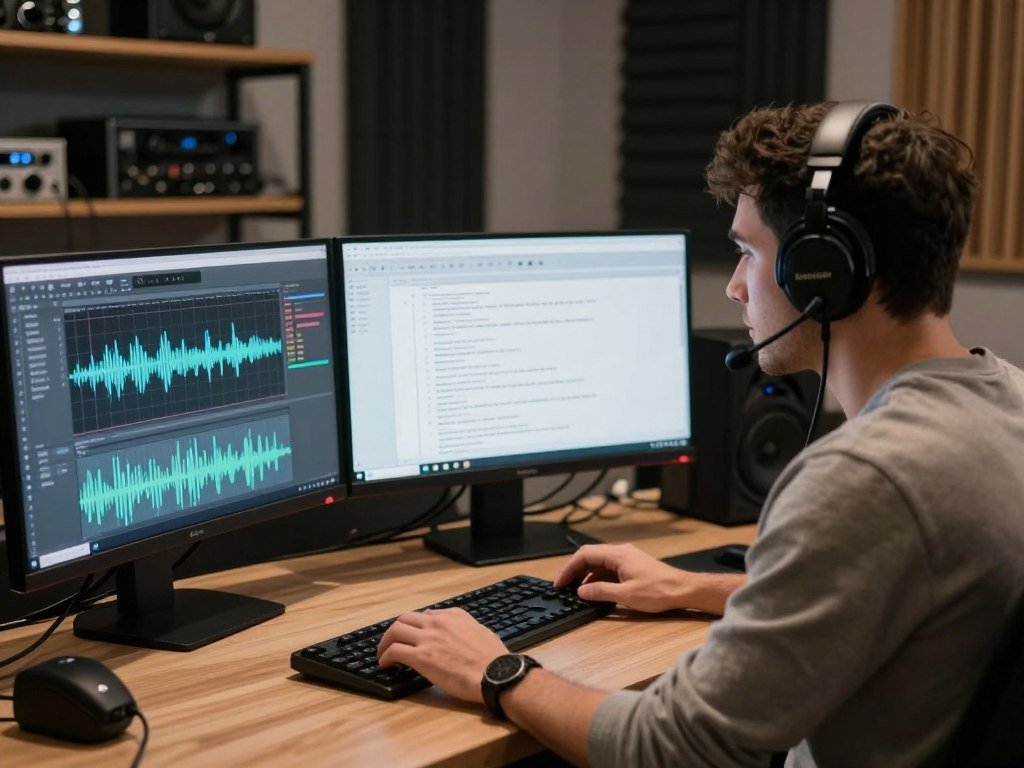
For a practical overview of model creation, sample preparation, and voice conversion, see this AI voice model guide. It can help you map the workflow before choosing a platform.
Judge the finished job, not a single impressive sentence. A voice that fits narration may not preserve the timing needed for a video correction.
Text-to-speech or speech-to-speech?
TTS works from a script, so you can revise words before generating audio. S2S starts with spoken audio, making it useful when a performance already has the right timing or emotion.
If you need to fix one line in a video, S2S may fit better than rebuilding the entire passage with TTS. For a fresh narration, TTS gives you direct control over the written script.
Which parts of the finished audio matter?
Use this four-part checklist when comparing voice cloning services:
- Voice similarity: Does the sound match the intended speaker’s key traits?
- Natural pacing: Do pauses, sentence endings, and emphasis feel right?
- Script accuracy and pronunciation: Are names, numbers, and technical terms spoken correctly?
- Usable export controls: Can you save the file in a format and quality your project needs?
Each item can affect the final edit. A tool may sound natural but offer little control over timing or file export.
Listen to a full paragraph, not only the first sentence, before judging pacing and consistency.
Best AI Voice Cloning Tools and Their Limitations
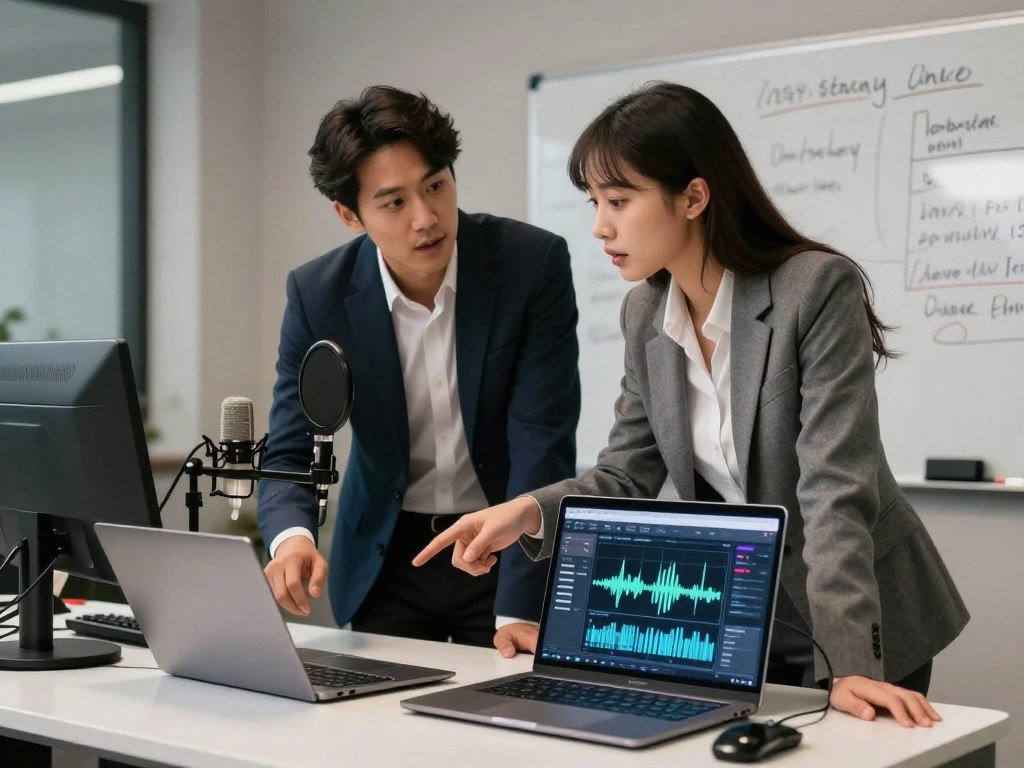
For most creators who want flexible generated speech, put ElevenLabs on the initial shortlist; choose another option when the job is video editing, multilingual app use, or live voice changing. Start with the job, then compare the voice cloning tools that support it.
These picks are use-case recommendations, not personal test results or a universal ranking. Each tool has a trade-off worth checking before you build a production workflow around it.
| Tool | Best-fit job | Reason to shortlist | Limitation to check |
|---|---|---|---|
| ElevenLabs | Flexible generated speech | Wide model choice for creators | Credit use depends on the task |
| KwiCut | Video editing | Text edits and voice tools in one workflow | Trial limits may affect production |
| Respeecher Marketplace | Comparing usage packs and subscriptions | Character and minute allowances are listed | TTS and S2S quotas measure different work |
| Fish Audio | Multilingual and app-based workflows | Broad language support and API options | App, plan, and API access differ |
| Dubbing AI | Live voice changing | Desktop-first real-time effects | Live changing is not script-based cloning |
Readers looking for the best AI voice clone should match the shortlist to the asset they need. A voice cloning site can focus on narration, video fixes, or live effects, and those are different jobs.
Free voice cloning tools may restrict credits, minutes, transcription, or downloads. A free plan or trial is useful only if it can export the output your project needs. This comparison of AI tools by use case also shows why access and features can depend on the plan.
Treat the table as a starting shortlist and confirm that the plan supports the output you need.
What makes ElevenLabs a strong voice cloning option?
ElevenLabs offers a quick cloning route for a short clean sample and a more data-intensive route for higher-fidelity production work. The right route depends on your sample, language needs, and response time.
Instant Voice Cloning typically uses 1-3 minutes of clean audio, while Professional Voice Cloning requires at least 30 minutes. Three hours is recommended for production-grade quality with PVC, and fine-tuning typically takes a few hours.
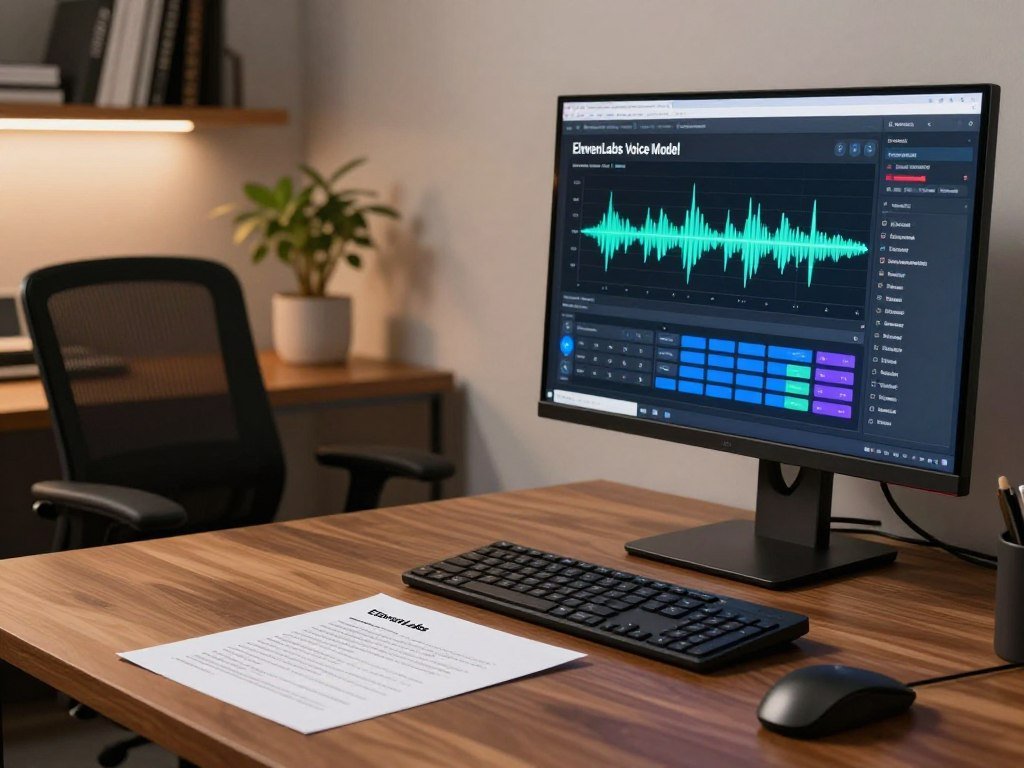
Clean, consistent audio gives the model a clearer pattern to learn. Samples under 30 seconds can reduce IVC quality, so a quick recording is not always enough. Neither path guarantees a cloned voice will sound indistinguishable from its speaker.
Instant and Professional Voice Cloning
Instant Voice Cloning (IVC) is the shorter-sample path for a fast voice replica. It may suit a creator who needs a limited set of lines or a test narration.
Professional Voice Cloning (PVC) needs much more audio and supports a more involved production process. You may prefer it when the voice will carry long scripts or recurring content. Sample consistency matters because shifts in tone or recording conditions can change what the model learns.
For a wider comparison of voice-generation workflows and control options, read this AI voice generator comparison. A generated voice and a prebuilt TTS voice solve related, but different, needs.
Choosing a model for latency or long scripts
Flash v2.5 is intended for real-time agents, with about 75 milliseconds of latency and support for 32 languages. Eleven v3 is not real-time and supports more than 70 languages.
Request length also differs. Eleven v3 allows up to 5,000 characters per request, while Flash v2.5 allows 40,000. Pick based on whether fast replies, language range, or longer script chunks matter most.
ElevenLabs charges 1 credit per TTS character, 330 credits per minute for speech-to-text, and 1,000 credits per minute for voice changing and voice isolation. Credit use changes with task type and text size.
Estimate the script’s character count before generating a long project, then reserve room for pronunciation corrections.
How do KwiCut and Descript fit video editing?
For creators correcting a video or podcast, keeping text edits and generated speech in the same workflow can matter as much as clone quality. Fewer handoffs can make revisions easier to manage.
An integrated editor can save handoffs, but it does not prove that generated speech matches the speaker. Listen to the edited result in context before treating a voice change as finished.

KwiCut for text-based video edits
KwiCut combines automatic transcription, text-based video editing, voice cloning, filler-word removal, and an AI Copilot powered by GPT-4.0. That mix can suit a creator who wants to edit a spoken video by changing transcript text rather than searching through every clip.
Its voice cloning is relevant when a video needs a replacement line or revised wording inside an editing workflow. The transcript can help locate the spoken section, while filler-word removal can trim some verbal clutter.
Copilot adds AI help to the editing process, but it does not remove the need to review the final speech. A changed word may alter the timing or meaning of the surrounding sentence.
Descript for transcript corrections
Descript connects voice cloning with transcript-based podcast and video editing. You can revise spoken content within the same editing workflow, rather than moving between a separate voice tool and an editor.
This approach can fit short fixes to a podcast or video, especially when the spoken transcript is already part of the edit. It also keeps the text correction close to the media that needs the change.
For a broader look at creator tools for transcription and media work, see these AI tools for content creators. Check each transcript and the generated audio for errors that could change the intended meaning.
Check that the voice change can be placed and reviewed in the actual timeline before finishing the edit.
What does Respeecher Marketplace offer at each price level?
Respeecher Marketplace lets buyers compare character-based text-to-speech allowances with minute-based speech-to-speech allowances. Choose by workflow, since one quota counts text and the other counts audio time.
Creator costs $18 per month after a first month at $9, while Power costs $89 per month after a first month at $44.50. Both subscriptions list allowances for TTS and S2S.
Pay-as-you-go credit packs
The packs suit users who want to buy credits without choosing a monthly subscription. The same number of credits supports different amounts of work, depending on whether you generate from text or transform speech.
| Option | Price | Text-to-speech allowance | Speech-to-speech allowance |
|---|---|---|---|
| 5-credit pack | Pack purchase | 20,000 characters | 5 minutes |
| 30-credit pack | Pack purchase | 120,000 characters | 30 minutes |
| Creator | $9 first month, then $18/month | 400,000 characters | 90 minutes |
| Power | $44.50 first month, then $89/month | 3,000,000 characters | 900 minutes |
The pay-as-you-go pack prices are not listed here, so compare their allowances with the subscription amounts before choosing. A project that relies on S2S should focus on minutes, not just the large character counts.
Creator, Power, and Enterprise subscriptions
Creator fits a smaller recurring workload, while Power offers higher monthly allowances. The first-month rates are promotional, so use the ongoing monthly price when estimating later months.
Enterprise has custom pricing rather than a fixed monthly rate. It can include volume discounts, dedicated support, team controls, and API, plugin, or on-premise solutions.
The team options matter when several people need access or when a voice workflow must connect with other systems. A solo creator may have no need for those added controls.
Match the allowance to the workflow you will actually use, since character and minute quotas measure different kinds of production.
Which voice cloning apps and APIs suit mobile or multilingual work?
For phone-first use, compare the app’s operating systems and export route before comparing its voice options. Access alone does not tell you whether a tool fits a mobile production workflow.
Fish Audio supports voice cloning across more than 80 languages, while its app, subscription, and API are separate routes. Each route has its own form of access and use.
Fish Audio for multilingual generation and API use
Fish Audio lists a Free plan with 7 minutes per month, Plus at $11 per month with 200 minutes, and Pro at $75 per month for about 27 hours. These subscription allowances are time-based.
Its API costs about $15 per 1 million characters and reports 200 milliseconds to first audio for real-time applications. That API rate uses a character measure, unlike the minute allowances in its plans.
Fish Audio may suit a multilingual app workflow or a team that needs API access. Keep the intended route in mind when comparing its allowance with another product’s plan.
Mobile apps for voice cloning
The listed apps differ in platform and functions. A large voice library does not establish that every voice is cleared for commercial use.
| Product | Platform | Listed functions | Plan or library detail |
|---|---|---|---|
| Fish Audio app | Google Play | Voice and audio app access | Fish Audio plan routes differ |
| Vozo AI | Android and iOS | AI voice cloning | Premium starts at $29/month |
| Voice Clone : AI Voice Changer | Google Play | Cloning, TTS, transcription, AI music generator | More than 1,000 TTS voices |
Voice Clone : AI Voice Changer says it uses Fish Audio’s voice AI model. That app lists cloning, TTS, transcription, and an AI music generator; these are app functions, not a summary of every Fish Audio plan feature.
Confirm that the specific mobile workflow lets you download or move the generated audio where the project needs it.
Are Dubbing AI and Voice.ai suitable for real-time voice changing?
A live voice changer alters speech as someone speaks, while a script-based clone generates new speech from text. Those workflows differ, even when both create a changed voice.
Dubbing AI and Voice.ai focus on live voice changing, not script-based voice cloning. They may fit calls or live streams, but they do not replace a narration tool built around written text.
Dubbing AI for low-latency voice changing
Dubbing AI is listed as a real-time voice changer with a desktop-first focus. It claims latency under about 30 milliseconds, a figure that describes the product’s claim rather than a guarantee for every setup.
This kind of tool may suit a live effect during streaming or voice chat. It changes speech as you speak, rather than generating a fresh performance from a script.
Voice.ai for Windows and community voices
Voice.ai is Windows-first and works as a real-time S2S voice changer. It also offers voice cloning from uploaded audio and a community voice library.
The community library is a set of voices for live effects, while an uploaded voice can support a different conversion workflow. Neither makes the tool the same as a TTS platform that reads new written lines.
If you are comparing real-time voice cloning, separate live voice changing from cloning a voice for generated narration. The first changes a live or recorded performance; the second creates spoken audio from text.
Test the tool on the same microphone and connection you expect to use live, since setup can affect perceived delay.
How can you prepare a sample and judge voice quality?
A short, steady recording is more useful than a longer sample that changes distance, room sound, or vocal energy. Consistency counts because a model learns from the speech patterns in the sample.
A longer clip is not automatically better if it adds noise or uneven delivery. A clean WAV or PCM file can help, since both are uncompressed audio formats.
Record a clean source sample
Use these four steps to make a more useful source sample:
- Choose a quiet room with little background sound.
- Keep the same microphone distance throughout the recording.
- Record one speaker at a steady pace.
- Remove music and long silences from the sample.
Clipping can distort speech, while reverberation can blur the sound of the room around the speaker. Either issue can make a sample less useful, even when the words remain easy to understand.
For another perspective on speech quality, an Interspeech 2025 paper reports quality estimates that correlated with human ratings. The study tested noisy and enhanced speech, not voice clones.
Test the output before a full project
Use a short test to check pronunciation of names and numbers, sentence endings, and the space between pauses. Listen for emotional shifts, such as a warm opening followed by a firm instruction.
Then check whether the speaker’s identity feels consistent across a full paragraph. A voice may sound close on one line but drift when the text changes tone or sentence length.
Generate a reference paragraph in the target language and delivery style before producing a chapter or video series.
How do free plans and paid tiers compare?
Compare the usable monthly allowance and export rights, not just the lowest advertised entry price. Production access depends on the task, the plan’s limits, and the rights attached to the output.
ElevenLabs Free includes 10,000 credits per month, but Free credits do not roll over. Starter costs $6 per month and includes 30,000 credits, Instant Voice Cloning, and a commercial license.
KwiCut paid plans start at $19 per month, while its free trial limits transcription and AI Copilot features. A trial may help you review the workflow, but its restrictions can matter if you need those features for a finished edit.
ElevenLabs Creator costs $22 per month after a first month at $11, and includes 121,000 credits. Professional Voice Cloning starts at Creator and above.
Pro costs $99 per month for 600,000 credits. Scale costs $299 per month for 1,800,000 credits and three workspace seats.
Business costs $990 per month for 6,000,000 credits and 10 workspace seats. Enterprise pricing is custom, so it does not have a fixed listed monthly price.
Estimate your likely spend with three checks:
- Count the expected characters in your script.
- Allow for likely regeneration to fix pronunciation or pacing.
- Check whether the output needs a commercial license.
Paid-plan credits can roll over for up to two months, with a maximum balance of three times the monthly quota. Free credits do not roll over.
Some free voice access may limit features, usage, or downloads, and commercial rights differ by tier. Starter includes a commercial license; do not assume that a free plan grants the same right.
Before subscribing, check the current plan terms for the exact project, especially commercial use and regeneration.
Is voice cloning safe and legal to use?
Use your own voice or get explicit permission from the person whose voice you plan to reproduce. Permission for the recording does not automatically grant permission to create a cloned voice.
Voice cloning can raise consent, privacy, publicity, and impersonation issues in the United States. Rules can vary by state, so permission and disclosure should be part of the project plan.
The U.S. Copyright Office addresses digital replicas, and the Federal Trade Commission addresses impersonation and deceptive practices. These issues can affect how you create or publish synthetic audio.
Before using a cloned voice, check four points:
- Get explicit permission for the intended project.
- Confirm the permitted channels and duration.
- Check deletion and retention controls for uploaded audio.
- Disclose synthetic audio when listeners could mistake it for a real recording.
Access to a recording is not permission to reproduce the speaker’s voice. Get clear approval for the intended use before creating or sharing a clone.
Keep a record of the approved use, including where the content may appear and how long it may remain available. That can help prevent a later dispute about the scope of permission.
For a commercial use or a disputed right, get advice from a qualified attorney familiar with the relevant state.
Conclusion
Choose the workflow first, then choose the clone that supports it. A narration, a revised video line, and a live voice effect call for different controls, so a popular tool may still be the wrong fit.
Start with the tool that matches the finished asset. Test a short authorized sample, then check export and usage terms before scaling up.
Generate a short test with a voice you are authorized to use before committing to a full project.
FAQ
How many seconds of audio do I need to clone a voice?
ElevenLabs IVC typically uses 1-3 minutes of clean audio, while PVC requires at least 30 minutes. ElevenLabs recommends 3 hours for production-grade PVC quality. Other services may set different sample needs, so match the recording to the tool’s cloning path. A longer recording only helps when it stays clear and consistent.
Can a cloned voice speak a different language from the sample?
Yes, some services can generate a cloned voice in languages beyond the sample language. Fish Audio supports voice cloning across more than 80 languages. Test names, accents, and code-switching in the target language before producing a full script. A model’s language list does not ensure that every voice will handle each phrase naturally.
Do free voice cloning plans allow commercial use and downloads?
Some do, but free access does not guarantee commercial rights or downloads. ElevenLabs Starter includes a commercial license, while its Free plan has a monthly credit allowance and no rollover. Other services set their own rules for export and commercial use. Check the terms for the exact tier and output you plan to publish.
What can make a voice clone sound unlike the speaker?
Background noise, shifting microphone distance, uneven delivery, and poor source audio can make a clone sound less like the speaker. For ElevenLabs IVC, samples under 30 seconds can also reduce quality. The output may still differ when the script uses unfamiliar words or a new emotional style, so listen to a full paragraph before scaling up.
Can I clone a celebrity or coworker’s voice from an online recording?
No, access to an online recording does not grant permission to reproduce the speaker’s voice. Get explicit authorization for the intended use before making or sharing a clone. Permission should cover where the audio may appear and how long you can use it. For commercial disputes or unclear rights, seek advice from a qualified attorney.
How do voice-changing tools differ from text-to-speech voice cloning?
Voice-changing tools transform live or recorded speech, while TTS generates a spoken performance from written text. S2S can retain timing and delivery cues from a recording, which can help with live effects or video changes. TTS gives you a new performance based on a script, so you can revise the words before generating audio.



