
A two-hour lecture can take longer to review than the time you have between classes. An AI video summarizer can turn long videos into notes, giving you more time to study. Professionals can review talks faster, too, and anyone short on time can get a useful overview without watching the entire recording.
Summaries help you find key points and main ideas, but they cannot preserve every detail. A speaker’s exact wording, a diagram, or a quick example may need a closer look. Start with a YouTube link or upload a recording to see how the notes fit your task. Use a summary to speed up review, not as a stand-in for every detail.
Choose a representative video you already need to review, so you can judge whether the notes suit your work.
Key Takeaways
- Summaries can shorten review time.
- Transcripts preserve more spoken detail.
- Timestamps help you return to a moment.
- Some tools need captions or a transcript.
- Check notes before you share or act on them.
How does video summarization work?
Most video summaries begin with the words spoken in the recording, not with a human-like review of every frame. A transcript is the written record of spoken words in a video, created from captions or speech recognition. That text gives a video summarizer material to organize and shorten.
Most tools summarize words from captions or speech recognition. Natural language processing, which helps software sort and interpret text, can group a transcript by topic and condense it into key points.
From spoken words to a concise summary
A tool may use captions already attached to a video. If captions are unavailable, a speech-recognition system can turn the audio into a transcript. The summarizer then looks for repeated ideas, topic shifts, and statements that seem central.
The result may name a speaker’s main claim and the reasons they give. It can also remove repeated examples or side comments. That helps you scan a long video, though the chosen points reflect the system’s reading of the transcript.
What transcript-based tools can miss
A transcript-based tool sees words, not necessarily the full video. A chart that the speaker never discusses may not appear in the summary. Silent footage, a visual demonstration, or a slide with small print can be missed, too.
If a detail is visible but never spoken, a transcript-based summary may leave it out.
Multimodal analysis takes a broader approach by examining video frames, on-screen text, slides, and diagrams along with speech. Not every summarizer does this, so two tools can produce different notes from the same video. If a visual detail matters, check the video itself rather than assuming the transcript captured it.
What can a video summary include?
A one-paragraph summary is quickest to scan, while timestamped notes make it easier to return to a specific moment. Different output formats suit different tasks, from a fast recap to detailed study notes.
A transcript helps with close review, while a concise summary is faster to scan. The right choice depends on how much detail you need after the video ends.
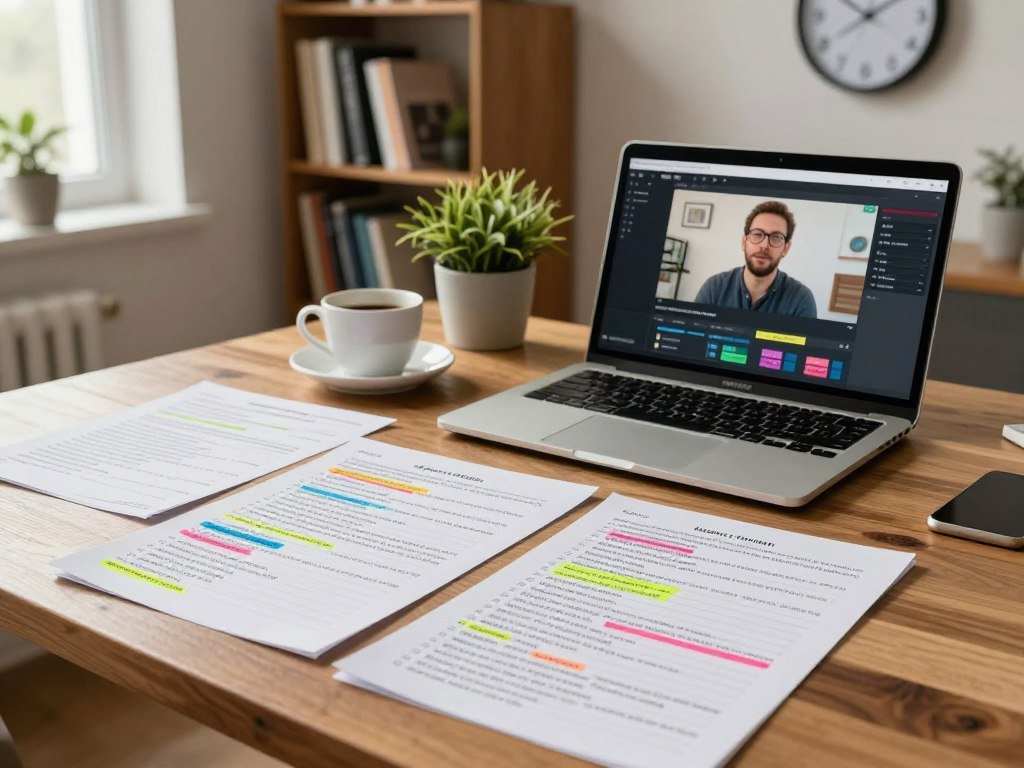
Scannable notes, key points, and timestamps
A short paragraph can give you the main idea in seconds. Bullet points make separate claims easier to scan, while timestamped key points connect each note to its place in the video.
Some tools offer concise, balanced, or detailed summaries. Heuristica lets you choose among those levels and use paragraph or bullet formats. Its summaries usually take 10-30 seconds, and longer videos with dense transcripts can take up to a minute.
Transcripts and exports for later review
A transcript preserves more of the speaker’s wording than a summary does. Heuristica’s free account unlocks a timestamped transcript, which you can copy or download as TXT or MD. Heuristica’s transcript options may help when you need to check a phrase later.
StudyPDF typically returns a summary in 10-30 seconds when captions are available, including auto-generated captions. You can save its notes as PDF or Word files, or copy them to the clipboard. Summarify can export PDF, Markdown, or plain text, with timestamps linked to video moments.
Study aids and language options
To summarize a YouTube video to text, choose a transcript or notes export rather than only an overview. A transcript gives you more spoken detail, while a notes file keeps the main points handy for class or research.
Heuristica offers more than 20 output languages, while NoteGPT supports subtitle translation in more than 60 languages. NoteGPT also supports summarization or transcription in more than 40 languages. These options can help you study in your preferred language or catch up on content in another one.
For detailed study, keep the transcript alongside the summary so a compressed note does not replace the speaker’s exact wording.
Can you summarize YouTube links and uploaded files?
A public YouTube link is the easiest starting point when the tool accepts it, while an upload is useful for a saved recording. Your input route depends on where the video lives and what the tool can read.
Check the tool’s link support, file size limit, and caption needs before you start. A link-based workflow suits public videos, while uploading lets you work with a recording saved on your device.
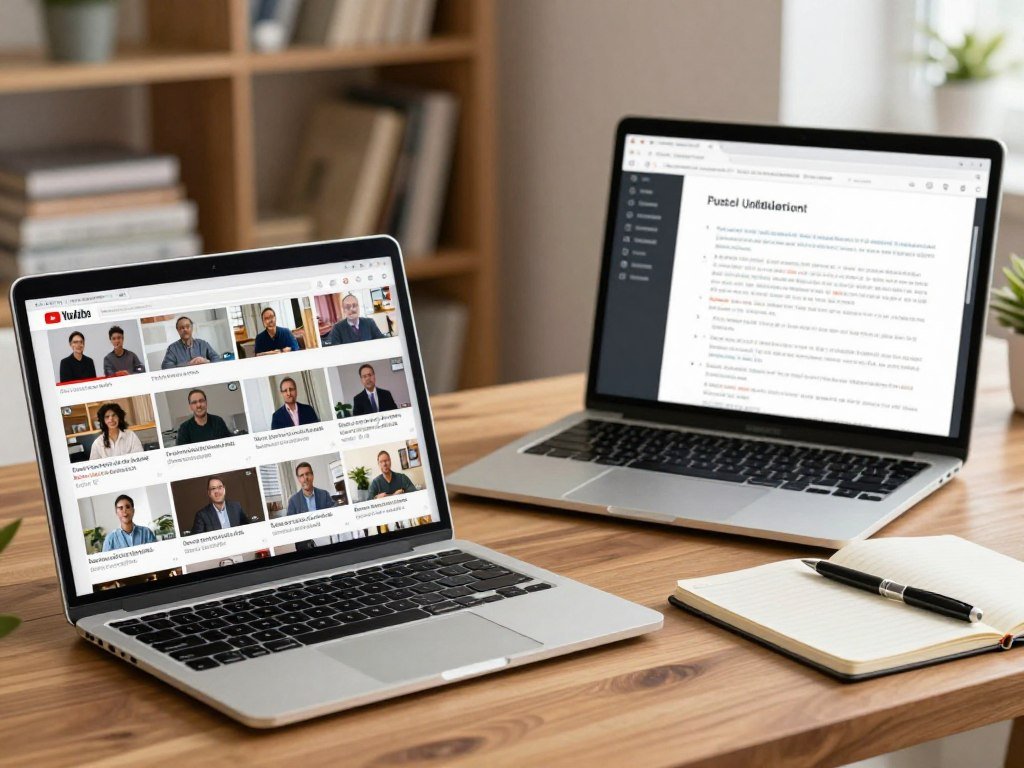
Paste a link when the video is public
YouTubeSummary.com accepts regular YouTube URLs, Shorts links, live replays, and video IDs without an account. It uses available subtitles, so a video needs captions for that route to work. Summarify also needs a transcript or captions, including auto-generated captions where available.
Before pasting a link, make sure it opens to the video you want. A URL for a public video is convenient when you do not have a local copy. Private recordings may need a different input route supported by the tool.
Upload a file when you have a recording
File uploads work well for a saved lecture, meeting, or other recording. Mindgrasp lists a 100 MB maximum file size and supports common video types. Knowt allows uploads of up to 30 files.
| Tool | Input accepted | Access or limit |
|---|---|---|
| Mindgrasp | Uploaded files | 100 MB maximum |
| Knowt | Uploaded files | Up to 30 files |
| YouTubeSummary.com | URLs, Shorts, live replays, video IDs | No account required |
Common formats include:
- MP4
- AVI
- MOV
- MKV
- WebM
A file may use a supported format and still exceed a size cap. Check both file size and captions before uploading or pasting a link, since either can prevent a summary from generating.
Which AI video summarizer fits your budget and workflow?
For occasional use, start with a no-sign-up free option; for repeated work, compare the monthly cap with your usual video length. Your weekly workload matters as much as a listed price.
Free plans often cap summaries, credits, file length, or monthly minutes. A free AI video summarizer can still turn long videos into notes, but its limit may not cover every lecture or meeting you review.
Free options for occasional summaries
A free AI YouTube video summarizer suits occasional link-based use when its daily cap is enough. Heuristica’s free summarizer works without sign-up and has no hard video-length limit when YouTube captions or a transcript are available. StudyPDF offers about four materials each week and requires an email account, but no credit card.
Other free plans set clear daily or monthly limits. NoteGPT’s monthly prices are $9.99 for Pro, $29 for Unlimited, and $99 for Max. Its free tier has a trial-sized credit allowance. Pro caps videos without subtitles at 120 minutes, while higher tiers raise that limit to 210 minutes.
Here are three options with stated limits:
| Tool | Free allowance | Paid plan or key cap |
|---|---|---|
| NoteGPT | Trial-sized credit allowance | Pro $9.99/month; no-subtitle cap 120 minutes on Pro, 210 minutes on higher tiers |
| Summarize.tech | 3 summaries per day | Premium $10/month for up to 200 videos monthly |
| Eightify | 3 summaries per day for videos 30 minutes or less | Pro $9.99/month |
| Best fit: occasional use | Daily cap covers a few videos | No-sign-up access may be enough |
| Best fit: repeat use | Weekly or monthly allowance covers routine work | Compare the cap with typical video length |
Paid plans and higher-volume use
Paid access can make sense when a free cap interrupts regular work. Krisp’s paid plans start at $8 per user per month. TurboScribe’s free plan allows three transcriptions per day, with a 30-minute limit per file. Notta’s free plan includes 120 minutes per month.
Tinrec’s free version includes a basic monthly transcription quota, YouTube links, transcripts, summaries, and cross-platform syncing. A 2026 comparison covered 10 tools and 50 videos ranging from five to 120 minutes. For more ways to use AI apps, see this comparison of ChatGPT apps and task-specific tools.
Video summarizers create notes, while video generators help create videos; a guide to free AI video generators covers that different task. Before paying, check whether your typical week is limited by minutes, number of summaries, file length, or credits.
Can an AI video summarizer work without subtitles?
A tool that transcribes audio can summarize some videos without subtitles, but a caption-only tool may have nothing to summarize. Audio transcription can fill that gap when speech is clear enough to recognize.
A transcript-dependent summarizer needs captions or a transcript; an audio tool can create one. The result can still miss details shown only on screen.
Audio transcription when captions are missing
A 2026 comparison tested 24 videos across lectures, webinars, tutorials, and podcasts. On a webinar without captions, TutorGPT’s AI Video Summarizer and Video Transcriber each recovered eight of ten reference points by working from audio.
In that test, TutorGPT’s AI Video Summarizer scored 4.2 out of 5 for quality, and Video Transcriber scored 4.4. NoteGPT used 12 quotas on the webinar, while its free plan had 15 quotas per month. Eightify produced no summary for it.
That single comparison does not show how every tool will handle every unc captioned video. The sound, speech, and tool settings can change the outcome. A test result gives you one example, not a promise about your recording.
Why silent visuals need a different approach
An audio-based summarizer can extract key points from speech, but it cannot hear an unspoken label or diagram. A transcript-based tool may also miss silent footage, even when that footage carries the main information.
Audio quality affects the transcript, too. Tinrec reported a word error rate of about 4.2% on a Mandarin video with light background music, compared with about 7.5% on a noisy Cantonese street interview. Tinrec’s reported transcription results show why background noise can make speech harder to capture.
An AI YouTube video summarizer without subtitles is most useful when it can transcribe audio, but silent visuals still require visual analysis. If you want to explore another video-input option, this Android AI app comparison also discusses Grok’s video input.
Test a short, representative clip first if the video’s audio is noisy or its important details appear on screen.
When is YouTube Ask or NotebookLM a better fit?
Use YouTube Ask when you want a conversational answer about the video you are watching, not a fixed set of notes. NotebookLM fits research that combines a video transcript with other material.
A dedicated summary tool is better when you need organized notes or timestamps. YouTube Ask answers questions, while NotebookLM works with sources you provide.
Ask questions while watching on YouTube
YouTube’s on-video Ask control is free for signed-in viewers aged 13 and up. It is available in 37 languages on Android, iOS, desktop browsers, smart TVs, and game consoles. You can ask about the video as you watch it.
Ask works as a conversation, not a fixed structured summary, and answer quality and accuracy can vary. YouTube also has a separate Ask YouTube guided-search experiment. That feature is limited to U.S. Premium subscribers aged 18 and up who opt in.
For a broader look at general AI tools and their different jobs, see this guide to choosing a ChatGPT app.
Combine a transcript with other sources in NotebookLM
NotebookLM can combine a public YouTube video transcript with other sources. The video needs public captions, and very long videos can time out during import.
That source-based approach can help when a lecture needs to sit beside readings or research notes. You can use a dedicated video summary when the task calls for an organized recap or timestamps, rather than a question-and-answer exchange.
Choose NotebookLM for a captioned public video that needs to be considered alongside other research material.
How to Use AI Video Summarizer: Turn Long Videos Into Notes
Start with one video whose main points you already know, so you can quickly spot omissions. A familiar example makes it easier to judge whether the tool caught the ideas that matter.
Choose one clear task before you generate notes. A lecture recap may need definitions and examples, while a meeting recap may need decisions and action items.
Prepare the link or recording
Check that the link opens or the file plays, then choose the output that fits your work. Follow these steps:
- Choose a representative video and check its link or file.
- Select the summary length, language, and format.
- Generate the summary and scan it against the transcript or timestamps.
- Copy or export useful notes, and keep the original link with them.
Separate videos often need separate notes. NoteGPT can batch-summarize up to 20 videos at once, which can help with a set of related recordings. Avoid putting unrelated videos in one batch when you need distinct notes for each.
Generate, review, and organize the notes
Choose a summary length that fits the task. A quick catch-up needs fewer details than a set of study notes. If you can select a language, choose one you can review with ease.
After the tool generates a summary, compare its main claims with the transcript or linked timestamps. A lecture note may need a definition beside the example that explains it. A meeting recap may need decisions and action items, rather than a broad account of the discussion.
Krisp’s meeting-assistant features include summaries, key points, decisions, and action items with assigned owners. That format can make it easier to see who will handle a task after a meeting. For other work settings, this practical guide to AI in real estate covers ways to treat AI output as a decision aid.
Keep the source link beside the notes, which makes the relevant moment easier to revisit.
What should you verify before relying on AI-generated notes?
Treat AI-generated notes as a convenient draft, not as proof that every detail is complete or exact. Check the claims that could change what you learn, share, or decide.
Verify exact details against the recording before you rely on them. A fluent summary can still leave out context or change the force of a speaker’s point.
- Compare exact quotes, dates, and figures with the original video.
- Check who made a point in an interview and what they meant.
- Confirm that a decision or action item was actually stated.
- Review copyright and privacy concerns before sharing notes, excerpts, or recordings.
A timestamped note helps you return to the exact point in playback. This matters when a speaker qualifies a claim later or answers a question that changes its meaning.
Educational intent alone does not guarantee fair use; the specific context matters.
Fair use depends on the specific context, so study use alone does not settle whether sharing an excerpt is allowed. Privacy matters, too, especially when an interview includes personal details. This guide to reviewing AI-written text offers a practical reminder to check names, dates, and claims against the original.
For a claim that affects a decision, confirm the relevant moment in the original recording before acting on it.
Conclusion
The best starting point is the simplest tool that handles your video and produces notes you will actually use. Choose a quick summary for a fast recap, or keep a transcript and timestamps when you need closer review.
Transcript-based results may miss silent visuals, charts, or details that never appear in speech. Try one representative public link or recording, then judge whether the notes save time and keep the information you need.
Try one representative video today, then keep the workflow only if its notes make review easier.
FAQ
How accurate is an AI video summary?
Accuracy depends on audio clarity, caption quality, and whether the tool can analyze visuals. A clean recording with clear speech gives speech recognition a better chance of producing a useful transcript. Check important quotes, names, and figures against the video. If a point depends on a chart or silent scene, inspect that moment directly.
How long does it take to summarize a YouTube video?
Some summaries take 10-30 seconds, while longer videos with dense transcripts can take up to a minute. The tool and video both affect processing time. A short clip with clear captions may finish quickly, while a longer recording needs more text to process. You can use timestamps to check a key point while the rest loads.
Can I summarize a video without subtitles?
Yes, if the tool can transcribe audio and create a transcript from speech. A summarizer that only uses existing captions may have no text to work with. Noise or unclear speech can affect the transcript, and silent footage or unspoken charts may still be missed. Check those visual details in the original video.
Can I get a transcript as well as notes?
Yes, some tools provide both a transcript and a summary. Heuristica’s free account unlocks a timestamped transcript that you can copy or download as TXT or MD. The transcript gives you more of the speaker’s wording, while the summary is quicker to scan. Keeping both can help when exact phrasing matters.
Can I turn a YouTube video into PDF notes?
Yes, some tools export summaries as PDF notes. StudyPDF also lets you download Word files or copy notes to the clipboard. A PDF can be handy for reading or sharing, while a Word file gives you a format you can edit. Check that the summary includes the detail you need before relying on the export.
What is the difference between YouTube Ask and a video summary?
YouTube Ask gives conversational answers about a video, while a video summary presents a fixed overview. Ask is useful when you want to pose a question during viewing. It does not create a fixed, structured set of notes. Choose a dedicated summary tool when you need organized key points or timestamps for later review.
Is a free AI video summarizer enough for regular use?
It can be, if the free limits match your normal workload. Free tiers may cap daily summaries, monthly minutes, video length, or credits. A few short clips each week may fit easily, while long lectures can use up a limit faster. Compare the plan’s cap with your usual number of videos and their length.



