
A polished page can still be a trap if its address or purpose is not what it seems. Fake sites can copy familiar brands and show up in text messages and emails, or as social media ads. The page may look normal while its owner aims to take your money or personal information.
Phishing is a deceptive message or website designed to trick someone into revealing information or taking an unsafe action. A stolen password or card number can lead to fraud and identity theft. The risk can begin with one click.
You can use a few practical checks before you sign in, pay, or share details. They help you look past the design and judge what the page is asking you to do. Pause before entering a password or payment detail on a page you reached through an unexpected message.
Key Takeaways
- Check the full web address, not just the brand name.
- Look for ways to identify and contact the company.
- A padlock or HTTPS connection does not prove a seller is honest.
- Compare reviews and payment options before you buy.
- Act quickly if you shared a password or payment details.
What Can a Fake Website Do With Your Information?
A fake site can take your money, capture a password, or put malicious software on your device. The harm depends on the page: some sell goods that never arrive, while others mimic sign-in screens or offer harmful downloads.
A fake online store may take payment for goods it never ships, or send counterfeit items. A fake sign-in page can record your password and personal information as you type. A malware page tries to get you to download a file that can harm your device or expose data.
One visit can put an account or payment details at risk. The FBI’s Internet Crime Complaint Center, or IC3, received 1,008,597 complaints in 2025. Those reports listed $20.877 billion in losses, a 26% increase from 2024.
The FBI’s 2025 IC3 report also lists 56,478 complaints about non-payment or non-delivery, with reported losses of $503,373,587. These figures describe reported cybercrime, not the chance that any one person will lose money.
Stop when an unexpected page asks you to sign in, pay, or download something. Verify where it leads before you act.
Nearly 1.8 million new phishing and fake websites were discovered in the second half of 2024. A page can use a familiar logo yet send your details to someone else.
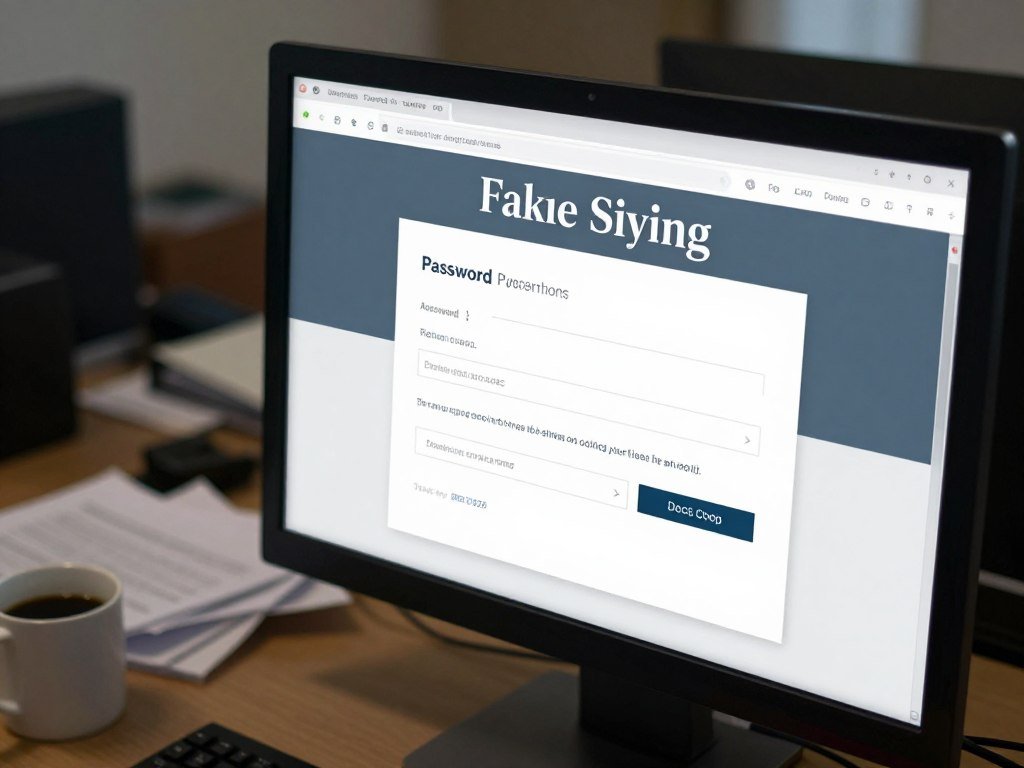
Look closely at what the page wants you to do. A login request, payment demand, or download prompt deserves extra care when it arrives without warning.
How to Recognize a Fake Website by Checking the URL
In a URL such as account.example.com, the important domain is example.com, not the word account. That main address shows which site controls the page, while the text after the first slash points to a page or file.
Check the destination before opening a link or entering details. Checking a fake website link safely means inspecting where it leads first, rather than trusting the message that carried it.
- Look for misspellings or swapped characters, such as a zero replacing the letter “o.”
- Find the main domain, not a brand name placed inside a longer address.
- Be careful with unfamiliar endings and shortened links you did not expect.
- Type a known address yourself instead of following a message link.
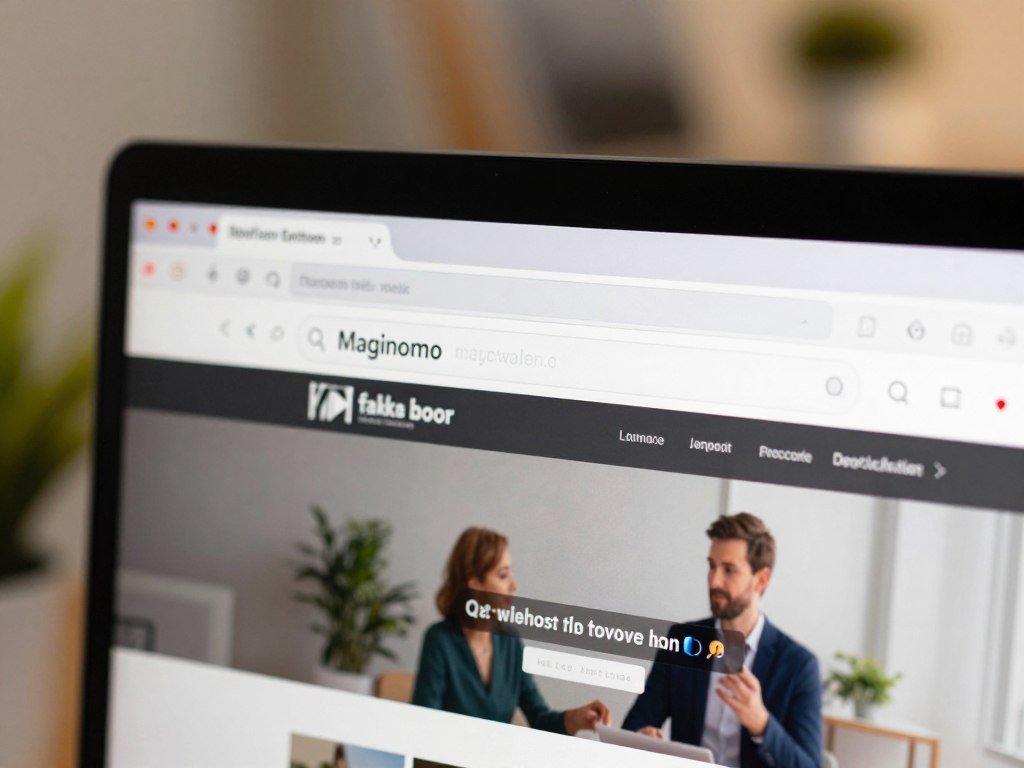
A subdomain appears before the main domain, as in login.example.com. The words “login” and “account” do not make a site official if the domain belongs to someone else.
HTTPS encrypts information as it travels between your browser and a site, but it does not prove a seller is honest. The GSA Office of Inspector General scam alert gives gsa.gov and gsa-gov.org as different addresses.
Google searches for the exact business name and its known domain can help you find an official page, but search results are not proof. If one character makes the address different from the one you know, leave and navigate to the official address independently.
Which Business Details Should You Verify?
A real organization should give you a way to identify and contact it beyond a logo and a contact form. Look for details that you can compare with its public presence and official records.
Check that the company can be reached through more than one channel. A page with no clear owner or contact information gives you little way to judge who is asking for your data.
Check the company’s contact details and public presence
Look for a physical address, a working phone number, and a contact form with a clear purpose. A generic form alone may not tell you who will receive your message.
Check the company’s social accounts by going to those platforms directly. Copied logos, names, and links can make a fake profile look like the real business.

Review privacy policies and government identity
A privacy policy should explain what information a website collects and how it uses that data. Read the terms as well, especially before sharing sensitive information or creating an account.
Privacy rules can differ across online services. This comparison of ChatGPT apps and privacy practices explains that some services may use chats or uploaded files for training or human review.
A .gov domain is reserved for eligible U.S. government organizations, not commercial sites. Eligible groups include federal, state, territorial, tribal, county, city, special-district, school-district, and interstate organizations.
The Cybersecurity and Infrastructure Security Agency checks applicant identity and eligibility, and .gov domains are free. A .gov domain’s eligibility rules limit who can register one.
.gov domains renew each year, and contact information must be verified for renewal. Still, check the exact address, since a misleading link can send you somewhere else.
Compare any address or phone number on the page with details found through an official channel you reached independently. A real-looking logo cannot confirm that a listed company owns the page.
Which Website Safety Checker Should You Use?
A checker can flag known danger, but it cannot promise that a seller will deliver what it advertises. Use one as a second opinion, not as proof that a website is safe.
The best free fake website checker depends on what you need to check. Browser warnings help spot known threats; reputation tools can show details about a site’s history and public reports.
Use browser warnings for known threats
Google Safe Browsing can warn you in Chrome and other browsers before you visit a known dangerous site or download a harmful app. It can also show warnings in Google Search, and Gmail uses it to flag dangerous links.
Chrome’s Enhanced Safe Browsing checks sites against lists of known phishing and malware pages in real time. It can also offer protection against some attacks that have not appeared on those lists yet.
Google Safe Browsing warnings can help stop a risky visit, but a clean result does not prove that a seller will ship an order.
Add a reputation checker as a second opinion
ScamAdviser gives a Trust Score and a report of positive and negative signals. Its report may include domain age, ownership, traffic, technical details, reviews, and scam reports.
URLVoid checks a website against more than 30 blocklist engines and reputation services. Its report may include an IP address, domain creation date, and server location.
No checker can guarantee safety in every case. A new or unreported site may not appear in a blocklist, and a high Trust Score cannot promise a good sale.
| Tool | What it checks or warns about | What it returns | Limit |
|---|---|---|---|
| Google Safe Browsing | Dangerous links or downloads | Browser, Search, or Gmail warnings | A clean result does not prove honesty |
| ScamAdviser | Signals such as domain age and reviews | Trust Score and report | Cannot guarantee safety |
| URLVoid | 30+ blocklist engines and reputation services | Report with possible IP, domain date, and server location | No blocklist match does not prove legitimacy |
Choose a website safety checker based on whether you need a threat warning or broader reputation signals. Avoid submitting private information to one unless you know how it handles the URL and any data you enter.
What Should You Check Before Paying?
A price far below the usual offer becomes more concerning when the seller pressures you to pay immediately. Slow the decision down and compare the offer with details from other sources.
Check both the seller and the payment route before you pay. U.S. consumers filed 384,946 fraud reports about online shopping scams in 2024, including orders that never arrived or differed sharply from ads.
Compare the offer and independent reviews
Look for reviews on independent platforms such as Trustpilot, Feefo, and Sitejabber. Specific accounts of orders, delivery, and returns are more useful than repeated, generic praise.
A ScamAdviser website checker can show a Trust Score and signals to examine, but it cannot guarantee that a purchase will be fulfilled. If product photos seem suspicious, compare them with images from other sellers; image clues are not proof by themselves.
Ways to check suspicious product images include looking at their context and comparing them across sources.
Choose a payment method with a dispute path
Credit and debit cards give you an issuer to contact about a disputed charge. A dispute does not guarantee a refund, and you should ask about the process and deadline.
| Payment method | Dispute or recovery path | Warning |
|---|---|---|
| Credit or debit card | Contact the card issuer about a disputed charge | A dispute is not a guaranteed refund |
| Bank transfer | Contact the bank quickly | Money may be hard to recover |
| Gift card or cryptocurrency | Contact the provider immediately | Transfers can be hard to reverse |
Before paying, use this short checklist:
- Confirm the seller through an independent channel.
- Read the shipping and return terms.
- Choose a payment route with a dispute process.
In 2024, consumers filed 2.6 million fraud reports with the FTC, including more than 800,000 reports about imposter scams. Do not pay by bank transfer, gift card, or cryptocurrency just because a seller says it is the only option.
What Should You Do After Clicking or Sharing Details?
If you only opened a suspicious page and entered nothing, close it and check whether it triggered a download or notification. Opening a page alone is different from sharing a password or payment details.
Take action based on what happened, not just on the click. Do not download files or allow notifications from the page.
If you only opened the page
Close the browser tab and check your downloads. If a file downloaded or a suspicious pop-up appeared, run a device security scan before using that file or page again.
A visit without a download or shared information does not call for the same response as an exposed account. Keep an eye out for unusual device behavior, but focus first on what you actually did.
If you entered a password or payment information
Take these four steps if you gave the page a password, payment details, or identity information:
- Change the exposed password and every reused version on other accounts.
- Turn on two-factor authentication and check recent account activity.
- Contact your bank or card issuer promptly about exposed payment details or charges.
- Consider a credit freeze through Experian, Equifax, and TransUnion if someone could use your identity to open accounts.
Changing a reused password means updating it everywhere you used it. A bank or card issuer can advise whether to block or replace compromised payment credentials.
If you bought from a fake store, a refund is not guaranteed. Ask your payment provider about its dispute process and deadlines.
The FTC’s guidance for lost or stolen information covers steps such as changing passwords and contacting financial providers. Save order confirmations and payment records so the provider can review the transaction.
How Can You Report a Suspicious Website?
Report the incident through an official government reporting channel rather than replying to the suspicious site or message. Report consumer fraud at ReportFraud.gov, and report internet crime to the FBI’s IC3.
An FTC report can be shared with law enforcers, but it does not resolve an individual case. ReportFraud.gov says reports are shared with more than 2,000 law enforcers.
To look for a scammer website list, search the exact domain and business name with terms such as “scam reports.” Treat any list as incomplete because a new site may not appear yet.
IC3 will never contact you directly or charge a fee to recover lost money.
From December 2023 through February 2025, the FBI received more than 100 reports of scammers posing as IC3 employees. Ignore anyone claiming to be IC3 who asks for a fee to recover money.
Conclusion
Trust the address and the business evidence, not just a polished page or padlock. HTTPS protects information as it travels, but it cannot show whether a seller will keep its promises.
Stop if the address, business details, or payment request do not add up. A few minutes of checking can help protect your money and personal information.
Before your next purchase, type the seller’s known address yourself and confirm the payment option before entering card details.
FAQ
What are 7 signs of phishing?
Seven common signs are unexpected links, a lookalike URL, urgency or threats, requests for passwords or payment details, unusual payment demands, mismatched branding or poor page quality, and missing or inconsistent company details. One sign alone may have an innocent cause. Several together call for caution, especially when the message pushes you to act before you can check its claims.
Are all .gov websites legit?
A .gov domain is limited to eligible U.S. government organizations, and applicants go through identity and eligibility checks. Still, check the exact address before sharing information. A misleading link may take you to a different site, even if its text mentions a government agency. A real .gov address also does not mean every link on its pages is safe to follow.
Can websites with HTTPS be fake?
Yes, a fake website can use HTTPS. HTTPS encrypts information traveling between your browser and the page, but it does not prove that a seller is honest or that goods will arrive. A padlock symbol shows a protected connection, not a trusted business. Check the company and its offer before you share details or pay.
What happens if you order from a fake website?
You may receive nothing, a counterfeit item, or something that differs from the ad. The seller may also have your payment or personal information, which could lead to attempted misuse. Keep your order record and payment details. Contact the provider that handled the payment promptly, since its dispute process may have deadlines.
What to do if you’ve ordered something from a fake website?
Contact your card issuer, bank, or payment provider promptly and explain what happened. Ask about the dispute process and any deadline, since a refund is not guaranteed. Save order confirmations, receipts, and messages with the seller. If you shared a password, change it on that site and anywhere else you reused it.
How to get a refund from a fake website?
Ask the payment provider about its dispute process and deadline. The chance of recovery depends on the payment method and transaction, so a refund is not guaranteed. A card issuer or bank can explain what details it needs to review the charge. Keep receipts, order confirmations, and any messages that show what the seller promised.
What if I accidentally clicked on a suspicious website?
Close the page and do not enter information, allow notifications, or download anything. If a file downloaded or suspicious pop-ups appeared, run a security scan on your device. Opening a page without sharing details is different from entering a password or card number. If you did share sensitive information, take steps to protect that account or payment method.
Will my bank refund me if I get scammed online?
Not automatically. Contact your bank quickly, explain what happened, and ask about its dispute process and any deadline. A refund depends on the payment method and the details of the transaction. Save receipts and messages, and follow the bank’s instructions while it reviews the charge.



