A checkbox-style human test can turn into a string of playful puzzles in the i am not a robot game. You get a light test of observation, logic, and quick choices. A CAPTCHA-style challenge is a game task that imitates a human-verification check but asks you to solve a puzzle. The experience stays playful, even when a prompt makes you pause.
The puzzle format can change from level to level, so the on-screen instructions matter. You might scan images, recall details, or sort numbers. Some tasks reward a quick choice, while others need a little more time. Straightforward directions help you focus on the puzzle, not on guessing what the game expects. Treat each prompt as its own small challenge, and you can jump in without needing a special strategy first.
Key Takeaways
- Each level brings a different kind of puzzle.
- Read the prompt before making a choice.
- Watch for visual clues and changing rules.
- Some tests call for quick decisions; others need focus.
- The activity keeps a light, playful feel.
How does the I Am Not a Robot game work?
Each level gives you a different kind of task, so the best first move is to read the prompt before acting. The game turns robot checks into playful puzzles that test visual skills, logic, memory, or creativity. Follow the current instructions, since each level may ask for a new kind of response.
You can play the browser version from its official game page without installing a separate program. The simple graphics keep attention on the task, and the variety helps the activity feel fresh. Some tile-placement puzzles have a time limit, so notice any timer before you start moving pieces. For more browser games, you can explore picks for school Chromebooks, while following your school’s rules.
A timer can change how quickly you need to decide, but it does not change the rule written in the prompt.
Facial Exam uses expression changes
Level 39, Facial Exam, uses a webcam to recognize four expressions: happy, sad, angry, and surprised. The medium-difficulty level takes about 30 seconds for many players. Make each expression easy to distinguish, rather than relying on a small change in your face.
Exaggerated expressions register faster, so raise your eyebrows or widen your smile as needed. The camera needs to see each change clearly. This test feels different from selecting tiles because your face, rather than a mouse click, drives the response.
Reverse Turing rewards thoughtful replies
Level 42, Reverse Turing, is a medium-difficulty conversation challenge that takes about 60 seconds. You raise the confidence meter to 100% by giving thoughtful, specific replies. A short answer can still work when it shows curiosity or adds a useful detail.
Ask questions, refer to pop culture, or respond with a clear point of view. The aim is to keep the conversation engaging instead of sending bland replies. On Facial Exam, make each expression clear and exaggerated so the camera can register the change faster.
Which levels offer a quick mix of word, image, and math puzzles?
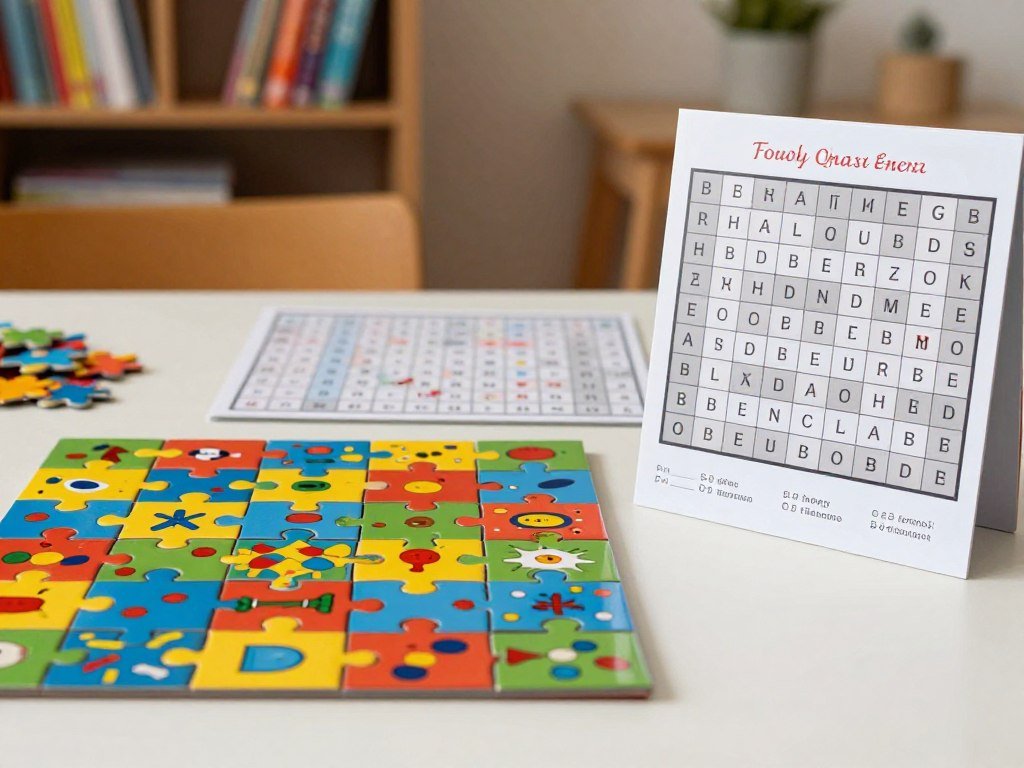
Levels 7, 23, and 34 give you a quick sample of word, image, and math puzzles. They range from an easy word hunt to a hard number sort. Each format calls for a different move, and the game randomizes some puzzles, so you need to solve what appears on your screen.
The table gives the difficulty and estimated time for each test. Use the key move as a starting point, then follow the current prompt.
| Level | Puzzle | Difficulty | Estimated time | Key move |
|---|---|---|---|---|
| Level 7 | word search | easy | about 25 seconds | find Stop, Sign, and Bike |
| Level 23 | Panorama | easy | about 45 seconds | locate the prompted target and zoom before Verify |
| Level 34 | Mathematics | hard | about 90 seconds | evaluate all nine squares and order them |
Find the words or scan the panorama
Level 7’s grid contains “Stop,” “Sign,” and “Bike,” and its layout changes each time. Stop and Sign tend to sit next to each other. The easy word search takes about 25 seconds, though a new layout can shift where you look.
Level 23 is an easy Panorama puzzle that takes about 45 seconds. For Guitar Cat, look on the back of a man’s shirt near the bright orange tables on the right, close to the statue. For the kissing couple, check behind the Havana Club tent and use the Chili’s sign as a landmark. Zoom in on the target before selecting Verify. If you want to learn more about checking images, see this guide to image search.
Rank the math results from least to greatest
Level 34 Mathematics is hard and takes about 90 seconds. Solve each equation in the 3×3 grid, then select all nine squares from least to greatest. Some equations use integrals, summations, or logarithms.
The values are randomized for each player, so another player’s ordering will not solve your grid. The equations change for each player, which makes calculating your own results the useful approach. For Mathematics, calculate every square before selecting the nine answers in ascending order.
How should you approach unfamiliar levels?
If a later level feels unfamiliar, start by separating what it asks you to do from what earlier puzzles asked. For Levels 43 and 47, identify the exact action and success condition shown on screen. That prompt gives you the rule for the current test, even when the robot theme looks familiar.
Do not assume that a familiar-looking CAPTCHA prompt follows the same rule this time. Level 48 also calls for the prompt-first method, rather than a solution carried over from another level. If you play browser games on a school device, check school rules and use permitted break times; school game options can still be blocked by filters.
A familiar-looking CAPTCHA prompt may still use a different rule, so trust the success condition on the current screen.
- Read the prompt.
- Identify the target or required action.
- Note any order, expression, or selection rule.
- Make the requested choice and check the result.
These steps give you a clear way to handle new puzzles without memorizing every level. Before you submit, check that every selected item matches the current prompt’s stated condition.
Conclusion
A curious, careful approach is enough to get started, even when the next challenge changes format. The fun comes from switching between different kinds of activity, from visual searches to brain teasers. Careful observation can help you spot a small clue before you make your choice.
You do not need to carry one answer from level to level. Read each instruction and make your choice based on the task in front of you. That gives you a simple way to enjoy the experience without turning every puzzle into a memorization test.
Open the browser game, read the first prompt closely, and see which kind of puzzle comes your way.
FAQ
Do I need a webcam for every level?
No, only Facial Exam in these examples uses a webcam. Level 39 asks you to show happy, sad, angry, and surprised expressions. The word search, Panorama, and Mathematics levels use other kinds of interaction. Reverse Turing is a conversation challenge, so you respond with text rather than making facial expressions.
Can I use a fixed answer for Level 34?
No, Level 34 changes its equations and values for each player. Solve the nine squares in your own 3×3 grid, then rank the results from least to greatest. The equations may include integrals, summations, or logarithms, so a saved ordering from another playthrough may not match your current puzzle.
What should I do if a familiar puzzle prompt seems different?
Follow the action and success condition shown on the current screen. A puzzle can look like one you have seen before while asking for a different choice or order. Read its wording, identify the target, and check that your selection matches the stated rule before you submit your answer.
How do I find Guitar Cat in Panorama?
Look for Guitar Cat on the back of a man’s shirt at the bright orange tables near the right side. The target is close to the statue. Zoom in on the shirt before selecting Verify. The wider scene can make small details easy to miss, so use the landmarks to narrow your search.
What makes Facial Exam expressions register faster?
Exaggerate each expression as you move through happy, sad, angry, and surprised. A clear change is easier for the webcam to register than a slight one. Raise your eyebrows, widen your eyes, or make your smile more obvious. Facial Exam uses a webcam, so keep your face in view while you change expressions.