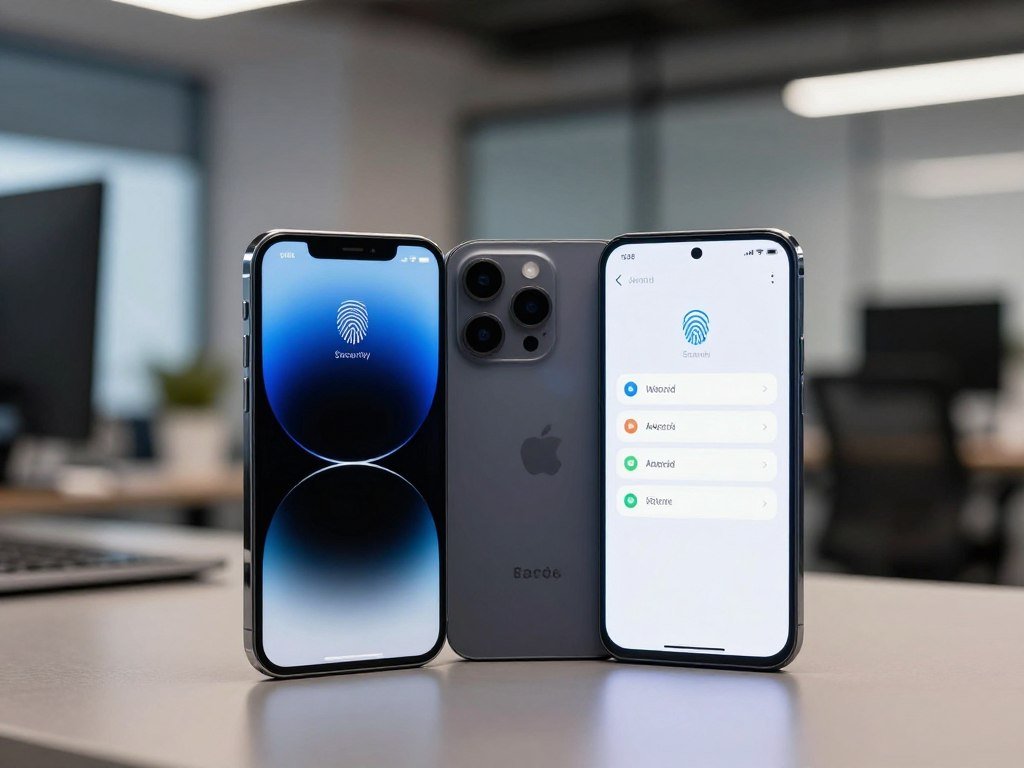
For most people who want consistent protections without much configuration, an iPhone is the simpler choice, while a current, well-supported Android phone can also be secure. Your data, app access, update support, and intended use all shape the right choice. Neither phone is impossible to compromise, so the best fit depends on more than its brand.
iOS and Android both use protections such as app sandboxing, which isolates an app so it cannot freely access other apps’ data or system resources. Apple controls iPhone hardware and iOS, while Android runs on phones from many manufacturers. The practical choice is the specific phone you can keep updated and configure to match your needs.
Key Takeaways
- iPhone offers a more consistent default setup.
- A well-supported Android phone can also protect your data.
- Update support depends on the exact phone model.
- App choices and privacy settings affect your exposure.
- Choose a phone you can keep updated and manage.
Android vs iPhone Security: Key Differences in Platform Design
Apple’s control over iPhone hardware and software makes its protections more uniform, while Android’s wider range of manufacturers gives users more choice. That difference shapes the ios android security experience, but it does not make every iPhone safer than every Android device.
Both systems use app sandboxing to limit what each app can reach. Apple favors tighter control; Android offers more device choice and customization. The Android Open Source Project provides Android’s open-source core, but not every component on every phone is open source.
A more controlled iPhone ecosystem
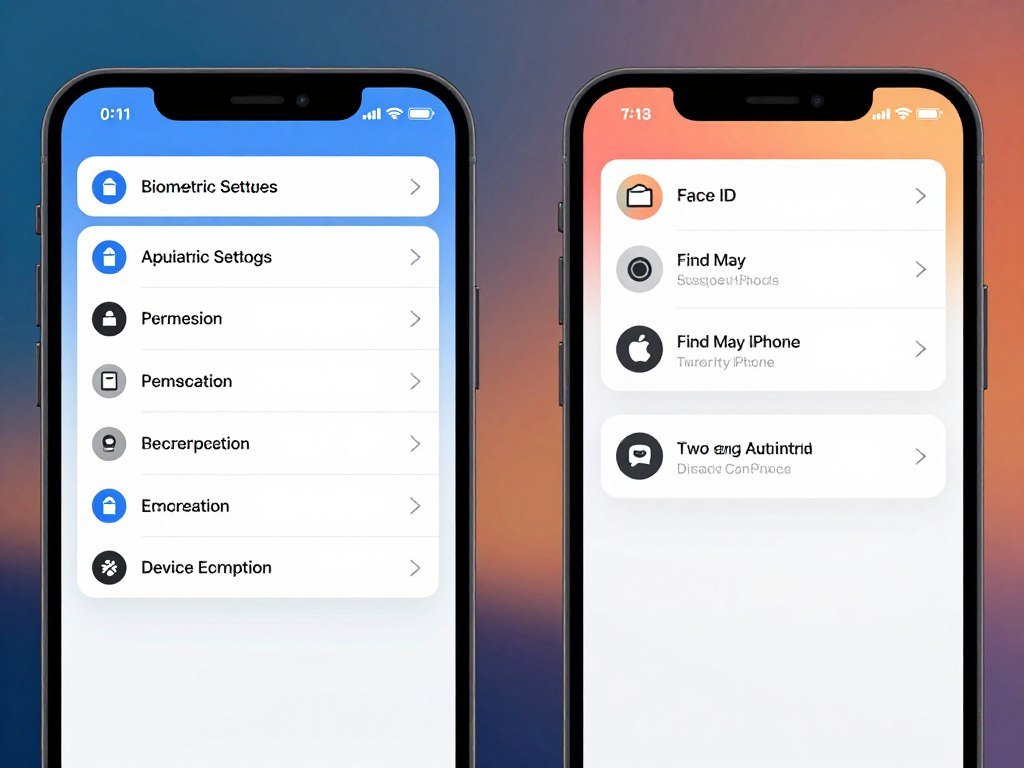
Apple controls iPhone hardware and iOS, so its closed ecosystem has fewer makers shaping the core experience. iPhones use a signed secure boot chain to check software during startup. Apple’s App Store is the main app store, and Apple supports mobile device management, or MDM, for workplace controls.
That control can make android ios comparisons feel simpler on iPhone. The company sets a more consistent platform, though users have fewer ways to change how it works. For a wider look at daily use, compare iPhone and Samsung features before choosing.
Android’s wider manufacturer range
Android devices come from multiple manufacturers, which add their own software and features. Android Verified Boot checks that the phone’s software has not been changed in an unauthorized way. Android also offers Google Play plus options to install apps elsewhere.
Android Enterprise supports work profiles that separate work apps and data from personal use. The exact tools can differ by model and manufacturer, so platform-level features do not tell the whole story.
| Security factor | iPhone/iOS | Android |
|---|---|---|
| Hardware and software control | Apple controls both | Multiple manufacturers supply devices and software |
| App distribution | Apple’s App Store | Google Play and outside options |
| Customization | More restricted | More flexible |
| Enterprise management | Apple MDM | Android Enterprise work profiles |
Android’s open-source core does not mean every Android phone has the same software or security features.
Before choosing an Android phone, check the security support and management features of that exact model.
Which phone gets security updates more reliably?
Apple’s centralized update system gives supported iPhones a more consistent path to security patches than the varied Android manufacturer-and-carrier process. Consistency matters, but major iOS upgrades and later security updates are not the same thing.
Supported iPhones receive updates through Apple, while Android patch timing can involve Google, manufacturers, and carriers. Google releases Android security patches regularly, but other steps can delay them on a specific phone.
How iOS patch delivery works
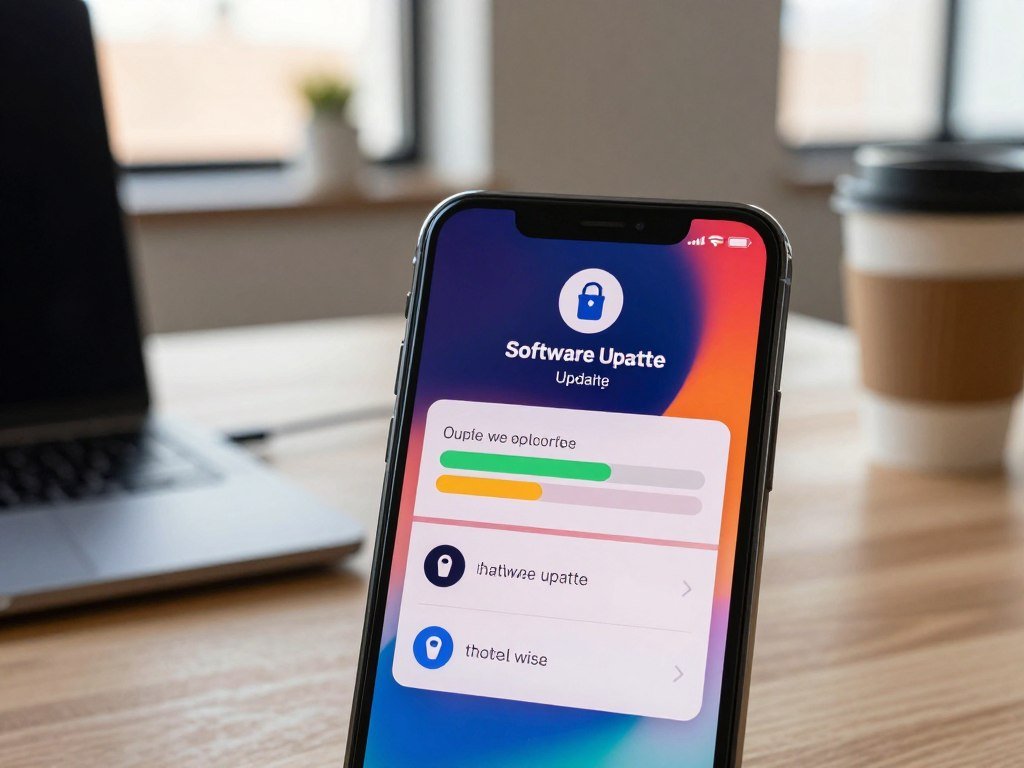
Apple’s iOS 27 supports iPhone 11 and later, including iPhone 15. iOS 27.2 supports that same group and was released October 26, 2026. These major system upgrades bring new operating-system features as well as security fixes.
Older phones can receive security patches without gaining the newest major iOS version. iPhone XR, iPhone XS, and iPhone XS Max are capped at iOS 18, yet received iOS 18.7.11 on October 26, 2026. The iOS release list also shows iOS 16.7.16 for iPhone 8, iPhone 8 Plus, and iPhone X, released May 11, 2026.
For iPhones released since 2015 that completed major-update support, the average was 6.4 years, or about six to seven years. That history is useful, but it does not mean every iPhone receives every major iOS release.
What Android support depends on
Android security updates depend on the phone’s manufacturer and model. Google builds Android patches, then manufacturers and carriers may need to adapt and deliver them.
That process means two Android devices can have different patch schedules, even when they run the same broad version of Android. Check the promised support for the exact model rather than assuming every Android phone follows one schedule. A Samsung and iPhone update comparison can help explain the broader difference between the platforms.
Check the exact model’s current support status before buying a phone that is already a few years old.
How do app stores and malware defenses compare?
Android offers more ways to install apps, while iPhone app distribution is more tightly controlled, so the platforms have different exposure points. Neither store can promise every app is safe. Google Play Protect scans Android apps for harmful software.
Official stores lower risk, but malicious apps and unpatched vulnerabilities can still cause trouble. A 2022 estimate put Android’s share of mobile malware targeting at 97%, not a count of successful phone hacks.
The CVE Program disclosed more than 21,500 vulnerabilities across all types of software in the first half of 2025; about 38% were High or Critical. Those figures cover more than phones. Its CVE vulnerability metrics also show that roughly 28% of observed exploits in early 2025 began within one day of disclosure.
- Installing apps from untrusted sources.
- Using malicious apps that evade review.
- Exploiting vulnerabilities without current patches.
Treat a high malware-target share as a warning about exposure, not as a ranking of confirmed phone break-ins.
How do Android and iPhone protect stored and cloud data?
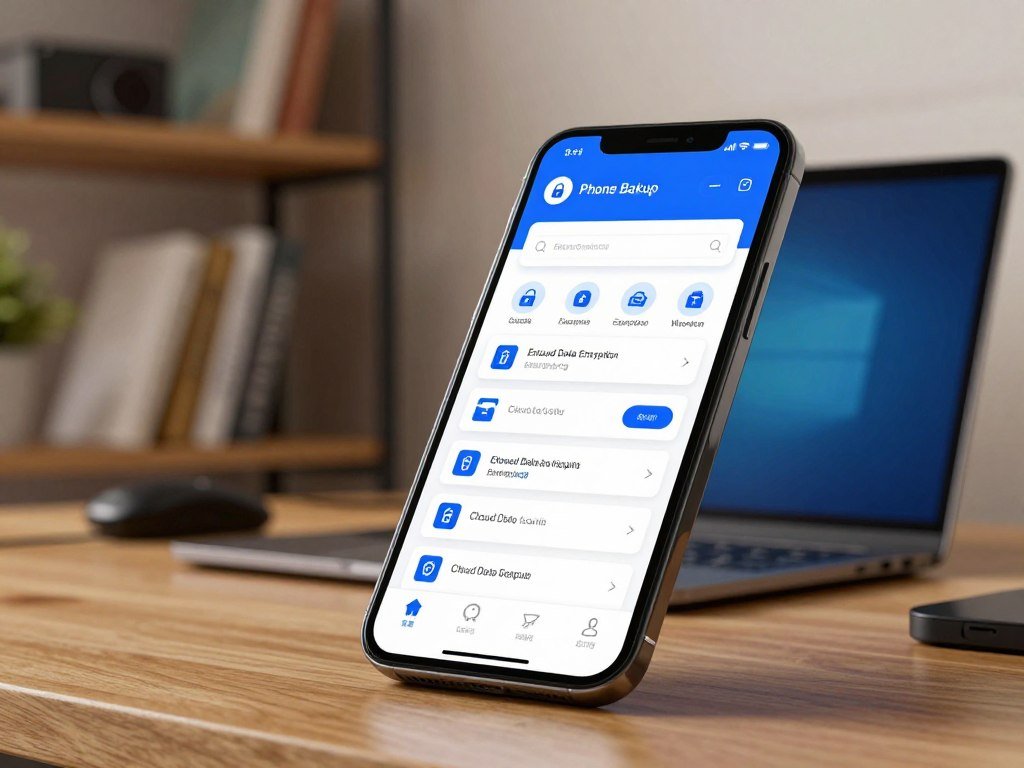
Both iPhone and Android can encrypt data stored on the device, but cloud backups need a separate check. Local encryption protects data on a locked phone; it does not automatically give cloud copies the same protection.
Cloud-backup encryption depends on the service, the data type, and your settings. Some Android backup data uses client-side encryption tied to the device’s lock-screen method, while other cloud-stored files may not receive end-to-end encryption.
On-device encryption and keys
Both operating systems can encrypt files stored on the phone, helping protect them if someone takes the device. Access still depends on the passcode and the way each phone handles its encryption keys.
That protection is separate from end-to-end encryption, which keeps a service provider from reading protected cloud data. A phone may encrypt its local files while its cloud backup uses different rules.
Cloud backups and account recovery
With standard iCloud data protection, Apple holds keys for most data and can decrypt it to help with account recovery. Advanced Data Protection leaves trusted devices with keys for most iCloud data. It raises end-to-end encrypted categories from 15 to 25, including iCloud Backup, Photos, and Notes.
The Advanced Data Protection setting means protected iCloud data can be decrypted only on trusted devices signed in to the Apple Account. Apple cannot access that end-to-end encrypted data. Apple requires two-factor authentication for new Apple Accounts and many features that use end-to-end encryption.
Neither platform guarantees that every kind of data, including all cloud content and metadata, is end-to-end encrypted in every setup. If recovery privacy matters more than easy account recovery, review the cloud-backup encryption setting before relying on it.
Which privacy controls help in everyday use?
Privacy features can reduce routine tracking and limit app access, but they cannot make a phone immune to spyware. Useful controls help with daily risks; sophisticated spyware or an exploit could still compromise either platform.
Camera access is not automatic on either phone, but apps need permission to use it. Android also has app permission controls, so check camera and microphone access on both platforms.
Safari includes several privacy tools that work in different ways:
- Intelligent Tracking Prevention is on by default and hides your IP address from trackers.
- Private Browsing windows lock when unused and need the device password to open.
- Passkeys are end-to-end encrypted, tied to one site, and never stored on a web server. The FIDO Alliance passkey standards explain how they bind sign-ins to a site.
- Keychain checks saved passwords against a public list of breached passwords without revealing password details, even to Apple.
Review camera permissions and remove access from any app that has no clear need for it.
Which phone works best for children and teens?
For a child who needs strict limits on apps and browsing, a kid-focused phone may fit better than giving them a standard iPhone or Android phone. The right fit depends on how much access, monitoring, and freedom your family wants.
iPhone Screen Time controls app and content access, purchases, and communication across iPhone, iPad, and Mac. Samsung and other Android phones also offer parental controls, but third-party tools can have different reach.
Built-in parental controls
iPhone Screen Time suits families who want controls built into Apple devices. iOS limits third-party parental-control apps from monitoring individual SMS conversations or enforcing per-app time limits with the same detail available on Android.
That difference matters when comparing iPhone vs Android for teens. Android controls may give parents more options for per-app limits, while iPhone offers a shared setup across Apple devices. The better choice depends on the controls your teen needs and the devices your family already uses.
Kid-focused phones and plans
Gabb vs Bark vs Troomi is not just a phone comparison; app access, monitoring, and service terms differ by plan. Compare each plan directly, especially if you want to keep your current carrier or family plan. Troomi’s details can vary, so check its current features rather than assuming they match another provider.
| Phone | Apps and web access | Parental controls or monitoring | Service arrangement |
|---|---|---|---|
| Bark Phone | Starter has no internet; advanced adds a web filter and app requests | Location, contacts, monitored texts and photos on listed plans | Bark service is bundled with its plans |
| Gabb | No social media, third-party apps, or browser; Phone 3 Pro has selected vetted apps | Gabb Phone 4 Pro has text monitoring | Uses Gabb’s network |
| Pinwheel | Vetted apps | GPS, contact whitelisting, and scheduled downtime | Works with most cellular providers |
Bark’s starter plan has no internet access. Its advanced plan adds a web filter and lets children request Google Play apps. Bark’s younger-kid plan starts at $29 per month for unlimited talk and text, location tracking, contact management, monitored texts and photos, no apps, no browser, and no voicemail.
Bark teen and tween plans start at $39 per month for unlimited talk and text with Wi-Fi-only data. They reach $89 per month for unlimited talk and text with up to 35GB of data. Bark Phone service cannot join an existing carrier or family plan.
Gabb phones exclude social media, third-party apps, and an internet browser, while Gabb Phone 3 Pro allows selected vetted apps. Gabb’s network may limit your carrier choices or prevent adding the phone to an existing family plan. Pinwheel works with most providers and includes GPS location, contact whitelisting, and scheduled downtime.
Monitoring apps on iPhone
BrightCanary is an iOS-only monitoring app. It uses a keyboard to monitor typing across messaging and social platforms, then alerts parents to concerning content. That approach does not remove iOS limits on monitoring individual SMS conversations.
BrightCanary’s standard Protection plan costs $29.99 per year. Text Message Plus costs $14.99 per month or $99.99 per year. Its App Store listing showed 4.4 out of 5 from 1.7K ratings in 2026, which does not prove how well it works.
Before choosing a child’s phone, confirm that its service can join your family’s existing cellular plan if that matters.
What can you do to secure either phone?
A few account and device habits can reduce risk on either platform, regardless of which phone you choose. Small steps help limit damage if a phone is lost or an account is exposed.
Use these five actions on an iPhone or Android phone:
- Use a strong device passcode that others cannot guess.
- Enable two-factor authentication on important accounts.
- Choose unique passwords so one exposed account does not open others.
- Set up remote erase before the phone goes missing.
- Avoid opening suspicious links in texts, email, or social posts.
Both iOS and Android support device passcodes and account two-factor authentication. These settings add steps for anyone trying to access the phone or an account, but they cannot block every attack.
Set up remote erase while you still have the phone in hand, not after it goes missing.
Remote data wiping can erase a lost or stolen device. The feature only helps if you have enabled it and can access the account used to manage the phone.
Conclusion
Choose the platform that gives you the protections you will actually keep enabled and the controls your household needs. iPhone favors consistency and centralized control, while Android offers more hardware and configuration choices.
A well-supported phone that fits your needs is the stronger practical choice. Neither platform makes a device impossible to compromise, so the exact model and your settings still matter.
Before buying, verify the exact model’s update support and try its key settings in person.
FAQ
Do iPhones or Androids have better security?
iPhones offer more consistent default controls and updates, while a current, well-supported Android phone can also be secure. The exact model, its update support, and your settings affect the result. An older phone without current patches may carry more risk than a newer one, regardless of brand. Your app choices and account protections also shape how well your data stays safe.
Which is better for children, an iPhone or an Android phone?
iPhone Screen Time works across Apple devices, while Android can offer more detailed per-app limits through some controls. A restricted kid-focused phone may suit your family better when limited apps or extra monitoring matter most. Compare the plan’s app access, service terms, and ability to join your carrier. The best choice is the one that fits your child’s age and your household rules.
What phone gets hacked the most?
There is no fair count that shows which phone gets hacked most often. A 2022 estimate put Android’s share of mobile malware targeting at 97%, but targeting does not mean a successful hack. Risk also depends on the phone’s update status, where apps come from, and how someone uses the device. Treat that estimate as a warning about exposure, not a tally of break-ins.
Can the CIA see through my phone camera?
No, camera access is not automatic, and an app normally needs permission to use it. Sophisticated spyware or an exploit could still compromise either platform and gain access to features such as a camera. Keep your phone supported and review which apps have camera permission. Remove access when an app has no clear reason to use the camera.
Which phones are fully encrypted?
No phone guarantees end-to-end encryption for every kind of data in every setup. Both iPhone and Android can encrypt data stored on the device, but cloud backups and metadata have separate protections. Advanced Data Protection extends end-to-end encryption to eligible iCloud categories, including iCloud Backup, Photos, and Notes. Check the service and settings for the data you need to protect.



