

What if the handheld you choose in 2027 quietly reshapes how you play, work, and tinker for years? That question matters more than any spec sheet, because the Ayn Thor and the Ayaneo Pocket DS are two pieces of hardware with different logos, and they represent two different philosophies about what a pocketable dual-screen device should do with your day. One leans toward a console-like rhythm. The other leans toward a small computer that happens to fold shut. The workflow differences between them are the part most comparisons skip, and they are the part that will actually decide whether you love your purchase or quietly resell it six months later. (FTC Advertising FAQs: A Guide for Small Business)
Why the Workflow Question Matters More Than Specs
Handheld buyers tend to obsess over chipsets, screen refresh rates, and battery numbers. Those matter, but they fade. What stays is the loop you fall into every time you pick the device up. Do you open it to play one game, or do you open it to check messages, tweak emulator settings, and maybe play later? Do you sync saves across devices, or do you keep everything local? Do you treat the second screen as a real workspace or as a novelty?
The dual-screen form factor amplifies these habits because it invites multitasking. A second display is a promise: you can do two things at once. Whether that promise becomes a productivity win or a distraction depends on the software stack underneath it. That is why the Ayn Thor versus Ayaneo Pocket DS debate is really a debate about operating systems, launchers, and how much friction you tolerate. If you have already read about how the Ayaneo Pocket DS, Retroid Pocket Duo, and Anbernic RG DS compare, you know the hardware conversation gets crowded fast. This article stays on the workflow side.
The Ayn Thor: Console-First by Design
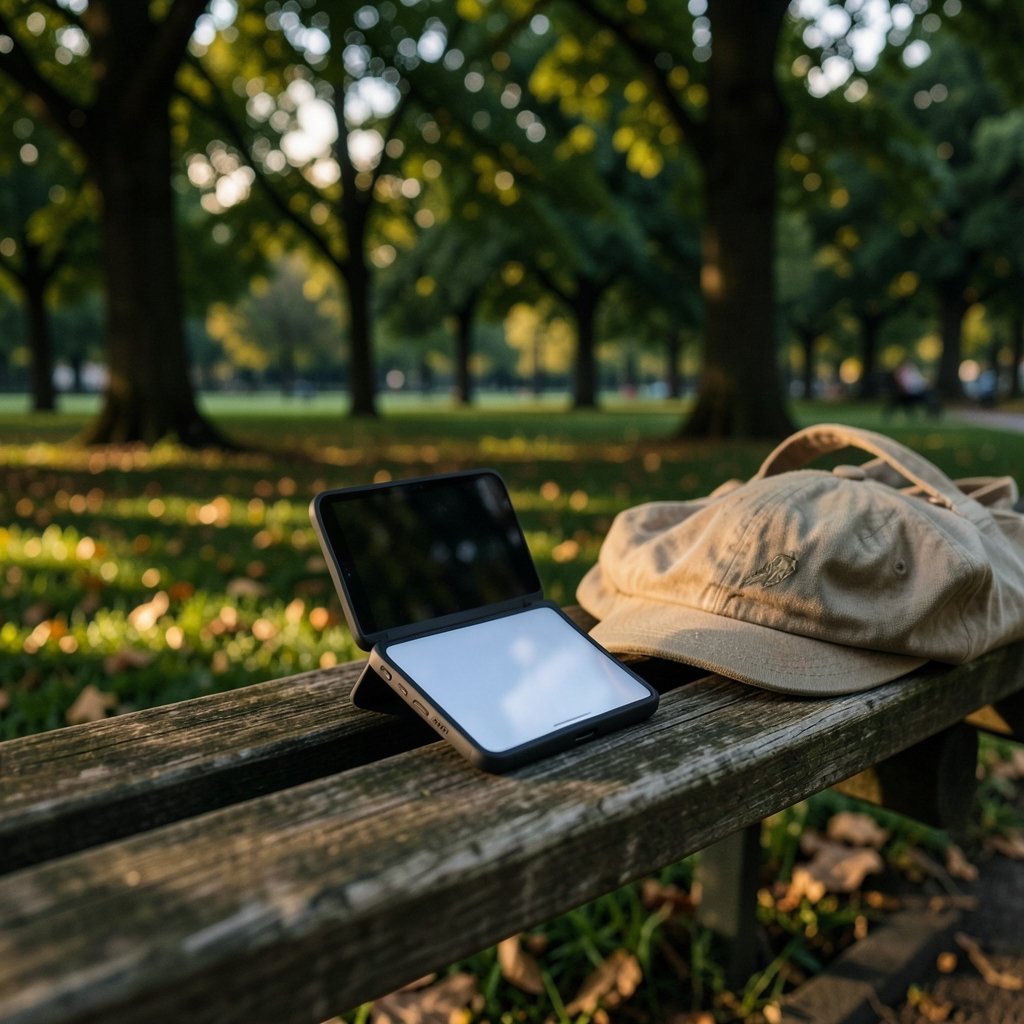
The Ayn Thor follows a lineage that treats the handheld as a dedicated gaming machine. The design language and software choices point toward a pick-up-and-play rhythm. You boot it, you land in a front end, and the device nudges you toward your library rather than your file manager.
What that means in daily use
In practice, a console-first device rewards short, focused sessions. You grab it for twenty minutes, you play, you put it down. The second screen becomes an extension of the game view rather than a separate task window. That is a genuinely good fit for people who already have a laptop for work and want their handheld to stay fun. (Handheld game console)
The friction shows up when you try to do something the console framing did not anticipate. Sideloading apps, juggling multiple emulator front ends, or moving files between the two screens can feel like fighting the device’s intent. It is not broken. It is opinionated.
Who thrives here
- Players who want a curated library and minimal setup
- People who value a consistent launcher experience over customization
- Buyers who already own a separate device for productivity
- Anyone who resents spending evenings debugging settings instead of playing
The Ayaneo Pocket DS: A Small Computer That Folds
The Ayaneo Pocket DS sits at the other end of the spectrum. Ayaneo’s broader handheld line has long leaned toward Windows and Android devices that behave like miniature PCs, and the Pocket DS carries that DNA into a clamshell with two displays. The emphasis lands on flexibility rather than curation.
What that means in daily use
A PC-leaning handheld invites you to install things, arrange windows, and build a personal setup. The second screen earns its keep here because you can genuinely split tasks: a game on one panel, a guide or chat window on the other. For tinkerers, that is the whole appeal.
The cost is maintenance. Updates, driver quirks, and launcher configuration become part of ownership. You are a player and a system administrator with a hobby. Some people love that. Others find it exhausting after the novelty wears off.
Who thrives here
- Tinkerers who enjoy tuning emulators and front ends
- Users who want one device to cover gaming and light productivity
- People comfortable with Windows or Android settings menus
- Buyers who treat setup as part of the fun
Side-by-Side: The Workflow Differences That Actually Bite
| Workflow Area | Ayn Thor | Ayaneo Pocket DS |
|---|---|---|
| Boot-to-play time | Fast, launcher-driven | Slower, depends on OS login and startup apps |
| Second-screen role | Game extension, maps, status | True multitasking, guides, chat, work apps |
| Setup effort | Low to moderate | Moderate to high |
| Customization ceiling | Moderate | High |
| Maintenance burden | Light | Regular updates and tweaks |
| Best for | Focused play sessions | Mixed gaming and light work |
| Resale appeal | Strong among casual players | Strong among power users |
The table tells a simple story. The Thor optimizes for the first five minutes of every session. The Pocket DS optimizes for the fifth hour. Neither is wrong. They just serve different temperaments.
The Software Stack Is the Real Battleground
Here is the part that trips people up. The hardware differences between these devices are smaller than the software differences. A dual-screen handheld lives or dies by how well its operating system handles two displays at once. Window management, app scaling, and input mapping across two panels determine whether multitasking feels magical or maddening.
Android handles multi-window reasonably well on modern versions, but dual-screen support still varies by app. Windows is more mature for window management but heavier on battery and startup time. The practical takeaway: before buying either device, think about which apps you actually want running on that second screen. If the answer is “just a map and a save-state menu,” a simpler single-screen device may serve you better.
If your workflow leans toward note-taking and research alongside play, the same local-first philosophy that shapes good note apps applies here. A device that keeps your data on the machine and works offline fits a handheld far better than one that assumes constant connectivity, a tradeoff explored in this comparison of Obsidian and Logseq local-first workflows.
Practical Tips From People Who Have Made This Choice
The most common mistake buyers make is buying for the spec sheet instead of the ritual. A few habits separate happy owners from frustrated ones.
- Write down your actual daily loop before buying. Be honest about whether you play in ten-minute bursts or two-hour sessions.
- Decide in advance what the second screen is for. “General multitasking” is not an answer. “Strategy game maps and a walkthrough” is.
- Test your emulator front end of choice on the target OS before committing. Compatibility lists and community wikis are your friends.
- Budget time for setup as well as money for hardware. The PC-leaning device will cost you an evening or two.
- Check save-sync options early. Cross-device continuity is the silent workflow killer.
- Buy from a seller with a clear return window. Workflow fit is hard to judge from reviews alone.
The fifth point deserves emphasis. People rarely think about save management until they lose progress. Whether your saves live in a cloud folder, a local directory, or an emulator-specific format shapes your entire routine. If you are weighing storage services for that job, this breakdown of Dropbox alternatives by use case helps you match the tool to the habit rather than the other way around.
Where the 2027 Conversation Is Heading
Looking ahead, the dual-screen handheld category is maturing fast. The interesting shift is not raw power. It is software polish. Expect the winning devices to be the ones that make the second screen feel native rather than bolted on. That favors whichever manufacturer invests more in launcher integration and app compatibility.
There is also a convergence story. Handhelds are borrowing ideas from phones, and phones are borrowing from handhelds. The upgrade logic people apply to their phones, weighing whether the iPhone 17 changes enough over the iPhone 16 to matter daily, increasingly applies to handhelds too. A device that nails the daily workflow beats one that wins a benchmark.
For writers and researchers who want to fold AI tools into a handheld workflow, the discipline is the same as on a laptop: build a repeatable process rather than chasing novelty. A practical Claude writing workflow is a decent model for how to integrate any new tool without letting it eat your session time.
Common Mistakes to Avoid
Buying a dual-screen device and then using it like a single-screen one is the classic error. If you never open the second panel, you paid for hardware you are not using. The fix is to design one specific habit around it, such as always keeping a guide or a chat window on the lower display.
Another mistake is over-configuring. Tinkerers can spend weeks perfecting a launcher and never actually play. Set a hard limit on setup time, then commit. A good-enough configuration you use beats a perfect one you keep rebuilding.
Finally, do not ignore ergonomics. Dual-screen clamshells distribute weight differently than slab handhelds. Long sessions on a hinge-heavy device can strain wrists in ways reviewers rarely mention. Hold one before you buy if you possibly can.
How to Decide in One Evening
Sit down with a notebook and answer four questions. First, how long is your typical session? Second, what will the second screen show? Third, how much setup time are you willing to spend? Fourth, do you want a console or a computer?
If your answers lean toward short sessions, a clear second-screen purpose, low setup tolerance, and console comfort, the Ayn Thor is the safer bet. If they lean toward longer sessions, genuine multitasking, high setup tolerance, and computer flexibility, the Ayaneo Pocket DS rewards you. The hardware is close enough that the workflow fit should decide it.
Conclusion
The Ayn Thor and the Ayaneo Pocket DS are both interesting machines, and the internet will keep arguing about their chips and screens. But the choice that actually affects your life is the one about rhythm. One device wants to be a game console that folds. The other wants to be a tiny computer that plays games. Pick the rhythm you already live by, not the one you admire in reviews. Buy for the loop you will repeat a thousand times, and the spec sheet will take care of itself.
FAQ
Is the Ayn Thor better than the Ayaneo Pocket DS for casual players?
For most casual players, yes. A console-first device reduces setup friction and gets you into a game faster. Casual play rewards low maintenance more than raw flexibility.
Can the Ayaneo Pocket DS replace a laptop for light work?
It can handle light tasks like messaging, note-taking, and browsing, especially with a second screen for reference material. It will not replace a laptop for heavy editing, long typing sessions, or demanding software.
Do I really need the second screen?
Only if you have a specific use for it, such as maps, guides, chat, or reference docs. If you cannot name that use before buying, a single-screen handheld will likely serve you better and cost less.
Which device has a steeper learning curve?
The Ayaneo Pocket DS generally asks more of you because its PC-leaning software stack invites configuration. The Ayn Thor’s curated approach means less to learn and less to break.
How important is save-sync between devices?
Very important if you play across multiple machines. Decide early whether your saves live locally or in a synced folder, and confirm your emulators support that setup before you commit.
Will these devices still be worth owning in 2027?
That depends on software support more than hardware. Devices that keep receiving launcher and compatibility updates age well. Check the manufacturer’s update track record before buying, and favor a strong return window so you can test workflow fit yourself.



