
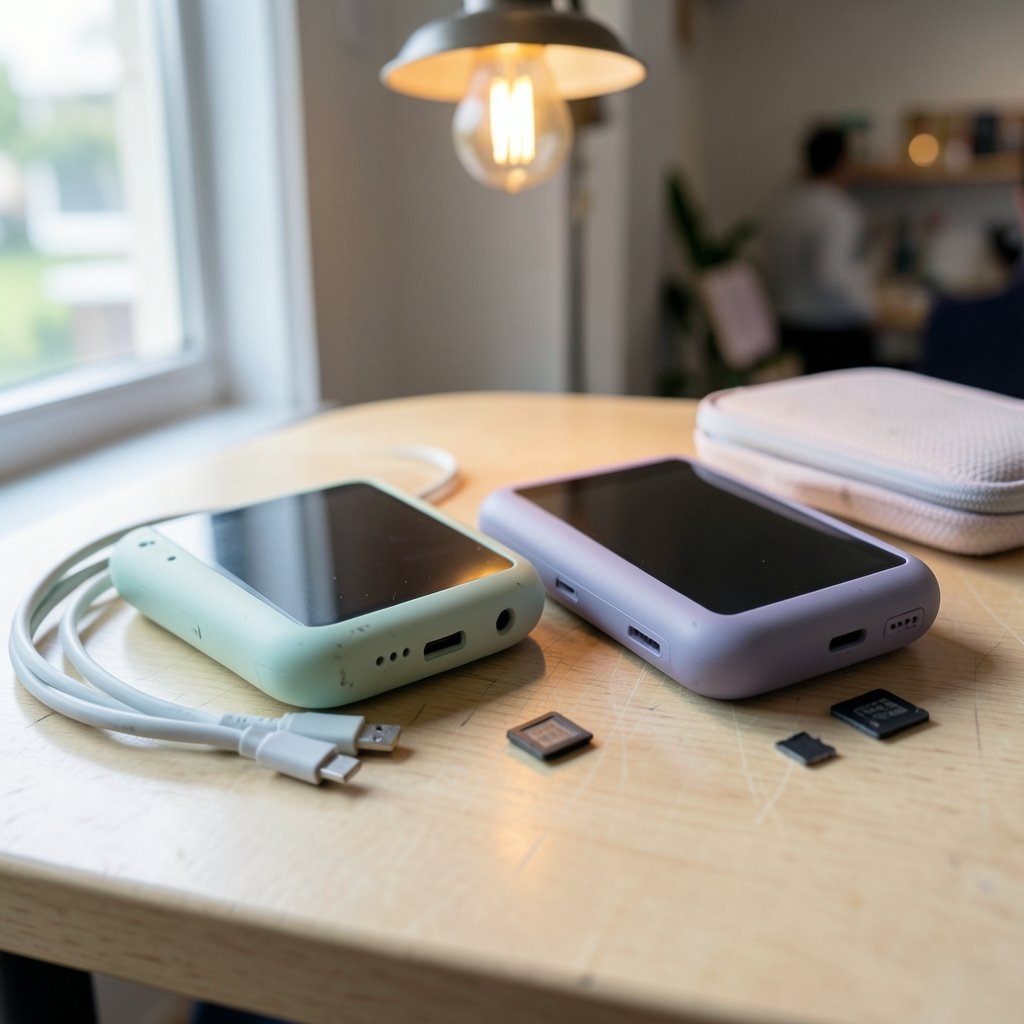
What actually separates two Android gaming handhelds once the spec sheets look nearly identical? For the Ayn Thor and the Retroid Pocket 6, the answer is not raw power. It is workflow: how each device handles setup, sleep, controller mapping, updates, and the small daily rituals that decide whether a handheld feels effortless or fiddly. (Android app fundamentals)
This comparison focuses on those workflow differences rather than benchmark bragging rights. Where a detail depends on firmware or regional availability, that uncertainty is flagged instead of papered over.
Why workflow beats specs in 2027
By 2027, Android handhelds have converged on similar chipsets, screens, and battery sizes. The practical gap between two premium devices is rarely frame rates. It is the friction of getting into a game and staying in it.
Workflow covers everything from the first boot to the hundredth suspend. It includes how the launcher organizes emulators, how quickly the device wakes, whether button mapping survives an update, and how much tinkering a new emulator demands. Buyers who ignore this layer often end up with a powerful device they quietly stop using.
A useful parallel comes from software outside gaming. Note-taking apps like Obsidian and Logseq run on similar hardware yet feel completely different because of their workflow assumptions, which is why comparisons of Obsidian vs Logseq local-first notes by workflow keep resonating with readers. Handhelds follow the same rule: the tool you keep using is the one whose workflow fits your habits.
The setup experience: first boot to first game
The first hour with a handheld tells you a lot. Both Ayn and Retroid ship Android-based devices, and both expect users to install their own emulators and frontends. The difference lies in how much scaffolding the manufacturer provides.
What a guided setup looks like
A smoother setup usually includes a bundled launcher, preconfigured emulator profiles, and a clear path to adding ROMs and BIOS files. A rougher setup leaves those decisions entirely to the user, which suits tinkerers but frustrates everyone else.
Practical tips that apply to either device:
- Create a folder structure before installing anything, separating ROMs by system and keeping BIOS files in one clearly named directory.
- Install one frontend first and confirm it detects your library before adding a second.
- Test a single game per emulator before bulk-importing hundreds of titles.
- Save a known-good configuration snapshot so you can roll back after a bad update.
The most common mistake is importing an entire library on day one. It feels efficient, but it buries configuration errors under hundreds of entries and makes troubleshooting miserable.
Sleep, resume, and the daily rhythm
The single biggest workflow difference between handhelds is often suspend and resume. A device that wakes instantly and returns you to the exact frame you left is a device you actually carry. One that drops the session, resets the emulator, or drains battery in standby becomes a desk ornament.
In practice, Android’s own power management interacts unpredictably with emulator apps. Some emulators handle background suspension gracefully; others lose save states or audio sync after a resume. Users typically discover this within the first week, and it shapes which device they reach for on a commute.
A sensible testing routine looks like this:
- Start a game, play for two minutes, then press the power button.
- Wait ten minutes and resume. Check audio, frame pacing, and save integrity.
- Repeat overnight. Note battery percentage before and after.
- Test with at least two different emulators, since behavior varies by app.
If a device fails step three consistently, no amount of chipset power compensates. This is the kind of finding that never appears in a spec table but dominates real ownership.
Controller mapping and input feel
Input is where workflow becomes physical. The Ayn Thor and Retroid Pocket 6 differ in how their controls are laid out and how much remapping each requires per emulator.
Two workflow questions matter more than any button count:
| Workflow question | Why it matters | What to check |
|---|---|---|
| Does the device expose controls as a standard gamepad? | Emulators detect it automatically | Test in an emulator’s input menu |
| Are mappings remembered per app? | Avoids reconfiguring every session | Reboot and relaunch a game |
| Does the launcher override emulator input? | Conflicts cause dead buttons | Disable launcher overlays during testing |
| Is there a system-level remap tool? | Helps with awkward retro layouts | Look for a built-in mapping utility |
A handheld that presents itself as a clean, standard gamepad saves hours over months. Devices that require per-emulator workarounds are fine for hobbyists and exhausting for everyone else.
Handheld buyers often compare several devices before committing, and the same discipline applies to input. Reading a structured comparison such as Evercade Nexus vs Retroid Pocket 6 vs Miyoo Mini Plus compared helps clarify which control philosophy suits your play style before you spend money.
Updates, firmware, and long-term stability
A handheld’s workflow changes over time. Firmware updates can fix suspend bugs, add features, or break carefully tuned configurations. The question is how much control you have over when that happens.
Some manufacturers push updates automatically and frequently. Others release sporadically and expect manual installation. Neither approach is inherently better, but they demand different habits.
Practical guidance for either device:
- Read release notes before updating, especially for emulator-related changes.
- Back up save files and configuration folders to a separate drive first.
- Wait a week after a major update to see whether early adopters report regressions.
- Keep one known-stable firmware version archived if the manufacturer allows rollback.
The most common mistake here is updating mid-playthrough. A suspend regression discovered three hours into a long RPG is a genuinely painful way to learn this lesson.
Storage, file management, and library hygiene
Library management is unglamorous and decisive. A handheld with a messy library feels slow even when it is fast, because every session starts with searching.
A workflow that holds up over years usually includes:
- A consistent naming convention for ROM files.
- Separate folders per system, with subfolders only when a system genuinely needs them.
- A single location for BIOS files, documented somewhere you will find it again.
- Periodic cleanup of duplicate and non-working entries.
- A backup routine that runs on a schedule rather than when you remember.
Cloud sync adds another layer. If you keep saves in a synced folder, the workflow depends on that service’s reliability and pricing model. Readers weighing that trade-off often find it useful to review Dropbox alternatives by use case that fit your workflow and Google Drive alternatives by use case that fit your workflow before committing a save library to one provider.
Dock, TV-out, and the second screen workflow
Playing on a television changes the workflow entirely. Suddenly input latency, controller pairing, and display scaling matter more than battery life.
Devices that handle this well remember TV settings, switch resolution automatically, and keep Bluetooth controllers paired. Devices that handle it poorly require re-pairing and manual resolution changes every time.
If TV play is a priority, test it early. Plug in, pair a controller, launch a game, then unplug and confirm handheld mode still works correctly. A surprising number of problems appear only in the transition between the two modes. (Handheld game console)
Which workflow fits which player
The honest answer is that neither device wins universally. The right choice depends on temperament and routine.
| Player type | Priority | Workflow preference |
|---|---|---|
| Tinkerer | Full control, deep configuration | Manual setup, per-emulator tuning |
| Commuter | Instant resume, reliable standby | Strong suspend behavior, low friction |
| Collector | Large library, organized browsing | Good frontend support, clean metadata |
| Couch player | TV-out, controller pairing | Stable docked mode, remembered settings |
A tinkerer will forgive rough edges because configuration is part of the fun. A commuter will not. Matching the device to the temperament is more useful than comparing benchmark numbers.
For readers also weighing other handheld form factors, a comparison like Ayaneo Pocket DS vs Retroid Pocket Duo vs Anbernic RG DS shows how dual-screen and clamshell designs change the daily workflow in ways a single-screen device cannot replicate. Similarly, if your broader setup includes writing or note-taking alongside gaming, a practical Claude writing workflow that actually works illustrates how tool habits transfer across devices.
Common mistakes that ruin a good handheld
Most dissatisfaction traces back to a handful of avoidable errors:
- Buying for specs and ignoring suspend behavior.
- Importing a full library before testing one emulator thoroughly.
- Skipping backups before firmware updates.
- Using a launcher that conflicts with emulator input handling.
- Never testing TV-out until the day it is needed.
- Assuming a review unit’s firmware matches what ships months later.
Each of these is fixable, but each costs time. The people who enjoy their handhelds most are usually the ones who tested the boring parts early.
Conclusion
The Ayn Thor and Retroid Pocket 6 will be judged in 2027 less by their chipsets than by how they behave during the unglamorous moments: the wake from standby, the firmware update, the library import, the controller pairing. Specs tell you what a device can do. Workflow tells you whether you will actually use it.
Before buying either, decide which player type you are. Then test the workflow that matches it, ideally with return-friendly timing. A handheld that fits your routine is worth more than one that wins a benchmark you will never run again.
FAQ
What is the biggest workflow difference between the Ayn Thor and Retroid Pocket 6?
The most consequential difference is usually suspend and resume behavior. A device that returns to the exact game state after standby fits daily use far better than one that loses sessions or drains battery, regardless of raw performance.
Do I need to install emulators myself on these handhelds?
Yes, both are Android-based devices that generally expect users to install their own emulators and frontends. Some ship with a launcher or helper tools, but the library setup is largely user-driven.
How long should I test a handheld before deciding to keep it?
Aim for at least a week, covering a commute-style suspend test, an overnight standby test, a firmware check, and one TV-out session if that matters to you. That window surfaces most workflow problems while return policies still apply.
Why does my emulator lose its button mapping after a reboot?
This usually happens when the launcher overrides input handling or when the emulator lacks permission to persist configuration. Testing with launcher overlays disabled and confirming per-app mapping storage usually isolates the cause.
Is a bigger library better for a handheld?
No. A large, untested library makes troubleshooting harder and browsing slower. Importing one system at a time and confirming each emulator works produces a library you actually play.
Will firmware updates break my setup?
They can. Updates sometimes change suspend behavior, input handling, or emulator compatibility. Backing up saves and configuration before updating, and waiting a week for early reports, reduces the risk substantially.
The pattern across every section above is the same: the Ayn Thor and Retroid Pocket 6 are separated less by what they can run than by how much friction sits between you and the game. Decide which of those frictions you can tolerate, test the ones you cannot, and buy with a return window still open.



