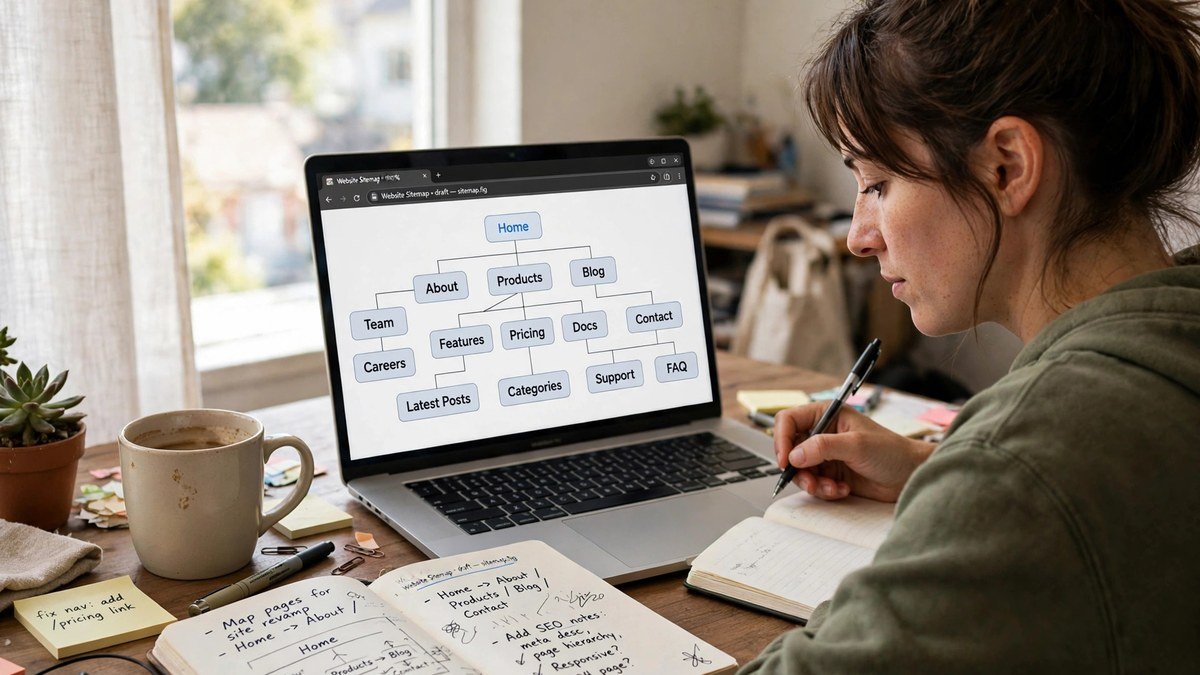
A 404 page is the page a visitor sees when a link breaks or a page moves. For a small team it is easy to ignore, yet it is one of the most visited pages on a small business site, since old links, deleted products, and mistyped addresses all lead there. A good 404 page keeps the visitor on the site instead of sending them back to a search engine.
AI tools now build that page in minutes. Describe the business, pick a tone, and the tool drafts the layout, the headline, the search box, and the links that matter. The team still writes the final words and checks every link. The tools below were judged on one job only: building a 404 page that helps a lost visitor find the right page fast.
Prices run from free plans to paid plans near 30 dollars a month. Wix leads the list overall, Squarespace leads for design, and Elementor AI leads for teams already on WordPress. Eight tools follow, each with a clear best use, a price, and the limit to know before paying.
Key takeaways
- Wix is the best overall pick, with a custom 404 page, AI drafting, and a free plan to test the result.
- Squarespace is the best pick for a design-led team, since the error page matches the rest of the site without extra work.
- Elementor AI is the best pick for WordPress teams, because the 404 page is built inside the site the team already runs.
- Every AI draft needs a human check: the search box must work, the links must be live, and the tone must match the brand.
- A 404 page should offer one clear next step, not a wall of links, and it should keep the same header, footer, and colours as the rest of the site.
At a glance: the shortlist
| Product | Best for | Starting price | Standout limit |
|---|---|---|---|
| Wix | Overall 404 page builder | Free, paid from 17 dollars a month | Free plan shows Wix branding |
| Squarespace | Design-led small teams | Paid from 16 dollars a month | No free plan, trial only |
| Duda | Teams running several client sites | Paid from 19 dollars a month | Overkill for a single small site |
| Elementor AI | WordPress sites | AI add-on from 4 dollars a month | Needs WordPress and Elementor |
| Shopify | Online stores | Paid from 29 dollars a month | 404 editing needs a theme change |
| Canva | Error page graphics and layout | Free, Pro from 120 dollars a year | Not a website host on its own |
| Jimdo | Simplest setup | Free, paid from 9 dollars a month | Few design options |
| Strikingly | One page sites and quick launches | Free, paid from 8 dollars a month | Thin features for larger sites |
Wix — Best overall
Wix is the best overall pick for a small team that needs a proper 404 page without hiring a developer. The AI site builder drafts the whole site from a short description, and the 404 page comes with it, using the same header, footer, colours, and type as the rest of the site.
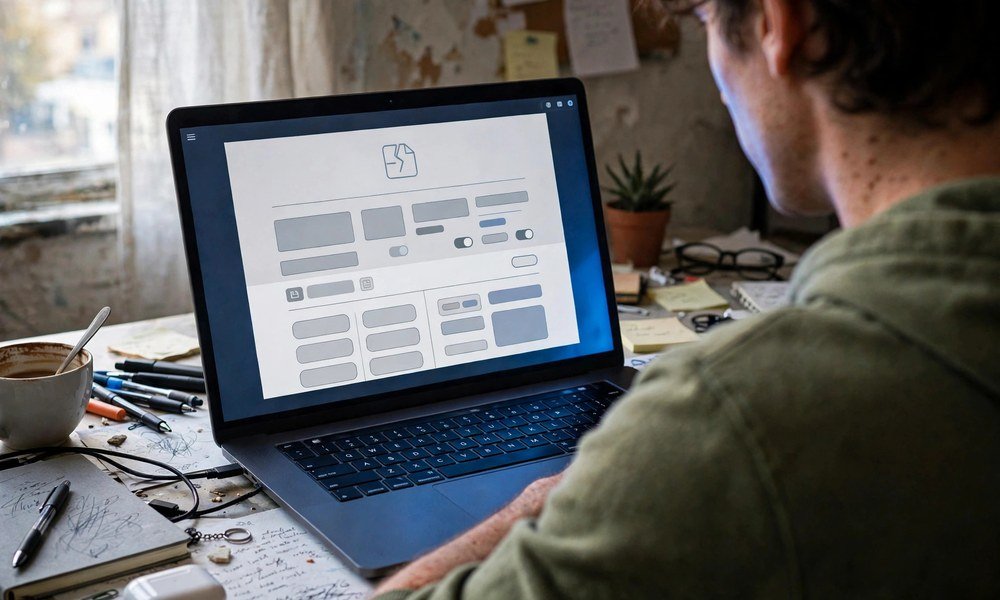
The free plan is enough to test the layout, while paid plans from about 17 dollars a month remove branding and add a custom domain. For teams comparing full site builders, our roundup of AI tools for creating websites for small teams sets out how Wix compares with the other builders on this list.
Pros: full custom 404 page, AI drafting, free plan to start, built in broken link reports. Cons: free plan shows branding, the editor has more options than a small team needs.
Squarespace — Best for design-led small teams
Squarespace is the best pick when the look of the error page matters as much as the words on it. The platform lets a team build a custom 404 page that matches the site design exactly, with the same fonts, spacing, and imagery, so a lost visitor never feels they have left the business.
Paid plans start from about 16 dollars a month, with a trial first. The main drawback is cost: there is no free plan.
Pros: polished design, consistent branding, easy visual editing. Cons: no free plan, fewer AI features than Wix.
Duda — Best for teams running several client sites
Duda is built for teams that manage websites for more than one client, and that is where it earns its place here. The AI builder drafts a full site from a business description, and each site gets its own custom 404 page with its own links and wording.
Paid plans start from about 19 dollars a month, which is fair for a team running several sites but high for a team with only one small site.
Pros: reusable error page layouts, fast sites, client feedback tools. Cons: costly for a single site, fewer templates than Wix.
Elementor AI — Best for WordPress sites
Elementor AI is the best pick for a small team already running a WordPress site. It builds the 404 page inside WordPress, so the team keeps its existing hosting, plugins, and content.
The AI add-on starts from about 4 dollars a month, on top of the WordPress hosting the team already pays for. The catch is the setup: the team needs WordPress and Elementor installed.
Pros: builds inside WordPress, AI copy and images, full control of the template. Cons: needs WordPress and Elementor, steeper learning curve.
Shopify — Best for online stores
Shopify is the best pick when the 404 page sits on an online store. A shopper who follows a dead product link is close to buying, so the error page needs to do more than apologise: it should show popular products, a search box, and a way back to the catalogue.
Paid plans start from about 29 dollars a month, but a store already pays for Shopify anyway, so the 404 page costs nothing extra. Editing the page does need a theme change.
Pros: product links on the error page, AI copy help, no extra cost for existing stores. Cons: theme editing needed, costly as a standalone builder.
Canva — Best for error page graphics and layout
Canva is not a website host, but it is the best pick for the visual side of a 404 page. Many small teams use Canva to design the illustration, the headline layout, and the look of the page, then place that design into their site builder.
Canva Pro starts from about 120 dollars a year and adds background removal, brand colours, and more AI image options. The limit is clear: Canva makes the design, not the page.
Pros: fast AI design, free plan, brand kit on Pro. Cons: not a host, the design must be moved into a builder.
Jimdo — Best for simplest setup
Jimdo is the best pick for a team that wants the simplest route to a working 404 page. The AI builder asks a few questions about the business and builds the site, including a custom error page, in minutes.
The free plan is enough for a small site, and paid plans start from about 9 dollars a month. The trade off is control: Jimdo offers fewer design options than Wix or Squarespace.
Pros: fastest simple setup, clear editor, cheap paid plans. Cons: few design options, thin AI features.
Strikingly — Best for one page sites and quick launches
Strikingly is the best pick for a one page site or a fast launch. The builder is built around single page sites, and its AI tools draft the page from a short description in minutes.
The free plan covers a basic site, and paid plans start from about 8 dollars a month. A team with a larger site, a blog, or a store will outgrow it fast.
Pros: very fast launch, simple editor, cheap paid plans. Cons: thin features, weak fit for larger sites.
How to choose
Start with the platform the site already runs on. A WordPress team should pick Elementor AI, a Shopify store should use Shopify, and a team starting from zero should pick Wix. Switching platforms only for a 404 page wastes time and money, since every builder on this list can make a good error page. The step by step guide to creating a business website 404 page sets out the parts every page needs, and any tool here can build them.
Next, check three things on the free plan or trial: the search box works, the page matches the rest of the site, and the links go to live pages. Then check the cost over a year, including the domain and the renewal price. Pick the tool the team will actually finish with, not the one with the longest feature list.
Checklist: before you pay
- Test the search box on the 404 page and confirm it searches the whole site.
- Check that the page uses the same header, footer, and colours as the rest of the site.
- Confirm the links on the page go to live pages, not to pages that moved or were deleted.
- Read the renewal price, not only the first month price, and check the domain cost.
- Make sure the team can edit the headline and links without a developer.
- Check that the page loads fast and works on a phone.
Frequently asked questions
What should a 404 page say?
It should say in plain words that the page cannot be found, then offer one clear next step: a search box and links to the homepage, services, and contact page. A short apology helps.
Can AI build a whole 404 page?
Yes, the tools here draft the layout, the headline, and the links from a short description. The team still checks the result and writes the final words in the brand voice. Our explainer on what a business website 404 page is sets out the parts the AI draft must include.
Do I need a developer to customise a 404 page?
No. Every tool on this list lets a non technical person edit the page by dragging and typing. A developer is only needed for a fully custom design or for a site built from code, and most small teams never need that.
How much should a small team pay for a 404 page tool?
Nothing extra in most cases, since the 404 page comes with the site builder the team already pays for. A team starting from zero can expect free to about 30 dollars a month, depending on the builder and the plan.
Should a 404 page show a discount or an offer?
For a store, yes: a popular product or a small offer can turn a lost shopper into a buyer. For a service business, a link to the contact page or the most popular service page works better than a discount.
How often should a 404 page be checked?
Check it every month. Look at which pages send visitors there, fix the broken links, and update the links on the page when pages move or are deleted. A sudden rise in 404 visits usually means something on the site broke.
The bottom line
Wix is the pick for most small teams: a full custom 404 page, AI drafting, a free plan to test, and reports that show which links break. Squarespace is the pick when design leads, and Elementor AI is the pick for teams already on WordPress. Shopify covers stores, Canva covers the visuals, and Jimdo and Strikingly cover fast, simple launches.
Whichever tool the team picks, the page itself matters more than the builder. One clear message, a working search box, and links to live pages will rescue more visitors than any design trick.
Note: Prices and plans change. Check the current plan details before buying — no link is provided here by design, all links in this article go to other occcy.com guides.