
A buyer who cannot find a parcel will email the shop, and a small team will spend the afternoon answering the same question again and again. An order tracking page stops that loop by showing where the parcel is, in plain words, on the shop own website. The tools in this roundup build that page with AI help, so a team of two or three can launch it without a developer.
Each tool was judged on the same job: build a tracking page that a buyer can use with only an order number or an email address. The page had to show live status, explain delays in plain language, match the shop branding, and work on a phone. Eight tools made the final list, and they cover Shopify shops, WordPress shops, and shops that sell through more than one channel.
Narvar leads for shops that want a polished branded page, while Malomo leads for teams that want tracking and marketing in one place. The rest cover low cost Shopify apps, post purchase pages, and simple embeds. Every price note reflects the paid plans listed in 2027, so check current pricing before buying.
Key takeaways
- Narvar is the best overall pick for a branded order tracking page that looks like part of the shop.
- Malomo wins for teams that want tracking, upsells, and email capture on the same page.
- ParcelPanel is the cheapest strong option for a Shopify shop that needs a tracking page fast.
- Wonderment is the best pick for post purchase pages that cut where is my order emails.
- No tool fixes a slow carrier, so the page must show honest status even when the news is bad.
At a glance: the shortlist
| Product | Best for | Starting price | Standout limit |
|---|---|---|---|
| Narvar | Branded tracking pages | Custom quote | Enterprise pricing, built for larger shops |
| Malomo | Tracking plus marketing | From around $99 a month | Costs rise with order volume |
| Wonderment | Post purchase pages | From around $49 a month | Best value on Shopify only |
| ParcelPanel | Low cost Shopify tracking | From around $9 a month | Design options are basic |
| Rush | Small team tracking pages | From around $29 a month | Advanced reports cost extra |
| WeSupply | Tracking plus returns | Custom quote | Setup takes longer than rivals |
| Route | Tracking plus protection | Free to start, fees per order | Protection claims need review time |
| Track123 | Simple tracking embeds | From around $19 a month | No full page builder included |
Narvar — Best overall
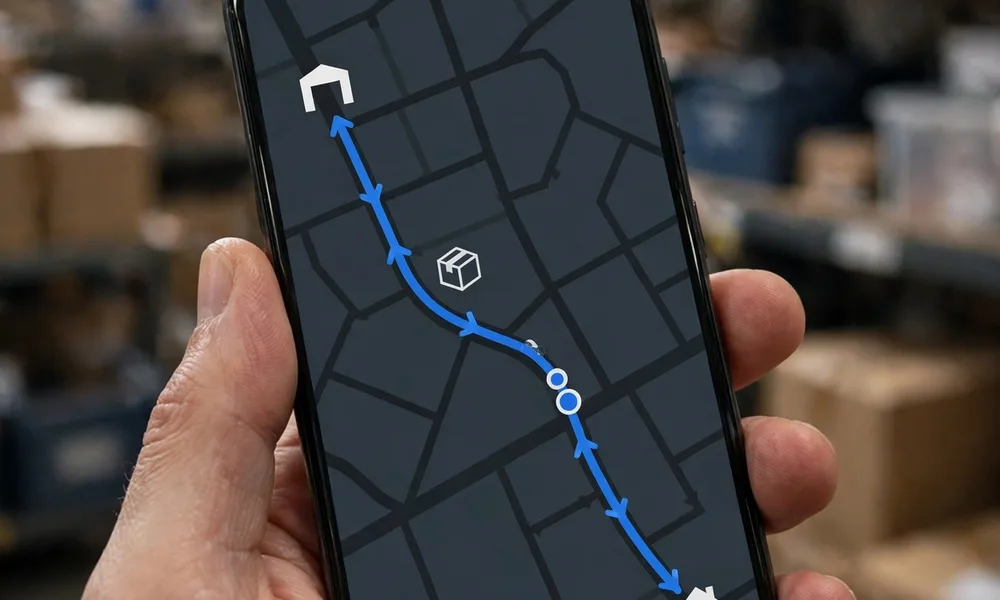
Narvar builds the most polished tracking page in this list, and it shows. The AI drafts the page copy, groups the delivery steps into short plain language stages, and matches the colours and type of the shop, so the page feels like part of the store rather than a carrier redirect. Buyers can search by order number or email, and the page shows the parcel location, the expected date, and what to do if the date slips.
For a small team, the value is the reduction in support work, since a clear page answers the question before the buyer writes in. The setup guide for what an order tracking page is for a small business covers the parts the page needs, and Narvar covers nearly all of them. The catch is price, since plans are quoted per shop.
Pros: Polished branded pages, clear plain language status, strong carrier coverage
Cons: Custom pricing, which puts it out of reach for very small shops
Malomo — Best for tracking plus marketing
Malomo turns the tracking page into a place where the shop can still talk to the buyer. The AI writes the delivery updates, suggests a related product to show while the buyer waits, and adds an email capture box for the next order. The page itself stays clean, with the status at the top and the marketing lower down, so the buyer is never confused about where the parcel is.
Pros: Tracking and marketing on one page, fast Shopify setup, smart delivery messages
Cons: Price scales with orders, so busy months cost more
Wonderment — Best for post purchase pages
Wonderment focuses on the days between checkout and delivery, which is when most support emails arrive. The AI builds a tracking page that explains each stage in plain words, flags a parcel that looks stuck, and drafts a proactive message the team can send before the buyer worries. It also links the tracking page to the shop order system, so the status stays current without manual updates.
The main limit is the platform fit, since the strongest version runs on Shopify and other platforms get a thinner feature set.
Pros: Proactive delay alerts, low daily effort, clear stuck parcel flags
Cons: Strongest on Shopify, thinner elsewhere
ParcelPanel — Best for low cost Shopify tracking
ParcelPanel is the simplest way for a Shopify shop to get a tracking page live. The AI sets up the page from the shop theme, adds the tracking search box, and pulls status from the main carriers without extra configuration. A team can launch in an afternoon, and the page works on a phone from the first day.
The design options are basic compared with Narvar, and a brand that wants a fully custom layout will hit the limits fast.
Pros: Lowest cost in this list, fast setup, solid carrier coverage
Cons: Basic design options, limited custom layouts
Rush — Best for small team tracking pages
Rush builds a tracking page that a small team can run without learning a new system. The AI drafts the page text, connects the shop orders, and adds tracking for the carriers the shop already uses. The page shows each delivery stage as a short line of plain text, and buyers can opt into email or text updates from the same screen.
Pros: Easy setup for small teams, clear status wording, useful carrier reports
Cons: Deeper reports cost extra, page design is plain
WeSupply — Best for tracking plus returns
WeSupply pairs the tracking page with returns, which suits a shop that handles both in the same inbox. The AI builds a page where the buyer can track a parcel, start a return, and see the refund status in one place. That single view cuts the back and forth that happens when tracking and returns live on separate pages with separate logins.
Pros: Tracking and returns in one place, wide platform coverage, clear refund status
Cons: Longer setup, pricing quoted per shop
Route — Best for tracking plus protection
Route adds package protection to the tracking page, so a buyer can see the parcel status and the cover on that order in the same view. The AI drafts the page copy and the protection wording, and the page shows the claim steps if a parcel goes missing. For a shop that ships high value items, that clarity reduces the angry emails that follow a lost parcel.
The trade is that protection claims need review time,
Pros: Protection shown on the tracking page, low cost to start, clear claim steps
Cons: Claims need review time, fees rise with protected orders
Track123 — Best for simple tracking embeds
Track123 is the lightest option in this list, and that is the point. It gives a team a tracking search box and a status page that can sit inside an existing website, without rebuilding the shop or changing the theme. The AI writes the status wording, connects the carriers, and keeps the page updated as the parcel moves.
A team with a custom website will like that the embed drops into a page that already exists,. There is no full page builder here, so a shop that wants a rich branded page should pick Narvar or Malomo instead. For a simple reliable tracking lookup, Track123 does the job at a fair price.
Pros: Light embed for any website, quick to add, fair price
Cons: No full page builder, plain page design
How to choose
Start with the shop platform, not the feature list. A Shopify shop will get the fastest result from ParcelPanel, Wonderment, or Malomo, while a shop on a custom website will do better with Track123 or WeSupply. Then check the carriers the shop actually uses, since a tool that misses the main carrier will show blank status on the orders that matter most.
Next, decide what the page must do beyond showing status. If returns are a daily job, WeSupply earns its setup time. If the shop wants the page to sell again, Malomo is the pick. If the page only needs to answer where is my order, the cheapest solid option wins. The guide to AI tools for creating shipping pages for small teams covers the page that sits next to tracking, and the two pages should share the same wording for rates and dates.
Finally, test with real orders before launch. Send a test parcel, check the page on a phone, and read the status wording as a buyer would. If any stage is unclear, rewrite it before the page goes live, since a confusing page creates more support work than no page at all.
Checklist: before you pay
- Check that the tool covers the carriers the shop uses on most orders.
- Test the page on a phone with only an order number, as a buyer would.
- Confirm the monthly price at the shop real order volume, not the trial volume.
- Check how the page handles a delayed or lost parcel in plain words.
- Confirm the team can edit the page wording without a developer.
- Check the cancellation terms and whether tracking history is kept after leaving.
Frequently asked questions
Do buyers need an account to track an order?
No. Every tool here lets a buyer search with an order number or an email address, with no account needed.
Which tool is cheapest for a new shop?
ParcelPanel is the cheapest strong option here, with paid plans from around $9 a month. Track123 is also low cost, and Route can start free when protection fees are tied to orders.
Will the tracking page match the shop branding?
Narvar and Malomo match branding best, with colours and layout that follow the shop theme. Cheaper apps offer basic matching, so check the preview first.
How long does setup take?
Most apps here launch in a day. WeSupply takes longer because returns rules need setup, and Narvar takes longer because the page is custom built.
What happens when a parcel is delayed?
The page should say so in plain words and give a new expected date. Wonderment and Rush flag stuck parcels early, so the team can message first.
Can the page link to the order page setup?
Yes. A tracking page works best next to a clear order page, and the steps in how to set up a business website order page in 2027 cover the structure that the tracking page should match.
The bottom line
For most small teams, Narvar is the best tracking page when branding matters, Malomo is the best when the page should also sell, and ParcelPanel is the best when the budget is tight and the shop runs on Shopify. Wonderment is the pick when support emails about parcels are the main problem, and Track123 is the pick when the team only needs a simple lookup on an existing website.
Whichever tool wins, launch the page with real orders, read it on a phone, and fix any wording that a buyer could misread. A tracking page earns trust by telling the truth about a late parcel, not by hiding it.
Note: Prices and plans change. Check the product current plan details before buying — no link is provided here by design, all links in this article go to other occcy.com guides.