An order tracking page for a small business is the page a buyer opens after paying to find out where a parcel is and when it should arrive. It answers the question that most buyers ask first after an order leaves the shop.
For a small business in 2027, that page matters more than its size suggests. A shop with a clear tracking page gets fewer messages asking for delivery news, and its buyers wait with more patience, because they can see the parcel moving.
This explainer covers the idea only: what an order tracking page is, how buyers use it, what it is for, and who it suits. It is written for a small business owner deciding whether the page fits the business, and for a buyer who wants to know what the page should tell them.
Key takeaways
- An order tracking page shows live parcel status after payment, using an order number and one second check.
- Buyers use it to check progress, to plan for delivery day, and to act fast after a failed delivery attempt.
- A tracking page is not a shipping page, not a checkout screen, and not a full customer account.
- The page suits any small business that posts parcels, delivers locally, or sends goods by courier.
- A tracking page only works when the carrier data behind it is fresh, complete, and written in plain words.
What a business website order tracking page actually is
A business website order tracking page is a single page where a buyer enters an order number and sees the current state of one parcel. The buyer does not need an account, and does not need to phone the shop.
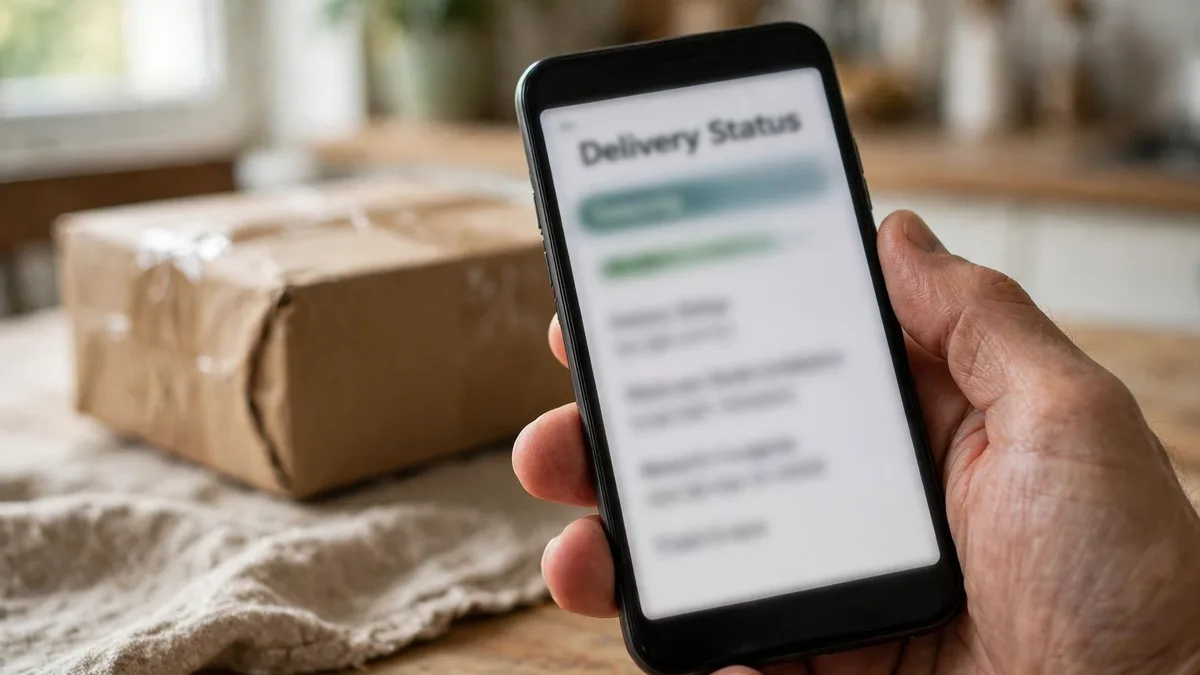
The page has three jobs. It confirms the order, shows the delivery status in plain words with the time and place of the latest scan, and gives the buyer a next step, such as a redelivery link after a failed attempt.
A tracking page differs from a shipping page in a clear way. A shipping page explains delivery before the buyer pays, stating the cost, the time, and the area. A tracking page reports on a parcel after payment. The explainer on what a business website shipping page is for small businesses sets out the first page, while this article covers the page that follows payment.
The page also differs from a checkout screen and from a customer portal. Checkout is where the buyer pays, while tracking is where the buyer checks the result days later. A portal holds the full account, while a tracking page holds one order at a time and works for a guest buyer with no account. The explainer on what a business website customer portal is for small businesses covers the wider account.
The page also differs from a carrier tracking website. A carrier site shows the same scans under the carrier brand, with carrier wording. A tracking page on the business website shows the same scans under the business brand, with plain wording and the business help pages close at hand.
Most tracking pages ask for two details. The first is the order number, which the buyer receives in the confirmation email. The second is a check, usually the email address used at checkout or the delivery postcode. That second detail protects privacy.
How buyers use an order tracking page
Most buyers visit a tracking page at one of four moments. The first is just after the order ships, when the buyer wants to confirm that the parcel has left the shop. A short status that says shipped, with a date and a carrier name, settles that worry in seconds.
The third moment is on delivery day, when the buyer wants to know whether to stay at home. A status that says out for delivery tells the buyer the parcel is on a van that day, and a delivery window tells the buyer when to expect the knock.

The fourth moment is after a problem, when the buyer wants to know what happened and what to do next. At that moment, the page must do more than show a code. It must say what happened in plain words, and give the buyer a link to book redelivery or to contact the shop.
Buyers read the page in a practical way. They scan for the current status first, then for the delivery date, then for the latest scan. That is why the best tracking pages put the current status at the top in large words, with the delivery estimate beside it, and the full timeline lower down.
What an order tracking page is for
An order tracking page has one purpose: to remove doubt about a parcel after the buyer pays. Every buyer who is unsure where a parcel is may write to the shop or cancel the next order. The page removes that doubt by stating the facts plainly, in one place, where any buyer can find them at any hour.
The page suits any small business that sends goods to customers. Online shops need it most, because delivery is part of every order. Shops that deliver locally need it too, and even a business that only offers collection benefits, because the page can say when the order is ready for collection.
There are limits to what the page can do. It cannot make delivery faster, and it cannot fix a carrier that loses parcels. It can only report the truth about the parcel the business sent. A page that promises delivery today when the carrier shows a two day delay is worse than no page at all.
The caveats that matter
A tracking page fails in a few common ways. The most common is staleness. Carrier feeds update every few hours on many routes, not every few minutes, so the page can show an old status while the parcel has already moved. A page that states the time of the last update is honest about that gap.
The second failure is a missing tracking number. When a label is printed but the number never reaches the shop system, the buyer sees an order with no tracking at all. The shop should check every day that each shipped order carries a tracking number.
The third failure is privacy. A tracking page that shows a full address, a phone number, or an order total to anyone with an order number will leak buyer data. The page should show the town and the postcode area only, and it should hide prices and payment details.
The fourth failure is wording that confuses the buyer. Carrier wording such as in transit or awaiting linehaul tells a buyer nothing about when the parcel will arrive. The page should translate each carrier code into plain words, with a date and a place.
The fifth failure is hiding. A tracking page that is hard to find is the same as a tracking page that does not exist. The link should sit in the order confirmation email, in the shipping email, in the footer, and in the account area. It should also sit on the page a buyer sees just after paying. The explainer on what a business website thank you page is for small businesses covers that first page after payment, and the tracking link belongs on it.
| Detail | What is known |
|---|---|
| What it is | One page where a buyer enters an order number and sees live parcel status |
| When it is used | After payment, from shipping until delivery, and after a failed delivery |
| Lookup fields | Order number plus one second check, such as an email address or a postcode |
| Data source | Carrier scans, pulled into the shop by a plugin, a platform, or a tracking service |
| Main statuses | Packed, shipped, out for delivery, delivered, delayed, and delivery attempt failed |
| Buyer moments | Just after shipping, during the wait, on delivery day, and after a problem |
| Privacy rule | Show town and postcode area only, never a full address or payment details |
| Biggest risk | Stale carrier data and missing tracking numbers that leave the page blank or out of date |
Checklist: judging an order tracking page honestly
Use this checklist when deciding whether a tracking page fits a small business, and when checking a page that is already live.
- The page shows the current status at the top in plain words, with a delivery estimate and the time of the last update.
- The lookup asks for an order number plus one second check, and the result hides full addresses and payment details.
- The timeline shows real carrier scans, with a date and a place for each step, not just a single status word.
- A failed delivery or a delay gives the buyer a clear next step, such as a redelivery link or a pickup option.
- The tracking link appears in the order confirmation email, the shipping email, the footer, and the page after payment.
- The page works on a phone, with a short form and a result that fits on one screen without sideways scrolling.
Frequently asked questions
What does a buyer need to track an order
A buyer needs the order number from the confirmation email and one second check, usually the email address used at checkout or the delivery postcode. With those two details, the page shows the order summary and the live timeline.
How long does tracking take to appear after an order ships
Tracking usually appears within a few hours of the carrier scan, and often sooner. The label scan at collection starts the timeline, and the next scan at the sorting depot confirms the parcel is moving. If no scan appears within one working day, the shop should check the tracking number.
Why does tracking show no movement for two days
A parcel can sit without a scan while it travels between depots, crosses a border, or waits for a connecting service. A gap of one working day is normal on many routes. A gap of two working days deserves a check with the carrier.
What should a buyer do after a failed delivery
The buyer should open the tracking page, read the delivery attempt time, and follow the redelivery or collection link on the same page. Most carriers hold a parcel for several working days at a local depot or a pickup point.
Can a guest buyer track an order without an account
Yes, and that is the point of the page. A guest buyer enters the order number and the email address or postcode from the order, and sees the same timeline as a signed in buyer. The page should not force account creation.
Who pays when tracking shows a parcel as lost
The shop should start the carrier claim, because the shop holds the carrier contract and the label record. The buyer should not need to chase the carrier. The shop should tell the buyer the claim is open and offer a replacement or a refund while the claim runs.
The bottom line
An order tracking page is a simple page with a clear job. It tells a buyer where a parcel is, when it should arrive, and what to do when something goes wrong. It suits any small business that posts parcels, and it pays for itself in fewer support messages.
Judge a tracking page by the buyer experience, not by the feature list. If a buyer can find the page, enter two details, and read the answer in seconds on a phone, the page works. If the page needs an account or shows stale data, the shop should fix the data and the wording first.
Note: carrier scan times and delivery estimates change by route and by season, so check the live carrier feed before promising a delivery date to a buyer.