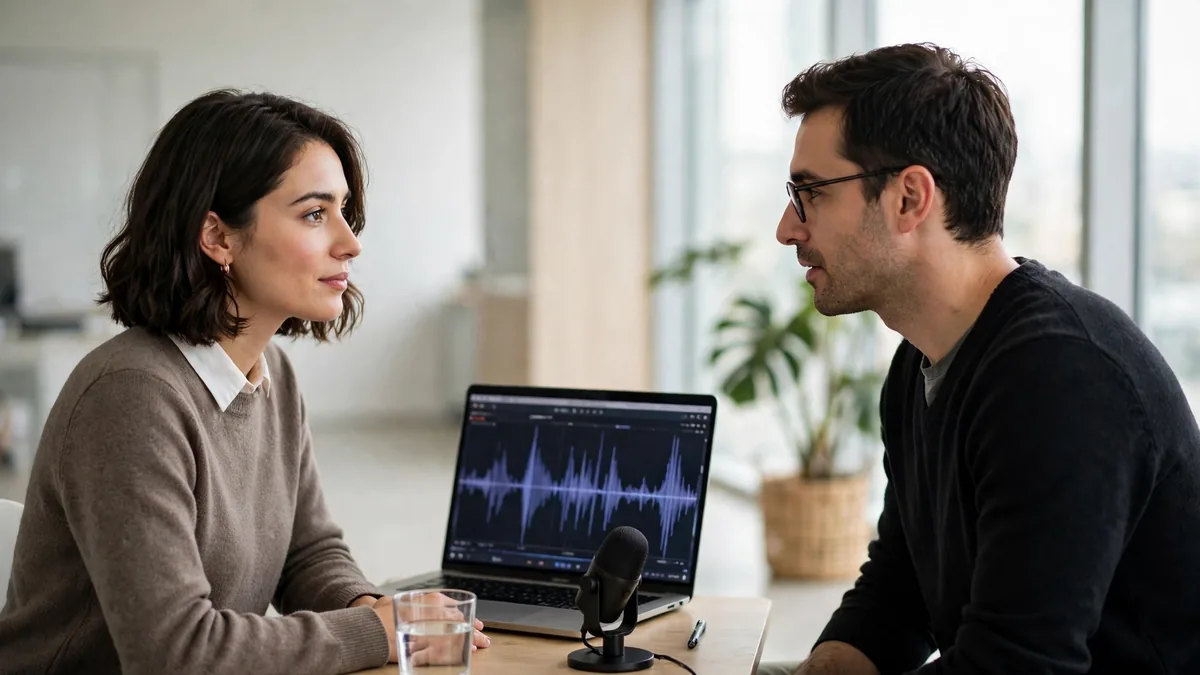
The best AI tools for interview transcription turn a recorded conversation into a searchable, quotable transcript within minutes, so hiring teams and researchers spend their time on decisions instead of replaying audio. They identify speakers, timestamp key moments, and pull out summaries that make follow-up far faster than manual notes.
What matters most is accuracy on real voices, not demos. Interviews include accents, crosstalk, technical terms, and quiet answers, so the best tools handle messy audio well, let you correct errors quickly, and keep sensitive conversations private with clear data controls.
Our shortlist covers eight tools that fit different interview workflows, from one-off research calls to high-volume hiring. Otter.ai leads overall for live interviews, Rev is the strongest choice when accuracy matters most, and Fireflies.ai is the best value for teams that interview constantly.
Key takeaways
- Otter.ai is the best overall choice for live interview transcription, with strong speaker identification and a generous free plan.
- Rev delivers the highest accuracy when the transcript will be quoted or published, with human review available.
- Fireflies.ai is the best value for hiring teams that run many interviews each week.
- Expect to pay from about $10 to $20 per user per month for the leading automated tools.
- Always confirm consent before recording an interview, and check the transcript against the audio for key quotes.
At a glance: the shortlist
| Product | Best for | Starting price | Standout limit |
|---|---|---|---|
| Otter.ai | Live interviews | Free; paid from about $16.99 per user per month | Free plan caps monthly minutes |
| Rev | Highest accuracy | From about $9.99 per user per month | Human transcripts cost extra per minute |
| Fireflies.ai | High-volume hiring | Free; paid from about $10 per user per month | Best features need a paid plan |
| Grain | Sharing clips and notes | Free; paid from about $15 per user per month | Smaller language support |
| Avoma | Structured hiring panels | From about $19 per user per month | No free plan for teams |
| Descript | Editing by transcript | Free; paid from about $16 per user per month | Learning curve for new editors |
| Sonix | Fast file uploads | From about $10 per hour of audio | Per-hour pricing adds up quickly |
| Trint | Research and journalism | From about $48 per user per month | Highest starting price here |
Otter.ai — Best overall
Otter.ai joins live interviews on Zoom, Google Meet, and Microsoft Teams, transcribes as people speak, and labels each speaker automatically. The result is a transcript you can search, highlight, and turn into action items without waiting for an upload to finish.
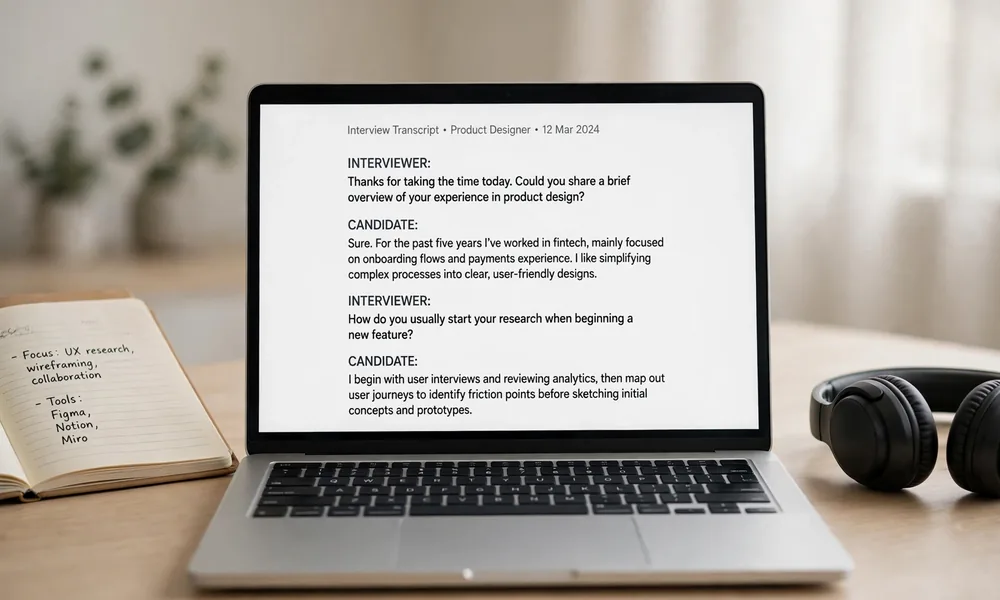
Its summary feature pulls out decisions and next steps, which suits hiring panels where several interviewers need the same notes. The free plan covers a useful number of monthly minutes, while paid plans raise the cap and add team workspaces. Accuracy is strong on clear audio, and the editor makes fixing names and terms quick. For most interview workflows, Otter.ai is the simplest starting point, and it pairs well with the meeting transcription tools covered in our guide to the best AI tools for meeting transcription.
Pros: Live transcription, good speaker labels, useful summaries, generous free plan.
Cons: Accuracy drops on overlapping speech; free plan minutes are limited.
Rev — Best for accuracy
Rev offers automated transcription for speed and human transcription for near-perfect accuracy, which makes it the safest pick when a transcript will be quoted, cited, or published. The automated option returns results quickly, while the human option is reviewed by a real transcriber.
Rev also handles captions and translations, so one account can cover interview transcripts and the video versions of the same conversation. Turnaround for human transcripts is usually within hours, and the editor supports timestamps and speaker labels. The trade-off is cost: human transcription is charged per minute, so long interview series get expensive fast.
Pros: Highest accuracy option, human review available, captions and translations included.
Cons: Human transcripts cost more; automated accuracy is similar to cheaper rivals.
Fireflies.ai — Best value for hiring teams
Fireflies.ai records interviews across the main video platforms, transcribes them, and builds a searchable library of every conversation your team has held. Recruiters can search for a skill, a question, or a candidate name across months of interviews in seconds.
Its summaries highlight candidate strengths, concerns, and follow-up questions, which helps hiring managers compare candidates fairly instead of relying on memory. Integrations with applicant tracking systems and CRMs keep transcripts attached to the right candidate record. Pricing starts low for the features included, making it the best value for teams that interview every week.
Pros: Searchable interview library, strong summaries, good integrations, low starting price.
Cons: Interface can feel busy; best summaries need a paid plan.
Grain — Best for sharing clips
Grain records and transcribes interviews, then makes it easy to clip the best moments and share them as short video highlights with captions. That suits hiring teams that want a hiring manager to watch a two-minute answer rather than read ten pages.
Its AI notes flag key moments automatically, and shared clips keep the transcript attached so viewers can read the full context. Grain also works well for user research, where a single quote often needs to travel from an interview into a presentation. The free plan is usable for occasional interviews, and paid plans add more recording hours and team libraries.
Pros: Excellent clip sharing, automatic highlight detection, clean interface.
Cons: Fewer languages than larger rivals; recording hours are capped.
Avoma — Best for structured hiring
Avoma is built for teams that run structured interviews, where every candidate should face the same questions and be scored the same way. It transcribes the conversation, scores answers against your rubric, and flags where interviewers went off script.
The tool also tracks talk time, filler words, and question quality, giving hiring managers real data on how consistent their process is. Snippets and playlists let teams review the strongest answers side by side. Avoma costs more than general transcription tools, but for panel hiring it replaces several separate tools at once.
Pros: Interview scoring and rubrics, talk-time analytics, strong review workflows.
Cons: Pricier than basic transcription tools; overkill for occasional interviews.
Descript — Best for editing by transcript
Descript transcribes interviews and then lets you edit the audio and video by editing the text, deleting a sentence removes it from the recording. That is a major advantage for teams that publish interview clips or produce candidate highlight reels.
Its Studio Sound feature cleans up noisy recordings, and filler-word removal tidies speech in one click. Descript also supports overdub-style voice correction for small fixes. The transcript itself is accurate and searchable, though the editor takes a little time to learn, and heavy video projects need a capable computer.
Pros: Edit audio by editing text, strong audio cleanup, filler-word removal.
Cons: Steeper learning curve; video editing demands more computing power.
Sonix — Best for fast uploads
Sonix is a straightforward upload-and-transcribe tool that accepts audio and video files in many formats and returns a transcript in minutes. It supports more than 50 languages, which suits research teams interviewing people across different countries.
The browser editor lets you correct words, add speaker labels, and export in common formats for analysis tools. Because Sonix charges per hour of audio rather than per seat, it works well for occasional users who do not want a monthly subscription. Frequent users should compare the subscription plan, since per-hour costs add up on long interview series.
Pros: Fast turnaround, wide language support, no monthly seat required.
Cons: Per-hour pricing gets expensive with volume; fewer meeting integrations.
Trint — Best for research teams
Trint is designed for researchers and journalists who work with long interviews and need to verify every quote. Its editor links each word to the exact moment in the audio, so checking a quote takes seconds rather than minutes of scrubbing.
Trint supports transcription in many languages, collaborative editing, and exports that feed into analysis workflows. It also offers AI summaries and topic detection for large interview sets. The starting price is the highest on this list, so Trint fits professional research teams better than casual users, though the verification workflow is genuinely the best here.
Pros: Word-level audio linking, strong verification workflow, good collaboration tools.
Cons: Highest starting price; more features than occasional users need.
How to choose
Start with your interview format. If interviews happen live on video calls, pick a tool that joins meetings automatically, such as Otter.ai or Fireflies.ai, so nothing depends on remembering to press record. If you work from uploaded recordings, Sonix or Trint gives you more control over the editing and verification process.
Then weigh accuracy against volume. A few high-stakes interviews justify Rev human transcription, while dozens of screening calls favour a flat monthly plan. Check consent rules for recording in your region, confirm the tool stores data in a region you accept, and test accuracy on your own audio before committing. Our guide to the best AI tools for note taking covers companion tools that turn transcripts into organised notes.
Checklist: before you pay
- Run a free trial on your own interview audio, including accents and technical terms.
- Confirm how speaker labels work when three or more people talk.
- Check the monthly minute cap and what happens when you exceed it.
- Confirm consent and recording notice requirements before your first call.
- Check where transcripts are stored and how long they are kept.
- Test the export format your hiring or research tools need.
Frequently asked questions
How accurate is AI interview transcription?
On clear audio with one speaker at a time, leading tools reach roughly 90 to 95 percent accuracy. Accents, crosstalk, and jargon lower that figure, so always check key quotes against the audio.
Do I need consent to record an interview?
In most cases yes, and some regions require every participant to agree. Tell candidates the interview will be recorded and transcribed, explain why, and get their agreement before you start.
Can these tools transcribe interviews in other languages?
Yes, most support many languages, with Sonix and Trint covering the widest range. Accuracy varies by language, so test with a sample in each language you use.
Is human transcription still worth it?
It is when the transcript will be quoted publicly, used as evidence, or published. Human review catches names, numbers, and nuance that automated tools miss.
How long does transcription take?
Live tools produce a transcript as the interview happens. Uploaded recordings usually take a few minutes for automated transcription, while human transcription can take several hours.
Can I use interview transcripts for hiring decisions?
Yes, and transcripts often make hiring fairer because every candidate is judged on the same record. Keep them secure, limit access, and follow your local data retention rules.
The bottom line
For most teams, Otter.ai is the best all-round choice for interview transcription in 2027: it works live, labels speakers well, and produces summaries hiring panels can actually use. Choose Rev when accuracy is non-negotiable, and Fireflies.ai when your team interviews at high volume and needs a searchable library.
Whichever tool you pick, test it on a real interview before you pay, confirm consent with every candidate, and verify important quotes against the audio. Prices and plans change often, so check current pricing before you buy. For drafting follow-up messages after interviews, see our guide to the best AI tools for email writing.