
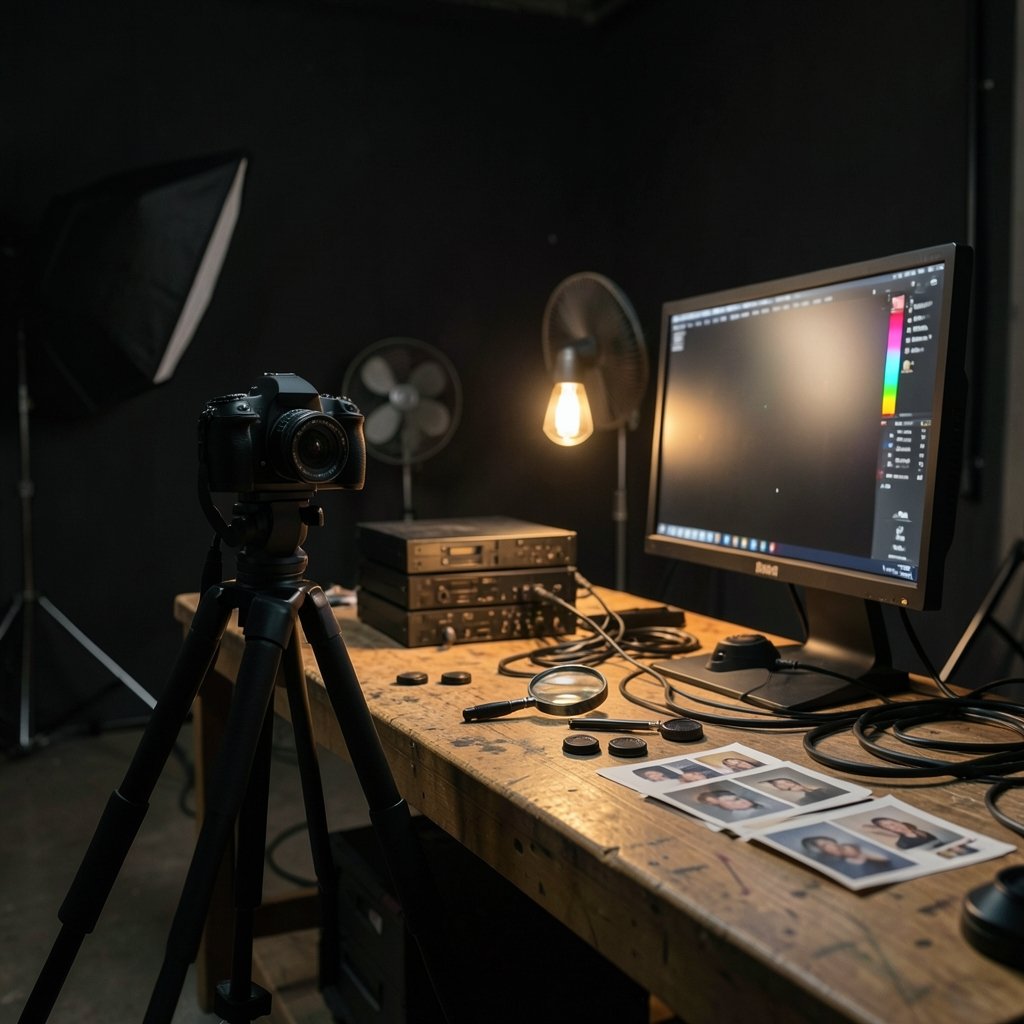
What happens when the software editing your photos can tell the difference between a genuine portrait and a synthetic fake? That question sits at the heart of every tool decision photographers and videographers face in 2027. The AI editing market has matured past the novelty stage, and the tools that survived are the ones that solved real workflow problems rather than chasing demo reels.
The shift is not just about faster masking or cleaner noise reduction. Provenance, licensing, and documentation now matter as much as output quality. A studio that cannot show where an image came from faces real risk, especially in Europe. So picking tools in 2027 means weighing creative power against accountability. This guide walks through the categories that matter, the mistakes that trip people up, and how to build a stack that holds up under scrutiny.
Why 2027 changed the tool-buying decision
Three forces reshaped the market. First, generative models became ordinary features inside familiar apps rather than separate destinations. Second, provenance standards went mainstream. Third, regulation caught up with the hype.
Content Credentials are the practical face of this change. The open C2PA standard attaches signed metadata to an image showing its edit history and whether AI was involved. Adobe shipped support in its creative apps starting in 2023, and the standard moved through version updates since. Cameras followed: Leica put Content Credentials into the M11-P back in October 2023, an early sign that provenance would start at capture rather than in post.
Regulation adds teeth. The EU AI Act entered into force on 1 August 2024 and includes transparency obligations for AI-generated content under Article 50, with phased application dates. For photographers publishing in the EU, that means disclosure is not optional marketing language. It is compliance.
Watermarking is the third piece, and the most contested. Google’s SynthID, announced in August 2023, embeds imperceptible signals in AI images, and a 2024 paper in Nature documented the method. But independent research has repeatedly shown watermarks can be removed or forged. Treat detection as a helpful signal, never as proof.
The categories that actually matter
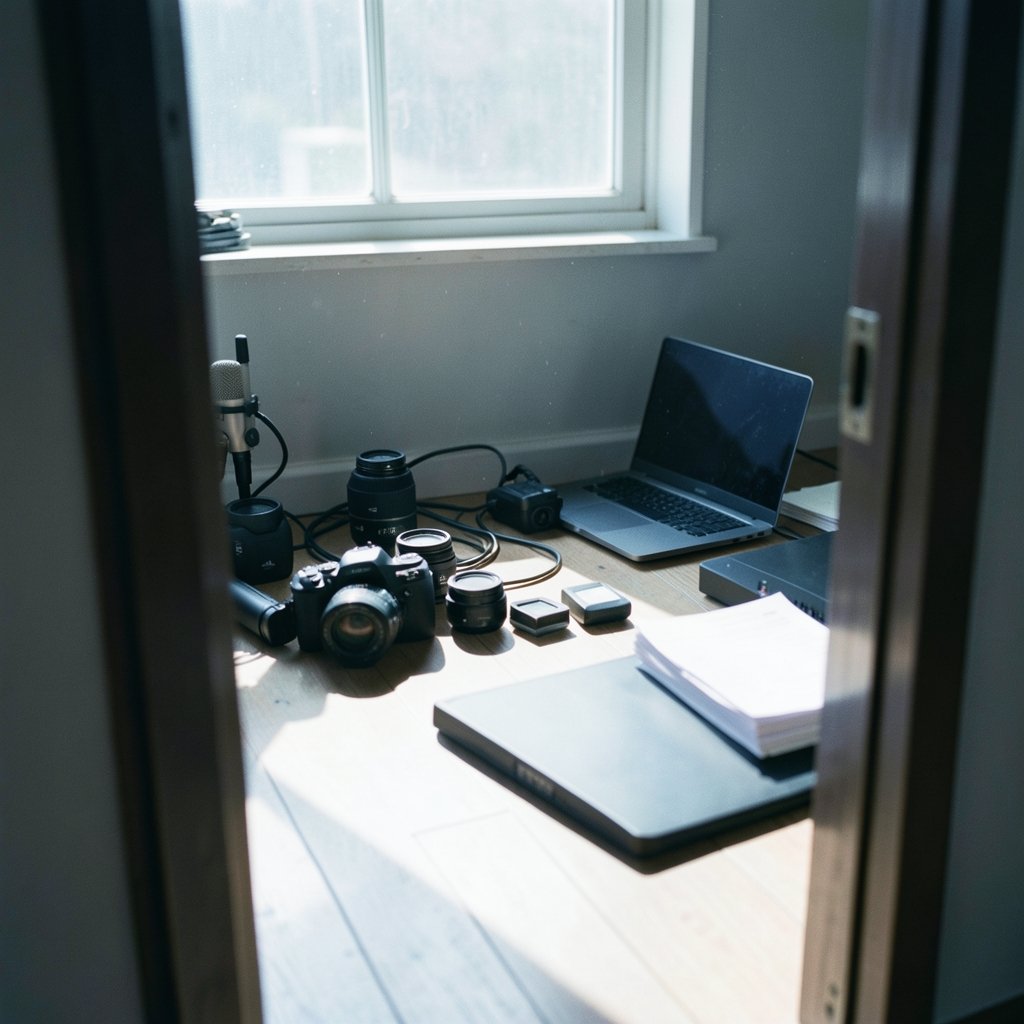
Buying tools by brand name is a common mistake. Buying by job to be done works better. Most working photographers and videographers need coverage in five areas.
| Job to be done | What good looks like | Watch out for |
|---|---|---|
| Culling and selection | Learns your keep/reject taste from a few hundred shots | Tools that lock you into one catalog |
| Retouching and masking | One-click subject masks that hold up at 100% zoom | Over-smoothing that kills skin texture |
| Generative fill and extend | Clean edges, believable perspective, honest provenance tagging | Licensing terms that shift between versions |
| Video generation and cleanup | Usable short clips, reliable object removal | Unverified availability and changing model versions |
| Provenance and records | C2PA support, exportable audit trail | Silent stripping of metadata on export |
If a tool covers three of these well, it earns a place. If it claims all five and delivers none, it is a distraction.
Generative editing inside the tools you already own
The biggest practical win of 2027 is that generative editing lives where your files already are. Adobe Firefly, announced in March 2023 and trained on Adobe Stock plus openly licensed and public-domain content, powers Generative Fill and related features inside Photoshop. That integration matters because it removes the export-import dance that used to break metadata chains.
The same consolidation happened elsewhere. Capture One and Lightroom-style workflows now lean heavily on AI masking and subject detection. The practical tip here: run every generative edit on a duplicate layer and keep the original untouched. When a client asks what changed, you can show them rather than guess.
Common mistakes in this category:
- Editing the base layer. Always duplicate first. Provenance tools record what you did, and a clean base layer makes disputes easy to resolve.
- Trusting the model’s default crop. Generative extend often invents plausible but wrong architecture or foliage. Zoom to 100% and check edges before delivery.
- Ignoring license drift. Model terms have changed repeatedly since 2023. Re-read them at renewal, not once at signup.
If you want a broader sense of how tool categories overlap and where each one actually protects your work, the breakdown of how Wazuh vs security onion vs crowdsec each tool protects 2027 workflows offers a useful parallel from the security world: overlapping tools only help when each has a clear job.
Video generation and cleanup: proceed with verification
Text-to-video moved fast. Runway and Pika emerged as commercial options in 2023, OpenAI previewed Sora in February 2024, and Stability AI released Stable Video Diffusion as an open model in November 2023. All of that is real history. What is not settled is which of these tools is best right now, because versions, pricing, and availability change month to month.
That uncertainty should shape how you buy. Do not build a client deliverable around a model you have not tested this week. Instead:
- Keep a short list of two or three video tools and re-test them quarterly on the same ten-second clip.
- Record which model version produced which shot in your project notes.
- Disclose synthetic footage to clients in writing, and tag it with Content Credentials on export.
- Never promise a client a look you can only achieve with a tool you have not stress-tested.
The same discipline applies to build and production tooling around your studio. Teams comparing workflow software often find that the real gains come from understanding what changes when you switch, a lesson that shows up clearly in how clickup alternatives work changes when you switch tools. Creative pipelines behave the same way: migration cost is usually higher than the license fee.
Provenance, watermarks, and the honesty problem
Here is where 2027 separates serious operators from hobbyists. Provenance is now a deliverable.
C2PA is the open technical standard behind Content Credentials, maintained by the Coalition for Content Provenance and Authenticity. It lets an image carry a signed record of capture and edits. ISO/IEC 42001:2023, published in December 2023, sets requirements for AI management systems, which matters if your studio needs to document how AI tools are governed. The NIST AI Risk Management Framework, released in January 2023, offers a voluntary structure for evaluating AI risk in creative workflows.
Do you need all three? Probably not. But a studio handling editorial, advertising, or news work should at least be able to answer: which AI tools touched this file, and can we prove it?
Practical steps that work:
- Turn on Content Credentials in camera if your body supports it, and in your editor on export.
- Keep a simple log of AI tools used per project. A spreadsheet beats memory.
- Tell clients plainly when generative tools were used. Surprises destroy trust faster than any watermark.
- Do not rely on watermark detection to catch misuse. Independent research keeps finding weaknesses, so treat detection as one signal among many.
For a sense of how real-world scanning finds problems you did not know existed, the examples in vulnerability scanning examples 7 real world tools they find show the same principle: systematic checks catch what eyeballing misses. Apply that mindset to your own archive and client deliverables. (Make alternatives examples real build tools that beat)
Matching tools to your actual workflow
The best stack depends on what you shoot. A wedding photographer and a commercial retoucher need different things.
| Workflow | Priority | Sensible approach |
|---|---|---|
| High-volume events | Fast AI culling, batch masking | One catalog tool with strong AI selection, plus a provenance-friendly editor |
| Editorial and documentary | Authenticity and records | In-camera credentials, minimal generative use, clear disclosure |
| Advertising and product | Generative fill and cleanup | Generative editing in the main editor, duplicate layers, documented model versions |
| Motion and social video | Fast cleanup, short synthetic clips | Two tested video tools, version logging, written client disclosure |
A pattern shows up again and again: people overbuy on features and underbuy on record-keeping. The tool that saves an hour a week is nice. The record that saves a contract dispute is invaluable.
Budget thinking helps too. Subscription stacking is the quiet killer of creative margins. The logic in cloud cost management tools that actually cut your bill applies directly: audit what you pay for, kill the tools you opened twice last quarter, and consolidate where overlap is high. (Benefits canva alternatives where other tools actually win)
Mistakes that cost real money
A few errors come up so often they deserve their own list.
- Chasing every launch. New models ship constantly. Test on your own files before you commit a client project.
- Skipping the duplicate layer. One careless generative edit on a base layer can cost you an original.
- Assuming metadata survives. Some export paths strip provenance data. Check the delivered file, not just the master.
- Treating vendor claims as research. Watermark robustness and detection accuracy are marketing claims until independent testing says otherwise.
- Forgetting disclosure. In the EU, transparency obligations for AI-generated content are law, not etiquette.
- Buying overlapping tools. Three apps that do the same masking job is a subscription problem, not a capability one.
The fix for most of these is boring: a short written workflow, a version log, and a quarterly tool audit. That is what actually works in practice.
How to evaluate a tool in twenty minutes
You do not need a trial month to judge most software. Run a fixed test.
- Take five files from a recent real job.
- Run the tool’s headline feature on all five without adjusting settings.
- Check output at 100% zoom, especially edges and fine texture.
- Export and inspect whether provenance metadata survived.
- Read the current license terms for the model version you used.
- Time the whole task. If it is slower than doing it manually, the tool is not ready for your workflow.
This test surfaces more than a demo ever will. It also gives you a baseline to compare against the next version, which is exactly what the fast-moving video market demands.
Conclusion
The best AI tools for photographers and videographers in 2027 are not the flashiest ones. They are the tools that fit a defined job, keep a verifiable record of what they touched, and survive a real client deadline. Generative editing inside familiar apps has earned its place. Video generation is powerful but still needs quarterly re-testing and honest disclosure. Provenance standards and transparency rules have turned record-keeping from a nice habit into a professional requirement.
Build a small stack, test it on your own files, duplicate your layers, log your model versions, and tell clients the truth about what you made and how. That approach beats any single tool, and it will still be right when the next model launches next month.
FAQ
What are the best AI tools for photographers in 2027?
There is no single best tool. Most working photographers rely on one catalog app with strong AI culling and masking, one editor with generative fill and Content Credentials support, and a simple log of which models touched each project. Fit to your workflow beats brand loyalty.
Are AI watermarks reliable for proving an image is real?
No. Watermarking methods such as SynthID, announced in August 2023 and documented in a 2024 Nature paper, are useful signals, but independent research has shown watermarks can be removed or forged. Treat detection as one clue, not proof, and rely on signed provenance records instead.
What are Content Credentials and why do they matter?
Content Credentials are the consumer-facing name for provenance data built on the open C2PA standard. They attach a signed record of capture and edits to a file, including whether AI was used. They matter because clients and regulators increasingly ask for that record, and because they help you prove authorship.
Do I have to disclose AI-generated images by law?
It depends where you publish. The EU AI Act entered into force on 1 August 2024 and includes transparency obligations for AI-generated content under Article 50, with phased application dates. Outside the EU, rules vary. Disclosure is also just good practice with clients.
Is text-to-video AI ready for client work in 2027?
Partly. Tools like Runway, Pika, Sora, and Stable Video Diffusion have all shipped real capabilities since 2023, but versions and availability change quickly. Test on your own footage each quarter, log model versions, and disclose synthetic clips in writing before you promise a deliverable.
How many AI tools does a small studio actually need?
Usually three to five. One for culling and cataloging, one for retouching and generative editing, one or two for video, and a lightweight system for provenance and project records. Anything beyond that should justify itself with hours saved, not features listed.



