Best AI Website Builders in 2027
The best AI website builders in 2027 can turn a short description of a business into a working website in minutes, complete with written copy, images and a sensible page structure. A few years ago a builder handed you a blank template to fill in yourself. The differences between the tools now come down to editing freedom, ecommerce strength, pricing and control over the finished site.
That speed comes with a trade-off. An AI-generated site is a starting point, not a finished product, and the prettiest first draft is not always the easiest to live with six months later. Some lock you into their hosting, some charge extra for features a small business needs, and some generate text that sounds polished until a real customer reads it closely.
This guide compares six builders that were usable in 2027: what they generate, how easy they are to edit, what they cost and where each falls short. Prices are approximate, so check current pricing before you sign up.
Key takeaways
- Wix AI and Squarespace produce the strongest first drafts: Wix offers more apps, Squarespace cleaner design.
- Hostinger AI Builder is the cheapest way to get a decent AI-built site online, with hosting included in the same plan.
- Framer AI is the best pick for design-led startups that want a modern, fast site, but it is less forgiving for beginners.
- Durable builds a whole business site in under a minute, yet its editing tools are thinner than the bigger builders.
- No AI builder replaces a human review: check every fact, price and claim before you publish.
Best AI website builders at a glance
Here is how the six builders compare on the things that matter most. Use it to narrow the field to two or three options, then read the full section on each one.
| Builder | Best for | AI strength | Starting price (approx.) |
|---|---|---|---|
| Wix AI | Small businesses and shops | Full site, copy and images from a chat | Around $17 per month |
| Squarespace Blueprint AI | Portfolios and service businesses | Guided setup with strong design defaults | Around $16 per month |
| Hostinger AI Builder | Budget sites and first websites | Fast generation, simple editing | Around $3 per month |
| Framer AI | Design-led startups and landing pages | Prompt-to-page with sharp layouts | Around $5 per month |
| Durable | Service businesses that need speed | Whole site in under a minute | Around $12 per month |
| Jimdo Dolphin | Simple sites and local businesses | Quick setup from a few questions | Around $9 per month |
Prices are approximate and usually quoted for annual billing, so a monthly plan costs more. Check current pricing before you commit, especially for ecommerce.
Wix AI
Wix remains the most complete AI website builder in 2027. Answer a short chat about your business and goals, and it generates a full multi-page site with copy, images, contact forms and, where relevant, a shop. The result is usually the most finished-looking first draft here, and the editor behind it is the most powerful, with hundreds of apps for bookings, email and payments.
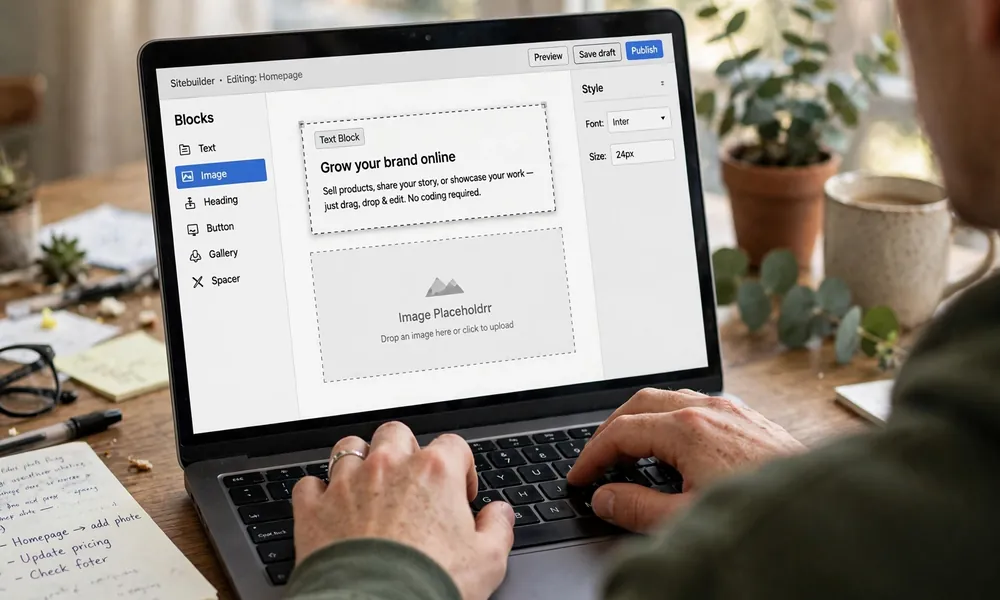
The breadth is also the weakness: Wix can feel busy, the editor has a learning curve, and you cannot swap templates later without rebuilding. The free plan shows Wix branding. For a small business that wants one tool for the website, shop and marketing, it is still the safest default pick. Our guide to the best AI tools for small business in 2027 covers tools that pair well with a Wix site.
Pros: strongest all-round AI generation; huge app market; solid ecommerce and booking tools.
Cons: editor can overwhelm beginners; cannot switch templates after launch; cheap plans limit features.
Squarespace Blueprint AI
Squarespace takes a more guided approach. Its Blueprint AI asks about your business, goals and pages, then builds a site from its own design system. The result is consistently tasteful, with spacing and typography that look considered even when you have done almost nothing. That is why photographers, designers and restaurants keep choosing it.
The trade-off is flexibility: you work inside Squarespace’s structure, with less freedom than Wix or Framer for unusual layouts, and ecommerce is less deep than Wix. In return you get a site that looks professional from day one, plus built-in email and scheduling tools.
Pros: best-looking default designs; simple guided setup; good built-in marketing tools.
Cons: less layout freedom than rivals; ecommerce is basic for larger shops; no free plan beyond a trial.
Hostinger AI Builder
Hostinger AI Builder is the value pick here, and it is not close. For roughly the price of a coffee each month, you get AI site generation, hosting, a free domain on longer plans and a simple editor. Describe your business in a sentence or two and it produces a clean, modern site with copy and images. It also includes an AI writer, an AI logo maker and heatmaps on higher plans.
The limits show up as you grow: the editor is simpler, ecommerce is workable for a small shop but not a strength, and the copy can be generic, so rewrite the important pages yourself. The low price depends on a long initial term, and renewals are higher. Even so, for a first website or a tight budget, Hostinger is hard to beat. Our roundup of the best AI tools for email marketing in 2027 is a useful next read once the site is live.
Pros: lowest price in this roundup; hosting and domain included; fast AI generation.
Cons: simpler editor and fewer apps; ecommerce is limited; renewal prices rise after the first term.
Framer AI
Framer AI is the builder for people who care about how a site feels. Type a prompt describing the page you want, and it generates a layout with modern typography and smooth animations. It is particularly strong for startups, SaaS landing pages and portfolios, where a sharp first impression matters. The published sites are genuinely fast.
The catch is that Framer assumes a little design confidence: beginners can feel lost on the canvas, the content tools are less mature, and ecommerce is not its focus. Pricing starts low but climbs with more pages. If you want a site that stands out, Framer is the most rewarding builder here; if you want the simplest path, it is not.
Pros: outstanding design quality and page speed; flexible canvas; generous free tier.
Cons: steeper learning curve; weak ecommerce; content tools are thinner than Wix or Squarespace.
Durable
Durable is the fastest builder here, built for a service business owner who needs a website today. Answer a few questions about your trade and services, and it generates a complete site with copy, images and a contact form in under a minute. It can also generate invoices, so it feels like a small business starter kit as much as a website builder.
Speed is the point, and it shows in the editing: designs are clean but similar, customisation is shallower, and the platform is a poor fit for ecommerce or blogs. For a plumber, cleaner, coach or consultant who has been putting off a website for months, though, a simple live site beats a perfect one that never launches.
Pros: fastest setup in this roundup; good for local service businesses; includes invoicing tools.
Cons: designs can look similar; shallow customisation; weak for shops and blogs.
Jimdo Dolphin
Jimdo Dolphin is the quiet, dependable option. It asks a handful of questions, pulls in what it can find about your business, and builds a simple site in a few minutes. There is little to learn, and the result is a tidy site with the pages a local business needs: home, about, services and contact. It also handles basic online selling and legal pages.
Jimdo is not trying to compete with Wix on features or Framer on design. The AI is less ambitious, the templates are plain, and growing businesses will hit limits on apps and ecommerce. But for a local shop or freelancer who wants a professional presence without a project, that simplicity is the feature.
Pros: very easy for beginners; quick setup; sensible legal and shop basics.
Cons: plain designs; limited apps and customisation; not built for larger sites.
How to choose the right AI website builder
Start with the job, not the demo. A shop needs ecommerce depth, so Wix or Squarespace make sense. A portfolio needs design quality, so Squarespace or Framer fit better. A local service business needs to be found and contacted, so Durable or Jimdo will get you live fastest. A tight budget points to Hostinger. Write down the three things your site must do in its first month, and let that list eliminate most options.
Then test the editor, not just the generator. Every builder here makes a good first draft; the difference is what happens when you change a headline or fix a layout that looks wrong on a phone. Use the free trial, build two or three real pages with your own words, and check the result on a phone. Also check whether your plan includes a free domain, what happens at renewal, and whether you can export your content. And remember the AI writes a first draft, not your voice: read every page as a customer would and fix the facts. If you run a small shop, our guide to the best CRM software for small business in 2027 can help you handle the enquiries the new site brings in.
Checklist: launching your AI-built website
Use these checks before you share the site with anyone.
- Read every generated page and correct names, prices, services and claims.
- Replace generic stock photos with real photos of your work or products.
- Check the site on a phone and fix text or images that overlap or crop badly.
- Test the contact form, the shop checkout and every link yourself.
- Connect a custom domain, add your business email and set up analytics.
- Write a short homepage headline that says what you do and who it is for.
Frequently asked questions
What is the best AI website builder in 2027?
For most small businesses, Wix AI is the best all-round choice, combining strong AI generation with deep ecommerce and marketing tools. Squarespace is better for design, and Hostinger is the best budget option.
Can an AI website builder really build a whole site?
Yes, they can generate a complete multi-page site, including copy and images, from a short description. The result is a solid first draft, but review every page and check all facts before publishing.
Are AI website builders good for SEO?
They cover the basics well: mobile-friendly pages, fast loading and editable titles. Wix and Squarespace have the most developed SEO tools here. No builder guarantees rankings.
How much does an AI website builder cost?
Most paid plans here start at roughly $3 to $17 per month on annual billing, with free tiers or trials on several builders. Prices are approximate, so check current pricing and watch for higher renewal prices.
Can I move my site away from an AI builder later?
Usually only with effort. Most are hosted platforms, so you can export text and images but not the design. Keep copies of your content and photos outside the builder.
Do I still need a web designer if I use an AI builder?
For a simple business site, no: an AI builder plus an hour of careful editing is enough. A designer is still worth it for a complex shop or a distinctive brand.
The bottom line
The best AI website builders in 2027 have made the hard part of building a website the editing, not the starting. Wix AI is the most complete choice, Squarespace is best when design leads, Hostinger is the best value, Framer is best for a landing page, Durable is fastest for a service business, and Jimdo is simplest for a local business.
Pick the builder that fits the job your site has to do, use its free trial to edit real pages with your own words, and check the renewal price before you pay. Then publish and improve based on what real visitors do: a live site you keep improving beats a perfect draft that never ships.