
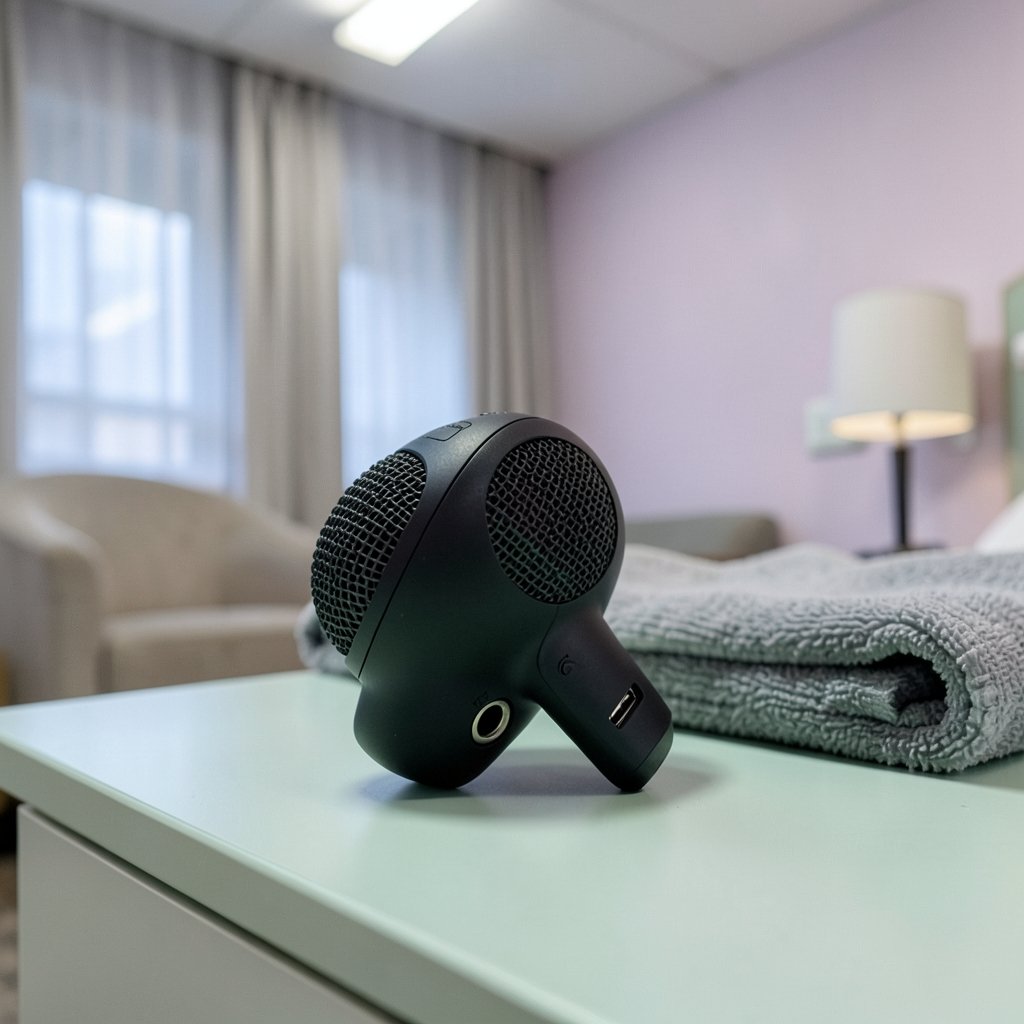
A USB microphone is often the first real gear purchase a podcaster, streamer, or remote worker makes. According to Wikipedia’s overview of microphones, the core technology inside a budget USB mic is largely the same as in models costing three times as much: a capsule, a preamp, and an analog-to-digital converter. What separates a good cheap mic from a frustrating one is rarely the capsule. It’s the build quality, the monitoring options, and whether the manufacturer cut corners on the parts you touch every day.
That’s the lens this guide uses. Rather than crowning a single winner, it walks through what separates usable budget mics from disposable ones, which features genuinely matter, and where shoppers most often waste money.
Why Budget USB Microphones Are Good Enough Now
A decade ago, a $60 microphone sounded like a $60 microphone. Today, the gap has narrowed dramatically. The reason is simple: USB audio chipsets have become cheap and standardized, so manufacturers can spend their budget on the capsule and housing instead of the converter. (Microphone)
For spoken word, voice calls, streaming, and beginner podcasting, a well-chosen budget USB mic is genuinely sufficient. The honest caveat is that no budget microphone will make a noisy room sound professional. Room treatment and microphone technique matter more than the price tag. If the goal is a clean voice recording, spending $20 on a moving blanket and learning to speak slightly off-axis will outperform upgrading from a $70 mic to a $150 one.
What Separates a Good Budget Mic From a Bad One
Polar Pattern and Capsule Type
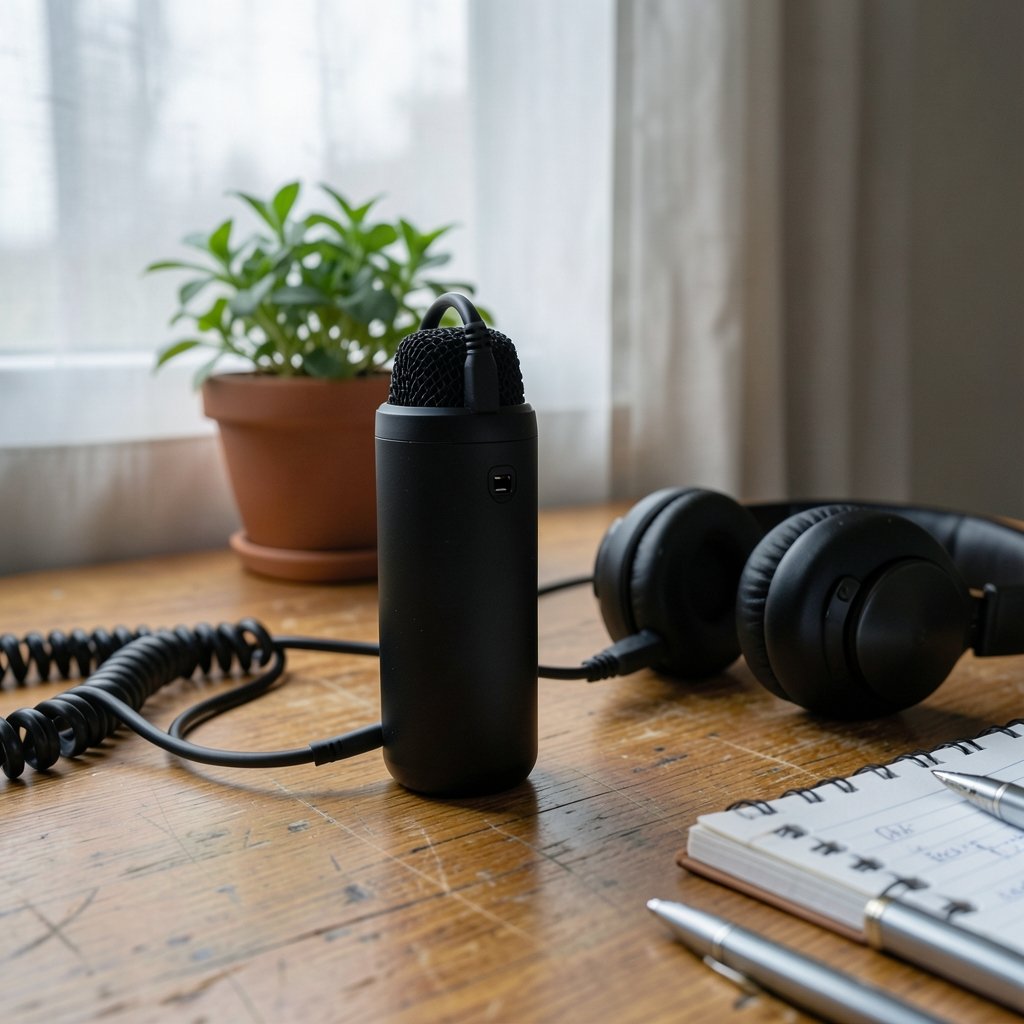
Most budget USB mics use a cardioid polar pattern, which picks up sound from the front and rejects the rear. That’s the right choice for solo recording. A few models offer switchable patterns, which is useful for two-person interviews but adds cost. For a single speaker, cardioid is enough, and paying extra for pattern switching is usually a mistake at this price point.
Monitoring and Latency
Zero-latency headphone monitoring is the single most underrated feature on a budget mic. Without it, you hear your own voice delayed by a fraction of a second through the computer, which is deeply distracting. A built-in headphone jack with direct monitoring solves this. If a mic lacks it, that’s a real limitation, not a spec-sheet footnote.
Connection and Mounting
USB-C has largely replaced micro-USB on newer models, and that matters for longevity. Equally important is the mount: a mic that threads onto a standard stand or boom arm is far more useful than one locked to a proprietary desktop base. Cheap plastic tripods are the first thing most buyers replace.
Build and Controls
Metal bodies survive desk knocks; plastic ones eventually crack at the thread. Physical gain knobs beat software-only controls because they work in every app without drivers. A mute button is a small feature that gets used constantly on calls.
A Practical Comparison Framework
Because prices shift constantly, the most reliable approach is to compare categories of budget mic rather than chase a specific model number. The table below shows what each tier typically delivers.
| Tier | Typical Price Band | What You Usually Get | Best For |
|---|---|---|---|
| Entry desktop | Lowest band | Plastic body, fixed stand, no monitoring | Casual calls, backup use |
| Solid mid-budget | Middle band | Metal body, headphone jack, gain knob | Podcasting, streaming, remote work |
| Hybrid (USB + XLR) | Top of budget range | Both outputs, better capsule, mute control | Creators planning to upgrade later |
| Kit bundles | Varies widely | Mic plus arm, shock mount, cables | Buyers who want one purchase |
The hybrid tier deserves special attention. A mic with both USB and XLR outputs lets a creator start simple and move to an audio interface later without replacing the microphone. That’s often the smartest spend in the entire budget category.
Mistakes That Waste Money on Cheap Microphones
First-hand experience from countless setup threads points to the same handful of errors again and again.
Buying on spec sheets alone. A claimed 24-bit/96kHz recording rate means nothing if the capsule is noisy. Sample rate is the least important number on the box for spoken word.
Ignoring the stand situation. Many buyers spend the whole budget on the mic, then discover the included tripod transmits every keyboard tap directly into the recording. A cheap boom arm or a desk stand with a shock mount often improves audio more than a mic upgrade would.
Skipping the pop filter. Plosives on “p” and “b” sounds are the most common complaint in budget recordings, and a $10 foam windscreen fixes most of it.
Recording in an untreated corner. A mic pointed at a bare wall picks up reflections that make even a good capsule sound boxy. Facing a soft surface, like a curtain or a bookshelf, costs nothing.
Assuming USB means plug-and-play everywhere. Most USB mics are class-compliant and work without drivers, but some rely on manufacturer software for gain control. Checking compatibility before buying avoids a nasty surprise.
How Budget Mics Fit Into a Wider Setup
A microphone is one line item in a larger budget, and it helps to see it that way. Someone building a streaming setup is also buying a camera, lighting, and a headset, and the same “spend where it matters” logic applies across all of it. The same discipline that guides a shopper comparing the best budget phones applies here: identify the two or three features you’ll actually use daily, and don’t pay for the rest.
For creators who also record on the go, phone audio is a genuine fallback, and knowing the limits of a handset helps calibrate expectations. A guide to the best phone to buy in 2026 for every budget is useful context for anyone deciding whether to invest in a dedicated mic or lean on mobile recording first.
Audio gear also tends to be the last thing people budget for, whether they’re outfitting a home office or a studio corner. That’s a familiar pattern in any project where the visible items get funded first. Home renovation budgets follow the same logic, as this breakdown of home renovation costs shows: the structural work eats the budget, and the finishing touches get squeezed. Treat the microphone as structural, not decorative.
Where to Buy and What to Check
Availability and pricing vary sharply by region. Canadian buyers, in particular, often see different model lineups and higher street prices than US shoppers, so it’s worth comparing local listings rather than assuming a US price translates. A roundup of the best budget phones in Canada makes the same point about regional pricing: the same product can carry a very different effective cost depending on where it ships.
Before checkout, verify four things:
- The connector type matches the computer (USB-C versus USB-A, and whether an adapter is included).
- A headphone monitoring jack is present if real-time monitoring matters.
- The mount uses a standard thread, not a proprietary clip.
- The return window is long enough to test for self-noise in a quiet room.
That last point is the most practical advice in this guide. Self-noise, the faint hiss a microphone produces with no input, is the hardest thing to judge from reviews and the easiest thing to test at home. Record thirty seconds of silence and listen with headphones. If the hiss is audible, return it.
Setting Up a Budget Mic Properly
Placement does more for audio quality than most gear upgrades. The standard advice holds: position the mic roughly a hand’s width from the mouth, slightly off to one side to reduce plosives, and keep it off the desk surface so vibrations don’t travel up the stand. Set gain so normal speech peaks around two-thirds of the meter, not at the maximum. Software gain can always be raised later; clipped audio cannot be recovered.
It’s also worth checking whether the operating system or app is applying its own processing. Automatic gain control and noise suppression can fight with a good microphone, flattening the voice and introducing pumping artifacts. Turning those off is usually the fastest improvement a new mic owner can make. (CTIA)
Conclusion
The best budget USB microphone is not the one with the longest spec sheet. It’s the one with a metal body, a headphone jack for zero-latency monitoring, a standard mount thread, and a capsule quiet enough to record silence without hiss. Everything else, from switchable polar patterns to bundled software, is secondary for spoken-word use.
Buyers who focus on those four traits, test the mic at home during the return window, and spend a little on a stand and pop filter will get results that rival setups costing far more. The technology inside budget mics caught up years ago. The buying decisions just haven’t always kept pace.
Frequently Asked Questions
Do I need an audio interface to use a USB microphone?
No. A USB microphone contains its own preamp and analog-to-digital converter, so it plugs directly into a computer and appears as an input device. An audio interface is only necessary for XLR microphones, which output an analog signal. Hybrid mics offer both paths, letting a user start with USB and move to an interface later.
Is a condenser or moving-coil microphone better for a budget setup?
For a quiet, treated room, a condenser captures more detail and is the more common choice in budget USB mics. In an untreated room with background noise, a moving-coil microphone picks up less of the room and is more forgiving. The room matters more than the capsule type at this price point.
Why does my recording sound echoey or boxy?
Almost always because of room reflections, not the microphone. Hard, bare walls bounce sound back into the capsule. Facing a soft surface such as a curtain, rug, or bookshelf, and moving the mic closer to the speaker, fixes most of it without spending anything.
How much should I expect to spend on a usable budget USB microphone?
A genuinely usable model for podcasting or streaming typically sits in the middle of the budget range rather than the very bottom. The cheapest tier usually cuts monitoring, build quality, or both. Spending slightly more for a metal body and a headphone jack is generally worth it.
Can a budget USB microphone work for streaming and video calls?
Yes, and this is where budget mics perform best. Streaming platforms and video call apps apply compression and noise processing that flatter a modest microphone. The main requirement is a stable mount and consistent placement so levels stay even between sessions.
Do USB microphones work with phones and tablets?
Many do, provided the device supports USB audio input and the right adapter is used. Compatibility varies by model and operating system, so it’s worth confirming before buying. Some mics require more power than a phone port supplies and will need a powered hub.
Is a shock mount worth buying for a budget microphone? Often, yes. A shock mount isolates the capsule from vibrations traveling through the stand, so keyboard taps and desk bumps stay out of the recording. On a heavy desk with a direct-mounted mic, it’s one of the cheapest audible upgrades available.
Should I buy a kit bundle or individual parts? Bundles save time and usually cost less than buying separately, but the included arm and cables are often the weakest links. If the bundle’s arm is flimsy, budget for a replacement, or buy the mic alone and pair it with a proven arm.
Final thought. Whatever you choose, keep the receipt, test the mic in your actual room, and let your ears decide.



