
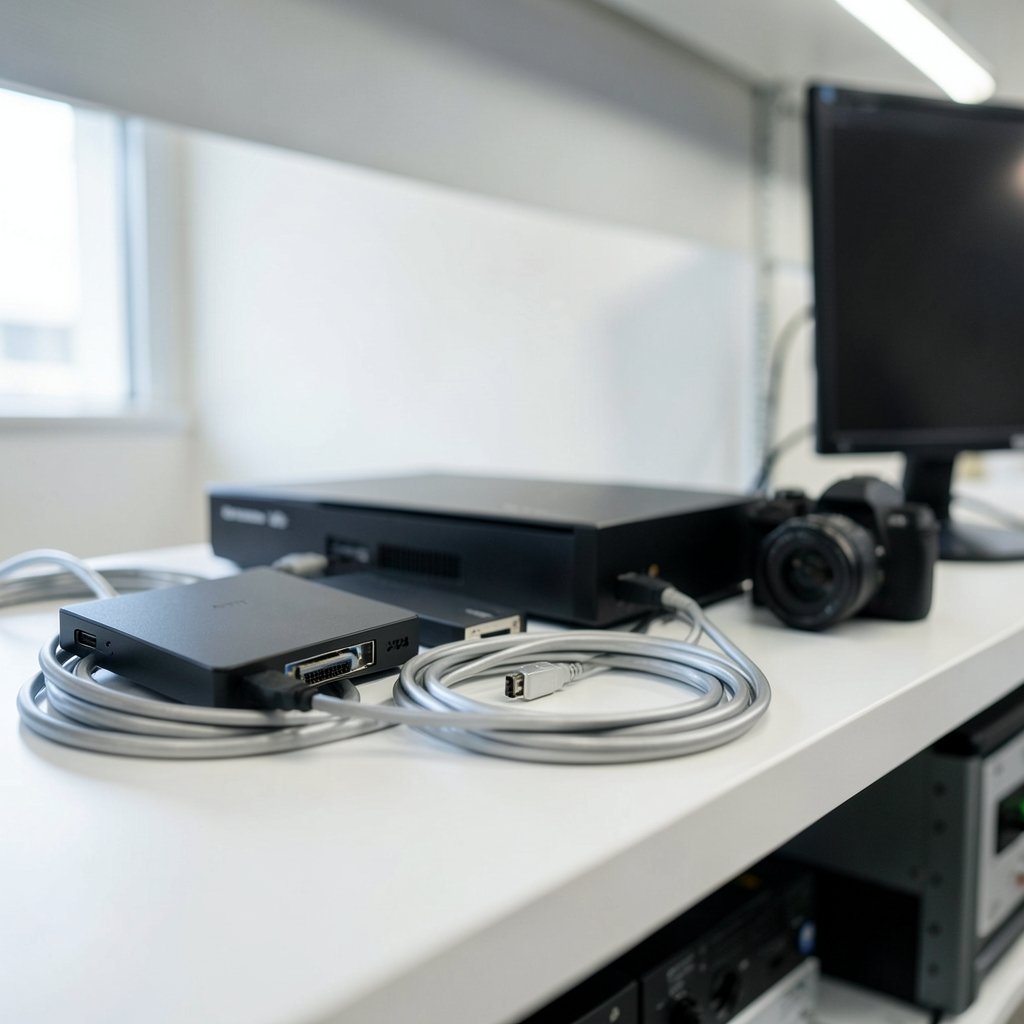
Why would anyone spend close to a thousand dollars on a capture card when a $120 box already records 4K60? That is the question that decides this whole category. The answer is almost never “because I stream console games.” It is “because I run a camera, a switcher, or a two-PC setup, and a cheap USB dongle would drop frames, collapse my audio to stereo, or hold my 144 Hz monitor at 60 Hz.”
So this roundup splits the money sensibly. Every pick below sits under the $1000 ceiling, and most sit far under it, because overpaying for capture is one of the most common mistakes in this hobby. Buyers who only need 1080p60 should stop at entry level, console streamers chasing 4K60 HDR land in the $150-$180 range, and only HDMI 2.1 bandwidth or internal PCIe work justifies the top tier.
Quick Comparison of the Best Picks
| Card | Type | Capture Ceiling | Passthrough | Street Price | Best For |
|---|---|---|---|---|---|
| Elgato Game Capture 4K S | USB-C | 4K60 HDR10 | 4K60, 1440p120, 1080p240 | $118.99 (list $159.99) | Console streamers on a 60 Hz panel |
| AVerMedia Live Gamer Ultra S (GC553Pro) | USB | 4K60 | 4K60 with VRR | $149.99 | Value pick with VRR passthrough |
| Elgato Game Capture 4K X | USB-C | 4K144, 1080p240 | 4K144 with VRR and HDR10 | $249.99 | High-refresh desktop setups |
| AVerMedia Live Gamer 4K 2.1 | PCIe | 4K high refresh | HDMI 2.1 | Check current listings | Internal builds, low latency |
| AVerMedia Live Gamer ULTRA 2.1 | USB | 4K60 | 8K passthrough | Around $200 | Future-proof display chain |
| Elgato Cam Link Pro | PCIe | Multi-input camera capture | N/A | $169 | Camera-centric studios |
| Magewell Pro Capture SDI | PCIe | 1080p60 SDI | N/A | £350 ex-VAT | Broadcast and 24/7 ingest |
Prices move constantly, so treat every figure as a guide and confirm on the manufacturer’s page before checkout.
Elgato Game Capture 4K S: The Default Console Card
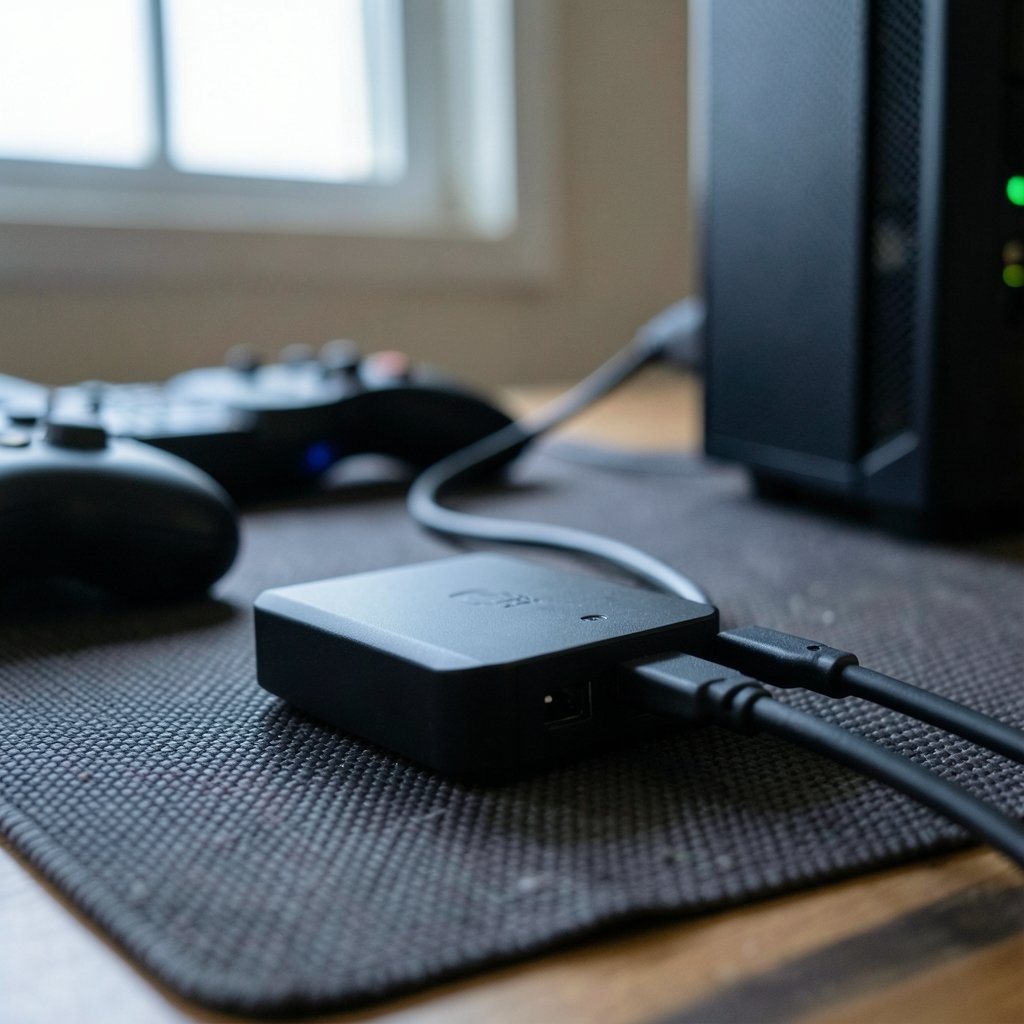
Who it suits: anyone streaming a PS5, Xbox Series X, or Switch 2 to Twitch or YouTube from a single PC.
The 4K S replaced the discontinued HD60 X and raised the capture ceiling to 4K60 with HDR10 at a lower street price. It records the full 4K60 output of a current console, connects over USB-C, and passes 1440p120 and 1080p240 through to your monitor.
One real limitation: the passthrough tops out at 4K60. A 4K 120 Hz or 144 Hz monitor gets held to 60 Hz while the card sits inline. If that is the panel on your desk, you will feel it immediately in fast shooters.
Price: $118.99 on a $159.99 list.
If your display is 60 Hz, or your source is a camera rather than a console, that limit never comes up and this is the card to buy. Practical tip: plug the card into a USB-C port on your motherboard, not a front-panel hub. Half the “my capture card stutters” complaints trace back to a shared hub, not the hardware.
AVerMedia Live Gamer Ultra S (GC553Pro): Best Value With VRR
Who it suits: console streamers who want 4K60 capture plus variable refresh rate passthrough without paying flagship money.
This is the card PC Gamer named its best overall pick, delivering 4K60 capture and VRR passthrough well under the price of an HDMI 2.1 flagship. For a PS5 or Xbox owner, VRR passthrough matters more than raw capture resolution, because it keeps the game on your TV smooth while the card works.
One real limitation: it is a USB mid-tier card, so it will not match the 4K144 capture of the 4K X. If you game on a 144 Hz monitor, this is not your card.
Price: $149.99.
Common mistake: buying this for a two-PC setup and expecting low-latency preview on the streaming machine. It works, but the preview pipeline still adds a frame or two, so competitive players should route their own display through passthrough and never through the preview window.
Elgato Game Capture 4K X: The No-Compromise External
Who it suits: PC and console players running 4K144 or 1440p240 displays who refuse to lose a frame on their own screen.
The 4K X brought external capture into the HDMI 2.1 era. It records 4K at up to 144 Hz and 1080p at 240 Hz, passes 4K144 with VRR and HDR10 through to your display, and does it all over USB-C without opening the case. Dexerto scored it a full 5 out of 5.
One real limitation: at $249.99 it costs more than twice the 4K S, and if your monitor is 60 Hz you are paying for bandwidth you cannot use.
Price: $249.99.
This is the card that solves the exact problem the 4K S creates. Buying the cheaper card to save $130 and then capping your 144 Hz panel at 60 Hz is a false economy that shows up every single match.
AVerMedia Live Gamer 4K 2.1: Internal HDMI 2.1 Power
Who it suits: desktop owners with a free PCIe slot who want internal cabling and the lowest latency path.
Internal cards skip the USB bottleneck entirely. The Live Gamer 4K 2.1 sits in the high-end tier alongside the Elgato 4K Pro and the older GC573, and it is one of the few options that handles 4K with high-refresh passthrough in a single slot.
One real limitation: it needs a tower PC with an open PCIe slot, which rules out every laptop streamer. Installation is also less forgiving than plugging in a USB box.
Price: confirm on current listings, since PCIe stock and pricing shift more than USB cards.
If you are building or upgrading a desktop anyway, pair this with sensible component choices rather than overspending on the card alone. The same logic that applies to the best gaming laptops under 1000 that actually fit the budget applies here: match the part to the workload, not to the spec sheet.
AVerMedia Live Gamer ULTRA 2.1: The Future-Proof Passthrough
Who it suits: streamers who want 8K passthrough headroom and 4K60 capture today.
This card is the budget-to-mid answer for people who plan to keep a display chain for years. It captures 4K60 and passes 8K through to your monitor, which means your next display upgrade does not force a new capture card.
One real limitation: capture stays at 4K60, so it does not compete with the 4K X for high-refresh recording.
Price: around $200.
Elgato Cam Link Pro: Built for Cameras, Not Consoles
Who it suits: creators running multiple cameras into one machine for podcasts, interviews, or multicam shoots.
At $169, the Cam Link Pro concentrates on video inputs, and audio routing is handled by separate equipment such as an external mixer. That is a feature, not a flaw, for anyone who already owns an audio interface.
One real limitation: it is the wrong tool for gameplay capture. If your source is a console, buy a game capture card instead.
Magewell Pro Capture SDI: The Broadcast Workhorse
Who it suits: facilities running permanent ingest servers, edit suites, and broadcast cameras over SDI.
Magewell’s Pro Capture line is broadcast-grade PCIe capture with Linux V4L2 support, driverless operation on Linux, and a three-year warranty. The single-channel SDI model is the most widely deployed Pro Capture card in broadcast facilities, and it works in Adobe Premiere through a free Magewell capture plugin.
One real limitation: it captures 1080p60, not 4K, and the SDI 4K Plus variant runs £769 ex-VAT, which pushes close to the ceiling. The base SDI card sits at £350 ex-VAT.
Price: £350 ex-VAT for the single-channel SDI.
For a solo streamer this is overkill. For a church, esports venue, or production house that needs a card running 24/7 without a driver crash, it is the sane choice.
How to Choose Without Overspending
Work backward from your source, not from the spec sheet. A console streamer, a PC-only streamer, and a two-PC owner each land on a different right answer.
- Identify your source. PC-only, console, camera, or a mix. This single question eliminates half the market.
- Check your monitor’s refresh rate. If it is 60 Hz, skip HDMI 2.1 cards entirely and save the money.
- Decide external or internal. Laptops need USB. Desktops can use PCIe for lower latency.
- Confirm software support. OBS Studio is free and works with nearly everything, but verify the card appears as a standard DirectShow device on Windows before buying.
- Budget for the cable. A bad USB-C cable causes more dropped frames than a bad card.
If your budget is tighter than this list assumes, the best budget AI chatbot subscriptions under 10 month is not the comparison you want, but the same principle holds: pay for the tier that matches your actual use, not the one that looks impressive.
One more practical note. The single biggest mistake buyers make is capturing at a resolution their streaming platform will re-encode anyway. Twitch and YouTube both compress aggressively, so a 4K60 capture of a 1080p60 stream is wasted bandwidth. Record locally at full quality, stream at what your upload can actually carry.
If you are weighing a capture card against other gear purchases, the same budgeting discipline applies to peripherals. The guide to whether to choose a capture card with a practical buyer’s guide walks through the source-first decision path in more detail, and it is worth reading before you commit to a tier.
Conclusion
Under $1000, the capture card market is genuinely generous. The Elgato 4K S at $118.99 handles almost every console streamer’s needs, the AVerMedia Live Gamer Ultra S adds VRR for $149.99, and the Elgato 4K X at $249.99 is the only sensible choice if your monitor runs above 60 Hz. Above that, you are buying PCIe slots, SDI inputs, or 8K passthrough headroom, and those are professional tools with professional justifications.
The honest advice: buy the cheapest card that matches your source and your display. Then spend the savings on lighting, a decent microphone, or a second monitor. Viewers notice audio and framing long before they notice whether your capture was 4K or 1440p.
Frequently Asked Questions
Do I need a capture card under $1000 at all?
Most people do not. A console streamer capturing 1080p60 can stop at entry level under $130. The $1000 ceiling only becomes relevant for PCIe broadcast cards, SDI ingest, or multi-input camera workflows.
What is the most important spec on a capture card?
Passthrough. It decides what resolution and refresh rate you keep on your own display while streaming. Capture resolution gets the headlines, but passthrough is what you feel every time you play.
Can a cheap capture card handle a PS5 or Xbox Series X?
Yes, if you pick one with 4K60 passthrough and HDR support. The Elgato 4K S records full 4K60 HDR10 from current consoles at $118.99, which covers the overwhelming majority of streamers.
Why does my capture card cap my monitor at 60 Hz?
Because the card’s passthrough tops out at 4K60. A 4K 120 Hz or 144 Hz panel gets held to 60 Hz while the card is inline. Fix it by moving to an HDMI 2.1 card such as the Elgato 4K X, which passes 4K144 with VRR.
Is an internal PCIe card better than a USB capture card?
For latency and cable management, yes. For portability and laptop users, no. Internal cards also provide features like 5.1-channel audio capture: the AVerMedia GC575 supports it, while Elgato cards collapse audio to stereo.
Do I need special software for a capture card?
No. OBS Studio is free and works with nearly every card through standard DirectShow on Windows. Some manufacturers bundle their own utility, and Magewell offers a free plugin for Adobe Premiere, but none of it is mandatory.



