
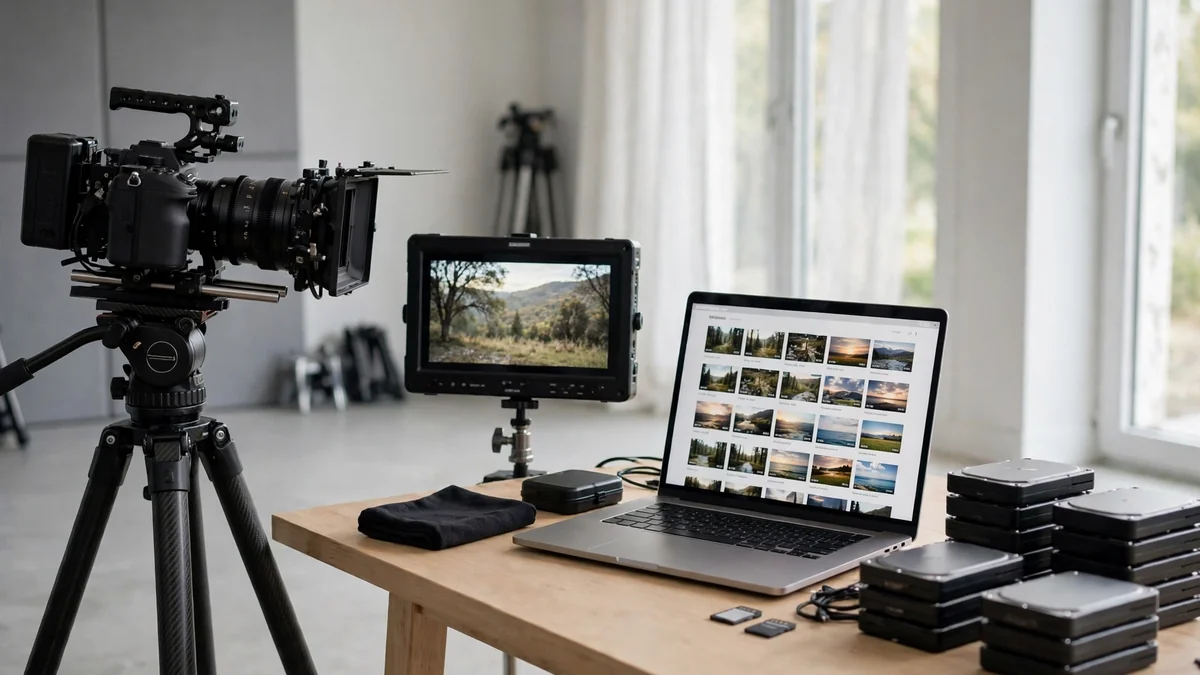
Best cloud storage for filmmakers in 2027 has to handle a workload that most cloud plans were never designed for. A single day of 4K RAW shooting can produce 500 GB of footage, and a feature can pass 20 TB. The best cloud storage for filmmakers is judged on upload speed, per-file limits, and editing-tool support.
This guide compares eight services filmmakers actually use, from general-purpose drives to tools built for video review and remote editing. We weighed cost at scale, upload performance, file size caps, version history, and collaboration. Prices below are approximate starting prices; plans change often, so check current pricing before committing.
The shortlist: Google Drive leads for teams in Google Workspace, Dropbox is the most reliable for sharing dailies, Frame.io is the review specialist, LucidLink streams footage straight into your editor, MASV moves enormous files fast, Backblaze B2 and Wasabi win on cost per terabyte, and pCloud is the best lifetime deal for solo filmmakers.
Key takeaways
- Google Drive is the best overall cloud storage for filmmakers, with 2 TB from about $10 a month.
- Dropbox is the best choice for sharing dailies with clients, thanks to fast sync and simple, reliable link controls.
- LucidLink is the best option for editing directly from the cloud, streaming footage into your editor.
- Backblaze B2 and Wasabi are the cheapest ways to hold tens of terabytes of camera originals.
- Check file size limits before you pay: several plans cap single uploads below the size of one RAW reel.
At a glance: the shortlist
| Product | Best for | Starting price | Standout limit |
|---|---|---|---|
| Google Drive | Overall value and team workflows | About $10 a month for 2 TB | 5 TB per file upload |
| Dropbox | Client dailies and sharing | About $12 a month for 2 TB | No file size limit on desktop app |
| Frame.io | Review, comments, and approvals | About $15 a month per user | Time-coded review notes |
| LucidLink | Editing straight from the cloud | About $10 a month per user | Streams media, no download needed |
| MASV | One-off giant file transfers | Pay as you go, about $0.25 per GB | Handles 5 TB+ single files |
| Backblaze B2 | Cheap archive of camera originals | About $6 per TB a month | No cap on file size or total storage |
| Wasabi | Flat-rate hot storage | About $7 per TB a month | No egress or API request fees |
| pCloud | Lifetime deal for solo filmmakers | About $10 a month, or lifetime plans | 2 TB lifetime plan available |
Google Drive — Best overall
Google Drive is the best cloud storage for filmmakers who want one service covering the whole production: camera originals, edit files, scripts, and call sheets. The 2 TB plan starts at about $10 a month, and the 5 TB per-file limit covers most RAW reels and ProRes masters. Shared drives give a production its own space, and permissions can give a client view-only access while the crew keeps edit rights. Our guide to the best cloud storage for business covers the same plans from a team-budget angle.

Pros: strong value at 2 TB and above; 5 TB file limit; shared drives; excellent preview and permissions.
Cons: upload speeds vary on large batches; desktop sync can chew disk space unless set to stream files on demand.
Dropbox — Best for client dailies and sharing
Dropbox has been the default way to hand footage to a client for a decade. Send a link, the client opens it, and the footage plays. The desktop app has no practical file size limit, sync is fast and dependable, and Smart Sync keeps a 10 TB project visible on a laptop with a 512 GB drive. The 2 TB plan starts at about $12 a month, and Dropbox Replay adds time-coded comments for review.
Pros: fastest, most reliable sharing links; no desktop file size limit; Smart Sync saves local disk space; solid version history.
Cons: pricier per terabyte than archive-first services; review tools cost extra; storage caps rise steeply at the top end.
Frame.io — Best for review, comments, and approvals
Frame.io is built around one workflow: a cut goes up, the director and client leave time-coded comments on the exact frame, and the editor sees every note inside Premiere Pro or DaVinci Resolve. That loop replaces vague email notes with a precise record, and it is why many post houses standardize on it. Plans start at about $15 a month per user, and version stacks keep every cut of a scene in one place.
Pros: time-coded comments inside the editor; smooth 4K playback; version stacks; deep Adobe integration.
Cons: per-user pricing adds up on large crews; not a cost-effective archive; free tier is too small.
LucidLink — Best for editing straight from the cloud
LucidLink streams footage straight into your editing software as if it sat on a local drive, instead of making you download a file before you can use it. An editor in another city can open a project and cut while the media streams on demand. Pricing starts at about $10 a month per user, plus storage. The trade-off is that it rewards a good connection and punishes a bad one.
Pros: edit directly from the cloud; works with Premiere Pro, DaVinci Resolve, and Avid; removes download waits for remote teams.
Cons: needs a fast, stable connection; setup is more involved; costs add up with storage and seats.
MASV — Best for one-off giant file transfers
MASV is the service you reach for when a single file is too big for everything else. It moves enormous media files fast, supports transfers of 5 TB or more, and charges pay as you go at about $0.25 per downloaded gigabyte rather than a monthly subscription. A production can send a finished master or a full day of camera originals to a post house without buying a year of storage.
Pros: handles 5 TB+ single files; fast transfers with resume; pay as you go, no subscription; delivers straight into cloud storage.
Cons: costs add up on repeated large transfers; not a storage service; no built-in review tools.
Backblaze B2 — Best cheap archive of camera originals
Backblaze B2 is object storage priced for filmmakers who need to keep everything: every card, every take, every master. At about $6 per TB a month, a 20 TB archive of camera originals costs a fraction of what the same space costs on a mainstream drive, and there is no cap on file size or total storage. It plugs into common backup and media tools. The catch is raw storage: no built-in video player, and large downloads incur egress fees.
Pros: very low cost per terabyte; no file size or total storage cap; integrates with backup and media tools.
Cons: no built-in player or review tools; download fees apply; setup is more technical than a consumer drive.
Wasabi — Best flat-rate hot storage
Wasabi offers hot cloud storage at about $7 per TB a month with no charges for egress or API requests, which makes its pricing unusually predictable. A filmmaker can pull a 500 GB project back down for a re-edit without a surprise bill, and the flat rate makes it easy to budget a production’s storage for a full year. It works with the same S3-compatible tools as Backblaze B2, but read the minimum storage duration rules first.
Pros: no egress or API fees; predictable flat-rate pricing; fast retrieval for re-edits; S3-compatible.
Cons: minimum storage duration rules; no built-in review tools; fewer integrations than the biggest names.
pCloud — Best lifetime deal for solo filmmakers
pCloud suits the solo filmmaker who would rather pay once than rent storage forever. Its lifetime plans offer 2 TB for a one-off payment, and monthly plans start at about $10 a month. Files up to 5 TB can be uploaded, crypto-folder encryption is available for sensitive unreleased work, and paid plans keep deleted files and earlier versions for up to a year. The desktop app mounts storage as a virtual drive, keeping a laptop’s disk free.
Pros: lifetime plans remove the monthly bill; 5 TB file limit; client-side encryption option; good version history.
Cons: not built for team review; sync speed is good, not best in class; lifetime value depends on the service.
How to choose
Start with the size of a typical project. If a single shoot day produces more than 200 GB, rule out any plan with a small per-file cap, and budget for at least 10 TB. A short film can live on a 2 TB Google Drive or Dropbox plan; a feature needs archive pricing from Backblaze B2 or Wasabi, plus a friendlier service for the active edit.
Next, match the service to the workflow. Remote editors point to LucidLink, client-heavy work points to Frame.io or Dropbox, and one-off deliveries point to MASV. Most filmmakers end up with two services: a fast drive for the active project and a cheap vault for everything else. If you record podcasts or interviews alongside video, our guide to the best cloud storage for podcasters covers the same storage math for audio-first projects.
Finally, test before you commit. Upload a real 50 GB batch, time it, and share a link with a colleague. A plan that takes two days to upload a shoot day is not cheap at all.
Checklist: before you pay
- Confirm the per-file upload limit covers your largest reel or master file.
- Check the storage ceiling and what the next tier costs.
- Test upload speed with a real 50 GB batch, not a small test file.
- Read the version history and recovery windows before you need them.
- Confirm the service works with your editor.
- Check renewal pricing and egress fees, not just the introductory rate.
Frequently asked questions
How much cloud storage does a filmmaker need?
A short film typically needs 2 to 5 TB, while a feature or documentary series often passes 20 TB. Budget for the shoot, the edit, the masters, and one full backup copy of the originals.
Can I edit video directly from cloud storage?
Yes, with the right service. LucidLink streams footage into your editor without a full download, and Google Drive and Dropbox can stream proxies. Full-resolution RAW editing from a plain cloud drive is usually too slow.
What is the cheapest cloud storage for large video files?
Backblaze B2 and Wasabi are the cheapest options here, at about $6 to $7 per TB a month. The trade-off is fewer built-in tools: no review interface, no editing integration, and download fees on B2.
Is Google Drive good enough for filmmakers?
For most independent filmmakers, yes. The 5 TB file limit, 2 TB plan at about $10 a month, shared drives, and strong sharing controls cover the full production workflow. Very large productions usually add a cheap archive service once the project passes 10 TB.
How do I share dailies with a client securely?
Use a service with link controls: set an expiry date, require a password, and give view-only access. Dropbox and Google Drive both offer these controls, and Frame.io adds time-coded commenting.
Should filmmakers keep a local backup too?
Yes. Cloud storage is one copy, not a backup strategy. Keep at least one local copy on a hard drive or NAS, plus the cloud copy, so an outage or an accidental delete cannot take out the only version of your footage. If you edit on the move, our roundup of the best video editing apps for iPhone covers tools for cutting on location.
The bottom line
Google Drive is the best cloud storage for filmmakers overall: it covers the whole production at a fair price, with a 5 TB file limit and sharing controls for crews and clients alike. Add Dropbox for client dailies, Frame.io for review rounds, and LucidLink when editors work in different cities.
For the archive, Backblaze B2 or Wasabi will hold tens of terabytes of camera originals for a fraction of mainstream drive pricing. The winning setup is two services: a fast drive for the active project and a cheap vault for everything that must never be lost.



