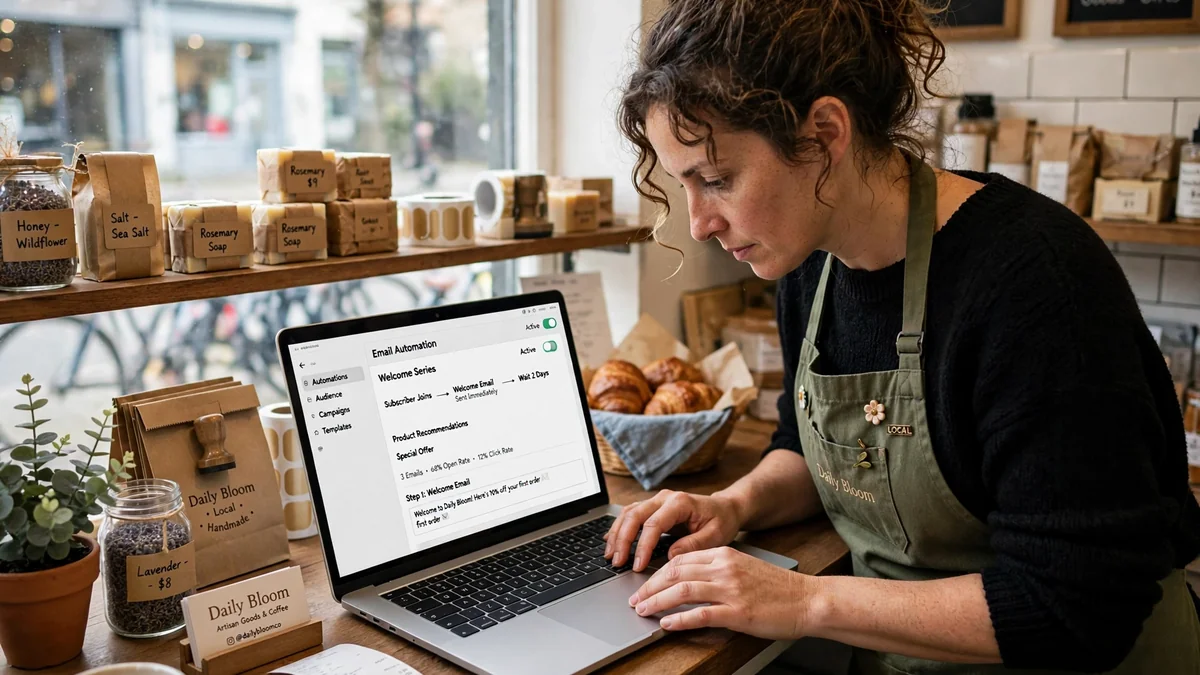
The best content marketing software for small businesses in 2027 helps a lean team look organised without hiring a marketing department. A good tool plans the month, makes the graphics, schedules the posts, and shows which content brings in customers, all for a price a small business can justify.
Small businesses have different needs from startups. A startup chases growth at any cost; a small business needs steady, repeatable marketing that fits around serving customers. That means simple tools win. The software should be usable by the owner or one staff member, work well for local and repeat customers, and stay affordable as the contact list grows.
This list covers eight tools that fit small business reality: Mailchimp for email newsletters, Constant Contact for local and event marketing, Canva for graphics, Buffer for social scheduling, CoSchedule for a shared marketing calendar, HubSpot Marketing Hub for the all-in-one route, Semrush for local search visibility, and Later for visual social planning. Prices are approximate starting prices; check current pricing before buying.
Key takeaways
- Mailchimp is the best overall pick for small businesses that build their marketing around email.
- Canva is the best value add-on, giving any small business professional-looking graphics for free or about $15 a month.
- Constant Contact is the best fit for businesses that run events, classes, or regular local promotions.
- Most tools here start free or under $20 a month, but contact and seat limits push the price up as you grow.
- Avoid buying an enterprise suite; a simple stack used every week beats a powerful platform used once a month.
At a glance: the shortlist
| Product | Best for | Starting price | Standout limit |
|---|---|---|---|
| Mailchimp | Email newsletters | Free; paid from about $13/month | Price rises with contacts |
| Constant Contact | Local and event marketing | From about $12/month | Higher tiers needed for automation |
| Canva | Graphics and flyers | Free; Pro from about $15/month | Brand kit locked behind Pro |
| Buffer | Social scheduling | Free; paid from about $6/month per channel | Scheduled post limits on lower plans |
| CoSchedule | Shared marketing calendar | Free; paid from about $29/month | Social automation needs paid plans |
| HubSpot Marketing Hub | All-in-one marketing | Free; paid from about $20/month | Free plan caps contacts and reporting |
| Semrush | Local search visibility | From about $139/month | One user seat on the entry plan |
| Later | Visual social planning | Free; paid from about $25/month | Analytics limited on cheaper plans |
Mailchimp — Best overall
Mailchimp is the most practical starting point for a small business because email is still the highest-return channel for most of them. The editor makes a professional newsletter in under an hour, automation handles welcome emails and abandoned-cart reminders, and audience tools segment customers so regulars and new buyers get different messages. The free plan covers up to 500 contacts, and paid plans start at about $13 a month.
The main weakness is the pricing model: the bill grows with your contact list, so a successful list becomes a more expensive list. Mailchimp’s blogging and social scheduling are also basic compared with dedicated tools.
Email also works best when you know what your customers think, and gathering that feedback regularly shapes better content; our guide to the best customer feedback software for small businesses covers the tools that collect it without adding busywork.
Pros: Easy newsletter editor and automation; good segmentation; free plan for small lists.
Cons: Price climbs with contacts; weak blogging tools; advanced automation needs higher plans.
Constant Contact — Best for local and event marketing
Constant Contact is built for the kind of marketing small businesses actually do: promoting a sale, filling a class, or announcing an event. Its templates suit local shops, restaurants, and service businesses, and it includes event registration and social posting alongside email. Plans start at about $12 a month, and the interface is one of the simplest in this list.
It is less strong for businesses that publish long-form content or depend on search traffic. The analytics are basic, and automation is thinner than Mailchimp’s on comparable plans.
Pros: Event and promotion templates; very easy to learn; good phone support for beginners.
Cons: Weak SEO and blogging features; basic analytics; automation limited on entry plans.
Canva — Best for graphics and flyers
Canva solves the visual problem every small business faces: every post, flyer, and email header needs a graphic, and hiring a designer for each one is not realistic. Its templates cover social posts, menus, posters, and short videos, and the editor is simple enough for anyone on staff. The free plan is generous, and Pro starts at about $15 a month, adding the brand kit, background remover, and one-click resize.
Canva is a design tool, not a marketing platform. It will not schedule posts or measure results, and heavy template use can make a business look generic.
Pros: Huge template library; easy for non-designers; brand kit and resize tools on Pro.
Cons: No scheduling or analytics; templates can look generic; some stock assets cost extra.
Buffer — Best for social scheduling
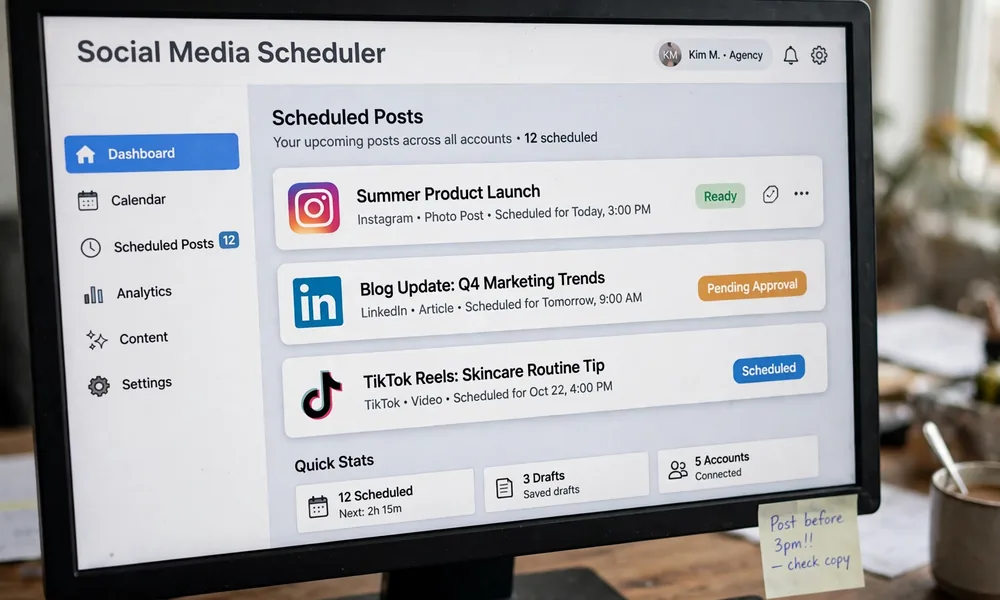
Buffer keeps a small business consistent on social media without daily effort. Write a week’s posts in one sitting, queue them across Facebook, Instagram, LinkedIn, and X, and let Buffer publish on schedule. The free plan covers a few channels, and paid plans start at about $6 a month per channel, making it the cheapest scheduling option here.
Buffer does not create content or track search rankings, and its analytics are lighter than dedicated social tools. It works best as the distribution layer: Canva makes the graphic, Buffer schedules it, and Mailchimp handles the email version.
Pros: Very affordable; clean, fast scheduling; supports all major social channels.
Cons: No writing or SEO features; basic analytics; post limits on cheaper plans.
CoSchedule — Best for a shared marketing calendar
CoSchedule is a marketing calendar that the whole team can see, which matters when the owner, one employee, and a freelancer all touch content. It combines a shared calendar with social scheduling and basic project tasks, so nothing falls through the cracks between the blog, the newsletter, and the social accounts. The free calendar plan is usable, and paid plans start at about $29 a month.
The price is higher than Buffer for similar scheduling, and the writing and SEO features are thin.
Pros: Clear shared calendar for the whole team; combines planning with scheduling; good for multi-person teams.
Cons: Pricier than simple schedulers; thin SEO features; social automation needs paid plans.
HubSpot Marketing Hub — Best all-in-one option
HubSpot Marketing Hub brings blogging, email, social scheduling, and a CRM together, so a small business can see which blog post or email led to an enquiry. The free tier covers blogging, email, and forms, which is enough for many small businesses to run their whole content operation. Paid plans start at about $20 a month.
The drawback is cost growth: paid tiers jump in price, and some useful features sit behind higher plans. HubSpot also has more features than a small business will ever use, which can feel overwhelming at first.
Pros: Free tier covers blogging and email; content ties to CRM contacts; strong templates and reporting.
Cons: Paid plans get costly quickly; more features than most small businesses need; learning curve for the full suite.
Semrush — Best for local search visibility
Semrush helps a small business show up when nearby customers search. Its local SEO tools track Google Business Profile rankings, find the keywords local competitors rank for, and audit the website for issues that hurt visibility. The content tools suggest topics with real search demand, so a business writes articles people actually look for instead of guessing.
At roughly $139 a month, Semrush is the most expensive tool on this list and the hardest to justify for a small business unless search brings in customers. The entry plan allows one user only.
Pros: Strong local SEO and keyword tools; competitor research; content templates and site audit.
Cons: Expensive for a small business; one seat on the entry plan; interface can overwhelm beginners.
Later — Best for visual social planning
Later is built around visual planning, which suits businesses that sell with photos: cafés, boutiques, salons, and craft shops. Its drag-and-drop calendar shows how the Instagram grid will look before posting, and its link-in-bio tool turns social traffic into website visits. The free plan covers basic scheduling, and paid plans start at about $25 a month.
Later is focused on Instagram and TikTok, so businesses that rely on Facebook or LinkedIn get less value. Its analytics are also limited on cheaper plans.
Pros: Visual grid preview; strong Instagram and TikTok support; link-in-bio tool included.
Cons: Weaker for Facebook and LinkedIn; analytics limited on cheaper plans; pricier than Buffer.
How to choose
Start from where your customers already find you. If most new customers come from email or word of mouth, Mailchimp plus Canva is the right core. If Instagram drives sales, add Later or Buffer. If Google searches bring in enquiries, Semrush is the one paid tool worth considering. If events and promotions drive the calendar, Constant Contact fits best.
Before paying, check the renewal price, the cost of a second user, and how easily you can export your contacts and content. Also confirm the website behind your content can handle the traffic you hope to attract; our roundup of the best shared hosting for startups explains the affordable hosting options that also suit many small businesses.
Checklist: before you pay
- Use the free plan or trial for at least two full publishing cycles before committing.
- Confirm the renewal price, not just the introductory offer.
- Check the cost of adding a second user seat.
- Make sure you can export your contacts, content, and analytics data.
- Test cancellation and downgrade steps before you need them.
- Ask support a real question and judge the reply time.
Frequently asked questions
What is the cheapest content marketing software for a small business?
Mailchimp, Buffer, Canva, and Later all have free plans, and together they cover email, social scheduling, and graphics for nothing. Add a paid plan only when a free limit, such as contacts or scheduled posts, starts blocking real work.
Do I need a blog, or is social media enough?
Social media is rented space; a blog on your own site is an asset you keep. Social posts disappear in a day, while a useful article can bring in search traffic for years.
How much time should content marketing take each week?
Plan for three to five hours: one hour planning, two hours writing or creating, and one hour scheduling and replying. Batching the work into one or two sessions is far more efficient than doing a little every day.
Can one person run all of this alone?
Yes, if the stack stays small. One person can run Mailchimp, Canva, and Buffer comfortably.
How do I know if my content is working?
Track enquiries, bookings, and sales that mention your content, not just likes.
Can I turn one piece of content into several?
Yes, and you should. A blog post can become a newsletter, three social posts, and a short video. Spoken content can be reused too, and the best AI tools for podcast show notes help turn recordings into written summaries, captions, and clips with little extra effort.
The bottom line
For most small businesses, the best starting stack is Mailchimp for email, Canva for graphics, and Buffer for social scheduling, with Constant Contact swapped in if events and promotions drive the calendar. That combination costs little or nothing and covers the channels that actually bring in customers.
Add HubSpot when you want content tied to customer records, and Semrush only when local search is a serious source of enquiries.