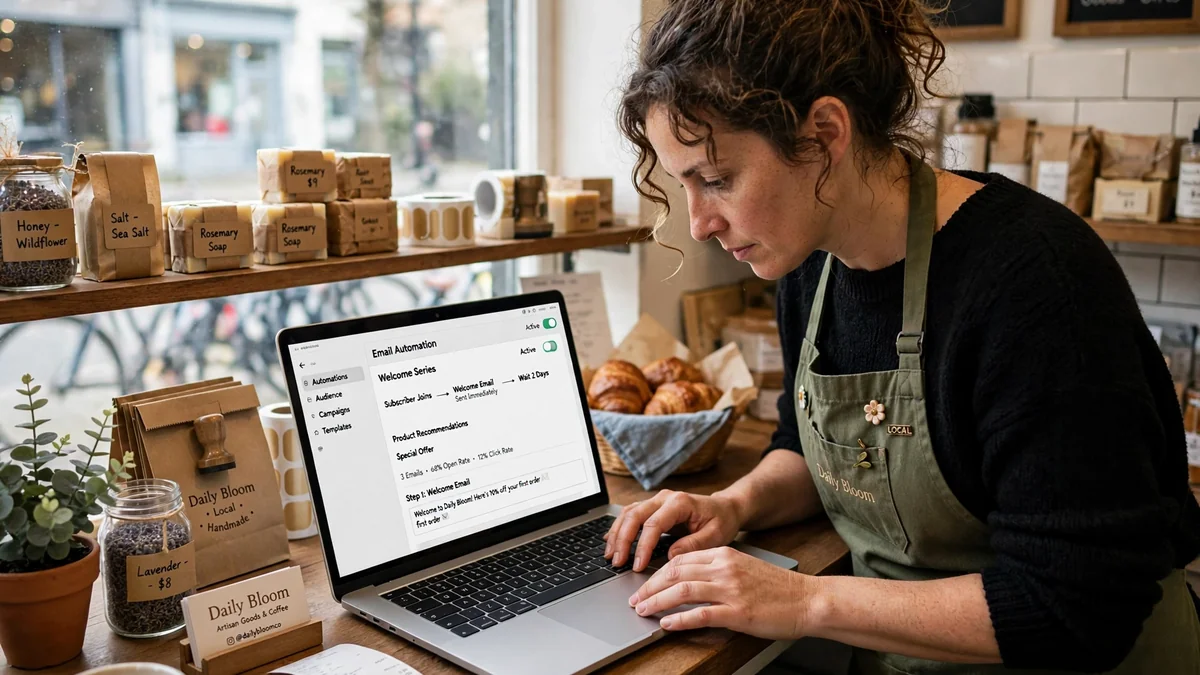
The best marketing automation software for small businesses does the marketing work that a small team has no time for: welcoming new customers, reminding them about appointments, promoting a sale, and winning back people who have not bought in months. For a shop, a clinic or a local service business, that follow-up turns a one-time buyer into a repeat customer.
Small businesses need something different from startups and enterprises. There is usually no marketing department, so the tool has to be simple enough for the owner to run weekly. The budget is modest, the contact list is built from real customers, and features such as appointment reminders, coupons and SMS matter as much as fancy workflows.
This guide compares eight platforms that fit a small business, from free plans to affordable paid tiers. Mailchimp leads for simple email automation, HubSpot leads for businesses that want a CRM included, and Constant Contact leads for local businesses that live on events and appointments.
Key takeaways
- Mailchimp is the best overall pick: easy to run, with a free plan and basic automation.
- HubSpot is the best choice for small businesses that want a free CRM alongside their marketing.
- Constant Contact is best for local businesses that rely on events, appointments and coupons.
- Brevo is the best value for high-volume senders: it charges by emails sent, not by contact count.
- Avoid tools built for enterprise sales teams.
At a glance: the shortlist
| Product | Best for | Starting price | Standout limit |
|---|---|---|---|
| Mailchimp | Simple email automation | Free; from around $13 per month | Free plan limited to 500 contacts |
| HubSpot | CRM plus marketing | Free; from around $20 per month | Costs rise as contacts grow |
| Constant Contact | Local businesses and events | From around $12 per month | No free plan |
| Brevo | High-volume sending | Free; from around $9 per month | Free plan caps at 300 emails/day |
| ActiveCampaign | Powerful workflows | From around $15 per month | Learning curve for beginners |
| Keap | Sales and appointments | From around $129 per month | Highest price here |
| Zoho Campaigns | Budget email marketing | Free; from around $3 per month | Simpler automation than rivals |
| Omnisend | Online shops | Free; from around $16 per month | Built mainly for ecommerce |
Mailchimp — Best overall
Mailchimp is the best marketing automation software for small businesses that want email marketing without a learning curve. Its free plan covers up to 500 contacts and 1,000 monthly sends, with pre-built journeys for welcome emails, abandoned carts and win-back campaigns. An owner can switch on a welcome series in an afternoon. The platform also covers landing pages, social posting, a lightweight CRM and AI-assisted subject lines. Our guide to the best content marketing software for small businesses covers the tools that supply content for these campaigns. The catch is price: it climbs steeply as the list grows.

Pros: Very easy to set up; useful free plan; strong email templates.
Cons: Price climbs steeply with list size.
HubSpot — Best for CRM plus marketing
HubSpot suits a small business that wants marketing and customer records in one place. Its free CRM and marketing tools cover forms, email and basic automation, so a business can capture leads, send a welcome series and track opens and clicks without paying anything. The workflow builder is visual: a form submission can trigger a welcome email, a delay, and a branch based on whether the contact clicked. HubSpot connects with Gmail, Outlook, Shopify and WordPress. The drawback is price at scale, so a business with a large customer list should check the bill at 5,000 contacts.
Pros: Free CRM and email tools; visual workflow builder; strong integrations.
Cons: Costs rise quickly as marketing contacts grow.
Constant Contact — Best for local businesses and events
Constant Contact is built for the way local businesses actually market: events, appointments, coupons and regular newsletters. It covers email campaigns, event registration, surveys, social posting and SMS, with templates for restaurants, salons, gyms, clinics and retailers. A business can promote a class, collect RSVPs, send a reminder and follow up with a discount, all in one flow. Plans start from around $12 per month, and the platform is one of the easiest on this list to learn. Its automation covers welcome emails, birthday messages, abandoned carts and anniversary campaigns. There is no free plan, only a trial, and the automation is simpler than ActiveCampaign.
Pros: Excellent for events and coupons; very easy to learn; good phone support.
Cons: No free plan; simpler automation than rivals.
Brevo — Best for high-volume sending
Brevo suits small businesses that send a lot of email but have a large customer list, because it charges by the number of emails sent rather than the number of contacts stored. The free plan allows up to 300 emails a day, and the Starter plan starts from around $9 per month for higher daily limits. A business can hold 100,000 contacts and still pay a modest monthly fee. Beyond email, Brevo covers SMS, WhatsApp, a CRM and landing pages. Its automation builder is simpler than ActiveCampaign, so teams that need deep branching logic will outgrow it sooner.
Pros: Charges by sends, not contacts; very low starting price; includes SMS and WhatsApp.
Cons: Simpler automation than ActiveCampaign.
ActiveCampaign — Best for powerful workflows
ActiveCampaign is the pick for small businesses that want serious automation without an enterprise price. Its visual builder is the strongest in this price range, with conditional branching, lead scoring, site tracking and split testing built in. A business can build a sequence that reacts to what each customer does, sending different messages to bookers and browsers. Plans start from around $15 per month, and the Starter tier includes the automation builder, email marketing, forms and a basic CRM. The trade-off is a steeper learning curve, so start with a template rather than a blank canvas.
Pros: Best-in-class automation builder; lead scoring.
Cons: Learning curve for beginners; thinner reporting on lower tiers.
Keap — Best for sales and appointments
Keap is the most sales-focused tool on this list, and it suits small businesses where the owner or a small team closes deals by phone or in person. It combines a CRM, email and text automation, appointment scheduling, invoicing and payments, so a service business can take a lead from first contact to paid invoice without leaving the platform. Plans start from around $129 per month. Automation moves a contact through stages: new lead, contacted, appointment booked, proposal sent, paid. Ready-made templates cover many service businesses. Keap is overkill for a business that only needs a monthly newsletter.
Pros: CRM, automation, appointments and payments in one place.
Cons: Highest price here; overkill for email-only teams.
Zoho Campaigns — Best for budget email marketing
Zoho Campaigns is the cheapest way onto this list for a small business that mainly needs email. Its free plan covers up to 2,000 contacts and 6,000 emails a month, and paid plans start from around $3 per month, which is lower than any other tool here. It covers email campaigns, autoresponders, segmentation, A/B testing and basic automation. The platform connects with Zoho CRM, Zoho Books and Zoho Desk, so a business already using Zoho keeps its customer data in the same ecosystem. The automation is simpler than ActiveCampaign, but for a weekly newsletter and a few automated series, it is more than enough.
Pros: Very low starting price; generous free plan; good Zoho integration.
Cons: Simpler automation than rivals; smaller template library.
Omnisend — Best for online shops
Omnisend is built for small businesses that sell online, and it is the best pick here for a shop running on Shopify, WooCommerce or BigCommerce. Its free plan covers up to 250 contacts and 500 emails a month, and paid plans start from around $16 per month. The platform combines email, SMS and push in one workflow, so a shop can send an abandoned-cart email, follow it with a text, and offer a discount code. Pre-built workflows cover welcome series, abandoned carts, order confirmations and win-back campaigns, and reporting shows revenue per campaign. The weakness is scope: it is built mainly for ecommerce, so a service business will find it less useful than Mailchimp.
Pros: Email, SMS and push in one workflow; strong abandoned-cart flows; revenue reporting.
Cons: Built mainly for ecommerce; small free plan.
How to choose
Start with how your business actually gets customers. If it runs on a newsletter and a shop, pick Mailchimp or Omnisend. If it runs on appointments, events and local foot traffic, pick Constant Contact or Keap. If it runs on a large customer list and frequent sends, pick Brevo or Zoho Campaigns. Next, check the pricing model: per-contact pricing, used by Mailchimp and HubSpot, is cheap at first and expensive later, so estimate the cost at 5,000 contacts. Prices here are approximate starting prices, so check current pricing before buying, and always run a free trial with a real campaign first. Shops should also look at the best content marketing software for ecommerce.
Checklist: before you pay
- Run the free plan or trial with a real welcome series.
- Price the tool at your expected contact count in six months.
- Check whether automation and reporting are included in the tier you would buy.
- Confirm the tool connects with your store or CRM without a paid add-on.
- Test data export, so you can leave with your contacts if you switch.
- Check support hours, since a broken welcome series costs customers.
Frequently asked questions
What is the best marketing automation software for small businesses?
Mailchimp is the best overall choice for most small businesses: easy to run, with a free plan and basic automation. HubSpot is best for businesses that want a free CRM, and Constant Contact is best for local businesses that rely on events and appointments.
Is there free marketing automation software for small businesses?
Yes. Mailchimp, HubSpot, Brevo, Zoho Campaigns and Omnisend all offer free plans with basic automation that work for a real small business. They limit contacts, sends or automation depth, so expect a paid plan within the first year.
How much should a small business pay for marketing automation?
Most small businesses can run on a free plan or a paid plan from $10 to $30 per month. Once the list grows past a few thousand contacts, expect $30 to $100 per month, and more for Keap.
Do small businesses need a CRM with marketing automation?
Not on day one, but it helps as soon as the owner starts tracking enquiries. HubSpot, ActiveCampaign and Keap include a CRM, while Mailchimp, Brevo and Constant Contact add only light contact management. If the business takes bookings or quotes, a built-in CRM saves time.
Can a small business set up marketing automation without help?
Yes. Mailchimp, Constant Contact, Brevo and Zoho Campaigns are designed for non-technical users, with templates and visual builders. Most owners can switch on a welcome series and an abandoned-cart flow in an afternoon.
What should a small business automate first?
Start with a welcome series, an abandoned-cart or appointment-reminder flow, and a win-back campaign for customers who have not bought in months. These three journeys recover the most value with the least setup. Retailers often add a birthday or loyalty offer, as covered in our guide to the best content marketing software for retailers.
The bottom line
For most small businesses, Mailchimp is the safest first pick: easy to run, with a genuinely useful free plan. If the business needs a CRM, HubSpot is the better choice, and if it lives on events and appointments, Constant Contact wins.
The tool matters less than the first three journeys you build, so pick one, set up a welcome series, an abandoned-cart or reminder flow and a win-back campaign, and measure results. Watch pricing as the contact list grows: the cheapest tool today can become the most expensive at 10,000 contacts.