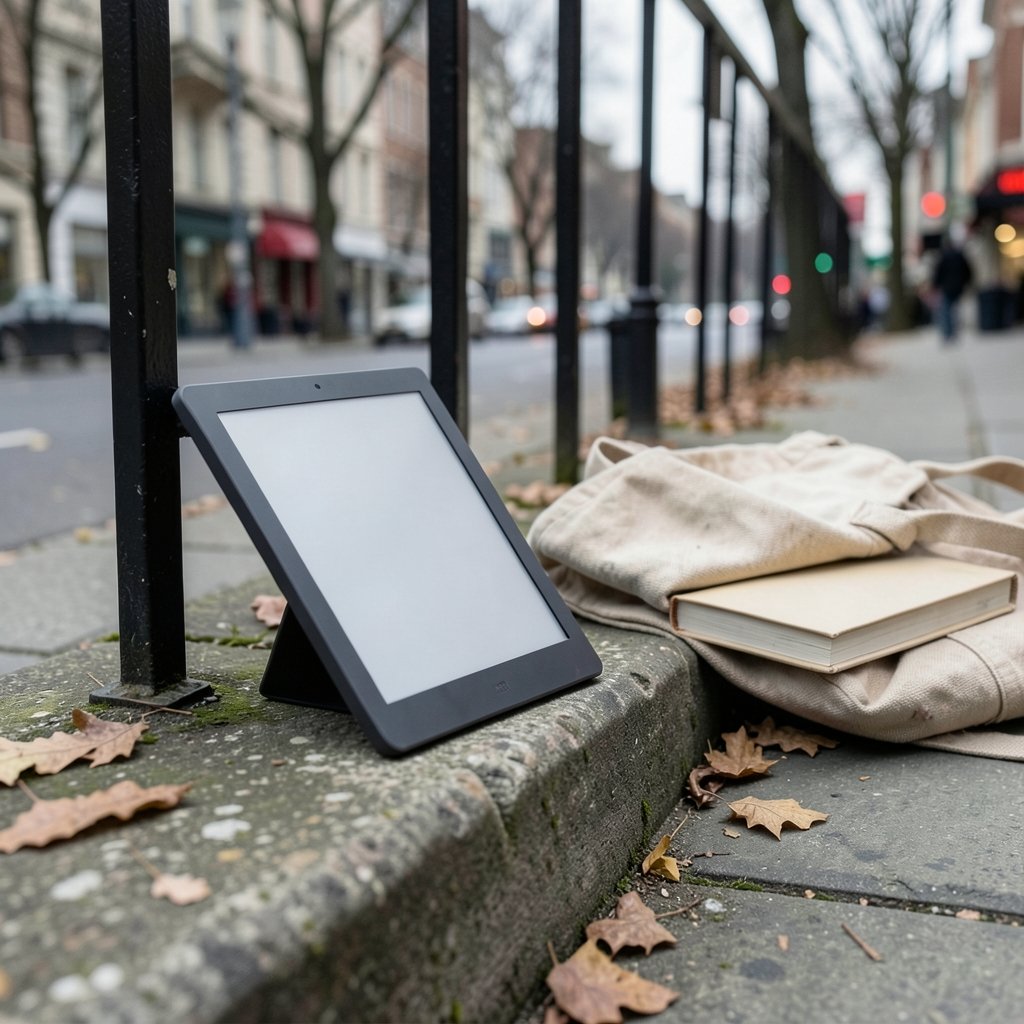
E Ink screens use power mainly when the page changes, not while you read. That single quirk of physics is why a slim e-reader can run for weeks while your phone dies by dinner. It is also why the dedicated reading device refuses to die, even as tablets got cheaper and phones got bigger. In 2026, the category looks more interesting than it has in years: color panels are maturing, note-taking hybrids are everywhere, and the lineup spans budget readers to premium writing slates.
This guide focuses on what actually separates good e-readers from mediocre ones: screen technology, store lock-in, file support, lighting, and honest battery claims. Specs alone won’t tell you which device fits your reading habits, so the sections below explain the trade-offs in plain terms.
Why Dedicated E Readers Still Beat Phones for Long Reading
The case for a separate device is not nostalgia. It is ergonomics and eye comfort. A reflective E Ink screen bounces ambient light back at you instead of beaming light into your eyes, so long sessions feel closer to paper. There is no notification tray, no infinite scroll, and no temptation to check messages mid-chapter.
That focus has measurable value. Research on reading comprehension consistently finds that deep, sustained reading suffers when a device invites multitasking. A dedicated reader removes the invitation. For anyone who reads more than a book or two a month, that difference is the feature that matters most, more than processor speed or storage.
There is a practical angle, too. E-readers are lighter than tablets, survive drops better, and many mid-range models are waterproof. A device you can read in the bath or on a beach without panic is a device you actually use.
The Display Question: Monochrome vs Color E Ink in 2026

The biggest fork in the road is screen type. Monochrome E Ink remains the gold standard for pure text: sharpest contrast, fastest page turns, longest battery life, and the lowest price. Color E Ink (the Kaleido family of panels) adds book covers, comics, and highlighted PDFs in muted color, but it comes with real costs.
| Feature | Monochrome E Ink | Color E Ink |
|---|---|---|
| Text contrast | Excellent | Good, slightly softened by color filter layer |
| Color content | None | Muted, pastel-like saturation |
| Refresh speed | Fast for text | Slower, more ghosting on color pages |
| Battery life | Weeks | Noticeably shorter with heavy color use |
| Price | Lower | Premium |
| Best for | Novels, long-form text | Comics, magazines, annotated PDFs |
The honest verdict: if you read mostly novels, buy monochrome and don’t look back. Color E Ink is genuinely useful for comics and illustrated non-fiction, but it is not a tablet replacement. Vendor marketing tends to oversell saturation; independent reviews almost always describe color panels as serviceable rather than vivid. Set expectations there and you won’t be disappointed.
Also watch for frontlight quality. A good reader offers warm and cool light adjustment with even distribution across the screen. Cheap frontlights show bright spots near the LEDs and a blue cast at low brightness, which is exactly when eye comfort matters most.
Store Lock-In Is the Decision Nobody Warns You About
Here is the mistake that costs people the most money: buying hardware before checking where their books live. E-readers are not neutral devices. Each major platform nudges you toward its own store, and moving a purchased library elsewhere is painful or impossible depending on the format and DRM.
Amazon’s Kindle store has the deepest catalog and the smoothest syncing across devices. Kobo counters with strong public-library integration in several markets and broader file-format support, which matters if you buy DRM-free ebooks or sideload your own collection. Open Android-based readers go further still, letting you install multiple store apps on one device.
A sensible rule: list where you already own books, then buy hardware that reads them. If your library is split, an open Android device is the pragmatic choice even if its interface is less polished. If you are starting fresh, pick the store with the best selection in your country and accept the lock-in with eyes open.
Note-Taking Readers: A Different Category Entirely
Devices with styluses, such as the reMarkable line, Boox tablets, and the Kindle Scribe family, blur the line between e-reader and digital notebook. They appeal to students, lawyers, and anyone who thinks on paper. The pitch is compelling: annotate PDFs, take handwritten notes, and read in the same distraction-free shell.
The catch is that handwriting latency and note software quality vary enormously. A reader with a sluggish stylus feels broken within a week. Before buying, ask three questions: How quickly does ink follow the pen? Can you export notes in standard formats? Does the device sync notes to a desktop app or trap them onboard?
For pure reading, these devices are overkill and heavier than they need to be. For annotation-heavy workflows, they can replace a stack of paper notebooks. Just don’t buy one expecting tablet-grade apps; the software is deliberately narrow.
Battery Life Claims, Decoded
Manufacturer battery figures are almost always measured under ideal conditions: airplane mode, low brightness, thirty pages a day. Real-world results depend on frontlight level, Wi-Fi syncing, and how much you use color or stylus features.
What actually works in practice:
- Turn off automatic syncing and sync manually once a day.
- Keep the frontlight below 50 percent in daylight; ambient light is free.
- Use dark mode only if your panel handles it without ghosting, which many monochrome screens do well.
- Disable Bluetooth and stylus detection when not in use.
- Charge before the battery hits zero; lithium cells age faster with deep discharges.
A well-managed monochrome reader genuinely lasts weeks. A color device used heavily for comics might need charging every several days. Neither number is a scandal, but the gap is large enough to plan around.
Sizing, Weight, and the Case for Smaller Screens
Screen size runs from roughly six inches to over ten. The six-to-seven-inch class is the sweet spot for novels: light enough to hold one-handed for an hour, small enough for a coat pocket. Seven-to-eight-inch models suit people who read PDFs or large-print text. Ten-inch and larger devices are effectively digital paper, best kept on a desk.
Weight matters more than buyers expect. A twenty-gram difference sounds trivial until you hold a device above your face in bed. Check the spec sheet for weight with a case, since most people use one.
Buttons deserve a mention. Physical page-turn buttons are a small feature that loyal users refuse to give up, because tapping a touchscreen repeatedly is genuinely tiring. If a model offers buttons, take the option seriously.
Waterproofing, Storage, and the Specs That Don’t Matter
IPX8 water resistance is now common on mid-range and premium readers. It is worth paying for if you read near water; otherwise it is nice insurance.
Storage is the most overrated spec in the category. Text ebooks are tiny, often under a couple of megabytes each, so even 8GB holds thousands of titles. Only comic readers and PDF hoarders need more. Likewise, processor benchmarks are largely irrelevant for page-turning; responsiveness in menus and the store is what you will actually notice.
The specs that do matter: screen resolution (300 ppi is the current standard for crisp text), frontlight warmth control, file format support (EPUB, PDF, and DRM-free formats), public library compatibility, and the quality of the on-device dictionary and highlighting tools.
How to Choose Without Regret: A Practical Checklist
Before checkout, run through this list:
- Confirm your existing library is readable on the device, including any DRM.
- Decide monochrome or color based on whether you read comics and illustrated books.
- Handle one in person if possible, or read reviews that discuss weight and button feel.
- Check public library support in your country if you borrow ebooks.
- Verify the return window, because interface preferences are personal and hard to predict.
- Budget for a case and, if relevant, a stylus; accessories change the total cost meaningfully.
The most common regret is not a bad screen. It is buying into a store that doesn’t carry the books you want, or paying for color when you only read novels. Both are avoidable with ten minutes of checking. (WCAG Overview)
Where E Readers Fit in a Crowded Device Market
E-readers now sit alongside gaming handhelds, tablets, and phones competing for the same bag space. Interestingly, the same buyer logic applies across all of them: pick the device that does one job well rather than the one that does everything adequately. That is why the Steam Deck out-of-stock alternatives conversation and the e-reader debate sound so similar; people want a focused tool, not a Swiss Army knife.
The broader tech market also shapes pricing. When big platforms shift their economics, as with the ongoing Apple app store fee dispute, digital content costs ripple outward, and ebook pricing is not immune. Watching Black Friday car deals and other seasonal sales cycles is a reminder that e-readers, too, see their deepest discounts around major shopping events rather than launch day.
If your budget is tight and you are weighing a reader against other hardware, it helps to see how the rest of the market is moving. Coverage of Xbox layoffs and studio sales and rumors like the Nintendo Switch 2 Lite chip talk show how quickly device roadmaps shift. E-readers move slower, which is arguably a virtue: a good reader bought today will still feel current in five years. (E-reader)
Conclusion
The best e-reader in 2026 is not the one with the longest spec sheet. It is the one whose screen matches your reading material, whose store holds your books, and whose weight you forget about after ten minutes. Buy monochrome for novels, color only if comics and illustrated PDFs are central to your reading, and treat note-taking devices as a separate purchase decision with their own criteria.
Do the store check first, handle the device if you can, and ignore storage and processor numbers that will never affect your experience. Get those basics right and a dedicated reader becomes one of the most-used, least-regretted gadgets you own. Get them wrong and it becomes an expensive dust collector. The difference is entirely in the preparation, not the price tag.
Frequently Asked Questions
Is color E Ink good enough for reading comics in 2026?
For most readers, yes, with caveats. Color E Ink handles comics and magazines legibly, but colors look muted compared with an LCD or OLED tablet, and page refreshes are slower. If comics are a side interest, monochrome plus occasional tablet reading may serve you better. If they are your main diet, a color reader is a reasonable dedicated device.
Do I need a separate e-reader if I already own a tablet?
Not necessarily, but many people prefer one. Tablets offer color, speed, and apps, yet their screens and notifications invite distraction and eye strain during long sessions. A dedicated reader wins on battery life, weight, and focus. The honest test: if you already read for an hour or more daily on a tablet without discomfort, you probably don’t need one.
How long does an e-reader battery actually last?
Real-world battery life ranges from a few days to several weeks. A monochrome reader with Wi-Fi off and moderate frontlight use can last weeks on a charge. Color devices and heavy stylus or PDF use cut that substantially, sometimes to under a week. Manufacturer figures assume light use, so plan for less than the box claims.
Can I read library books on any e-reader?
It depends on the platform and your country. Some ecosystems integrate public library lending directly, while others require workarounds or don’t support it at all. Open Android-based readers can usually run library apps. Check your local library’s supported devices list before buying, since this is one of the most common sources of buyer disappointment.
Are note-taking e-readers worth the extra cost?
Only if you genuinely annotate documents or take handwritten notes daily. The premium over a pure reader is significant, and stylus responsiveness and note-export quality vary widely between models. For straight reading, the money is better spent on a sharper screen or better frontlight. For students and heavy annotators, they can replace paper notebooks entirely.
What screen size should a first-time buyer pick?
Six to seven inches suits most novel readers and is the easiest to hold for long stretches. Choose seven to eight inches if you read PDFs or prefer larger text. Ten inches and above is best for annotation and desk use, not bedtime reading. When in doubt, go smaller; portability is what makes people actually use the device.