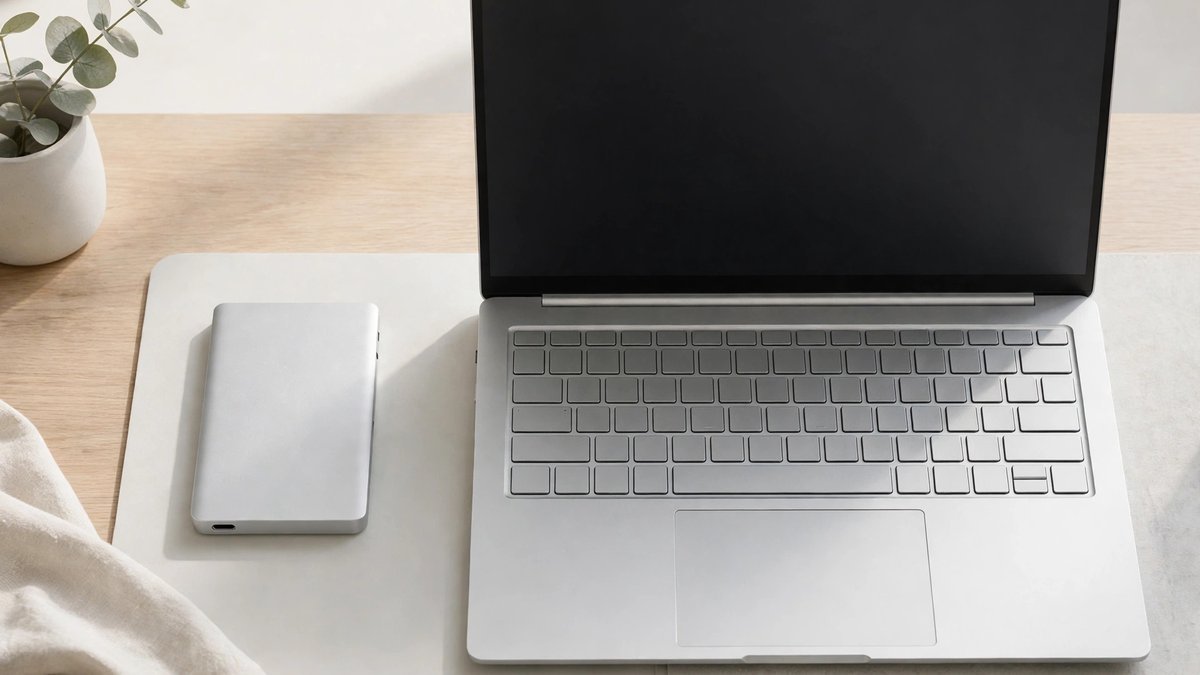
External SSDs have become the default portable drive for anyone who moves large files. A modern portable SSD is smaller than a credit card, weighs under 60 grams, and transfers data at speeds that make a spinning hard drive feel ancient. The question is no longer whether to buy one, but which one fits the way you work.
What matters most is sustained speed, not the headline number on the box. Many drives advertise 1,000 MB/s or more but slow down sharply during a long transfer as the drive heats up. Capacity, durability, and the cable in the box matter almost as much as speed.
We compared the portable SSDs that show up most often in real bags and on real desks, weighing sustained transfer speed, build quality, weather sealing, capacity options, and price. The seven drives below are the ones worth your money.
Key takeaways
- Samsung T9 is the best overall external SSD, with sustained speeds near 2,000 MB/s and a compact, durable design.
- Crucial X10 Pro is the best for creators, pairing fast USB 3.2 Gen 2×2 speeds with an IP55 rating and a 5-year warranty.
- SanDisk Extreme Portable SSD V2 is the best budget pick, offering solid 1,050 MB/s speeds and IP55 protection at a low price.
- Most drives advertise peak speeds — check sustained speeds for long video transfers.
- USB 3.2 Gen 2×2 drives need a matching port to reach full speed; on a standard USB-C port they run slower.
At a glance: the shortlist
| Product | Best for | Starting price | Standout limit |
|---|---|---|---|
| Samsung T9 | Best overall | From about $110 for 1 TB | Needs USB 3.2 Gen 2×2 for full speed |
| Crucial X10 Pro | Creators | From about $90 for 1 TB | Top speed needs a 20 Gbps port |
| SanDisk Extreme Portable V2 | Budget | From about $75 for 1 TB | 1,050 MB/s ceiling |
| Samsung T7 Shield | Rugged use | From about $90 for 1 TB | IP65 rated, 1,050 MB/s |
| WD My Passport SSD | Everyday backup | From about $85 for 1 TB | 1,050 MB/s ceiling |
| Kingston XS2000 | Compact carry | From about $80 for 1 TB | Small body runs warm under load |
| Seagate One Touch SSD | Simple storage | From about $70 for 1 TB | 1,030 MB/s ceiling |
Samsung T9 — Best overall
The Samsung T9 is the fastest mainstream portable SSD you can buy, with read and write speeds up to 2,000 MB/s over USB 3.2 Gen 2×2. In practice that means a 50 GB video project copies in under a minute on a compatible port, and even on a standard 10 Gbps USB-C port it still runs at a very respectable 1,000 MB/s.
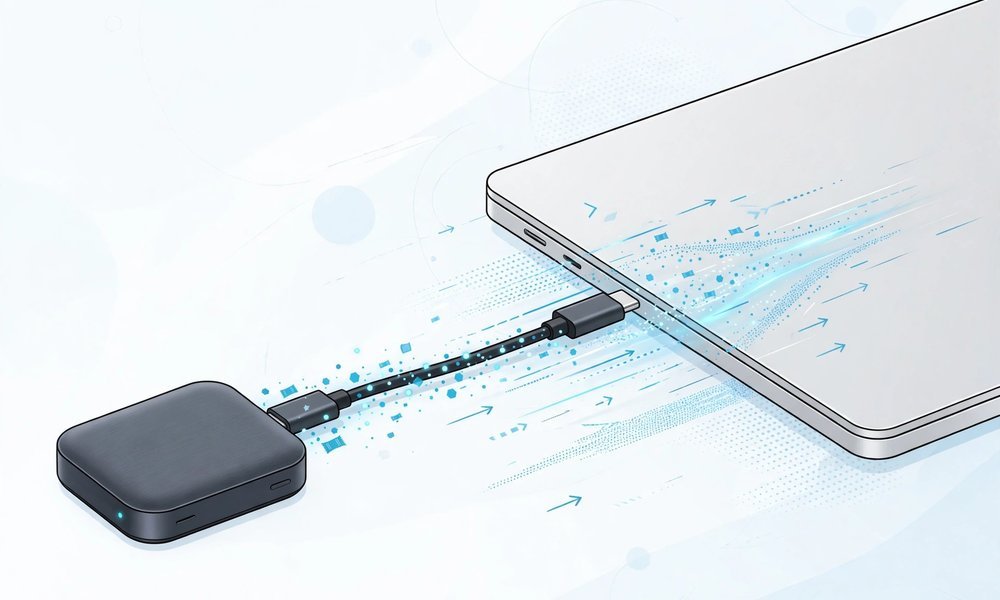
The T9 is small, light, and built around a rubberised shell that survives drops from up to 3 m. Capacities run from 1 TB to 4 TB, and Samsung’s software includes password protection and firmware updates. It is the drive we recommend first for anyone who wants one portable SSD to do everything. If you work with video, our guide to the best portable SSDs for video editing goes deeper on sustained speeds.
Pros: Fastest mainstream speeds; compact and durable; up to 4 TB; good software.
Cons: Full speed needs a 20 Gbps USB port; premium price.
Crucial X10 Pro — Best for creators
The Crucial X10 Pro matches the T9 on paper with 2,100 MB/s read speeds, and it holds up better than most rivals during long transfers thanks to efficient heat management. It is IP55 rated against dust and water, drop resistant to 2 m, and comes with a five-year warranty — the longest in this list.
Capacities run from 1 TB to 4 TB, and the drive is small enough to disappear into a camera bag. It works with Windows, Mac, Android, and iPad Pro, which makes it a good single drive for a mixed-device workflow. For creators who copy hundreds of gigabytes a day, the X10 Pro’s sustained performance is the deciding factor.
Pros: Excellent sustained speeds; IP55 rated; five-year warranty; works across devices.
Cons: Top speed needs a 20 Gbps port; the included cable is short.
SanDisk Extreme Portable SSD V2 — Best budget pick
The SanDisk Extreme Portable V2 is the best value in portable SSDs. It delivers 1,050 MB/s read and 1,000 MB/s write speeds, an IP55 rating, and a carabiner loop for clipping the drive to a bag, all at a price that regularly drops below $80 for 1 TB.
It is not the fastest drive here, but for photo backups, documents, and general storage, 1,050 MB/s is more than enough. Capacities run from 500 GB to 4 TB. If you want a reliable, rugged-feeling SSD without paying for speed you will not use, this is the one to buy.
Pros: Great price; IP55 rated; carabiner loop; up to 4 TB.
Cons: Half the speed of the T9 and X10 Pro; no hardware encryption.
Samsung T7 Shield — Best for rugged use
The T7 Shield takes the popular T7 and wraps it in a rubber shell rated IP65 against dust and water, with drop resistance to 3 m. It keeps the T7’s 1,050 MB/s read and 1,000 MB/s write speeds, so you lose nothing on performance while gaining real protection.
It is the drive to carry if your bag gets rained on, dropped, or thrown in a truck. Capacities run from 1 TB to 4 TB, and the drive works with Windows, Mac, Android, and game consoles. For outdoor and field work, it is the toughest fast SSD in this list.
Pros: IP65 rated; 3 m drop resistance; proven T7 reliability; up to 4 TB.
Cons: Slower than the T9; the rubber shell attracts dust.
WD My Passport SSD — Best for everyday backup
Western Digital’s My Passport SSD is a quiet, dependable choice for everyday backups. It delivers 1,050 MB/s read speeds, comes in a range of colours, and includes WD’s backup software with password protection and 256-bit hardware encryption.
Capacities run from 500 GB to 4 TB. The drive is small, light, and drop resistant to about 2 m. It is not the fastest or the toughest drive here, but it is the easiest to live with: plug it in, set up a backup schedule, and forget about it.
Pros: Hardware encryption included; good backup software; wide capacity range.
Cons: 1,050 MB/s ceiling; no IP water rating.
Kingston XS2000 — Best for compact carry
The Kingston XS2000 is one of the smallest portable SSDs available, roughly the size of a matchbox, yet it delivers 2,000 MB/s read speeds over USB 3.2 Gen 2×2. It ships with a USB-C cable and a rubber sleeve, and it is IP55 rated.
Its tiny body does run warm during long transfers, and the drive can throttle if it gets too hot, but for its size the performance is remarkable. Capacities run from 500 GB to 4 TB. If pocketability is your top priority, nothing in this list is smaller.
Pros: Extremely compact; 2,000 MB/s speeds; IP55 rated.
Cons: Runs warm under sustained load; easy to misplace.
Seagate One Touch SSD — Best for simple storage
The Seagate One Touch SSD is the simplest drive in this list. It delivers 1,030 MB/s read speeds, comes in a fabric-textured case in several colours, and includes Seagate’s Toolkit backup software. Capacities run from 500 GB to 2 TB.
It is a good choice for anyone who wants a straightforward external drive for documents, photos, and music without worrying about specs. The 2 TB ceiling is the main limitation — if you need more space, look at the Samsung or Crucial options.
Pros: Affordable; simple to use; nice fabric finish.
Cons: Max 2 TB; slower than the fastest rivals.
How to choose
Start with your port. A 2,000 MB/s drive only reaches full speed on a USB 3.2 Gen 2×2 port (20 Gbps). On a standard 10 Gbps USB-C port, it runs at about 1,000 MB/s — still fast, but no faster than a cheaper drive. Check what your laptop actually supports before paying for speed you cannot use.
Then match capacity to the job. A 1 TB drive covers documents and a photo library; video editors should start at 2 TB. Finally, consider durability: if the drive will travel, an IP55 or IP65 rating and a drop rating are worth paying for. And if you are choosing between an SSD and a spinning drive for a big archive, our roundup of the best external hard drives covers the high-capacity options.
Checklist: before you pay
- Check your laptop’s USB port speed — a 20 Gbps drive needs a 20 Gbps port.
- Pick capacity for the job: 1 TB for documents and photos, 2 TB or more for video.
- Look for an IP rating and drop rating if the drive will travel.
- Confirm the cable in the box matches your port — USB-C to USB-C is standard now.
- Check whether hardware encryption is included if you store sensitive files.
- Keep a second copy — an SSD is fast, but it is still a single point of failure.
Frequently asked questions
How fast is a portable SSD in real use?
Most drives in this list deliver 1,000 to 2,000 MB/s on a matching port. In practice, a 10 GB file copies in about 10 seconds at 1,000 MB/s. Sustained speeds during very long transfers can be lower as the drive heats up.
Do I need USB 3.2 Gen 2×2?
Only if you regularly move very large files. For photos, documents, and general backups, a 1,000 MB/s drive is plenty. Gen 2×2 matters most for video editors and anyone copying hundreds of gigabytes at a time.
Can I use an external SSD with a game console?
Yes, most consoles accept external SSDs for storing and playing older-generation games, though current-generation titles usually need the console’s internal storage. Check your console’s requirements before buying. Our guide to the best external SSDs for PS5 Pro covers console use in detail.
How long do external SSDs last?
A quality SSD should last many years of normal use. Flash memory wears with writes, but for typical backup and storage workloads the drive will be obsolete long before it wears out. Keep firmware updated and avoid filling the drive completely.
Should I get 1 TB or 2 TB?
Buy 2 TB if you work with video or keep a large photo library. A 1 TB drive fills faster than most people expect, and the price difference is usually modest.
Are external SSDs waterproof?
Only models with an IP rating. IP55 means protected against dust and water jets; IP65 adds stronger water protection. Drives without a rating should be kept dry.
The bottom line
For most people, the Samsung T9 is the best external SSD: the fastest mainstream speeds, a durable design, and capacities up to 4 TB. Creators who copy huge files all day should look at the Crucial X10 Pro for its sustained performance and five-year warranty. And if budget matters most, the SanDisk Extreme Portable V2 gives you solid speed and real protection for the least money.
Whatever you choose, match the drive to your port, buy more capacity than you think you need, and keep a second copy of anything you cannot afford to lose.
Note: Prices and plans change. Check the product’s current plan details before buying — no link is provided here by design, all links in this article go to other occcy.com guides.