
A picture with no caption, credit or clear origin can slow down an otherwise solid research project. You may need to find its original source, learn where it appeared, or check what it shows. The Best Free Image Search Tools for Researchers offer several ways to begin, but no single tool serves every task. This list brings together visual search engines, a specialist art lookup, and research collections. Your results will depend on what you submit and which pages each tool has indexed. Use them as starting points, then judge each result in context. The aim is a useful lead, not a quick answer that outruns the evidence. A second search can catch pages or copies the first tool missed.
Key Takeaways
- Start with the tool that fits the image and question.
- Compare results from two differently indexed search tools.
- Follow promising matches back to their original source pages.
- Check a file’s own terms before reusing it.
- Treat visual matches as leads, not proof of identity or ownership.
Running a second, differently indexed tool is a sensible check when the image matters.
What Can Reverse Image Search Reveal?
A reverse image search uses a picture as the query, so it can reveal pages or visual matches that a text search might miss. It is a way to search the web by submitting an image instead of typing a text query.
Results can point to pages using the same image, copies, or visually similar results. Those outcomes answer different questions, so check what kind of match you have.
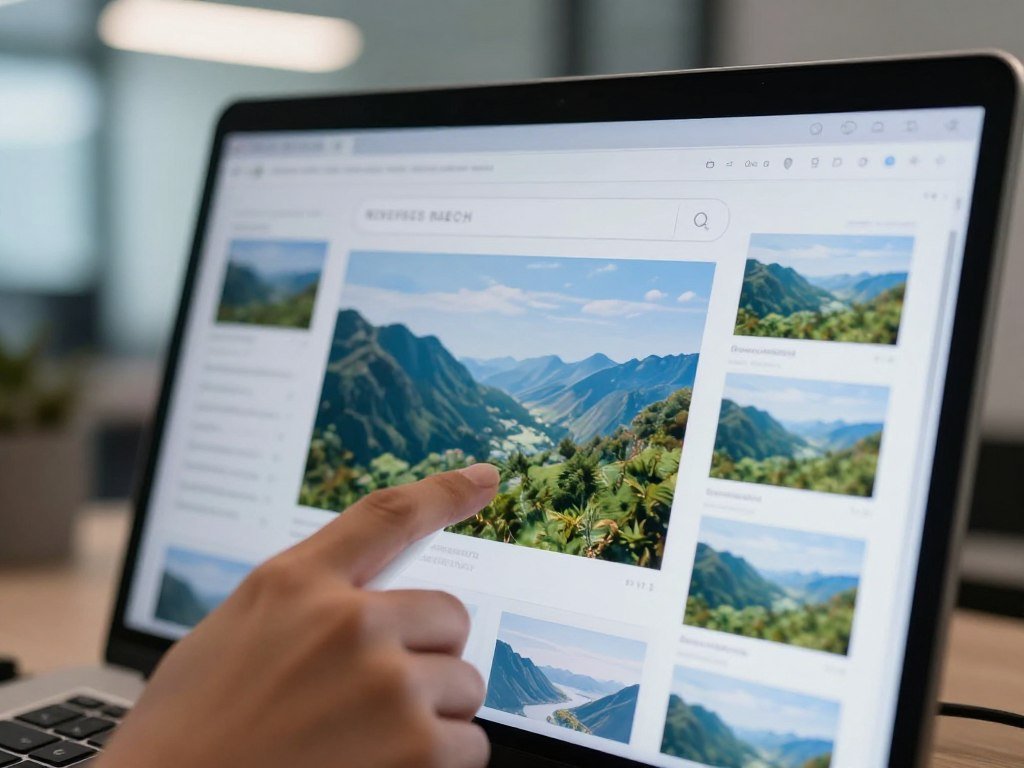
A page with the matching image may help you trace where it appeared. A visually similar result may show a related object, scene, or design instead. It does not have to contain the same file.
Tools rely on different image indexes and matching methods. A result on one engine may not appear on another, and each tool may favor a different kind of match.
Treat a result as a lead to investigate, not a complete account of an image’s history.
TinEye focuses on matching copies, while Google Lens can return broader visual matches. The mix of results can change with the image, its crop, and the index.
Note whether a result shows the same image, a modified copy, or a visually similar result. That distinction helps you decide which page is worth opening first.
Best Free Image Search Tools for Researchers
For most broad visual discovery, start with Google Lens; use TinEye when the central question is whether an exact or altered copy appears elsewhere. These seven search tools serve different research tasks, not a controlled accuracy ranking.

Broad visual discovery with Google Lens, Bing Visual Search and Yandex Images
Google reverse image search uses Google Lens, which can find similar images and websites containing the image or a similar one. You can search an image uploaded from an Android device through the Google app or Chrome app.
Lens works well when you want broad visual discovery, such as identifying an object or finding related pages. It can also let you select part of an image for a more focused result.
Bing image search, through Bing Visual Search, accepts uploads, image URLs, camera photos, and selected areas. It can return similar images, web pages, and shopping matches, which can help when you are tracing a product.
Yandex reverse image search gives you another visual index. You can search by uploading an image or providing its URL.
Exact-copy and illustration lookup with TinEye and SauceNAO
TinEye looks for exact or altered copies, which makes it useful when a photo may have been resized, cropped, or changed. In 2026, its index covers over 86.5 billion images.
TinEye says it does not save or index images submitted for searches in 2026. That statement concerns submitted search images, not how other services handle uploads.
SauceNAO specializes in finding sources for anime, manga, and digital artwork. It can point to specialist source pages that a broad image search may not surface.
Research collections with Wikimedia Commons and Biodiversity Heritage Library
Wikimedia Commons holds image collections, diagrams, historical drawings, and video. Its file pages include item-level license information, which is useful when you need a record attached to a specific image.
Biodiversity Heritage Library is a research collection for historical scientific illustrations and natural history material. Its books and images can help you track older depictions of plants, animals, and other subjects.
The best reverse image search tool depends on the image and the research question. Try a specialist art index such as SauceNAO for an illustration before assuming a general-purpose engine has exhausted the options.
Which Tool Fits Your Research Task?
For a broad object search, start with Google Lens; for exact-copy tracking, start with TinEye. The best first choice depends on what you need to learn from the image.
Free image search and free reverse image search can begin with public paths such as Google Lens, TinEye, Bing Visual Search, and Yandex Images. Free access does not make every result reusable.

| Research task | Start here | Second check | Useful result type |
|---|---|---|---|
| Exact or altered copies | TinEye | Google Lens | Image copies and related pages |
| Broad object or landmark discovery | Google Lens | Bing Visual Search | Similar images and relevant pages |
| Product identification | Bing Visual Search | Google Lens | Shopping matches and related visuals |
| Anime or illustration source | SauceNAO | Google Lens | Specialist source pages and broader web results |
| Another broad visual pass | Yandex Images | Bing Visual Search | An alternative set of visual matches |
Google Image Search is useful for broad discovery, while the best first search tool changes with your task. A product match and an altered copy call for different result types.
Use a second tool when the source page will affect a citation, a rights decision or a research conclusion.
How Should You Search an Image?
Begin with the clearest version of the image you can access, because compression can obscure details useful for matching. Keep the original intact as you work.
A repeatable search record should include the result URL, page URL, date, and a screenshot. These details let you retrace what you found.

- Keep the clearest available original, rather than starting with a compressed copy.
- Start with the image search tool that fits your research task.
- Try a second index to check for results the first one missed.
- Search the full image, then crop around a distinct subject or text.
- Save the result URL, page URL, date, and screenshot in your notes.
Google Lens can search a smaller selected area, which may make results more specific. A crop around a sign, object, or unusual detail can narrow the visual search.
You can also search a video still. Export a clear frame or take a high-resolution screenshot, then submit it as an image.
Do not upload confidential images without checking the service’s current privacy terms. Keep the original file unchanged so you can retrace which version produced a result.
Where Can Researchers Find Images for Reuse?
A search result can lead to a useful visual, but reuse depends on the terms attached to that specific file. Check the item itself, not just the search page.
Finding an image through a search engine does not grant permission to reuse it. File-level terms and other rights can still apply.
| Collection | Useful material | Item-level check |
|---|---|---|
| Wikimedia Commons | Images, diagrams, historical drawings, and video | Inspect that file’s description and license |
| Biodiversity Heritage Library | Historical scientific illustrations and natural history material | Check the item record |
| Europe PMC and PMC | Scientific figures | Read the figure legend and methods context |
| Flickr Commons | Archived photographs from cultural heritage institutions | Check the item record’s rights information |
Wikimedia Commons files have individual license conditions on their description pages. The Wikimedia Commons licensing policy explains what license information those pages must provide.
When a license requires attribution, credit the creator, who may differ from the uploader. Some licenses also ask you to identify or link to the license, or share changes under the same license.
- Identify the creator.
- Follow any required attribution format.
- Identify or link to the license when required.
- Check for rights beyond copyright.
Privacy, personality, moral, trademark, and patent rights may apply beyond copyright. If you are weighing images made with AI, review how free AI image generators handle use terms for their outputs.
Save the file’s license details alongside your project notes before publishing or sharing it.
How Can You Verify an Image Match?
A useful match is one whose page context supports the claim you want to make, not merely one that looks close. Read the page around the image.
A visual match alone cannot establish ownership, authorship, authenticity, or a person’s identity. Check the details that support your interpretation.
Check the original page and its context
Open the original source page when a search result points to one. Read its caption, publication context, and nearby text before using it to support a claim.
Then look for an independent page that supports the same interpretation. A copied caption on several pages may repeat one claim rather than provide separate evidence.
Ask these questions as you review the page:
- Who published the page?
- What date, caption, or context accompanies the image?
- Does independent evidence support the proposed interpretation?
A result may help you trace a page, but the page’s own details still need to fit the image. Note whether the caption names a place, event, creator, or date.
Separate visual resemblance from proof
An exact or modified copy shares much of the same image content. A visually similar result may show a related subject without using the same picture.
TinEye and Google Lens can return different kinds of results. One may find a copy while another returns related images or pages, so compare what each result actually shows.
A visual match is not proof of ownership or identity, even when the image looks exact.
A failed lookup does not prove that an image has never appeared online. The page may not be indexed, or the image may have changed enough to escape a match.
For a high-stakes identity or legal decision, get qualified advice rather than relying on visual similarity alone.
Conclusion
The most useful image search is the one that answers your research question, not simply the one with the longest result list. Choose tools based on the question, then treat a match as a lead that needs context.
Run the image through one broad search tool and one tool suited to the task. Inspect the original result pages before you use a match in your work.
Start with one image you need to verify, choose two complementary tools and follow the strongest result back to its page.
FAQ
Is reverse image search free?
Yes, public search paths from Google Lens, TinEye, Bing Visual Search, and Yandex Images are free to use. Available features may differ between tools, and access can change over time. You may need an account or a specific app for some options. A free search can help locate a file, but it does not grant permission to reuse it.
Can reverse image search find the first place a picture appeared?
It may surface an older indexed copy, but the earliest result is not proof of the true first publication. A tool can only show pages in its index, and an older page may be missing or hard to find. Check dates and page context, then look for records that support the image’s history.
Can reverse image search work with a screenshot?
Yes, a clear screenshot can work as an image search query. Crop around a distinctive subject, sign, or other detail when the tool supports area selection. Avoid a tiny or blurry crop, since it may hide useful features. A clear frame exported from a video can also serve as the query image.
Can a reverse image search prove that a photo is authentic?
No, a reverse image search cannot prove that a photo is authentic. Search results may reveal copies or related pages, but they do not confirm when or how someone made the image. Check the original page, date, and surrounding context. Seek independent confirmation before treating the photo as evidence for a claim.
Can I reuse an image if it appears in search results?
No, appearing in search results does not give you reuse rights. Check the individual file’s license, creator details, and any limits on how you may use it. Some rights can apply beyond copyright, including privacy or trademark rights. Keep a record of the terms you relied on when you chose the image.
Can reverse image search identify a person?
No, similar-looking results are not reliable identity verification. A search may return people who share features or appear in similar settings, but that does not show they are the same person. Do not rely on a visual match alone for a consequential decision. Seek qualified help when identity matters to safety, law, or research.



