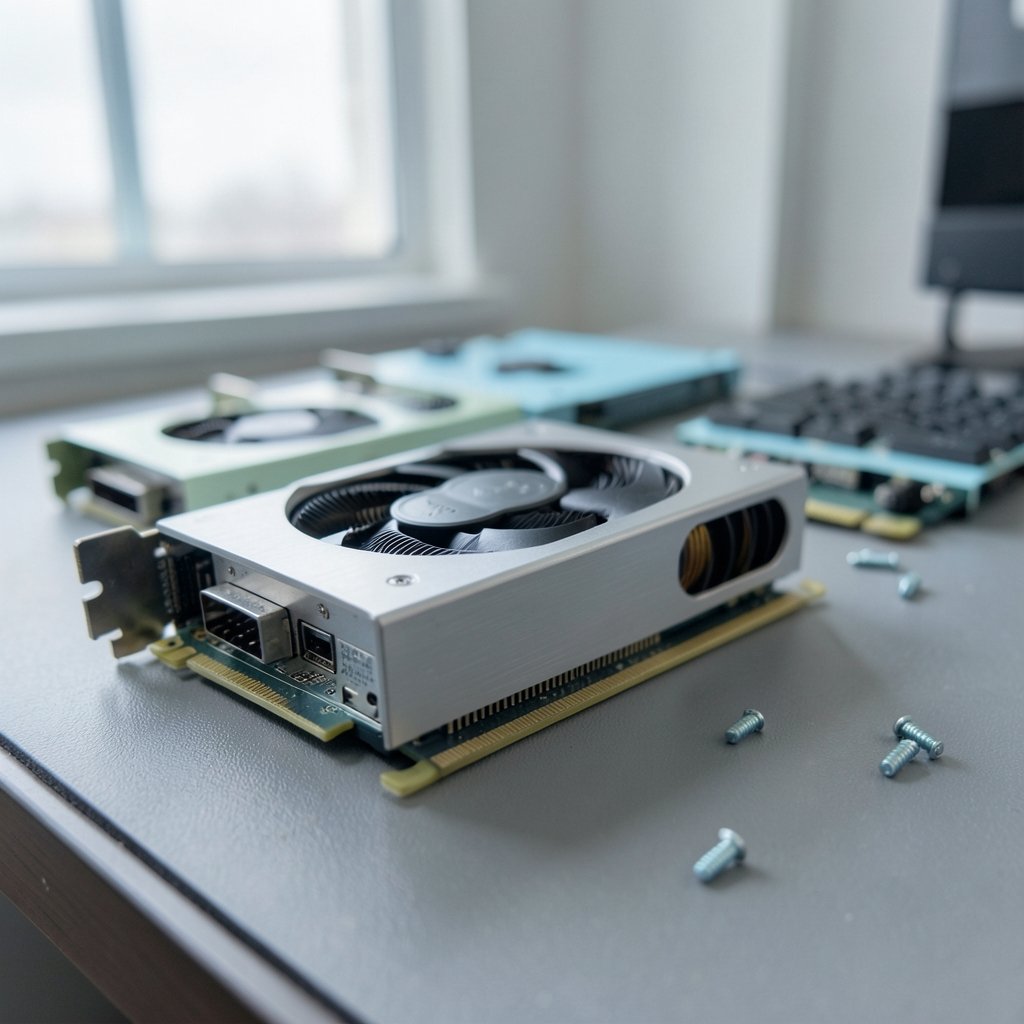
NVIDIA announced its RTX 50-series at CES in January 2025, with the RTX 5090 and RTX 5080 hitting shelves on January 30 of that year. Two years on, that launch still shapes what sits on store shelves. The result is a 2026 market where last generation’s flagship cards are discounted, mid-range options are genuinely good, and the worst purchase decision is usually the one made in a hurry.
This guide breaks down how to choose a graphics card in 2026 by budget and resolution, what actually moves performance, and the mistakes that cost people money.
The 2026 GPU Market in Plain Terms
Three players matter: NVIDIA, AMD, and Intel. Each covers a different slice of the market.
NVIDIA’s RTX 50-series (Blackwell) remains the reference point for high-end gaming and for anything involving AI acceleration. AMD’s RDNA 4 generation, led by the RX 9070 XT and RX 9070, launched in March 2025 and competes hard on price-to-performance in the mid and upper-mid tiers. Intel’s Arc B-series, including the B580, arrived in December 2024 and has become the value pick for 1080p and entry 1440p builds.
The practical takeaway: there is no single “best” card. There is a best card for a resolution, a budget, and a power supply. Get those three wrong and even a great GPU disappoints.
Match the Card to Your Monitor First
The most common mistake is buying a GPU before deciding on a display. A card that crushes 1080p can struggle at 4K, and a 4K monster is wasted on a 1080p 60Hz panel.
| Target resolution | What to prioritize | Typical VRAM floor | Notes |
|---|---|---|---|
| 1080p, high refresh | Strong raster performance, low power draw | 8GB | Value tier; Intel Arc and AMD mid-range shine here |
| 1440p, 120Hz+ | Raw performance plus upscaling support | 12GB | The sweet spot for most buyers in 2026 |
| 4K gaming | High bandwidth, large VRAM buffer | 16GB | Flagship territory; check PSU headroom |
| 4K plus AI or 3D work | Compute throughput, VRAM capacity | 16–24GB | Workstation benchmarks matter more than game FPS |
If a buyer is unsure, 1440p is the safest target. It rewards a mid-range card, ages well, and monitors at that resolution have become affordable.
Budget Tiers and What They Actually Buy
Entry tier: 1080p esports and everyday gaming
At this level, the goal is smooth 1080p at high settings. Intel’s Arc B580 and AMD’s lower-tier RDNA 4 cards deliver strong value, though driver maturity varies by title. Buyers should check benchmarks for the specific games they play rather than trusting a single aggregate score.
Mid-range: the 1440p workhorses
This is where most of the market sits. Cards in this band handle 1440p comfortably and lean on upscaling for demanding titles. AMD’s RX 9070-class cards have made this tier fiercely competitive, and NVIDIA’s mid-tier RTX 50 options counter with better ray tracing and broader feature support. (NVIDIA GeForce Graphics Cards)
High-end: 4K and beyond
Flagship cards like the RTX 5090 sit at the top of the stack. They are excellent and expensive. For most gamers, a card one or two tiers down delivers 85 to 90 percent of the experience for a fraction of the cost. The exception is anyone doing AI workloads, rendering, or simulation, where compute and VRAM genuinely justify the premium.
Specs That Matter and Specs That Don’t
Marketing slides love big numbers. Here is what actually changes how a card feels in use.
VRAM capacity matters most at high resolution and in texture-heavy games. Running out of VRAM causes stutter that no amount of raw compute can fix. Twelve gigabytes is a reasonable 1440p floor in 2026; 16GB or more is safer for 4K.
Memory bandwidth determines how well a card feeds its compute units at high resolutions. Two cards with similar core counts can diverge sharply at 4K purely because of bus width and memory type.
Power draw is the spec people ignore until they need a new power supply. A flagship card can pull well over 400 watts under load, which means a quality 850W unit or better, plus case airflow that can actually move that heat out.
Upscaling support has become a genuine feature differentiator. DLSS, FSR, and XeSS all improve frame rates, but image quality and game support differ. Buyers should check whether the titles they care about support the upscaler their card does best.
What Actually Works in Practice
A few habits separate a good GPU purchase from a regretful one.
Wait for independent benchmarks, not launch-day numbers. Vendor-provided charts use favorable settings and cherry-picked titles. Third-party reviews with published methodology are worth more than any spec sheet.
Check the power supply before checkout. Adding up CPU, GPU, drives, and fans, then leaving 20 percent headroom, prevents most post-purchase headaches. A card that crashes under load is usually a PSU problem, not a GPU defect.
Buy for the games you play now, with a little headroom. Buying for a hypothetical game three years away rarely pays off. Buying for a resolution you might move to in 18 months often does.
Verify physical clearance. Flagship cards have grown enormous. Measure the case before ordering, and confirm the card fits alongside the CPU cooler and front fans.
Update drivers, then update them again. New GPU owners frequently blame hardware for problems that a clean driver install fixes. Removing old drivers completely before installing new ones avoids a whole category of weirdness.
For anyone building or upgrading a full system, it also helps to plan the whole chain at once. A step-by-step GPU upgrade and graphics card install guide covers the physical side, from bracket clearance to power cabling, so the card you buy actually fits and runs. (Graphics processing unit)
Timing the Purchase
GPU prices swing with supply, promotions, and launch cycles. Two windows consistently offer better value.
The first is the period after a new generation launches, when previous-generation stock gets discounted. The second is major retail events. Black Friday GPU bundles and prebuilt discounts often beat standalone card prices, and tracking Black Friday car deals and offers shows the same pattern across big-ticket categories: the deepest cuts cluster around a handful of days, and the rest of the year is mostly noise.
Buyers who need a card immediately should still set a price alert. Waiting two weeks can cut the amount they pay for a mid-range card.
Common Mistakes That Cost Money
Overbuying for 1080p. A flagship card on a 1080p 60Hz monitor wastes most of its capability. Spend the difference on a better display instead.
Underbuying VRAM. Saving a little on an 8GB card at 1440p often means upgrading again within two years.
Ignoring the platform. A fast GPU paired with an aging CPU creates a bottleneck that shows up as stutter and low frame-time consistency, especially in simulation and strategy games.
Skipping the return window test. Run a stress test and a few favorite games in the first week. Early hardware faults are far easier to resolve with a retailer than with a warranty claim months later.
Trusting one review. Cross-reference at least two independent sources. A card that looks strong in one benchmark suite can lag in another depending on the titles tested.
Where the Rest of the Build Fits In
A GPU does not exist in isolation. Storage speed affects load times, CPU choice affects frame consistency, and display quality affects perceived performance more than most people expect. Anyone weighing a portable alternative to a desktop build should look at Steam Deck out-of-stock alternatives before committing to a full tower. Similarly, phone buyers chasing camera and battery gains can compare options in this roundup of the best phones for 2026, since the same value logic applies across consumer tech.
For platform-specific buyers, console and handheld news also affects timing decisions. Reports around the Nintendo Switch 2 Lite and Samsung 8LPU chipset show how component supply shapes availability, and the fallout from Xbox layoffs and studio sales matters to anyone deciding whether to invest in a PC library instead.
Should You Buy Last Generation or Current?
Last-generation cards are often the smartest buy in the second year of a new cycle. They retain full driver support, cost less, and handle the vast majority of games at 1440p without compromise.
The tradeoff is feature support. Newer generations tend to get the best upscaling quality, newer ray tracing hardware, and longer driver optimization windows. Buyers planning to keep a card for four or five years should weight that heavily. Buyers who upgrade every two years can safely chase value.
Conclusion
The best graphics card in 2026 is not the fastest one on a benchmark chart. It is the card that matches a monitor, fits a power supply, clears the case, and handles the games someone actually plays. NVIDIA’s RTX 50-series leads at the high end, AMD’s RDNA 4 lineup owns much of the value conversation in the mid-range, and Intel’s Arc B-series makes 1080p and entry 1440p genuinely affordable.
Start with the display, set a firm budget, check VRAM and power requirements, and wait for independent benchmarks before committing. Do that, and the upgrade will feel like a genuine step forward rather than an expensive experiment.
FAQ
What is the best graphics card for 1440p gaming in 2026?
Mid-range cards from AMD’s RDNA 4 lineup and NVIDIA’s RTX 50-series handle 1440p well, especially with upscaling enabled. The right pick depends on which games you play and whether ray tracing matters to you. Aim for at least 12GB of VRAM.
How much VRAM do I need for 4K gaming?
Sixteen gigabytes is a sensible floor for 4K in 2026, and 24GB gives comfortable headroom for texture-heavy titles and future releases. Cards with less VRAM can still hit 4K frame rates, but they may stutter when textures exceed the buffer.
Is it worth buying a previous-generation GPU?
Often yes. Previous-generation cards cost less, keep full driver support, and handle most games at 1440p without compromise. The tradeoff is that newer cards usually get better upscaling quality and longer optimization windows.
What power supply do I need for a high-end graphics card?
Flagship cards can draw well over 400 watts under load. A quality 850W unit or better is a reasonable starting point, and buyers should leave about 20 percent headroom above their calculated total system draw.
Do I need to upgrade my CPU when I buy a new GPU?
Not always, but a slow CPU can bottleneck a fast GPU, causing stutter and inconsistent frame times. If the CPU is several generations old, pairing it with a flagship card often delivers less than expected.
When is the best time to buy a graphics card?
Prices tend to dip after a new generation launches and during major retail events. Setting a price alert and waiting a couple of weeks can lower the price paid, especially on mid-range cards.
Final takeaway: write down your monitor’s resolution and refresh rate, your budget ceiling, and the three games you play most. Then match a card to that list, confirm VRAM and PSU headroom, and check two independent reviews before ordering. That short checklist prevents nearly every common mistake covered above. Whichever tier you land in, the goal is the same: a card that disappears into the experience, delivering smooth frame rates without fan noise or buyer’s remorse. Upgrade when the games you love stop feeling smooth, not when a marketing slide says you should.