The right amp for a desk, a phone, or a tube-focused setup depends first on how you listen and what you need to connect. A DAC, or digital-to-analog converter, turns digital audio into an analog signal for amplification.
Some picks combine a DAC and amp, while others are amp-only models. The best fit depends more on your headphones, source, and daily routine than on the highest price. You can find a simple home setup for music, a portable option for travel, or gear for a more hands-on experience. Start by identifying your source device and headphones before comparing features.
Key Takeaways
- Check your headphones and source before choosing an amp.
- A DAC/amp combines digital conversion and headphone amplification.
- An amp-only model needs a DAC for digital audio.
- Portable units suit travel, while desktop amps stay in one place.
- Choose useful connections and features over a high price alone.
What should you check before choosing a headphone amp?
Begin with the headphones and source you already own, rather than with a preferred brand or price tier. Compatibility comes first, since an amp must connect to your source and suit your headphones.
Check headphone demand, source connections, and where you will listen before comparing models. A desktop amp can offer more power, features, versatility, and sound options, but it takes a fixed place in your setup.
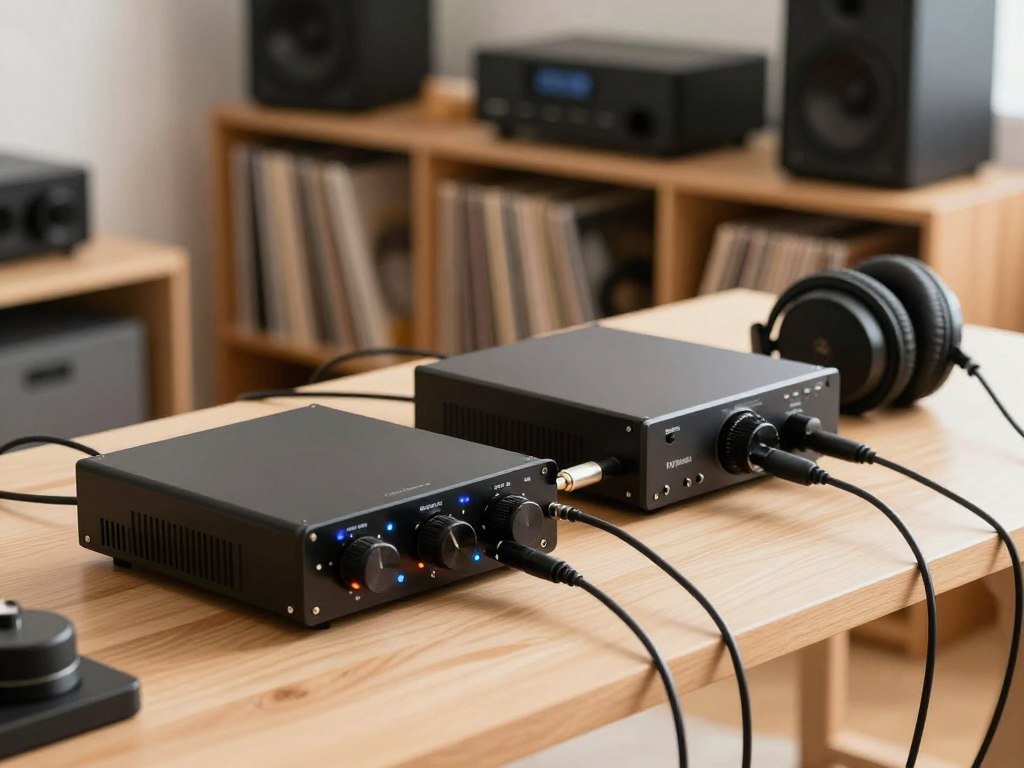
Match the amp to your headphones
Headphone impedance, measured in ohms, and sensitivity both help show how much power your headphones need. Sensitivity is commonly listed in dB/mW or dB/V, so compare figures using the same unit.
Impedance alone does not tell you whether an amp can reach your preferred listening level. Check the amp’s output with your headphone load in mind, then consider comfort and extra features.
Decide whether you need a built-in DAC
An all-in-one DAC/amp converts digital audio and amplifies the analog signal in one device. A separate DAC and amp split those jobs between two units.
Choose the combined setup if you want fewer pieces of gear. A separate system gives you more choice when replacing or changing one part.
Choose a desktop or portable setup
A desktop unit suits a home listening spot, where a power supply and larger controls are easy to keep nearby. Portable amps use a battery or USB power, so you can carry them between devices.
Bluetooth models may list codecs such as LDAC or aptX. Your source device must support a codec for you to use it.
Use this checklist before you compare a wide range of products:
- Headphone impedance and sensitivity
- Source-device connections
- Need for a built-in DAC
- Portable use or fixed desk use
A balanced connector does not guarantee enough power by itself. Confirm that the amp’s input matches your source and its headphone output matches your cable.
Which of the Best Headphone Amps fits your setup?
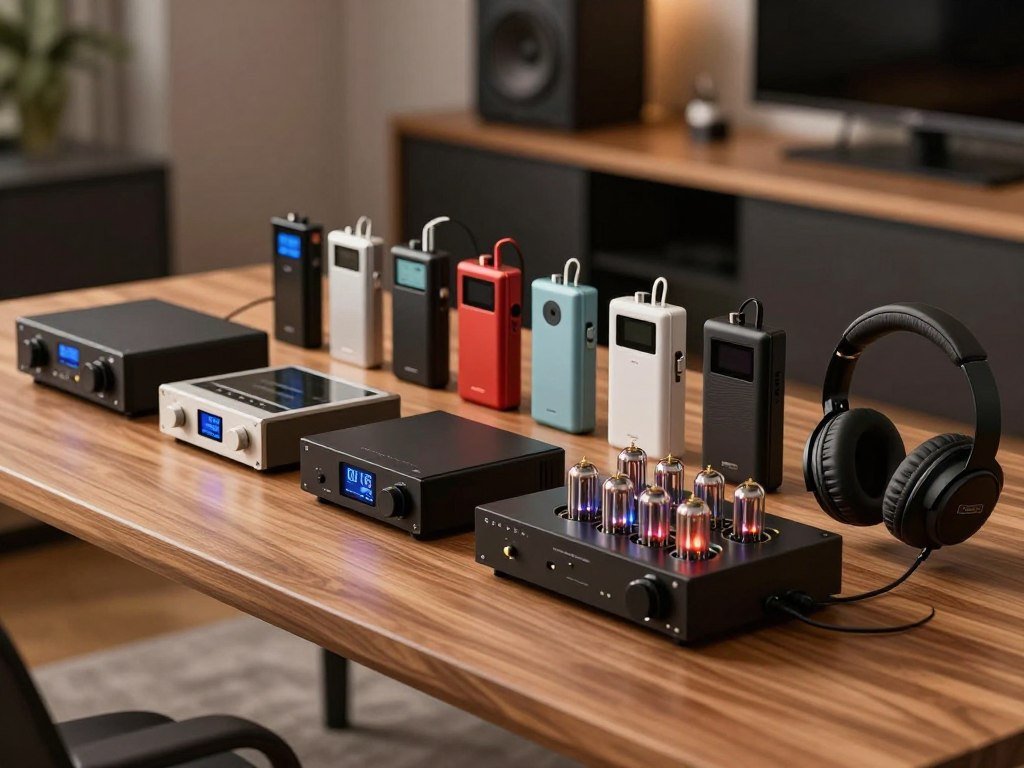
For most people setting up a desk, start with the FiiO K7; choose the K11 for a compact budget option and the Atom Amp+ if you already have a DAC. Those three cover common desktop needs without forcing one format on every listener.
Choose by listening situation first, then compare the products that fit your connections and budget. The best headphone amps under $500 include several choices, from a low-cost USB dongle to portable models near the top of that range.
| Best fit | Example model | Format | Distinguishing use |
|---|---|---|---|
| All-purpose desktop | FiiO K7 | DAC/amp | Balanced outputs |
| Budget desktop | FiiO K11 | Compact DAC/amp | Intended for most headphones |
| Modular desktop | JDS Labs Atom Amp+ | Amp-only | Needs a separate DAC for digital sources |
| High-impedance tube setup | Bottlehead Crack | DIY tube kit | Especially suited to HD600 and HD650 |
| Portable Bluetooth | FiiO BTR17 | Portable DAC/amp | Bluetooth and USB use |
For a straightforward desktop choice, the K7 combines conversion and amplification. The K11 keeps the desk setup compact, while the Atom Amp+ suits listeners building a system from separate parts.
The iFi GO Link 2 costs $59, the Cayin RU9 costs $449, and the xDuoo XD05T costs $499.99. Those listed prices give you options across the under-$500 range.
The other picks serve more specific needs, such as a DIY tube build, wireless listening, or a small wired dongle. Use the table to narrow the format first, then compare the specific features of that short list.
Is the FiiO K7 the best all-purpose desktop option?
The FiiO K7 is the straightforward pick if you want one desktop unit to cover a broad range of listening needs. Its combined design gives you digital conversion and headphone amplification in one place.
The K7’s balanced outputs make it a versatile starting point for a desktop setup. That format can keep a system simple while giving you an output choice for compatible headphones and cables.
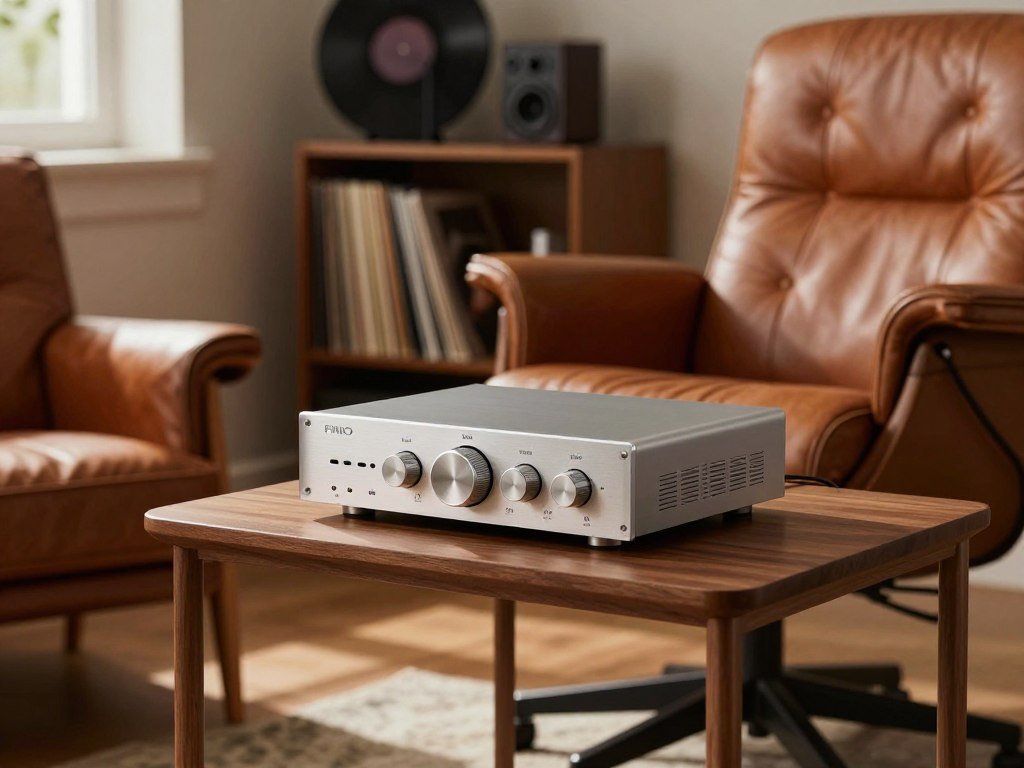
A fixed unit can suit a computer desk or home audio station better than a small portable amp. You can leave it connected, rather than moving a battery-powered device between sources.
The K7’s all-purpose role makes sense if you want one central piece of gear instead of piecing together a system. It is a useful choice when your main goal is a dependable desktop setup, not a particular tube effect or travel feature.
The older FiiO K5 Pro is another desktop option to know about, though it is not one of the ten picks. Its inputs include USB, optical, coaxial, RCA, and line-in connections.
That mix may appeal if your desk includes several types of source devices. Think through which connections you will actually use, rather than treating a long input list as a benefit on its own.
A broad feature set also cannot make a fixed unit portable. Make sure the desk has room for a fixed desktop unit before choosing it over a portable option.
Is the FiiO K11 a good budget desktop headphone amp?
Choose the FiiO K11 if you want a compact desktop DAC/amp aimed at covering most headphone needs without a complicated system. Its small desktop role suits listeners who want a single unit at a computer or home listening spot.
The K11 is a clear budget choice when you want digital conversion and amplification in one compact device. That can mean fewer boxes and a simpler arrangement than a modular system.
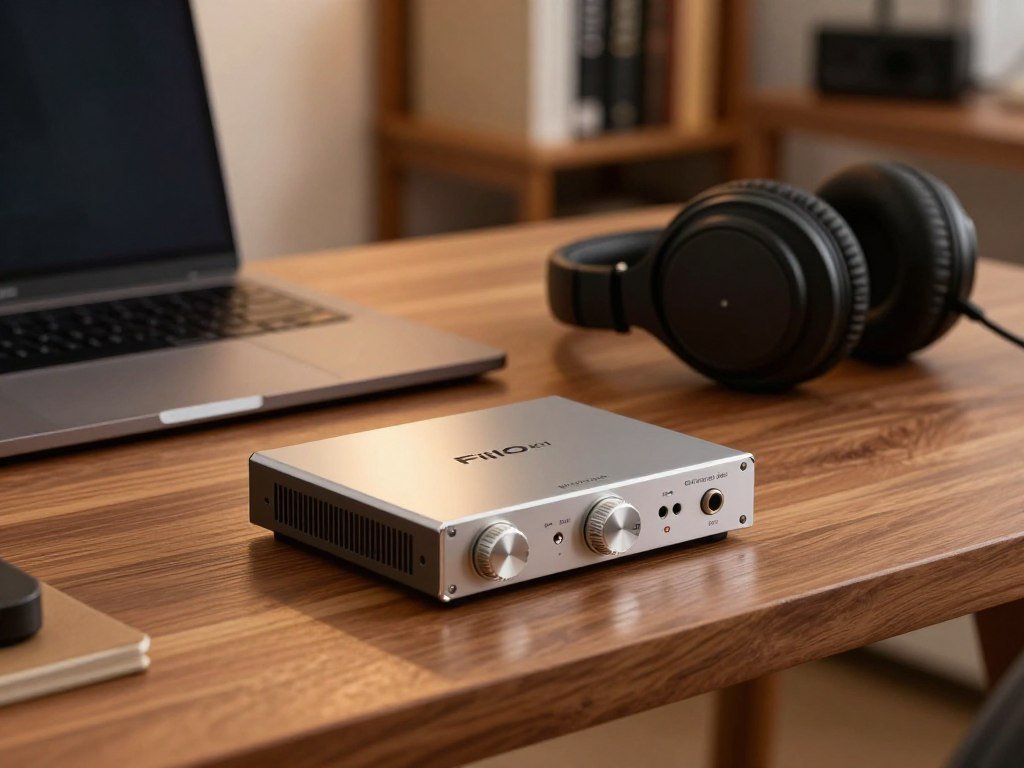
It is a practical fit if your source is digital and you do not need a long list of separate components. You can keep the setup focused on your headphones, rather than spending time planning several boxes and cables.
A listener who needs more connection flexibility may prefer a desktop unit with a wider set of inputs. Someone who already owns a DAC might instead want a separate amp, so the existing converter remains in use.
Do not judge a headphone amp by the word “budget” alone. Think about the headphones you own and whether the connections and output suit your daily listening.
When you are unsure about drive, impedance gives only part of the picture. Check the headphone’s sensitivity as well as its impedance if you are unsure about available drive.
Does the JDS Labs Atom Amp+ suit a separate-DAC setup?
The Atom Amp+ makes sense when you already own a DAC or deliberately want to choose the DAC and amplifier separately. It is an amp-only model, so it does not convert digital audio on its own.
A digital source needs a DAC elsewhere in the signal chain before it reaches the Atom Amp+. A computer, for example, can send digital audio to a separate DAC, which then feeds the amp.
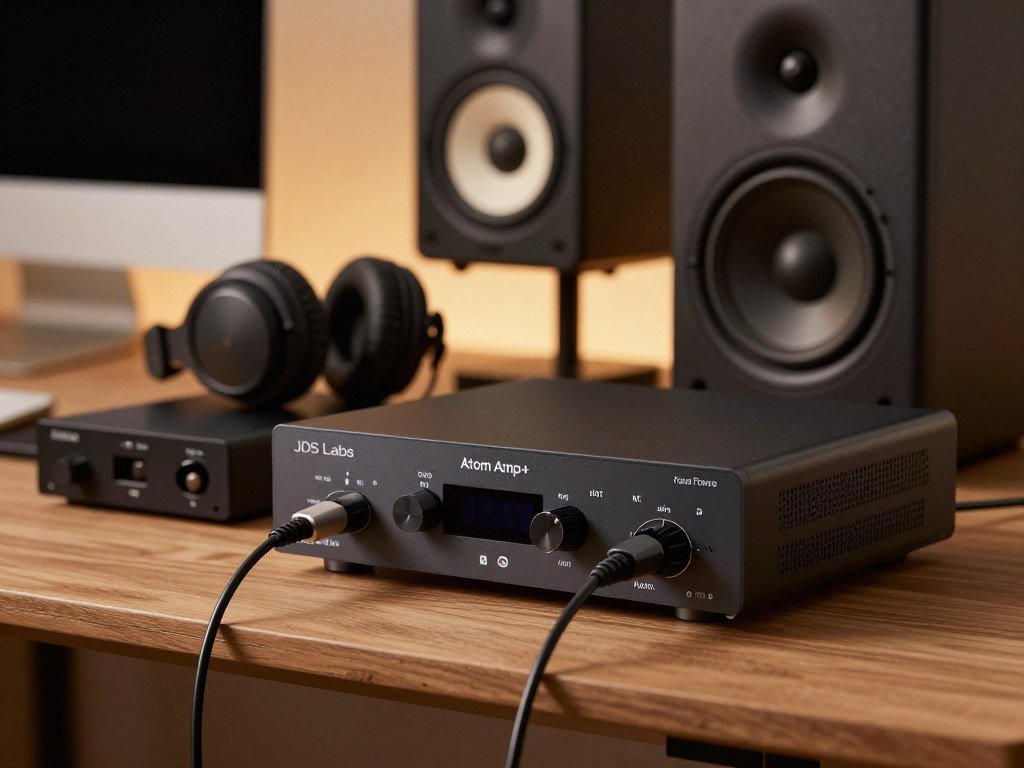
This layout can work well if you have a DAC you like and want to change only the amplification. It also gives you more control over each part of the system.
Separate components can suit listeners who want to adjust their gear over time. You can choose a different amplifier without replacing the DAC, or change the DAC while keeping the amp.
That freedom comes with an extra unit and another connection to plan. A digital setup needs the source, DAC, amp, and headphones connected in the right order.
If you use an analog source, the signal must still reach a compatible amp input. Check the device’s output type before adding parts to the chain.
Add the price and space of a separate DAC to your system plan before choosing an amp-only route.
Is the Bottlehead Crack right for high-impedance headphones?
The Bottlehead Crack is most compelling when you want a DIY tube build for high-impedance headphones such as the HD600 or HD650. The hands-on build is part of its appeal, rather than a small detail.
This tube amp is a specialized kit, not a plug-and-play choice for every headphone owner. It is designed especially for high-impedance models, including the Sennheiser HD600 and HD650.
Owners of those headphones may like having a tube-focused setup built around their listening gear. The Crack offers a distinct project as well as an amplifier, which can suit someone who enjoys building equipment.
The kit involves building and soldering. Set aside a place to work and enough time to follow the instructions carefully before you begin.
Prepare these items before starting:
- A suitable workspace
- Soldering tools
- Time to follow the kit’s build instructions carefully
A DIY kit asks for patience and care during assembly. If you want a finished unit ready to use, this may not be the right format.
Think about the build alongside the sound and headphone match. Treat the build itself as part of the purchase decision, not as a plug-and-play detail.
Is the Bryston BHA-1 worth considering for audiophile listening?
Consider the Bryston BHA-1 only if you are deliberately shopping at the premium end of the headphone amp market. It is a high-cost choice, with a price a shade over $2K.
That price should match a clear need or a carefully considered system, not a belief that cost proves better sound. The BHA-1 is for a buyer who has a reason to look beyond practical desktop choices.
A premium amp may make sense when you want a specific feature, need a certain output capability, or value a particular way of using your gear. Name that reason before spending at this level.
Do not assume a higher price will change your music experience in a way you can hear. The rest of your setup and the headphones you use matter to the decision.
It can help to separate a real system need from the pull of a high-end label. If your current amp works well, a costly replacement may not solve anything you notice.
Compare the cost with the exact feature or limitation you want to address. Decide what measurable need or usability feature justifies the spend before committing.
Which portable Bluetooth amp fits your listening habits?
Pick the FiiO BTR17 for its operating modes and app-based EQ, or the iFi GO Blu if its listed Android codecs and playback time better match your routine. Both are portable DAC/amps, with different controls and wireless details.
The BTR17 emphasizes operating modes and app EQ, while the GO Blu lists specific Android codec support and playback time. Your source device and listening habits can make one a better fit.
| Model | Wireless support | Controls or playback detail | Specific portability fact |
|---|---|---|---|
| FiiO BTR17 | Bluetooth 5.4 | Bluetooth, PC, and Phone modes; separate charging and data ports | 650mW at 32 ohms |
| iFi GO Blu | LDAC, aptX, aptX HD, and aptX Low Latency on Android | 3.5mm and 4.4mm headphone outputs | About ten hours of continuous Bluetooth playback |
The BTR17 also supports USB connections and app-based EQ for iOS and Android. Its three operating modes and separate ports may help if you switch between phone and computer use.
Its stated output is 650mW at 32 ohms. That number describes a specific load, so it is not a promise of the same output with every headphone.
The GO Blu suits someone who values its named codecs and about ten hours of Bluetooth playback. On Android, LDAC and aptX options give you a choice of supported audio codecs.
A codec only helps when both ends of the wireless connection support it. Check that the codecs supported by the source device match the ones you plan to use.
Which portable DAC/amp suits a tone or power priority?
Choose the RU9 for switchable tube-to-solid-state timbre, or the XD05T if its higher stated output and adjustment options suit your use. These portable DAC/amps serve different priorities, rather than offering identical feature sets.
The RU9 offers three timbre options, while the XD05T lists a higher output and several adjustments. Their specifications help describe each device, but do not predict every listener’s experience.
| Model | Listed price | Stated output at 32 ohms | Distinguishing features |
|---|---|---|---|
| Cayin RU9 | $449 | 420mW | Korg NuTube NP1 hybrid design; three timbre options |
| xDuoo XD05T | $499.99 | 1.5W | 3.5mm and 4.4mm outputs; three gain modes; bass boost |
The Cayin RU9 uses a hybrid tube design with a Korg NuTube NP1. Its three timbre settings range from a warmer tube presentation to a more neutral solid-state option.
The xDuoo XD05T gives you three gain modes and bass boost, along with 3.5mm and 4.4mm headphone outputs. These controls offer ways to adjust its use with compatible headphones.
The stated output figures describe each model at a 32-ohm load. They do not by themselves prove that one listener will hear a sound-quality difference.
Price and output are only part of the choice. Compare the outputs and gain settings with your headphones before treating a higher power figure as a reason to buy.
Is the iFi GO Link 2 a practical USB-C headphone amplifier?
The iFi GO Link 2 is the most direct pick here for a small USB-C dongle DAC/amp with adapters for other common ports. Its wired design stays simple, without the larger body of a portable receiver.
The GO Link 2 costs $59 and includes USB-C, Lightning, and USB-A adapters. That bundle helps connect devices with different ports, as long as they support USB audio.
The small dongle format suits someone who wants a DAC/amp to carry with a phone, tablet, or computer. Its adapters can be useful when your devices do not share one connector type.
The GO Link 2 is a wired option, not a Bluetooth receiver. You connect it to a compatible device and use a wired headphone connection.
MajorHiFi’s GO Link 2 review lists support for up to 32-bit/384kHz PCM and DSD256, along with 79mW at 32 ohms.
Those specifications describe its digital formats and a particular output load. They do not replace checking whether your source device supports USB audio.
Confirm your device supports USB audio before relying on a wired dongle.
How should you connect an amp to a phone, computer, or stereo?
Trace the signal from the source device to the amp, then from the amp to the headphones, before buying cables. That path shows which connections matter for your particular setup.
A digital playback chain sends the source signal through a DAC before amplification. The DAC changes digital audio into an analog signal, which the amp raises to drive your headphones.
A phone or computer may send digital audio to a combined DAC/amp. With separate components, the source connects to the DAC first, then the DAC connects to the amp.
An analog source can connect to a compatible line input. The FiiO K5 Pro is one example of a desktop unit with USB, optical, coaxial, RCA, and line-in connections.
Before you choose cables, check these three points:
- Identify the source device’s output.
- Identify the amp’s input.
- Confirm the headphone plug fits the amp.
A computer’s USB port, a stereo’s RCA output, and a phone’s audio port do not all carry the same signal. The plug shape alone cannot tell you which cable or input you need.
Some sources also need a compatible setting or adapter for audio output. Match connector type at both ends rather than assuming every port with a familiar shape carries the same signal.
Do expensive headphone amps make an audible difference?
A higher price does not guarantee a meaningful sound improvement if your current amp already meets your headphones’ needs. Cost alone is not proof of an audible upgrade.
Spend more when a new feature, output capability, or usability change solves a real problem. Differences between amps and DACs can be marginal, and gains may shrink as spending rises.
A change can make sense if your current system runs out of usable power, adds noise, or lacks a feature you need. Those are practical reasons to consider new gear.
Use this decision check before replacing a working unit:
- Your current amp lacks needed power.
- It adds audible noise or distortion in your actual setup.
- A new feature solves a real workflow problem.
Think about what happens in your own setup, not what a product’s price suggests. A costly model may offer features you will never use.
Try to name the limitation in plain terms, such as a missing connection or an amp that cannot reach your preferred level. Identify the limitation you want to fix before treating a more expensive model as an upgrade.
Should your headphone amp include a DAC?
Choose a combined DAC/amp when one compact device and a simpler signal chain matter most. One box can handle both jobs, which keeps a desk arrangement straightforward.
A DAC converts digital audio to analog, and a headphone amp raises that signal to drive headphones. Manufacturers can place both functions in one unit or build them as separate components.
When an all-in-one DAC/amp is simpler
A combined unit means fewer components to place and fewer separate connections to manage. It can make sense if you want a direct setup from a digital source to your headphones.
This format also keeps the system easy to move or arrange. You do not need to plan for a separate DAC and amp to sit together on the desk.
When separate components make more sense
Separate components let you replace or upgrade the DAC and amp independently. That flexibility can help if you want to keep one part while changing the other.
The tradeoff is a larger system with more space and cables to manage. A modular setup also needs a connection between the DAC and amp.
| Consideration | Combined unit | Separate components |
|---|---|---|
| Component count | One DAC/amp device | One DAC and one amp |
| Upgrade approach | Replace or upgrade the whole unit | Change DAC or amp on its own |
| Desk setup | One device with fewer connections | Two devices with an extra cable |
Your choice depends on how much flexibility you want and how much room you have. Count the extra cables and desk space before choosing a modular system.
How much power do your headphones need?
Check the headphone’s impedance and sensitivity alongside the amp’s output at that load, rather than judging power from one specification alone. All three details matter when you want a suitable listening level.
Match the amp’s output rating to your headphone load, then account for sensitivity. A headline wattage without its load does not show how the amp will perform with every pair.
Check impedance and sensitivity together
Impedance is stated in ohms, while sensitivity is commonly listed in dB/mW or dB/V. Impedance shows one part of the electrical load, but sensitivity helps show how much sound a headphone makes from a given input.
The Sennheiser HD600 is rated at 300 ohms, and Beyerdynamic makes 250-ohm headphone models. Those figures help explain why some headphones may need closer attention to amp output.
Compare amp output with the headphone load
Look for the amp’s output specification at a load close to your headphone’s impedance. A single power number can hide how output changes with different loads.
Use these three details when you compare gear:
- Headphone impedance
- Headphone sensitivity
- Amp output at the relevant load
Do not treat a higher impedance as an automatic sign that a headphone needs a certain amp. Sensitivity and the amp’s output at the matching load help complete the picture.
Make sure the amp can meet the headphone’s needs at your listening level without forcing the volume control to its limit.
Conclusion
The easiest way to make a confident choice is to start with the setup you actually have. Your source, headphones, and listening place matter more than choosing the costliest amp.
A combined DAC/amp can keep a system simple, while a separate amp can suit a modular setup. A portable unit or dongle may fit better when you listen away from a fixed desk.
Focus on the connections and output that match your headphones. Write down your headphone model and source-device connections, then compare those details against the amp’s specifications before buying.
FAQ
What is the best and most affordable amplifier?
The FiiO K11 is a strong affordable choice if you want a compact desktop DAC/amp for most headphones. It combines digital conversion and headphone amplification in one unit, which can keep your system simple. Your source and headphone needs still matter, so check the connections and output details before choosing it.
Why use an amp for headphones?
A headphone amp supplies the signal and power needed to drive headphones. It can help when a phone, computer, or other source does not provide enough usable output for your headphones. The right amp also gives you a suitable connection and control point for listening. You do not need one if your current source already drives your headphones well.
What is the best tube amp on the market right now?
The Bottlehead Crack is a notable tube amp choice for a DIY setup with high-impedance headphones such as the HD600 and HD650. It is a specialized kit, not a general match for every headphone. Building it involves soldering and following the kit instructions, so it suits someone who wants the project as well as the tube setup.
Do expensive DACs make a difference?
Expensive DACs do not guarantee an audible improvement over a DAC that already works well in your system. A higher price may pay for a feature or connection you need, but cost by itself does not prove better sound. Start by naming a real limitation, such as a missing input or noise, before replacing a working unit.
What is the best amp with DAC?
The FiiO K7 is the best all-purpose desktop DAC/amp choice in this selection, while the FiiO K11 is the compact budget alternative. Both combine digital conversion and headphone amplification, so you need fewer separate components. Choose based on your desk space, headphone needs, and the connections your source device supports.