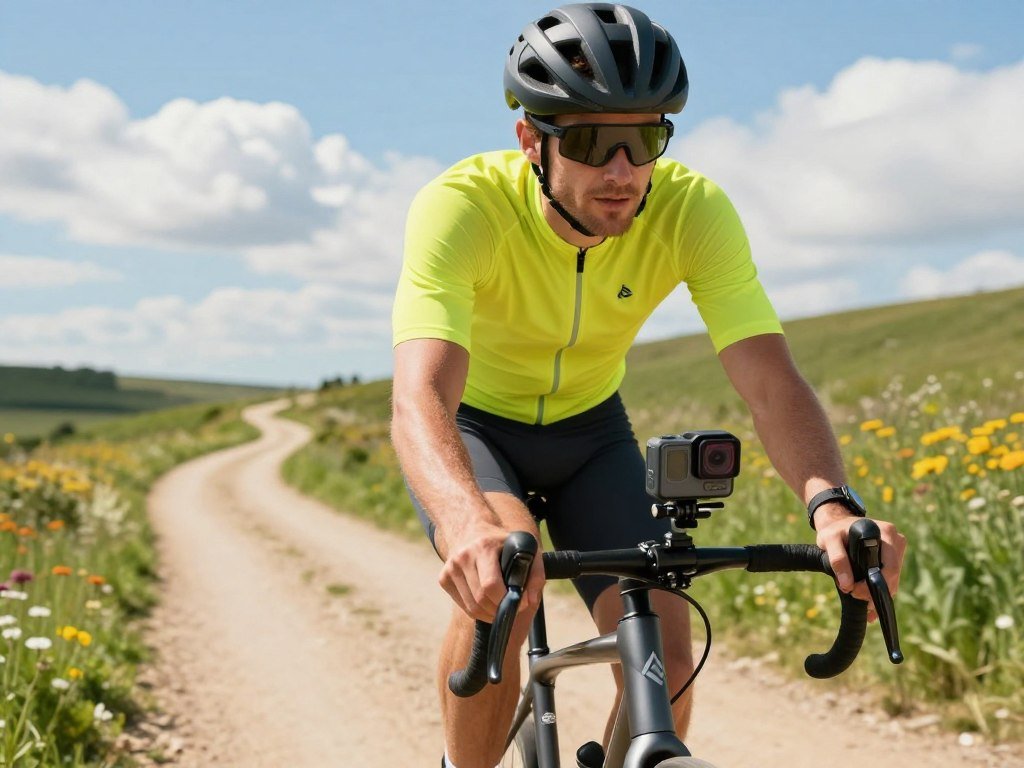
You can capture a bike ride, a beach day, or a family adventure without paying flagship-camera prices, as long as you choose features that fit the way you shoot. The best budget action cameras depend on your activity, the footage you can use, and how much gear you want to carry. Daylight, stabilization, waterproofing, and battery needs matter more than a headline resolution. EIS means electronic image stabilization, which uses software to reduce the appearance of camera shake in recorded footage.
Some cameras suit casual trips, while others work better for fast movement or hands-free views. Your ideal choice should make setup simple and keep the important shots within reach. Start by deciding whether your priority is the lowest spend, steadier footage, or the easiest camera to carry.
Key Takeaways
- Pick for the activity you film most often.
- Check stabilization in your chosen video mode.
- Confirm whether water protection needs a housing.
- Plan for the battery time your outing needs.
- Compare the complete kit, not just camera price.
Best Budget Action Cameras
For most casual buyers, the AKASO Brave 4 Pro is the strongest place to start, while the EK7000 Pro is a sensible choice when spending as little as possible matters most. The best fit depends on whether you value everyday flexibility, special video modes, or a smaller body. A 4K label alone does not prove that footage will have strong stabilization or look clear in dim light.
Choose by your main filming need, not by resolution alone. A best budget action camera with 4K should still match your movement, lighting, and control needs. Check the modes you will use, since the highest resolution may not work with every frame rate or stabilization setting.
Best for everyday value
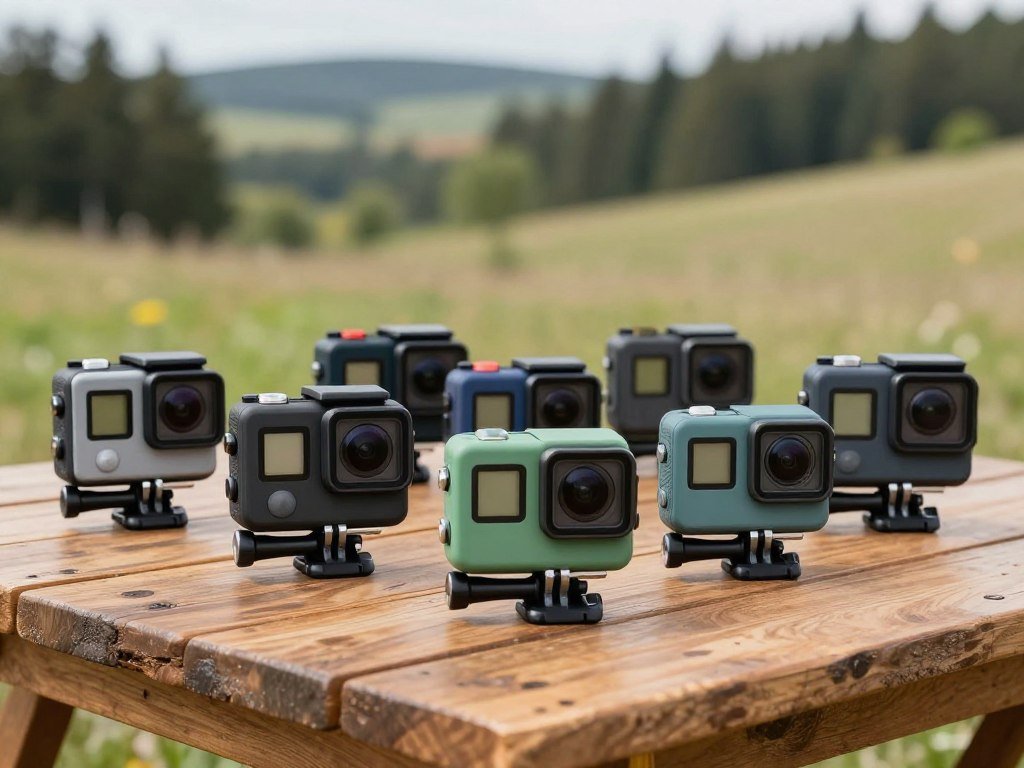
The AKASO Brave 4 Pro is the all-round value pick for rides, trips, and family clips. It offers a useful mix of everyday recording features without pushing you toward a complex setup. If cost matters most, the AKASO EK7000 Pro gives you a more basic route into action recording.
For shoppers seeking the best budget action camera in 2026, start with these AKASO choices. The Brave 4 Pro suits a wider range of casual use, while the EK7000 Pro fits a stricter budget. Both are action cameras to compare by their actual recording modes and kit.
Best when a small size or stronger video modes matter
The SJCAM SJ8 Pro suits buyers who want higher frame-rate recording. The GoPro Hero (2024) is the simple, light-body option for casual recording and easy handling. These models solve different needs, so a best action camera in 2026 is not automatically the one with the most modes.
For anyone comparing the best action cameras, think about where the camera will sit and how often you will change settings. A smaller body can be easier to carry, while added recording modes help when you want a particular look. Choose the model that solves your main filming problem, not the one with the longest specification list.
What Do Budget Action Cameras Usually Cost?
A realistic budget for a budget action camera is generally about $60-$200, with the biggest differences often appearing in stabilization, sensor performance, and useful extras. Spending more can bring stronger recording options or better image handling, but does not guarantee footage that suits your activity. In 2026, 4K at 30fps is common, and some models offer 60fps.
Compare the camera’s recording basics before weighing bundle extras. Many packages include a housing rated to 30-40 meters, though the camera body may need that case for water protection. A listing may also include dual screens, Wi-Fi, an app, mounts, batteries, a remote, or a carrying case.

These additions can save a separate purchase if you will use them. Still, an accessory pile cannot fix poor stabilization or a recording mode that misses your needs. Use this short checklist before paying:
- Native video mode: confirm the resolution and fps you need.
- Stabilization availability: check whether it works in that mode.
- Included battery count: note how many batteries arrive.
- Water protection: decide whether your activity needs a housing.
The common 4K recording modes give you a useful baseline, but check the package details for each model. A camera’s listed maximum resolution may differ from the mode it can record with stabilization enabled. Check the exact recording mode and included accessories in the package description before comparing prices.
How Do the Leading Models Compare?
The most useful comparison is not simply the highest resolution; it is the mix of video mode, size, and intended user. The table shows distinct roles rather than a single winner, since a tiny POV camera and a higher-end camera serve different needs. Prices appear only where stated.
Confirm the recording mode in the camera’s actual settings. A maximum mode can be useful, but fps and resolution may affect your choice of stabilization and intended use.

| Camera | Listed price | Maximum video mode | Distinct fit |
|---|---|---|---|
| GoPro Hero12 Black | Not stated | 5.3K60 | Higher-resolution GoPro option |
| DJI Osmo Action 5 Pro | Not stated | 4K120 | Higher-end DJI option |
| Insta360 GO 3S | About $230 | 4K30 | Tiny POV option |
| Wolfang GA300 | Under $100 | 720p240 | Slow-motion option |
| VTech Kidizoom | About $50 | 1080p | Kids’ option |
The Hero12 Black records up to 5.3K at 60fps, 4K at 120fps, and 2.7K at 240fps. It also offers 10-bit video profiles and is waterproof to 33 feet without an add-on case.
The DJI Osmo Action 5 Pro records up to 4K at 120fps and captures 40MP stills. Its 1/1.3-inch sensor, 1950mAh battery, 20m water rating, and 146g weight make it a different fit from the tiny GO 3S.
The Insta360 GO 3S weighs about 39g and records 4K at 30fps. Its Action Pod can extend use to 140 minutes, and the camera is waterproof to 10m without a case. Treat the listed modes as a starting point, then confirm that the camera supports the mode you need in its actual recording settings.
Which Budget Action Camera Is Best Under $100?
If your ceiling is $100, the AKASO Brave 4 Pro is the more flexible all-round choice, while the EK7000 Pro is the lower-cost option with two batteries and a remote. The main tradeoff is versatility versus a lower initial price. Each gives you a clear reason to consider it.
The Brave 4 Pro is the stronger everyday pick for varied footage. It records 4K/30p and 1080p/120p, with 20MP stills and dual screens. The included housing is rated to 40m, and each battery records for around 90 minutes.

AKASO Brave 4 Pro for all-round use
The Brave 4 Pro gives you more room to choose between standard 4K video and faster 1080p recording. Its dual screens also help when you want to check framing from the front or rear. Those options make it a flexible camera for everyday trips.
AKASO EK7000 Pro for the lowest spend
The EK7000 Pro is described as costing under $80. It records 4K at 30fps, takes 20MP photos, and includes two batteries and a remote. That bundle suits a buyer who wants basic recording gear without paying for every extra feature.
| Model | Video modes | Still-photo resolution | Battery or water detail |
|---|---|---|---|
| AKASO Brave 4 Pro | 4K/30p, 1080p/120p | 20MP | 40m with included housing; around 90 minutes per battery |
| AKASO EK7000 Pro | 4K/30fps | 20MP | Two batteries and a remote |
Both cameras offer an affordable starting point, but their strengths differ. Choose the Brave 4 Pro if you want more recording choices; choose the EK7000 Pro if lower cost and bundled basics matter more. For long outings, plan around the Brave 4 Pro’s roughly 90-minute-per-battery recording estimate and bring a charged spare when available.
Is the GoPro Hero (2024) a Good Lightweight Pick?
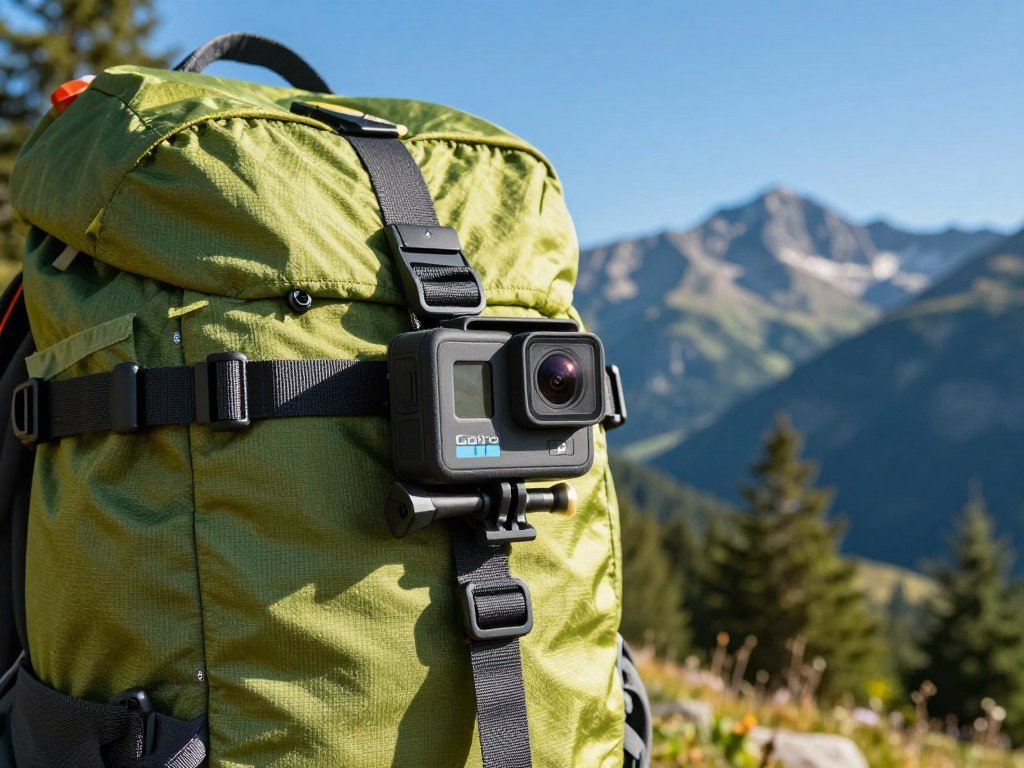
The GoPro Hero (2024) is a good lightweight pick if you value a simple one-button workflow and a camera that weighs 86g. It suits casual daylight recording when a small body matters more than a long list of controls. Its listed price position is under $180.
The GoPro Hero records 4K at 30fps and uses software-only stabilization. The camera also has 12MP stills, a 1/2.8-inch sensor, and a 1255mAh battery. Its one-button design keeps operation simple, especially when you want to start recording quickly.
The 4K30 limit means you cannot choose higher frame rates in 4K. That may be fine for a walk, beach visit, or family clip, where a steady standard-speed video is enough. A buyer focused on fast action may prefer a model with more choices.
Software-only stabilization can reduce the look of camera shake, but it relies on processing rather than a separate mechanical system. The 86g camera weight is one reason this model is easy to pack for a light outing.
The body is listed as waterproof to 5m. That can suit casual water use within the stated limit, while deeper or rougher activities call for a different setup. The GoPro Hero is best treated as a simple travel camera, not a one-size-fits-all action tool.
Its compact size also means fewer controls to adjust on the fly. That tradeoff can make setup less fussy for a beginner, but it may limit fine control over how footage looks. Choose it for compact simplicity, but consider another model if you need higher frame rates or more control over stabilization.
Which Models Record Smoother Slow Motion?
For sharp slow motion at 4K, the SJCAM SJ8 Pro is the clearer pick; for more resolution and frame-rate combinations, the IZI ONE Plus offers more modes to consider. Higher fps can create slow-motion playback, but some modes trade resolution for speed. Match the mode to the detail you need.
Check which resolution and frame rate work together. A camera may offer a high frame rate only at a lower resolution, which changes how much detail remains in the clip.
SJCAM SJ8 Pro for 4K60
The SJCAM SJ8 Pro records 4K at 60fps and uses a Sony IMX377 sensor. It also supports USB-C charging and Wi-Fi livestreaming. Its 4K60 mode is the more direct choice when you want higher frame rates without dropping from 4K.
IZI ONE Plus for multiple recording modes
The IZI ONE Plus gives you a wider set of resolution and frame-rate choices. Its modes include 5K at 30fps, 4K at 60fps or 30fps, and 1080p at up to 120fps. That range lets you choose detail or faster motion based on the scene.
| Model | Resolution | Frame rate | Recording use |
|---|---|---|---|
| SJCAM SJ8 Pro | 4K | 60fps | High-rate 4K footage |
| IZI ONE Plus | 5K | 30fps | Higher-resolution standard motion |
| IZI ONE Plus | 4K | 60fps | High-rate 4K footage |
| IZI ONE Plus | 1080p | 120fps | Slow-motion playback |
For fast movement, higher fps gives editing more frames to slow down. Standard-speed clips may look smoother too, but only when the selected mode fits the activity. Confirm the camera can record your chosen resolution and frame rate at the same time before filming an important moment.
Is the IZI ONE Plus 5K Worth Considering?
The IZI ONE Plus is worth considering if you want two screens, multiple photo sizes, and a broad range of video modes in one package. Its listed still-photo choices range from 2MP to 48MP, but more choices do not prove better image quality. Sensor and image processing also shape the result.
EIS works at 4K60 and lower resolutions. Stabilization depends on the mode you choose, so check it alongside your target resolution and fps. The camera also supports 16GB-256GB microSD cards, with U3 recommended.
Photo, screen, and card options
The photo settings include 48MP, 42MP, 20MP, 16MP, 14MP, 10MP, 8MP, 5MP, and 2MP. Its 2.0-inch rear screen and 1.3-inch front screen help with framing from either side. The supported card range and U3 rating are useful details to check before recording.
The battery is 1350mAh, and the listed charging time is about 105 minutes. Plan your setup around the use you expect, rather than assuming every listed photo size will improve a finished image.
Waterproofing and stabilization limits
The listed waterproofing figure is 110ft. That figure alone does not explain whether a separate housing is needed, so do not assume the camera body is ready for immersion. Follow the product instructions for the exact setup and depth.
EIS can help reduce the appearance of camera shake, but its availability changes with the chosen video mode. The camera can suit buyers who want a compact set of options, provided they check those limits before a trip. Use a U3-rated card within the supported 16GB-256GB range and check the camera’s instructions before taking it underwater.
What Does the Keswo Action Camera Include?
The Keswo Action Camera bundles recording features and mounting accessories, making it most relevant to buyers who want a ready-to-mount kit. It lists 5K video at 30fps, 50MP photos, and a 170-degree lens. Those numbers describe its listed modes, not a promise of image quality.
Check that the included parts fit your camera setup. The package contents do not prove that every mount or device will connect properly, so test the parts you plan to use.
Recording and screen features
The camera has a 2.0-inch main screen and a 1.3-inch secondary screen. It lists EIS, a 1050mAh battery, Wi-Fi, loop recording, slow motion, and time-lapse. Those modes give you several ways to capture action, but the final quality still depends on the setting and scene.
Its 170-degree lens covers a broad view, which can help when a narrow camera angle would miss the surroundings. The listed IP68 rating and waterproofing up to 30m need to be read alongside the product’s operating instructions. An IP label describes tested protection levels, not every use condition.
In-the-box accessories
The kit includes a waterproof case, wireless microphone, handlebar mount, frame mount, and mounting kit. That bundle can save time when the included parts match your planned activity. It does not establish that the microphone works with every phone or that each mount fits every surface.
Before a ride or trip, check how the microphone connects and whether the mount holds the camera in the position you need. Do not rely on an IP68 label or depth figure without reading the immersion instructions for the exact setup. Check the microphone connection and mounting fit before leaving for a trip, rather than discovering a mismatch on location.
Which Camera Fits Vlogging and Travel?
For a travel vlogger who wants to record without a case in shallow water, the AKASO Brave 7 LE is a practical fit. It offers 4K/30p, EIS 2.0, two batteries, and body waterproofing to 33ft without a housing. Its external microphone input can help when built-in audio is not enough.
A front-facing screen helps you frame yourself while recording. Check microphone compatibility before buying a separate mic, since an input does not guarantee that every model will work.
Brave 7 LE for bare-body water protection
The Brave 7 LE suits travel clips that mix walking, quick setup, and shallow-water scenes. EIS 2.0 can help steady footage during movement, while 4K/30p records at a familiar resolution and frame rate. Two batteries give you another option for a longer day away from a charger.
The body is listed as waterproof to 33ft without a housing. That makes the camera easier to handle when you do not want a case, as long as the activity stays within the stated protection conditions. Check its instructions before you use it in water.
What to check for selfie framing and audio
A front screen lets you see the shot when the lens faces you. For voice, wind can be a problem even when the camera accepts an external microphone. Try the whole setup before leaving, including any adapter or cable the microphone needs.
Use this three-part setup checklist:
- Test framing with the screen and camera angle you plan to use.
- Test audio in wind before recording a long clip.
- Confirm the body or housing protection needed for the activity.
A quick test helps reveal framing or sound issues while you can still adjust the setup. Record a short test clip with the intended screen and microphone setup before relying on it for a trip.
How Long Does an Action Camera Battery Last?
For many budget action cameras, a realistic 4K recording plan starts at about 60-90 minutes per battery. The actual outing may run shorter because screen use, temperature, settings, and battery condition affect runtime. A longer listed estimate still needs room for real use.
Plan for the stated runtime, not a full day of continuous filming. The Brave 4 Pro is listed at around 90 minutes per battery, while the Osmo Action 4 is listed at 160 minutes.
| Model or category | Stated runtime | Planning implication |
|---|---|---|
| Budget action cameras in 4K | About 60-90 minutes | Keep clips selective or carry backup power |
| AKASO Brave 4 Pro | Around 90 minutes per battery | Plan around one battery’s recording time |
| DJI Osmo Action 4 | 160 minutes | Allows a longer stated recording window |
Screen use can shorten a session, especially when you keep checking each shot. Cold weather and camera settings can also change how long a charged battery lasts. Battery age matters too, so an older battery may not match its listed runtime.
For a full outing, think about when you can stop and swap batteries. Do not count on every minute of a listed runtime for footage you cannot repeat. Carry a charged spare when the day’s filming matters more than traveling light.
Do Budget Action Cameras Need a Waterproof Housing?
A budget camera needs its housing underwater whenever the camera body itself is not rated for the planned depth. The key difference is whether the water rating applies to the bare body or to a camera inside a housing. A depth number without that condition can mislead you.
Check the depth rating for the complete setup before submerging. Common included housings are rated to 30-40m, while some camera bodies have their own stated water limits.
| Camera or category | Stated water protection | Condition |
|---|---|---|
| Budget action cameras | 30-40m | Commonly included housing |
| GoPro Hero | 5m | Camera body |
| GoPro Hero12 Black | 33 feet | Without an add-on case |
| DJI Osmo Action 5 Pro | 20m | Camera body |
| GoPro HERO13 Black | 10m | Camera body |
A housing adds a sealed outer layer when the camera body cannot handle the planned depth. A bare-body rating applies to the camera without that extra case, within the stated limit and instructions. The two types of protection are not interchangeable.
Intertek explains how IP ratings under IEC 60529 grade protection from dust and water. A rating does not replace the camera maker’s depth and use instructions. Check the seals and confirm the depth rating of the complete camera-and-housing setup before every underwater outing.
What Is the Best Low-Light Action Camera?
Of the compared higher-end options, the DJI Osmo Action 5 Pro is the clearest low-light pick because it pairs a 1/1.3-inch sensor with SuperNight mode. Its named night mode sets it apart from the listed HERO13 Black features. Scene light, motion, and exposure settings still affect the result.
A larger sensor and a dedicated night mode are useful clues, not guarantees. The HERO13 Black has a listed 1/1.9-inch sensor and no dedicated named night mode. That does not mean it cannot record at night.
DJI Osmo Action 5 Pro for dedicated night shooting
For night scenes, the DJI Osmo Action 5 Pro is the stronger choice among these models. Its 1/1.3-inch sensor is larger than the HERO13 Black’s listed 1/1.9-inch sensor, and SuperNight mode is made for low-light use. The camera also records 4K120.
That mode gives you a named setting to consider, but a dark moving scene can still challenge any camera. A night ride beneath streetlights differs from a dim room or an unlit trail. Look at the setting you will actually film.
What a larger sensor can and cannot tell you
A larger sensor can help gather light, but sensor size alone does not define image quality. Exposure, subject movement, and the camera’s processing also shape the finished clip. A moving rider may blur even when the background looks bright.
Research on low-light image noise describes several factors, including shot and read noise, that affect sensor images. The low-light sensor noise study is about image noise, not a direct action-camera test. For night rides or indoor action, prioritize a stable exposure and a camera-specific night mode over a high megapixel count.
What Should You Check Before Recording?
Before recording, match the stabilization setting and memory card to the video mode you actually plan to use. Mode matching matters because stabilization may not work at every resolution or frame rate. A slow card can also interrupt a clip.
U3 or V30 cards are a sensible starting point for 4K recording. A card that cannot keep up may cause dropped frames or recording errors. Check that stabilization works in the exact mode you want.
Stabilization and movement
Look at the kind of movement you plan to film. A walk, bike ride, and fixed shot place different demands on stabilization. A feature name alone does not tell you whether it stays active at your chosen resolution and fps.
A short test clip can show whether the footage looks steady enough for your use. Play it back on a screen where you can see the edges and movement clearly. That simple check can catch a mode mismatch before the activity begins.
Memory cards and sound
For 4K action-camera recording, U3 or V30 is a practical memory card speed class to look for. A card that is too slow may drop frames or stop recording. Check the camera’s own compatibility details as well.
Use this three-item preflight list before filming:
- Format the card in the camera.
- Record and review a test clip.
- Confirm the chosen resolution and stabilization mode.
Listen to the test clip as well as watching it. A quick playback can reveal weak audio, a focus issue, or a card problem while you still have time to fix it. Review one test clip with sound before the activity begins, while a setting or card issue is still easy to fix.
Which Action Camera Works for Different Activities?
The best action camera for stills is the one that produces detail you like in real sample images, not automatically the model with the highest megapixel label. Match the camera to the way you plan to use it. A feature that helps on a bike may add little for family photos.
Compare real image results and useful controls, not one number. The Keswo’s listed 50MP photo resolution is a specification, not proof that it produces the best stills. Sensor performance and processing also shape a photo.
Use these activity-based priorities to narrow your choice:
- Cycling or helmet footage: choose a secure mount and stabilization. For hands-free first-person video, camera glasses for cycling may suit some riders, while other smart glasses focus on audio or displays.
- Travel vlogging: prioritize a front screen and an external-mic option.
- Underwater use: verify bare-body or housing depth for the full setup.
- Kids’ activities: favor a simple, replaceable setup.
- Still photos: compare sample images and sensor performance, not megapixel claims alone.
Camera glasses can capture a first-person view, but they are not all camera alternatives. Some focus on sound or visual displays instead. Choose based on the job you want done and the setup you are willing to carry.
For a child’s activities, simple controls may matter more than advanced recording modes. A replaceable low-cost setup can make sense when you accept limited image quality and features. Choose the camera for the activity you do most often, then make sure its mounts and controls suit that use.
What Mistakes Waste Money on a Budget Action Camera?
The most expensive mistake is choosing a camera by its biggest number and discovering that it cannot deliver the footage or setup your activity requires. Numbers need context: a 5K or 50MP label does not tell you how stabilization, sensor performance, and recording modes work together.
Match the camera to the footage and accessories you will actually use. A very inexpensive model can still work as a low-risk or child-use device when limited quality and features are acceptable.
Avoid these five common mistakes:
- Buying on resolution alone: compare image quality and the actual recording modes you need.
- Ignoring stabilization at your intended mode: check that it works at your chosen resolution and fps.
- Assuming a housing is optional: check the camera body’s protection and the complete setup’s limits.
- Forgetting the right card and spare batteries: include both in your planned kit.
- Paying for unused accessories: value a bundle only when its parts fit your activity.
A long accessory list can distract from the camera’s main job. If you will not use a remote, mount, or case, those extras may not improve your experience. Keep the total setup in mind, including the card and power you need.
Check the current seller listing for price, package contents, and purchase terms, since bundles can differ. That check is especially useful when two packages use the same camera name but include different parts.
A cheap camera can be a reasonable choice for a child or a first try at filming. It is less suitable when you need a specific mode, steady footage, or high image quality. Before paying, compare the exact recording mode, included accessories, and protection requirements against the way you will use the camera.
Conclusion
For most casual buyers, the AKASO Brave 4 Pro is the balanced starting point, while a tighter budget favors the EK7000 Pro. The right choice depends on what you film and how much control you want.
The DJI Osmo Action 4 is a step-up option for stronger video modes and stabilization. Compare its current price and bundle with the budget models before deciding.
Check the exact current price and included kit before you buy. Pick the model that fits your activity, confirm the included kit, and get out to record.
FAQ
What is the best action camera for the money?
The AKASO Brave 4 Pro is the best all-round action camera for the money among these budget choices. It offers recording options for everyday use without requiring a flagship budget. The best value changes if you need the lowest possible price, where the EK7000 Pro makes sense, or higher-end features, where a step-up model may fit better. Match the spend to the footage you need.
Can you provide a review of the IZI One Plus 5K action camera?
The IZI ONE Plus is a flexible option with 5K30, 4K60, and 1080p120 recording modes. It has front and rear screens, and U3 is the recommended card speed class. EIS depends on the selected resolution and frame rate, so check that it works in your preferred mode. Its listed waterproof depth is 110ft, but follow the camera’s instructions before taking it underwater.
Which is the best budget-friendly camera?
The AKASO Brave 4 Pro is the best budget-friendly camera for all-round value. Its mix of recording modes and dual screens suits many casual outings. If the lowest cost matters more than extra flexibility, the AKASO EK7000 Pro is a lower-cost option with basic recording features. Compare the current package contents, since the included parts can affect which model fits your plans.
What camera works best in low light?
The DJI Osmo Action 5 Pro is the low-light pick among these compared models. It has a 1/1.3-inch sensor and a named SuperNight mode. Those features make it a stronger starting point for night scenes, but they cannot control all lighting or movement. Street lights, a moving subject, and exposure settings can each change how clear the final video looks.
How do I choose a memory card for 4K action-camera recording?
Start with a U3 or V30 microSD card for 4K action-camera recording. Then check the camera’s stated card capacity and compatibility, since supported limits vary by model. A card that is too slow can cause dropped frames or recording errors. Format the card in the camera and record a test clip, then play it back before relying on it during an outing.
Is 4K worth using if I only share videos online?
4K can be useful even if you share videos online, because it gives you more room to crop or downscale a clip. The best setting depends on your available storage, card speed, and final viewing format. If you share short clips on a small screen, a lower resolution may be easier to store and edit. Use 4K when the extra detail or editing room matters to you.



