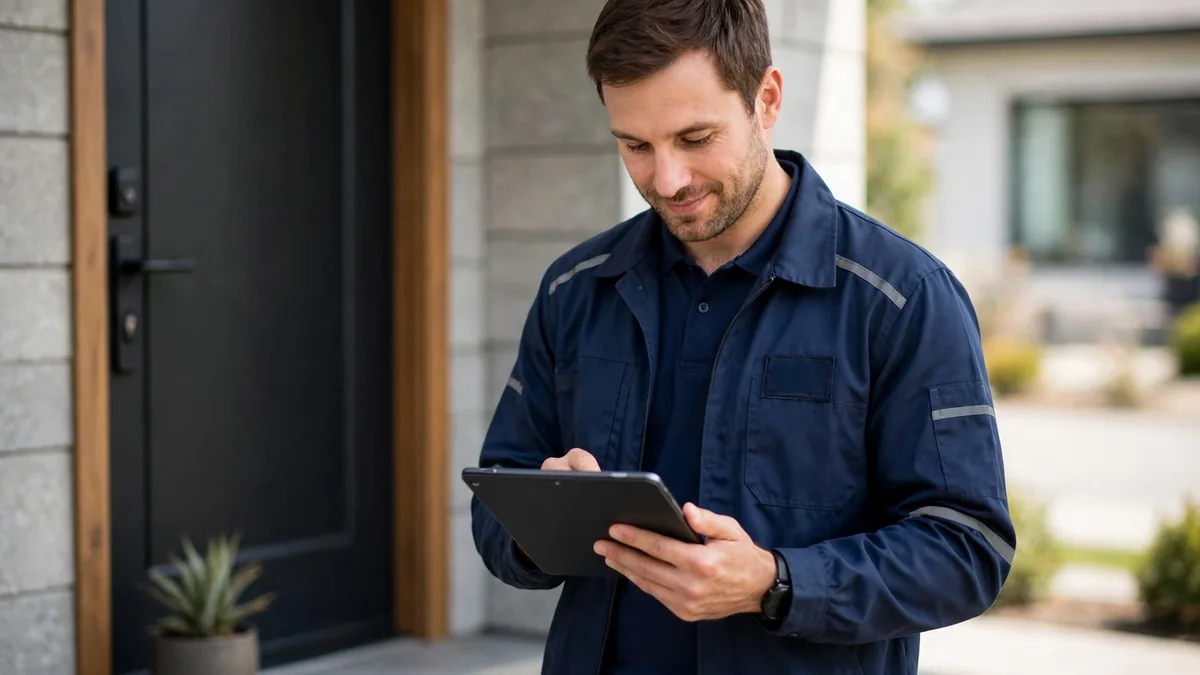
Home services businesses run on the job, not the desk. A plumber, electrician, cleaner, or landscaper finishes the work at a customer’s home, and the invoice should go out before the van leaves the driveway. The best invoicing software for home services in 2027 makes that happen from a phone, with the quote, the job, and the payment in one flow.
A weak setup costs real money in this trade. Paper invoices get lost, customers forget to pay, and the owner spends evenings chasing balances instead of booking the next job. A good tool sends the invoice on site, takes card payment on the spot, and reminds late payers.
This guide compares eight invoicing tools for home services, from simple apps for a one-person business to full job systems for a growing team. Prices are approximate starting prices, so check current pricing before you buy.
Key takeaways
- Jobber is the best overall pick for most home services businesses because it combines quotes, scheduling, invoicing, and payments in one app.
- FreshBooks and Wave are the strongest simple options for a one-person trade business that mainly needs clean invoices and fast payment.
- Square Invoices suits tradespeople who already take card payments in person and want invoicing in the same system.
- QuickBooks Online is the best fit when invoicing has to feed directly into full accounting and tax reporting.
- Send the invoice before leaving the job site, because same-day invoices get paid far faster than ones sent a week later.
At a glance: the shortlist
| Product | Best for | Starting price | Standout limit |
|---|---|---|---|
| Jobber | Most home services businesses | About $49 per month | Pricey for a solo operator |
| FreshBooks | Simple invoicing for one-person trades | About $19 per month | No job scheduling |
| Square Invoices | Card payments on site | Free to send invoices; card fees apply | No scheduling or dispatch |
| QuickBooks Online | Full accounting alongside invoicing | About $35 per month | Mobile app is weaker than desktop |
| Zoho Invoice | Free invoicing for small teams | Free plan available | No job management |
| Housecall Pro | Growing teams with dispatch needs | From about $59 per month | Higher cost at small scale |
| Wave | Very small businesses on a tight budget | Free accounting; card fees apply | Thin support on the free plan |
| Invoice2go | Fast mobile invoicing | About $10 per month | Limited accounting features |
Jobber — Best overall
Jobber is built for exactly this kind of business. A quote turns into a job, the job turns into an invoice, and the invoice turns into a card payment, all inside one app that works well on a phone.

Customers can approve a quote online, receive reminders before the visit, and pay by card from a link. The owner sees which jobs are booked and which invoices are unpaid, without opening a spreadsheet.
The price is the main drawback for a solo operator, since Jobber starts higher than a simple invoicing app. But a business with two or three staff usually earns that back in faster payment and fewer missed jobs. Our guide to the best AI invoice and billing apps in 2027 shows how automation is reaching field-service billing.
Pros: Quotes, scheduling, invoicing, and payments in one app, strong mobile experience, automatic reminders.
Cons: Higher starting price, more than a solo operator may need.
FreshBooks — Best for simple invoicing for one-person trades
FreshBooks suits a self-employed tradesperson who wants invoices to look professional and get paid quickly, without learning a full job management system. Invoices are built in minutes, with branded templates and automatic reminders.
A customer can pay by card or bank transfer from a link in the email, and the owner can track expenses and mileage in the same app. Time tracking suits jobs billed by the hour, such as handyman work.
FreshBooks has no scheduling or dispatch, so a business with several crews will need another tool for the diary. For a one-person operation, it keeps billing simple and tidy.
Pros: Very easy to learn, professional templates, automatic reminders and expense tracking.
Cons: No job scheduling, client limits on lower plans.
Square Invoices — Best for card payments on site
Square Invoices is a strong pick for tradespeople who already take card payments with a Square reader. An invoice can be sent from the phone on site, and the customer pays by card from a link.
Sending invoices is free, with only the card fee when a customer pays. Recurring invoices work well for regular work such as monthly cleaning or lawn care, and estimates can be converted to invoices in a few taps.
Square has no scheduling or dispatch, so it fits a solo operator or a small team that manages the diary elsewhere. For a tradesperson whose main need is getting paid on the day, it is hard to beat on price.
Pros: Free invoicing, card payments in the same system, simple recurring invoices.
Cons: No scheduling or dispatch, card fees on every paid invoice.
QuickBooks Online — Best for full accounting alongside invoicing
QuickBooks Online suits a home services business that has grown past simple invoicing and needs proper books. Invoices link to the accounts, so a job updates income, tax, and expenses in one move, and the owner can see profit per job.
The invoicing features cover deposits, partial payments, and recurring invoices for regular customers. Payroll and mileage tracking are available as add-ons, which helps a business with employees on the road.
The mobile app is less smooth than the desktop version, which matters for a trade that works on site. But for a business that needs reliable accounts and tax reporting, QuickBooks is the safe choice.
Pros: Full accounting and tax reporting, profit tracking per job, wide integration range.
Cons: Higher cost, mobile experience lags the desktop.
Zoho Invoice — Best free option for small teams
Zoho Invoice is genuinely free, with no cap on invoices or customers. That makes it an easy choice for a small business invoicing one-off jobs and regular maintenance visits.
The tool covers branded templates, recurring invoices, payment reminders, and online payment links. It handles multiple currencies, which helps a business near a border or with customers who pay from abroad.
Zoho Invoice has no scheduling or dispatch, and it works best alongside other Zoho tools. But as a free invoicing layer, it is excellent value.
Pros: Free plan with unlimited invoices, clean templates, multi-currency support.
Cons: No job management, best paired with other tools.
Housecall Pro — Best for growing teams with dispatch needs
Housecall Pro is built for home services teams that need dispatch as well as billing. Jobs can be assigned to technicians, customers get text updates when the technician is on the way, and the invoice is sent when the job is marked complete.
The invoicing side supports estimates, deposits, and card payments on site, and the dashboard shows revenue per technician and per job type. That helps an owner see which services make money.
The starting price is higher than simple invoicing apps, so Housecall Pro suits a business with several staff rather than a solo operator. For a team that needs scheduling, dispatch, and billing in one place, it is a strong package.
Pros: Scheduling, dispatch, and invoicing in one system, customer text updates, per-technician reporting.
Cons: Higher cost, more than a small business needs.
Wave — Best for very small businesses on a tight budget
Wave gives a very small home services business free invoicing and accounting, with charges only when a customer pays by card. For a new tradesperson, that price is hard to argue with.
The invoice builder is simple, with branded templates and recurring invoices for regular customers. Receipts can be scanned into the system, and the dashboard shows income, expenses, and outstanding invoices without setup work.
Support is thinner than paid rivals, and Wave has no scheduling or dispatch. But for a solo operator, it covers the essentials at no monthly cost.
Pros: Free invoicing and accounting, no monthly fee, simple setup.
Cons: Limited support, no job scheduling.
Invoice2go — Best for fast mobile invoicing
Invoice2go is designed for speed on a phone. A tradesperson can build an invoice in under a minute, add photos of the completed work, and send it before leaving the customer’s home.
The app tracks who has paid and who is overdue, sends reminders automatically, and accepts card payments through an integration. It also produces simple reports on income and outstanding balances.
Accounting features are limited compared with QuickBooks or FreshBooks, so a business that needs full books will need another tool. But for fast, mobile-first invoicing, Invoice2go is one of the quickest options.
Pros: Very fast mobile invoicing, add photos to invoices, automatic reminders.
Cons: Limited accounting features, fewer integrations.
How to choose
Start with how many people do the work. A solo operator needs fast mobile invoicing and card payment, so FreshBooks, Square, or Invoice2go will do. A team with several technicians needs scheduling and dispatch too, which points to Jobber or Housecall Pro.
Next, check the payment flow. The best tool for a trade is the one that lets a customer pay before you leave the job site. Add the monthly fee to the card fee on a typical job and compare the real total across tools.
Finally, think about the books. A business that needs profit per job, payroll, and tax reporting should pair invoicing with proper accounting, such as QuickBooks Online. The best accounting software for small businesses shares data cleanly with these tools.
Checklist: before you pay
- Build and send a test invoice from your phone on a job site, not from a desk.
- Check that customers can pay by card from a link in the invoice.
- Add up the monthly fee plus card fees on your typical job volume.
- Confirm the tool handles deposits, partial payments, and recurring jobs.
- Check whether scheduling and dispatch are included or need a second tool.
- Confirm you can export invoices and customer lists if you switch later.
Frequently asked questions
What is the best invoicing software for a small home services business?
Jobber is the best all-round pick because it covers quotes, scheduling, invoicing, and payments in one app. A solo operator can start simpler with FreshBooks or Square Invoices.
Should I invoice the customer on site or later?
On site, before you leave. Same-day invoices get paid far faster than ones sent days later, and the customer can pay by card while the work is fresh in mind. Every tool on this list supports mobile invoicing for that reason.
Can I take card payments at a customer’s home?
Yes. Square, Jobber, and Housecall Pro all support card payments on site, either through a card reader or a payment link in the invoice. Check the card fee, since it applies to every payment you take.
How do I handle deposits for large jobs?
Use an invoice with a deposit or partial payment option, and set the balance due on completion. QuickBooks Online, FreshBooks, Jobber, and Square all support deposits and staged payments.
Do I need separate scheduling software?
Not if you choose Jobber or Housecall Pro, which include scheduling and dispatch. If you pick a simple invoicing tool such as FreshBooks or Wave, you will need a separate diary or scheduling app for the team.
What is the cheapest way to invoice for home services?
Zoho Invoice and Wave both offer free invoicing, and Square lets you send invoices for free. You still pay card fees when a customer pays by card. Our best CRM software for small businesses guide also covers keeping customer records tidy alongside invoices.
The bottom line
For most home services businesses, Jobber is the safest choice because it ties quoting, scheduling, invoicing, and payment together in one mobile app. A solo operator can start with FreshBooks or Square Invoices, while a business that needs full books should look at QuickBooks Online.
Whatever you choose, the rule that matters most is simple: send the invoice before you leave the job site. The best software cannot fix a bill that arrives a week late.