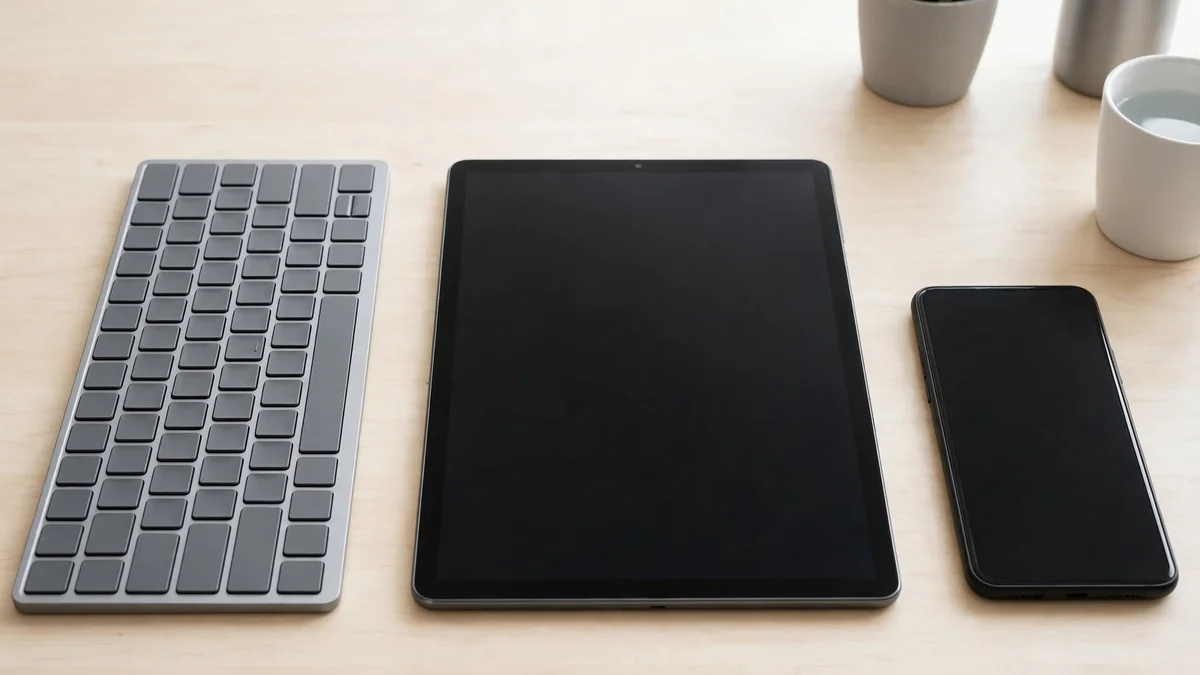
The best keyboards for Android are small, light, and quick to pair. An Android tablet or phone with a good keyboard becomes a genuine writing and work machine, but only if the keyboard connects instantly, has Android shortcuts, and fits in the same bag as the tablet. A full-size desktop keyboard defeats the point.
Bluetooth pairing is the first filter. The best keyboards pair with up to three devices and switch between them with a key press, so one keyboard serves a tablet, a phone, and a laptop. The second filter is layout: Android shortcuts for home, back, search, and screenshots save more time than any switch type.
This guide compares seven keyboards that work well with Android, from the Logitech K380 to the ultra-cheap Arteck HB030B, with honest starting prices and the limits that matter. Prices are approximate starting prices — check current pricing before buying.
Key takeaways
- Best overall: the Logitech K380, for its compact size, three-device pairing, and $39 price.
- Best for typing feel: the Keychron K3 Max, with hot-swappable switches and a slim design.
- Best premium pick: the Logitech MX Keys Mini, with backlit keys and smart features.
- Budget pick: the Arteck HB030B, a usable Bluetooth keyboard from around $19.
- Avoid keyboards without Android shortcuts or multi-device pairing.
At a glance: the shortlist
| Product | Best for | Starting price | Standout limit |
|---|---|---|---|
| Logitech K380 | Best overall | From $39 | No backlight |
| Keychron K3 Max | Best typing feel | From $94 | Heavier than rivals |
| Logitech MX Keys Mini | Best premium | From $99 | Expensive |
| Microsoft Designer Compact | Best for travel | From $69 | No backlight |
| Anne Pro 2 | Best for enthusiasts | From $89 | 60% layout lacks arrow keys |
| Samsung Smart Keyboard Trio 500 | Best for Samsung | From $49 | Only pairs with one device easily |
| Arteck HB030B | Budget | From $19 | Mushy key feel |
Logitech K380 — Best overall
The Logitech K380 is the best keyboard for most Android users. It is compact, light at 423 grams, and pairs with three devices at once, switching between them with a single key press. The round keys are comfortable for long typing sessions, and the battery lasts two years on two AAA batteries.
It includes Android shortcuts for home, back, and search, and it works with tablets, phones, Chromebooks, and computers. The only gap is backlighting: there is none, so night typing needs a light on. At around $39, the K380 is the obvious first buy.

For a full desk setup, our best wireless keyboards guide covers larger models.
Pros: Pairs with three devices; two-year battery life; light and compact; Android shortcuts included.
Cons: No backlight; round keys divide opinion; no USB-C charging.
Keychron K3 Max — Best typing feel
The Keychron K3 Max is the best-typing keyboard in this guide, with low-profile mechanical switches that feel crisp and responsive. It is hot-swappable, so you can change switches without soldering, and it pairs with three devices over Bluetooth or connects over USB-C.
The aluminium body feels premium, and the keyboard supports QMK firmware for custom shortcuts — including Android-specific keys. At 648 grams it is heavier than the K380, and it costs around $94, but for writers and enthusiasts it is worth it.
Pros: Excellent mechanical switches; hot-swappable; premium aluminium build; custom shortcuts.
Cons: Heavier than rivals; expensive; louder than membrane keyboards.
Logitech MX Keys Mini — Best premium pick
The Logitech MX Keys Mini is the most refined keyboard here, with backlit keys that adjust to ambient light, a smart sensor that lights up as your hands approach, and a solid, quiet typing feel. It pairs with three devices and switches between them instantly.
The keys are low-profile and comfortable for long sessions, and the keyboard charges over USB-C with a month of battery per charge. At around $99 it is expensive for an Android keyboard, but it is the best typing experience in this guide for most people.
Pros: Backlit keys; smart proximity sensor; excellent typing feel; USB-C charging.
Cons: Expensive; no numeric keypad; heavier than the K380.
Microsoft Designer Compact — Best for travel
The Microsoft Designer Compact is the smallest keyboard here, folding into a bag alongside a tablet without adding bulk. It pairs over Bluetooth, includes Android-friendly shortcuts, and runs for months on a single charge.
The keys are flat and quiet, with a comfortable layout despite the small size. There is no backlight and no multi-device switching, so it suits a single tablet rather than a multi-device setup. At around $69 it is a good travel companion.
Pros: Very compact; light; quiet keys; good battery life.
Cons: No backlight; no multi-device switching; small keys take getting used to.
Anne Pro 2 — Best for enthusiasts
The Anne Pro 2 is a 60% mechanical keyboard with a cult following, and it works well with Android over Bluetooth. It has hot-swappable switches, RGB backlighting, and a compact layout that leaves more room on a desk or in a bag.
The 60% layout has no arrow keys or function row, which takes getting used to — arrows are on a function layer. For enthusiasts who want a customisable, great-feeling keyboard for an Android tablet, the Anne Pro 2 is the pick at around $89.
Pros: Hot-swappable mechanical switches; RGB backlight; very compact; customisable firmware.
Cons: No arrow keys; learning curve for the layout; louder than membrane keyboards.
Samsung Smart Keyboard Trio 500 — Best for Samsung users
The Samsung Smart Keyboard Trio 500 is made for Galaxy tablets, with dedicated keys for Samsung DeX, Bixby, and screenshots. It pairs quickly with Galaxy devices, switches between three devices, and is slim and light enough to carry with a tablet.
The keys are flat and quiet, with a comfortable layout. It only pairs easily with one device at a time in practice, and the build is plastic, but for a Samsung tablet owner the dedicated DeX key alone is worth the $49 price.
Pros: Dedicated DeX key; pairs with three devices; slim and light; low price.
Cons: Plastic build; single-device pairing can be fiddly; no backlight.
Arteck HB030B — Best budget pick
The Arteck HB030B is the cheapest keyboard in this guide at around $19, and it is surprisingly usable. It pairs over Bluetooth with Android tablets and phones, includes Android shortcuts, and lasts months on a charge with its built-in battery.
The key feel is mushy compared with the Logitech picks, and the build is thin plastic that flexes under hard typing. For occasional use — emails, notes, and light writing — the HB030B is good enough, and at $19 it is almost disposable.
Pros: Very low price; Android shortcuts included; months of battery; light and thin.
Cons: Mushy key feel; thin plastic build; no multi-device switching.
How to choose
Start with pairing. A keyboard that pairs with three devices and switches with a key press is far more useful than one that pairs with a single device. The Logitech K380, Keychron K3 Max, and MX Keys Mini all support three devices.
Then check the layout. Android shortcuts for home, back, search, and screenshots save time every day, and a keyboard without them feels wrong on a tablet. If you type at night, backlighting matters too — the K380 lacks it, while the MX Keys Mini has it.
Finally, think about size and weight. A keyboard that lives in a bag with a tablet should weigh under 500 grams and fit in a small sleeve. Mechanical keyboards feel better but are heavier and louder, so they suit a desk more than a commute.
Apple users should see the best keyboards for Mac for Mac-specific shortcuts.
Common mistakes to avoid
- Buying a keyboard without Android shortcuts — home, back, and search keys save time every day.
- Ignoring multi-device pairing — a keyboard that pairs with one device cannot serve a tablet and a phone.
- Choosing a full-size keyboard for a bag — it defeats the point of a portable tablet setup.
- Forgetting backlighting for night typing — the Logitech K380 has none, and it matters in the dark.
- Buying a loud mechanical keyboard for shared spaces — clicky switches annoy everyone nearby.
- Ignoring battery and charging — a keyboard that needs weekly charging becomes a chore to maintain.
Checklist: before you buy
- Check multi-device pairing; three devices is the standard to aim for.
- Look for Android shortcuts for home, back, search, and screenshots.
- Decide whether you need backlighting for night typing.
- Weigh the keyboard; under 500 grams is comfortable in a bag.
- Test the key feel — mechanical switches feel better but are louder.
- Confirm the keyboard charges over USB-C or lasts months on batteries.
Frequently asked questions
Do all Bluetooth keyboards work with Android?
Yes, almost all Bluetooth keyboards work with Android, but the best ones include Android-specific shortcuts and pair with multiple devices. A generic keyboard without Android keys will work, but home, back, and search shortcuts will be missing.
What is the best keyboard for a Samsung tablet?
The Samsung Smart Keyboard Trio 500, with its dedicated DeX key, is the best match for a Galaxy tablet. The Logitech K380 is the better all-rounder if you also use other devices.
Can I use a mechanical keyboard with Android?
Yes. Mechanical keyboards such as the Keychron K3 Max and Anne Pro 2 work well with Android over Bluetooth or USB-C. They feel better than membrane keyboards but are heavier and louder.
For travel, the best keyboards for travel roundup compares the most portable options.
How do I switch between devices on a Bluetooth keyboard?
Most multi-device keyboards have dedicated keys — usually F1, F2, and F3, or a dial — that switch between paired devices. The Logitech K380 uses yellow keys to switch, and the switch takes about a second.
Do Android keyboards need an app?
No. Most Android keyboards work without an app. Companion apps from Logitech and Keychron add custom shortcuts and firmware updates, but the keyboard works fine without them.
How long do Bluetooth keyboard batteries last?
It varies widely. The Logitech K380 lasts two years on two AAA batteries, the MX Keys Mini lasts a month per USB-C charge, and the Arteck HB030B lasts months. Mechanical keyboards with backlighting drain faster.
The bottom line
For most Android users, the Logitech K380 is the best keyboard in 2027: it is compact, pairs with three devices, lasts two years on a charge, and costs around $39. If typing feel matters most, the Keychron K3 Max is the upgrade, with mechanical switches and a premium build.
If you type at night, the Logitech MX Keys Mini is worth the extra money for its backlighting. Whatever you choose, check for Android shortcuts and multi-device pairing first — those two features decide whether a keyboard feels right on a tablet.