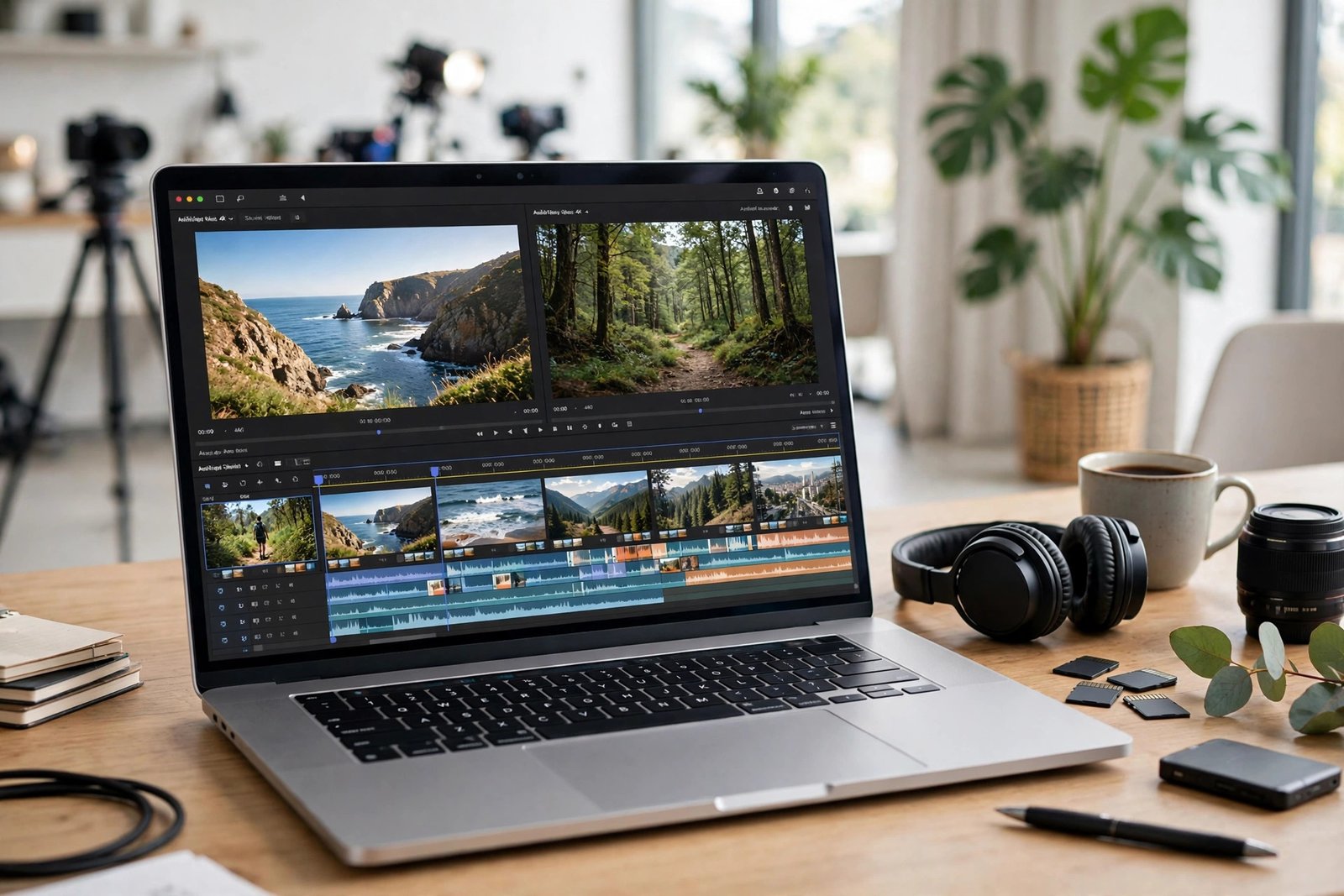
The best laptops for 4K video editing in 2027 are the ones that keep your timeline smooth when the footage gets heavy — and the honest answer is that you need far less machine than the marketing suggests. A current Apple silicon MacBook or a well-specced Windows laptop with a discrete GPU will cut 4K footage in Premiere Pro or DaVinci Resolve without stuttering, provided you buy enough RAM and fast storage. The expensive mistakes are buying too little memory, or paying for a gaming GPU you will never fully use.
4K editing punishes three things above all: memory, storage speed and thermal headroom. A laptop that looks fast on paper will still drop frames if it has too little RAM, a slow drive, or a chassis that throttles after ten minutes. This guide picks the machines that hold up under a real edit and shows where to spend your budget.
Key takeaways
- 16GB of RAM is the floor for 4K editing; 32GB is the comfortable choice for multi-cam and effects work.
- Apple silicon MacBooks lead on efficiency and battery life; Windows laptops lead on GPU choice and upgradability.
- A fast SSD matters as much as the processor — 4K footage is large and constantly streaming.
- A colour-accurate screen saves you from re-grading on an external monitor.
- For most editors, the MacBook Pro 14 with an M4 Pro chip is the sweet spot.
What 4K editing actually demands from a laptop
Editing 4K is not one workload, it is several stacked together. Playback needs the processor to decode compressed footage in real time; effects, colour grading and noise reduction need the GPU; preview rendering and export need both, plus memory to hold frames. If any one of those is weak, the whole timeline feels sluggish.
The codec matters more than the resolution. H.264 and H.265 footage from mirrorless cameras and drones is heavily compressed and hard to decode, so a newer processor helps more than a bigger GPU. ProRes and DNxHR footage is larger but far easier to play back, which is why many editors use proxies. If you shoot mostly H.265, prioritise the newest chip generation.
RAM is the spec editors most often underbuy. With 16GB you can cut a single-camera 4K project with basic colour work; add a second camera angle, titles and stabilisation, and 32GB keeps everything responsive. Memory is soldered in most thin laptops now, so whatever you buy is what you live with.
Storage is the other hidden cost. A single hour of 4K footage can run to tens of gigabytes, and caches and proxies multiply that quickly. A 512GB drive fills up fast; 1TB is the practical minimum. Look for a second drive slot or a fast external SSD if you keep several projects on the go.
The best laptops for 4K video editing at a glance
| Laptop | Chip | Screen | Weight | Starting point |
|---|---|---|---|---|
| MacBook Pro 14 (M4 Pro) | Apple M4 Pro | 14.2-inch Liquid Retina XDR | Around 1.6 kg | Premium |
| MacBook Air 15 (M4) | Apple M4 | 15.3-inch Liquid Retina | Around 1.5 kg | Mid-range |
| Dell XPS 14 | Intel Core Ultra with Nvidia RTX graphics | 14.5-inch OLED option | Around 1.7 kg | Premium |
| Lenovo ThinkPad X1 Carbon Gen 13 | Intel Core Ultra | 14-inch OLED option | Under 1 kg | Premium |
| ASUS Zenbook 14 OLED | Intel Core Ultra or AMD Ryzen AI | 14-inch OLED | Around 1.3 kg | Mid-range |
| HP Spectre x360 14 | Intel Core Ultra | 14-inch OLED touchscreen | Around 1.4 kg | Mid-range |
Caption: Six laptops that handle 4K editing well, from the most powerful to the most portable. Prices vary by configuration and region.
The best laptops for 4K video editing in 2027
1. MacBook Pro 14 (M4 Pro)
The MacBook Pro 14 is the benchmark against which every other editing laptop is measured, and for good reason. The M4 Pro chip handles H.265 footage smoothly, the Liquid Retina XDR display is one of the most colour-accurate screens fitted to any laptop, and the machine stays quiet under sustained load.
DaVinci Resolve runs particularly well here, using the media engines built into Apple silicon for ProRes and H.264 work, and the unified memory architecture lets the GPU and CPU share the same fast pool. Choose the 24GB or 32GB configuration if your budget stretches to it.
Best for: professional editors who want the most capable all-round 4K editing laptop.
2. MacBook Air 15 (M4)
The MacBook Air 15 is the surprise entry on this list: no fan, no discrete GPU and a modest port selection, yet the M4 chip edits 4K footage with ease for most projects. The larger 15.3-inch screen gives your timeline room to breathe, and the machine is silent even during exports.
Where it falls short is sustained heavy work. Long exports, noise reduction and multi-cam timelines with effects will take longer than on the MacBook Pro, and the fanless design means it eases off the pace rather than getting loud. For YouTube creators, wedding videographers and editors working in short bursts, that trade-off is easy to accept. If you edit for clients, our guide on how freelancers can use AI to write client proposals faster pairs well with a machine this portable.
Best for: creators who edit 4K in shorter sessions and want a silent, light machine.
3. Dell XPS 14
The Dell XPS 14 is the strongest Windows rival to the MacBook Pro. It pairs an Intel Core Ultra processor with Nvidia RTX graphics, giving it an edge in GPU-accelerated effects, AI features and CUDA-based plugins. The optional OLED display is superb for colour work, with deep blacks and wide colour coverage.
It is heavier and louder than the MacBook Pro under load, and battery life is shorter when the discrete GPU is working hard. But if your workflow is Windows-based, or you rely on plugins that favour Nvidia hardware, the XPS 14 is the machine to beat.
Best for: Windows editors who want Nvidia GPU acceleration and a stunning OLED screen.
4. Lenovo ThinkPad X1 Carbon Gen 13
The ThinkPad X1 Carbon is the lightest serious editing laptop you can buy, weighing under a kilogram. That matters if you edit on location, on planes or in cafés. The 14-inch OLED option is bright and colour-accurate, the keyboard is the best in the business, and the build is military-grade tough.
It relies on integrated graphics, so it is not the machine for heavy effects work. But for 4K cutting, colour grading and export, the latest Intel Core Ultra chips are more than capable, especially with proxies. If portability is your top priority, this is the one.
Best for: editors who travel constantly and need a sub-1kg laptop that still cuts 4K.
5. ASUS Zenbook 14 OLED
The ASUS Zenbook 14 OLED is the value pick. Its OLED screen is genuinely good for colour-critical work, the latest Intel Core Ultra or AMD Ryzen AI chips handle 4K timelines well, and it costs noticeably less than the premium options above. At around 1.3 kg it is easy to carry.
The compromise is headroom: complex timelines with several effects layers will slow it down sooner than a MacBook Pro or XPS 14. For editors starting out, or for a second machine, it delivers far more than its price suggests — and at well under $2,000 in most configurations, it is the most affordable route into serious 4K editing.
Best for: editors on a budget who still want an OLED screen and solid 4K performance.
6. HP Spectre x360 14
The HP Spectre x360 14 is the flexible option. It converts into a tablet, which is genuinely useful for reviewing footage with a client or sketching out a storyboard with a stylus. The OLED touchscreen is bright and accurate, the design is premium, and the Intel Core Ultra chip handles 4K editing competently.
It is not the fastest machine here, and the 2-in-1 hinge adds a little weight and cost. But if your work mixes editing with presenting and client review, the convertible form factor earns its keep, and the speakers are excellent for checking audio without headphones.
Best for: editors who also present and review work with clients on the same machine.
How to choose: a quick decision checklist
Use this checklist before you buy. It takes five minutes and saves you from the most common regrets.
- RAM first: 16GB minimum, 32GB for multi-cam, effects or DaVinci Resolve’s Fusion page.
- Storage second: 1TB minimum, and check whether the drive is user-upgradeable.
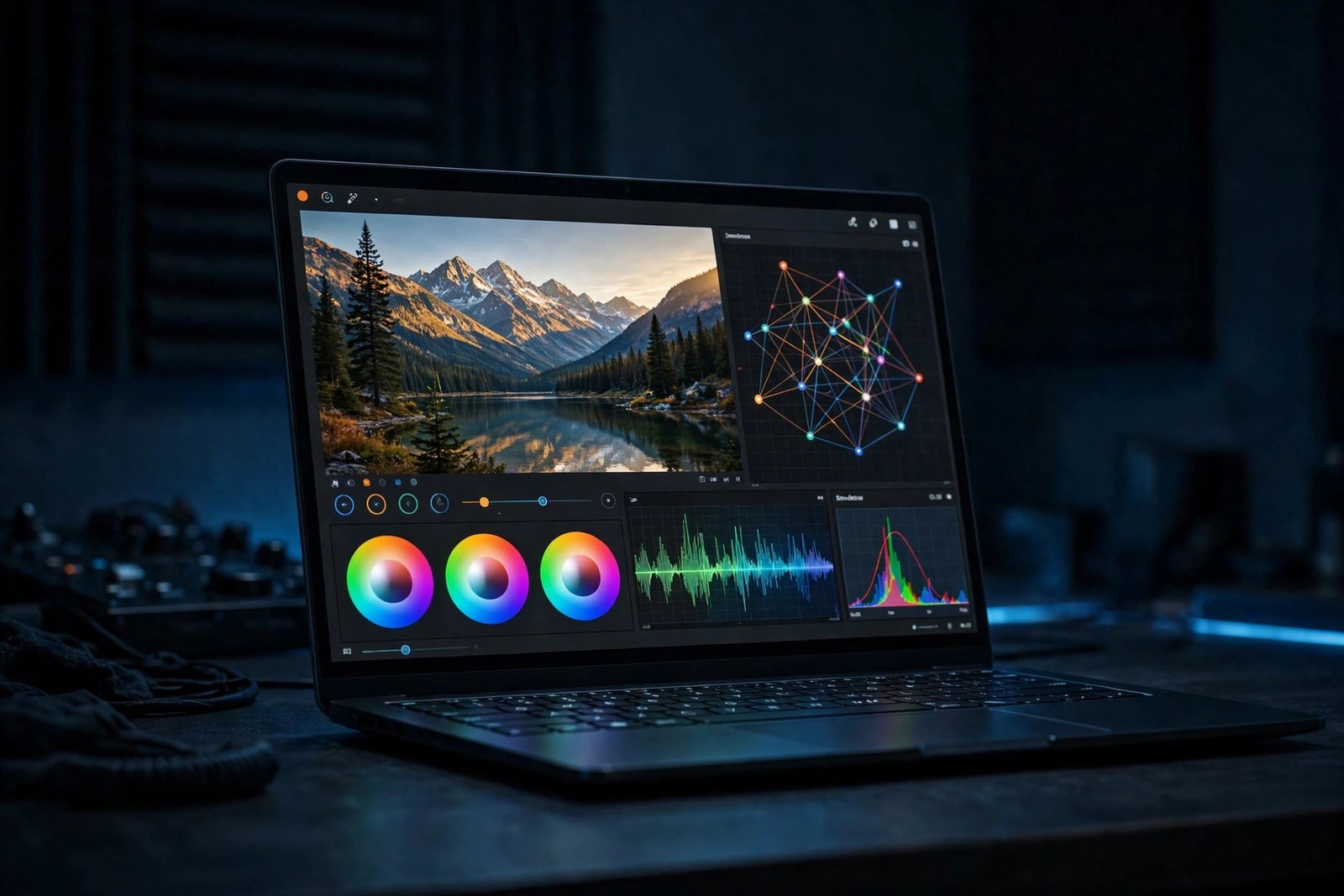
- Screen third: wide colour gamut and good brightness; OLED or mini-LED both work well for grading.
- Codec check: H.265 shooters should prioritise the newest processor; ProRes is easy for almost any current machine.
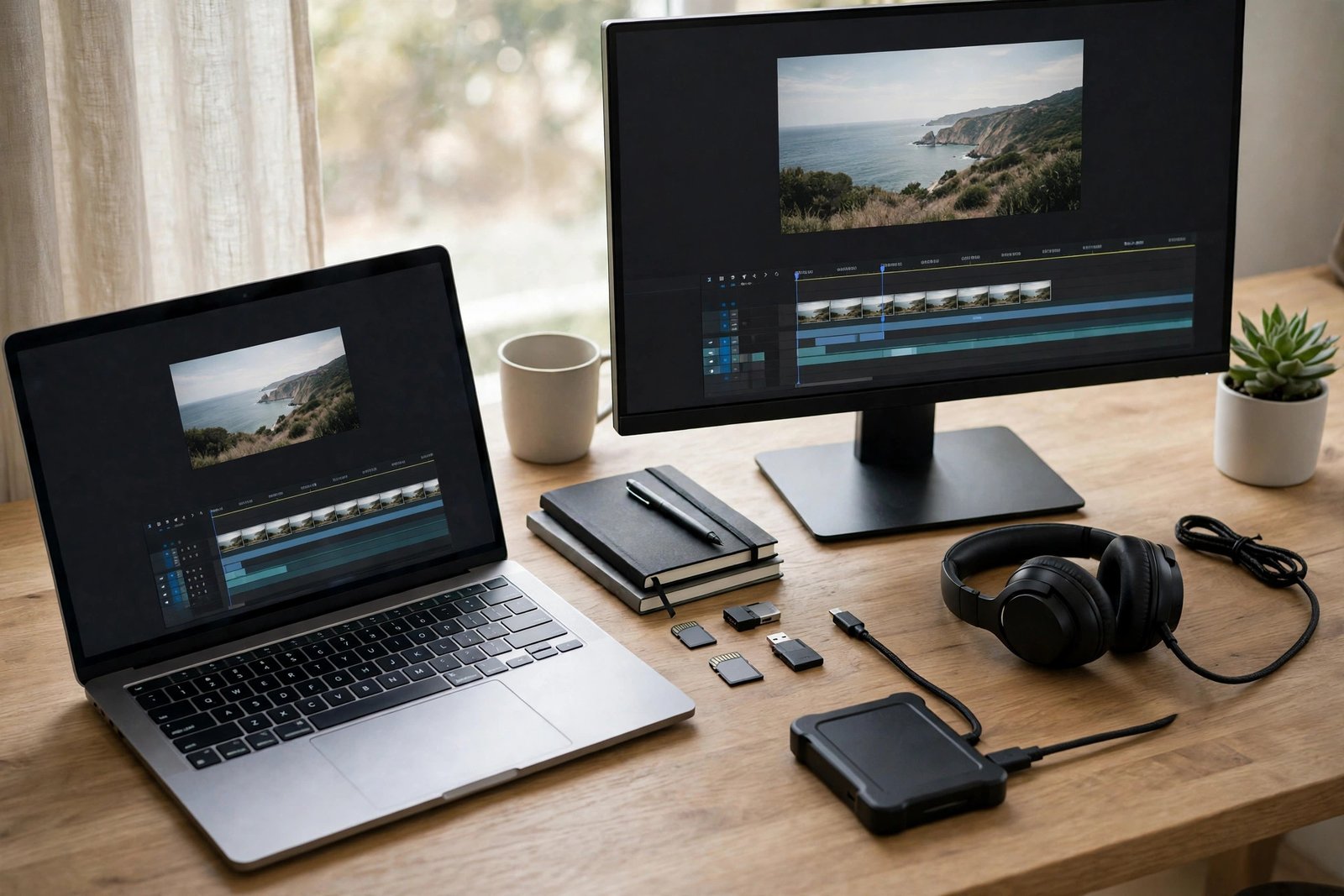
- Ports: at least two fast USB-C or Thunderbolt ports, plus an SD card slot or a hub — editing means external drives.
- Battery reality: manufacturer claims assume light use. Expect roughly half the quoted figure while editing.
- Software: confirm your editor runs natively on the chip you are buying; both Premiere Pro and DaVinci Resolve have native Apple silicon versions.
If you also shoot stills, the priorities overlap — a good screen and plenty of RAM matter for both. Our guide to the best laptops for photo editing covers the overlap.
Frequently asked questions
How much RAM do I need for 4K video editing?
16GB is the minimum for comfortable 4K editing in Premiere Pro or DaVinci Resolve; 32GB is better for multi-cam projects, heavy effects and long timelines. Because RAM is soldered in most thin laptops, buy more than you think you need.
Is the MacBook Air good enough for 4K video editing?
Yes, for most creators. The M4 MacBook Air handles 4K timelines, basic colour grading and exports well, and it does so silently. It is less suited to long sustained exports or heavy effects work, where the fanless design limits performance.
Is a MacBook or Windows laptop better for Premiere Pro?
Both run Premiere Pro well. MacBooks offer better battery life, quieter operation and excellent screens; Windows laptops offer more GPU choice, Nvidia acceleration for certain effects and plugins, and easier storage upgrades. Choose based on your software, plugins and ecosystem.
Do I need a discrete GPU for 4K editing?
Not necessarily. Apple silicon Macs edit 4K smoothly with integrated graphics thanks to dedicated media engines. On Windows, a discrete Nvidia GPU helps with effects, AI features and CUDA plugins, but the latest integrated graphics handle basic 4K cutting fine.
What is the best laptop for DaVinci Resolve?
The MacBook Pro 14 with an M4 Pro chip is the strongest all-round choice: Resolve is heavily optimised for Apple silicon and the XDR display is excellent for grading. On Windows, the Dell XPS 14 with Nvidia RTX graphics is the closest rival, particularly for Fusion effects and noise reduction.
How long will an editing laptop stay capable?
A well-chosen editing laptop should handle 4K work for four to five years. RAM and storage age fastest, which is why buying 32GB and 1TB now beats replacing the machine in two years.
The bottom line
The best laptop for 4K video editing in 2027 depends on how you edit. If you want the most capable machine with the fewest compromises, buy the MacBook Pro 14 with an M4 Pro chip, 24GB or 32GB of memory and a 1TB drive. If you travel light, the MacBook Air 15 or ThinkPad X1 Carbon will serve you well; if your workflow is Windows-based, the Dell XPS 14 is the machine to beat.
Whichever you choose, spend your money on RAM and storage before a faster chip: those two specs decide whether your timeline stays smooth in year three. If you edit on the move, also check our guide to the best laptops with long battery life before you decide — a fast laptop that dies at midday is no use to anyone.