A photographer’s laptop has one job above all others: show colour accurately. A screen that shifts hues or crushes shadows will ruin an edit, however good the camera was. The laptops below were chosen for colour-accurate displays, fast storage for large RAW files, and enough processing power to run Lightroom and Photoshop without stuttering.
What matters for photo work is specific. A wide colour gamut (DCI-P3 or Adobe RGB coverage), a bright screen for outdoor shoots, a fast SSD, and at least 16GB of memory. A dedicated GPU helps with heavy Photoshop filters and AI features, but it is not essential for most editing. An SD card slot is a small thing that saves a lot of time on location.
Prices are approximate starting prices. Photographers should also budget for a fast external drive — RAW libraries grow quickly, and a laptop’s internal storage fills up fast.
Key takeaways
- Best overall: MacBook Pro 14 M4 Pro — the most colour-accurate screen and the fastest photo exports.
- Best for Windows: ASUS ProArt P16 — built for creators, with a calibrated OLED display.
- Best value: Microsoft Surface Laptop 7 — a sharp, bright screen for $1,499.
- Look for 100% DCI-P3 or Adobe RGB coverage; a screen that only covers sRGB will mislead your edits.
- An SD card slot and a fast external SSD matter more than a faster processor for most photographers.
At a glance: the shortlist
| Product | Best for | Starting price | Standout limit |
|---|---|---|---|
| MacBook Pro 14 M4 Pro | Best overall | $1,999 | Expensive; macOS only |
| Dell XPS 14 | Windows premium | $1,699 | No SD card slot |
| ASUS ProArt P16 | Calibrated OLED | $1,899 | Heavy at 1.8 kg |
| Lenovo ThinkPad P14s | Workstation reliability | $1,799 | Screen is good, not great |
| HP ZBook Firefly 14 | ISV-certified apps | $1,899 | Pricey for the spec |
| Microsoft Surface Laptop 7 | Best value | $1,499 | No SD card slot |
| Acer ConceptD 5 | Big 16-inch screen | $1,999 | Heavy and bulky |
MacBook Pro 14 M4 Pro — Best overall
The MacBook Pro 14 is the standard by which other photo laptops are judged. Its 14.2-inch Liquid Retina XDR display covers the full P3 colour gamut, reaches 1,600 nits of peak brightness, and is factory-calibrated — so what you see on screen is what your print will look like. The M4 Pro chip exports hundreds of RAW files in minutes, and the battery lasts around 18 hours.
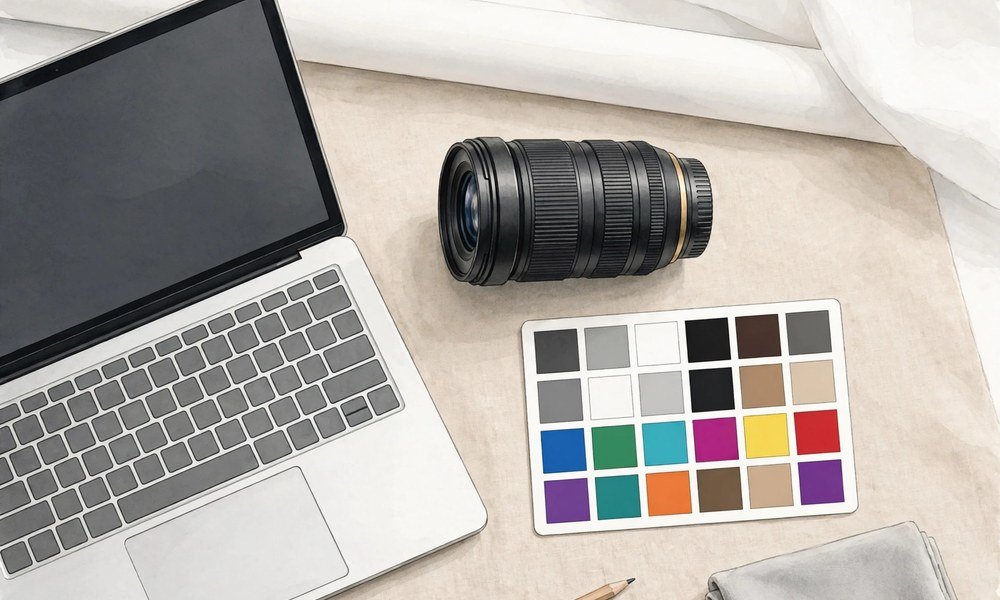
It also has an SDXC card slot, which means importing a shoot is a one-step job, and three Thunderbolt ports for fast external drives. For photographers who edit on the go, the combination of screen, speed, and battery is unmatched. If you shoot tethered, the best monitors for photo editing guide covers studio displays that match this laptop’s colour output.
Pros: Most colour-accurate screen; fastest exports; SD card slot; long battery life.
Cons: $1,999 starting price; macOS only; memory is not upgradeable.
Dell XPS 14 — Best Windows premium
The XPS 14 is the Windows answer to the MacBook Pro. Its 14.5-inch OLED display option covers 100% of DCI-P3, the aluminium body is beautifully built, and the Intel processor handles Lightroom and Photoshop comfortably. It is also lighter than the MacBook Pro at 1.7 kg, and the keyboard is excellent.
The main omission is an SD card slot — you will need a card reader. Battery life is around 11 hours, and the screen is bright enough for outdoor use. For photographers who need Windows for Capture One or corporate workflows, it is the best premium choice.
Pros: Gorgeous OLED screen option; premium build; fast performance; good keyboard.
Cons: No SD card slot; expensive at higher configs; battery is average.
ASUS ProArt P16 — Best calibrated OLED
The ProArt P16 is built specifically for creators. Its 16-inch OLED display is factory-calibrated to cover 100% of DCI-P3, it has a dedicated NVIDIA GPU for AI features in Photoshop and Lightroom, and it includes an SD card slot and a full set of ports. ASUS also bundles a colour calibration tool, which is rare at this price.
At 1.8 kg it is heavier than the others, and the battery lasts around 10 hours, but for studio and location work where colour accuracy is the priority, it is hard to beat on Windows. Fast storage is essential for large RAW libraries — see the best external SSDs for drives that keep up with this machine.
Pros: Factory-calibrated OLED; dedicated GPU; SD card slot; creator-focused software.
Cons: Heavy; battery around 10 hours; fan can be heard under load.
Lenovo ThinkPad P14s — Best workstation reliability
The ThinkPad P14s is a mobile workstation, which means it is certified to run professional apps like Photoshop and Capture One without crashes, and it is built to military durability standards. The keyboard is the best on this list, and the 14-inch screen is bright and colour-accurate, though not as vivid as the OLED options.
It is a workhorse rather than a showpiece: solid, reliable, and easy to service. Battery life is around 11 hours, and Lenovo’s support is excellent for professionals who cannot afford downtime.
Pros: ISV-certified for pro apps; best keyboard; durable; great support.
Cons: Screen is good, not great; no OLED option; heavier than ultrabooks.
HP ZBook Firefly 14 — Best ISV-certified apps
The ZBook Firefly 14 is HP’s mobile workstation for photographers and designers. It is certified for professional creative apps, it has a bright, colour-accurate 14-inch display, and it is surprisingly light at 1.4 kg for a workstation. The keyboard is comfortable, and the build is solid.
It is pricey for the raw spec — you are paying for certification and support — but for photographers whose income depends on their laptop not crashing mid-edit, that is money well spent. Battery life is around 12 hours.
Pros: Certified for pro apps; light for a workstation; bright screen; long battery.
Cons: Expensive for the spec; no dedicated GPU on base models; speakers are average.
Microsoft Surface Laptop 7 — Best value
The Surface Laptop 7 is the cheapest way to get a genuinely good photo-editing laptop. At $1,499, its 13.8-inch touchscreen covers the P3 gamut, the Snapdragon X chip is fast and efficient, and the battery lasts around 13 hours. The 3:2 screen ratio shows more of a photo at once, which helps when editing.
There is no SD card slot, and some older Windows apps run in emulation, but Lightroom and Photoshop run natively and well. For photographers who also need a machine for general work, the best laptops for creators guide has more options in this price range.
Pros: Great value; colour-accurate touchscreen; long battery life; premium build.
Cons: No SD card slot; some legacy apps emulated; storage is not upgradeable.
Acer ConceptD 5 — Best big 16-inch screen
The ConceptD 5 is a 16-inch creator laptop with a Pantone-validated 4K display, a dedicated NVIDIA GPU, and a full set of ports including an SD card reader. The big screen is a real advantage for detailed retouching, and the colour accuracy is excellent out of the box.
It is heavy and bulky at 2.4 kg, so it is a studio machine rather than a travel companion, and the battery lasts around 8 hours. For photographers who edit at a desk and want the biggest, most accurate screen available, it is a strong choice.
Pros: Huge, accurate 4K screen; dedicated GPU; SD card reader; good ports.
Cons: Heavy and bulky; battery around 8 hours; fan noise under load.
How to choose
Start with the screen. Check the colour gamut — 100% DCI-P3 or Adobe RGB is the target — and the brightness, which should be 400 nits or more for outdoor use. A factory-calibrated display saves you buying a calibrator, though serious photographers should calibrate regularly anyway.
Then think about storage. RAW files are large, so 512GB is the minimum and 1TB is the smart buy. A fast external SSD is almost essential for a growing library, and a proper backup routine matters just as much as the laptop itself — a single drive failure can wipe years of work. Keep at least two copies of every shoot, one on an external drive and one in the cloud, and treat backup as part of the job rather than an afterthought.
Finally, check the ports: an SD card slot saves time, and Thunderbolt or USB4 makes external drives fast. If you shoot tethered in a studio, a laptop with reliable high-speed ports and a stable connection will save more time than a slightly faster processor.
Checklist: before you pay
- Confirm the screen covers 100% DCI-P3 or Adobe RGB, not just sRGB.
- Get at least 16GB of RAM and 512GB of fast SSD storage.
- Check for an SD card slot or budget for a fast card reader.
- Ask whether the display is factory-calibrated and how often it should be recalibrated.
- Budget for a fast external SSD and a backup solution.
- Check the return policy so you can test the screen against your own photos.
Frequently asked questions
What screen do photographers need on a laptop?
A screen covering 100% of DCI-P3 or Adobe RGB, with at least 400 nits of brightness and factory calibration. A screen that only covers sRGB will not show the full range of colours in your photos.
How much RAM does a photographer need?
16GB is the minimum for Lightroom and Photoshop. 32GB is worth it if you work with large panoramas, focus stacks, or many layers in Photoshop.
Do photographers need a dedicated GPU?
It helps with AI features, heavy filters, and video, but it is not essential for most photo editing. A fast CPU and plenty of RAM matter more for Lightroom.
MacBook or Windows for photography?
Both work well. The MacBook Pro has the most colour-accurate screen and the best battery life. Windows offers more choice, including OLED displays and dedicated GPUs at lower prices.
Is an SD card slot important?
Yes, for photographers who shoot on location. It makes importing a shoot a one-step job instead of carrying a separate card reader.
How much storage does a photographer need?
512GB is the minimum, 1TB is better. RAW libraries grow fast, so most photographers also use a fast external SSD and a cloud backup.
The bottom line
For most photographers, the MacBook Pro 14 M4 Pro is the best laptop: the screen is the most accurate available, exports are fast, and the battery lasts all day. On Windows, the ASUS ProArt P16 is the closest match, with a calibrated OLED display and a dedicated GPU.
Whichever you choose, prioritise the screen over everything else. A laptop with a great display and modest specs will produce better work than a fast machine with a mediocre screen. Prices change, so check the current price before buying.
Note: Prices and plans change. Check the product’s current plan details before buying — no link is provided here by design, all links in this article go to other occcy.com guides.