
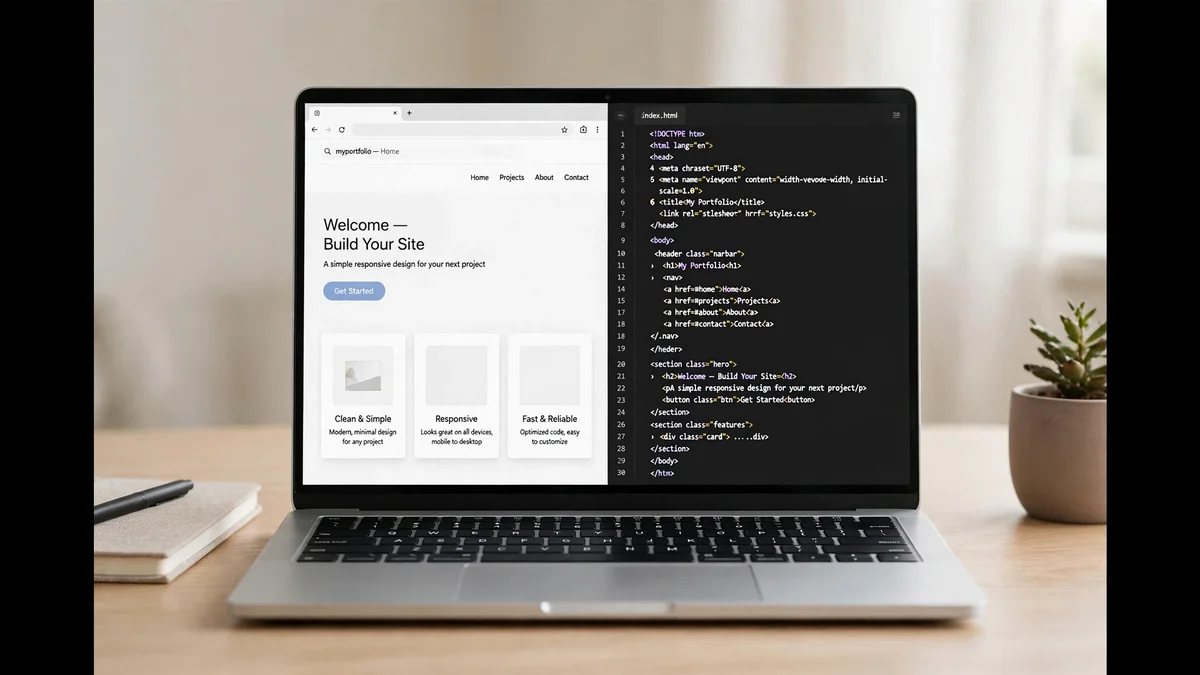
Web development asks different things of a laptop than AI training or video editing. The best laptops for web development in 2027 are fast at compiling code, comfortable for long typing sessions, sharp enough to judge a design accurately, and light enough to carry to a café or a client meeting — and they do all of that without a noisy fan or a battery that dies by lunch.
Most web work — a local dev server, a bundler, a database, and a browser full of tabs — is not demanding on the GPU. What matters is a fast CPU, at least 16GB of memory, a good keyboard, and a display you can trust for colour.
Prices are approximate starting prices — check current pricing before buying. The shortlist runs from around $749 to $2,499.
Key takeaways
- Best overall: MacBook Air 15-inch with M4 — silent, light, and fast enough for almost all web work, from $1,199.
- Best for professionals: MacBook Pro 14-inch — the extra power and display quality pay off for full-time developers.
- Best budget pick: Acer Swift Go 14 — a genuinely capable dev machine from around $749.
- 16GB of RAM is the minimum in 2027; 32GB is worth it if you run Docker, a local database, and a browser full of tabs at once.
- Display quality matters more than GPU power for web work — a sharp, colour-accurate screen helps you catch design mistakes early.
At a glance: the shortlist
| Product | Best for | Starting price | Standout limit |
|---|---|---|---|
| MacBook Air 15-inch (M4) | Overall, portability | $1,199 | Fanless, silent design |
| MacBook Pro 14-inch (M4 Pro) | Professional developers | $1,999 | 120Hz XDR display |
| Dell XPS 14 | Windows developers | $1,699 | OLED display option |
| Lenovo ThinkPad X1 Carbon Gen 13 | Business and travel | $1,899 | Under 1kg, great keyboard |
| ASUS Zenbook 14 OLED | Value and display | $999 | 2.8K OLED screen |
| HP Spectre x360 14 | 2-in-1 flexibility | $1,299 | Touchscreen and pen |
| Acer Swift Go 14 | Budget | $749 | 1080p webcam |
MacBook Air 15-inch (M4) — Best overall
The MacBook Air 15-inch with the M4 chip is the best laptop for web development for most people in 2027. It compiles code quickly, runs Docker containers and local servers without breaking a sweat, and does it all in complete silence — there is no fan. At 1.5kg with a 15.3-inch Liquid Retina display, it is the rare laptop that is both big-screened and genuinely portable.

Battery life is the other reason it tops the list: real-world development use — VS Code, a local server, and a dozen browser tabs — comfortably lasts a full working day. The keyboard is comfortable, the trackpad is the best in the business, and macOS runs the Unix tooling web developers rely on natively. If you are new to buying a laptop for coding work, our guide to the best laptops for beginners covers the same decision from a first-timer’s angle.
Pros: Completely silent fanless design; all-day battery life; large, sharp 15.3-inch display; light for its screen size.
Cons: Only two USB-C ports; 16GB base memory is fine but not generous; no dedicated GPU for heavy design work.
MacBook Pro 14-inch (M4 Pro) — Best for professionals
The MacBook Pro 14-inch is the pick for developers who do web work full-time and want the best screen and the most headroom. The M4 Pro chip handles large monorepos, parallel builds, and Docker stacks with ease, and the 14.2-inch Liquid Retina XDR display with 120Hz ProMotion is the most accurate laptop screen in this guide — useful when you are judging colour and spacing in a design.
It also fixes the Air’s port problem: three Thunderbolt 4 ports, HDMI, and an SD card slot, so a desk setup needs no dongles. It costs $800 more than the Air, and for many developers that money is better spent on a second monitor — but if the laptop is your whole office, the Pro earns its price.
Pros: Outstanding XDR display with 120Hz; full port selection; faster chip for large projects; excellent speakers and battery.
Cons: Expensive; heavier than the Air; overkill for light front-end work.
Dell XPS 14 — Best Windows
The Dell XPS 14 is the best Windows laptop for web development. It pairs Intel Core Ultra processors with up to 32GB of RAM and an optional RTX 5050 GPU, and the 14.5-inch display is available in a gorgeous 3.2K OLED version. The aluminium and glass design is slim and understated, and Windows Subsystem for Linux gives you a proper Unix environment alongside Windows.
The keyboard is comfortable for long sessions and the large glass trackpad is precise. The main compromises are battery life, good but not MacBook-class at around 12 hours, and the port selection — three USB-C ports and no full-size USB-A.
Pros: Beautiful OLED display option; solid build quality; WSL for Linux tooling; strong performance.
Cons: Battery trails the MacBook Air; limited ports; premium price for higher configurations.
Lenovo ThinkPad X1 Carbon Gen 13 — Best for business and travel
The ThinkPad X1 Carbon Gen 13 weighs under 1kg, making it the lightest laptop in this guide by a clear margin. It is also the toughest, with a carbon-fibre chassis tested to military durability standards, and it has the best keyboard of any Windows laptop — a real advantage when you type for a living. Battery life is around 14 hours, and it charges quickly over USB-C.
For developers who travel constantly, the X1 Carbon is hard to beat. The 14-inch 2.8K OLED display option is sharp and colour-accurate, and the machine is quiet under normal loads. A second screen makes a big difference to web workflows too, and our roundup of the best portable monitors for Mac shows compact options that pair well with a light laptop like this one.
Pros: Under 1kg; best-in-class keyboard; durable carbon-fibre build; good battery life.
Cons: Expensive; integrated graphics only; speakers are average.
ASUS Zenbook 14 OLED — Best value
The Zenbook 14 OLED is the value pick of this guide. Starting around $999, it offers a 2.8K OLED display with excellent colour accuracy, an Intel Core Ultra processor, 16GB of RAM, and a 1.2kg aluminium body. For web development, the screen alone justifies the price: text is crisp, colours are accurate, and dark mode looks superb.
Performance is more than enough for front-end and full-stack work, and the laptop stays cool and quiet during normal development. Battery life is around 12 hours.
Pros: Superb 2.8K OLED display; light and well built; strong value; quiet in normal use.
Cons: 16GB RAM is not upgradeable; no dedicated GPU; webcam is average.
HP Spectre x360 14 — Best 2-in-1
The HP Spectre x360 14 is the most flexible laptop here. Its 360-degree hinge turns it into a tablet, and the included stylus is genuinely useful for sketching wireframes, annotating designs, and reviewing layouts with a client. The 14-inch 2.8K OLED touchscreen is bright and accurate, and the gem-cut aluminium design looks and feels premium.
As a development machine it is solid: Intel Core Ultra processors, 16GB or 32GB of RAM, and a comfortable keyboard. The 2-in-1 format adds a little weight and cost, so buy it only if you will actually use the tablet mode and pen.
Pros: Versatile 2-in-1 design with stylus; excellent OLED touchscreen; premium build; good keyboard.
Cons: Heavier than a standard ultrabook; 2-in-1 premium adds cost; battery is average.
Acer Swift Go 14 — Best budget
The Acer Swift Go 14 proves you do not need to spend four figures on a web development laptop. Starting around $749, it offers an Intel Core Ultra processor, 16GB of RAM, a 512GB SSD, and a sharp 14-inch 2.2K display in a 1.3kg aluminium body. It runs VS Code, Node, Docker, and a browser full of tabs without complaint.
The compromises are sensible at this price: the display is IPS rather than OLED, the speakers are thin, and the webcam is only 1080p. None of that affects your ability to ship websites. If budget decides, the Swift Go 14 is the pick — and the money you save buys a good external keyboard, which matters more than most people think, as our guide to the best keyboards for programming explains.
Pros: Excellent price for the specs; light aluminium body; sharp 2.2K display; 16GB RAM as standard.
Cons: IPS display, not OLED; weak speakers; average webcam.
How to choose
Start with the operating system. macOS is the default choice for most web developers because its Unix base runs the standard tooling natively and it has the best battery life. Windows is the right choice if you build for the Microsoft stack or prefer it, and WSL closes most of the gap. Linux is excellent but narrows your hardware options.
Next, prioritise memory and display over raw CPU speed. 16GB of RAM is the minimum in 2027, and 32GB is worth it if you run Docker and a local database alongside your editor. A dedicated GPU is unnecessary for almost all web work, so do not pay for one.
Checklist: before you pay
- Choose at least 16GB of RAM, and 32GB if you run Docker, a database, and a browser full of tabs together.
- Pick 512GB of SSD storage as a minimum — node_modules and Docker images fill small drives fast.
- Check the keyboard in person if you can; you will type on it for thousands of hours.
- Confirm the display resolution and colour coverage if you do any front-end design work.
- Count the ports and check whether your desk setup needs a hub or dock.
- Verify the warranty and battery replacement policy before buying a sealed ultrabook.
Frequently asked questions
How much RAM do I need for web development?
16GB is the minimum in 2027 and covers most front-end and back-end work. Choose 32GB if you run Docker containers, a local database, and many browser tabs at the same time, or if you want the laptop to stay fast for five years.
Is a MacBook or a Windows laptop better for web development?
Both work well. MacBooks offer the best battery life and a native Unix environment, which suits most web developers. Windows laptops offer more hardware choice and better value, and WSL provides a solid Linux environment for development.
Do I need a powerful GPU for web development?
No. Web development barely uses the GPU, and integrated graphics handle it easily. Spend the money on memory, storage, and a good display instead — a dedicated GPU only matters if you also do gaming, video editing, or 3D work.
Is 13 inches enough for web development?
It works, but 14 or 15 inches is more comfortable for split-screen code and browser work. If you buy a 13-inch laptop, plan on using an external monitor at your desk.
What is the best budget laptop for web development?
The Acer Swift Go 14, starting around $749. It has 16GB of RAM, a sharp display, and enough performance for full-stack work, making it the best value in this guide.
Should I buy a laptop with a touchscreen for web development?
Only if you will use it. A touchscreen is handy for testing touch layouts and sketching wireframes, but it adds cost and weight. Most web developers are better served by a standard laptop and a good external monitor.
The bottom line
For most web developers, the MacBook Air 15-inch with M4 is the best laptop for web development in 2027: silent, light, fast, with battery life that outlasts a working day. If you want the best screen and the most power, step up to the MacBook Pro 14-inch; if you want Windows, the Dell XPS 14 is the pick; and if budget decides, the Acer Swift Go 14 covers the essentials for around $749.
Whatever you choose, spend on memory, display, and keyboard first. Those three things shape every hour you spend building websites.



