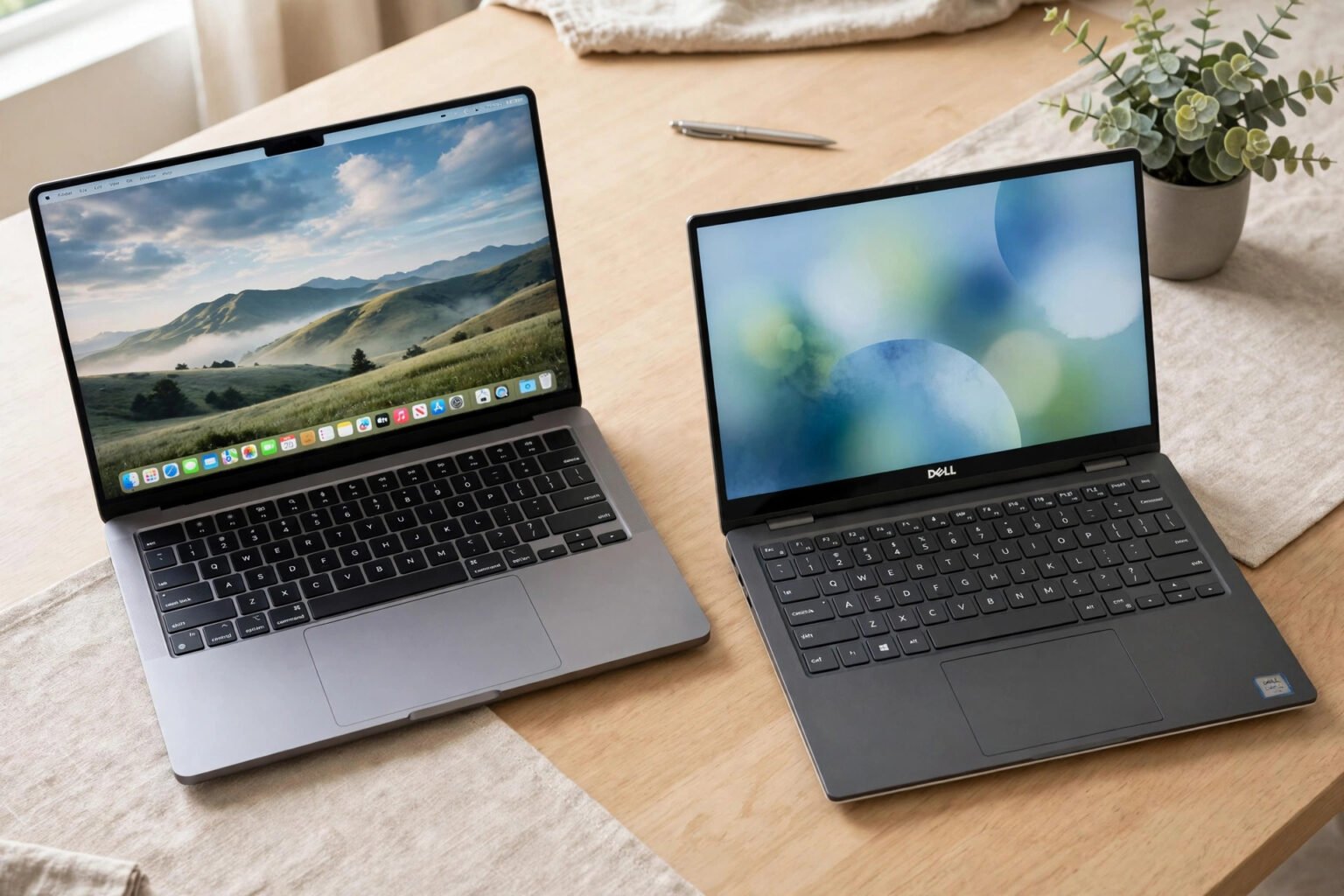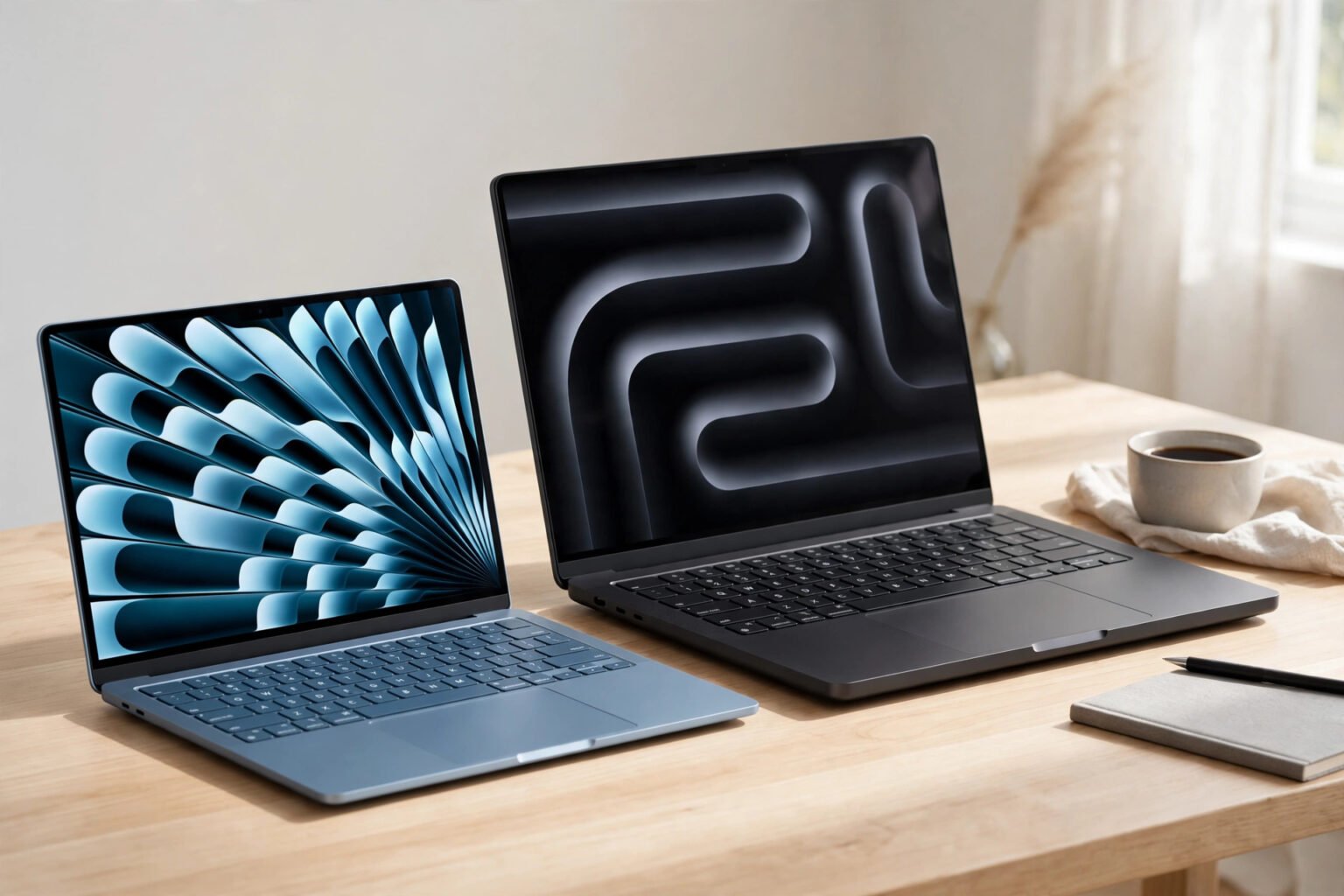
The best laptops under $700 in 2027 are far better than the budget machines of a few years ago. Yes, you can buy a fast, well-built laptop for under $700 that handles study, office work, video calls and streaming without feeling slow — provided you choose the right chip, enough memory and a decent screen, and ignore the cheapest models that cut corners in exactly those areas.
That is the central question with any best budget laptop 2027 shortlist: where does the money actually go? It should go to a modern processor, 16GB of memory, fast solid-state storage and a bright, sharp display. Spend on those four things and a sub-$700 laptop can last through a degree or several years of home working.
Key takeaways
- Aim for a current-generation Intel Core Ultra, AMD Ryzen 5 or equivalent chip, 16GB of memory and 512GB of storage.
- A Full HD IPS display matters more than a slightly faster processor for everyday comfort.
- Avoid laptops with 8GB of memory, a slow hard drive or a dim TN screen, however cheap they look.
- Check the weight, keyboard and battery claims before you buy, not after.
- The best cheap laptop under $700 is the one that fits your daily work, not the one with the longest spec sheet.
What $700 buys in 2027
A $700 budget no longer means a slow, plastic machine that struggles with two browser tabs. Most laptops in this band now use the same processor families as machines costing twice as much, with the savings made in the chassis, the speakers and the screen brightness rather than in raw speed. For writing, spreadsheets, research, video calls and streaming, that is a sensible trade.
The limits are real, though. You will not get a premium metal unibody, a high-refresh OLED display or a graphics card suited to demanding games at this price. Battery life also varies widely between laptops with similar specs. Treat manufacturer battery figures as a best case, and look for independent reviews that test with the screen at a realistic brightness.
Storage deserves a second look, too. A 512GB solid-state drive is the sweet spot for most people in 2027, leaving room for documents, photos and a few large apps. A 256GB drive can work if you store most files in the cloud, but it fills up faster than most buyers expect. A traditional hard drive is a deal-breaker in a new laptop: it makes even a good processor feel sluggish.

Best laptops under $700 at a glance
| Laptop | Screen and chip | Weight class | Best for | Typical price band |
|---|---|---|---|---|
| Lenovo IdeaPad Slim 5 | 14-inch or 15-inch Full HD, Intel Core Ultra or AMD Ryzen 5 | Around 1.5 kg | Students and everyday use | $550–$700 |
| Acer Swift Go 14 | 14-inch Full HD, Intel Core Ultra | Around 1.3 kg | Lightweight portability | $600–$700 |
| HP Pavilion 15 | 15.6-inch Full HD, Intel Core or AMD Ryzen 5 | Around 1.7 kg | A large screen on a budget | $500–$650 |
| ASUS Vivobook 15 | 15.6-inch Full HD, Intel Core or AMD Ryzen 5 | Around 1.7 kg | Home and office work | $500–$650 |
| Lenovo IdeaPad Flex 5 | 14-inch Full HD touchscreen, AMD Ryzen 5 | Around 1.6 kg | A flexible 2-in-1 | $550–$700 |
| Acer Aspire 5 | 15.6-inch Full HD, Intel Core or AMD Ryzen 5 | Around 1.8 kg | Maximum value | $450–$600 |
Caption: Six strong options under $700 compared. Prices are typical bands for common configurations and vary by retailer and specification.
1. Lenovo IdeaPad Slim 5
Best for: students and anyone who wants one reliable laptop for everything.
The IdeaPad Slim 5 is the safest pick in this guide, and the one most buyers should start with. It pairs a current Intel Core Ultra or AMD Ryzen 5 chip with a clean design, a comfortable keyboard and a Full HD display sharp enough for long writing sessions. In the configurations to look for, 16GB of memory and 512GB of storage keep everyday work smooth and leave headroom for the next few years.
It is not the lightest machine here, at around 1.5 kg, and the speakers are ordinary. Neither matters much for study or office work. If you want the best laptop under $700 for students and do not need a touchscreen or a featherweight chassis, start here.
2. Acer Swift Go 14
Best for: carrying everywhere without feeling the weight.
The Swift Go 14 is the portability pick. At around 1.3 kg with a 14-inch screen, it slips into a small bag and is noticeably easier to carry all day than the 15.6-inch models below. It uses an Intel Core Ultra chip, which handles everyday multitasking well and brings useful efficiency gains for battery life.
The trade-off is screen size: a 14-inch display is ideal for travel, but less roomy for side-by-side documents. If you work mostly at a desk, a larger laptop may suit you better. If you move between lectures, libraries, trains and cafes, the Swift Go 14 earns its place.
3. HP Pavilion 15
Best for: a big, comfortable screen at a modest price.
Some people simply prefer a larger display, and the Pavilion 15 delivers one without pushing past $700. Its 15.6-inch Full HD screen gives documents and spreadsheets room to breathe, and the full-size keyboard, often with a number pad, suits anyone who types figures all day. Intel Core and AMD Ryzen 5 configurations are both common, and both are fast enough for office work, study and streaming.
4. ASUS Vivobook 15
Best for: home and office work with a clean, modern design.
The Vivobook 15 is ASUS at its most practical: a straightforward 15.6-inch laptop with a modern chip, a Full HD display and a sensible port selection. It looks more expensive than it is, with slim bezels and a tidy keyboard, and it handles browsing, documents, video calls and media without fuss.
Like the Pavilion, it is best used mainly at a desk or around the house, at around 1.7 kg. Its strengths are value and simplicity. If you want a best affordable Windows laptop for general use and do not need a touchscreen or ultra-light build, the Vivobook 15 is one of the easiest recommendations to make.
5. Lenovo IdeaPad Flex 5
Best for: note-taking, reading and presentations in tablet mode.
The Flex 5 adds something the other picks do not: a touchscreen that folds flat, turning the laptop into a large tablet for reading, annotating and presenting. For students who mark up lecture slides or sketch ideas, that flexibility is genuinely useful rather than a novelty. AMD Ryzen 5 configurations are the ones to look for, with 16GB of memory if your budget stretches to it.
A 2-in-1 does involve compromises. It is slightly heavier than a standard 14-inch laptop, at around 1.6 kg, and the hinge and touchscreen add cost that could otherwise go to a brighter screen. If you will rarely use tablet mode, buy a conventional laptop instead. If you will use it weekly, the Flex 5 is the most affordable way to get a capable convertible.
6. Acer Aspire 5
Best for: the lowest price that still buys a proper laptop.
The Aspire 5 is the value floor of this guide: the cheapest machine here that still qualifies as a good buy. In its best configurations it offers a 15.6-inch Full HD display, an Intel Core or AMD Ryzen 5 chip, and enough memory and storage for everyday work. It is a plain, practical laptop, and it knows it.
Expect a heavier chassis, at around 1.8 kg, and a design that prioritises price over polish. That is acceptable if the laptop lives on a desk and the budget is tight. Buy the Aspire 5 when every dollar counts, but choose a configuration with 16GB of memory — the cheaper 8GB versions are a false economy that will age badly.
How to choose: a quick decision checklist
Use this checklist before you pay, whatever model you pick. It takes five minutes and prevents the most common budget-laptop regrets.
- Chip: Is it a current-generation Intel Core Ultra, AMD Ryzen 5 or equivalent? Avoid older generations sold at a discount.
- Memory: Does it have 16GB? If it has 8GB that cannot be upgraded, walk away.
- Storage: Is it a 512GB solid-state drive? A 256GB drive works only if you use cloud storage heavily.
- Screen: Is it Full HD (1920 × 1080) and IPS? A dim or low-resolution screen will annoy you daily.
- Weight: Will you actually carry it? Under 1.4 kg is comfortable for daily travel; over 1.7 kg is a desk machine.
- Battery and ports: Does an independent review report a full working day, and does it charge over USB-C with the ports you use?
If a laptop fails on memory, storage or screen, no discount makes it worth buying. Those three are expensive or impossible to fix later.
Students should also check the software their course needs before buying. Most student work runs comfortably on any laptop in this guide, but specialist course software may have requirements a budget machine cannot meet. For a closer look, see our guide to the best laptops for university students.
Frequently asked questions
Can you get a good laptop for under $700 in 2027?
Yes, for study, office work, browsing, streaming and video calls, provided it has a current-generation processor, 16GB of memory, a 512GB solid-state drive and a Full HD IPS display. The models that disappoint usually cut one of those four corners.
Is 8GB of memory enough in a budget laptop?
For very light use it can cope, but 16GB is the sensible minimum in 2027. Browsers, video calls and office apps use more memory than they used to, and 8GB leaves little headroom. If 8GB cannot be upgraded, choose a different model.
Are cheap laptops good for students?
The best laptop under $700 for students has a comfortable keyboard, a Full HD screen, enough battery for a day of lectures and a weight you will actually carry. The Lenovo IdeaPad Slim 5 and Acer Swift Go 14 fit that brief well.
Should I buy a Chromebook instead?
A Chromebook can be excellent value if your work lives entirely in a browser and Google apps. If you need desktop Microsoft Office, specialist course software or offline Windows apps, a Windows laptop is the safer choice. Decide on software first, then on hardware.
How long will a $700 laptop last?
With 16GB of memory and a solid-state drive, a well-chosen $700 laptop should last three to five years for everyday work. Battery health will decline over time, but it should remain usable for study and office tasks well beyond its first year.
Is it worth waiting for a sale?
Sales can save $50 to $150, particularly around student seasons and major shopping events. They are worth waiting a few weeks for if you are not in a rush, but not months if you need a laptop now.
The bottom line
The best laptops under $700 in 2027 prove that a tight budget no longer means a compromised laptop. Start with the Lenovo IdeaPad Slim 5 for the safest all-round choice, pick the Acer Swift Go 14 if you travel light, or choose the HP Pavilion 15 or ASUS Vivobook 15 if a large screen matters more.
Before you buy, run the checklist above and check the exact configuration — chip, memory, storage and screen — rather than the model name alone. If you want to keep the purchase inside a wider plan, our guide on how to use AI to plan a monthly budget can help. For longer days away from a charger, also compare the best laptops for long battery life.