Learning how to use AI to plan a monthly budget is simpler than most guides make it sound. Yes, AI can build a workable monthly budget in about 30 minutes — if you give it your take-home pay and main fixed costs in rounded figures, name a clear method such as 50/30/20 or zero-based budgeting, and check every number yourself.
AI is good at structure, arithmetic and spotting gaps. It is not a regulated financial adviser, and it can make confident mistakes. Used well, it turns a blank page into a first draft you can refine.
Key takeaways
- Start with take-home pay, not gross salary.
- Use 50/30/20 for a fast first budget and zero-based budgeting for tighter control.
- Give AI rounded figures, never account numbers, passwords or full bank statements.
- Check the maths and the missing categories yourself.
- Review the budget for 10 minutes a month.
What AI can — and cannot — do
AI handles the admin of budgeting well. It can turn a list of bills into categories, apply 50/30/20, build a spreadsheet, suggest cuts that fit your target, and turn an irregular bill into a monthly amount. What it cannot do is know what you value, what you actually spent, or what is missing. Forget childcare or an annual subscription and AI will build a tidy budget around the gap. It can also invent a plausible-looking figure. The human check is not optional.
Best for most people: ChatGPT or Claude for the first draft, plus a spreadsheet for the live numbers. A dedicated budgeting app is better for ongoing tracking.
Build your budget in five steps
Step 1: Find your take-home pay
Use the amount that lands in your account each month, after tax and deductions. Paid weekly? Multiply weekly take-home pay by 52 and divide by 12. Paid every two weeks? Multiply by 26 and divide by 12. If income varies, use your lowest recent month. Do not use gross salary.
Step 2: List your fixed costs
Fixed costs stay roughly the same each month: rent or mortgage, council tax, utilities, insurance, phone, broadband, minimum debt payments and subscriptions. List each with its monthly amount, using rounded figures. Divide annual bills, such as car insurance, by 12 and include them as a monthly line.
Step 3: Estimate your variable costs
Variable costs change month to month: groceries, transport, eating out, clothing, entertainment and personal spending. Average the last two or three months of bank statements for each category. Do not upload statements to AI — work out the averages yourself and give AI the totals.
Step 4: Choose a method and ask AI to build the plan
Tell AI your take-home pay, fixed costs, variable averages and main goal, such as building an emergency fund or clearing a card. Name the method you want. A clear prompt produces a far better result than “make me a budget”.
Step 5: Check it, then live with it for a month
Add up the categories yourself and confirm they match your take-home pay. Check for missing items: irregular bills, gifts, car maintenance and seasonal spending. Then use the plan for one month. The first version is a draft, not a verdict.
50/30/20 or zero-based: which fits you?
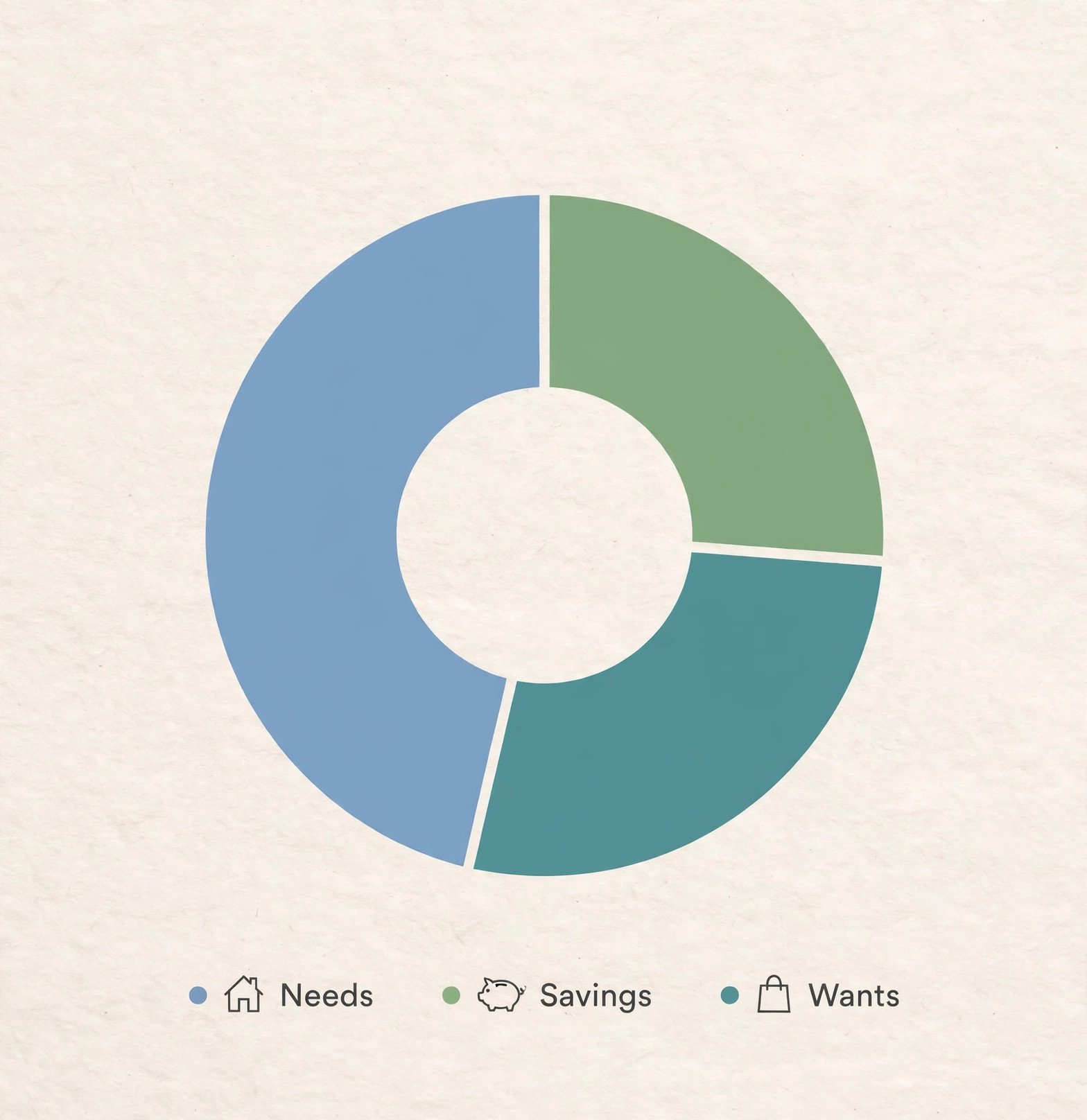
The 50/30/20 rule, popularised by Elizabeth Warren and Amelia Warren Tyagi in All Your Worth (2005), splits after-tax income into 50% needs, 30% wants and 20% savings and extra debt repayment. Needs cover housing, utilities, groceries, transport, insurance and minimum debt payments. Wants cover eating out, travel, hobbies and subscriptions. The final 20% covers an emergency fund, retirement saving and extra debt payments.
Zero-based budgeting is different. Every pound of expected take-home pay is assigned a job — spending, saving or debt repayment — until income minus allocations equals zero. That does not mean spending everything: savings and debt repayment count as jobs. The method began in corporate budgeting, associated with Peter Pyhrr at Texas Instruments in the late 1960s, and is now best known through YNAB (You Need A Budget).
| Method | How it works | Best for | Effort |
|---|---|---|---|
| 50/30/20 | Split take-home pay 50% needs, 30% wants, 20% savings and debt | A fast first budget | Low |
| Zero-based | Assign every pound a job until income minus allocations equals zero | Tight control and debt payoff | High |
| Pay-yourself-first | Move savings out on payday, then spend what remains | People who save little at month-end | Low |
Three monthly budgeting methods compared. Start with 50/30/20, switch to zero-based if you need more control.
If your needs already take more than 50% of your take-home pay, do not force the split. High housing costs make the original ratio unrealistic for many households. Try 60/25/15, or use zero-based budgeting instead.
A worked example: £2,400 take-home pay
These figures are illustrative, for a single person with £2,400 a month after tax. Under 50/30/20, needs get £1,200, wants get £720 and savings and extra debt repayment get £480. Needs might be £750 rent, £180 bills, £220 groceries and £50 transport. Wants might be £200 eating out, £100 subscriptions, £150 clothing and £270 travel. The £480 could go to a £300 emergency fund and a £180 extra card payment.
The AI tools that help most
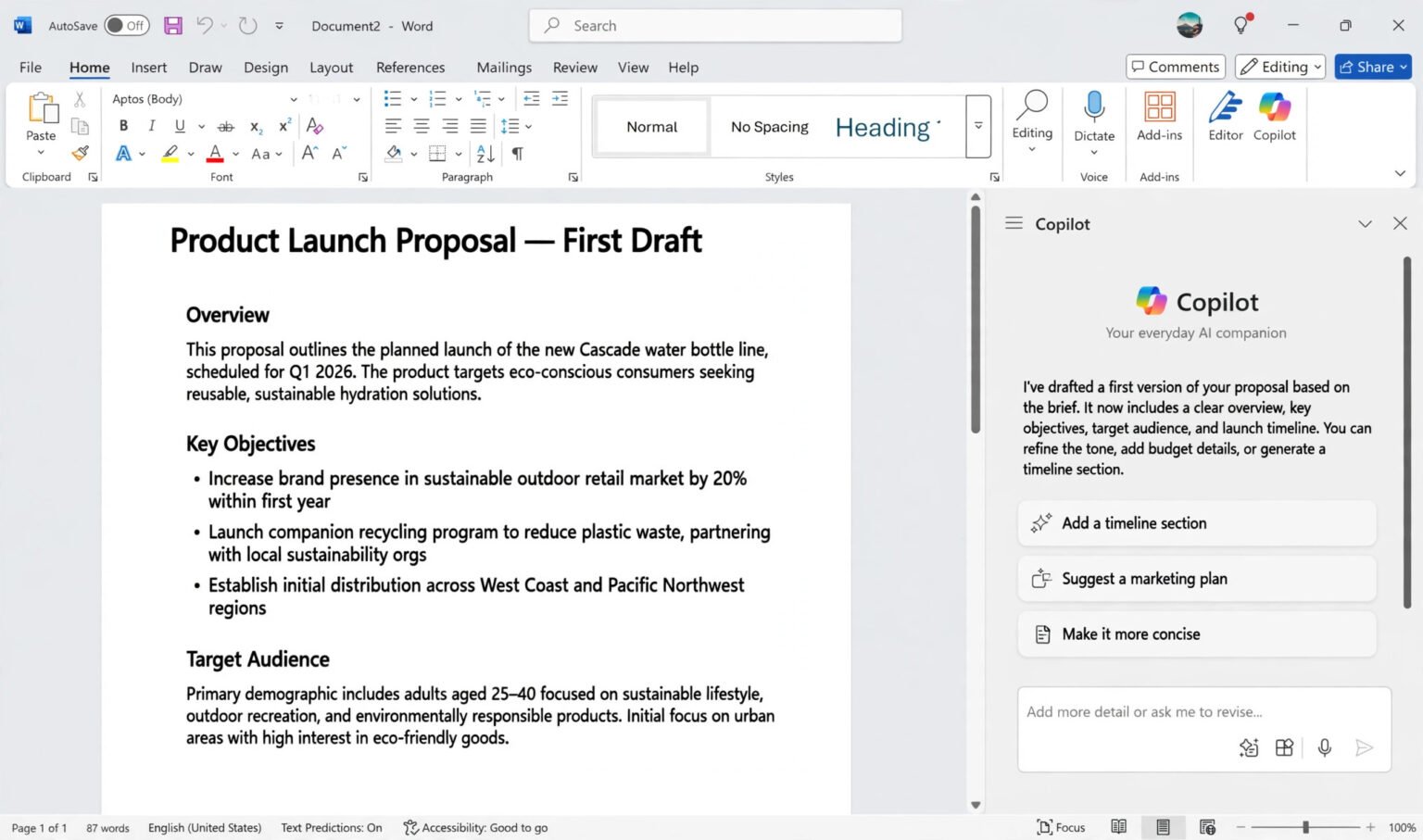
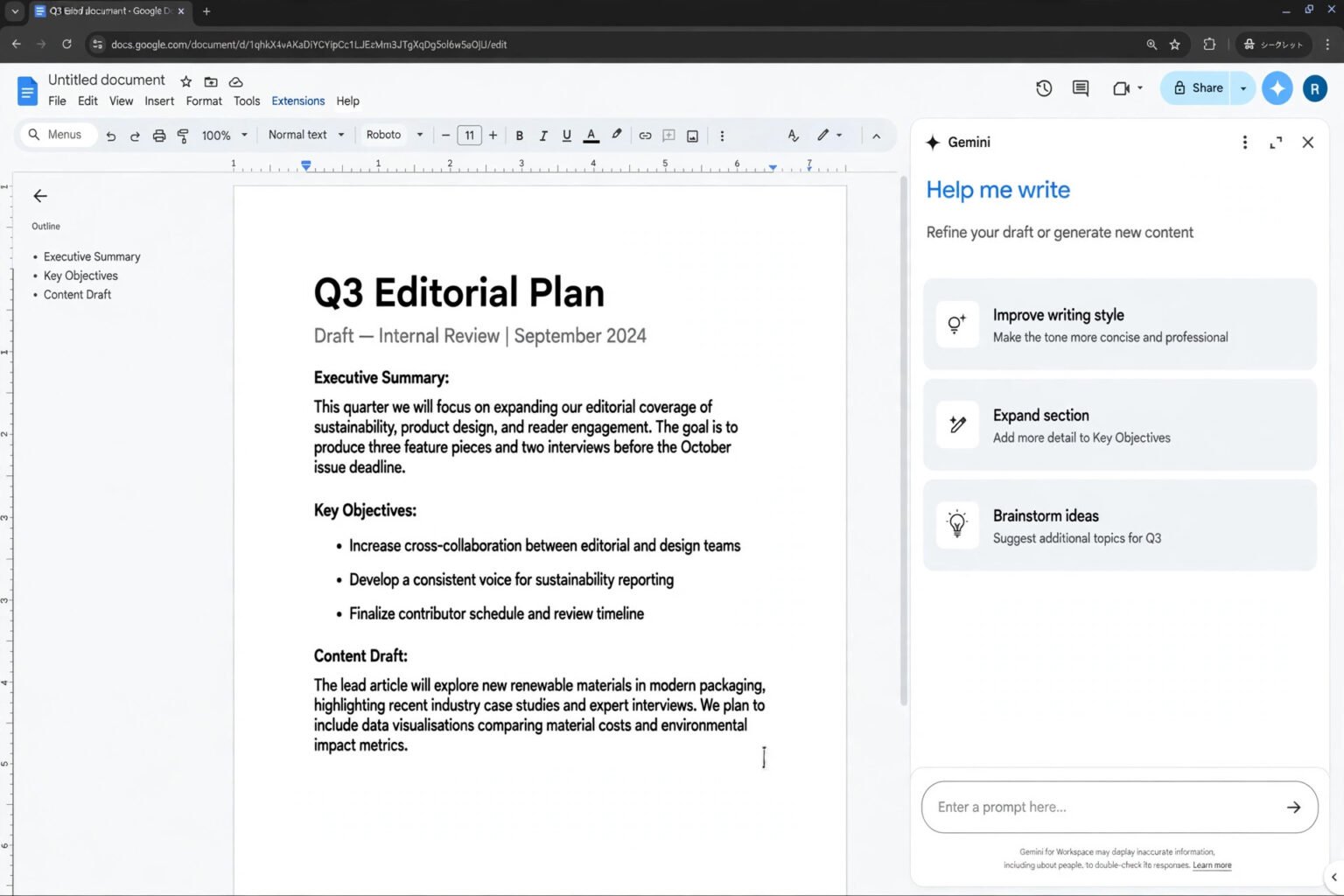
ChatGPT and Claude are the strongest starting points. In head-to-head tests on personal finance tasks, both produced sensible 50/30/20 budgets, with Claude slightly better at flagging missing items such as childcare and ChatGPT slightly better at suggesting specific targets. Gemini suits Google Sheets users, and Microsoft Copilot fits naturally if your finances live in Excel. For ongoing tracking, a dedicated app beats a chatbot. YNAB is built for zero-based budgeting and moving money between categories when a plan changes. Monarch pulls accounts into one household dashboard and works well for couples. Copilot Money is a design-led option with clean categorisation and a clear view of recurring charges.
Best for a first draft: ChatGPT or Claude, with a clear method named in the prompt. Best for a live spreadsheet: Gemini with Google Sheets, or Copilot with Excel. If you want to build the sheet yourself, learn how to use AI in Google Docs and Sheets before you start. Best for sticking to it: a budgeting app such as YNAB or Monarch, checked weekly for a few minutes.
Three prompts that actually work
Copy one, fill in your figures, and ask for a table you can paste into a spreadsheet.
Prompt 1 — the first budget
“I take home £2,400 a month. My fixed costs are £750 rent, £180 bills, £50 transport and £100 minimum debt payments. I spend about £220 on groceries and £300 on everything else. Build me a 50/30/20 budget in a table, flag anything I have missed, and suggest one cut in wants.”
Prompt 2 — the debt plan
“I have £1,800 on a card and £400 a month for debt after essentials. Compare equal payments over six months with paying £400 a month until it is gone, and show the total paid in each case. Use the interest rate I give you.”
Prompt 3 — the monthly review
“Here are last month’s totals by category [paste rounded totals]. My budget was [paste budget]. Tell me which categories were over, by how much, and suggest two changes for next month. Do not change my savings target.”
After the first answer, ask “What have I missed?” and “What would break this plan?” Those questions catch the gaps that sink most first budgets.
Privacy first: what never to share
Get this right before you prompt. AI chat sessions are logged, may be stored, can be reviewed, and could be exposed if your account is compromised. Investopedia advises against sharing login credentials, bank and investment account numbers, card numbers, national ID numbers, full name and address, date of birth, and detailed tax documents with a generative AI chatbot. Use rounded figures instead. “I take home about £2,400 a month” is enough for a budget. Never paste passwords, account numbers or sort codes. If a tool asks you to connect your bank account, check what data it reads and whether you can disconnect it.
Check the training setting on a personal account before you start. On ChatGPT, turn off “Improve the model for everyone” in Settings, then Data Controls, and use Temporary Chat for sensitive tasks. On Claude, turn off “Help improve our AI models” in Settings, then Privacy. On Gemini, check the Keep Activity and training controls. These steps only affect future conversations, so change them before you share figures. For the full walkthrough, see how to use AI safely at work without sharing private data and how to turn off AI training on ChatGPT, Claude and Gemini.
The 10-minute monthly review
Set a monthly date — payday, or the first weekend of the month — and run this check. It takes about 10 minutes.

- Compare actual spending with the plan. Which categories were over, and by how much?
- Move money, don’t abandon the plan. If groceries ran over by £40, move £40 from a wants category to cover it.
- Check the savings transfer. Did the planned amount actually leave your account on payday?
- Look for one surprise. A subscription, a delivery habit or a forgotten annual bill usually explains an overspend.
- Adjust next month, not last month. Change one category by a realistic amount and note why.
- Ask AI for one suggestion. Paste your rounded totals and ask for two specific changes, then decide yourself whether to take them.
AI can spot a pattern you missed, but it cannot decide whether that spending was worth it.
Frequently asked questions
Can AI build a budget from my bank statements?
It can summarise a statement you upload, but you should not upload full statements to a general chatbot. Work out category totals yourself first.
Which AI is best for budgeting?
ChatGPT and Claude are both strong for a first budget, with ChatGPT slightly better at specific targets and Claude slightly better at flagging gaps. Gemini fits Google Sheets users, and Copilot fits Microsoft 365. The method and the prompt matter more than the model.
Is 50/30/20 or zero-based budgeting better?
50/30/20 is better for starting quickly and checking progress at a glance. Zero-based budgeting is better when you want every pound accounted for, have irregular income, or are paying off debt aggressively.
How much should I keep in an emergency fund?
A common target is three to six months of essential spending, with some guides suggesting six to 12 months. Start with £500 or one month of essentials, then build from there.
Can AI help if my income changes every month?
Yes. Use your lowest recent month as the base budget, and treat extra income as a separate decision: split it between savings, debt and wants when it arrives.
Is it safe to link my bank account to an AI budgeting app?
Linking an account to a regulated budgeting app is different from pasting details into a chatbot, but it still deserves a check. Read what data the app reads, how it is stored, and how to disconnect. Never share login credentials or account numbers in a chat window.
The bottom line
Learning how to use AI to plan a monthly budget comes down to a simple split: AI builds the structure, you supply the judgement. Pick a method, give it rounded figures, check the maths, and review the plan for 10 minutes a month. Start this week with one step. Work out your take-home pay, list your fixed costs, and ask your AI tool for a 50/30/20 first draft using the prompt above. Then move your savings on payday and set a date for your first monthly review.
Safety note: This article is general information, not financial advice. Budgets and methods described here are illustrative. If you have debt problems or need personal financial advice, speak to a regulated adviser or a debt charity in your country.