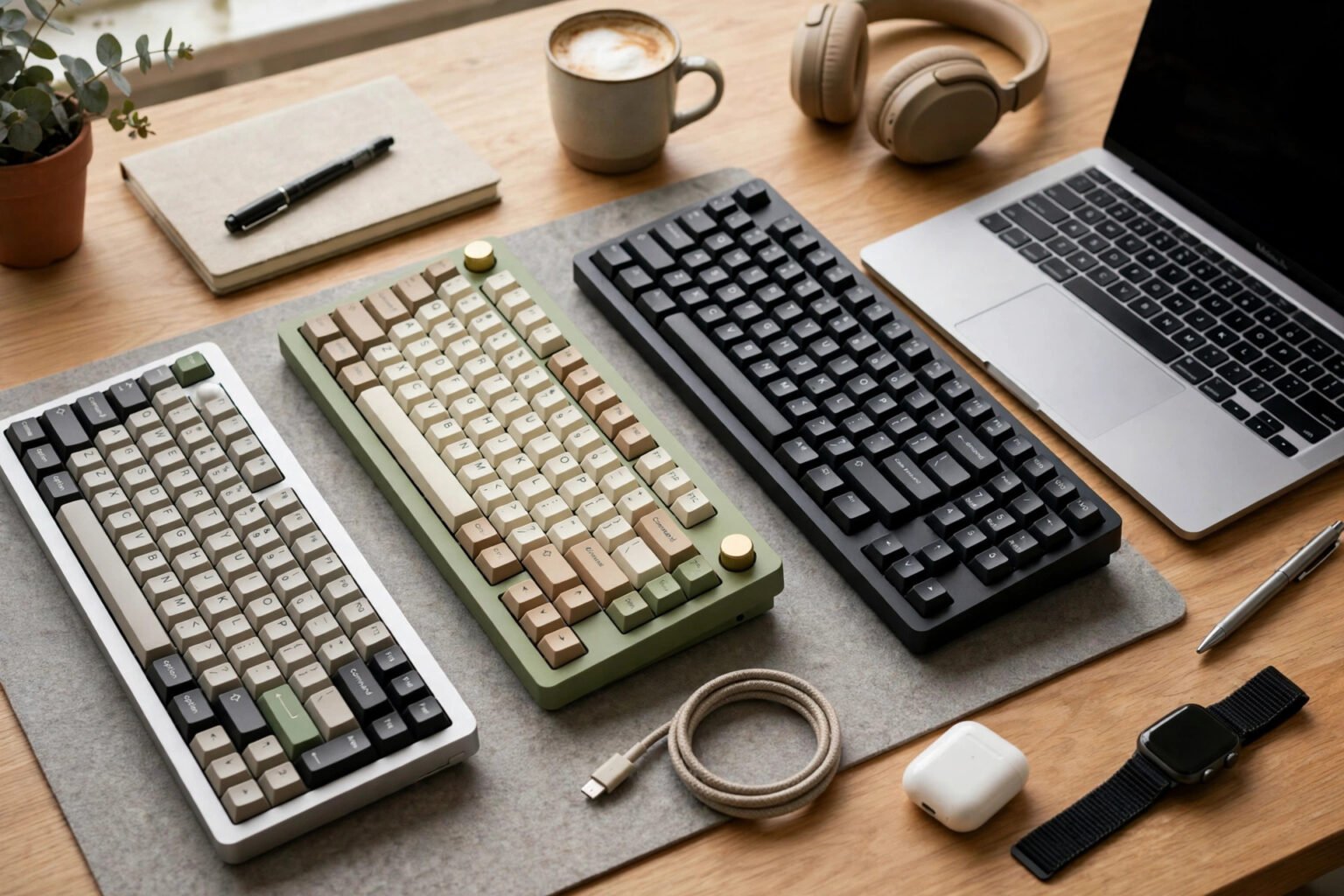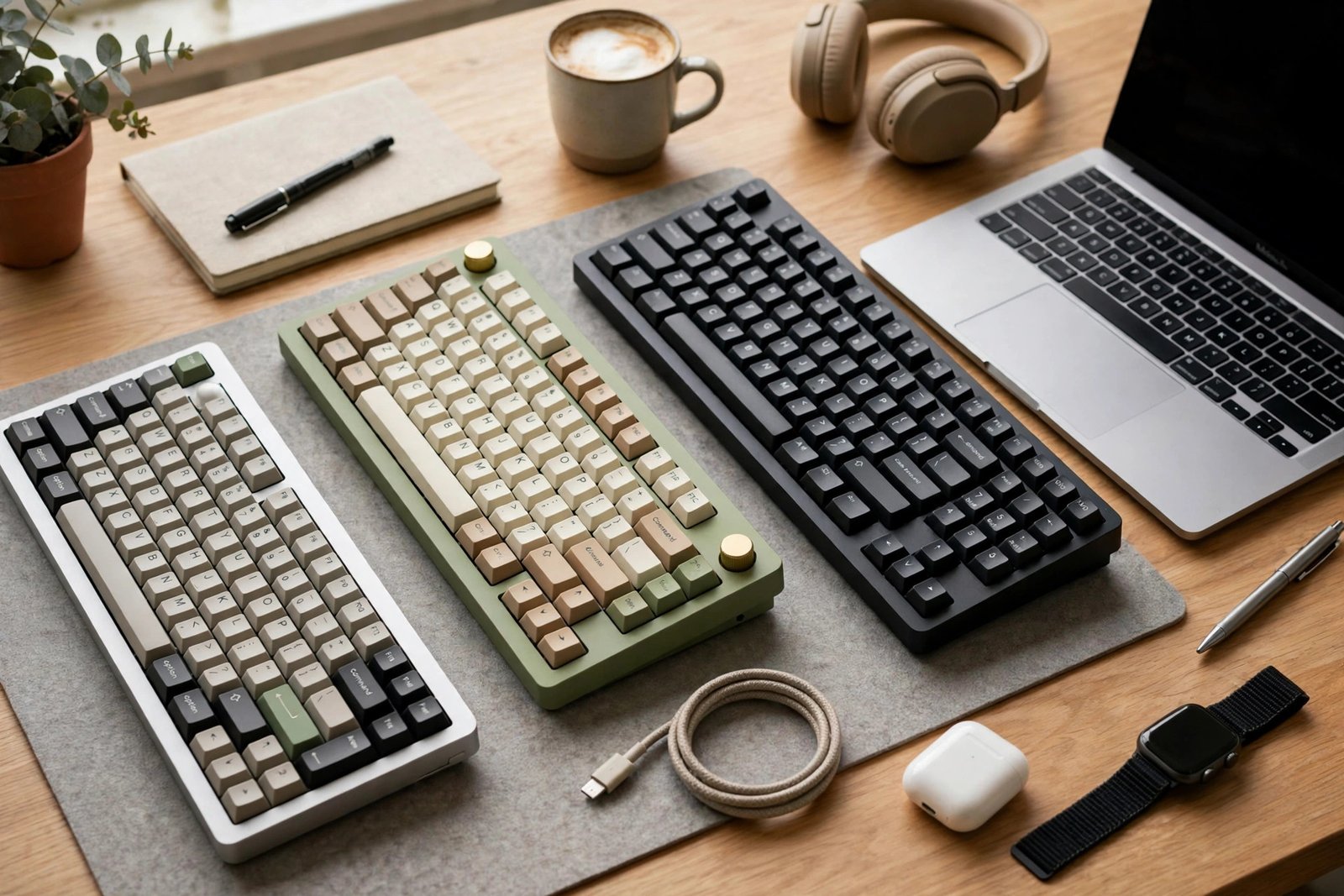
The best mechanical keyboards for Mac 2027 has to offer are the ones built around macOS from the start, not Windows boards with a Mac mode added as an afterthought. A proper Mac keyboard puts Command and Option where your thumbs expect them, labels its function keys for Mission Control and Spotlight, and pairs cleanly with a MacBook, iMac or Mac mini. So which board gives you that Mac-first feel, the switch type you enjoy, and reliable wireless performance?
Our short answer is that the Keychron K2 Max suits most Mac users, the Logitech MX Mechanical Mini for Mac suits people who want a quiet, low-profile board, and the Keychron Q1 Max suits enthusiasts who want a premium, customisable keyboard. If you type all day, start with the K2 Max. If you work in a shared space or on the move, start with the Logitech.
Key takeaways
- A Mac-first layout matters most: Command and Option placement and macOS function keys define the daily experience.
- Most Mac users should choose a tactile or quiet linear switch, and a hot-swappable board to change switches later.
- Bluetooth with multi-device pairing is the most useful wireless feature for people who switch between devices.
- Low-profile boards are easier to carry; full-height boards feel more substantial and offer more switch choice.
- Check current prices before you buy: keyboards vary widely by retailer, layout and switch option.
What makes a mechanical keyboard good for Mac
Start with the layout. A Mac keyboard places Command beside the spacebar and Option next to it, and the best Mac boards ship with those legends printed on the keycaps. A switch underneath that changes the board between macOS and Windows modes is another good sign, because it remaps the modifier keys and function row in one move.
Next, look at the function row. On a Mac, those keys control screen brightness, Mission Control, Spotlight, media playback and volume, and the legends should say so. Boards designed for Windows often label the same row differently. A Mac-first board removes that friction and makes shortcuts such as Command-Tab and Command-Space feel natural from the first day.
Connectivity deserves equal attention. Most buyers want Bluetooth for a wireless desk, wired USB-C for charging and low-latency typing, and ideally a 2.4GHz wireless option. Multi-device Bluetooth pairing lets one keyboard serve a Mac, an iPad and a phone. Readers who also type on a tablet may find our guide to the best keyboards for iPad Air useful, because several Mac boards double as excellent iPad keyboards.
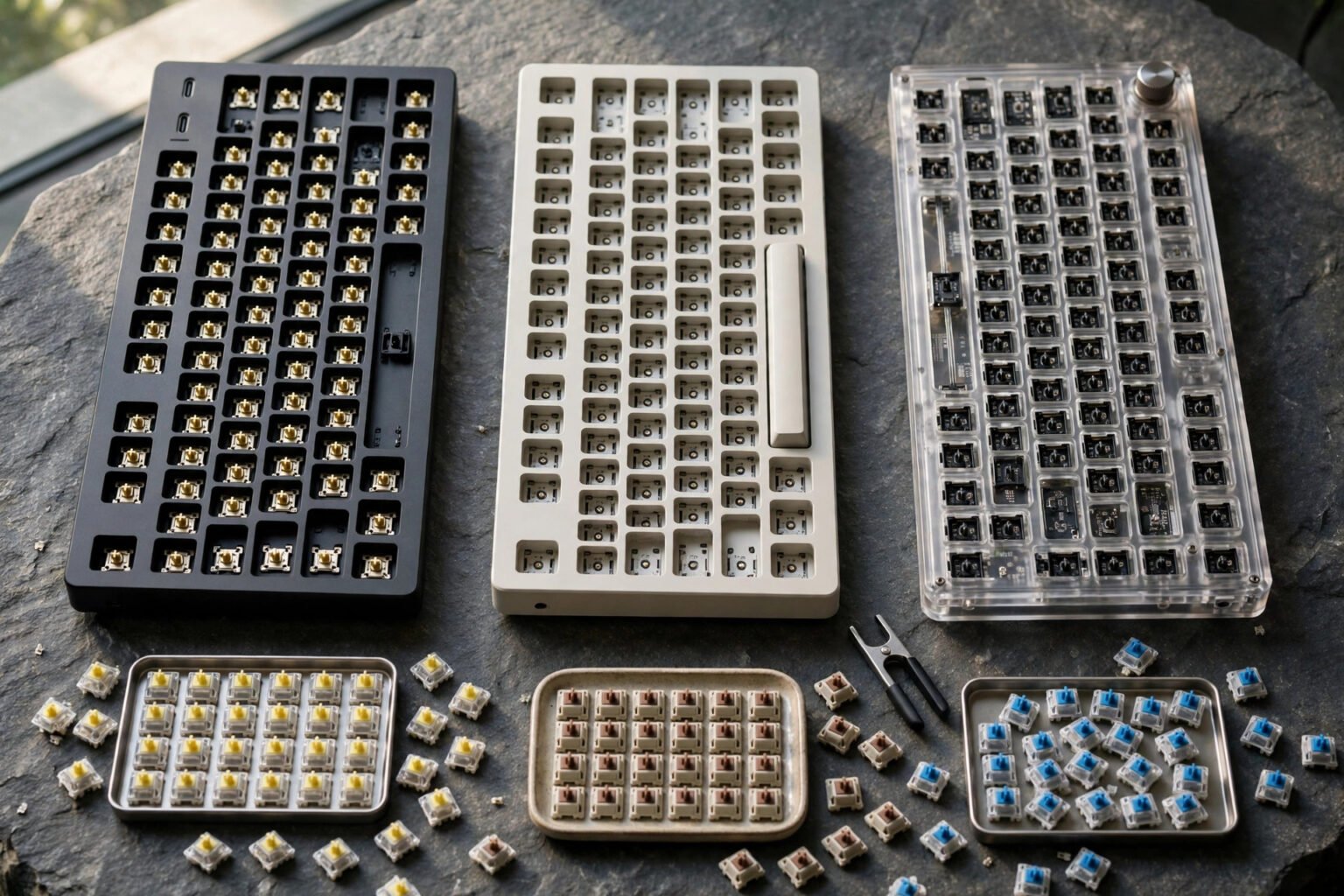
Switches are the heart of any mechanical keyboard. Linear switches travel smoothly and suit fast typists and gamers. Tactile switches give a small bump as the key registers, which many writers prefer because it confirms each keystroke without a loud click. Clicky switches add an audible click and are satisfying alone but disruptive in shared spaces. If you are unsure, choose a tactile switch, or a hot-swappable board so you can try other switches later.
Build quality is the last piece. An aluminium frame feels solid, stays put and absorbs vibration better than a plastic case. Heavier boards rarely slide during fast typing; lighter boards are easier to carry.
The best mechanical keyboards for Mac in 2027
Keychron K2 Max — the best Mac mechanical keyboard for most people
Best for: most Mac users who want a Mac-first layout, wireless freedom and the option to change switches later.
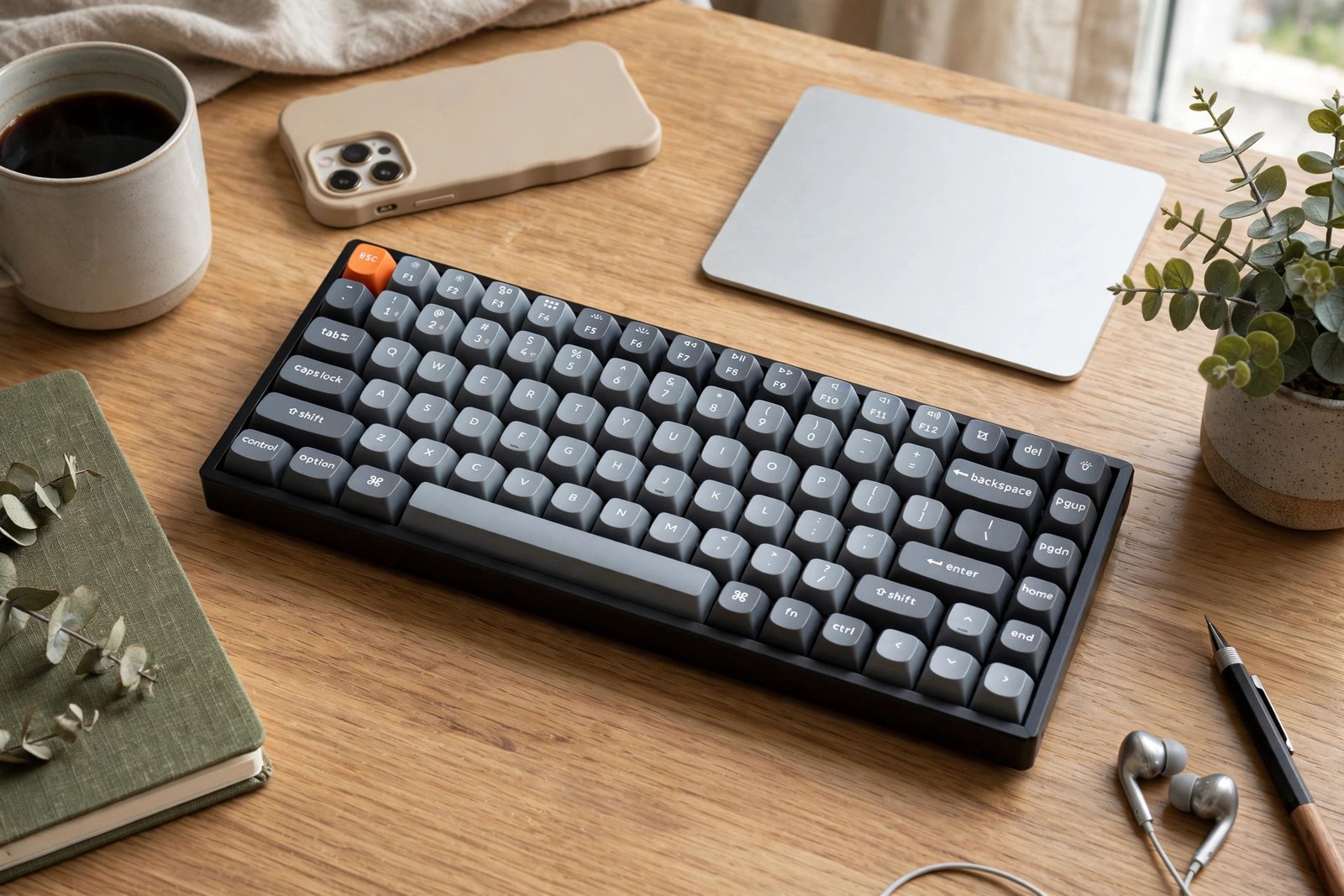
The Keychron K2 Max ships with Mac keycaps fitted, a macOS and Windows switch underneath, and Bluetooth, 2.4GHz wireless and wired USB-C connections. The 75% layout keeps the function row and arrow keys while dropping the number pad, which suits most desks and leaves more room for a mouse. It is hot-swappable, and it supports QMK and VIA for remapping keys. Its main limitation is height: it sits higher than a laptop keyboard, so a wrist rest helps until you adjust.
Logitech MX Mechanical Mini for Mac — the best quiet low-profile Mac keyboard
Best for: people who work in shared spaces, travel with their keyboard, or want the lowest, quietest Mac board.
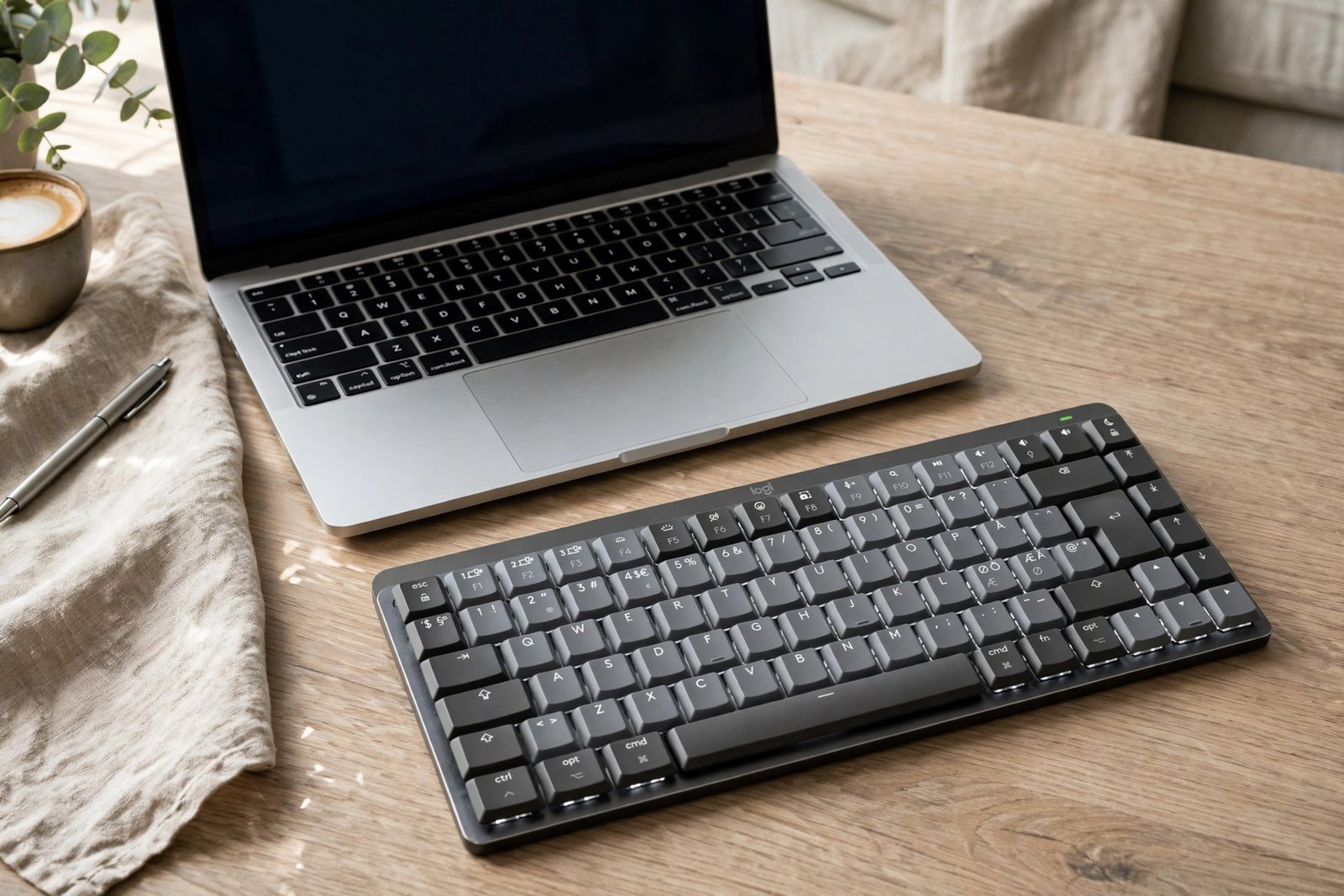
The Logitech MX Mechanical Mini for Mac gives mechanical feel without mechanical noise or bulk. Its low-profile switches sit close to the desk, so the typing position feels closer to a MacBook keyboard than to a traditional mechanical board. The layout is Mac-first, with Command and Option legends and macOS function keys, in a compact design that fits easily in a laptop bag. It connects over Bluetooth or Logi Bolt wireless and pairs with up to three devices. The trade-off is customisation: the switches are not hot-swappable in the usual sense, and switch options are narrower than on a Keychron.
Keychron Q1 Max — the best premium Mac mechanical keyboard
Best for: enthusiasts and heavy typists who want a premium build, deep customisation and the best typing feel.
The Keychron Q1 Max is the board for people who type for hours and care about how every keystroke feels. Its aluminium case gives it a reassuring weight, the gasket-mounted design softens each keypress, and the factory lubrication makes the switches feel smooth from the first use. It ships Mac-ready, supports QMK and VIA, and offers Bluetooth, 2.4GHz wireless and wired connections. The trade-off is size, weight and cost: it suits a fixed desk rather than a bag, so check current price before you buy.
NuPhy Air75 V2 — the best slim Mac keyboard for travel
Best for: travellers and MacBook users who want a slim, light mechanical board that still feels mechanical.
The NuPhy Air75 V2 is one of the slimmest mechanical keyboards you can buy, and it is designed with Mac users in mind. It is thin enough to slip into a laptop sleeve, and its low-profile switches give a short, crisp keystroke that feels closer to a laptop keyboard than to a full-height board. Mac keycaps are available, and the board pairs over Bluetooth with multiple devices. The low-profile switches are hot-swappable. The trade-off is key feel: low-profile switches have less travel than full-height switches. If portability matters most, the Air75 V2 is hard to beat.
Lofree Flow — the best Mac mechanical keyboard for design and style
Best for: people who want a beautiful, quiet mechanical keyboard that looks at home beside a Mac.
The Lofree Flow stands out for design as much as for typing. Its low-profile gasket-mounted build, soft keycaps and restrained styling suit a Mac desk in a way that many gaming-focused boards do not. It is quiet enough for shared spaces, pairs over Bluetooth with multiple devices, and supports hot-swappable low-profile switches. Typing feel is smooth and gentle. The trade-off is switch choice and availability: low-profile options are narrower, and the Flow is sometimes harder to find. Check current stock and price first.
Best mechanical keyboards for Mac: comparison table
| Keyboard | Best for | Layout | Switch type | Connectivity | Hot-swappable |
|---|---|---|---|---|---|
| Keychron K2 Max | Most Mac users | 75% | Full-height, linear / tactile / clicky | Bluetooth, 2.4GHz, USB-C | Yes |
| Logitech MX Mechanical Mini for Mac | Quiet, low-profile use | 75% | Low-profile, quiet | Bluetooth, Logi Bolt, USB-C | No |
| Keychron Q1 Max | Premium typing feel | 75% | Full-height, linear / tactile / clicky | Bluetooth, 2.4GHz, USB-C | Yes |
| NuPhy Air75 V2 | Travel and slim desks | 75% | Low-profile | Bluetooth, 2.4GHz, USB-C | Yes |
| Lofree Flow | Design and quiet typing | 75% | Low-profile | Bluetooth, 2.4GHz, USB-C | Yes |
Table: the best mechanical keyboards for Mac compared on layout, switches, connectivity and customisation.
Use this table to narrow the field, then choose on feel. A writer should weight switch type and build quality; a traveller should weight size; a person in a shared office should weight noise above all.
How to choose the right Mac keyboard: a checklist
- Check the legends first: Command and Option should be printed on the keycaps, with macOS function key symbols you recognise.
- Decide on height: low-profile boards suit MacBook users and travellers; full-height boards suit people who want the deepest mechanical feel.
- Pick a switch type honestly: tactile for most writers, linear for fast typists and gamers, clicky only if you work alone.
- Choose hot-swappable if you are unsure: it lets you change switches later without buying a new board or learning to solder.
- Confirm multi-device pairing: one keyboard for a Mac, an iPad and a phone is more useful than three separate boards.
- Keep it clean: dust and crumbs affect mechanical switches over time, so a regular clean makes a real difference. Our guide to how to clean a mechanical keyboard covers the safe way to do it.
If you are torn between two boards, think about where you type. A fixed desk rewards weight and build quality, so the Q1 Max shines. A shared desk rewards quiet switches, so the Logitech wins. For people who also use their Mac for coding, our guide to the best laptops for programming pairs well with a good external keyboard.
Frequently asked questions
Do I need a Mac-specific mechanical keyboard?
You do not strictly need one, because most mechanical keyboards work with a Mac over Bluetooth or USB. A Mac-specific board is worth it, though, because the key legends, function keys and modifier placement match macOS. Without them, you will need to remap keys.
Are mechanical keyboards good for MacBook users?
Yes, if you use your MacBook at a desk with a stand or an external display. An external mechanical keyboard gives you a better typing feel and a more comfortable wrist position. On your lap or on the move, the MacBook keyboard remains the practical choice.
What switch type is best for typing on a Mac?
Tactile switches suit most writers, because the small bump confirms each keystroke without a loud click. Linear switches suit fast typists and gamers who want a smooth, uninterrupted press. Clicky switches are satisfying but loud, so they suit a home office rather than a shared space.
Can I use a Windows mechanical keyboard with a Mac?
Yes. You can swap Command and Option in macOS System Settings, or use a board with a macOS and Windows switch. The keyboard will work, but the key legends will not match, and the function keys may not do what their labels suggest. A Mac-first board avoids both problems.
Is Bluetooth reliable enough for a Mac keyboard?
For typing, yes. Modern Bluetooth keyboards are reliable for everyday work, writing and coding. For competitive gaming, a wired or 2.4GHz wireless connection has lower latency and is the safer choice. Most boards here offer all three, so you can switch as needed.
How much should I spend on a Mac mechanical keyboard?
Most buyers will be well served by a mid-range board such as the Keychron K2 Max. Spend more on the Q1 Max if you type for hours daily.
The bottom line
For most people, the best mechanical keyboard for Mac in 2027 is the Keychron K2 Max: Mac-first layout, wireless freedom, hot-swappable switches and a fair price. Choose the Logitech MX Mechanical Mini for Mac if quiet, low-profile typing matters most, the Keychron Q1 Max if you want the best typing feel in this group, the NuPhy Air75 V2 if you travel, and the Lofree Flow if design matters most. Whichever you choose, confirm the Mac legends before you order.