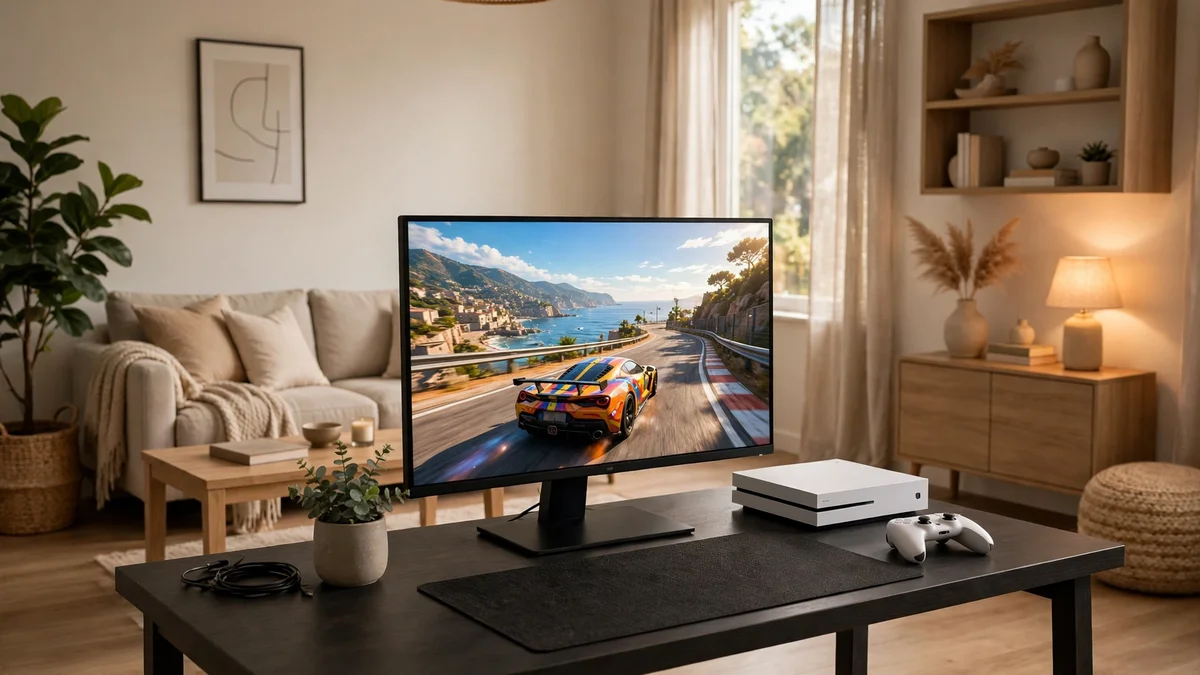
The best monitors for console gaming in 2027 are no longer just repurposed PC screens. The PlayStation 5 and Xbox Series X both output 4K at up to 120 frames per second, and the monitors built for them now match that with HDMI 2.1 ports, variable refresh rate support, and panels fast enough that motion blur is barely a factor.
Choosing the right one comes down to three numbers: resolution, refresh rate, and response time. A 4K panel at 120Hz or higher gets the most out of a current console, while a 1440p panel at 240Hz suits competitive players who value speed. OLED panels deliver the deepest blacks and fastest response, while Mini LED and IPS panels offer more brightness and lower prices.
Every monitor here has at least one HDMI 2.1 port and supports VRR. We judged them on real 4K 120Hz output from a PS5 and an Xbox Series X, HDR performance, and input lag. The seven below cover every budget, from a value 4K pick under $500 to a flagship 32-inch OLED.
Key takeaways
- Best overall: LG UltraGear 27GR95QE-B — a 27-inch OLED with 240Hz refresh and near-instant response.
- Best for PS5: Sony INZONE M9 II — a 27-inch 4K panel tuned for PlayStation, with 160Hz refresh.
- Best value 4K: Gigabyte M27U — a 27-inch 4K 160Hz monitor for around $449.
- 4K at 120Hz is the sweet spot; 1440p at 240Hz is the better pick for competitive shooters.
- Every monitor here has HDMI 2.1 and VRR; check current pricing before buying.
At a glance: the shortlist
| Monitor | Best for | Starting price | Standout limit |
|---|---|---|---|
| LG UltraGear 27GR95QE-B | Best overall | From $899 | 1440p, not 4K |
| Sony INZONE M9 II | Best for PS5 | From $799 | 160Hz max refresh |
| Samsung Odyssey Neo G7 | Best big-screen 4K | From $799 | Curved panel divides opinion |
| Gigabyte M27U | Best value 4K | From $449 | Modest HDR brightness |
| ASUS ROG Swift PG32UCDM | Best premium OLED | From $1,299 | Highest price in this guide |
| Dell Alienware AW2725Q | Best 27-inch 4K OLED | From $899 | No built-in speakers |
| BenQ MOBIUZ EX2710U | Best for Xbox Series X | From $699 | 144Hz max refresh |
LG UltraGear 27GR95QE-B — Best overall
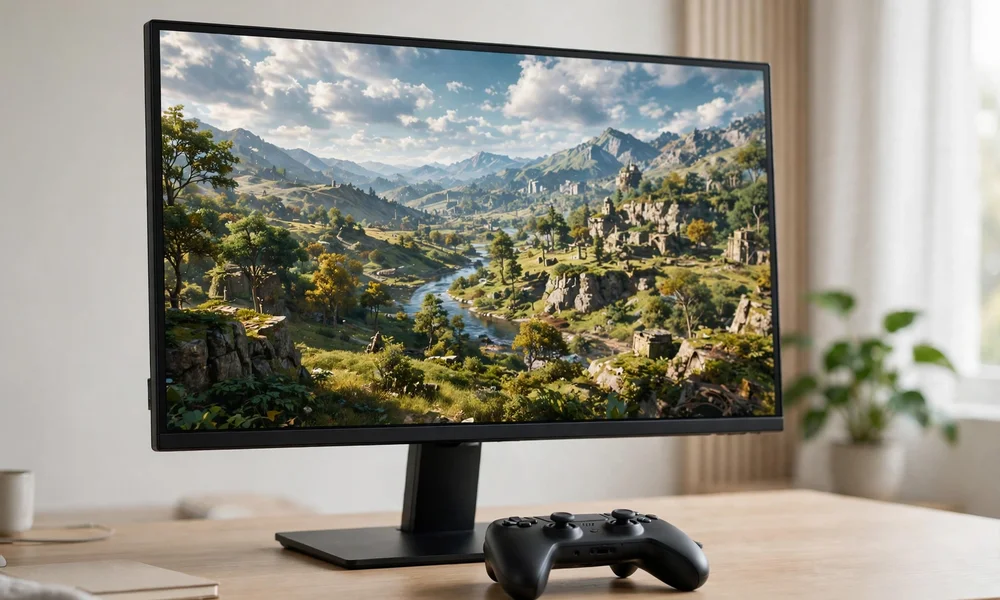
The LG UltraGear 27GR95QE-B is the best monitor for console gaming for most players because it responds faster than anything else near its price. Its 27-inch OLED panel refreshes at 240Hz with a 0.03ms response time, so camera movement in shooters and racing games stays clean with almost no smearing. Its 2560 x 1440 resolution is a step below 4K, but its perfect blacks and contrast make games look richer than many 4K LCD screens. Connectivity is exactly what a console needs: two HDMI 2.1 ports, one DisplayPort, and VRR support for both consoles. If you sit far back, a bigger screen may suit you better — our guide to the best monitors for ultrawide setups covers the wide-format options.
Pros: OLED contrast and near-instant response; 240Hz refresh; two HDMI 2.1 ports.
Cons: 1440p rather than 4K; no built-in speakers; OLED needs care to avoid image retention.
Sony INZONE M9 II — Best for PS5
The Sony INZONE M9 II is the monitor Sony built with PlayStation in mind. Its 27-inch 4K IPS panel runs at 160Hz, and a dedicated PS5 mode automatically applies the console’s HDR settings when it wakes up, so you never dig through menus to get the right picture. The panel covers 95 percent of the DCI-P3 colour space, HDR peaks are bright enough for sunlit scenes to pop, and full-array local dimming keeps dark games readable. Input lag at 120Hz is low enough for competitive play. At around $799, check current pricing, since this model is frequently discounted.
Pros: 4K 160Hz panel tuned for PS5; automatic HDR settings; strong colour accuracy; low input lag.
Cons: 160Hz ceiling below the fastest rivals; IPS blacks cannot match OLED; basic stand adjustment.
Samsung Odyssey Neo G7 — Best big-screen 4K
The Samsung Odyssey Neo G7 is the pick for players who want a large screen without moving to a television. Its 32-inch 4K panel uses Mini LED backlighting with 1,196 dimming zones, giving it HDR brightness that OLED panels in this price range cannot match, with peaks above 1,000 nits. The 165Hz refresh rate and 1ms response time keep it competitive, and the 1000R curve suits cinematic single-player games. Try the curve before you commit: some players love the immersion, others find it distracting in menus. At around $799, it is a strong deal, and its brightness makes it the best choice here for a bright room.
Pros: Bright Mini LED HDR; large 32-inch 4K panel; immersive curve.
Cons: Curved screen is not for everyone; viewing angles narrower than IPS; fiddly menu system.
Gigabyte M27U — Best value 4K
The Gigabyte M27U proves that 4K console gaming does not have to cost four figures. This 27-inch 4K IPS monitor refreshes at 160Hz, carries two HDMI 2.1 ports, and supports VRR on both major consoles. At around $449 it is roughly half the price of the premium picks here, and the gap in day-to-day gaming is far smaller than the price gap suggests. Colour accuracy is genuinely good, with 95 percent DCI-P3 coverage, and the panel is bright enough for most rooms. The compromises are where you would expect them: HDR is modest, with edge-lit dimming that cannot match the deep blacks of OLED or Mini LED, and the stand offers tilt and height but no swivel.
Pros: True 4K 160Hz at a low price; two HDMI 2.1 ports; good colour accuracy.
Cons: Modest HDR performance; no swivel on the stand; no USB-C video input.
ASUS ROG Swift PG32UCDM — Best premium OLED
The ASUS ROG Swift PG32UCDM is the flagship of this guide, with a 32-inch 4K QD-OLED panel that refreshes at 240Hz. QD-OLED combines the perfect blacks of OLED with the colour volume of quantum dots, producing the most vivid picture you can get on a console monitor. The headline specs are the 4K 240Hz panel, HDMI 2.1 with full 48Gbps bandwidth, and VRR support. The PS5 and Xbox Series X cap out at 4K 120Hz, so the extra refresh headroom is for future hardware, but the 0.03ms response time benefits every game you play today. At around $1,299 it is the most expensive monitor here, so check current pricing and treat it as a long-term purchase.
Pros: Stunning 4K QD-OLED picture; 240Hz refresh; full-bandwidth HDMI 2.1.
Cons: Highest price in this guide; 32 inches needs desk space; OLED care required.
Dell Alienware AW2725Q — Best 27-inch 4K OLED
The Dell Alienware AW2725Q takes the QD-OLED formula and puts it in the most popular monitor size there is. Its 27-inch 4K panel runs at 240Hz with the same 0.03ms response as the larger ASUS, and at around $899 it undercuts its 32-inch rival by a wide margin. Dell backs the panel with a three-year warranty that covers OLED burn-in, the most generous protection in this roundup. The only real omission is speakers: there are none, so you will need headphones or external speakers.
Pros: 4K QD-OLED at 27 inches; 240Hz and 0.03ms response; three-year burn-in warranty.
Cons: No built-in speakers; single HDMI 2.1 port; premium price for the size.
BenQ MOBIUZ EX2710U — Best for Xbox Series X
The BenQ MOBIUZ EX2710U is the most Xbox-friendly monitor in this guide. Its 27-inch 4K IPS panel runs at 144Hz, and it handles the Xbox Series X’s 1440p 120Hz mode cleanly alongside full 4K 120Hz. The built-in 2.1-channel speakers with a dedicated subwoofer are genuinely useful: louder and fuller than the tinny speakers on most monitors. BenQ’s colour tuning leans warm and cinematic, and the HDRi mode adjusts brightness automatically based on room lighting. Input lag is competitive at 120Hz, and the remote control makes switching inputs easy from the sofa. At around $699, check current pricing, as this model sees regular discounts.
Pros: Strong built-in 2.1 speakers; clean 1440p and 4K 120Hz support; HDRi auto-brightness.
Cons: 144Hz ceiling; IPS contrast below OLED rivals; stand takes up desk space.
How to choose
Start with size and distance. At a desk, 27 inches is the sweet spot, and 32 inches is the largest that still works at arm’s length. 4K is worth it at 27 inches and above, while 1440p is a fair trade for a higher refresh rate if you play competitive shooters. A monitor capped at 60Hz wastes half of what your console can do, so 120Hz is the minimum.
Next, check the ports. A console monitor needs at least one HDMI 2.1 port with full 48Gbps bandwidth for 4K at 120Hz, and two ports if you own both a PS5 and an Xbox. Variable refresh rate support is essential for smooth play in games with unlocked frame rates, and OLED or Mini LED panels deliver the best HDR. Finally, think about the rest of the setup: a console with a small internal drive fills up fast, so our guide to the best SSDs for gaming is worth reading if you are expanding storage.
Checklist: before you buy
- Confirm at least one full-bandwidth HDMI 2.1 port for 4K 120Hz.
- Check that VRR works with your console.
- Measure your desk — a 32-inch monitor needs more depth.
- Decide between 4K at 120Hz and 1440p at 240Hz for the games you play most.
- Test the HDR mode in a dark scene before the return window closes.
- Budget for audio if the monitor has no speakers, or plan to use a headset.
Frequently asked questions
Do I need a 4K monitor for a PS5 or Xbox Series X?
Not strictly, but 4K is the resolution both consoles are built around, and a 4K monitor shows their games at full detail. A 1440p monitor with a high refresh rate is a legitimate alternative for competitive players.
Is 120Hz really worth it over 60Hz for console gaming?
Yes. The jump from 60Hz to 120Hz is the single biggest visible upgrade after resolution, with smoother camera movement and lower input lag. Most current console games offer a 120Hz performance mode.
What is HDMI 2.1 and why does it matter?
HDMI 2.1 is the connection standard that carries 4K video at 120 frames per second, along with variable refresh rate. Older HDMI 2.0 ports cap out at 4K 60Hz, so a monitor without HDMI 2.1 cannot show what your console is capable of.
Should I choose OLED or Mini LED for console gaming?
OLED wins on contrast, response time, and viewing angles, while Mini LED wins on brightness and price, and carries no burn-in risk. If you play in a dark room, choose OLED; if your room is bright or you play the same game for very long sessions, Mini LED is the safer pick. Our guide to the best curved monitors explains when a curved panel helps.
Can I use a console monitor as a TV?
Yes, with limits. A monitor has no tuner and usually no streaming apps, so you will need a console, streaming stick, or set-top box for content. Many players use a 32-inch monitor as a small-room display this way, as long as you have external speakers or a headset.
How much should I spend on a monitor for console gaming?
Around $450 gets you a solid 4K 120Hz monitor, $800 to $900 buys a premium OLED or Mini LED panel, and $1,300 covers the flagship 32-inch OLEDs.
The bottom line
For most console players, the LG UltraGear 27GR95QE-B is the best monitor for console gaming: its OLED panel and 240Hz refresh make every game feel faster and look richer. If you want 4K, the Gigabyte M27U is the value pick and the Sony INZONE M9 II is the most effortless choice for a PS5.
Whatever you choose, make sure it has HDMI 2.1, VRR, and at least 120Hz — those three specs separate a real console gaming monitor from a regular screen.