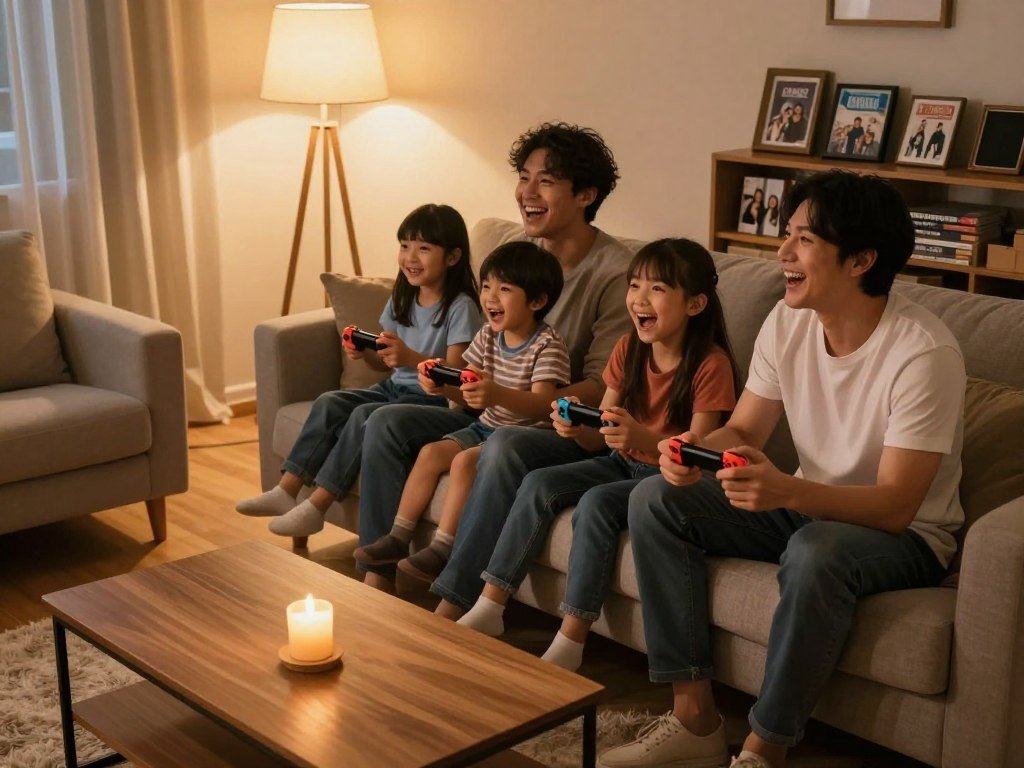
A shared game can turn a short evening at home into time everyone looks forward to. The best Nintendo Switch games for families can help you find that fit, whether you have a house full of kids, adults, or both. Local multiplayer means two or more people play together in the same place, on one system or through local wireless. Online multiplayer connects players over the internet. Those are different ways to share a game, and each suits a different kind of gathering.
A good family pick can mean easy controls, a shared goal, or a level of competition everyone enjoys. Your group might want quick rounds after dinner, a longer adventure, or a calmer world to explore at its own pace. This list brings together party games, cooperative adventures, and quieter options for different ages and experience levels. You can use it to choose a game that fits the people in your home, not just the most enthusiastic player. Choose around the kind of shared experience your household enjoys most, not simply the game with the most modes.
Key Takeaways
- Choose around your family’s comfort with teamwork and competition.
- Check the exact game mode before planning a group session.
- Simple controls can help kids and newer players join in.
- Try a short session before setting aside a longer evening.
- Agree on a stopping time to keep play comfortable for everyone.
Best Nintendo Switch Games for Families for Different Play Styles
A strong family pick lets the least experienced player take part without making everyone else feel held back. Look for games with simple ways in, such as short turns, shared goals, and a pace that gives new players time to learn. These features help kids and adults enjoy the same game, even when their controls and gaming experience differ.
ESRB ratings describe content, not how easy a game is to control. The ESRB uses categories such as E, E10+, and T to guide families about age suitability and content. Its ratings guide also explains content descriptors and rating summaries. A preview can show whether a game asks players to read often, react quickly, or handle busy controls.
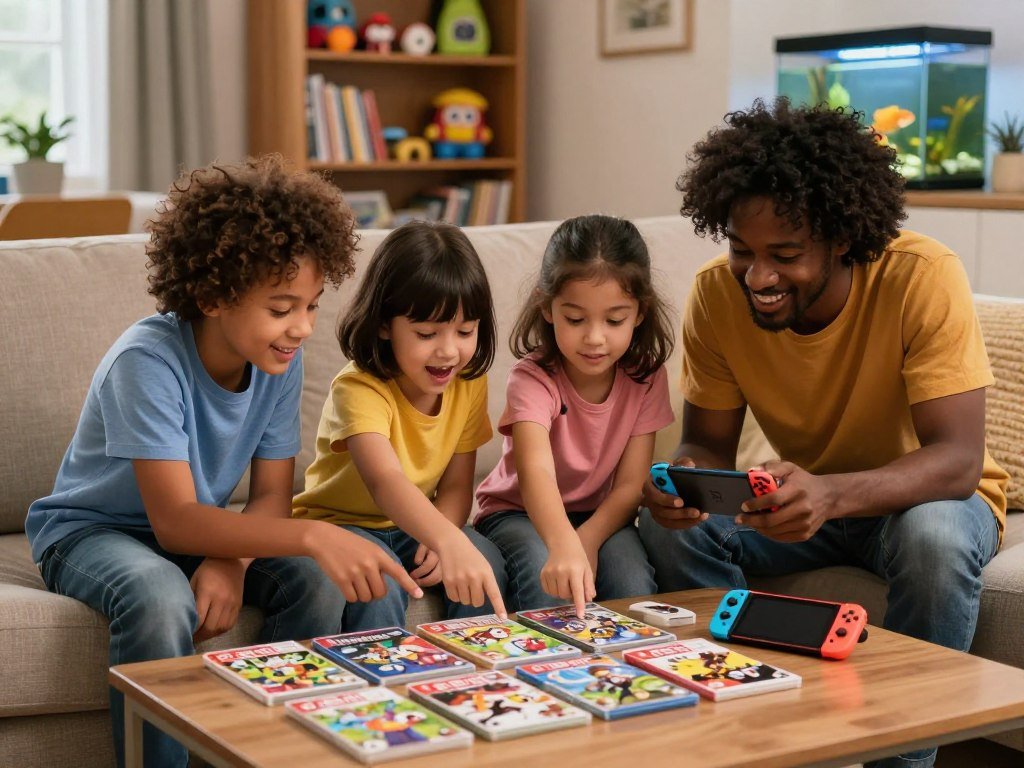
What makes a game easy to join?
Think about what a player must do in the first few minutes. A game with clear goals and forgiving play can let a child join before mastering every button. Animal Crossing: New Horizons offers a relaxed style, while other games ask players to act quickly or keep track of several tasks.
A family game can still challenge experienced players. It simply needs room for different skill levels, whether that comes from adjustable settings, helpful teammates, or short rounds that allow quick retries. Reading and coordination matter, too. A child who enjoys a calm game may find a fast contest tiring, even with simple controls.
How much competition suits your group?
Mario Kart 8 Deluxe offers shared races, while Super Smash Bros. Ultimate centers on direct competition. Your household may like one style more than the other. A player who gets upset after losing may prefer a cooperative goal or a game where everyone can progress at their own pace.
An ESRB rating is a content guide, not a measure of control difficulty.
Before choosing, use this quick checklist to think about the whole group:
- Preferred competition level: cooperative, relaxed, or openly competitive.
- Whether players can cooperate toward the same goal.
- Reading or coordination demands that may slow a newer player.
- Length of a typical play session before people need a break.
The best Nintendo Switch games for families can suit one household better than another. Check both the ESRB content rating and a gameplay preview before choosing for a younger child.
Which Nintendo Switch Games Work Best for a Group?
A group that wants quick competition can start with Mario Kart 8 Deluxe or Boomerang Fu, while a team that wants to work together can try Super Mario Bros. Wonder. The best Nintendo Switch games for families multiplayer play fit the group’s appetite for cooperation or rivalry. Both styles can work for family Switch games for 4 players.
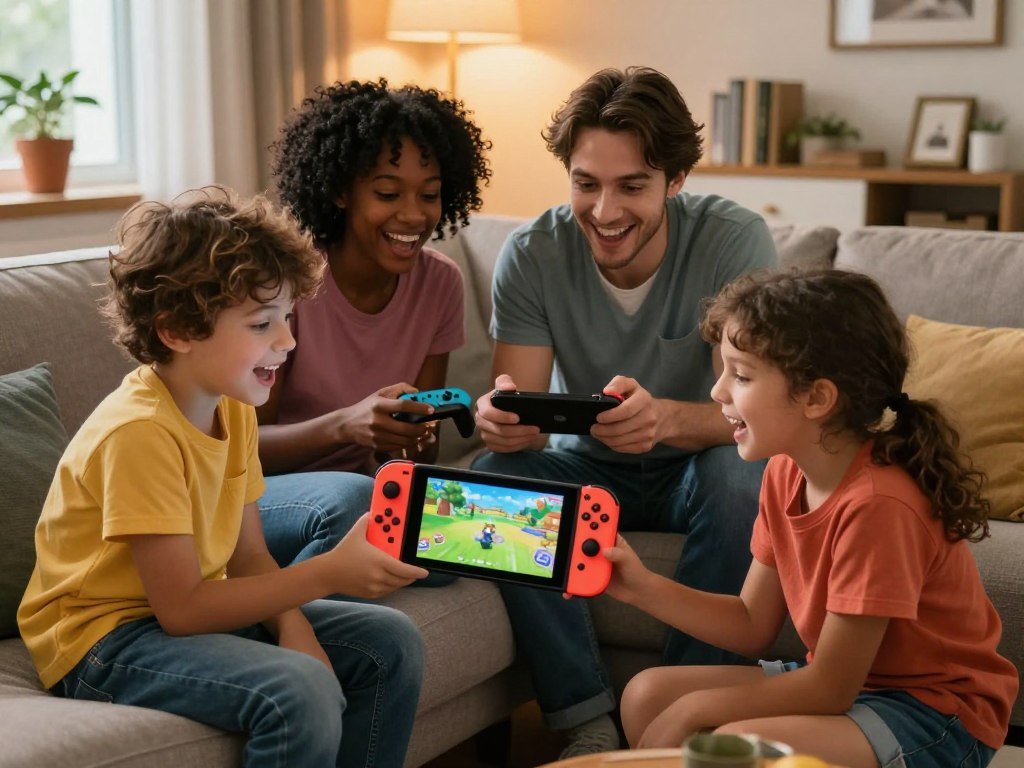
Choose by what your group wants to do together, not just by genre. Racing, motion sports, board-game turns, platforming, and arena battles create different kinds of shared play. The table compares the feel of each activity, so you can spot a good match before game night.
| Game | Group activity | How players interact | Best fit |
|---|---|---|---|
| Mario Kart 8 Deluxe | Racing | Compete in a shared race | Mixed-skill groups |
| Nintendo Switch Sports | Motion sports | Compete in familiar activities | Players who want movement |
| Super Mario Party Jamboree | Board game and minigames | Take turns and compete | Groups who like variety |
| Super Mario Bros. Wonder | Platform adventure | Cooperate through levels | Teams who want a shared goal |
| Boomerang Fu | Arena battle | Compete in short rounds | Groups who want quick rematches |
Racing and arena battles make competition easy to understand: everyone sees the goal and takes a turn or tries to win. Cooperative platforming gives players a common task instead. A family can enjoy both, but the mood matters. A relaxed group may want teamwork, while lively rivals may prefer a rematch after every round.
Groups comparing styles can also use this guide to multiplayer Switch games to consider local and online play. A shared activity is easier to enjoy when players know what kind of role they will have. Match the game’s central activity to what your family enjoys doing together.
Mario Kart 8 Deluxe Makes Racing Easy to Share
For a family with different levels of gaming experience, Mario Kart 8 Deluxe lets a newer driver use assists while experienced players race without them. The game supports up to four players racing together on the couch, with familiar courses and simple goals. Each driver tries to finish ahead, so new players can follow the action without learning a long set of rules.
Auto-steering and auto-acceleration can make racing easier for beginners. Auto-steering helps keep a kart on course, while auto-acceleration reduces the need to hold an acceleration button. The base game has 48 courses. The optional Booster Course Pass adds 48 more, giving families additional tracks without changing the basic race format.
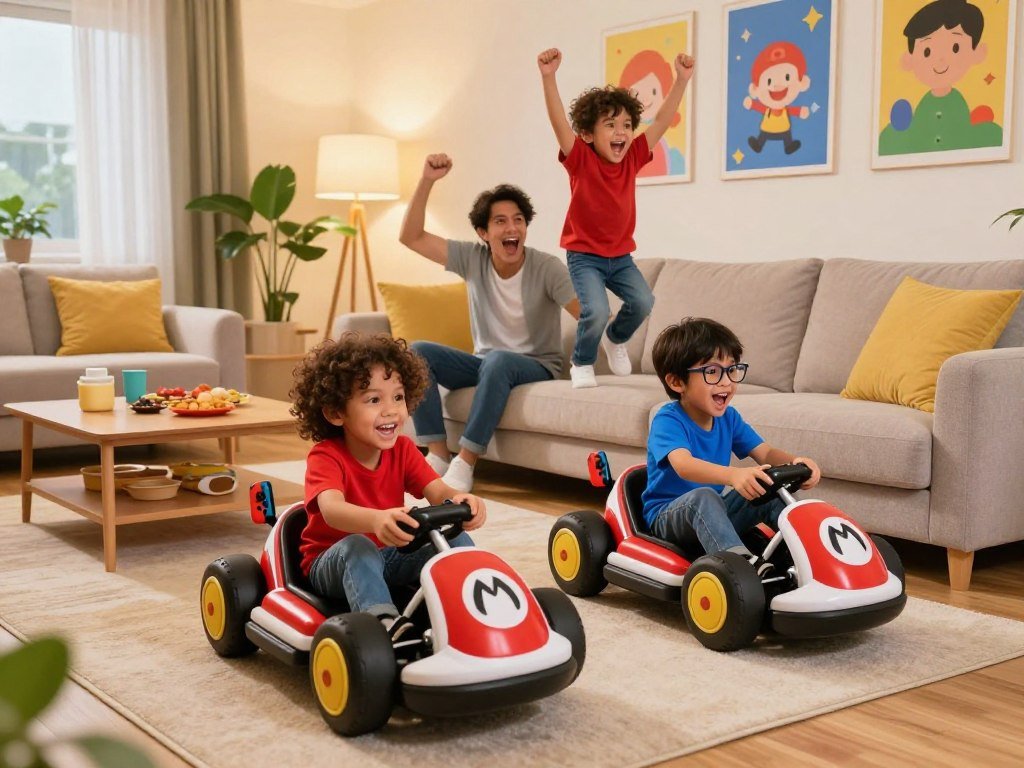
Use these settings to adjust the challenge for different drivers:
- Switch on auto-steering for a beginner who often drives off course.
- Use auto-acceleration to reduce button demands during the race.
- Turn off assists for experienced players who want more control.
The assists can make a race less demanding, but they do not decide which controller setup the race uses. Check the controller options for the chosen play mode before everyone picks a kart. A younger driver may also enjoy starting with a familiar course, then trying a new track once the buttons feel natural.
Mixed-skill races work best when the settings feel fair to the people holding the controllers. An experienced adult can leave assists on for a child without giving up the fun of racing. Try a short race with assists enabled, then adjust one setting at a time to find a comfortable level.
Super Mario Party Jamboree Has More Than One Way to Play
Super Mario Party Jamboree’s best mode depends on whether your group is gathered around one system or meeting online. The game has 110 minigames, with different rules for each mode. Mario Party mode uses board-game turns and minigames, while other activities support larger online groups or local play only.
Online player limits are mode-specific, not one blanket limit for the whole game. Mario Party mode supports 1-4 players offline and 1-4 players online. Bowser Kaboom Squad supports 1 player offline and 1-8 players online. Koopathlon supports 1 player offline and 1-20 players online.
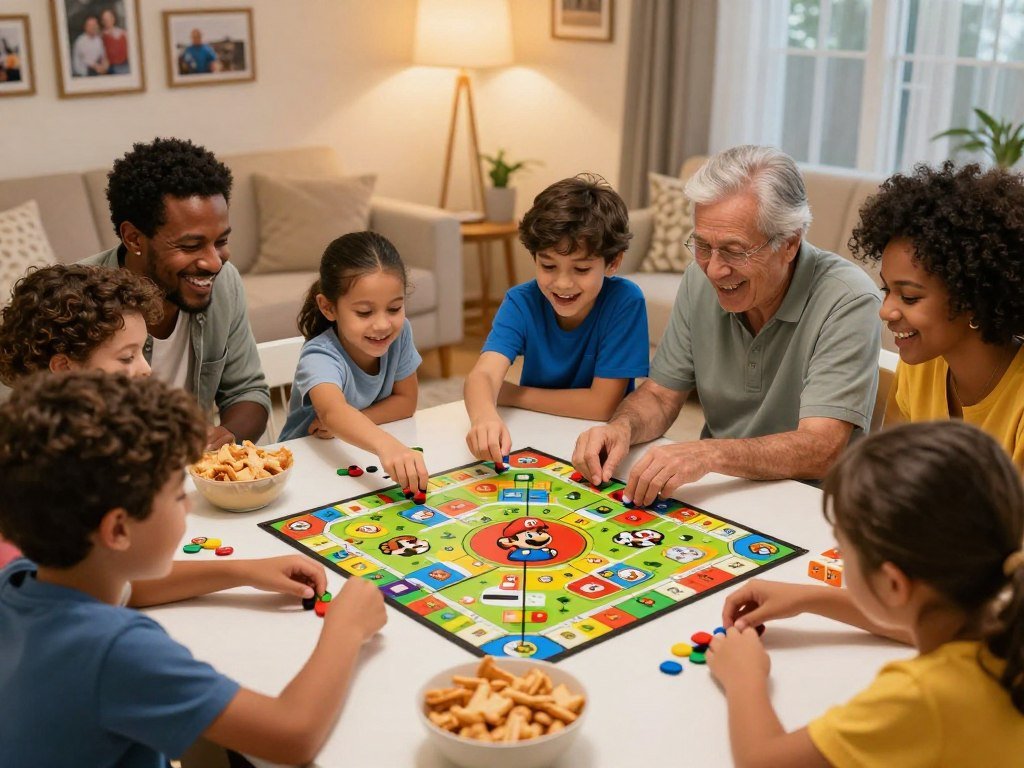
Board-game rounds and minigames
Mario Party mode is the board-and-minigame choice for a group that wants turns, movement around a board, and short contests. Its offline and online counts are both 1-4 players. The sequence gives families a mix of planning and quick challenges rather than one repeated activity.
Three other modes have distinct group rules. Bowser Kaboom Squad and Koopathlon support online play with one player per console, so their totals do not mean a large group shares one console. Rhythm Kitchen and Toad’s Item Factory each support 1-4 players offline and are unavailable online. Paratroopa Flight School supports 1-2 players offline and is also unavailable online.
Online modes with different group sizes
Bowser Kaboom Squad allows 1-8 online players, and Koopathlon allows 1-20 online players. Each online player uses a separate console. Offline, each mode supports one player, so their online totals should not be read as local group sizes.
The range of modes gives the game several ways to fit a gathering, though not every activity suits every setup. Decide whether your family wants a shared board, a local activity, or a larger online contest before starting. Check the selected mode before inviting players, because offline and online support differ across Jamboree’s activities.
Nintendo Switch Sports Gets the Family Moving
Nintendo Switch Sports is the clearest choice here for families who want their game time to include movement. It supports up to four players locally on one system, and its motion-based sports let players swing, serve, bowl, or kick. The game can give people with different interests several activities to try without changing titles.
It includes volleyball, badminton, ten-pin bowling, golf, football (soccer), chambara, tennis, and basketball. The variety spans racket games, team sports, and solo turns. Players can pick an activity they know, then sample a different one when the group wants a change.
Motion controls make the action feel more physical than a seated game. Players need room to move and should keep track of people and objects around them. A swing that is safe in a clear space can be risky near a lamp, a coffee table, or someone walking past.
The familiar sports can make this a fun way for kids and adults to take turns or compete. Players do not need to share a long story or keep up with a complex set of game systems. That makes the title a strong match for families who want activity breaks within their gaming time.
It is less suited to a household looking for a seated, story-led adventure. Motion-based play asks the group to stand, move, and pay attention to the room as well as the screen. Clear a comfortable playing area before starting a motion-controlled match.
Super Mario Bros. Wonder Is a Cooperative Platform Pick
Super Mario Wonder on Switch gives a local group a shared platforming adventure, with a separate online Game Room option. Up to four players can play together on one Nintendo Switch or Nintendo Switch 2 system. The shared goal is to move through levels together, making it a good choice for families who prefer teamwork to direct rivalry.
On Nintendo Switch, up to 12 players can join an online Game Room, but no more than four play together in the same course. The Game Room brings a larger online group together, yet all 12 players do not share one course at once. Nintendo’s Wonder multiplayer instructions explain the difference between local play and online rooms.
The levels use surprise-driven ideas that can change how a familiar platform stage behaves. Players may find it fun to discover what a new area does, then help each other move forward. A child can enjoy watching the action and joining in, even if an adult handles a tougher jump or obstacle.
Local play keeps the group on one system, while the Game Room connects players online. Those formats serve different gatherings, so the number in the room is not the same as the number sharing a course. This gives families a cooperative option whether they are together at home or meeting over the internet.
The online room’s larger total can be appealing for a group of friends, but it does not turn every level into a 12-player course. Plan around the four-player course limit rather than the larger Game Room total for an online session.
Boomerang Fu Is Built for Quick Rematches
Boomerang Fu on Switch is an easy pick when several people want to jump straight into a quick competitive round. It supports local multiplayer for up to six players, and its simple arena premise is easy to grasp: toss boomerangs and try to outlast the other players. You do not need a long story or a lot of setup to begin a match.
More than 30 arenas give rematches new settings. Changing the arena can make familiar rounds feel less predictable. Players can enjoy silly, surprising matches or focus on reading opponents and choosing better moments to throw. Both approaches work, depending on whether your group wants jokes or a bit of strategy.
The short-round format makes it easy for people to swap in and out. A player who loses can watch the next match, then jump back in for another try. That quick reset can help keep the game lively when family members have different attention spans.
Boomerang Fu is a better fit for families who enjoy elimination-style competition than for a group seeking a long cooperative story. A free-for-all can be intense for younger kids or players who dislike being knocked out early. Teams change the feel of the match and give people a partner to rely on.
Let the group decide whether it wants chaos or a more thoughtful contest before starting another round. If the rivalry grows too sharp, a quick break can reset the mood. Use teams if a free-for-all feels too intense for younger or less competitive players.
Super Smash Bros. Ultimate Suits Friendly Competition
Super Smash Bros. Ultimate works best for families who like a little friendly rivalry and quick restarts. Up to eight players can play locally, choosing from characters from Nintendo and other game franchises. The basic goal is clear: knock opponents off the stage before they knock you off.
Short matches let newcomers learn by playing, while experienced players can refine their technique. Items can make a round less predictable, which may give a new player an unexpected chance. Players can also work on timing and movement over repeated matches without needing to master every move first.
The broad character roster can prompt conversation when players recognize a favorite. A child may know one character from another Nintendo game, while an adult recognizes someone else. Still, not every player will know every character, and the match does not depend on that knowledge.
This game suits a household that enjoys an active contest and can laugh off a loss. Players can choose characters they like, learn the basic controls, and restart when a match ends. The busy screen and direct rivalry may feel like a lot for someone who prefers slow, cooperative play.
Agreeing on a friendly tone can help keep a close match fun for kids and adults alike. Let a younger player try different characters without turning every choice into a lesson. Agree on a relaxed rule about gloating before the first match begins.
Luigi’s Mansion 3 Gives Co-Op a Shared Goal
Luigi’s Mansion 3 is a better fit for a family that enjoys solving puzzles together than for one seeking nonstop party rounds. Its main story supports one or two players, pairing Luigi with Gooigi when a second person joins. That partner has a real part in the adventure, rather than sitting out and watching.
The main story is the co-op option, while bonus content supports up to eight players. A pair can explore, solve problems, and work through the story as a team. Families with a larger group can look to the bonus content instead of expecting the main adventure to host everyone at once.
Luigi and Gooigi give two players different roles within the same story. That can make the game a good choice when one child wants to join an adult or sibling on a shared task. Players can talk through what they see and help each other figure out how to move forward.
The game has a spooky atmosphere, which may not suit every younger child. The tone is different from a bright, low-pressure platform adventure, so a child’s comfort matters more than their ability to use the controls. An adult can preview the setting with them and pause if the mood becomes uncomfortable.
Bonus content offers a larger-group option, while the story centers on a smaller partnership. That distinction helps you choose a mode that matches the people who want to play. If a child is uneasy with spooky themes, preview the atmosphere together before playing.
Yoshi’s Crafted World Keeps Co-Op Gentle
Yoshi’s Crafted World is a comfortable first co-op platformer for a pair who want a calmer pace. It supports one or two players and presents its levels in a crafted visual style that looks like a playful world made from everyday materials. Light puzzles and platforming give players small goals without turning each section into a race.
Mellow Mode gives Yoshi easier flight and more forgiving play. That option can reduce pressure for a player who is still learning to jump, move, and react. A younger child can take time to explore, while an adult or sibling offers help when a puzzle gets tricky.
The smaller co-op group makes this a better fit for one child and one adult or sibling. It does not serve a whole family looking for a four-player platform game. For a pair, though, the limited group can make it easier to coordinate and share the screen.
The gentle pace gives players room to learn without needing to win a contest. A child can enjoy the scenes, look for items, and try again after a missed jump. Mellow Mode is there for moments when a demanding section starts to distract from the fun.
Let the newer player decide when to move on, rather than rushing through the level. If a missed jump begins to frustrate them, turn on Mellow Mode and keep the session relaxed.
Animal Crossing: New Horizons Offers a Calmer Shared World
Animal Crossing: New Horizons suits families who want a calmer shared world rather than a contest to win. This low-stakes life-simulation game centers on activities players choose for themselves, such as fishing, crafting, and changing character outfits. Kids can help decide how to spend the in-game day without racing through a set course.
Its relaxed pace leaves room for players to choose their own goals. A child might want to fish, pick an outfit, or help plan what the household will do next. The open-ended structure lets players take part without mastering every system before they can enjoy the world.
Some crafting and progression systems may need more guidance for younger kids. An adult can help explain what an item does or how to move toward a chosen goal. That support does not need to take over the session; children can still make choices and contribute ideas.
Unlike a match with a winner, a shared day can feel like a small project. Family members can decide what to do, share discoveries, and return to activities that interest them. This makes the game a useful choice when the household wants low-pressure time together.
Open-ended play works best when a child has a say in what happens. Let a child choose the day’s activity so the game feels like a shared project.
Overcooked Turns Simple Tasks Into Teamwork
Overcooked is a strong family pick when everyone is willing to talk, share jobs, and recover from small mistakes. The Overcooked 1 and 2 bundle supports one to four players, who prepare, plate, and serve orders before time runs out. Its shared kitchen goal gives each player a clear reason to work with the team.
Players can divide ingredient gathering, chopping, cooking, and serving. A younger player might gather ingredients or carry a finished dish, while an adult handles a more complex task. The best roles can change as players learn the kitchen and become more comfortable with the pace.
The timer adds pressure, but it can also create funny teamwork moments. A player may rush to serve an order while someone else handles the next ingredient. Talking clearly helps the group spot what needs attention, though busy kitchens can turn a calm plan into a comic scramble.
This game suits families that like a clear goal and can shrug off mistakes. Its time pressure may frustrate someone who prefers a slower pace or open-ended play. A calmer co-op game is a better fit for a household that dislikes a ticking clock.
For a wider look at cooperative games, see these co-op picks for different players. The same teamwork idea can work across systems: players contribute at a level that feels comfortable. Give younger players a simple kitchen role first, then add responsibility as they get comfortable.
How Do You Match a Game to a Child’s Age and Skill?
A child’s comfort with reading, movement, and losing matters as much as the age printed in a rating guide. A game’s content rating and skill demands answer different questions, so check both before choosing. Reading ability, coordination, and comfort with competition can shape how accessible a game feels.
An ESRB rating guides families about content, not whether a child can manage the controls. The ESRB’s rating categories and content details help adults understand what a game depicts. A preview can give you a clearer sense of how quickly players act and what they must read or remember.
For a new or younger player
A newer player may benefit from co-op, forgiving play, or a setting that reduces pressure. The examples below offer starting points, not rules based on age. Watch how the child responds during a first try, and let their comfort guide your next choice.
| Player situation | Possible starting point | What to check |
|---|---|---|
| New player | Yoshi’s Crafted World | Whether co-op and Mellow Mode feel comfortable |
| Player who needs help with controls | Mario Kart 8 Deluxe | Whether driving assists reduce frustration |
| Confident player seeking a bigger challenge | Super Smash Bros. Ultimate or Overcooked | Whether competition or time pressure is enjoyable |
Keep an eye on these four parts of the experience:
- Reading demands during play, menus, or instructions.
- Comfort with motion and the pace of on-screen action.
- Tolerance for losing, retries, and time pressure.
- Whether an adult can help during the first session.
For a confident player who wants more challenge
A confident player may want faster rounds, deeper controls, or more pressure. That does not mean the child will enjoy every kind of challenge. Some kids like a close contest but dislike a timer; others enjoy a busy game when they can share jobs with a team.
Try one change at a time when a game feels too hard. Adjust an assist, choose a calmer mode, or switch to a cooperative role. Stay nearby for a first session and adjust the game or the challenge if frustration takes over.
What Should You Check Before Playing Locally or Online?
Before starting, check whether your group is sharing one screen or connecting from separate systems. Local play means people play together in the same place, while online multiplayer connects players over the internet. The game and mode matter, since each can set different player and controller needs.
Nintendo Switch systems offer TV, tabletop, and handheld play modes. Nintendo Switch and Nintendo Switch OLED models have detachable Joy-Con controllers. Switch Lite is handheld-only and has integrated controls, so a multiplayer plan may need separate compatible controllers.
Choose the console setup
Match the setup to where everyone will sit and what the game supports. A television can be easier for a group to see, while tabletop play uses the system’s own screen. Handheld play keeps the display close to one player, so check whether another controller is needed.
| Setup | How it works | What to check |
|---|---|---|
| TV mode | Display play on a television | Confirm the game supports the intended local group |
| Tabletop mode | Use the console’s screen on a surface | Check that players can see the screen comfortably |
| Handheld mode | Play on the console’s screen | Check whether a second controller is needed for multiplayer |
Check online requirements and game mode
Nintendo online features need internet access, a Nintendo Account, and a Nintendo Switch Online membership when the game’s online feature requires it. That applies to online features, not simply to people sharing a room. A mode’s rules tell you which arrangement you need.
Before inviting the group, use this checklist:
- Compatible controllers for the system and the chosen game.
- The specific game mode everyone plans to use.
- Internet access for online play.
- Any Nintendo Account or Nintendo Switch Online requirement.
Families comparing systems and setups can also read this family gaming console guide. A console’s play mode does not guarantee that every game supports the same group size. Verify controller compatibility for the exact mode before setting out the controllers.
How Can Parents Keep Family Gaming Comfortable and Balanced?
A few clear rules before play can prevent a fun family session from becoming an argument about when to stop. Nintendo Switch Parental Controls can set playtime limits and issue alerts, giving parents a way to set boundaries before a game begins. The app also offers reports and tools for managing access.
Parental controls support family rules, but they do not replace adult attention. Parents still need to know who is playing and how the game handles online features. A clear household plan can help kids understand the limits and what happens when playtime ends.
Set limits and check activity
The app can provide monthly play reports, suspend software, set game access based on age ratings, and restrict online communication. These settings give families options for different needs. Use them to support a conversation, not as a substitute for one.
| Control | What it does | How a family can use it |
|---|---|---|
| Playtime setting | Sets a limit and can issue an alert | Agree on a stopping point before play |
| Monthly report | Shows what a child played and for how long | Review activity together |
| Game and communication restrictions | Limits access by age rating and can restrict online communication | Adjust settings to the child and household |
Limits work better when children know what to expect. Choose a stopping point together and explain whether a final round is allowed. Reviewing a monthly report together can also help you talk about gaming without turning the conversation into a surprise punishment.
Agree on simple game-night rules
Keep the rules easy to remember and fair to the whole group:
- Agree on a stopping time before the game starts.
- Let children take turns choosing what to play.
- Keep competition friendly, even after a close loss.
- Pause if the game stops being fun for someone.
Parental controls can back up your household rules, but they cannot tell you who is active or how every online feature works.
Parents can also use tools for schedules and app limits elsewhere in the household, such as these app blockers for better focus. Those tools do not replace the Switch app, but they may help families think through screen-time habits across devices. Revisit the limits together when a child’s schedule or gaming needs change.
Conclusion
The best first pick is the one that gets everyone involved without making the evening feel like a test. Your family might want racing, teamwork, movement, or time in a relaxed game world. The right choice is the one that fits the group’s mood and gives each person a comfortable way to join.
Pick one title that sounds right for tonight and try a short first session. You will learn more from a few rounds together than from debating every option. If the controls or pace feel wrong, choose another style next time.
Choose one game for your next shared evening, set a comfortable stopping time, and see whether the family wants a rematch.
FAQ
Do I need an internet connection to play Nintendo Switch games together at home?
No, local multiplayer can work without an internet connection when players are together in the same place. The exact setup depends on the game, but players may share one system or connect through local wireless. Online modes are different because players connect over the internet. Check the chosen mode so you know whether it needs a network connection or an online service.
Does every game support four players on one Nintendo Switch?
No, local player limits differ by game and mode. Some games support two players in one part and a larger group in another, while others have different online rules. Check the game’s player details for the exact activity you plan to use. Also confirm whether the players need separate controllers, since a console’s included controls may not cover every setup.
Can a family play together if one person is new to video games?
Yes, a family can choose a forgiving game or use assist options to help a new player join. Mario Kart 8 Deluxe, for example, offers auto-steering and auto-acceleration. Cooperative games can also let a more experienced player help with a shared goal. Start with a short session and choose a pace that gives the new player time to learn.
Is an ESRB rating a guide to how difficult a game is?
No, ESRB ratings guide families about a game’s content, not its controls or skill demands. A game with an age rating that seems suitable may still ask a child to read often, react quickly, or handle complex controls. Check a gameplay preview and consider the child’s experience. Content descriptors and rating summaries can help you understand what the game shows.
Does Nintendo Switch Lite support local multiplayer?
Yes, Switch Lite can support local multiplayer in games that allow it, but it is a handheld-only system with integrated controls. Some games may need separate compatible controllers for a second player. The screen size and game mode can also affect how comfortable it is for a group to play. Check the specific game’s local options before choosing a setup.
What should I check before letting my child play online?
Review the game’s communication options and decide whether your child should use them. Nintendo Switch Parental Controls can restrict online communication, and families can set rules about who may play together. Also check the game’s online mode and any account or membership needs. Talk with your child about sharing personal details and how to handle messages from other players.
Can children and adults enjoy different roles in the same game?
Yes, cooperative games can let family members take on roles that suit their comfort and experience. In Overcooked, one player can gather ingredients while another chops, cooks, or serves orders. Roles can change as children learn the game, so everyone gets a chance to try something new. A shared goal helps players contribute without needing the same skill level.



