
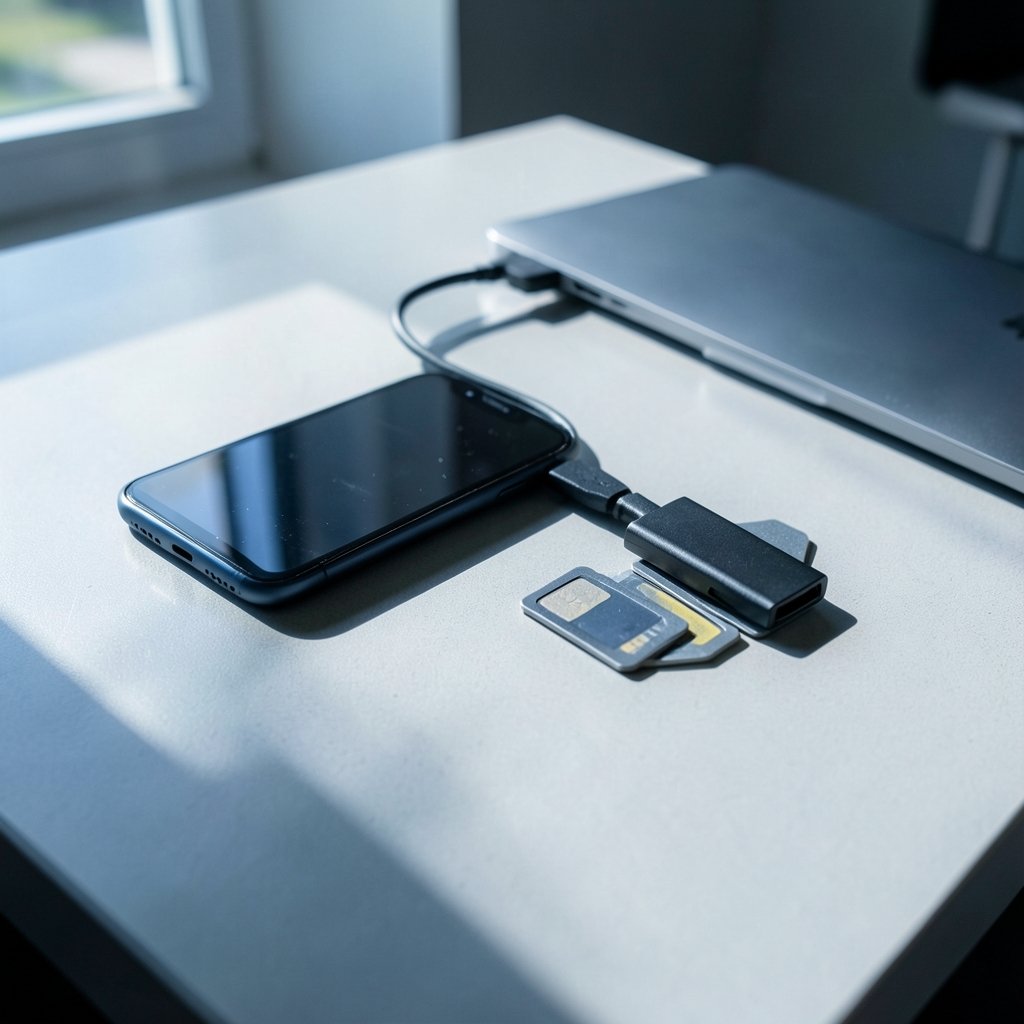
What would you do if your phone slipped out of your hand tomorrow and every photo on it vanished? For most people, the answer is a panicked shrug. That is exactly why picking a backup system matters more than picking a camera.
The rules have shifted. Google quietly removed the old automatic PC-to-Photos sync from Drive for desktop, so folders no longer flow into Google Photos on their own. You now pick and manage that destination inside the Drive app settings. Meanwhile, Apple and Google keep tightening their free tiers and asking more money for storage. The good news: there has never been a wider set of alternatives, from self-hosted servers to European clouds. Here is a shortlist of specific options, who each one suits, and where each one stumbles.
The Shortlist at a Glance
| Option | Best for | Standout strength | Main limitation | Free tier or price |
|---|---|---|---|---|
| Google Photos | Android users | Search, face grouping, easy sharing | PC sync is now manual via Drive settings | Not stated in research |
| iCloud Photos | Apple households | Deep iPhone integration | Apple ecosystem lock-in | Not stated in research |
| Microsoft OneDrive | Multi-platform users | Bundles Office apps | Tied to a Microsoft account | Not stated in research |
| Dropbox | Mixed files and photos | Works well across devices | Built for files, not galleries | Not stated in research |
| pCloud | Buyers who hate subscriptions | Lifetime plans exist | Fewer AI gallery features | Not stated in research |
| Proton Drive | Privacy-first users | Swiss provider, encrypted | Smaller ecosystem | Not stated in research |
| Ente Photos | Privacy plus open source | End-to-end encrypted app | Smaller company | Not stated in research |
| Immich | Tinkerers with a server | Self-hosted, Google-like feel | You run the hardware | Free software, your hardware cost |
| External hard drive | Everyone, as a second copy | Lowest cost per gigabyte, offline | Manual and a single point of failure | One-time drive purchase |
Prices move constantly and the research behind this piece does not pin down current tiers, so check each provider’s official page before you commit.
Google Photos: Still the Default for Android
Google Photos remains the path of least resistance if you carry an Android phone, where it is the preinstalled option. Search, face grouping, and shared albums are the reasons people stay, and none of that has changed.
The catch is the one that sent people searching in the first place. Google removed the automatic folder sync between Drive for desktop and Photos. You can still back up PC folders to Google Photos, but you have to select and manage that destination directly within the Drive for desktop app settings rather than letting the two services sync automatically. In practice, that means one more thing to remember after every import session. If your workflow depends on photos flowing from a laptop to the cloud without you thinking about it, that assumption is now wrong.
Who it suits: Android owners who want zero setup and use search heavily.
iCloud Photos: The Apple Household Standard
If everyone in your house carries an iPhone, iCloud Photos is the quiet default. Photos taken on one device show up on the others, and the whole thing stays out of your way.
The limitation is the familiar one: it is an Apple-shaped box. Step outside it with an Android tablet or a Windows laptop and the experience gets clunky fast. The research also notes that Apple and Google are both restricting their offerings and charging more for them, so the free tier fills quickly and the paid tiers keep climbing. Treat iCloud as excellent for Apple-only homes and awkward for everyone else.
Who it suits: Families fully inside the Apple ecosystem.
Microsoft OneDrive: The Multi-Platform Workhorse
OneDrive earns its place because it covers the widest range of devices in one account. The research points to it as possibly the best option for multi-platform backup, especially if you also want access to Office apps like Word or PowerPoint. That bundling is the real argument: you may already be paying for it.
The limitation is philosophical as much as technical. OneDrive is a file locker first and a photo gallery second, so gallery-style features like face grouping and smart search lag behind dedicated photo apps. (Much do ai photo editing tools cost 2027)
Who it suits: People who bounce between Windows, Android, and iPhone and already use Microsoft 365.
Dropbox: Reliable, If Uninspired
Dropbox shows up on nearly every roundup for a reason: it just works, on Android and Apple alike, and it handles uploads from multiple devices without drama. The research calls it a solid choice for a professional way to protect files across devices.
Its weakness is that it was built for documents, not photo libraries. There is no serious gallery intelligence here, and large photo archives can get expensive. If your backup needs are really “all my files, including photos,” Dropbox is fine. If you want your photos organized and searchable, look elsewhere.
Who it suits: Freelancers and small teams already living in shared folders.
pCloud: Buy Once, Cry Once
pCloud stands out for one structural reason: it sells lifetime storage plans, which appeals to anyone tired of renting space forever. The research lists it among the credible alternatives to Google and Apple, and it works on both iOS and Android.
The trade-off is that lifetime plans mean paying a large sum up front, and you are betting on the company’s long-term health. Gallery features are decent but not class-leading. For a household that wants to stop paying monthly, though, it is one of the few real options.
Who it suits: Subscription fatigue sufferers with a bigger upfront budget.
Proton Drive: Privacy From Switzerland
Proton Drive comes from the Swiss company behind Proton Mail, and it brings that privacy reputation with it. The research highlights it as a leading alternative now that the big two are tightening their terms, and it runs on both iOS and Android.
The limitation is ecosystem maturity. Proton’s photo features are younger than Google’s, and sharing with people outside Proton is less frictionless. If your main worry is who can see your photos rather than how clever the search is, this is a strong pick.
Who it suits: Privacy-focused users who want a mainstream app, not a server project.
Ente Photos: Encrypted and Open Source
Ente Photos is the enthusiast’s privacy pick. It is end-to-end encrypted, open source, and built specifically for photos rather than bolted onto a file sync tool. The research lists it alongside Proton as a real alternative to the giants.
The honest limitation: it is a smaller company, so you are trusting a lean team with your archive. For many users that is a fair trade for encryption by default. For others, it is a reason to keep a second copy elsewhere, which is good advice regardless.
Who it suits: Technical users who want encryption without running a server.
Immich: Your Own Google Photos, If You Have the Patience
Immich is the option that makes tinkerers grin. It is self-hosted software that mimics the Google Photos experience, and the research names it among the best alternatives. You run it on your own hardware, and your photos never touch a third-party server.
The catch is everything that comes with self-hosting: hardware, updates, and the day the drive dies. This is where a home server setup pays off, and a practical NAS iPhone photo backup guide is worth reading before you start, because the difference between a smooth Immich install and a weekend of pain is mostly planning. If you already run a NAS, Immich is the most rewarding option on this list. If you do not, start with a cloud service.
Who it suits: Homelab owners who want full control and no subscriptions.
External Hard Drives: The Copy Everyone Skips
No roundup is complete without the boring answer. An external drive is the simplest backup there is: copy your photos onto it and you own a second copy outright. Cost per gigabyte is the lowest of any option, there is no subscription, and an offline drive cannot be hacked remotely.
The weaknesses are real. It is manual, so you have to remember. And a single drive is itself a single point of failure, because drives fail. The fix is the classic rule: keep one copy on the drive, one in the cloud, and one somewhere off-site. If you shoot professionally, a cloud service for photographers and videographers is the natural companion to a local drive, since editing tools and backup often live in the same workflow. (Best ai tools photographers videographers 2027)
Who it suits: Literally everyone, as the second leg of a backup strategy.
How to Choose Without Overthinking It
Work through these in order and you will land on an answer in ten minutes.
- Count your devices. One ecosystem only? Take the built-in option, Google Photos or iCloud. Mixed devices? OneDrive or Dropbox.
- Decide what you are protecting against. Theft and device loss need cloud. Ransomware and accidental deletion need an offline copy too.
- Set a budget for year one and year five. Lifetime plans look expensive until you add up sixty months of subscriptions.
- Check the exit. Can you download your entire library in original quality? If not, keep looking.
- Add a second copy. Whatever you pick, one backup is not a backup.
The most common mistake is treating a sync service as a backup. If you delete a photo on your phone and it disappears from the cloud thirty seconds later, that was sync, not backup. Version history and a truly separate copy are what save you. The second mistake is never testing a restore. Pull one random photo from last year out of your backup once a quarter. If you cannot, you do not have a backup.
Frequently Asked Questions
What is the best photo backup solution in 2027?
There is no single winner, because the right answer depends on your devices and your tolerance for maintenance. Google Photos and iCloud remain the easiest for single-ecosystem households. OneDrive and Dropbox suit mixed-device users. Proton Drive and Ente Photos serve privacy-first users, while Immich gives tinkerers a self-hosted Google Photos alternative. Most people should pair a cloud service with an external drive.
Is Google Photos still a good backup option?
Yes, with one caveat. Google removed the automatic folder sync between Drive for desktop and Photos, so PC folders no longer flow into Google Photos on their own. You can still back up those folders, but you must select and manage the destination inside the Drive for desktop settings. Phone backup is unaffected.
Are free photo backup services enough?
Usually not for a full library. Free tiers fill quickly, and once you cross the line you pay monthly for space you never truly own. A free tier works as a testing ground or a third copy, but most people with years of photos will need a paid plan or a local drive.
What is the safest way to back up photos?
Follow the three-copy rule: the original on your device, a local copy on an external drive, and an off-site copy in the cloud. This protects you against device theft, drive failure, and accidental deletion at the same time. Then test a restore every few months so you know the system actually works.
Is a self-hosted option like Immich worth it?
Only if you enjoy the setup. Immich gives you a Google Photos-style experience with full control and no subscription, but you supply the hardware, handle the updates, and fix things when they break. If you already run a NAS, it is excellent. If not, a cloud service plus an external drive gets you most of the safety with none of the maintenance.
How much should photo backup cost?
That depends entirely on volume and plan type, and prices shift often enough that any number here would be stale by the time you read it. Compare cost per terabyte across providers, factor in whether you want a lifetime plan, and check the official pricing pages directly before signing up.
Conclusion
The best photo backup solution in 2027 is not one app. It is a small system: a cloud service that matches your devices, an external drive that sits offline, and a restore test you actually run. Google Photos and iCloud win on convenience, OneDrive and Dropbox on flexibility, Proton Drive and Ente Photos on privacy, Immich on control, and pCloud on ditching subscriptions. Pick one cloud, buy one drive, and stop gambling with the photos you cannot retake.



