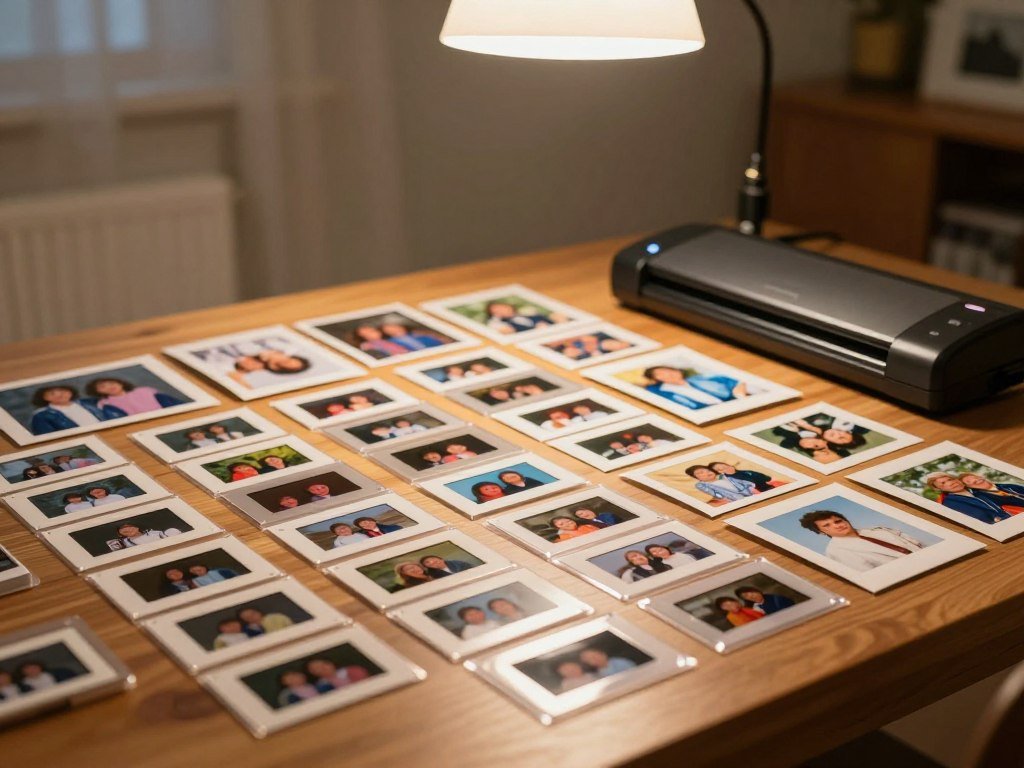
A shoebox of fading prints, a bound album and a stack of slides each call for a different approach. The best photo scanning services can help preserve those memories without making you handle every scan yourself.
You might mail originals, visit a local studio or scan a small batch at home. DPI means dots per inch, a measure of how densely a scanner samples an image; higher DPI can capture finer detail when the original and scanner optics support it. The right choice depends on your collection, desired detail, cost and comfort with sending originals away.
Some keepsakes need more care than a stack of loose prints. A bound album may need touchless album scanning, while slides and negatives call for equipment that handles film. Your time matters, too: scanning hundreds of photos one by one can take many hours.
This comparison covers services for different formats and needs, along with home and local options. Start by identifying which formats you have and whether any originals are too delicate to remove or ship.
Key Takeaways
- Match each service to the formats in your collection.
- Ask whether album photos must be removed before shipping.
- Choose DPI and file types based on how you will use the scans.
- Include shipping, storage and restoration in your budget.
- Consider a home scanner for small batches you can manage yourself.
- Keep a second copy of finished digital files.
Best Photo Scanning Services Compared
For a typical household comparing prints and albums, Capture is the most balanced starting point, while the other picks fit more specific priorities. Capture handles loose prints and bound albums, with orders of loose prints taking 2-3 weeks from receipt in 2026.
Choose by format and handling needs first, then compare the timeline for your order. Forever Studios suits archival TIFF output and restoration; ScanMyPhotos fits large batches of loose prints. LegacyBox uses a kit for mixed media, while ScanCafe offers detailed restoration. EverPresent may suit large or fragile collections.
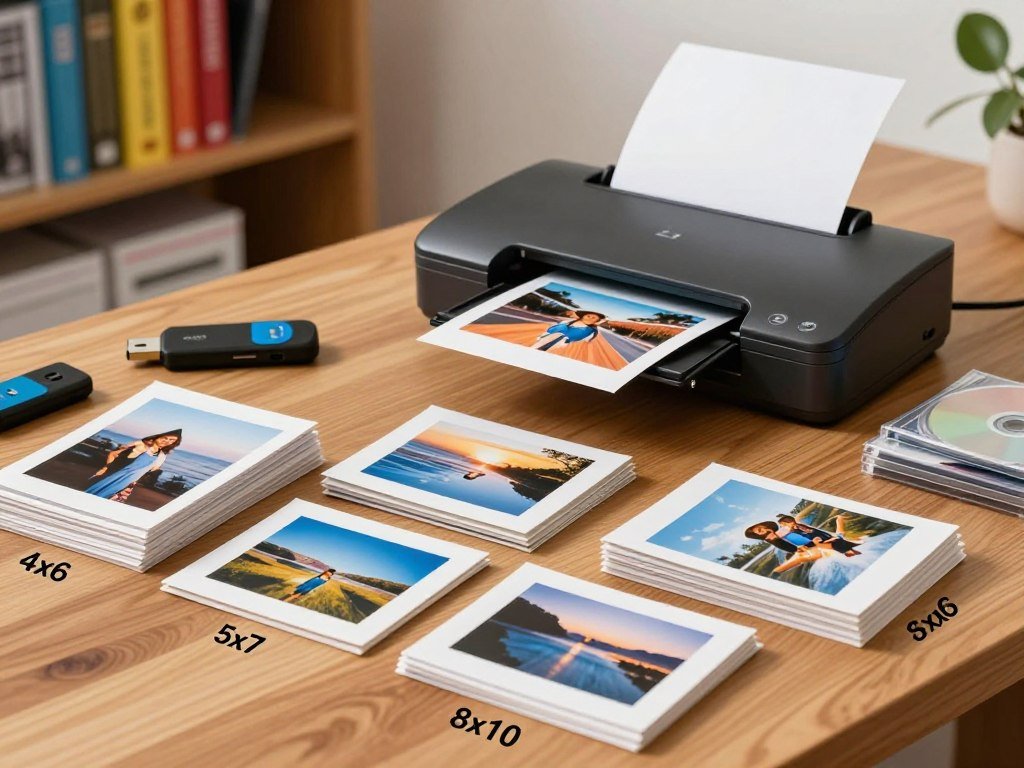
A home scanner is a device for do-it-yourself work, not a scanning service. A photo scanner can make sense for a small batch, while a service can save you from scanning a large collection yourself. Consumer Reports tested 14 companies in its digitizing service comparison, which offers another point of comparison.
Turnaround estimates differ by provider and order route. ScanMyPhotos typically takes 3-4 weeks, ScanCafe standard orders take 4-6 weeks in 2026, and LegacyBox typically takes 8-12 weeks in 2026.
| Service | Typical turnaround | Order route |
|---|---|---|
| Capture | 2-3 weeks from receipt | Mail-in or Atlanta drop-off |
| ScanMyPhotos | Approximately 3-4 weeks | Bulk box |
| LegacyBox | 8-12 weeks | Kit-based mail-in |
| ScanCafe | 4-6 weeks | Mail-in |
| EverPresent | Varies by project | Mail-in or drop-off in select markets |
A service’s stated DPI alone does not prove that a scan will look sharper. The original and the scanner’s optics also affect captured detail.
Look at file types, handling rules and service scope alongside resolution. A high DPI number may not help if the original holds little detail or the scan will only appear on a small screen.
Match the provider to the format and handling needs first, then compare the timeline that applies to your order.
Is Capture the Right Fit for Prints and Albums?
Capture suits collections with loose prints, bound albums or mixed media because it can scan album pages without removing the photos. That matters when prints are old, mounted or hard to lift safely.
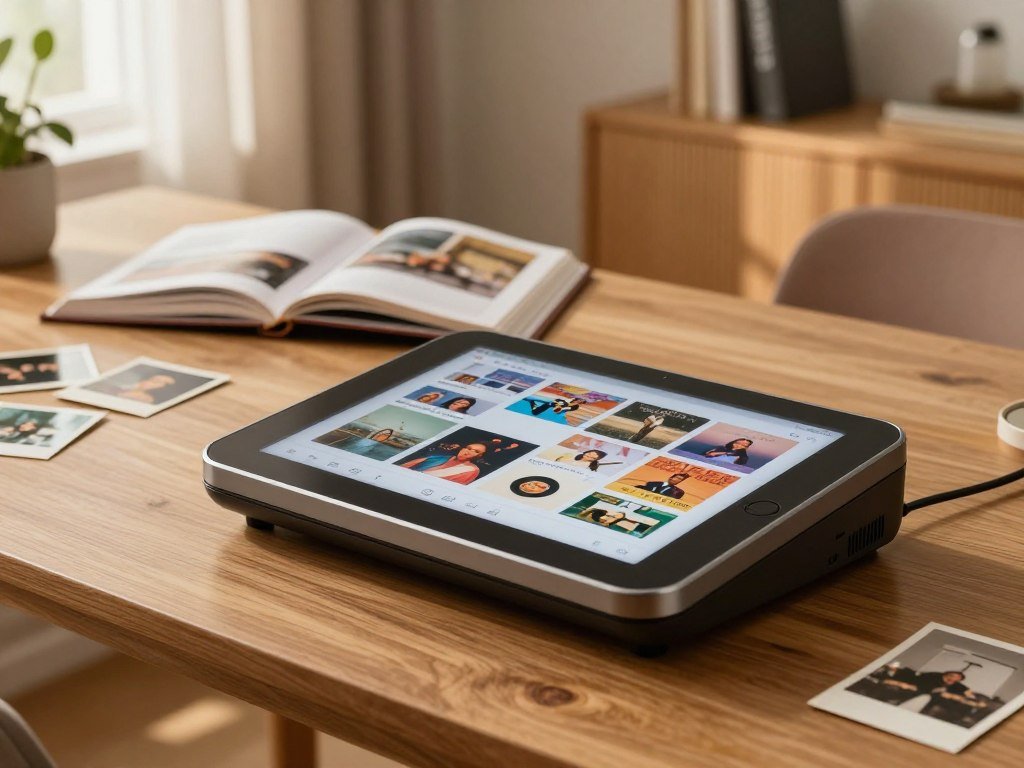
Loose-print orders and album scans use different resolution options. Loose prints scan at up to 1,200 DPI in 2026 and come as 12-megapixel JPEGs. Album scanning offers 2K, 4K or 6K tiers per photo in 2026.
What loose-print scanning includes
In 2026, Capture charges $19.99 for the first 50 loose photos and $0.29 for each additional photo. That price applies to loose-print scanning, not the separate album resolution tiers.
Capture includes 90 days of MemoryCloud access with photo-scanning orders in 2026. You can add an optional USB drive for $14.99 in 2026, giving your files a portable home beyond cloud access.
Shipping choices include a prepaid one-way label for $12.99 or a two-way label for $24.99 in 2026. A one-way label covers sending items to the service; choose the two-way option if you want prepaid return shipping.
How touchless album scanning works
Touchless album scanning captures photos while they remain in the album. Capture uses eight illumination angles and combines 240 megapixels of image data for each page.
You can receive individual JPEGs for each photo, full-page layout scans or both. Individual files are easier to share, while page layouts keep the arrangement and captions visible.
Capture can also digitize VHS tapes, film reels, negatives, slides and audio in one order. Readers who need 6K album scans should compare the selected per-photo tier at checkout, rather than assume every album order uses that setting.
Before shipping, decide whether individual JPEGs, full album-page layouts or both will be most useful later.
When Should You Choose Forever Studios?
Choose Forever Studios when archival TIFF files or add-on restoration matter more than keeping photos mounted in an album. Its main appeal is a choice of archival and everyday file types, plus optional work on damaged images.
Forever Studios scans at up to 4,000 DPI in 2026 and offers TIFF and JPEG output. Its pricing is quote-based, so the cost depends on the requested work and collection.
Archival files and resolution
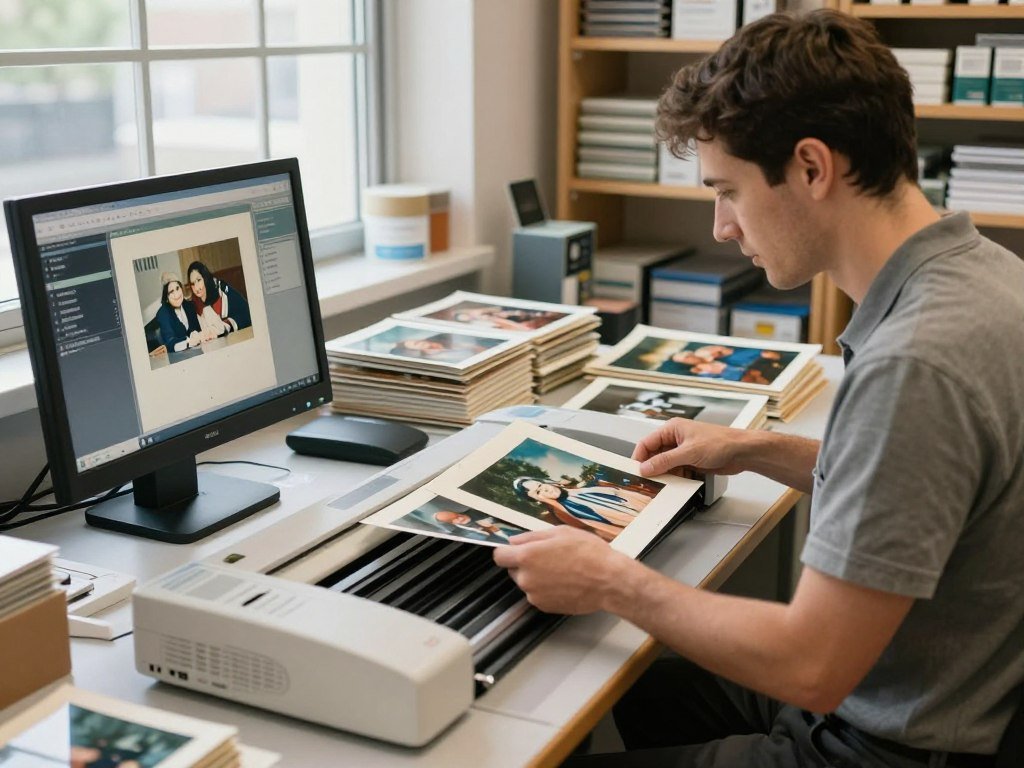
TIFF files can serve as large archival masters, while JPEGs are convenient for sharing and daily use. A file format cannot restore detail that a faded or damaged original no longer holds.
The National Archives lists TIFF, JPEG 2000 and PNG among acceptable formats for digitized permanent photographic prints. Its guidance covers federal records, not household photo scans, but it gives a useful view of common preservation formats.
Ask what files the quote includes and whether you receive both a master file and a smaller sharing copy. The maximum DPI can be useful for fine detail, though the print and scanner optics still set limits.
Restoration and album handling
Optional services include photo restoration, colorization and remastering. These tasks can change an image’s look, so keep an unedited scan if you want a clean starting point.
Forever Studios requires album photos to be removed before submission. Its high DPI ceiling does not make it the right fit if you cannot separate prints from an album.
Use this checklist before sending your collection:
- Confirm the requested output format.
- Ask which restoration tasks are included.
- Remove album photos before sending.
Keep a clean copy of the unedited scan if you plan to make future restoration or color edits.
Does ScanMyPhotos Suit a Bulk Photo Project?
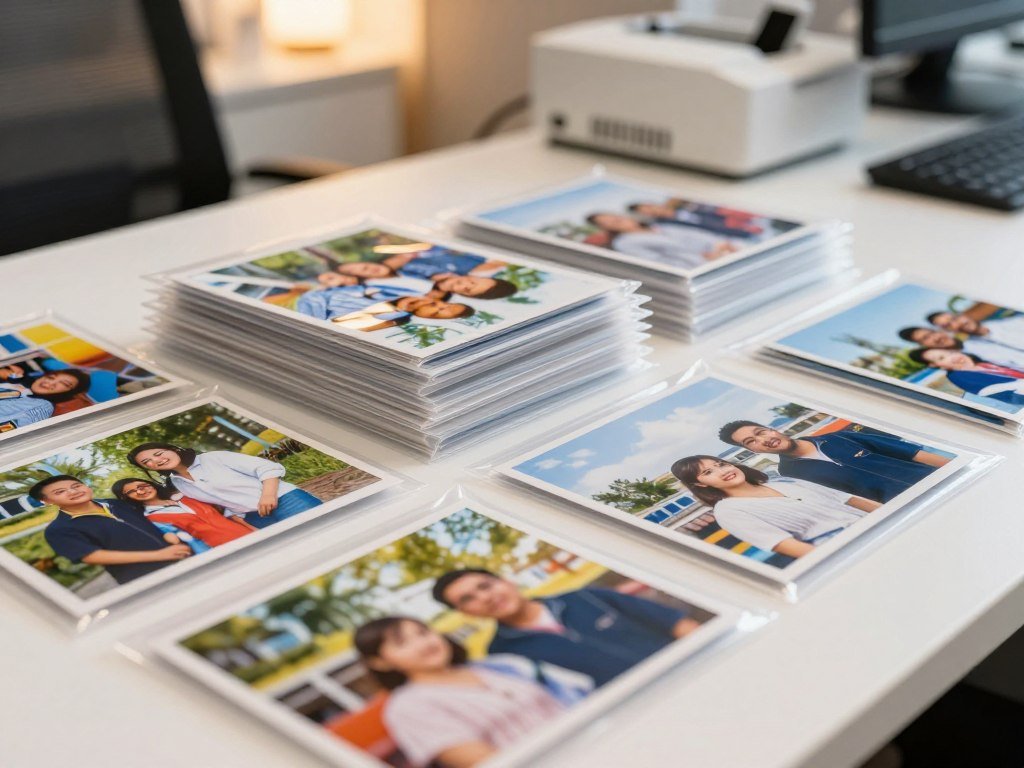
ScanMyPhotos is a practical candidate when the main job is digitizing a large stack of loose prints in one batch. The box approach is built around standard 4×6 prints, so it can suit a photo-heavy collection.
ScanMyPhotos has no minimum order quantity, even though its service is oriented toward volume. That can help you test a smaller batch before packing a larger one.
How the bulk-box model works
You fill a box with loose prints and send it for photo scanning. The service also handles 35mm negatives and slides, but those formats may not follow the same box count as standard prints.
Photos must be removed from albums before sending. Do not pack albums as if ScanMyPhotos scans mounted pages. The bulk-box model is for loose photos, not bound album pages.
ScanMyPhotos scans at 300-600 DPI in 2026. That range can work for sharing and routine viewing, while small originals or enlargement plans call for checking the intended output size.
Where its resolution fits
DPI describes how densely a scanner samples an image, but it is not the only measure of useful detail. The size and condition of the original, plus the planned print size, affect what you will see.
A 4×6 print meant for a phone screen has different needs from a small image you hope to enlarge. Think about where the digital files will go before choosing a resolution range.
The service’s support for negatives and slides may help when your collection includes film alongside paper prints. Sort those media by type instead of assuming every item counts as a 4×6 photo.
Separate prints from albums before packing, and confirm how the box model counts non-print formats.
Is LegacyBox a Good Fit for Mixed Media?
LegacyBox is easiest to assess when the order combines photo prints with tapes or film reels and the kit format suits the collection. One shipment can cover different media types, rather than requiring a separate order for each format.
A LegacyBox item means one reel, one tape or one pack of 25 photos. That count affects how much kit space your collection needs.
What the kit-based process covers
You pack items into the kit and send the media for digitizing. A mixed order can include photo prints, videotapes and film reels, which makes the format useful for households with home movies and still photos.
Digital files can arrive through a thumb drive, the LegacyBox app or CD. Pick a delivery route that household members can access and back up without extra steps.
Each kit includes a free 30-day LegacyBox Membership trial. Consider whether the trial and delivery choices fit how your family plans to view and save its files.
Price differences by order size
In 2026, a 50-photo LegacyBox order starts at $59.98. Its bulk 4×6 photo-scanning product costs as little as $0.07 per photo for very large orders.
The $0.07 rate applies to very large standard 4×6 orders, not every order. A mixed-media kit and a large loose-print order follow different pricing models.
Use these steps to plan the shipment:
- Check how the kit counts each item.
- Separate and label media types.
- Choose the digital delivery option that suits your household.
Count each 25-photo pack as one item when estimating how much kit space the order needs.
When Does ScanCafe Make Sense for Detail Work?
ScanCafe is worth considering when restoration attention and support for prints, slides, negatives and film matter more than a single flat-rate box. Its per-item pricing can help you estimate mixed collections before sending them.
In 2026, ScanCafe charges $0.44 per photo, slide or negative. Videotapes cost $22.99 each, while film costs $0.30 per foot.
Per-item prices across formats
The pricing structure varies by media type, so count each format separately. A box with prints, slides, negatives, videotapes and film can add up differently from a print-only batch.
Film is priced by the foot, not just by the reel. Estimate film footage rather than relying on reel count alone, since reels can hold different lengths.
ScanCafe sends orders overseas for processing. That route is a practical handling detail to weigh when deciding where to send originals.
Restoration and storage choices
Restoration options address water damage, tears, creases and heavy fading. These services may suit prints that need more attention than a basic digitizing pass.
Cloud storage costs $9.99 per month or $99.99 per year in 2026. That paid plan is separate from the digitizing charges, so add it only if you want that storage option.
Compare the estimated cost of each media type with the restoration work you want. For older film, note the footage before calculating the likely charge.
Estimate film by footage and include any cloud-storage plan in the total you are willing to spend.
Should a Large or Fragile Collection Go to EverPresent?
EverPresent is a candidate for a collection that is large, fragile or spread across several media formats. A personal workflow may help when one shipment includes items that need different handling or return plans.
Discuss handling and return organization before sending a large or delicate archive. EverPresent handles prints, albums, negatives, slides, videotapes, film and audio.
Handling a mixed or delicate archive
Ask how the provider will label and track each format, especially if items belong to different family members. Clear return organization can make it easier to match originals with their digital files.
Recent customer reviews can help you assess communication, care of originals and delivery of digital files. Look for details about collections similar to yours, not only general praise or complaints.
Keep privacy in mind when choosing how the service returns files and who can access them. A provider’s stated process should fit your family’s comfort with sharing and storing personal images.
Checking local service and customer feedback
A photo scanning service in Seattle should be checked for its actual drop-off or mail-in process. A photo lab in Phoenix should be asked whether it digitizes existing prints or only develops film.
Nearby service searches work best when you compare accepted formats and how originals come back. EverPresent has drop-off locations in select markets, but local drop-off helps only when a location serves your area and accepts your media.
Check recent reviews for notes about communication, handling and file delivery before choosing any local provider. A nearby counter may be convenient, but it still needs to support the formats in your collection.
A local drop-off option is useful only if it is available in your market and accepts the formats in your collection.
Before handing over originals, confirm how the provider labels, tracks and returns each part of a mixed collection.
Should You Scan at Home or Use a Local Option?
Home scanning gives you direct control, while a local counter can handle a quick scan without buying a device. Your batch size and available time often make the choice clear.
Scanning 300 prints one by one can take many hours. Consumer flatbed scanners generally cost $100-$400, while higher-end models can reach 4,800 DPI.
What a home scanner can handle
A flatbed scanner can suit a smaller batch or originals that need careful placement. For repeated loose-print work, a feeder can reduce handling, though it does not remove the time needed to sort and check files.
The Epson FastFoto FF-680W had a $630 list price in 2026, scored 89 overall and 8.0 for photo scanning. It has a 100-sheet automatic document feeder, supports USB and Wi-Fi, and measured 10.3 pages per minute.
The Epson WorkForce ES-60W supports up to 1,200 DPI and had a $200 list price in 2026. The Brother DS-640 had a $135 list price and a photo-scanning score of 8.0 in 2026.
Which scanner specifications matter?
The Canon CanoScan LiDE 300 is a lower-cost option for archival-quality scanning than the Epson FastFoto FF-680W. Compare the device’s supported media and file output with your collection, not just its DPI ceiling.
| Option | Documented capability | Practical fit |
|---|---|---|
| Epson FastFoto FF-680W | 100-sheet feeder, USB and Wi-Fi, 10.3 pages per minute | Repeated loose-print batches |
| Epson WorkForce ES-60W | Up to 1,200 DPI | Portable scanning needs |
| Brother DS-640 | Photo-scanning score of 8.0 | Lower-cost scanner option |
| Canon CanoScan LiDE 300 | Lower-cost archival-quality alternative to FF-680W | Archival-focused DIY comparison |
| FedEx Office self-service | PDF or JPG; email, USB or cloud delivery | Quick in-store scans, including oversized items |
Local self-service and free app options
FedEx Office self-service machines save scans as PDF or JPG and can send them by email, USB, Dropbox, Box or OneDrive. They can scan photos and oversized materials, such as blueprints or construction plans.
Google PhotoScan is a free phone app for quick captures. Phone capture does not replace a flatbed workflow for large archives or delicate originals.
The best photo scanning services in California or Texas should be compared by accepted media, local drop-off availability and file delivery, not location alone. A quick test with one representative original can reveal how the saved file looks.
Use this checklist before you start:
- Estimate the batch size.
- Check whether the device supports your media.
- Test a representative original.
- Confirm the saved file format and backup location.
A separate drive or storage account gives you another copy if one device fails. A cloud storage service comparison can help you weigh file access and recovery features.
For a long-term family archive, keep a second copy of finished digital files on a separate drive or storage account.
Conclusion
The right choice is the one that fits the media you own and the amount of time you want to spend managing the scan. Match the service to your formats and handling needs, then choose resolution and file types based on how you will use the digital files.
Make a quick inventory of prints, albums, slides, negatives and tapes before you place an order. That list can help you shortlist a service or prepare a home-scanning session without overlooking a format.
Make a short format inventory before placing an order or setting up a home-scanning session.
FAQ
Can a photo scanning service scan pictures inside a bound album?
Yes, some services scan photos without removing them, while others require loose prints. Capture offers touchless album scanning, which keeps photos mounted during capture. Check the album’s size and decide whether you need individual image files, full-page layouts or both. Those choices affect how you will browse and share the finished files later.
Is 300 DPI enough for scanning old photographs?
Yes, 300 DPI can work for routine viewing and sharing on a screen. Higher resolution can help when the original is small or you plan to enlarge or reprint it. The source photo and scanner optics also affect detail, so a higher DPI setting cannot restore information missing from a faded or blurred original.
Should I choose TIFF or JPEG for scanned photos?
TIFF suits an archival master, while JPEG is convenient for everyday sharing and use. A TIFF file can preserve a high-quality scan without the same compression approach used by JPEG. Neither format repairs a poor original. If a service offers both, keep the TIFF as your master and use the JPEG for quick sharing.
Can one mail-in order include photos, VHS tapes and film reels?
Yes, some kit-based services accept a mix of photos, VHS tapes and film reels in one order. Check how the service counts each item before you pack. A photo pack, tape and reel may each count differently, even when they travel in the same kit. Separate and label the formats so the order is easier to track.
Is scanning photos at home cheaper than using a service?
It can be cheaper for a small batch if you already own a scanner, but a home scanner has an upfront equipment cost. Large batches also take time because you must scan, check and organize files yourself. A service costs money but saves that work. Compare equipment, supplies and your available time before choosing.
How should I protect originals before sending them to a scanning service?
Separate fragile items, label groups clearly and follow the provider’s packing and return instructions. Avoid cleaning, flattening or repairing damaged originals yourself, since that work could cause more harm. Keep related items together when possible, and note any special handling needs before shipping. Use sturdy packing that prevents items from shifting during transit.



