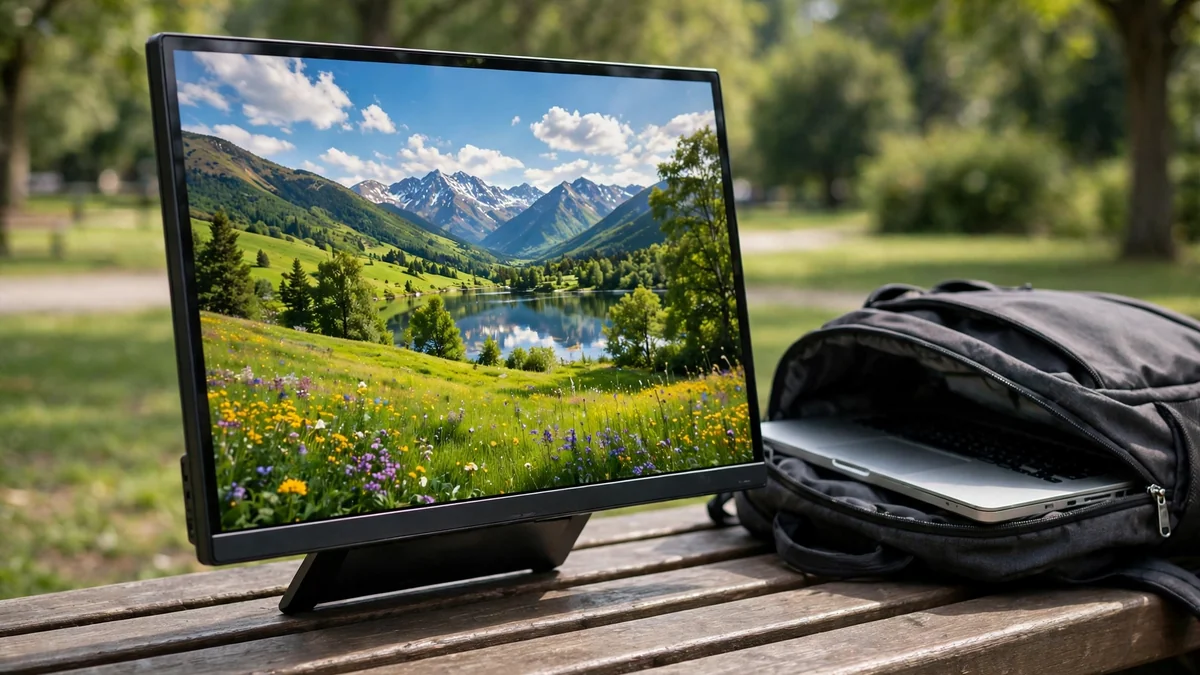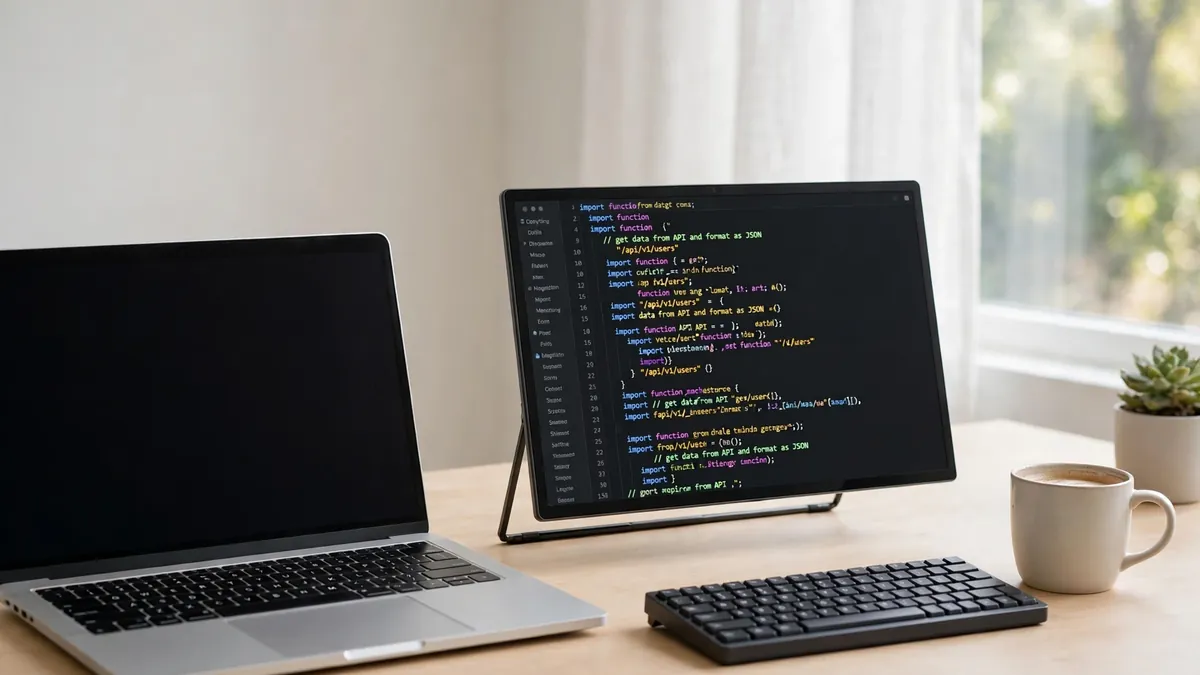
The best portable monitors for programmers in 2027 turn one laptop screen into a proper coding setup anywhere you work. A second display holds your editor on one side and documentation, a terminal, or a running app on the other, so you stop switching tabs every few seconds. For developers who code at a desk, in a library, or on the road, it is one of the cheapest productivity upgrades you can buy.
What matters most for programming is not gaming speed or flashy color. Sharp text, enough vertical space for long files, a single USB-C cable for power and video, and a screen that stays readable for hours decide whether a portable monitor earns its place in your bag. A dim panel, a wobbly stand, or a monitor that needs a separate power brick will frustrate you long before its resolution does.
This list covers eight portable monitors for coding, from a budget panel under $150 to a premium 2.5K display. The ASUS ZenScreen MB16ACV leads for most programmers, the MSI Pro MP161 E2 is the best cheap option, and the UPERFECT 16-inch 2.5K model is the pick for the crispest text.
Key takeaways
- The ASUS ZenScreen MB16ACV is the best portable monitor for programmers overall, with a bright IPS panel and a single-cable USB-C setup.
- The MSI Pro MP161 E2 is the best budget pick, starting at about $129 with a solid 15.6-inch full HD display.
- The UPERFECT 16-inch 2.5K model has the sharpest text in this list, which matters when you read code all day.
- Look for at least 300 nits and a full HD or better panel, or text will look washed out in bright rooms.
- Skip monitors that need a separate power adapter, since they defeat the point of a portable screen.
At a glance: the shortlist
| Product | Best for | Starting price | Standout limit |
|---|---|---|---|
| ASUS ZenScreen MB16ACV | Most programmers | About $199 | 15.6-inch full HD panel |
| ViewSonic VG1655 | Dual-monitor coding | About $249 | Heavier than rivals at 2 pounds |
| Lenovo ThinkVision M14 | Laptop-first setups | About $229 | 14-inch screen feels small for some |
| MSI Pro MP161 E2 | Budget buyers | About $129 | 250 nits, dimmer than the best |
| Espresso Display 15 | Premium build quality | About $399 | Needs a separate stand for some angles |
| Arzopa Z1FC | Smooth scrolling | About $159 | 144Hz panel drains laptop battery faster |
| UPERFECT 16-inch 2.5K | Sharpest text | About $279 | 2.5K over USB-C needs a capable port |
| KTC 14-inch Portable | Compact bags | About $139 | 14-inch panel, less room for split views |
ASUS ZenScreen MB16ACV — Best overall
The ASUS ZenScreen MB16ACV is the safest pick for most programmers. Its 15.6-inch full HD IPS panel is bright enough for office lighting, text stays sharp, and a single USB-C cable carries video and power. Setup takes seconds, and the smart case doubles as a stand.

At about $199, it sits in the middle of the price range, so it helps to start from one of the best laptops for programming when you plan the whole setup. Its slim bezels suit occasional design work as well as code.
Pros: Bright IPS panel, single-cable USB-C, light and slim, useful smart-case stand.
Cons: Full HD only, no high refresh rate, speakers are weak.
ViewSonic VG1655 — Best for dual-monitor coding
The ViewSonic VG1655 is built for developers who want a second screen that behaves like a real desk monitor. Its 15.6-inch full HD IPS panel has good viewing angles, so code stays readable off to one side, and its dual USB-C ports let you pass power through to your laptop when it has only one free USB-C port.
It is slightly heavier than the slimmest rivals at about 2 pounds, but the metal build feels durable and the included cover works as a stand. At about $249, it is fair for a monitor that can live on a desk all week and travel on Friday.
Pros: Dual USB-C with power pass-through, sturdy metal build, good viewing angles.
Cons: Heavier than rivals, no touchscreen, full HD only.
Lenovo ThinkVision M14 — Best for laptop-first setups
The Lenovo ThinkVision M14 is a 14-inch portable monitor designed to match a laptop. It weighs under 1.3 pounds, is barely thicker than a tablet, and draws all its power from one USB-C cable. If your bag is already full, this is the monitor that still fits.
The smaller screen means less room for side-by-side windows, so it works best as a companion display for a terminal or documentation. At about $229, its build quality justifies the price for developers who travel often.
Pros: Extremely light and thin, single-cable power, matches most laptops well.
Cons: 14-inch screen is small for split views, 300-nit brightness is average.
MSI Pro MP161 E2 — Best for budget buyers
The MSI Pro MP161 E2 proves you do not need to spend $250 for a usable second screen. Its 15.6-inch full HD IPS panel is clear and readable, it connects over USB-C or mini HDMI, and it weighs about 1.7 pounds. For students and junior developers, it is the cheapest sensible way into a dual-screen setup.
The trade-off is brightness: at 250 nits, it looks fine indoors but struggles near a bright window, and the simple kickstand needs a flat surface. At about $129, those are easy compromises.
Pros: Lowest price in this list, clear full HD panel, USB-C and mini HDMI.
Cons: Dimmer 250-nit panel, basic kickstand, no power pass-through.
Espresso Display 15 — Best for premium build quality
The Espresso Display 15 is the premium option here, and it feels like it. Its thin aluminum body is rigid, the 15.6-inch full HD touchscreen is bright and responsive, and the magnetic stand holds the screen at comfortable angles. Touch is genuinely useful for scrolling long files and reviewing pull requests.
At about $399, it costs roughly twice the budget picks, so it makes sense mainly if you use the monitor every day. It also works with tablets and phones over USB-C.
Pros: Premium aluminum build, bright touchscreen, works with phones and tablets.
Cons: Expensive, stand sold separately in some bundles, full HD only.
Arzopa Z1FC — Best for smooth scrolling
The Arzopa Z1FC is the only monitor here with a 144Hz refresh rate, and the difference shows when you scroll long code files or switch windows all day. Motion looks smoother, and the 15.6-inch full HD IPS panel is bright enough for most indoor work.
High refresh rates use more power, so expect faster battery drain at 144Hz, though you can drop it to 60Hz when you need battery life. At about $159, it is strong value for developers who care about smooth scrolling.
Pros: 144Hz refresh rate, good value, bright IPS panel.
Cons: Higher refresh rate uses more battery, basic stand, no touchscreen.
UPERFECT 16-inch 2.5K — Best for sharpest text
The UPERFECT 16-inch 2.5K portable monitor has the sharpest text in this list, and for programmers that matters most. Its 2560 by 1600 resolution packs more pixels into a 16-inch panel, so small fonts stay crisp and more lines fit on screen.
It connects over USB-C, plus mini HDMI for older machines. At about $279, it costs more than full HD rivals, but the clarity upgrade is obvious the first time you open your editor. Check that your laptop supports 2.5K output over USB-C before you buy.
Pros: Sharpest text in this list, 16-inch screen, USB-C and mini HDMI.
Cons: Needs a capable USB-C port, slightly heavier, no touchscreen.
KTC 14-inch Portable — Best for compact bags
The KTC 14-inch portable monitor is the smallest screen here, and that is its appeal. It weighs about 1.2 pounds, slips into a laptop sleeve, and runs from a single USB-C cable. Its full HD IPS panel is bright and clear, and it suits a 13-inch or 14-inch laptop.
Fourteen inches is tight for two windows side by side, so treat this as a companion screen for a terminal or documentation. At about $139, it is one of the cheapest here and the easiest to carry every day.
Pros: Very light and compact, low price, single-cable USB-C.
Cons: Small screen for split views, basic kickstand, average speakers.
How to choose
Start with size and resolution, which decide how much code you can see. A 15.6-inch full HD panel is the standard choice, a 14-inch screen suits travel, and a 2.5K panel is worth the extra money if you read small text all day. Aim for 300 nits or more near windows, and treat 250 nits as indoor-only.
Then check the connection. A single USB-C cable carrying video and power is the simplest setup, and most modern laptops support it. If your laptop has limited ports, look for power pass-through or a second USB-C port. A monitor that needs its own power brick is not really portable, no matter how thin it is.
Finally, think about the rest of your desk. A second screen is only part of a good coding setup, and the best monitors for programming include full-size options for desk days. Prices change often, so check current pricing before you buy, and buy from a seller with a clear return policy in case of dead pixels.
Checklist: before you pay
- Confirm your laptop outputs video over USB-C, or that you have a free HDMI port and a power source.
- Check the brightness rating and aim for 300 nits or more for bright rooms.
- Measure your bag and desk, since a 16-inch monitor needs more space than a 14-inch one.
- Read the return policy, since dead pixels and wobbly stands are the most common complaints.
- Compare the starting price with the current price, since these monitors go on sale often.
- Check whether the stand or case is included, or sold separately.
Frequently asked questions
Do portable monitors need a separate power supply?
Most portable monitors draw power from your laptop over a single USB-C cable. Older laptops or monitors with mini HDMI may need a USB-C power cable as well, so check the connection type first.
Is full HD enough for programming?
Yes, full HD is enough for most coding work on a 15.6-inch screen, and it keeps prices and battery use down. A 2.5K panel shows sharper text and fits more lines on screen, so it is worth the extra cost if you read code for many hours a day.
Can I use a portable monitor with a MacBook?
Yes, most portable monitors work with MacBooks over USB-C at full resolution. Some touchscreen features may not work on macOS, so check the specifications if touch matters.
Will a portable monitor drain my laptop battery?
Yes, a portable monitor draws power from your laptop, so battery life drops by roughly 20 to 30 percent. High refresh rate panels use more power, so drop the refresh rate or plug in for long sessions.
What size portable monitor is best for coding?
A 15.6-inch screen is the best balance of readability and portability. A 14-inch model suits travel, while a 16-inch 2.5K panel is best for the sharpest text and the most room for code.
Do I need a touchscreen on a portable monitor for programming?
No, a touchscreen is not needed for coding. It helps with scrolling through long files, but it is a nice extra rather than a requirement, and a good keyboard matters more, as our guide to the best mechanical keyboards for programming explains.
The bottom line
For most programmers, the ASUS ZenScreen MB16ACV is the right choice: bright enough, light enough, and simple to connect with one cable. If your budget is tight, the MSI Pro MP161 E2 gives you a usable second screen for about $129, and if sharp text is your priority, the UPERFECT 16-inch 2.5K model is worth the extra money.
Whichever model you choose, check current pricing, confirm your laptop supports video over USB-C, and pick the size that fits your bag. A second screen is a small upgrade that changes how you code every day.