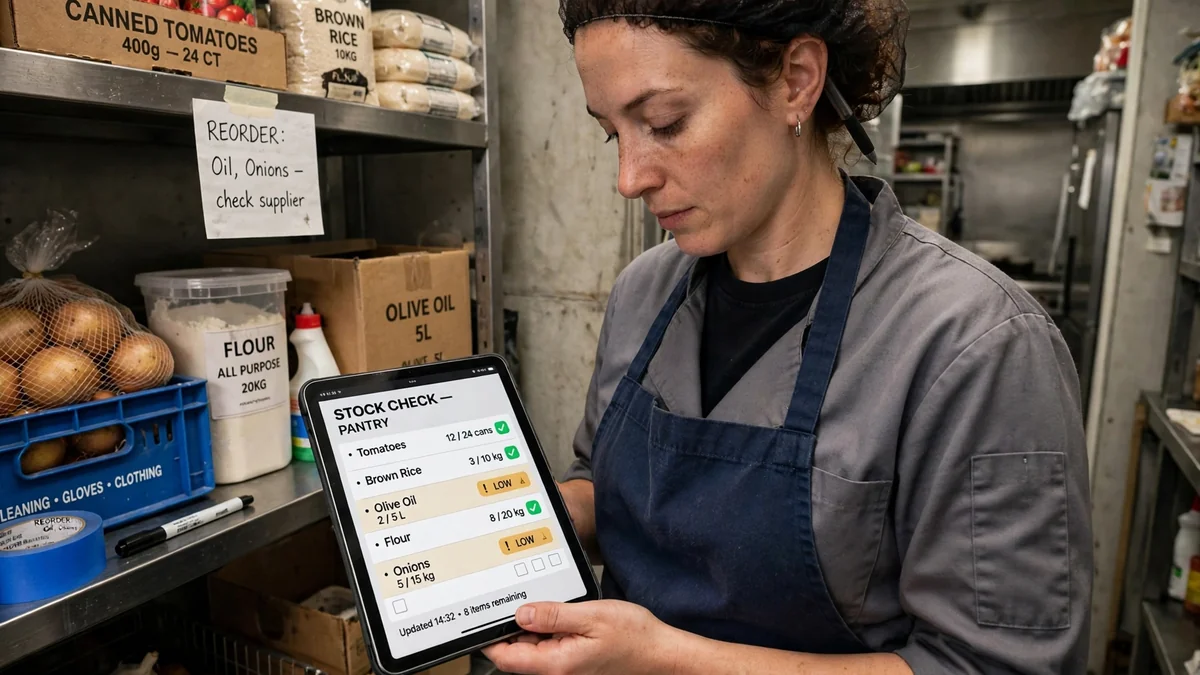
Best project management software for ecommerce stores in 2027 has to juggle three things at once: orders that must ship on time, product launches that must land on schedule, and marketing that must keep pace with both. A missed handover between any of those is a late parcel, a broken product page, or a sale that starts without its banners ready.
What matters most for a store is a tool that shows the whole pipeline clearly, from supplier order to dispatch. The best tools make it obvious which orders are stuck, which products are ready, and who owns the next step, without forcing the team to check five different apps.
This shortlist covers eight tools that fit stores of different sizes, from a new shop run by two people to a larger operation with warehouse, marketing, and customer teams. Prices below are approximate starting prices; check current pricing before you buy, because plans and rates change.
Key takeaways
- Asana is the best overall choice for ecommerce stores, thanks to clear ownership and templates that keep every launch consistent.
- ClickUp offers the best value for growing stores that need many features on a small budget.
- Trello is the easiest starting point for a new store that wants a simple visual workflow.
- Airtable and Notion suit stores where product data and content planning matter as much as task tracking.
- Test the tool with a real launch, not a demo project, before you commit to a paid plan.
At a glance: the shortlist
| Product | Best for | Starting price | Standout limit |
|---|---|---|---|
| Asana | Full launch and operations cycle | From about $11 per user per month | Advanced reporting needs higher tiers |
| Monday.com | Visual order and campaign tracking | From about $9 per user per month | Per-user pricing climbs with add-ons |
| ClickUp | Budget-conscious growing stores | From about $7 per user per month | Setup time before it feels settled |
| Trello | Simple store workflows | Free plan; paid from about $5 per user per month | Limited reporting |
| Notion | Content and product planning | From about $10 per user per month | Lighter task tracking |
| Wrike | Larger ecommerce operations | From about $10 per user per month | Complexity for small teams |
| Smartsheet | Spreadsheet-style stock planning | From about $9 per user per month | Less suited to daily task lists |
| Airtable | Product and inventory data | From about $20 per user per month | Weaker as a standalone task tool |
Asana — Best overall
Asana is the strongest all-round choice for ecommerce stores because it handles the full cycle: product launches, content calendars, order exceptions, and marketing campaigns. Every task has an owner and a deadline, so nothing drifts between teams.

Its timeline and calendar views make it easy to plan a sale or a seasonal drop, and templates keep each launch consistent. For a growing store, Asana scales from a handful of people to a full operations team without a rebuild. best project management software for small businesses
Pros: Clear ownership, strong templates, and good launch planning.
Cons: Costs grow as you add seats and advanced reporting.
Monday.com — Best for visual order tracking
Monday.com suits ecommerce stores that want to see orders, stock, and campaigns on one colourful board. Orders can move from payment to picking to dispatch, and the team can spot bottlenecks before customers start asking where their parcel is.
Automations chase late tasks and update statuses when an order changes, which cuts down on manual checks. It is a good fit for stores with a busy fulfilment bench and a small marketing team working side by side.
Pros: Excellent visual boards and useful automations.
Cons: Per-user pricing adds up with seasonal staff.
ClickUp — Best value for growing stores
ClickUp gives a growing ecommerce store a lot for its money: tasks, docs, goals, and time tracking in one place. A small team can run launches, customer queries, and supplier orders without paying for several separate tools.
Custom views let the warehouse team see a simple list while marketing sees a calendar of the same work. The price is attractive, but allow time to set it up properly, because the flexibility can overwhelm a new user.
Pros: Strong features for the price and flexible views.
Cons: Setup takes time and the interface can feel crowded.
Trello — Best for simple store workflows
Trello is the easiest way for a small ecommerce store to track work visually. A board for orders, a board for product launches, and cards that move from to-do to done give the whole team a shared picture with almost no learning curve.
Checklists inside cards work well for packing and dispatch, and due dates flag anything running late. It is ideal for a new store or a side business where the team is small and the work is straightforward.
Pros: Very easy to learn and quick to start.
Cons: Weak reporting and limited automation on basic plans.
Notion — Best for content and product planning
Notion is a strong pick for ecommerce stores that sell through content, guides, and a well-organised catalogue. Product pages, launch notes, and marketing plans can live beside the task list, so the team works from one source of truth.
Databases can track products, suppliers, and content ideas in one place, and templates keep each launch documented. It is less of a pure task tracker than Asana, but it shines when planning and writing matter as much as doing.
Pros: Flexible docs and databases for planning-heavy stores.
Cons: Task tracking is lighter than dedicated rivals.
Wrike — Best for larger ecommerce operations
Wrike fits larger ecommerce operations with formal approvals and several teams. Marketing assets, product pages, and promotions can move through review stages, with a clear record of who approved what and when.
Resource views show whether the content or design team is overloaded before a big sale, and templates standardise each campaign. It is more structure than a small store needs, but it pays off at scale.
Pros: Strong approvals and resource planning for bigger teams.
Cons: More complex and pricier than small stores need.
Smartsheet — Best for spreadsheet-style stock planning
Smartsheet will suit any store owner who already plans stock and suppliers in spreadsheets. The familiar rows and columns gain assignments, alerts, and Gantt views, so a launch plan and a stock list can live in the same sheet.
It is particularly useful for tracking supplier lead times, purchase orders, and promotional calendars side by side. Dashboards give the owner a weekly summary without digging through every row.
Pros: Familiar spreadsheet feel with alerts and dashboards.
Cons: Less friendly for day-to-day task lists.
Airtable — Best for product and inventory data
Airtable blends a spreadsheet with a database, which makes it a natural fit for ecommerce stores that manage lots of product data. Products, variants, suppliers, and launch dates can be linked, filtered, and viewed as a calendar or a Kanban board.
Automations can flag low stock or remind the team when a supplier order is due. It works best as a planning and tracking hub beside a dedicated task tool, rather than as a replacement for one.
Pros: Excellent for linked product and supplier data.
Cons: Task management is weaker than pure project tools.
How to choose
Start with your bottleneck. If orders get stuck between payment and dispatch, you need a visual board and automations. If launches slip because nobody owns the content, you need clear ownership and templates. If stock planning is the problem, a spreadsheet-style tool may serve you better than a pure task app.
Count seasonal staff in the price, and check integrations with your store platform and your payment and shipping tools. A tool that cannot talk to your store will create manual work. Also think about customer records: our guide to best CRM software for small businesses shows how project tools and customer tools work together.
Finally, decide who will keep the board honest. A project tool only works if someone closes finished jobs, reassigns late work, and archives old launches each week. Give that job to one person, such as an operations lead, and hold a short weekly review. Without an owner, even the best software fills with stale tasks that nobody trusts, and the team drifts back to scattered messages and spreadsheets.
Use the full trial period before you pay. Two weeks is enough to test a normal week, but a store should also cover a busy sale day or a product launch, when the pressure is highest. If the tool still feels quick and clear on those days, it will hold up the rest of the year.
Checklist: before you pay
- Run a trial around a real product launch or sale, not a made-up project.
- Check integrations with your store platform, payment provider, and shipping tools.
- Confirm the renewal price and what happens when you add seasonal staff.
- Confirm you can export tasks, products, and data if you leave.
- Test automations for overdue orders and low-stock alerts.
- Ask what support is included on the plan you would actually buy.
Frequently asked questions
What is the best project management software for ecommerce stores?
Asana is the best overall pick for most ecommerce stores because it covers launches, campaigns, and operations with clear ownership. Stores that want a more visual board should look at Monday.com, while budget-conscious stores should try ClickUp.
Do small ecommerce stores need project management software?
A very small store can manage with a spreadsheet or a simple board at first. Once orders, launches, and marketing overlap, a shared tool stops tasks falling between people and gives the owner one place to see what is stuck.
Which tool is best for tracking orders?
Monday.com and Trello are the strongest for visual order tracking. Monday.com adds automations and reporting for busier stores, while Trello is simpler and cheaper for a small team that mainly needs a shared board.
How much does project management software for ecommerce cost?
Most tools here start at roughly $5 to $11 per user per month on annual billing, with free plans for tiny teams. best AI tools for invoice management Airtable starts higher, at about $20 per user per month, so check current pricing before you commit.
Can these tools connect to my online store?
Many offer direct integrations or connect through automation tools, but coverage varies by store platform and plan. Confirm the exact integration you need exists on the plan you would pay for, and test it during the trial.
What should a new store avoid when choosing?
Avoid buying a heavy enterprise tool before you need it. A new store should pick something the whole team can learn in a day, prove it with one real launch, and only pay for advanced features when a real problem demands them.
The bottom line
For most ecommerce stores, Asana is the right starting point: it keeps launches, campaigns, and daily operations in one organised place. Growing stores on a budget should try ClickUp, and new shops should start with Trello until the work outgrows a simple board.
Whatever you choose, prove it with a real launch. A tool that survives a busy sale week with the whole team still using it is the right tool for your store. Review the choice after that first big sale, and be ready to switch if the team has quietly gone back to messages and spreadsheets.