
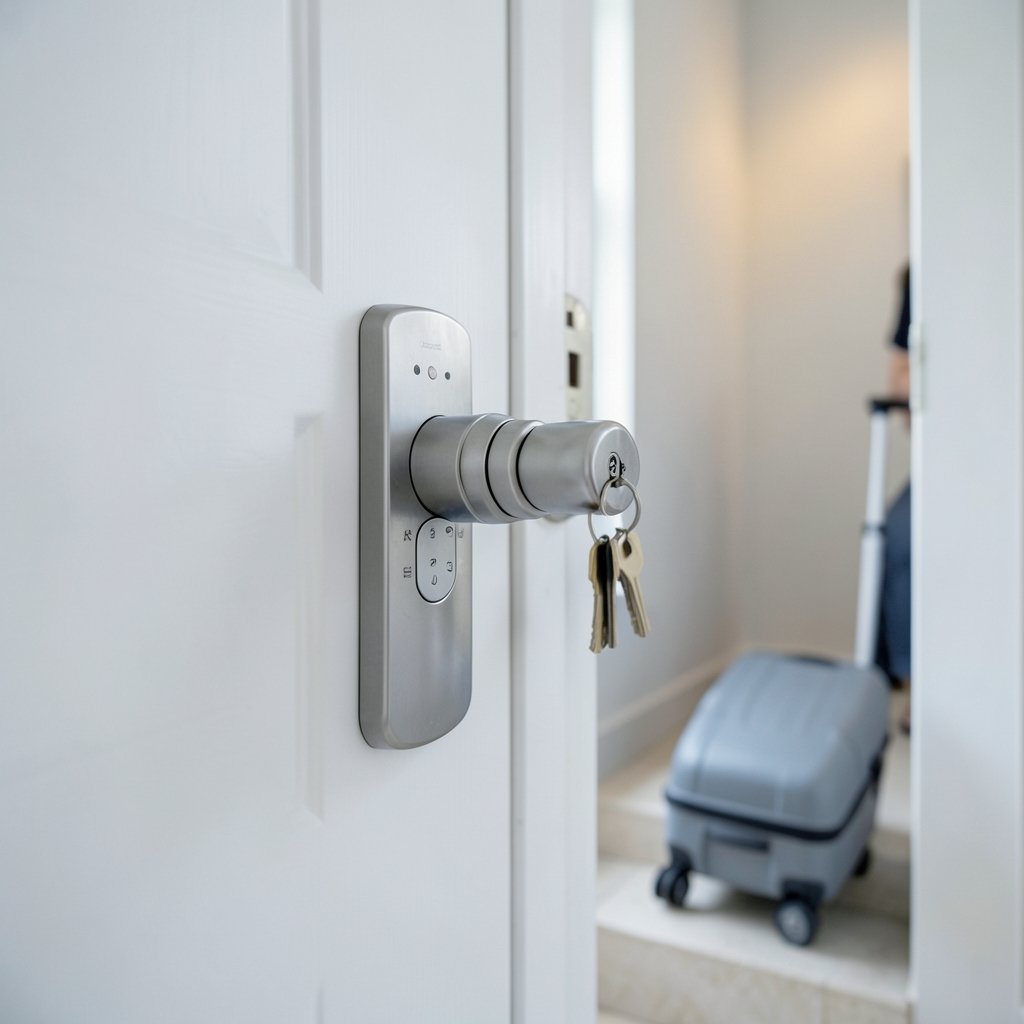
What happens when your guest arrives at 11 p.m., the rental’s Wi-Fi has dropped, and the lock needs the internet to spit out a code? That single scenario is why offline guest access has become the deciding feature for hosts shopping for smart locks in 2027. A lock that depends on the cloud is only as reliable as the router in the hallway. A lock that validates codes on the keypad itself keeps working when everything else fails. (Smart lock guest code expiration set access that ends time)
This roundup focuses on the specific lock families that generate guest PINs without needing Wi-Fi at the door, plus the cloud-based options worth considering when connectivity is solid. Each pick gets a plain look at who it suits, what it does well, and where it falls short.
Comparison at a glance
| Lock family | Offline guest codes | Best for | Needs Wi-Fi at the door? | Notable limitation |
|---|---|---|---|---|
| igloohome Deadbolt 2S | Yes, algorithmic PINs | Remote rentals with weak internet | No | Fits doors 35mm to 60mm thick only |
| igloohome Padlock 2 | Yes, algorithmic PINs | Gates, lockers, backup access | No | Not a door lock |
| igloohome Smart Keybox 3 | Yes, time-sensitive PINs | Properties that can’t be retrofitted | No | Stores a physical key, not a deadbolt |
| TTLock with G4 gateway | Yes, with 4G SIM fallback | Hosts wanting a management platform | Fallback covers outages | Automation needs a third-party PMS |
| Schlage Encode Plus | Local code management | Subscription-free home setups | Built-in Wi-Fi | Cloud features still rely on the internet |
| Forge Smart (Tuya) | PINs validated at the keypad | Simple single-property setups | Built-in Wi-Fi | No on-demand remote unlock |
The table reflects platform guidance published by Gold Coast Hardware, which compared five smart lock platforms on exactly this question: whether a guest can get in without internet at the property.
1. igloohome Deadbolt 2S: the offline-first default for Airbnb hosts
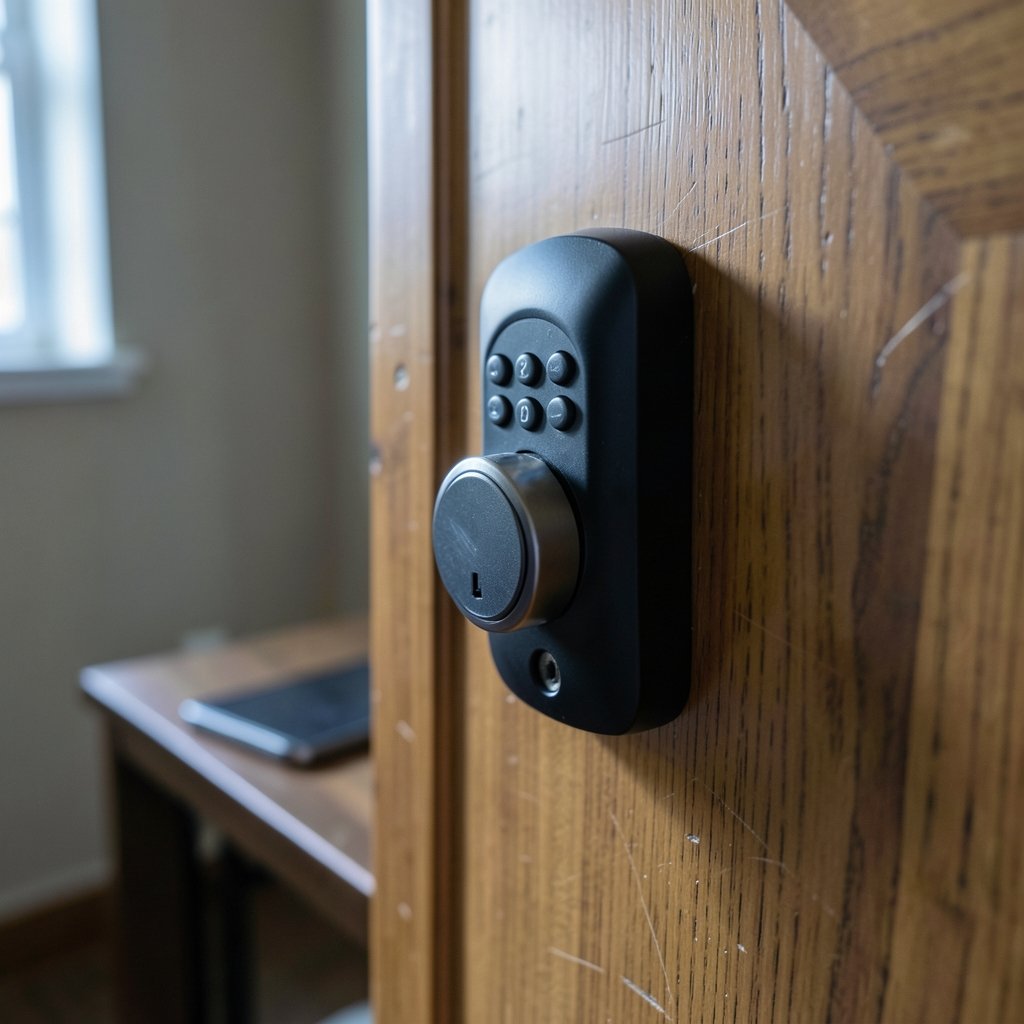
Who it suits: hosts running short-term rentals where the Wi-Fi is unreliable, shared, or simply nonexistent.
igloohome, founded in Singapore in 2015, built its reputation on algoPIN technology. The lock and the app share an algorithm, so a time-limited PIN generated on the host’s phone works at the door with no internet connection at either end. The lock checks the code itself. That is the whole trick, and it is a good one.
For Airbnb hosts, the practical payoff is automated check-in. igloohome integrates directly with Airbnb so guest codes can be created and shared without anyone touching a router. The Deadbolt 2S is documented for doors from 35mm to 60mm thick, which covers most standard residential doors but rules out unusually thick or thin slabs. Check your door before ordering. (Choosing ai tools api access builders should check 2027)
The limitation: the deadbolt replaces existing hardware, so installation is more involved than a retrofit. Weather exposure and door fit need checking first. If your door is an odd size, this pick may not work at all.
2. igloohome Padlock 2: offline access for gates, lockers, and backup entry
Who it suits: properties with a metal gate, a storage locker, a utility closet, or a second entry point that needs its own code.
The Padlock 2 carries the same algorithmic PIN system in a battery-powered, wire-free body. It is rated IPX7, the strongest weather rating in the igloohome line, with an operating range of -20°C to 50°C. For exposed outdoor locations, that matters more than any app feature.
Emergency power is handled through USB-C charging or a 9V jump-start, so a dead battery does not mean a dead lock. That is the kind of detail hosts only appreciate after the first lockout call.
The limitation: it is a padlock, not a door lock. It suits gates and outbuildings, not a front door. Pair it with a deadbolt rather than treating it as a standalone solution.
3. igloohome Smart Keybox 3: the retrofit-free workaround
Who it suits: properties where the main door cannot easily take a smart lock, or hosts who want a physical-key backup.
Not every door needs a smart deadbolt. The Smart Keybox 3 stores physical keys, car keys, or fobs behind the same time-sensitive PIN access that makes the Deadbolt 2S useful. Airbnb direct sync is confirmed for igloohome, so the keybox can sit inside the same automated workflow as the rest of the range.
It is also the honest answer for older buildings with heritage doors, thick metal frames, or landlords who will not approve hardware changes. Sometimes the cleaner solution is not a smarter lock but a smarter box. If your door is the problem, the guide to smart locks that actually fit metal doors is worth reading before you buy anything.
The limitation: a keybox holds a key. That means a physical key still exists, still gets copied, and still gets lost. It solves access, not key management.
4. TTLock with a G4 gateway: platform control with a 4G safety net
Who it suits: hosts managing multiple doors who want a management platform and are willing to accept a more complex setup.
TTLock is a platform rather than a single lock, and its answer to connectivity problems is a G4 gateway with a 4G SIM fallback. If the property’s broadband fails, the gateway can still reach the network over cellular. That is a genuinely useful redundancy for buildings where the Wi-Fi is shared or flaky.
The trade-off is automation. TTLock requires a third-party property management system for calendar-driven code creation, so the “guest books, code appears” workflow is not built in. Hosts who want that out of the box will find igloohome simpler.
The limitation: more moving parts. A gateway, a SIM, a PMS subscription, and a lock all have to work together. That is fine for a portfolio. It is overkill for one cabin.
5. Schlage Encode Plus: subscription-free code management
Who it suits: owners who want strong local control and no monthly fee, with reliable Wi-Fi at the door.
The Schlage Encode Plus earns its place because its core features work without a subscription. Built-in Wi-Fi means no hub, Apple Home Key support adds tap-to-unlock, and codes can be managed locally. For a second home or a rental with dependable internet, that combination is hard to beat.
The critical question for any cloud-connected lock is what still works when the cloud is removed. With the Encode Plus, the answer is local code management, which is more than many competitors offer. But remote code creation and guest automation still depend on the network being up.
The limitation: if the Wi-Fi drops, remote management drops with it. There is no algorithmic offline PIN fallback here. It is a great lock for good connectivity, not a fix for bad connectivity.
6. Forge Smart (Tuya): simple, Wi-Fi built in
Who it suits: single-property hosts who want remote passcodes and entry records without buying a gateway.
Forge Smart locks run on the Tuya platform with Wi-Fi built in, so remote passcodes and entry logs work from anywhere without extra hardware. A PIN typed at the keypad is validated by the lock itself, which means entry keeps working during an outage even though remote management does not.
The one feature you give up is on-demand remote unlock, where a visitor requests entry and you approve it live. If that matters, look elsewhere. If it does not, this is a straightforward, low-friction option.
The limitation: no live remote unlock, and cloud reliance for anything beyond basic PIN entry.
How to choose an offline guest access lock
Work through these questions in order. The first one eliminates most of the field.
- Is reliable internet at the property a genuine concern? If yes, go offline-first with igloohome’s algoPIN system or TTLock with a 4G gateway. If no, the cloud-based options open up.
- Can the door take a smart lock at all? Measure thickness and check the material. Deadbolt 2S needs 35mm to 60mm. Metal doors and heritage frames often need a different approach.
- Do you need automated guest codes from your booking calendar? Airbnb direct sync is confirmed for igloohome. TTLock needs a third-party PMS for the same result.
- How many properties are you managing? One door favors simplicity. A portfolio favors a platform with centralized control.
- What is your backup plan for a lockout? A physical backup key, a keybox, or emergency power options all count. Pick at least one.
A common mistake is buying for the demo rather than the failure. Locks look great in a showroom with strong Wi-Fi. They earn their money at 11 p.m. in a rainstorm with a dead router. Before committing, read up on how guest code expiration works so access ends when it should, and skim the common smart home mistakes people still make to avoid the setup traps that cause most lockout calls.
If you are building out the rest of the property, the right hub ties everything together, and pairing a lock with a speaker that handles multiple devices makes the whole setup easier to manage. The Matter and Thread standards are also worth watching as they push the category toward local control.
Conclusion
Offline guest access is not a niche feature anymore. It is the difference between a lock that works and a lock that works most of the time. For most short-term rental hosts, the igloohome range remains the clearest answer: algorithmic PINs that validate at the keypad, no Wi-Fi required, and direct Airbnb integration. The Deadbolt 2S covers the front door, the Padlock 2 covers the gate, and the Keybox 3 covers the doors that cannot be changed.
If your connectivity is solid and you want subscription-free local control, Schlage Encode Plus is the stronger pick. If you manage multiple doors and want platform oversight, TTLock with a 4G gateway buys you redundancy at the cost of complexity. Forge Smart sits in the middle for simple setups.
Choose based on what happens when the internet fails, not on what happens when it works. That single question will steer you to the right lock faster than any spec sheet.
Frequently asked questions
Do smart locks need Wi-Fi for guests to get in?
No. On offline-first locks, a PIN typed at the keypad is validated by the lock itself. Wi-Fi is only needed for remote management, such as creating codes from another location or pulling entry records. The lock keeps accepting valid codes during an outage.
What is an algorithmic PIN and how does it work?
An algorithmic PIN is generated by an app using a shared algorithm that the lock also holds. The host creates a time-limited code on their phone, and the lock verifies it independently, with no internet connection at either end. igloohome pioneered this approach with its algoPIN system.
Can I automate guest codes through Airbnb?
Yes, with the right lock. Airbnb direct sync is confirmed for igloohome, which means guest codes can be created and shared automatically around each booking. TTLock requires a third-party property management system to achieve the same automation.
What happens if the lock battery dies?
It depends on the model. The igloohome Padlock 2 supports emergency power through USB-C charging or a 9V jump-start. Deadbolts may include a physical backup key. Always confirm the backup method before installing, and check batteries on a schedule rather than waiting for a warning.
Will a smart lock fit my door?
Check thickness and material first. The igloohome Deadbolt 2S is documented for doors from 35mm to 60mm thick. Metal doors, heritage frames, and unusually thin or thick slabs may need a retrofit model or a keybox instead of a full deadbolt replacement.
Are offline smart locks more expensive to run?
Not necessarily, but subscription terms vary by brand and model. Some locks charge monthly fees for cloud features, while others include core functions like local code management at no ongoing cost. Confirm what still works without a subscription before you buy, since that is where the real long-term cost sits.



