
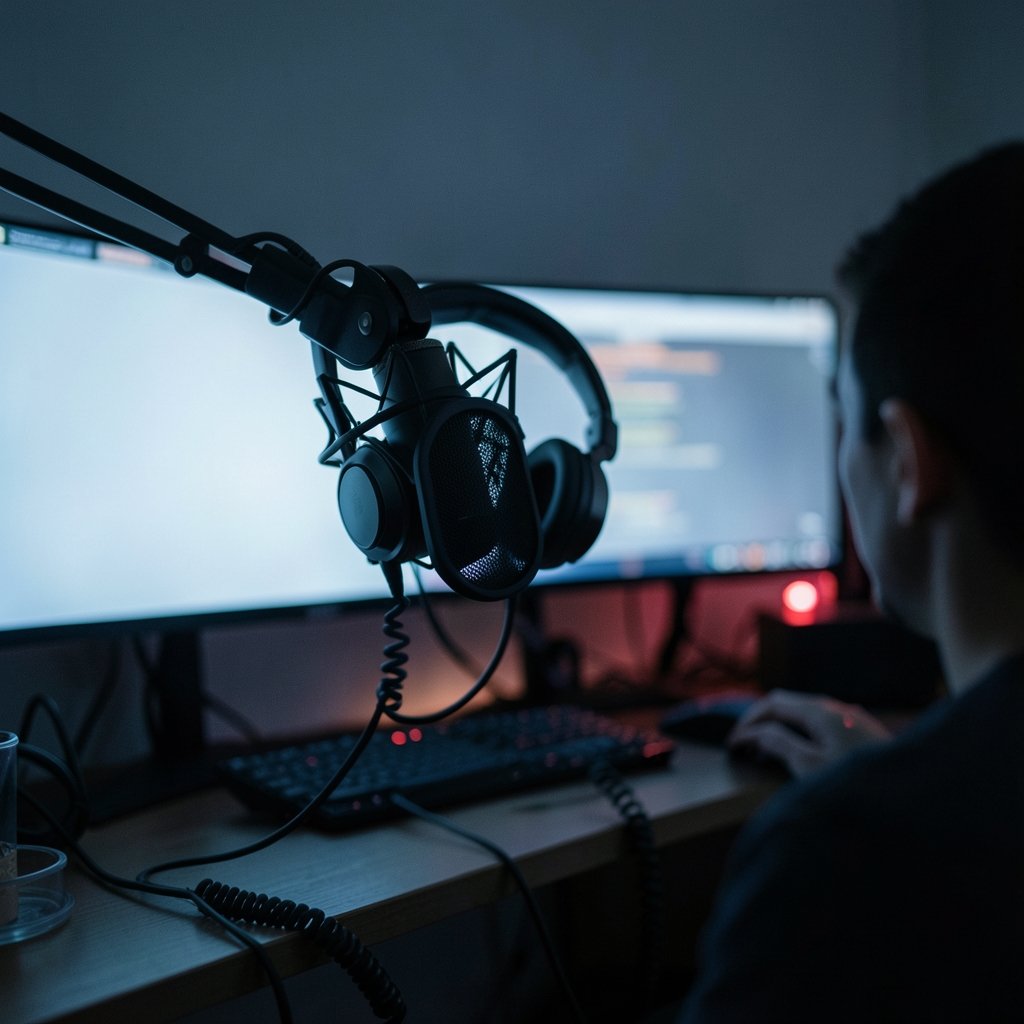
Streaming audio has a dirty secret: viewers will forgive a plain webcam long before they forgive bad sound. In fact, a widely cited rule of thumb among video producers is that audiences tolerate mediocre video but abandon poor audio within seconds. That single fact reshapes how a new streamer should spend a first budget. A $60 microphone placed correctly will beat a $300 model stuffed against a keyboard every time. (Ai video generator from images a beginners guide)
This guide walks through the microphones that genuinely suit beginners, the technical choices that matter (and the ones that don’t), and the mistakes that quietly ruin sound quality. It stays honest about trade-offs, because the “best” microphone depends almost entirely on the room it sits in.
Start With the One Decision That Changes Everything
Before comparing models, a beginner must understand USB versus XLR. It is the fork in the road that determines cost, complexity, and upgrade path.
A USB microphone plugs straight into a computer. The mic contains its own analog-to-digital converter, so there is no audio interface, no cables beyond the one in the box, and no gain-staging headaches. A XLR microphone outputs an analog signal and needs an audio interface or mixer to connect to a computer. That adds roughly $100 or more to a setup, plus a learning curve. (Microphone)
For a first stream, USB is almost always the right call. The exception is a streamer who already owns an interface or who plans to build a multi-mic setup for co-hosts or instruments. Buying XLR gear before understanding gain staging is a common beginner error that leads to quiet, hissy recordings and frustration.
Condenser or Dynamic?
The second choice is the capsule type. Condenser microphones are sensitive and capture detail and room ambience in equal measure. Dynamic microphones are less sensitive, reject background noise better, and tolerate untreated rooms.
Here is the practical translation: if the stream happens in a bedroom with a humming PC, a barking dog, and bare walls, a dynamic mic is the safer bet. If the space is quiet and treated, a condenser rewards that with a fuller, more detailed voice. Many beginners buy a sensitive condenser, hear their room reflected back at them, and conclude the mic is broken. It isn’t. The room is the problem, and the microphone is simply reporting it.
The Beginner-Friendly Microphones Worth Considering
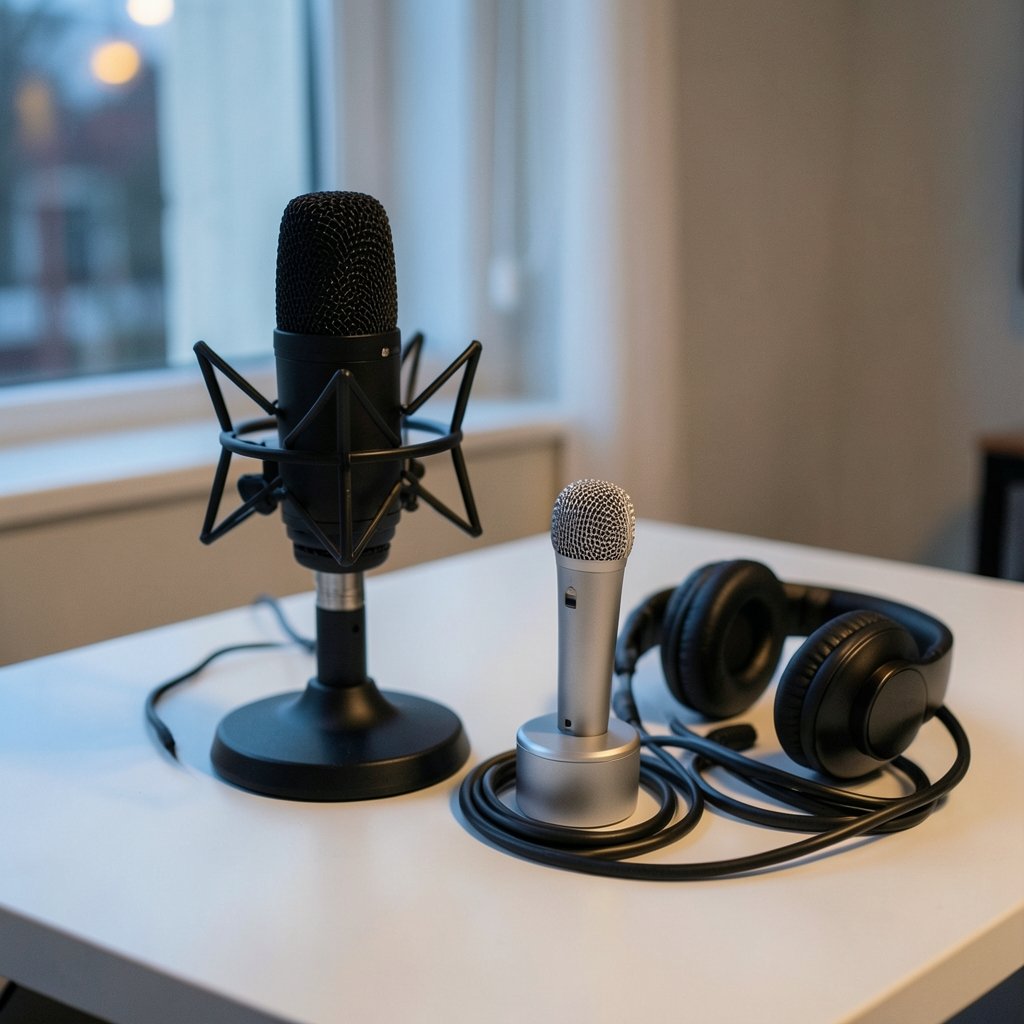
The table below summarizes the models most often recommended for first-time streamers, along with who each one suits.
| Microphone | Connection | Type | Best For | Watch Out For |
|---|---|---|---|---|
| Blue Yeti (Logitech) | USB | Condenser | Voice, multiple pickup patterns, plug-and-play | Picks up room noise; heavy |
| Audio-Technica AT2020USB+ | USB | Condenser | Clean vocals, music, podcasting | Sensitive to untreated rooms |
| Rode NT-USB Mini | USB | Condenser | Compact desks, simple setups | Limited mounting options |
| Shure MV7 | USB and XLR | Dynamic | Noisy rooms, future-proofing | Higher price |
| Samson / Fifine budget USB | USB | Condenser | Absolute lowest budget | Inconsistent quality by model |
| Shure SM7B | XLR only | Dynamic | Broadcast-grade voice, treated or noisy rooms | Needs lots of gain and an interface |
Blue Yeti: The Long-Standing Default
The Blue Yeti, now sold under Logitech, has been the default beginner recommendation for well over a decade. It offers several pickup patterns (cardioid, stereo, omnidirectional, bidirectional) and a built-in headphone jack for zero-latency monitoring. For a solo streamer, cardioid is the only pattern that matters, but the flexibility is genuinely useful for interviews or two-person streams.
The catch is sensitivity. The Yeti hears everything, including keyboard clatter and HVAC hum. It also sits heavy on a desk and transmits vibration through its stand, so a boom arm or shock mount is a worthwhile early add-on.
Audio-Technica AT2020USB+: Detail Without an Interface
The AT2020USB+ takes the well-regarded XLR AT2020 condenser and adds a USB output, headphone jack, and mix control. It delivers a clean, detailed vocal sound that suits podcasting and music as well as gaming streams. Like most condensers, it demands a reasonably quiet room, and beginners often underestimate how much of their environment it captures.
Rode NT-USB Mini: Small Desk, Simple Setup
The NT-USB Mini is compact, includes a desk stand, and has a headphone output. It is a sensible pick for streamers with limited desk space who want a tidy, single-cable solution. Its smaller body means fewer mounting accessories fit, so check compatibility before buying a boom arm.
Shure MV7: The Hybrid That Grows With You
The Shure MV7 is a dynamic microphone with both USB and XLR outputs, onboard controls, and companion software for tone shaping. It is the closest thing to a “buy once” beginner option: start on USB, move to XLR later without replacing the mic. Its dynamic capsule rejects room noise far better than a condenser, which makes it a strong choice for untreated spaces. The trade-off is price.
Shure SM7B: The Broadcast Standard, With a Catch
The SM7B is the microphone visible in countless professional studios and streaming setups. It is dynamic, rugged, and forgiving of imperfect rooms. But it is XLR-only and famously gain-hungry, meaning it typically needs an interface with high clean gain or an inline preamp. For a true beginner, that is two purchases and a learning curve before the first stream. It is an excellent second microphone, not usually a first one.
Budget Options: Samson and Fifine
Samson and Fifine both make inexpensive USB microphones that get first-time streamers on air for very little money. Quality varies significantly between models within each brand, so research the specific model rather than the brand. A budget mic on a proper stand, positioned well, will outperform a premium mic placed badly.
What Actually Matters More Than the Microphone
Beginners obsess over the mic and ignore the three factors that shape sound more: distance, room, and gain.
Distance. Speaking 4 to 6 inches from the capsule, slightly off-axis to avoid plosives, produces a fuller sound with less room reflection. Most beginner audio problems are distance problems.
Room treatment. Soft furnishings, curtains, rugs, and bookshelves absorb reflections. A closet full of clothes is a genuinely effective vocal booth. Bare walls and hard floors create the boxy echo that makes streams sound amateur.
Gain staging. Set input gain so normal speech peaks around two-thirds of the meter, never touching the ceiling. Clipping cannot be fixed after the fact.
A useful parallel: the same principle of matching the tool to the actual use case applies across beginner tech. Someone choosing a first instrument weighs size and playability over specs, just as a new player picking from the best ukulele for beginners weighs comfort over prestige. The pattern holds for streamers too.
Accessories That Earn Their Place
- A boom arm gets the mic off the desk, reducing vibration and keyboard noise.
- A pop filter or foam windscreen softens plosive “p” and “b” sounds.
- A shock mount isolates the mic from bumps and desk thumps.
- Closed-back headphones prevent game audio from bleeding into the mic.
Beginners often skip these and then spend hours chasing noise in software. Hardware fixes are cheaper than software fixes in the long run.
Software and Setup Tips That Save Hours
Most USB mics work immediately, but a few settings make a large difference.
- In the operating system’s sound settings, set the microphone as the default input and disable automatic gain control.
- In the streaming software, add a noise suppression filter, then a noise gate, then a limiter, in that order.
- Record a two-minute test clip and listen back on headphones before going live.
- Keep the mic out of the direct path of speakers to avoid feedback.
One often-overlooked detail: if the stream includes content from other regions or platforms, network stability matters as much as audio. Streamers who watch region-locked content often pair their setup with one of the best VPNs for streaming in 2026, though this has no effect on microphone quality itself.
Beginners building a broader studio sometimes explore adjacent tools. Those interested in the visual side of content creation often start with the best AI animation generators for beginners to produce overlays and intros without design skills. (CTIA)
Common Beginner Mistakes to Avoid
Buying XLR gear first. Without an interface, an XLR mic is silent. Without understanding gain, it is quiet and noisy.
Mounting the mic on the desk next to the keyboard. Every keystroke becomes part of the stream.
Cranking gain to compensate for distance. This amplifies room noise along with the voice. Move closer instead.
Trusting a single review. Recommendations conflict because reviewers weight price, room treatment, and software differently. Cross-check several sources and prioritize ones that describe their testing room.
Ignoring the return window. Buy from a retailer with a generous return policy and test thoroughly. Room compatibility cannot be judged from a spec sheet.
There is a broader lesson here about beginner purchases in general. The same trap appears with the best 3D printer for beginners: newcomers buy on specs, then discover that setup, environment, and patience matter more than the headline numbers.
Matching the Microphone to the Stream
Voice-only streams, gaming with friends, music performance, and co-hosted shows each pull in different directions.
| Stream Type | Priority | Sensible Pick |
|---|---|---|
| Solo gaming, noisy room | Noise rejection | Dynamic USB, such as the MV7 |
| Solo talking head, quiet room | Vocal detail | Condenser USB, such as the AT2020USB+ |
| Music and singing | Detail and headroom | Condenser with interface |
| Two-person couch stream | Flexible pickup | Multi-pattern USB, such as the Yeti |
| Lowest possible budget | Cost | Reputable budget USB on a stand |
The honest answer is that no single microphone wins every category. Reviewers who declare one model “best” are usually describing their own room and their own budget.
Conclusion
The best streaming microphone for a beginner is not the most expensive one or the one with the most five-star reviews. It is the one that matches the room, the budget, and the willingness to learn. For most first-time streamers, a USB dynamic microphone like the Shure MV7 or a well-positioned USB condenser like the AT2020USB+ covers the bases, with a boom arm and pop filter doing more for audio quality than an upgrade ever would.
Spend less on the microphone than feels comfortable, and more on positioning, treatment, and practice. The microphone captures the room, the voice, and the habits of the person using it. Fix those first, and almost any competent mic will sound professional.
Frequently Asked Questions
Is a USB or XLR microphone better for a beginner streamer?
USB is better for almost every beginner. It requires no audio interface, no extra cables, and no gain-staging knowledge. XLR becomes worthwhile once the streamer owns an interface or plans a multi-microphone setup.
Do I need an audio interface to use a dynamic microphone?
Only if the microphone is XLR-only, such as the Shure SM7B. Hybrid models like the Shure MV7 offer USB output, so no interface is needed. The SM7B also needs substantial clean gain, which often means an inline preamp or a high-gain interface.
How far should a beginner sit from the microphone?
Roughly 4 to 6 inches, speaking slightly across the capsule rather than directly into it. This reduces plosives and room reflection while keeping the voice full. Moving closer is almost always better than raising gain.
Will a better microphone fix background noise?
Usually not. Sensitive condenser microphones capture more room noise, not less. A dynamic microphone rejects background sound better, but the real fixes are soft furnishings, a quieter space, and correct positioning.
How much should a beginner spend on a streaming microphone?
Enough to get a reputable model, not enough to skip accessories. Budget USB mics start low, mid-range options sit in the middle, and broadcast-grade dynamic mics cost considerably more. A boom arm and pop filter matter as much as the mic itself.
Can a cheap microphone sound professional on a stream?
Yes, within limits. A budget microphone on a proper stand, positioned close in a soft-furnished room with sensible gain settings, will sound clean and clear. Placement and room treatment routinely outperform price differences at the beginner level.
