
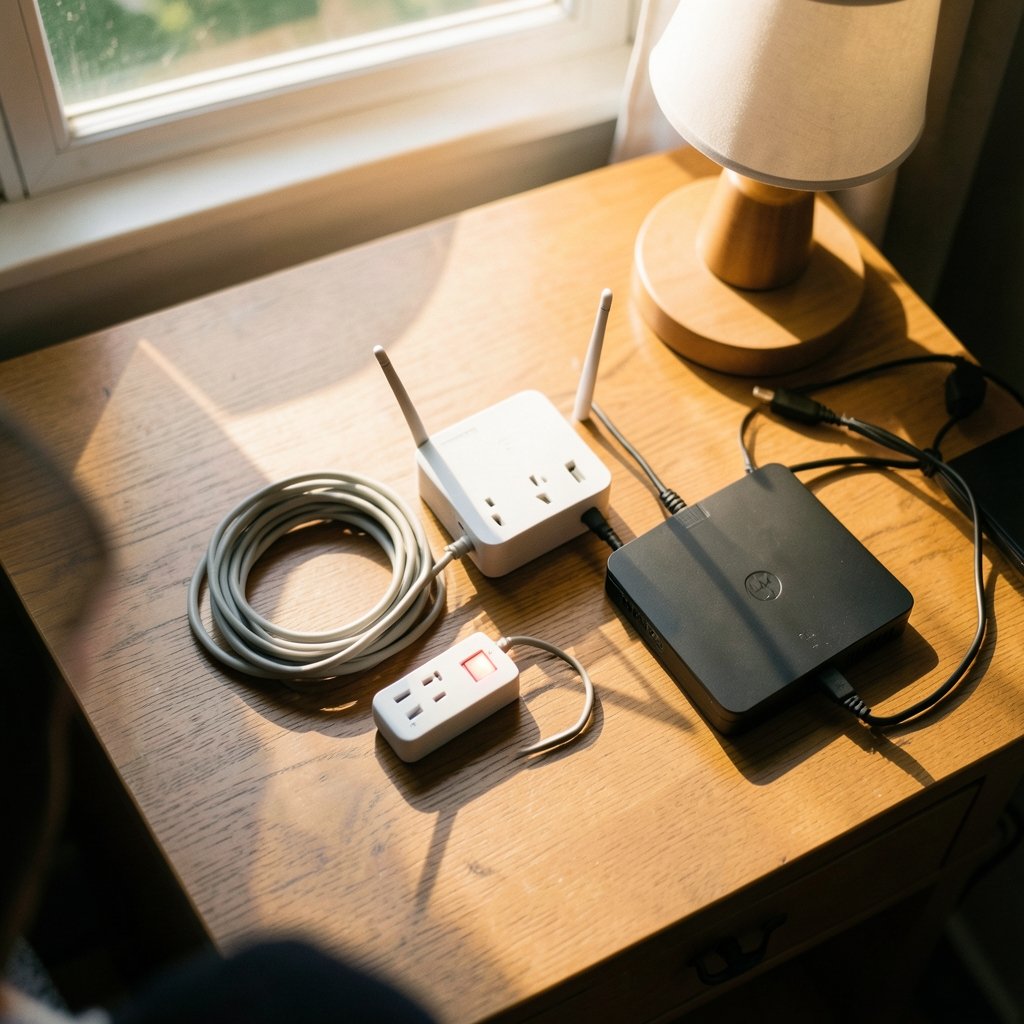
What if the $40 strip under your desk is quietly the most important piece of hardware in your home office? It sits there, unglamorous, holding your monitor, router, and backup drive together. Then a storm rolls through, the lights flicker, and you find out whether it was actually protecting anything at all. (10 best ai chatbots gpt 5 claude under hood 2027)
That is the question this roundup answers. Below are six specific protectors worth considering for 2027, matched to the setups they actually suit, with the honest limitations that review pages tend to bury. The picks lean on published hands-on comparisons, brand guidance, and technical notes on how these devices fail.
The 2027 shortlist at a glance
| Model | Best for | Standout spec | Watch out for |
|---|---|---|---|
| Tripp Lite Protect It! TLP1208SAT | Home theater and desktop setups | Data-line jacks, automatic shut-off when protection fails | Mid-range price, bulky footprint |
| APC SurgeArrest Performance P11VNT3 | Value buyers protecting a PC or entertainment center | Well-reviewed reliability at a budget tier | Fewer specialty features than premium picks |
| Belkin 12-Outlet SurgeMaster BE112230-08 | High joule count and adapter-friendly spacing | Large outlet count | Confirm shut-off behavior before buying |
| Anker 351 Power Strip | Tidy desks and nightstands | Compact, USB-friendly | Not built for costly gear |
| Eaton CHSPT2ULTRA | Whole-home protection | Fits any manufacturer’s load center | Limited published product data |
| Siemens QSPD2A035B | Homes with existing Siemens panels | Panel-specific fit | Tied to one brand’s load centers |
1. Tripp Lite Protect It! TLP1208SAT: the all-rounder for a real desk

If a desk holds a desktop tower, two monitors, speakers, and a router, this is the pick most reviewers land on. The TLP1208SAT combines a solid outlet count with coaxial and telephone/data-line jacks, and that coverage matters: surges travel on cable and phone lines as well as the power cord.
The feature that separates it from cheaper strips is internal MOV monitoring. When the metal oxide varistors that absorb surges reach end of life, the unit cuts power to its outlets instead of pretending everything is fine. That is a big deal. Most consumer models give you one indicator light that flips only after catastrophic failure, and some budget units give you nothing at all. Tripp Lite’s Isobar line goes further with the same philosophy, per published teardown notes on how these devices age.
The tradeoff is price and bulk. It sits in the mid-range tier, and the housing takes up real space behind a desk. For a home theater with a cable box and a TV, though, the coax protection alone justifies it.
2. APC SurgeArrest Performance P11VNT3: the value pick
Not everyone needs data-line jacks. If the goal is dependable protection for a computer or an entertainment center without paying for features you will never plug into, the P11VNT3 is the sensible default. Reviewers consistently place it in the budget tier while describing it as dependable and well-reviewed, which is the combination most shoppers actually want.
APC’s Essential series uses a simpler status indicator that shows “not protected” once the MOV is cooked. That is not as good as cutting power automatically, but it is far better than a strip with no indicator at all. The limitation is straightforward: fewer specialty ports, and no automatic disconnect. If the equipment behind the desk is worth several thousand dollars, consider stepping up.
3. Belkin 12-Outlet SurgeMaster BE112230-08: outlets for days
Twelve outlets sounds excessive until you count the wall warts. The BE112230-08 earns its place for anyone running a printer, a NAS, a monitor, a lamp, a phone charger, and a couple of smart-home hubs off one spot. Reviewers flag it as a conditional buy: it suits people who prioritize a high headline joule number and adapter-friendly outlet spacing, but only if they confirm the shut-off behavior first.
That caveat is worth repeating. A high joule rating describes lifetime energy budget, not ongoing protection. Every surge spends some of that budget, and the strip degrades silently. Belkin’s unit is a good fit for a mixed desk with lots of low-stakes gadgets. It is a weaker fit as the sole guardian of a workstation you cannot afford to lose. For a broader look at what actually protects a home office setup, the roundup on best surge protectors for a home office that actually protects your gear covers the practical side.
4. Anker 351 Power Strip: fine for a nightstand, wrong for a workstation
The Anker 351 shows up on shortlists because it is neat, compact, and has USB ports. It is also the one pick reviewers suggest skipping for serious protection. Its voltage rating is 125 volts, and it is best treated as an outlet extender with light surge defense rather than a shield for expensive electronics.
This is the mistake people make most often: buying one strip and expecting it to do two jobs. A tidy bedside setup with a lamp and a phone charger? The 351 is perfect. A desk with a $2,000 laptop and an external drive full of client work? Spend the extra twenty dollars.
5. Eaton CHSPT2ULTRA: protection before the outlet
Everything above protects one corner of a room. A whole-house device protects the wiring itself. The CHSPT2ULTRA is a Type 2 surge protective device that mounts at the breaker panel, and its stated compatibility with any manufacturer’s load center gives it an edge over brand-locked alternatives. The listed 120/240V single-phase, two-pole configuration suits common residential service.
The honest limitation: published product data is thin. No surge-current rating or status indicator is provided in the listing, so comparing it head-to-head with rivals is difficult. Installation is also not a DIY-friendly job in most cases, and a licensed electrician adds considerably to the cost. Type 1 units install on the line side, where power enters the home, and require disconnecting power entirely during the work.
6. Siemens QSPD2A035B: the panel-specific option
If the house already has a Siemens load center, the QSPD2A035B is designed to drop in without adapters. That brand fit is its whole argument. The catch is the mirror image of the Eaton’s strength: it is tied to one manufacturer’s panels, so it is not a universal answer. Homeowners with a different panel should look elsewhere rather than force a fit.
How to choose without overthinking it
Start with the joule rating, but treat it as a capacity indicator rather than a quality score. Under 600 joules is basic protection for low-value gear. Around 700 to 1,000 joules suits routers, lamps, and monitors. Between 1,000 and 2,000 joules is a reasonable baseline for computers, TVs, consoles, and home-office setups. Above 2,000 joules makes sense for larger or more valuable installations, provided the other specs hold up. Eaton recommends at least 1,000 joules for sensitive or costly equipment, and joule figures are not strictly comparable across products built with different designs and test methods.
Then check clamping voltage. Lower means the protector reacts sooner. The UL standard caps this at 400 volts for most household protectors. Response time, measured in nanoseconds, matters less than marketing suggests, since most reputable brands are fast enough that it stops being the deciding factor. The gold standard certification is UL 1449, which tests how a device actually performs.
Finally, count outlets against your real setup rather than buying the biggest strip on the shelf and plugging a space heater into the leftover slot. And if your work involves sensitive client data or expensive hardware, it pairs well with the kind of privacy thinking covered in Cursor vs VS Code telemetry: does privacy mode really protect you — protecting the machine is only half the job.
The mistake almost everyone makes
Buying a power strip and assuming it is a surge protector. They are not the same thing. A basic strip is designed to add outlets, and some even carry clear “no surge protection” wording on the packaging. Unless you are scraping the bottom of the budget barrel, most strips you find are also protectors, but you have to look for the surge protection language plus the joule and voltage ratings to be sure.
The second mistake is never replacing them. A protector that has absorbed years of small surges may already be spent. Units that disconnect power when protection fails, like the Tripp Lite line, remove the guesswork. Cheaper models leave you trusting a component that wears out silently.
Conclusion
The best surge protector for 2027 depends less on the spec sheet than on what sits downstream. For a serious desk or home theater, the Tripp Lite TLP1208SAT earns its mid-range price through data-line protection and automatic shut-off. Budget-minded buyers protecting a single computer will be well served by the APC P11VNT3. The Belkin 12-outlet is a conditional buy for gadget-heavy desks, and the Anker 351 belongs on a nightstand, not under a workstation. If the whole house is the concern, the Eaton CHSPT2ULTRA offers broad panel compatibility while the Siemens fits existing Siemens panels. Match the device to the gear, check for UL 1449, and replace anything that has quietly done its job for a decade.
FAQ
What joule rating do I need for a home office?
Around 1,000 to 2,000 joules is a reasonable baseline for computers, monitors, TVs, and consoles. Eaton recommends at least 1,000 joules for sensitive or costly equipment. Under 600 joules is best reserved for low-value or lightly used devices.
Is a power strip the same as a surge protector?
No. A power strip only adds outlets, and some are explicitly labeled as having no surge protection. Most strips sold today do include surge protection, but you need to confirm it on the packaging along with the joule and voltage ratings.
How do I know when to replace a surge protector?
Look for a unit that disconnects power or shows a clear “not protected” indicator when its protection fails. Devices with internal MOV monitoring go dead when spent, which removes the guesswork. Budget models may offer no warning at all, so replacing an old strip is the safer call.
What is UL 1449 and why does it matter?
UL 1449 is the standard that tests a device’s surge protection performance. It is the certification to look for when comparing products, because a high joule number cannot make up for a questionable certification claim or poor outlet design.
Do I need a whole-house surge protector?
It depends on what you are protecting. A whole-house device at the breaker panel shields the wiring and everything connected to it, which no strip can do. Installation typically requires a licensed electrician and adds considerably to the cost, so many households pair one with point-of-use protectors.
Can a surge protector handle a space heater or air conditioner?
Generally no. High-draw appliances belong on their own circuit, not in the leftover slot of a strip already loaded with electronics. Match the outlet count to your actual setup instead of filling every socket.
The Belkin’s adapter-friendly spacing is genuinely useful, but confirm the shut-off behavior before committing. For most desks, the safer pattern is a mid-range protector with automatic disconnect plus a whole-house device if the budget allows. Neither replaces the other, and together they cover both the wiring and the gear.
The rule of thumb: if the strip has to be unplugged to reset after a surge, it may already be spent. A protector that cuts power on failure tells you plainly when to buy a new one. That single feature is worth more than a few hundred extra joules on a device that never warns you. Whichever you choose, write the purchase date on the underside with a marker, and check it against the warranty period once a year.



