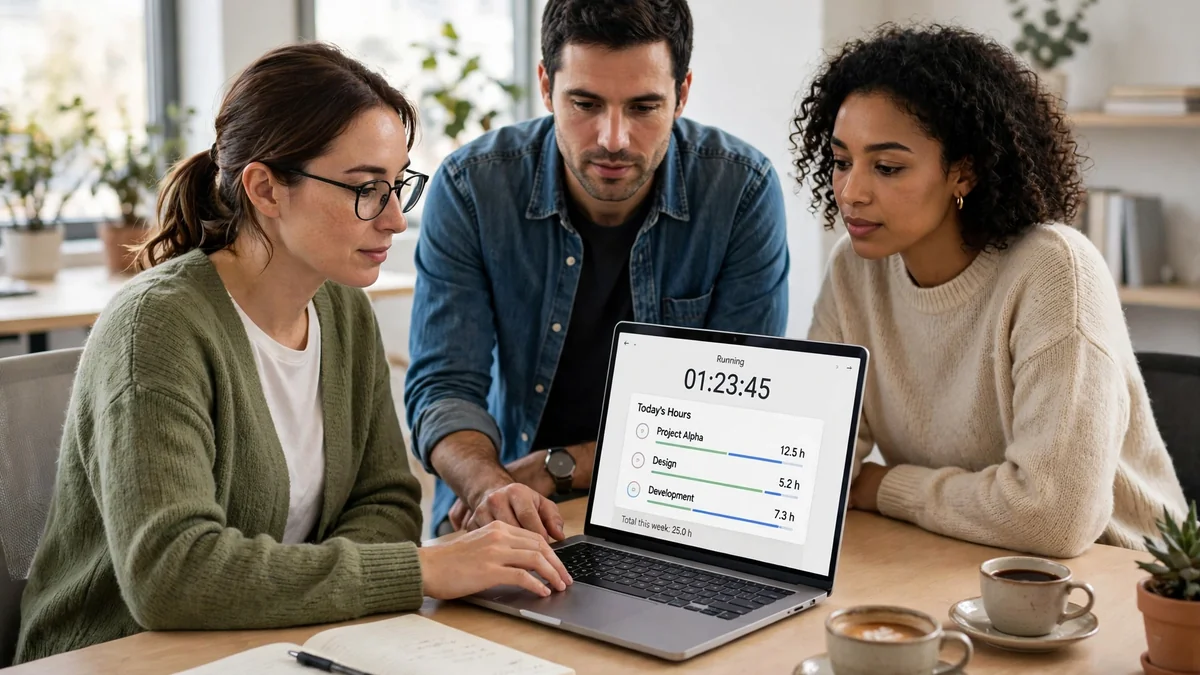
Freelancers sell time, so the best time tracking software for freelancers in 2027 records hours accurately, turns them into invoices without extra work, and stays out of the way while you work. The tools below were picked for solo use: low cost, a fast timer, simple reports, and invoicing or exports that clients accept.
What matters most is friction. A tracker you forget to start is worse than a basic one you use every day, so one-click timers, idle detection, and a mobile app matter more than a long feature list. A solo freelancer should not pay for team dashboards and admin controls they will never open.
The shortlist runs from free plans for a single freelancer to paid tools around $5 to $12 per month that add invoicing, budgets, and automatic tracking. Toggl Track leads for most freelancers, Clockify is the strongest free option, and Harvest is the best choice when billing is the whole point.
Key takeaways
- Toggl Track is the best overall pick for most freelancers, with a fast timer, clean reports, and a free plan.
- Clockify is the best free time tracker, with unlimited tracking and a low-cost paid upgrade.
- Harvest is the best choice for freelancers who bill hourly and want invoices built from tracked time.
- Most solo freelancers pay nothing to about $12 per month; prices are approximate, so check current pricing before buying.
- Avoid tools built for large teams, since their per-seat pricing and admin setup add cost without helping a solo workflow.
At a glance: the shortlist
| Product | Best for | Starting price | Standout limit |
|---|---|---|---|
| Toggl Track | Most freelancers | Free; paid from about $10 per month | Free plan has limited reporting depth |
| Clockify | Free tracking | Free; paid from about $5.49 per month | Advanced reports need a paid plan |
| Harvest | Hourly billing and invoicing | From about $11 per month | Free plan allows only one seat and two projects |
| Timely | Automatic tracking | From about $9 per month | No free plan beyond the trial |
| RescueTime | Focus and productivity insight | From about $6.50 per month | Not built for client invoicing |
| Everhour | Budgets and project estimates | From about $10 per month | Best features assume a project-based workflow |
| Hubstaff | Remote client work | From about $4.99 per month | Screenshots can feel intrusive to clients |
| Paymo | Tracking plus project management | From about $11.95 per month | More setup than a simple timer app |
Toggl Track — Best overall
Toggl Track is the best time tracking software for freelancers because it does the core job with the least effort. The timer starts in one click from the desktop app, browser extension, or phone, and entries can be added after the fact. Reports break hours down by client and project, which is exactly what a freelancer needs at the end of the week.

The free plan covers one user with unlimited tracking, which is enough for many solo freelancers, while paid plans add billable rates and deeper reports. Once the hours are logged, pairing the tracker with a dedicated billing tool helps, and our guide to the best invoicing software for freelancers shows which apps turn those hours into invoices fastest.
Pros: Fast one-click timer, clean reports, useful free plan, good mobile and desktop apps.
Cons: Free plan reporting is basic, and invoicing needs an integration or a separate app.
Clockify — Best free option
Clockify gives freelancers unlimited time tracking, projects, and users on its free plan, which is the most generous free tier in this list. The timer, manual entry, and weekly timesheet views all work without paying, and the interface is simple to learn.
Paid plans add billable rates, invoicing, and budgeting from about $5.49 per user per month. It is hard to beat for a free tracker now and a cheap upgrade later, although its reports feel less polished than Toggl Track.
Pros: Truly useful free plan, low paid pricing, unlimited tracking and projects.
Cons: Advanced reporting and invoicing sit behind the paid plan, and the interface can feel plain.
Harvest — Best for hourly billing
Harvest is built around one idea: tracked time should become an invoice with almost no extra steps. You log hours against a client and project, Harvest applies your rate, and the invoice is ready to send. It also tracks expenses and chases unpaid invoices, covering most of a freelancer billing workflow in one place.
The free plan allows one seat and two active projects, so it works as a trial but not as a long-term home for a busy freelancer. Paid plans start from about $11 per user per month and remove the project limit.
Pros: Time-to-invoice workflow is excellent, expense tracking included, clear budget alerts.
Cons: Free plan is limited to two projects, and it costs more than simpler timers.
Timely — Best automatic tracking
Timely records what you work on automatically and builds a private timeline of your day, so you fill in your timesheet from memory instead of starting and stopping a timer. That suits freelancers who switch tasks constantly and forget to press start. You review the timeline, drag entries onto projects, and the hours are logged.
Plans start from about $9 per user per month, with no permanent free plan beyond the trial. Automatic tracking is a genuine advantage, but it takes a few days to trust the timeline, so check what it records before turning it on.
Pros: Automatic capture means fewer lost hours, clean timeline view, good project planning.
Cons: No free plan, and automatic tracking needs a short learning curve.
RescueTime — Best for focus and productivity
RescueTime is less a billing tool and more a mirror. It runs in the background, sorts your apps and websites into productive and distracting categories, and shows where the day actually went. For freelancers who suspect admin and social media are eating billable hours, that picture is often more valuable than a timer.
It starts from about $6.50 per month and includes focus sessions that block distracting sites for a set period. It is not built for invoicing, so it works best alongside a billing tracker.
Pros: Honest picture of where time goes, focus sessions help deep work, low price.
Cons: No client invoicing, and it reports activity rather than billing-ready hours.
Everhour — Best for budgets and estimates
Everhour pairs time tracking with budgets, so you can see whether a fixed-price project is still profitable before it is finished. You set a budget in hours or money, log time against it, and the dashboard shows what remains. It integrates with tools such as Asana, Trello, and ClickUp, which suits freelancers who work inside a client project board.
Plans start from about $10 per user per month. The budget alerts are the main reason to choose it, but freelancers who only need a timer will find it heavier than Toggl Track or Clockify.
Pros: Budget and estimate tracking, strong integrations with project tools, clear cost reports.
Cons: Built around projects, so it is more than a simple timer needs to be.
Hubstaff — Best for remote client work
Hubstaff is designed for freelancers who work remotely for clients that want proof of hours. It combines a timer with optional screenshots, activity levels, and automatic payroll, and it can generate invoices from tracked time. Clients can see exactly what was worked on, which builds trust on longer contracts.
Plans start from about $4.99 per user per month, one of the cheapest paid options here. The trade-off is the monitoring itself, so agree on what is recorded with the client before switching it on.
Pros: Low starting price, screenshots and activity proof for clients, payroll and invoicing included.
Cons: Monitoring features can feel intrusive, and setup takes longer than a basic timer.
Paymo — Best for tracking plus project management
Paymo combines time tracking with task management, invoicing, and expenses, so a freelancer can run a small project from first estimate to final invoice in one app. Tasks, deadlines, and files sit next to the timer, and billable hours flow straight into invoices.
Plans start from about $11.95 per user per month. It is the most complete all-in-one option here, but that means more setup and a busier interface than a dedicated tracker.
Pros: Tracking, tasks, and invoicing in one app, good for fixed-price projects, expenses included.
Cons: More setup than a simple timer, and the interface is busier than Toggl Track.
How to choose
Start with how you bill. Hourly freelancers need billable rates and invoicing, so Harvest or Paymo fit best, while fixed-price freelancers need budgets and estimates, which points to Everhour. If you simply want a record of your day, Toggl Track or Clockify will do, and RescueTime adds focus insight neither offers.
Next, check the practical details: a mobile app if you work away from your desk, offline tracking if your connection is unreliable, and exports your accountant accepts. It also helps when the tracker connects to the tools you already use — our roundup of the best CRM software for small business covers the client side of that setup. Finally, run the free plan or trial on real work for a week before paying, and confirm the current price, since all prices here are approximate starting prices and plans change.
Checklist: before you pay
- Run the free plan or trial on real client work for at least a week.
- Confirm the starting price and whether it is billed monthly or annually.
- Check that tracked hours export to a format your invoicing tool accepts.
- Test the mobile app and offline timer if you work away from your desk.
- Confirm you can export all your data before you cancel.
- Check what the app records automatically, and agree on monitoring with clients first.
Frequently asked questions
What is the best free time tracking software for freelancers?
Clockify has the most generous free plan, with unlimited tracking and projects. Toggl Track also has a useful free plan with a faster timer and cleaner reports, so try both free tiers before paying for either.
Do I need a paid time tracker as a freelancer?
Not always. A free plan covers a solo freelancer who tracks hours for their own records. Pay when you need billable rates, invoicing, budgets, or client-facing reports the free plan lacks.
Can time tracking software create invoices?
Yes, Harvest, Paymo, and Hubstaff can turn tracked hours into invoices. Toggl Track and Clockify need an integration or a separate invoicing app for the same job.
Is automatic time tracking accurate?
It records what you did accurately, but you still need to assign captured activity to the right client and project. Timely does this well, although it takes a few days to learn your routine.
Will a time tracker work offline?
Most desktop and mobile timers keep running without a connection and sync when you are back online. Check this before choosing if you travel or work with an unreliable connection.
How do I track time across several clients?
Set up one project per client and tag entries with the client name. Weekly reports then show how much time each client received, which is the basis for fair invoicing. If you book client time in advance, see our guide to the best online scheduling software for tools that handle the calendar side.
The bottom line
Most freelancers should start with Toggl Track, choose Clockify if a free plan is the priority, or pick Harvest if hourly billing is the main job. Timely suits freelancers who forget to start timers, RescueTime suits those who want to fix focus, and Everhour, Hubstaff, or Paymo suit project-based or remote client work.
Pick the tracker you will actually open every day, test it on real work for a week, and confirm the current price before paying, since prices and plans change often. The right tool makes your hours visible, your invoices accurate, and your working day calmer.